
Introduction
Organic growth rarely fails because of effort; it fails because teams are guessing. Keywordly often meets clients who publish dozens of blog posts, tweak title tags, and chase backlinks, yet still can’t explain why traffic spikes one month and crashes the next. Those swings usually come from decisions made without reliable data.
SEO platforms exist to replace that guesswork with clear, repeatable insight. Instead of relying on instinct or scattered spreadsheets, you can see which pages win, which decay, and which fixes will actually move revenue, not just rankings.
The Real Cost of Guesswork in SEO
When optimization decisions are based on hunches, rankings behave like a roller coaster. One quarter looks strong, then a core update hits and you have no idea which technical issues, pages, or links are to blame. Content teams at brands like Etsy and Zillow have publicly shared how unclear attribution once made it hard to justify budgets, even when output was high.
Manual tracking in Excel or Google Sheets easily hides patterns. For example, a multi-location retailer might miss that 30 percent of its local pages are cannibalizing the same keywords because no centralized reporting exists. That means ad spend, content hours, and dev time flow into tactics with almost no measurable ROI.
Why SEO Optimization Tools Are Essential
Modern platforms aggregate data from search engines, analytics, and your own site to reveal what actually drives visibility, traffic, and conversions. Suites like Semrush, Ahrefs, and Google Search Console work together to show how technical health, content quality, and backlinks intersect. That unified view turns abstract “SEO performance” into specific, testable hypotheses.
With the right setup, a single dashboard can surface crawl issues, prioritize internal links, and flag decaying content before traffic drops. Agencies that connect these tools into their workflows often cut manual reporting hours by 50 percent or more, freeing strategists to focus on experiments, not screenshots.
What This Guide Covers
This guide explains how different types of SEO platforms fit into a complete search strategy. You’ll see how all-in-one suites, technical crawlers, content optimization tools, and reporting solutions compare, and where a platform like Keywordly can slot into an existing stack. Clear definitions help you distinguish between research tools, execution tools, and monitoring tools.
Across the next sections, you’ll find detailed breakdowns of more than two dozen leading solutions. For each, we outline core use cases, standout features, pricing approach, and which roles benefit most—whether you are a solo consultant, an in-house manager at a SaaS company, or an agency director overseeing dozens of client accounts.
Understanding SEO Optimization Tools and Who Needs Them
What Are SEO Optimization Tools & SEO Strategy Tools?
SEO platforms help you uncover how people search, how your pages perform, and which fixes will actually move rankings and traffic. Tools like Keywordly, Ahrefs, and Semrush combine keyword discovery, site audits, and reporting, echoing many best practices outlined in Google’s SEO Starter Guide.
SEO software suites typically add rank tracking, link analysis, and task management so teams can turn insights into workflows. Strategy-focused tools then layer on forecasting, competitive gap analysis, and content planning so you are not just finding issues, but prioritizing what to fix and publish first.
Core Capabilities and Practical Examples
Keyword and topic research surfaces the exact phrases people type into Google, such as “best CRM for small business” or “schema markup generator.” Technical health modules crawl your site, flagging problems like missing title tags or slow Core Web Vitals, which Google highlights as common fixes in its SEO Starter Guide.
Rank tracking, link monitoring, and content optimization guidance then show how changes affect visibility. For instance, a B2B SaaS brand might watch a new “pricing” page climb from position 18 to 6 over four weeks after addressing title tags, internal links, and page speed identified by its audit tool.
Who Needs These Tools?
Search specialists, marketers, and business owners rely on these platforms at different scales. An in-house SEO at a retailer managing millions of URLs needs crawl controls, log-file insights, and automation, while a two-person startup leans on simpler dashboards that highlight quick wins for traffic and leads.
Agencies benefit from client-ready reporting and collaboration, using shared dashboards so each account can see progress without manual spreadsheets. Enterprise brands often integrate their SEO stack with analytics and BI tools to support global governance, regional rollouts, and executive-level performance views for hundreds of markets.
Ahrefs
Overview
Ahrefs is a comprehensive SEO suite widely used for backlink intelligence, keyword discovery, and competitive research. Agencies using Keywordly often pair it with Google Search Console to validate traffic and ranking trends before pitching new campaigns.
Many content teams lean on its Content Explorer to reverse‑engineer high‑traffic articles from sites like HubSpot or NerdWallet, then build briefs that target similar topics while closing content gaps.
Technical Requirements
Because Ahrefs runs fully in the browser, teams can log in from Chrome or Edge without installing desktop software. A reliable broadband connection is important when exporting large backlink reports or crawling enterprise sites with millions of URLs.
SEO leads typically coordinate with IT to add DNS TXT records or upload HTML verification files, especially when auditing multiple subdomains on complex stacks such as Shopify plus WordPress blog combinations.
Competitive Positioning
Within the SEO platform landscape, Ahrefs often competes with Semrush and Moz Pro for agency budgets. Many specialists prefer its backlink index when auditing link profiles for brands like Shopify or Canva because the crawler frequently surfaces obscure referring domains.
For PPC teams, Semrush’s Google Ads tooling is stronger, but technical SEOs at Keywordly usually select Ahrefs when link analysis, content gaps, and crawl diagnostics drive the engagement’s core deliverables.
Reference: Ahrefs—AI Marketing Platform Powered by Big Data
Semrush
Overview
Semrush is a full-stack digital marketing platform that lets teams manage SEO, paid search, content, and social campaigns from one dashboard. It’s widely adopted by agencies that need to report on multiple channels without jumping between separate tools.
For example, a mid-size agency handling SEO and Google Ads for a retailer can run keyword research, site audits, link outreach, and PPC analysis inside a single Semrush Project, instead of stitching reports from different platforms.
Technical Requirements
The platform runs entirely in the browser, so your team only needs a modern version of Chrome, Edge, or Firefox and a stable connection. There’s no desktop software to maintain, which simplifies onboarding for distributed marketing teams.
When you connect Google Analytics or Search Console, Semrush simply requests API access from those accounts. That lets you blend your first-party data with Semrush’s own metrics, similar to how tools featured in the AI SEO Tools Guide 2025 layer external data for deeper insights.
Competitive Positioning
Among professional SEO platforms, Semrush often sits alongside Ahrefs and Moz Pro in RFPs from brands and agencies. Its biggest strengths are competitive intelligence, advertising research, and cross-channel reporting rather than pure backlink analysis.
A performance team at a DTC brand might use Ahrefs to dig into link profiles, while depending on Semrush for granular Google Ads insights, display placements, and multi-channel visibility reports that inform media budget decisions.
Getting Started
On day one, most teams create a Project for their domain, run a Site Audit, and configure Position Tracking for priority keywords and locations. This gives a baseline for technical health and search visibility before any optimization work begins.
Connecting Google Analytics and Search Console unlocks more accurate traffic and query data. From there, SEO managers typically dive into the Keyword Magic Tool and Domain Overview to shape content roadmaps and estimate realistic traffic growth targets.
Key Features
Semrush includes a broad feature set that supports keyword discovery, technical SEO, competitive research, and content strategy in a single workspace. This breadth is why it frequently appears alongside AI-powered platforms in guides like the AI SEO Tools Guide 2025.
Features
- Domain Overview for quick snapshots of organic, paid, and backlink performance
- Keyword Magic Tool with advanced filters and grouping options
- Site Audit that flags technical and on-page issues by priority
- Position Tracking for daily rankings and SERP feature monitoring
- Content Marketing toolkit with Topic Research and SEO Writing Assistant
Pros
For agencies and in-house teams, the main advantage is consolidating multiple workflows into one interface. That includes SEO analysis, PPC research, content planning, and social tracking.
Pros
- Extensive toolkit spanning organic search, paid media, content, and social
- Strong competitive and advertising research ideal for performance marketers
- Agency-friendly reporting, including white-label options for client deliverables
- Structured keyword research flows that map cleanly to editorial calendars
Cons
The breadth of tools can feel heavy if your focus is only basic SEO tasks. Some smaller businesses find they use just a fraction of the modules they pay for.
Cons
- Interface and feature depth can overwhelm new or non-technical users
- Advanced, agency-grade capabilities live in higher-priced tiers
- Learning curve is steeper than more streamlined SEO platforms
Pricing
Semrush uses tiered plans—Pro, Guru, and Business—that scale by projects, keyword limits, and access to advanced modules. Annual billing reduces costs, which appeals to agencies standardizing on a single platform.
Add-ons such as local SEO listings, expanded content features, and extra user seats can significantly increase the monthly bill for larger teams, so it’s important to map features to actual usage before committing.
User Sentiment
Among SEO professionals and digital agencies, sentiment is generally positive, especially around its competitive research and multi-channel visibility. Many agencies cite it as their default environment for both SEO and PPC insights.
Criticism tends to focus on the crowded interface and pricing for very small businesses. For lean teams, lighter tools highlighted in the AI SEO Tools Guide 2025 can be more cost-effective while Semrush remains better suited to agencies and larger brands.
Reference: Semrush: Your Unfair Advantage for Growing Brand Visibility
Moz Pro
Overview
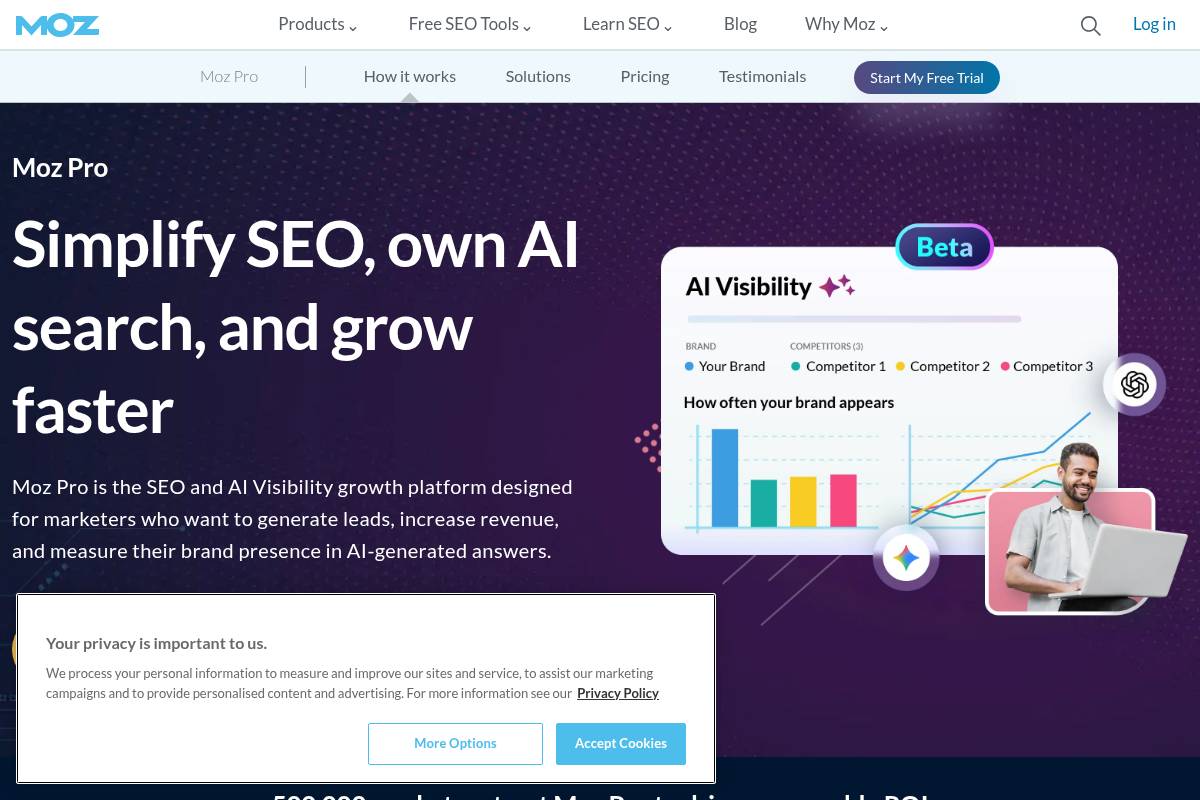
Moz Pro is an SEO platform that brings keyword research, site audits, and link analysis into a single dashboard. It’s widely recognized for proprietary metrics like Domain Authority and Page Authority, which many agencies use in client reports.
Marketing teams at companies such as Zillow and Trivago have cited Moz’s blog and Whiteboard Friday videos as foundational learning resources for junior specialists, helping them understand search intent and on-page optimization basics.
Technical Requirements
The software runs in the browser, so teams at Keywordly or client organizations can log in from Chrome, Firefox, or Edge without installing anything locally. This works well for distributed SEO teams collaborating across multiple offices or time zones.
When linked with Google Analytics, Moz Pro can layer ranking data over traffic and goal metrics. For example, an ecommerce brand might see that a page ranks in the top five positions yet delivers poor conversion, indicating a misaligned offer or intent issue.
Competitive Positioning
Among generalist SEO suites, Moz Pro competes most closely with Semrush and Ahrefs. Agencies often use Ahrefs for deep backlink analysis, while relying on Moz for straightforward reporting and easier onboarding of non-technical stakeholders.
For a small content team managing five to ten sites, Moz’s interface can feel less intimidating than Semrush’s broader marketing toolkit. That makes it appealing for marketing managers who need SEO insights without juggling dozens of cross-channel features.
Getting Started
New users typically begin by creating a campaign around a primary domain, then launching a Site Crawl to reveal technical issues such as 404 pages or excessive redirect chains. This mirrors the workflow many agencies use during an initial website health audit.
Once crawling is complete, teams configure rank tracking for core commercial and informational terms. At Keywordly, a typical setup might track 200–500 priority phrases, then use Keyword Explorer to uncover related long-tail opportunities based on search volume and difficulty.
Key Features
Before choosing a subscription, it helps to understand how each feature supports daily SEO operations and reporting workflows for clients.
- Keyword Explorer with SERP previews, difficulty scores, and CTR estimates
- Campaigns module for ongoing rank, health, and visibility tracking
- Site Crawl for scalable technical and on-page diagnostics
- Link Explorer showing key authority and risk indicators
- On-page optimization suggestions with simple scoring
Feature Details
| Feature | How It Helps |
|---|---|
| Keyword Explorer | Shows difficulty, volume, and SERP features; useful when planning new content clusters. |
| Campaigns | Aggregates rankings, crawl data, and link metrics into one view for client reporting. |
| Site Crawl | Flags duplicate content, missing meta tags, and broken links at scale. |
| Link Explorer | Assesses domains for outreach by reviewing authority and spam indicators. |
| On-page tools | Provides simple scores and recommendations for key landing pages. |
Pros
For many marketing teams, the biggest advantage is how approachable the interface feels. Junior coordinators can learn to pull Domain Authority benchmarks or basic keyword reports with minimal onboarding support.
- Interface is accessible for non-technical marketers and beginners
- Extensive guides, webinars, and community Q&A support continuous learning
- Authority metrics provide quick domain and page quality snapshots
- Well-rounded toolkit for small to mid-sized SEO programs
Cons
Specialist link-building teams often comment that they still lean on Ahrefs or Majestic when they need the deepest backlink coverage or very fresh link discovery for aggressive digital PR campaigns.
- Backlink coverage and freshness trail link-focused competitors
- Limited PPC and social features compared with broader suites like Semrush
- Lower tiers cap campaigns and keywords, which can constrain larger agencies
Pricing
Moz Pro offers several tiers that scale by tracked keywords, campaigns, and user seats. Agencies often start on a mid-tier plan to balance cost against the number of domains and regional SERPs they must monitor.
Annual billing can reduce effective monthly costs, especially when combined with seasonal promotions. For example, some U.S. agencies upgrade before Q4 to secure discounts ahead of peak ecommerce demand and expanded keyword tracking needs.
User Sentiment
Across review platforms like G2 and Capterra, users frequently highlight ease of use and trustworthy authority scores. Many small businesses report that Moz was their first serious SEO platform before expanding into more specialized tools.
Critical feedback usually notes that updates to emerging SERP features or new data views can feel slower than competitors. Advanced practitioners sometimes pair Moz with other platforms to cover gaps while still valuing its consistent, easy-to-share metrics.
Reference: Moz Pro: All-in-One SEO Toolkit
Google Search Console
Overview
Google Search Console is the core diagnostics hub for understanding how your site surfaces in organic search. It shows which queries trigger your pages, how often users click, and whether Google can crawl and index critical URLs.
For agencies like Keywordly, this data informs content strategy, technical fixes, and client reporting, often replacing guesswork with specific, query-level insights.
Key Features
These built-in capabilities help SEO teams prioritize fixes and opportunities across large and small sites.
- Search Performance report showing queries, pages, countries, devices, CTR, and average positions.
- Index Coverage and Sitemap reports to surface crawl errors and indexing gaps.
- Core Web Vitals and Page Experience metrics tied to real-user performance data.
- Manual action and security alerts for penalties, hacked content, or malware.
- URL Inspection for live testing and requesting re-crawls after key changes.
Pros
Because the data comes directly from Google, it is trusted for measuring search visibility and diagnosing technical issues.
- Free access for verified properties, with data closely aligned to how Google Search actually behaves.
- Essential for spotting indexing failures, soft 404s, and coverage issues at scale.
- Integrations with Looker Studio and third-party SEO platforms streamline reporting.
- Performance data supports accurate analysis of branded vs non-branded query trends.
Cons
While powerful, it is not a full SEO platform and requires complementary tools for a complete workflow.
Reference: Google Search Console
- No competitive ranking intelligence or broad keyword discovery for non-owned sites.
- Limited historical data versus dedicated rank trackers.
- Some reports and terminology can confuse non-technical stakeholders.
Google Analytics 4
Overview
Google Analytics 4 is Google’s event-based measurement platform that tracks how users actually interact with your site or app, not just which pages they load. Instead of sessions full of pageviews, every meaningful action becomes an event, from scroll depth to video plays and form submissions.
For Keywordly’s clients, this shift is vital for understanding which content assets bring qualified organic visitors and how those visitors convert. For example, a B2B SaaS blog can compare readers who watch 50% of a product demo video against those who do not and tie that behavior to trial signups.
Technical Requirements
To use this platform, all you need is a Google account, a modern browser like Chrome or Edge, and access to your site’s code or tag manager. Most SEO teams at agencies install the tracking via Google Tag Manager so they can adjust events without developer release cycles.
Reliable data depends on correct consent and script loading. For example, a retailer using Cookiebot must configure consent so the analytics tag fires only after approval; otherwise, traffic in California or the EU may appear far lower than reality, skewing organic performance reports.
Competitive Positioning
Within the analytics landscape, this product competes with enterprise suites such as Adobe Analytics and privacy-focused tools like Matomo and Piwik PRO. Adobe often wins in heavily customized enterprise stacks, while Matomo is attractive for organizations that require self-hosted data.
For most SEO teams in the United States, Google’s solution becomes the default choice because it integrates directly with Search Console, Google Ads, and Looker Studio at no license cost. Keywordly typically recommends it as a baseline, then layers on tools like Matomo only when strict data residency rules demand it.
Getting Started
Launching a new property is straightforward: you create it in the admin area, then deploy the gtag.js snippet or a Google Tag Manager container across your site or app. Many agencies first roll this out to a staging environment to confirm that events, parameters, and user properties are firing as expected.
Once basic tracking is live, define key events such as lead form submits, checkout completions, and free-trial activations as conversions. Then link the property to Search Console and Google Ads so your team can see how organic queries, landing pages, and campaigns influence those conversions in a single reporting view.
Key Features
For Keywordly’s clients, several capabilities stand out because they directly support SEO decisions and testing. Each feature below can be tied to practical workflows across content, UX, and acquisition teams.
Features
- Event-based tracking – Every interaction, such as a CTA click or PDF download, is an event. A publisher like HubSpot can track which whitepaper downloads from blog posts correlate with higher CRM signups.
- Cross-device reporting – Identity methods help connect users as they move from mobile to desktop. Retailers see how an organic mobile visit on Monday can lead to a desktop purchase on Friday.
- Acquisition and engagement reports – Built-in reports show how organic search stacks up against paid and email on metrics like engaged sessions and revenue.
- Explorations workspace – Analysts can build custom funnels and paths, such as tracking how visitors move from informational blog posts to pricing pages.
- Integrations with Google Ads and BigQuery – Exporting raw data into BigQuery lets advanced teams model SEO-assisted conversions and create predictive audiences.
Pros
Keywordly often highlights the advantages of this platform when clients are deciding whether to invest in more complex enterprise tools. The strengths below matter most to SEO and content-led growth programs.
Pros
- No license fee – The standard version is free, which is attractive for agencies managing dozens of properties.
- Rich insight into organic quality – Metrics like engaged sessions, scroll tracking, and outbound clicks clarify which landing pages actually contribute to deals.
- Flexible event model – Teams can track micro-conversions such as newsletter signups, calculator uses, or comparison-tool interactions.
- Scales via BigQuery – Large sites can analyze billions of events, segmenting behavior by content clusters or keyword themes.
Cons
Despite its strengths, SEO teams often face friction when migrating or training non-technical stakeholders. Being aware of these drawbacks helps Keywordly design better onboarding and reporting processes.
Cons
- Steep learning curve – Users familiar with Universal Analytics’ sessions and goals need time to adapt to events and parameters.
- Complex interface – Non-analysts may struggle to find the right report without curated dashboards in Looker Studio.
- Sampling and thresholds – Very high-traffic sites sometimes see limited detail in standard reports, especially with ad personalization disabled.
Pricing
The standard version of this analytics platform is free and suitable for most small and mid-sized businesses focused on SEO and content performance. It offers generous data limits, automatic integrations with other Google products, and does not require a contract.
Larger enterprises sometimes step up to Google Analytics 360, which starts at six-figure annual pricing based on public estimates shared by agencies like Merkle. Heavy BigQuery users must also budget for storage and processing, which can reach thousands of dollars per month when analyzing multi-year, multi-property datasets.
User Sentiment
Feedback from marketers and analysts is mixed but gradually improving. Early reactions on forums like Measure Slack and Reddit highlighted frustration with the unfamiliar UI and missing one-to-one report equivalents from Universal Analytics.
As migrations stabilize, more SEO professionals acknowledge that event-level data better reflects how people interact with content. Keywordly sees this in practice when clients finally visualize full-funnel journeys, such as how blog readers who interact with comparison tables later request demos at rates 20–30% higher than average organic visitors.
Reference: Google Analytics
Screaming Frog SEO Spider
Overview
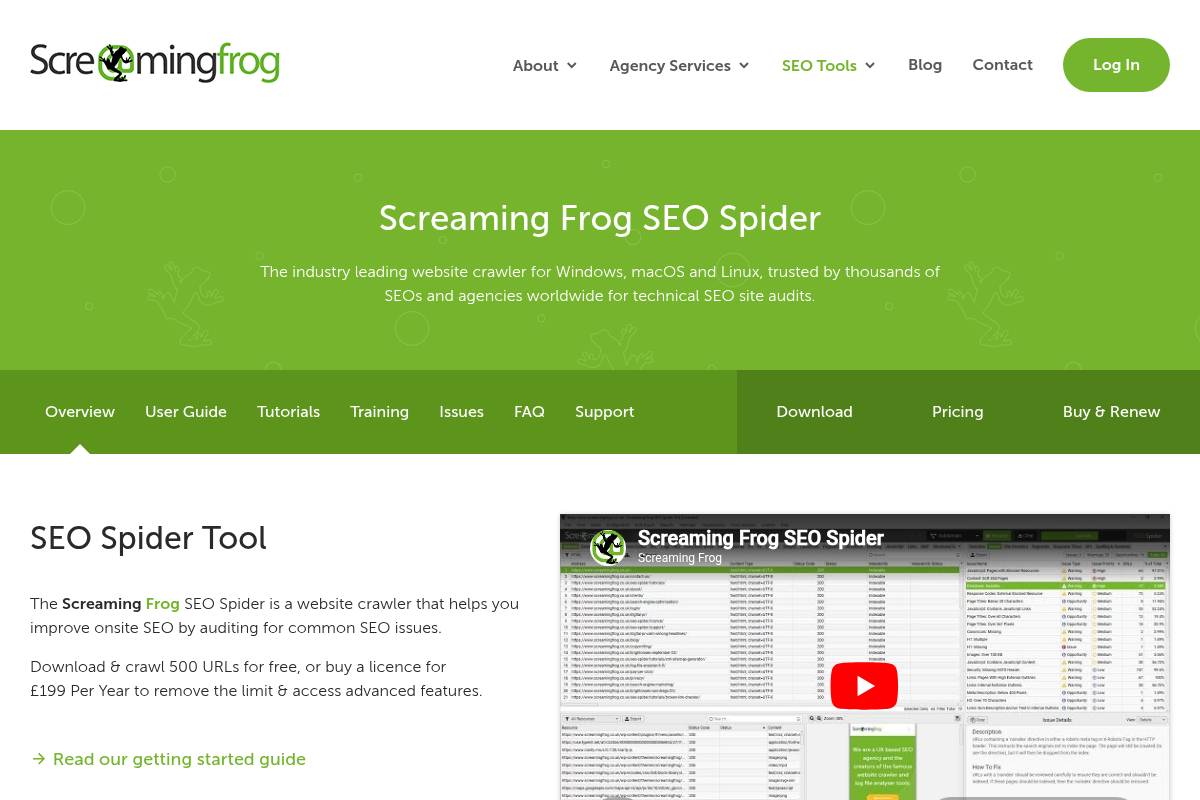
Screaming Frog SEO Spider is a desktop crawler that lets Keywordly’s clients inspect every URL on a site the way a search engine bot would. It scans internal links, status codes, and on-page elements, then surfaces problems that often stay hidden in Google Search Console alone.
During a 120,000-URL audit for a Shopify retailer, for example, Keywordly used the crawler to uncover thousands of 404s from retired product URLs and duplicate title tags across paginated category pages, cutting crawl waste and boosting index efficiency.
Technical Requirements
This software runs locally on Windows, macOS, or Ubuntu and depends on Java, so SEO teams at agencies often install it on high-RAM workstations. Performance scales with hardware; an 8–16 GB RAM machine with a modern multi-core CPU can comfortably handle mid-sized ecommerce sites.
For Keywordly’s enterprise clients, crawls run on 32–64 GB RAM desktops to push through 1M+ URLs. A stable internet connection is essential when pulling in Google Analytics, Search Console, or PageSpeed Insights data via their APIs during a crawl.
Competitive Positioning
Compared with cloud-based crawlers like Deepcrawl and OnCrawl, this desktop tool stands out for speed, local control, and a predictable annual license. Agencies that already pay for enterprise suites often still keep it as their primary diagnostic crawler for granular tests.
For example, Keywordly pairs Deepcrawl for scheduled portfolio-wide monitoring with this desktop crawler for deep-dive investigations, custom extractions, and quick validation of changes before major site releases on platforms such as WordPress or Magento.
Getting Started
Most teams start by downloading the installer from the official site, entering their domain, and running a default crawl. This initial pass reveals immediate issues in the Internal and Response Codes tabs, such as soft 404s or misconfigured redirects.
Keywordly’s consultants then review Page Titles, Canonicals, and Directives to form a prioritized action list. They export CSVs for developers, grouping fixes like 301 updates, canonical corrections, and noindex adjustments into separate implementation tickets in Jira or Asana.
Key Features
For technical audits, the tool’s sitewide crawling exposes broken links, redirect chains, non-indexable URLs, and template-level issues within minutes. This is critical when assessing migrations from platforms like Wix to WordPress or custom headless builds.
- Detects 3xx/4xx/5xx status codes, long redirect chains, and inconsistent canonical tags
- Analyzes titles, meta descriptions, headings, word count, and near-duplicate content
- Supports custom extraction (XPath, CSS Path, regex) and API integrations with GA, GSC, and PageSpeed Insights
For instance, Keywordly has used XPath extraction to pull product schema fields from BigCommerce sites, then cross-checked them against Search Console rich result reports to find missing or malformed structured data at scale.
Pros
For experienced SEOs, this crawler offers a rare mix of speed, flexibility, and depth. It can be tuned aggressively with custom user agents, crawl speed throttling, and exclusion rules to test complex setups, such as large international sites with extensive hreflang implementations.
- Extremely powerful for edge-case investigations and one-off technical experiments
- Runs quickly on modern hardware and scales well for large, parameter-heavy sites
- Exports clean, filterable datasets suited to agency reporting and BI tools
- Annual license is inexpensive compared with most enterprise crawling SaaS
Cons
Because it is desktop-based, collaboration can be clunky for distributed teams at agencies like Keywordly. Results often need to be exported and shared via Google Sheets or Looker Studio dashboards rather than accessed in a shared cloud interface.
- Desktop-only access makes multi-user, simultaneous analysis harder than with cloud crawlers
- Advanced configuration, custom extraction, and Java memory tuning require experience
- Free tier limits crawl size and doesn’t support the advanced integrations many professionals need
Pricing
The free version works for very small sites or quick spot checks but lacks advanced features agencies rely on, such as custom extraction and extensive configuration options. For professional use, the annual per-user license is the realistic baseline.
Keywordly typically equips every lead technical SEO with a paid seat. Compared with tools like OnCrawl or Deepcrawl, the desktop license often pays for itself with a single large audit, especially for ecommerce or publisher clients with hundreds of thousands of URLs.
User Sentiment
Among technical SEOs in the United States, this crawler is considered a staple, frequently recommended in communities like Traffic Think Tank and Women in Tech SEO. Many professionals run it alongside cloud crawlers and analytics platforms for a more complete view of site health.
The interface is utilitarian, but Keywordly’s team values reliability and transparency over aesthetics. Most power users accept the learning curve because it consistently surfaces issues that lighter-weight tools or partial crawls overlook on complex, legacy web architectures.
Reference: Screaming Frog SEO Spider Website Crawler
Yoast SEO
Overview
Yoast SEO is a long-established WordPress plugin that helps site owners handle on‑page optimization and essential technical settings without touching code. Within the WordPress editor, it adds a sidebar and meta box so writers can evaluate how well a post is optimized before publishing.
Agencies like Ignite Visibility and smaller publishers alike rely on its readability checks and snippet preview to keep titles and descriptions consistent. For a content team at a SaaS blog, Yoast’s tools act as a checklist so editors can quickly confirm that headings, internal links, and metadata align with their content strategy.
Technical Requirements
To use this plugin, you need a self‑hosted WordPress installation or managed hosting that allows third‑party plugins, such as WP Engine or Kinsta. Admin‑level access is required so you can install and update the plugin through the WordPress dashboard or via SFTP if your security policies demand it.
For stability, Keywordly typically recommends WordPress on PHP 8.x with at least 1 GB RAM and reliable database performance. On shared hosts with limited CPU, large sites with thousands of posts may notice slower admin screens, so pairing Yoast with good caching and database optimization becomes important.
Competitive Positioning
Within the WordPress ecosystem, Yoast competes primarily with Rank Math and All in One SEO. Rank Math has attracted power users by bundling features such as redirection and rich schema options in its free tier, while All in One SEO often appeals to developers who prefer more granular control panels.
Yoast, released back in 2010, maintains an edge in brand recognition, documentation, and training material. For example, many HubSpot Academy and LinkedIn Learning courses use it in their walkthroughs, which means new content marketers often encounter Yoast first and stick with it as they scale their blogs or client sites.
Getting Started
Initial setup begins with installing the plugin from the official WordPress repository and activating it under the Plugins menu. Once active, a configuration wizard guides you through identifying whether the site represents a company or person, setting default visibility for content types, and defining basic schema details.
From there, SEO teams can enable XML sitemaps, verify ownership with Google Search Console, and refine index settings for categories or tags. During publishing, writers use the Yoast meta box to craft SEO titles and meta descriptions, pick a primary keyphrase, and quickly see whether the URL slug, headings, and content length align with their optimization target.
Key Features
For WordPress users comparing optimization tools, the plugin’s feature set is a major consideration. The following points outline how it supports daily publishing work.
- On‑page analysis around a focus keyword with traffic‑light scoring that evaluates keyword placement in titles, headings, URL, and body.
- Readability checks that flag long sentences, excessive passive voice, and dense paragraphs to keep blog posts scan‑friendly.
- Automatic XML sitemap creation plus basic schema.org markup to help Google understand content types and improve indexation.
- Reusable templates for SEO titles and descriptions to enforce consistent formatting across posts, pages, and archives.
- Breadcrumb and canonical URL controls that reduce duplicate content risk and surface a clearer internal structure.
For example, a DTC brand running a 2,000‑page WooCommerce store might rely on Yoast’s canonical URL settings to point variant pages back to a main product page. A B2B blog publishing three times a week can use title templates to ensure every post automatically includes the brand name and target segment in its SERP snippet.
Pros
Teams evaluating WordPress SEO plugins often focus on ease of use and editorial experience. The advantages below make this plugin approachable for non‑developers.
- Friendly for non‑technical editors who want optimization guidance directly inside the post edit screen.
- Real‑time readability and SEO feedback that reduces back‑and‑forth between writers and SEO specialists.
- Extensive documentation and training materials, backed by years of updates and compatibility testing.
- Integrates smoothly into existing WordPress publishing workflows used by agencies and in‑house content teams.
For instance, an agency managing 30 client blogs can onboard junior writers quickly by asking them to “get green bullets” for readability and SEO before sending drafts to editors. That simple rule often cuts revision cycles in half because structure and basic optimization issues are addressed earlier.
Cons
Despite its strengths, the plugin has trade‑offs that matter for larger or more technical operations. Understanding these limitations helps Keywordly clients decide when to pair it with additional tools or consider alternatives.
- Advanced functions such as multiple focus keyphrases and robust internal linking suggestions sit behind the paid tier.
- Can feel resource‑intensive on low‑budget shared hosting, especially on big content libraries with thousands of posts.
- Schema configuration and technical controls are less flexible than what Rank Math or custom schema plugins provide.
For very complex sites—such as news publishers with custom post types and specialized schema needs—teams may supplement Yoast with tools like Schema Pro or bespoke code to reach full control over structured data.
Pricing
The core plugin is offered free and covers essential functionality such as on‑page checks, basic schema, and sitemaps. This makes it accessible for smaller blogs, nonprofits, and early‑stage SaaS companies that need guidance but lack budget for custom development.
The premium license is sold per site and adds capabilities like multiple keyphrases, internal linking suggestions, and priority support. Separate paid extensions exist for local, news, and video optimization, which can be valuable for companies similar to local retailers, publishers, or YouTube‑heavy brands that need more specialized markup.
User Sentiment
Among WordPress users, sentiment is generally positive, with millions of active installations and strong review volume in the official plugin directory. Bloggers and small businesses often praise its clear interface and the way it translates SEO concepts into simple traffic‑light indicators.
More advanced practitioners sometimes prefer Rank Math or custom setups for deeper schema control and integrated redirection management. In Keywordly’s experience with client audits, however, many long‑running sites still rely on Yoast because it has proven stable through multiple WordPress core updates and major Google algorithm changes.
Reference: SEO for everyone • Yoast
Rank Math
Overview
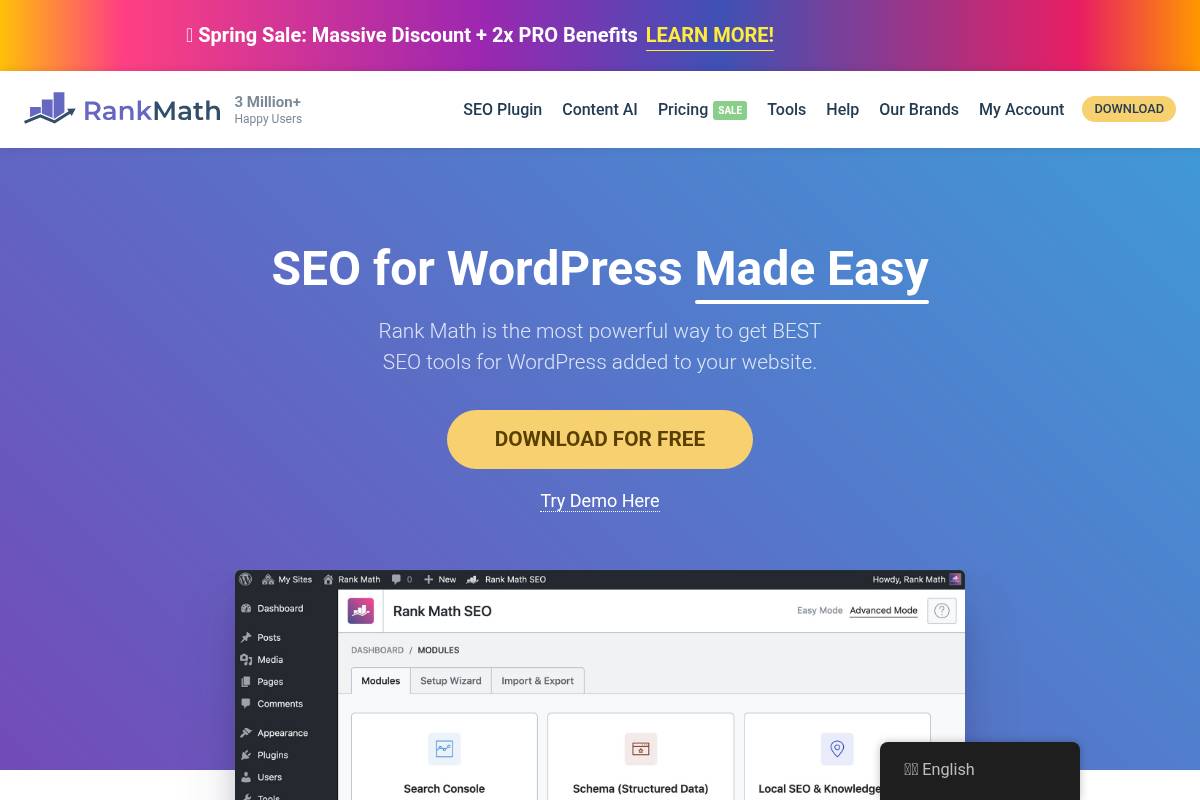
Rank Math is a modern WordPress SEO suite designed to consolidate on-page optimization, schema markup, and technical controls in a single plugin. It replaces separate tools for redirects, XML sitemaps, and schema, which is attractive for lean WordPress stacks managed by agencies like Keywordly.
For example, a content site running Astra and Elementor can use Rank Math to handle meta tags, product schema for WooCommerce, and redirections without extra add-ons, keeping performance strong while retaining granular SEO control.
Technical Requirements
This plugin runs on self-hosted WordPress sites using standard PHP and MySQL hosting. You need permission to install and activate plugins, which is usually available on VPS or managed WordPress plans from providers like SiteGround or Kinsta.
To unlock analytics and keyword tracking, you connect a free Rank Math account plus Google Search Console and Analytics, letting you see impressions and rankings directly inside the WordPress dashboard without separate logins.
Competitive Positioning
Rank Math competes directly with Yoast SEO and All in One SEO, but its free tier includes structured data, redirection management, and basic rank tracking that rivals often reserve for paid licenses. Many technical SEOs appreciate the modular design and relatively lean codebase.
Agencies migrating five to ten client sites from Yoast often cite the integrated redirect manager and extensive schema templates as key reasons, especially when they can remove two or three other plugins from each install.
Getting Started
Setup begins by installing the plugin from the official WordPress repository and running the onboarding wizard. You can choose Easy mode for small business blogs or Advanced mode for complex sites needing indexation rules, custom post type controls, and detailed sitemap settings.
Once connected to a Rank Math account, enable only the modules you need—such as Local SEO, WooCommerce, or Image SEO—and use the content analysis panel inside the editor to optimize for multiple focus keywords and rich result eligibility.
Key Features
Rank Math bundles a large set of SEO capabilities that would otherwise require multiple separate plugins. For SEO teams at Keywordly, this consolidation reduces compatibility headaches and speeds up audits.
Features
- On-page content analysis supporting multiple focus keywords
- Built-in schema generator for articles, products, FAQs, and more
- Redirection manager and 404 monitor for URL changes
- XML sitemaps with fine-grained index controls
- Basic keyword ranking and analytics via the cloud dashboard
Pros
From a cost and efficiency standpoint, Rank Math offers strong value for agencies and in-house SEO teams. Many advanced options, such as detailed schema controls, are available without a paid license.
Pros
- Feature-rich free version that often replaces two or three other plugins
- Modular interface so teams can disable unneeded components
- Extensive structured data support that helps win rich snippets
- Good balance of technical controls and usability for most WordPress sites
Cons
The same depth that appeals to specialists can intimidate beginners, especially on multi-plugin stacks. Misconfigured indexation or redirects can create crawling issues if changes are not documented or tested.
Cons
- Interface and options can feel complex for non-technical users
- Requires account connection for analytics and advanced modules
- Risk of conflicts or misconfiguration on heavily customized builds
Pricing
The core plugin is free and suitable for many small and mid-sized sites. Paid tiers—Pro, Business, and Agency—are billed annually and expand keyword tracking quotas, reporting options, and the number of supported domains.
For instance, an agency managing 50 WordPress sites may choose the Agency plan to centralize reporting, whereas a single large ecommerce brand often finds the Pro or Business license sufficient for their SEO roadmap.
User Sentiment
Among WordPress developers and SEO professionals in the United States, Rank Math has seen rapid adoption. Many praise its feature-to-price ratio and the way it streamlines technical tasks previously handled through multiple plugins.
Some users report a learning curve when migrating from Yoast SEO, especially around schema templates and advanced modules, but the built-in wizard and documentation help most teams adjust within a few days of experimentation.
Reference: Rank Math – Best Free WordPress SEO Tools in 2026
Surfer SEO
Overview
Surfer SEO is a cloud-based content optimization platform that compares your drafts against pages already ranking on Google. It uses natural language processing and live SERP data to highlight the structure, terms, and entities common to high-performing content.
Content marketers and SEO copywriters at agencies like Siege Media and Animalz use it to brief writers, standardize outlines, and reduce guesswork. For Keywordly clients, it often acts as a shared benchmark so strategists, editors, and writers align on what “good enough to rank” actually looks like.
Technical Requirements
Because this tool runs in the browser, teams only need a modern browser like Chrome or Edge and a reliable internet connection. There is no desktop software to maintain, which simplifies rollout for agencies managing dozens of contractors or remote writers.
Surfer’s Google Docs extension lets writers optimize directly inside their usual workspace, while CMS plugins support systems such as WordPress. For a Keywordly deployment, access management usually revolves around Google accounts, shared workspaces, and clear ownership of projects rather than IT-heavy setup.
Competitive Positioning
Within content optimization, Surfer often appears on shortlists alongside Clearscope and MarketMuse. Clearscope is frequently praised for its simplicity, while MarketMuse leans into AI-driven topic modeling and inventory audits. Surfer takes a correlation-focused approach, mapping on-page factors against top SERP results.
Compared with Clearscope, Surfer includes built-in keyword research and more granular correlation metrics such as partial-match usage, page structure, and internal link patterns. Keywordly typically recommends Surfer for teams that want deeper on-page data without committing to higher MarketMuse-style pricing or heavyweight content inventory features.
Getting Started
Teams usually begin by creating an account and opening the Content Editor for a target query, such as “best B2B SEO tools” or “SaaS content marketing strategy.” The editor immediately surfaces suggested word count, heading breakdown, and NLP-derived terms based on pages ranking on page one.
Writers can either paste an existing draft or start from scratch, watching the optimization score update in real time. Once a page goes live, Keywordly specialists often run Surfer’s Audit against the URL and keyword to identify gaps—such as missing entities or thin sections—before a scheduled optimization sprint.
Key Features
The platform groups its core capabilities into a few workflows that support planning, writing, and optimization. For SEO teams at agencies, these often become standard parts of content briefs and QA checklists.
- Content Editor with live scoring against SERP competitors
- SERP Analyzer for correlation-based insights
- Audit tool for live-page optimization
- Built-in keyword discovery and topic clustering
- Integrations for Google Docs and select CMSs
For example, an eCommerce brand targeting “running shoes for flat feet” can use the Content Editor to match competitor depth while the SERP Analyzer checks word count ranges, heading density, and related queries. Keywordly then layers internal link and conversion recommendations on top of these on-page insights.
Pros
Agencies and in-house teams often choose Surfer because it offers actionable, data-backed guidance instead of vague best practices. Clear scoring and term suggestions make it easier for non-technical writers to collaborate with technical SEOs.
- Highly effective for improving on-page relevance and structure
- Produces clear, prioritized recommendations writers can follow
- Grounded in live SERP competitors and real search data
- Well-suited to content-heavy SEO programs and editorial teams
Keywordly frequently sees blog posts climb from page two to the middle of page one after a single optimization pass using Surfer guidelines, especially on content with existing impressions but weak topical coverage.
Cons
Surfer focuses tightly on content and on-page elements, so it does not replace a full SEO stack. Teams still need tools like Ahrefs, Semrush, or Google Search Console for backlinks, technical audits, and rank tracking.
- Limited technical SEO and link-related functionality
- Requires consistent use across a site to see portfolio-wide impact
- Over-reliance can lead to keyword-heavy or formulaic writing
Keywordly mitigates these issues by pairing Surfer recommendations with editorial standards: voice guidelines, user intent checks, and manual pruning of suggestions that would make copy feel robotic or repetitive.
Pricing
Surfer uses subscription tiers that scale by the number of Content Editor credits, Audit runs, and user seats. Smaller teams might start on lower tiers just for new article creation, while larger agencies often upgrade to support recurring optimization cycles.
Monthly and annual billing options are available, with annual plans typically offering cost savings. Keywordly generally advises agencies running 30–60 articles a month to select mid-range tiers so they have enough capacity for both new production and quarterly refreshes of high-value pages.
User Sentiment
Among content marketers and SEO practitioners, reviews are largely positive. Many publicly attribute ranking lifts to systematic optimization—especially when updating older assets that already have impressions but underperform in click-throughs.
Some SEOs wish it included site-wide crawling, backlink analysis, and rank tracking, but most accept that its focus remains content. At Keywordly, feedback from writers and editors tends to highlight how the interface demystifies on-page best practices and helps less experienced contributors deliver publish-ready drafts faster.
Reference: Surfer: SEO Content Optimization Platform
Clearscope
Overview
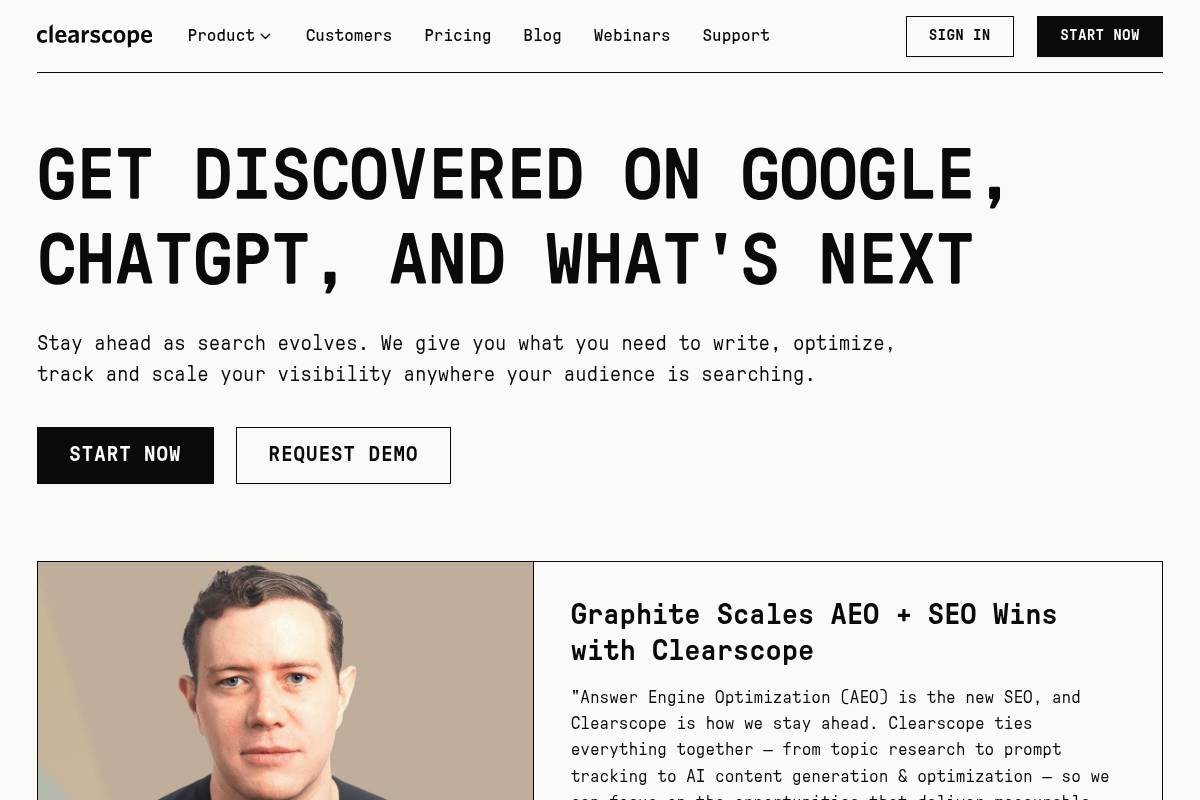
Clearscope is a premium content optimization platform designed to help teams create pages that closely match search intent. It reviews the current SERP leaders for a given topic and surfaces the language patterns, entities, and subtopics they have in common.
Agencies like Siege Media and B2B SaaS brands such as HubSpot have discussed using similar optimization platforms to guide briefs and land consistent top‑3 rankings for high‑value keywords. Clearscope fits into that same workflow, turning raw keyword ideas into structured, editor-ready outlines.
Competitive Positioning
Within the content optimization category, Clearscope often appears on shortlists alongside Surfer SEO and MarketMuse. Its focus is a streamlined interface that feels natural for writers, with minimal clutter and a clear grading system.
Agencies managing dozens of writers often select it over lower-cost tools because onboarding is fast and training materials are minimal. When a content manager at a SaaS brand wants a reliable way for freelancers to hit consistent quality standards, this type of simplicity becomes a major buying decision.
Reference: Clearscope | Get Discovered on Google & AI Search
Majestic

Overview
Majestic is a specialist platform built almost entirely around backlink intelligence and link graph analysis. Instead of bundling rank tracking, content tools, and PPC data, it invests heavily in crawling and classifying links across the web at scale.
Its Trust Flow and Citation Flow metrics help assess both the quality and volume of links. For example, a SaaS brand comparing its domain to HubSpot can quickly see where authority gaps come from, not just how many links each site has accumulated.
Technical Requirements
The platform runs in the browser, so teams at Keywordly or client-side SEO teams can log in from Chrome, Firefox, or Edge without local installs. A dependable internet connection is important because reports often query large historic indexes.
Majestic also provides a REST-style API, which agencies often connect to Google Data Studio or custom dashboards. For instance, an agency might pull Trust Flow trends weekly into BigQuery to correlate link growth with organic traffic in Looker Studio.
Competitive Positioning
Within the SEO stack, this tool competes most directly with the backlink modules in Ahrefs and Semrush but deliberately focuses on links rather than keywords or content audits. That specialization appeals to link-building teams that care about crawl depth over all-in-one convenience.
Its Trust Flow, Citation Flow, and Topical Trust Flow metrics give more granularity for off-page analysis. Many agencies pair it with Ahrefs for keyword research, using Majestic specifically when auditing risky links before a disavow or planning high-authority outreach campaigns.
Getting Started
When you first log in, the Site Explorer is the core workspace. Enter your own domain or a competitor like shopify.com to see Trust Flow, Citation Flow, referring domains, and anchor text distribution within seconds.
From there, use Topical Trust Flow to check whether links align with the right industries, such as “Business / Marketing and Advertising.” Link-context views help uncover strong placements, like an editorial mention on moz.com, that can inspire similar outreach targets for Keywordly clients.
Key Features
Majestic offers a focused feature set around backlink discovery and evaluation that supports link-building roadmaps, competitive audits, and risk analysis.
- Site Explorer for granular backlink and referring domain analysis
- Trust Flow and Citation Flow scoring
- Topical Trust Flow categorization
- Historic and Fresh indexes
- Bulk backlink checker and link-context analysis
Teams might, for example, use the Historic index to track how a publisher like nytimes.com has linked to a brand over several years. The Bulk checker helps agencies vet thousands of outreach prospects from a scraped list before investing time in contact research.
Pros
For agencies and in-house SEOs at scale, the main benefits come from data depth and unique scoring that clarifies which links truly move the needle.
- Extensive, specialized backlink index and proprietary metrics
- Strong fit for advanced link-building and competitive profiling
- Historic data surfaces long-term acquisition trends
- Often uncovers referring domains missed by broader SEO suites
Cons
Because the platform emphasizes links, some users still need other tools for technical audits, keyword research, and content optimization, which adds cost and complexity to the stack.
- Narrow scope focused almost exclusively on link data
- Interface can feel dated compared to newer dashboards
- Learning curve around interpreting Trust Flow and related metrics
Pricing
Subscription tiers differ mainly by report volume, data export limits, and project slots. Monthly plans are common for smaller in-house teams testing fit, while agencies often commit annually for savings.
Heavy users, especially those automating reports or powering internal tools, generally need higher tiers with generous API quotas. A mid-sized agency running hundreds of client domains might rely on an advanced plan to support daily crawls and dashboard integrations.
User Sentiment
Among technical SEOs and link-building specialists, Majestic is regarded as a dependable authority on link data. It is frequently mentioned in conference talks from agencies like Distilled (now Brainlabs) when discussing off-page audits.
Most practitioners treat it as a complementary analytics layer alongside Ahrefs or Semrush. They appreciate its depth and unique metrics while recognizing that the UI lacks some of the polish and onboarding guidance found in broader marketing suites.
Reference: Majestic Products: Majestic Home Page
Ubersuggest
Overview
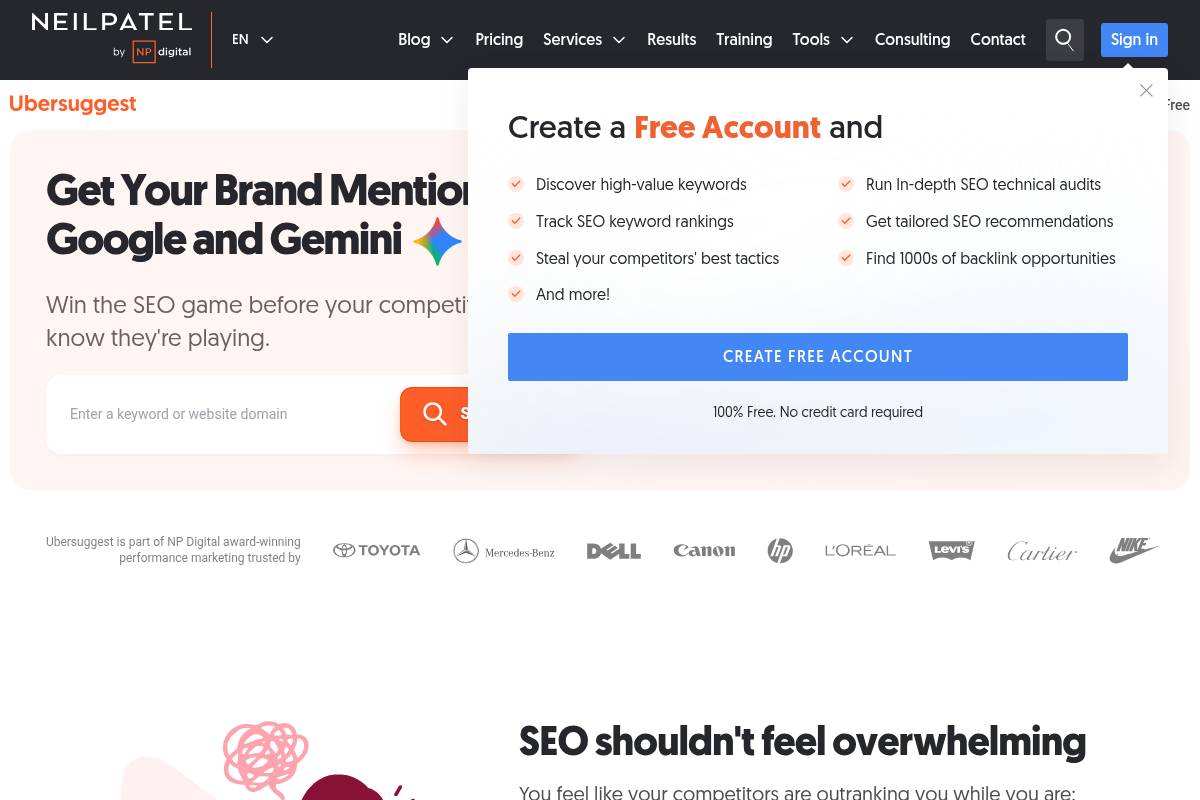
Ubersuggest began as a free keyword idea generator and has grown into a lightweight SEO suite that covers basic research, site audits, and rank tracking. It targets teams that do not need the complexity of tools like Semrush or Ahrefs but still want structured insight into search performance.
Small agencies managing a few local clients often use it to validate topics, spot quick-win pages, and understand overall visibility without juggling multiple platforms. For example, a local Denver plumbing business can use it to discover “emergency plumber Denver 24/7” variants and prioritize pages around those terms.
Technical Requirements
This platform runs entirely in the browser, so most teams simply need a stable internet connection and a current version of Chrome, Edge, or Firefox. No software installation or server configuration is required, which suits remote teams and freelancers who work across multiple devices.
To unlock more accurate audits and tracking, users typically connect Google Search Console and verify domain ownership. When a New York e‑commerce brand links its properties, crawl data and impression stats align more closely, allowing better diagnostics for issues such as mobile usability errors or sudden drops in branded queries.
Competitive Positioning
Within the SEO tool market, Ubersuggest sits in the entry-level segment alongside products like Mangools and Serpstat’s lower tiers. It focuses on approachability and clear visuals instead of deep, technical controls and massive keyword indexes.
Agencies that manage complex international sites usually pair it with more advanced suites. For instance, a Shopify-focused agency might lean on Ahrefs for large-scale backlink audits while using Ubersuggest as a quick, shared dashboard when walking small clients through basic performance metrics during monthly calls.
Getting Started
New users typically begin by creating an account, adding their primary domain as a project, and selecting target countries. This setup allows the software to monitor visibility over time instead of treating each search as a one‑off lookup.
A practical first workflow for a local fitness studio would be: run a Site Audit, fix critical issues like missing title tags, then open Keyword Ideas for phrases such as “HIIT classes Chicago.” After choosing a handful of targets, they can activate rank tracking and watch how newly optimized class pages progress in the search results.
Key Features
For lean marketing teams, the most appealing aspects are its structured keyword suggestions, simple auditing, and basic backlink views. These tools help prioritize what to publish and what to fix without needing deep technical expertise.
Features
- Keyword Ideas and content topic suggestions from seed phrases and competitors
- Site Audit with high-level health scores and on-page recommendations
- Rank tracking for selected keywords across countries and devices
- Backlink overview with referring domain and link growth trends
- Dashboards summarizing estimated traffic and visibility metrics
For example, a SaaS startup competing with HubSpot can input the competitor’s domain to reveal topics like “CRM for small business” and related long‑tail queries. The Site Audit may highlight low word count or missing H1 tags on existing feature pages, giving the content team a checklist they can address in a sprint.
Pros
Marketing teams at small businesses appreciate the balance of price and usability, especially when they are learning SEO fundamentals. Onboarding non‑specialists is usually quick because the interface explains issues in plain language rather than dense technical jargon.
Pros
- Low cost of entry, with pricing well below most large SEO suites
- Clean interface that helps new users understand audits and keyword metrics
- Solid for early‑stage keyword discovery and high-level content planning
- Useful as a stepping stone before committing to premium enterprise platforms
An Atlanta-based boutique agency, for example, might start junior marketers on this tool to learn about search volume and difficulty scores before upgrading them to more robust stacks once they manage larger B2B accounts.
Cons
Because it focuses on accessibility, its datasets and advanced functions are less comprehensive than those of enterprise tools. Highly technical SEOs often find the crawl options, export flexibility, and historical data depth limiting when working on multi‑country or multi‑language sites.
Cons
- Keyword and backlink indexes are smaller and may lag compared with Ahrefs or Semrush
- Limited support for advanced technical diagnostics such as complex JavaScript rendering issues
- Reporting templates and white‑label options can feel restrictive for larger agencies
For instance, a global retailer running multiple subdomains might struggle to perform granular log‑file-level investigations here and end up supplementing with specialized crawlers like Screaming Frog or enterprise suites.
Pricing
The pricing model targets budget-conscious marketers by offering a free tier with caps on daily searches and projects, plus paid subscriptions that remain below many well-known competitors. Lifetime plans, when available, cater to small agencies that prefer a one‑time expense instead of monthly overhead.
A solo consultant managing five local SEO clients might find that the mid-tier plan covers enough daily queries and projects to handle audits and basic tracking, delaying the need for pricier alternatives until their client base expands.
User Sentiment
Among beginners and small organizations, reviews frequently highlight the straightforward interface and clear explanations. Many courses and blogs, including some by Neil Patel’s own team, recommend it as a starting point for people who have never touched professional search tools.
Experienced SEO professionals, however, often treat it as a secondary or backup option rather than a primary analytics engine. Once an agency begins managing national brands or complex content sites, they tend to rely more heavily on platforms with deeper data, using this one mainly for easy-to-share snapshots or entry-level training.
Reference: Ubersuggest: Free Keyword Research Tool
SE Ranking
Overview
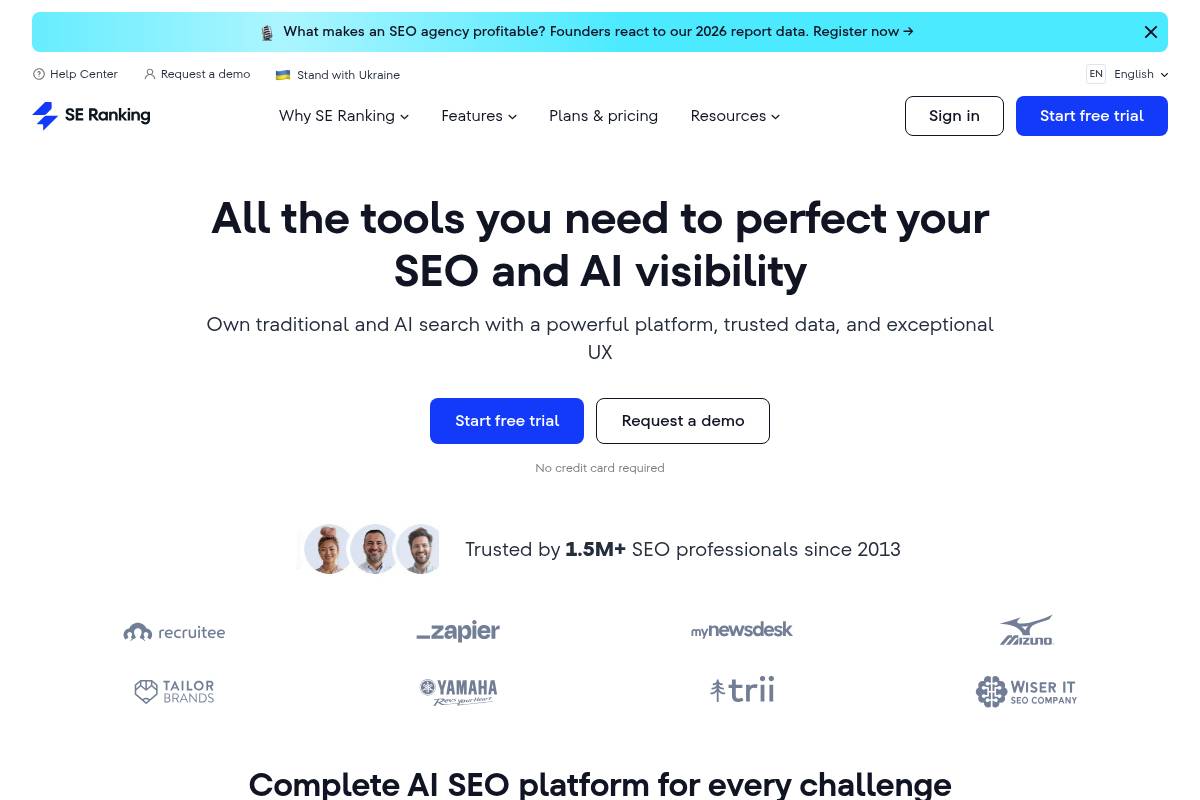
SE Ranking is an all-in-one SEO platform that combines rank tracking, technical audits, and keyword and competitor research in a single dashboard. It is designed for agencies, small to mid-sized businesses, and in-house marketing teams that need reliable data without the steep cost of large enterprise suites.
For example, a regional agency managing 20 local business clients can monitor positions, audit sites, and research competitors in one place instead of juggling separate tools, helping streamline workflows and reporting.
Technical Requirements
This platform is entirely browser-based, so you do not need to install desktop software or maintain separate versions for Windows or macOS. A stable internet connection and a modern browser such as Chrome, Edge, or Firefox are sufficient for day-to-day operations.
Teams often connect Google Analytics and Google Search Console to merge traffic, query, and ranking insights. For instance, an eCommerce brand using GA4 can overlay organic revenue data with ranking trends to identify which high-traffic keywords are not yet converting efficiently.
Competitive Positioning
SE Ranking competes directly with suites like Semrush, Ahrefs, and Serpstat in the mid-market segment. Its pricing scales based on tracked keyword volume and update frequency, which allows cost-conscious agencies to choose daily, every‑3‑days, or weekly checks instead of paying for constant updates they do not need.
While its backlink index is smaller than link-centric tools such as Ahrefs or Majestic, it covers core link metrics for many use cases. A local law firm, for instance, may only need to track a few hundred referring domains and anchor texts rather than millions of historical links.
Getting Started
New users typically begin by creating an account and setting up a first project with the target domain, country, and priority keywords. A small SaaS company might add its .com domain, choose the United States as the region, and upload a list of 200 product and feature-related terms exported from Google Search Console.
From there, users select how often rankings should be updated, based on plan limits and campaign goals. Running an initial Website Audit usually follows, helping teams uncover broken links, crawl errors, thin content, and meta issues that form the foundation of a practical SEO roadmap.
Key Features
SE Ranking offers a suite of tools that covers daily execution for most organic search campaigns. These features are particularly useful for agencies handling multiple clients and needing consistent, white-label reporting.
- Accurate rank tracking across locations, devices, and search engines
- Website Audit to identify technical and on-page problems
- Keyword and competitor research modules
- Backlink monitoring and analysis
- Marketing Plan templates and agency-focused reporting
For example, a multi-location retailer can track positions in Los Angeles and Chicago separately, monitor Core Web Vitals issues via the audit, and generate scheduled PDF reports for stakeholders every Monday.
Pros
For SEO professionals and agencies partnering with Keywordly, SE Ranking often sits in the “strong value” category. It packs a broad feature set into a pricing structure that smaller teams can realistically afford.
- Flexible pricing and solid value for most SMB and agency use cases
- Coverage of rank tracking, technical SEO, research, and reporting in one tool
- Intuitive interface, clear dashboards, and straightforward exports
- Customizable tracking frequency to keep costs predictable
A boutique agency managing 15 clients can, for instance, monitor 3,000–5,000 keywords weekly instead of daily, trimming software spend while still getting actionable visibility.
Cons
Despite its breadth, SE Ranking is not designed to replace every specialist SEO product on the market. Large enterprises and advanced link-building teams may find certain limitations when they push the platform to scale.
- Backlink index smaller than link-specialist tools like Ahrefs or Majestic
- Some advanced modules and UX flows feel less refined than top-tier suites
- Very large enterprises may outgrow limits on projects, keywords, or reporting depth
For example, a global publisher tracking millions of URLs and hundreds of thousands of backlinks per domain is more likely to rely on enterprise stacks that include dedicated link intelligence platforms.
Pricing
Pricing is structured around three main levers: the number of keywords tracked, how frequently rankings are updated, and which advanced features or user seats are included. This allows agencies to tailor plans precisely to client volume and reporting expectations.
Many businesses choose annual billing to reduce overall cost, similar to how they might commit yearly to tools like Semrush or Moz Pro. For a U.S.-based agency spending around $70–$100 per month, the platform typically undercuts large enterprise competitors while still providing essential SEO capabilities.
User Sentiment
Across review sites such as G2 and Capterra, SE Ranking is often praised for affordability, accurate rank tracking, and accessible reporting. Agencies highlight that account managers can quickly pull client-ready PDFs and share live dashboards without extensive training.
Advanced link-building teams sometimes complement it with dedicated backlink tools to gain deeper historical link data and advanced filtering. This hybrid approach—using SE Ranking for daily SEO management and a specialist tool for link research—helps maintain both cost efficiency and analytical depth.
Reference: SE Ranking — AI SEO Software That Gets Results
Serpstat
Overview
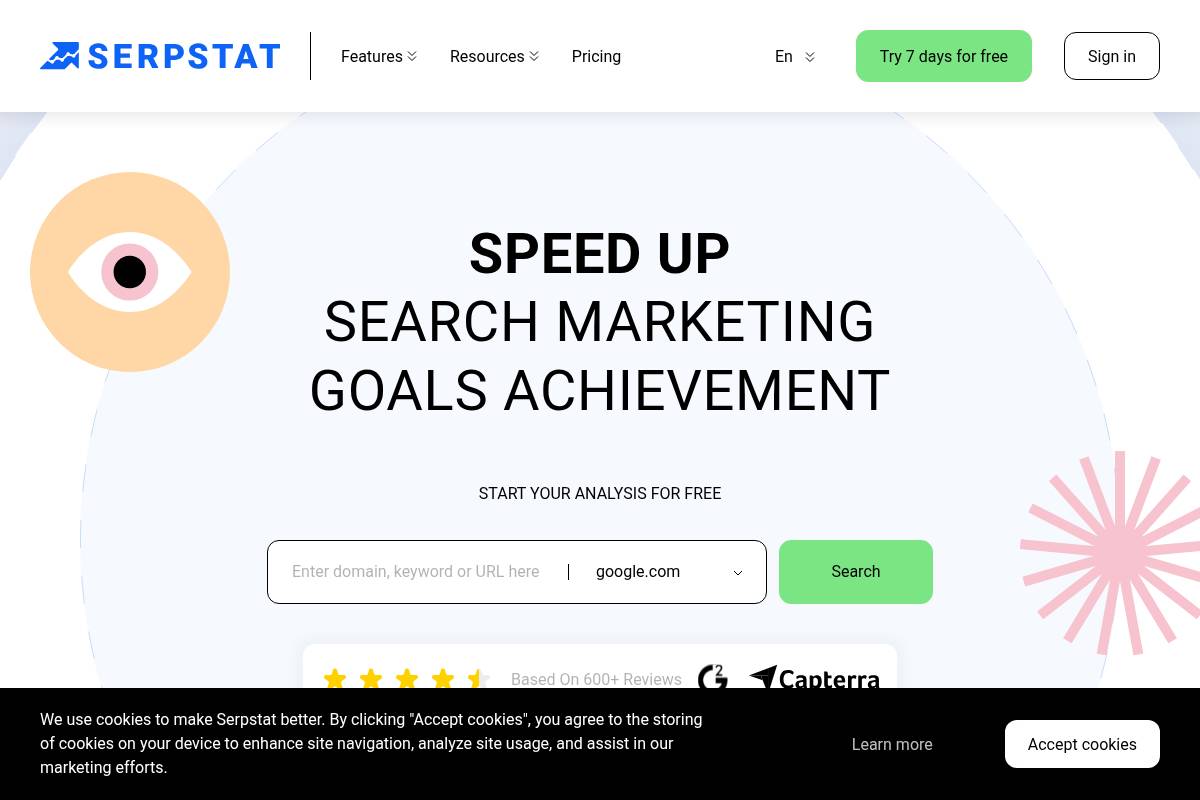
Serpstat is a growth-focused SEO suite that brings keyword research, rank tracking, technical audits, and competitor analysis into one interface. For Keywordly’s clients, it often acts as a central research hub that supports both organic and paid search planning across multiple markets.
Digital agencies use it to map content strategies, while SaaS teams rely on its data to validate demand before launching new landing pages or campaigns. Because reports can be localized by country and language, it suits brands operating in the US, Canada, and Europe with one shared workflow.
Technical Requirements
The platform runs completely in the cloud, so your team just needs a modern browser like Chrome, Edge, or Firefox and a stable internet connection. That makes it easy for distributed SEO teams to log in from different locations without VPNs or local installs.
For more advanced setups, Serpstat exposes an API that lets you pull rankings or keywords into tools such as Google Data Studio or custom dashboards. At Keywordly, analysts often connect it to Looker Studio so clients can see daily ranking trends alongside Google Analytics conversion data in one report.
Competitive Positioning
Within the SEO software landscape, Serpstat typically competes with Semrush, Ahrefs, and SE Ranking as a more budget-conscious all-in-one platform. Agencies that manage dozens of mid-sized domains often choose it because pricing scales more gently as they add projects.
Its strength lies in keyword databases and clustering options, which are helpful for international content planning. For pure backlink intelligence, many professionals still lean on Ahrefs or Majestic, using Serpstat as the primary research environment and link-focused tools only for deep off-page audits.
Getting Started
New users usually begin by registering an account and creating a project around a primary domain, selecting core markets such as the United States and United Kingdom. From there, you can configure position tracking for desktop and mobile to monitor visibility for your main commercial and informational keywords.
Keywordly often recommends running a Site Audit in week one to surface crawl issues, HTTPS problems, or slow pages. After the audit, teams dive into Keyword Research and Competitor Analysis to build topic maps, identify SERP gaps against rivals like HubSpot or Shopify, and prioritize new content briefs.
Key Features
Serpstat’s feature set is broad enough for agencies and in-house SEOs who need both discovery and monitoring in a single place. Its workflows help transform raw data into structured content plans and technical task lists.
- Keyword research with clustering and grouping to design topic-based architectures
- Rank tracking segmented by region and device
- Site Audit for technical and on-page improvements
- Backlink analysis and monitoring
- PPC research tools for competitor ads
For example, a B2B SaaS company could use clustering to group thousands of “project management software” keywords into intent-based clusters, then assign each cluster to a dedicated guide or feature page. Rank tracking would then show performance for each cluster across US mobile and desktop search.
Feature Comparison
| Module | Primary Use | Best For |
|---|---|---|
| Keyword Clustering | Grouping queries by semantic similarity | Building topic clusters and content hubs |
| Rank Tracking | Monitoring positions by location/device | Ongoing SEO reporting and SLA tracking |
| Site Audit | Finding technical and on-page issues | Technical clean-up and QA after releases |
| Backlink Analysis | Evaluating link profile and growth | Baseline off-page checks and outreach lists |
Pros
For many Keywordly clients, the main advantage is balancing breadth of features with affordable cost. This is particularly useful for agencies working with dozens of SMB websites where per-project economics must remain tight.
- Competitive pricing with generous query and reporting limits, suitable for multi-domain portfolios
- Powerful keyword clustering workflows that speed up topic cluster planning and internal linking strategies
- Robust multi-country and multilingual databases that support US-focused and global SEO programs
- Well-rounded toolkit for growing teams that need research, auditing, and tracking without enterprise budgets
Cons
There are trade-offs compared with higher-priced platforms, especially for teams that rely heavily on link acquisition or demand a very polished user experience. Some training time is required before junior analysts can use it efficiently.
- Backlink index is smaller and less granular than specialist link tools like Ahrefs
- Interface can feel less refined, with a learning curve for navigating reports efficiently
- Advanced modules such as clustering and API usage require experimentation and internal documentation
Pricing
Serpstat follows a tiered subscription structure with limits on projects, keywords, and export volumes. Monthly and annual options typically come in below many top-tier competitors, which helps agencies maintain margins while still offering comprehensive SEO reporting.
Higher plans unlock expanded API quotas and more user seats, supporting collaboration between SEO leads, content strategists, and PPC specialists. Keywordly often recommends starting on a mid-tier plan, then upgrading once keyword tracking and reporting needs are clearly defined.
User Sentiment
SEO practitioners generally view the platform as strong value, especially for keyword intelligence and clustering. On review sites like G2 and Capterra, ratings often mention its cost-to-feature ratio as a key reason for adoption by agencies and in-house teams.
Common feedback notes occasional UX quirks or the need for onboarding to uncover time-saving workflows. Once teams document internal processes—such as standard rank-tracking setups or cluster export routines—most report that Serpstat becomes a reliable, everyday part of their optimization stack.
Reference: Serpstat – Marketing Tool for SEO and Content Tasks
SpyFu
Overview
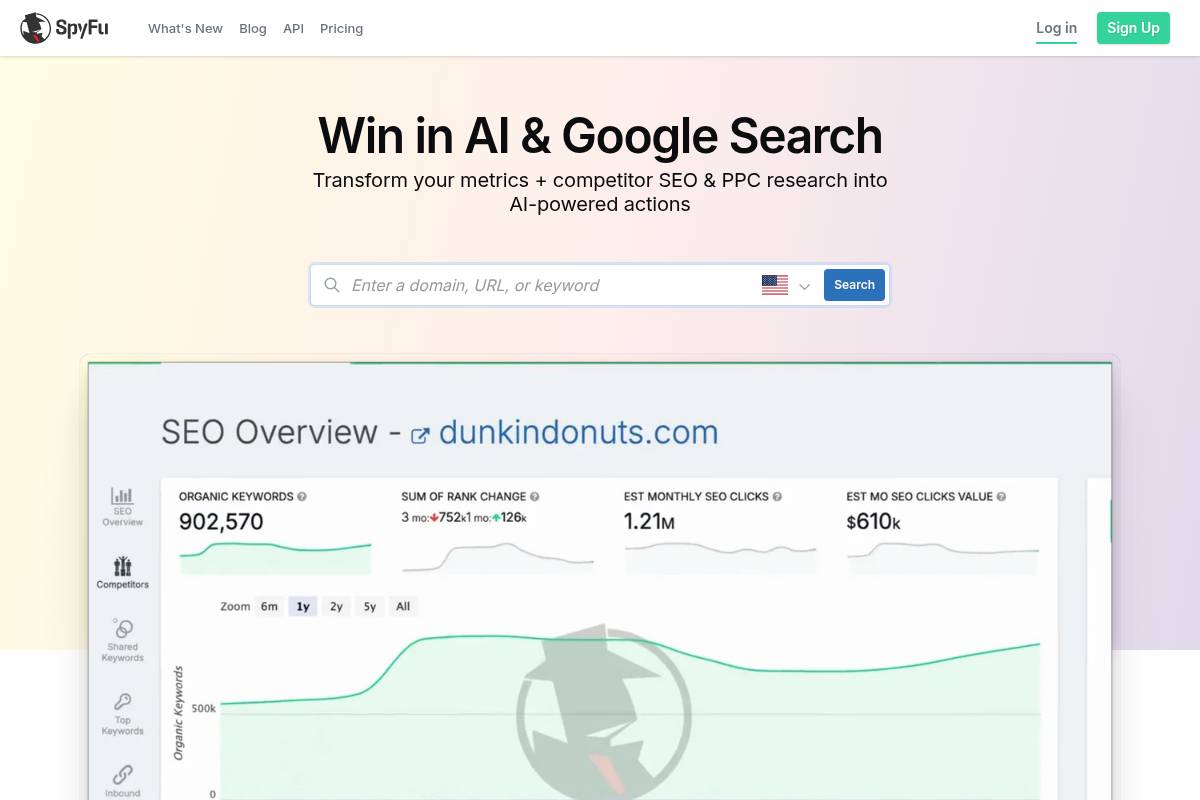
SpyFu is a competitive search intelligence platform that helps marketers dissect how rivals attract traffic from Google. Instead of guessing which terms competitors bid on or rank for, you can see their keyword portfolios and ad tactics laid out in a single dashboard.
Agencies use it to audit prospect domains before pitches, while in-house teams benchmark against brands like HubSpot or Zendesk to understand where they’re losing clicks. The historical lens, especially for paid search, is where this tool stands out compared with broader SEO suites.
Technical Requirements
Because SpyFu is entirely web-based, teams only need a modern browser such as Chrome or Edge and a stable internet connection. That makes it simple for distributed SEO and paid search teams to collaborate without IT managing licenses on local machines.
Data exports can be pulled as CSV files and dropped directly into Google Sheets, Excel, or BI tools like Looker Studio. Many Keywordly clients schedule weekly exports of PPC keywords to blend alongside Google Ads and Search Console data for unified reporting.
Competitive Positioning
SpyFu sits alongside platforms like Semrush and Similarweb, but its strength is deep visibility into long-term US keyword and ad trends. It’s often used as a second lens to validate findings from broader SEO suites that focus more heavily on content, audits, and link data.
For example, an agency working with a SaaS brand might use Semrush for site audits and content gaps, then open SpyFu to analyze three years of ad copy from rivals such as Asana or Monday.com. That combination helps refine messaging and budget allocation based on proven search behavior.
Getting Started
Onboarding is straightforward: sign up, enter a competitor domain like shopify.com, and review the overview of organic rankings and paid search terms. This initial snapshot reveals which categories and funnels a rival is investing in most heavily.
From there, marketers open the Kombat view to compare overlapping and unique keywords across multiple domains, such as Shopify, BigCommerce, and WooCommerce. Keywordly often uses this to spot mid-funnel phrases with solid volume where a client has no content or low impression share.
Key Features
SpyFu’s feature set is centered on revealing how competitors use search to win traffic and conversions. The platform structures this information at both domain and keyword level, making it easier to turn intelligence into actual campaigns.
- Domain-level breakdown of rival organic rankings and paid terms
- PPC ad copy archives with estimated monthly spend and auction insights
- SEO and paid keyword ideas inferred from competitor portfolios
- Kombat reports comparing overlapping and unique keywords across multiple sites
- Bulk exports for building and updating campaigns at scale
Pros
For Keywordly’s agency partners, SpyFu is especially useful when reverse-engineering how larger brands dominate search in lucrative categories. The ability to see historical campaigns lets teams avoid repeating failed experiments and focus on terms that have consistently attracted budget.
- Excellent for unpacking competitor search strategies without guesswork
- Rich, long-term data for US markets helps evaluate budget trends over years
- Interface surfaces top insights quickly for sales decks and strategic reviews
- Works best as a complementary research layer alongside core SEO and PPC tools
Cons
While SpyFu is strong for US-focused PPC and keyword analysis, coverage for smaller international markets can feel thin. Global brands running heavy campaigns in regions like LATAM or Southeast Asia often still need regional tools or local search platforms.
- Depth and accuracy are strongest in the United States and select English-speaking regions
- Lacks advanced technical SEO auditing and crawling capabilities
- Not designed to fully replace all-in-one SEO platforms or analytics stacks
Pricing
SpyFu’s subscription tiers focus on how many projects, tracked domains, and exports a team needs, while searches remain largely unrestricted. This structure suits agencies that work across dozens of clients and require frequent ad-hoc checks.
Compared with full enterprise suites, many Keywordly clients consider it an affordable line item dedicated to competitive search intelligence. It’s often bundled alongside tools like Ahrefs or Semrush in agency tech stacks without straining budgets.
User Sentiment
Performance marketers generally appreciate how quickly they can turn SpyFu data into tactical moves, such as adjusting bids or creating new ad groups. Agencies mention that historical ad copy views are particularly helpful for creative teams planning tests against incumbents.
Most teams run it alongside broader management platforms like Google Ads, SA360, and SEO suites. The consensus is that SpyFu fills a specific niche: making competitor keyword and ad history accessible without heavy configuration or steep learning curves.
Reference: SpyFu – Competitor Keyword Research Tools for Google Ads …
Mangools (KWFinder Suite)
Overview
Mangools brings together five tools—KWFinder, SERPChecker, SERPWatcher, LinkMiner, and SiteProfiler—into a single, streamlined interface. The suite focuses on visual clarity, so charts, keyword lists, and SERP previews are easy to digest even for non-technical marketers.
Bloggers and small agencies often adopt it as a lighter alternative to large suites. For example, niche site publishers in communities like Niche Pursuits frequently highlight KWFinder for discovering low-competition long‑tail phrases without needing extensive training.
Technical Requirements
The platform runs entirely in the browser, so your team only needs a stable internet connection and a login. There’s no desktop software to maintain, which suits distributed content teams working from different locations or devices.
Because the interface is relatively lightweight, Mangools typically performs well on standard office laptops. CSV exports allow analysts to pull keyword lists into tools like Google Sheets or Excel for custom filtering, reporting, or combining with Google Search Console data.
Competitive Positioning
In the affordable SEO category, Mangools often sits alongside Ubersuggest and SE Ranking. Agencies that don’t require deep crawl diagnostics or massive backlink indexes appreciate its clearer UI and straightforward pricing.
For technical audits or enterprise‑scale link research, platforms such as Semrush and Ahrefs still offer broader coverage. Many practitioners therefore use Mangools as a complementary research and rank‑tracking layer rather than a complete replacement for heavy-duty suites.
Getting Started
New users typically begin in KWFinder by entering seed phrases like “B2B email marketing examples” or competitor domains such as mailchimp.com. The tool surfaces related terms, estimated search volumes, and a difficulty score that helps prioritize targets.
After selecting promising phrases, marketers can open SERPChecker to inspect current ranking pages and then push chosen keywords into SERPWatcher. This workflow lets a content team at a mid-sized SaaS company track performance of new blog posts from first indexing through to top‑10 visibility.
Key Features
Within this suite, each module plays a distinct role in research and monitoring. Together they cover discovery, SERP evaluation, rank tracking, link analysis, and quick domain reviews for competitive context.
- KWFinder for intuitive keyword discovery with volume and difficulty metrics.
- SERPWatcher for visual rank tracking dashboards over time.
- SERPChecker for analyzing current SERPs and competing pages.
- LinkMiner for basic backlink and competitor link analysis.
- SiteProfiler for high-level domain strength and top-content views.
Pros
SEO specialists at smaller agencies often choose Mangools because the interface reduces training time for junior staff. Clear tooltips guide users through keyword metrics, so analysts can start contributing to research within a few hours.
- Very approachable UI that suits non-specialists and content writers.
- Strong keyword research and rank tracking for small to mid-sized projects.
- Pricing aligns well with freelancers, bloggers, and boutique agencies.
- Helpful onboarding aids accelerate time-to-value for new accounts.
Cons
For complex technical programs, marketers will quickly notice gaps. There is no full-site crawler comparable to Screaming Frog or Deepcrawl, so in-depth health checks must rely on separate tools.
- Limited capabilities for advanced technical site audits.
- Backlink data is thinner than indexes from Ahrefs or Majestic.
- Less suited as a standalone solution for enterprise or multi-region SEO.
Pricing
Mangools structures plans around the number of keyword lookups, tracked phrases, and simultaneous logins. This approach allows a solo consultant to start small, then upgrade as they add clients or expand tracking to more locations.
Annual subscriptions are discounted compared with month-to-month billing, which appeals to agencies that can commit for a full year. For many U.S.-based content teams, the mid-tier plan covers the core research and monitoring they need without stretching budgets.
User Sentiment
User reviews on sites like G2 and Capterra often highlight the clean interface and straightforward reports. Bloggers, affiliate marketers, and small agencies frequently recommend the suite in forums like Reddit’s r/SEO as a beginner-friendly way to handle everyday keyword tasks.
While advanced practitioners may still rely on enterprise tools for technical and link-focused work, Mangools is commonly viewed as a practical, cost-effective option for ongoing content and ranking analysis within lean teams.
Reference: KWFinder: Free Keyword Research & Analysis Tool
BuzzSumo
Overview
BuzzSumo is a research platform that helps SEO and content teams uncover articles, videos, and reports that earn strong engagement and backlinks. By analyzing which URLs get shared most across networks like Facebook, X, and Pinterest, it reveals the topics and formats audiences actually interact with.
Agencies often use it to benchmark against competitors. For example, a SaaS brand might compare its product-led guides with HubSpot’s blog posts to see which angles earn more referring domains and social shares, then refine its editorial calendar accordingly.
Technical Requirements
Because BuzzSumo runs in the browser, teams at Keywordly and client organizations can access it from any modern device without installing software. A reliable internet connection and individual user login are the only essentials for daily research and reporting.
To get full value, marketers typically connect email for alerts and configure permissions for integrations such as X profiles or Slack notifications, so new viral content or brand mentions are surfaced to the right channel in real time.
Competitive Positioning
Compared with content explorers inside tools like Ahrefs or Semrush, BuzzSumo distinguishes itself with deeper multi-network engagement visibility. It lets marketers sort by total social interactions and quickly see which domains dominate specific topics.
Many SEO professionals pair it with traditional keyword tools: Ahrefs for search volumes and difficulty, then BuzzSumo for share data and formats. That combination helps identify content that not only ranks but also attracts links and earns organic promotion from niche influencers.
Getting Started
New users typically begin by creating an account and running broad topic or domain searches related to their niche, such as “B2B SEO case studies” or a competitor’s blog URL. The results highlight headlines, content types, and engagement stats that can inspire your next briefs.
After initial exploration, teams usually set up alerts for brand terms, high-value keywords, and rival domains. Influencer discovery tools then support outreach plans, helping identify authors or publishers who consistently drive engagement in your market.
Key Features
BuzzSumo includes several capabilities that are especially valuable for SEO-focused content teams.
- Search by topic or domain to surface top-performing content across major social networks
- View granular engagement metrics, including total shares and platform-level interactions
- Discover influential authors and publishers for outreach and partnerships
- Configure alerts for brands, competitors, and important keyword mentions
- Generate content analysis reports to spot trends in format, length, and themes
Pros
For agencies and in-house teams, BuzzSumo offers several operational advantages across ideation and outreach.
- Strong for validating ideas and benchmarking content performance against competitors
- Reveals what resonates on social channels, not just within search engine results
- Helps pinpoint linkable assets and qualified outreach prospects for campaigns
- Interface is intuitive for content strategists, PR specialists, and analysts
Cons
Despite its strengths, the platform is not a full SEO suite and has some limitations to consider.
- Lacks technical SEO tools such as site audits, crawl diagnostics, and on-page checks
- Subscription pricing can be steep for solo consultants or early-stage startups
- Social engagement data offers less value in industries with minimal social activity
Pricing
BuzzSumo uses tiered subscriptions that differ by search allowances, available modules, and the number of user seats. Monthly and annual billing options make it easier for agencies to align plans with client retainers and expected usage patterns.
Higher-priced tiers typically unlock longer historical data ranges, more keyword and brand alerts, and enhanced collaboration features, which are especially useful for larger marketing teams coordinating content calendars and outreach.
User Sentiment
Across review platforms and conference talks, BuzzSumo is consistently highlighted by content strategists and digital PR teams as a reliable discovery and validation tool. Many SEO professionals describe it as their go-to tab when stress-testing new content ideas against what has already performed well.
Agencies frequently cite its value during pitch preparation: showing prospects how their engagement compares with leaders such as Moz or Shopify helps frame realistic goals and identify gaps a strategic content program could fill.
Reference: BuzzSumo | Media Mentions In Minutes. Content Ideas For …
AnswerThePublic
Overview
AnswerThePublic helps marketers uncover the actual questions people type into Google and Bing around a single seed term. Instead of guessing topics, you see long-tail queries mapped visually, grouped by question types like who, what, why, and how.
Keywordly clients often use it to plan resource hubs. For example, a SaaS brand targeting “CRM software” can discover queries such as “CRM for real estate agents” or “how to migrate CRM data,” then turn those into targeted blog posts and FAQ sections.
Technical Requirements
This tool is completely web-based, so your team only needs a modern browser such as Chrome, Edge, or Firefox. There’s no software to install, which helps agencies deploy it quickly across distributed teams without IT approval cycles.
Strategists can export results as CSV files and upload them into Google Sheets, Airtable, or project tools like Asana for content planning. Keywordly often combines these exports with Google Search Console data to prioritize which questions to answer first.
Competitive Positioning
Among question-focused ideation platforms, AnswerThePublic stands out for its radial visualization that groups queries into intuitive clusters. Many SEO teams pair it with Semrush, Ahrefs, or Keywordly’s in-house dashboards to layer search volume and difficulty on top of the ideas it surfaces.
Agencies working on content roadmaps typically start brainstorming with this question tool, then validate and forecast traffic using broader research suites. That combination keeps brainstorming creative while still grounded in performance metrics.
Getting Started
To begin, visit the platform, type a seed phrase such as “email marketing,” and pick the United States and English to localize results. Within seconds, you’ll see questions like “how often to send email newsletters” and “what is a good email open rate.”
For Keywordly-led campaigns, strategists switch to the data view, filter out irrelevant phrases, and export the remaining ideas. Those lists then become topic clusters, content briefs, and structured FAQ pages for clients in niches like ecommerce, SaaS, and healthcare.
Key Features
Feature Highlights
The platform focuses tightly on ideation rather than full SEO suites, which makes it fast and approachable. Below is a quick breakdown of its core capabilities for content teams.
- Visual maps of questions, prepositions, and comparison searches
- Long-tail keyword discovery using search autosuggest data
- CSV exports for downstream planning and collaboration
- Support for multiple languages and regions
- Minimalist interface tailored to brainstorming workflows
Pros
For SEO specialists and agencies, the main advantages center on speed and clarity. Within a single dashboard, you see how people actually phrase their problems, which is invaluable for aligning copy with user intent.
- Simple enough for non-SEO stakeholders like product managers and UX writers
- Rich source of long-tail topics you’d rarely think of manually
- Perfect for support content, documentation, and knowledge bases
- Works best when layered with volume and difficulty data from other tools
Cons
There are trade-offs. The platform is not designed to be a full SEO suite, so it lacks elements like backlink analysis, rank tracking, or technical audits. Teams must rely on complementary software for those tasks.
- Free tier limits daily searches and omits metrics like search volume
- No integrated competitive comparison against rival domains
- Higher tiers needed for agencies handling many brands or workspaces
Pricing
The service offers a restricted free option that works for occasional brainstorming. For example, a small local business might run a few queries per month to identify blog ideas about services like “roof repair in Chicago.”
Marketing departments and agencies typically select paid plans to gain higher search limits, team logins, and organized folders. Keywordly often recommends those tiers for clients publishing multiple articles per week across several markets.
User Sentiment
Among content marketers in the United States, feedback is generally positive, especially around ease of use. Many SEO practitioners mention that it helps stakeholders visualize user intent more clearly than spreadsheets alone.
Some power users do wish for native volume and competitiveness metrics similar to Ahrefs or Semrush. As a result, most mature teams treat it as a discovery layer that feeds into broader analytics stacks rather than a standalone solution for all research needs.
Reference: AnswerThePublic by Neil Patel: Keyword Research & Content …
GTmetrix
Overview
GTmetrix helps SEO teams and developers understand how real users experience a page’s loading behavior. It blends Lighthouse data, Core Web Vitals, and traditional performance timings into a single, easy-to-share report.
Keywordly clients often pair it with Google Analytics and Search Console to see how slow Time to First Byte or Largest Contentful Paint correlates with drops in organic conversions or session depth.
Technical Requirements
The tool runs entirely in the cloud, so your team only needs a modern browser to start testing. Just paste a URL, choose a location like San Francisco or London, and GTmetrix spins up a test environment.
Agencies often wire the GTmetrix API into Jenkins or GitHub Actions so every pull request on a Shopify or WordPress site triggers an automated performance check before deployment.
Competitive Positioning
Compared with Google PageSpeed Insights, GTmetrix stands out for its detailed waterfall visualizations. These reveal blocking scripts from tools such as Hotjar or Meta Pixel that might not be obvious from a simple score.
Keywordly typically references GTmetrix alongside Chrome Lighthouse reports so developers get both lab diagnostics and repeatable, location-specific tests for international audiences.
Getting Started
After creating a free account, you can unlock more test locations and save historical runs. This is handy when stakeholders want to see the impact of a migration or image optimization sprint over several weeks.
Run a report, then walk your dev team through the Performance and Structure tabs, highlighting the worst offenders by size, blocking time, and third-party domains like Google Tag Manager.
Key Features
GTmetrix offers a set of capabilities that help teams move beyond surface-level scores and into actionable diagnostics.
- Performance grading using Core Web Vitals and Lighthouse metrics
- Detailed waterfall charts exposing blocking requests and slow domains
- Multiple test locations, browsers, and device simulations
- Historical tracking, comparisons, and performance alerts
- API for CI/CD pipelines and scheduled tests
For example, an ecommerce brand like REI could schedule hourly tests on key category pages, then receive alerts if Largest Contentful Paint exceeds 2.5 seconds after a new promotion banner launches.
Pros
GTmetrix provides clear advantages for agencies and in-house SEO teams responsible for site speed.
- Developer-focused insights that reveal render-blocking JavaScript and heavy hero images
- Readable charts that make it easier to brief engineering, product, and leadership
- Supports continuous monitoring to catch regressions before Core Web Vitals updates
Cons
There are some limitations teams should factor into their workflow and reporting.
- Focuses on performance only, so you still need tools like Screaming Frog or Ahrefs for broader SEO
- Technical recommendations may require front-end engineering skills to implement safely
- Advanced locations, device options, and higher test volumes sit behind paid tiers
Pricing
The free account works well for occasional checks on a few landing pages, giving basic test locations and limited report history.
Agencies managing dozens of domains often upgrade to paid plans to gain more test credits, scheduled monitoring, and access to key markets like Frankfurt, Sydney, and São Paulo.
User Sentiment
Among technical SEOs in communities like Traffic Think Tank and Women in Tech SEO, GTmetrix is frequently mentioned as a go-to performance testing option. Many practitioners keep it pinned alongside WebPageTest and PageSpeed Insights for cross-validation.
For Keywordly customers, it often becomes part of the standard technical audit stack, especially when Core Web Vitals issues are already flagged in Google Search Console performance reports.
Reference: GTmetrix | Website Performance Testing and Monitoring
PageSpeed Insights
Overview
Google’s PageSpeed Insights helps Keywordly’s clients understand how fast their pages load on both mobile and desktop, and how that experience compares to real users. It surfaces the same Core Web Vitals that influence visibility in Google Search, making it a constant touchpoint for technical SEO decisions.
SEOs at agencies like Brainlabs and Siege Media use the report during audits to align developers and marketing teams around one common score. The tool translates complex performance data into plain-language suggestions that can be turned into tickets in Jira, Asana, or ClickUp without guesswork.
Technical Requirements
Getting a performance snapshot is as simple as opening the PageSpeed Insights site in Chrome, Firefox, or Safari and entering a URL. No login, plugin, or extension is required for manual checks, which makes it easy for content marketers and account managers at Keywordly to run quick spot tests before a campaign launch.
Behind the scenes, the tool blends Lighthouse lab tests with Chrome User Experience Report data when enough traffic exists. That hybrid view lets teams compare a controlled test to real user behavior, similar to how Shopify merchants compare theme preview speed to actual shopper sessions.
Competitive Positioning
Compared with GTmetrix or standalone Lighthouse runs, this report has the advantage of surfacing metrics that map directly to Google’s search ecosystem. Agencies often pair it with GTmetrix waterfalls and WebPageTest filmstrips to decide whether to tackle image compression, render-blocking scripts, or server latency first.
For example, when an ecommerce brand on WooCommerce sees good GTmetrix grades but a poor mobile score here, Keywordly’s strategists prioritize Core Web Vitals fixes that are known to influence rankings and paid quality scores, such as Largest Contentful Paint and layout stability.
Getting Started
To begin, visit the PageSpeed Insights webpage, paste the URL you want to evaluate, and run an analysis for mobile and desktop. Many agencies first test a homepage, then a key product or lead-gen landing page to understand performance across templates and content types.
After reviewing the scores, export or copy the Opportunities and Diagnostics sections into your project management system. Keywordly often groups recommendations into quick wins, like image compression, and larger tasks, such as code splitting or moving to a CDN, then schedules follow-up tests to confirm improvements with before-and-after metrics.
Key Features
The tool reports the primary Web Vitals that influence user experience, including Largest Contentful Paint, Interaction to Next Paint, and Cumulative Layout Shift. These metrics show whether a page feels fast, stable, and responsive, which strongly affects bounce rate and revenue on platforms like BigCommerce and Magento.
Its interface combines Lighthouse lab measurements with real-user data where available, then lists optimization ideas sorted by impact. For a typical B2B SaaS site, that often means surfacing issues like oversized hero images, unoptimized third-party scripts, or unused CSS that can be addressed during the next sprint.
Features
- Core Web Vitals reporting with LCP, INP, and CLS thresholds clearly labeled as Good, Needs improvement, or Poor.
- Blended lab and field data, giving a single view of synthetic tests and real Chrome user performance.
- Prioritized optimization suggestions with estimated millisecond savings and impacted metrics.
- Separate breakdowns for mobile and desktop, including different bottlenecks like CPU time or network speed.
- Direct alignment with Lighthouse and Chrome DevTools for deeper performance debugging.
Pros
For Keywordly and its clients, a major advantage is that the insights come directly from Google’s ecosystem and mirror the metrics referenced in public documentation. This alignment makes it easier to justify performance work to stakeholders who care about organic traffic and Google Ads quality thresholds.
The combination of lab and field data offers both a repeatable benchmark and a view into real-world conditions. That dual perspective helps agencies serving U.S. audiences understand how users on older iPhones or slower LTE connections actually experience a site, not just how it performs on a fast laptop.
Pros
- Free access with no sign-up required, reducing friction for cross-functional SEO, dev, and content teams.
- Reports both simulated tests and real user outcomes when traffic triggers Chrome UX coverage.
- Readable, plain-language recommendations that can be turned into actionable developer stories.
- Essential for technical SEO audits where Web Vitals directly influence search visibility and conversions.
Cons
Because lab runs simulate a mid-range device and connection, individual customers may still see different behavior, especially on low-end Android phones. Keywordly usually pairs this report with real-user monitoring tools like New Relic Browser or SpeedCurve when working with high-traffic ecommerce sites.
Some recommendations, such as reducing main-thread work or eliminating render-blocking resources, require engineering expertise. Nontechnical marketers often need support from developers or a performance-focused agency partner to correctly interpret and implement these suggestions.
Cons
- Lab metrics may not fully match every user’s real-world device and network conditions.
- Many optimization items involve complex code changes that are challenging for non-developers.
- No built-in historical charts or alerts, requiring external tools for ongoing trend monitoring.
Pricing
The service is free for manual testing, so Keywordly’s strategists can run as many checks as needed during strategy, implementation, and QA. This makes it ideal for agencies managing large portfolios of client domains without incurring extra software costs.
For automation, Google’s PageSpeed Insights API is accessible within standard Google Cloud quotas. Teams often script nightly audits for priority pages, pushing results into Looker Studio dashboards or BigQuery for trend analysis alongside Google Search Console and analytics data.
User Sentiment
Among SEO professionals, developers, and CRO specialists, sentiment is that this tool is a foundational reference for performance-focused work. Even when teams disagree about specific thresholds or metric definitions, they generally treat these scores as the baseline for evaluating technical health.
There is occasional debate in blogs and conference talks, such as at BrightonSEO and SMX Advanced, over how much specific metrics should influence rankings. Despite those discussions, agencies and brands across the United States consistently use the reports to guide Web Vitals improvements and justify performance investments.
Reference: PageSpeed Insights
Hotjar
Overview
Hotjar helps SEO and content teams understand what visitors actually do after they land on a page. Instead of just reporting sessions and bounce rates, it visualizes clicks, scroll depth, and user flows so you can see where attention drops and friction appears.
For example, an ecommerce brand might discover via scroll heatmaps that only 30% of organic visitors reach key product specs. That insight can justify moving comparison tables or reviews higher on the page to improve engagement and conversions.
Technical Requirements
To start capturing behavior data, you add a lightweight JavaScript snippet directly in your site template or deploy it through Google Tag Manager. Most WordPress, Shopify, and Webflow themes let you paste the code into a global header field in under five minutes.
On high-traffic sites like large publishers, teams often sample only 5–10% of users to avoid performance issues. Reports are then reviewed in a modern browser via the Hotjar dashboard, where marketers, UX specialists, and SEOs can collaborate.
Competitive Positioning
This platform sits alongside tools such as Crazy Egg and Microsoft Clarity in the behavioral analytics category. Its core strength is combining heatmaps, recordings, and on-page surveys within one interface, which reduces the need to juggle multiple products.
SEO teams at agencies often pair it with GA4 and Google Search Console. While GA4 shows that organic traffic to a comparison guide dropped by 15%, Hotjar recordings can reveal that an intrusive pop-up blocks content on mobile, explaining declining engagement.
Getting Started
Most teams begin by creating an account, adding their domain, and installing the tracking snippet through a CMS integration or tag manager. Once traffic is flowing, focus setup on your key organic landing pages rather than the entire site.
For instance, a B2B SaaS company might track a pricing page, a main feature page, and a top blog article. They can then configure heatmaps, recordings, and short surveys asking, “Did this page answer your question?” to prioritize UX and content improvements.
Key Features
Hotjar includes several capabilities that help connect visitor behavior to organic performance. These tools are especially valuable when you need to understand why a page with strong rankings underperforms on engagement or conversions.
- Click, move, and scroll heatmaps to visualize attention and depth of engagement.
- Session recordings for replaying real user journeys.
- On-site surveys and feedback widgets to capture qualitative insights.
- Funnels and form analysis on higher tiers.
- Segmentation by channel, device, and attributes.
For example, an online retailer can segment heatmaps by organic mobile traffic and see that 60% of search visitors never scroll to product recommendations. By repositioning those modules, they may lift average order value without changing rankings.
Pros
Marketing and UX teams value Hotjar for turning abstract metrics into concrete behavior stories. It clarifies how well SEO-driven visitors understand your offer, navigate the layout, and move toward conversion events like demo requests or checkouts.
- Delivers qualitative insight that complements analytics data.
- Connects search traffic to UX and conversion performance.
- Offers intuitive setup and dashboards marketers can use without engineers.
- Works alongside GA4 and SEO platforms instead of replacing them.
Cons
Hotjar doesn’t replace keyword research or technical crawling tools; it lives firmly in the behavior and UX layer. Without a clear sampling plan, teams can also be overwhelmed by the volume of recordings and feedback.
- Does not provide keyword data or technical SEO audits.
- Large datasets require thoughtful sampling and filtering.
- Advanced features like funnels and extensive recording storage sit on paid tiers.
Pricing
Hotjar offers a free option with limited heatmaps and recordings, which works well for smaller sites validating a few core templates. As traffic and analysis needs grow, you can upgrade to paid plans that scale by pageviews, sessions, and feature access.
Growing ecommerce or SaaS brands commonly step up to paid tiers so they can store more recordings and use funnels and form analytics. That investment often pays off when they identify UX friction that depresses conversion on high-value organic landing pages.
User Sentiment
UX, CRO, and SEO teams frequently mention Hotjar in conference talks and case studies as a go-to visual analytics platform. Agencies use it to show clients concrete evidence—like rage clicks on mobile menus—when recommending redesigns or layout changes.
For instance, an agency working with a regional bank might use surveys and recordings to refine a mortgage rates page that attracts search traffic. Feedback such as “I can’t find closing cost details” directly informs copy updates that improve both engagement and lead quality.
Reference: Hotjar: Website Heatmaps & Behavior Analytics Tools
MarketMuse
Overview
MarketMuse is a content intelligence platform built to help teams map and grow topical authority at scale. Instead of only checking keyword density, it evaluates overall coverage of a subject, related entities, and depth versus competing pages.
Large publishers and brands such as The Motley Fool and Investopedia have been cited in industry case studies as using similar topic-modeling tools to manage thousands of articles. MarketMuse fits that level of complexity, guiding editors on what to update, expand, or retire across an entire domain.
Technical Requirements
Because MarketMuse is cloud-based, teams typically just need a modern browser like Chrome or Edge and reliable internet access. All crawling, processing, and scoring happen on their servers, which is helpful for agencies managing several large client sites.
For deeper workflows, organizations often connect MarketMuse with their CMS via API. For example, a WordPress or Contentful implementation might push briefs directly into an editorial queue, but this usually requires light development help from an internal or agency engineer.
Competitive Positioning
Within the content optimization landscape, MarketMuse often gets compared to Surfer SEO and Clearscope. Those tools focus heavily on page-level recommendations, while MarketMuse leans toward full-site analysis, topic modeling, and long-term content roadmaps.
This makes it attractive for advanced SEO and content teams managing hundreds or thousands of URLs, such as SaaS brands with extensive documentation or publishers with evergreen libraries. Agencies serving these clients can use it to defend budgets with data-backed coverage maps and authority-building plans.
Getting Started
New users typically begin by creating an account and submitting their primary domain so the platform can crawl existing content. This inventory view helps reveal which themes already perform well and where thin, overlapping, or outdated assets exist.
Once the crawl is complete, teams can use Topic Research to identify high-opportunity clusters. For instance, a B2B cybersecurity firm might discover gaps around “zero trust architecture” and then generate AI-assisted briefs, outlines, and optimization checklists to guide writers and editors.
Key Features
For SEO professionals at Keywordly and similar agencies, the core value lies in how MarketMuse connects research, planning, and optimization. The platform surfaces coverage gaps and then provides structured briefs so content production aligns with those strategic insights.
- Content inventory and gap analysis at site or section level
- Topic and keyword research with difficulty and opportunity signals
- AI-generated content briefs, outlines, and optimization guidance
- On-page scoring benchmarked against the competitive landscape
- Cluster-planning tools to support authority-building content hubs
Pros
MarketMuse appeals strongly to mature content operations that need a strategic lens on organic growth, not just word-count targets. It can help prioritize which pages to update versus create, aligning publishing calendars with business and revenue goals.
- Strategic focus on topical authority and sitewide coverage
- Ideal for large websites and editorial teams with many contributors
- AI-driven briefs speed up high-quality, search-aligned draft creation
- Helps connect SEO priorities to broader marketing objectives
Cons
The same depth that benefits enterprises can feel heavy for lean teams. Smaller businesses that publish only a few pieces each month might struggle to justify the learning curve and subscription costs.
- Higher pricing than lightweight optimization tools
- Often excessive for small sites or low-volume content programs
- Requires process changes to fully leverage inventory and planning workflows
Pricing
MarketMuse typically sells on a quote-based model, factoring in team size, site volume, and required features. This positions it closer to enterprise software than self-serve tools like Surfer SEO, which publish fixed plans on their websites.
Mid-market agencies or brands sometimes negotiate pilot access or limited-seat trials to validate value before rollout. For larger editorial organizations, the cost is often weighed against savings from better prioritization and reduced content waste.
User Sentiment
Among enterprise content leaders and senior SEOs, MarketMuse is often praised for its strategic insights and topic-cluster planning capabilities. It helps clarify where a site is underpowered on key themes and what content investments are most likely to deliver compounding results.
Smaller teams sometimes express concerns about complexity and price but still recognize the strength of its recommendations. For organizations running serious, content-led SEO programs, it is frequently viewed as a high-value option when used consistently within editorial workflows.
Reference: MarketMuse: AI Content Planning and Optimization Software
Frase
Overview
Frase is an AI-driven research and content optimization platform designed around live search results. It analyzes the top-ranking pages for a target query and surfaces common headings, questions, and topical clusters so your briefs align tightly with actual search intent.
Agencies and SaaS marketers often use Frase to produce long-form assets like comparison pages, use-case articles, and knowledge base content that match what shows on page one of Google.
Reference: Frase — The Agentic SEO & GEO Platform | Rank on Google …
BrightLocal
Overview
BrightLocal is a dedicated platform built for local visibility, helping agencies and brick‑and‑mortar brands track rankings, manage citations, and control online reviews from one dashboard. It focuses specifically on local search factors that influence how often a business appears in Google’s map pack and localized organic results.
Marketing teams often use it to keep tabs on Google Business Profile performance, NAP consistency across directories, and review volume and sentiment. For example, a multi‑location dental group in Texas can monitor how each office ranks for “emergency dentist near me” within a tight radius around its physical address.
Technical Requirements
Because BrightLocal is web‑based, any modern browser such as Chrome, Edge, or Firefox is sufficient for access. Most agencies run it alongside tools like Google Search Console and Google Analytics, switching between tabs while auditing performance or preparing reports for clients.
To unlock its full capabilities, you need admin or manager access to Google Business Profiles, key directory accounts like Yelp and Apple Maps, and relevant client data. This access powers automated reporting, white‑label dashboards for agencies, and API integrations that feed local metrics into internal reporting stacks.
Competitive Positioning
BrightLocal sits in the same competitive space as Whitespark and local modules inside broader suites such as Semrush and Moz Pro. Where large platforms tend to treat local search as an add‑on, this tool leans into depth—especially around geo‑specific rank tracking and citation workflows.
Agencies focused on maps visibility for franchises, restaurants, and multi‑location retailers often pair BrightLocal with a general SEO suite. For instance, an agency serving 150+ locations for a regional bank might rely on Semrush for technical audits and BrightLocal for hyper‑local rank snapshots and citation projects.
Getting Started
Onboarding is straightforward: create an account, then add your first business location or client project. The setup wizard prompts you to choose target cities or ZIP codes, making it easier to see how visibility shifts across different neighborhoods rather than just at a national level.
Next, connect your Google Business Profile and other platforms such as Facebook and Yelp. From there, you can configure local rank tracking for priority keywords, run a citation audit to locate incomplete or inconsistent listings, and enable review monitoring so your team can respond to customer feedback from a central inbox.
Key Features
BrightLocal’s toolkit spans rankings, listings, reviews, and reporting. The features below help agencies at Keywordly and similar firms manage dozens or hundreds of locations without losing visibility into performance.
- Local rank tracking across organic and map pack results
- Citation audit, tracking, and optional building services
- Review monitoring and management for major platforms
- Google Business Profile insights and optimization guidance
- White‑label reporting tailored for agencies
Its rank tracker lets you see how a business appears from different grid points in a city, similar to how tools like Local Falcon visualize geo‑rank data. The citation tools then close the loop by showing where your NAP details are missing or inconsistent.
Pros
- Purpose‑built for local SEO use cases and challenges.
- Strong geo‑specific rank tracking not usually found in broader SEO suites.
- Efficient scaling for citations and reviews across many locations.
- Client‑friendly, white‑label reporting ideal for agencies.
Cons
- Limited tools for advanced technical audits or content research.
- Citation‑building services require extra budget beyond software fees.
- Best fit for businesses with local footprints, not purely national brands.
Pricing
BrightLocal offers tiered subscriptions that scale by number of locations, tracked keywords, and report volume. Solo consultants handling a handful of clients can often start on lower plans, while larger agencies opt into higher tiers to support more projects and advanced reporting limits.
There is also a pay‑per‑citation option, which works like an à‑la‑carte service for building or cleaning listings across directories such as Foursquare, YellowPages, and niche industry sites. This model helps agencies control costs by outsourcing heavy citation work only when it is strategically necessary.
User Sentiment
Within the local search community, BrightLocal is frequently recommended for its practical coverage of rankings, listings, and reviews. On platforms like G2 and Capterra, users often praise the maps‑focused rank reports and citation insights for making local performance easy to explain to non‑technical stakeholders.
Agencies managing dozens of Google Business Profiles tend to highlight the reporting and project overview screens as core strengths. While some teams still rely on separate suites for technical audits and keyword discovery, BrightLocal is often described as a reliable backbone for local visibility reporting.
Reference: BrightLocal – Local SEO Platform, Citations, Services, and APIs
Whitespark
Overview
Whitespark is a specialized local search platform known for its focus on citations, map rankings, and reputation management. Agencies use it to uncover where a business is already listed, where it should be listed, and how consistently its name, address, and phone number appear across the web.
The Local Citation Finder is the flagship tool, helping teams audit existing directory listings and discover new citation opportunities on sites like Yelp, YellowPages, and industry-specific directories, which can significantly strengthen local visibility across Google Business Profiles and map packs.
Technical Requirements
Whitespark is cloud-based, so agencies can log in via major browsers such as Chrome or Edge without installing desktop software. A stable internet connection is essential for running citation audits, export reports, and monitoring local rankings across multiple locations.
To implement findings, teams typically need access to Google Business Profile, Yelp, Facebook, and major directory logins. CSV exports make it easy to pull listings and ranking data into tools like Google Sheets, Looker Studio, or agency dashboards, while optional APIs support deeper workflow automation.
Competitive Positioning
Whitespark competes directly with local SEO platforms such as BrightLocal and Yext, but stands out for its emphasis on manual, high-quality citation research and cleanup. Many consultants rely on it for detailed citation audits while using broader suites like Semrush or Ahrefs for technical and content SEO.
Within the local search community, it is frequently recommended in forums such as the Local Search Forum when practitioners need precise listing analysis rather than full-stack SEO features, making it a specialized companion to more general optimization tools.
Getting Started
New users typically begin by running a Local Citation Finder report for a priority location, then benchmarking results against top-ranking competitors in the same city. This uncovers missing high-value directories and inconsistent NAP data that may be diluting map pack performance.
Agencies then set up local rank tracking for key terms such as “dentist in Austin” or “roof repair Chicago,” segmented by ZIP code or neighborhood. From there, review monitoring and optional citation-building services can be layered in to streamline ongoing optimization across multiple clients.
Key Features
Whitespark’s toolkit is structured to address the core pillars of local search: citations, rankings, and reviews, with supporting services that reduce manual effort for agencies managing dozens of locations.
- Local Citation Finder to track existing citations and discover new listing sites
- Local rank tracking across organic and map results
- Review monitoring and tools for generating and managing reviews
- Citation-building services, including manual submissions and cleanup
- Educational resources and guides focused on local SEO strategies
Pros
Whitespark offers several strong advantages for local-focused agencies and in-house teams, especially those managing brick-and-mortar brands.
- Deep specialization in local citations and listing management
- Valuable tools and services for agencies working with physical or service-area businesses
- Effective at improving local visibility and ensuring NAP consistency
- Straightforward interface and highly actionable reporting
Cons
Despite its strengths, Whitespark’s narrow scope means it usually sits alongside broader SEO platforms rather than replacing them completely.
- More limited in scope than full-service SEO suites
- Some of the biggest gains depend on paid citation-building services
- Best used with complementary tools for technical SEO and content work
Pricing
Pricing tiers are based on the tools you need—such as citation research and rank tracking—and the number of searches or locations. This model lets agencies scale usage as they add more local clients without committing to heavy enterprise contracts.
Citation-building and cleanup are typically billed per location or per citation, providing predictable project-based costs. For example, an agency managing 20 franchise locations can forecast spend per market and bake it into monthly retainers with clear line items.
User Sentiment
Within the local SEO community, Whitespark enjoys strong trust, with practitioners often crediting it for simplifying complex citation projects. On industry podcasts and blogs, consultants frequently call out the Local Citation Finder as a go-to resource for competitive local research.
Users praise the combination of practical tools and education, noting that its resources help clarify when to prioritize new listings, when to fix inconsistent data, and how to interpret shifts in local pack rankings for multi-location clients.
Reference: Whitespark
Deepcrawl (Lumar)
Overview
Deepcrawl, now known as Lumar, is an enterprise cloud platform for large-scale site health monitoring and technical SEO. It is built to crawl millions of URLs across multiple domains without breaking, which makes it suitable for complex environments such as large e-commerce catalogs and media networks.
Global brands such as Nike, Salesforce, and Hearst have used enterprise crawlers like Lumar to keep track of indexability, duplication, and template errors across thousands of templates and page types. For agencies serving Fortune 500 clients, this type of platform becomes a central source of truth for technical diagnostics and governance.
Technical Requirements
Lumar runs as a SaaS application, so teams at Keywordly and similar agencies only need a modern browser, stable internet, and the right access permissions. To crawl staging or password-protected areas, you typically configure IP whitelisting, HTTP auth, or token-based access so the crawler can reach non-public environments.
Engineering teams often connect Lumar to Google Analytics, Snowflake, or BigQuery via APIs, then wire it into CI/CD tools like GitHub Actions or Jenkins. That way, each deployment can trigger targeted crawls, and any spike in 5xx errors or broken canonicals can block a release until issues are resolved.
Competitive Positioning
Within the enterprise crawling space, Lumar is often evaluated alongside Botify and OnCrawl while complementing desktop tools such as Screaming Frog or Sitebulb. Desktop crawlers remain useful for quick checks, but cloud platforms handle the heavy lifting across millions of URLs with historical trend analysis.
For a retailer like Target or Best Buy, Lumar’s value shows up in its ability to align SEO, product, and engineering teams around a shared dashboard. It is particularly effective for organizations that treat technical optimization as an ongoing governance function rather than a one-off cleanup project.
Getting Started
Implementation usually begins with an onboarding workshop where Lumar’s team helps define domains, subdomains, and crawl rules. This is where Keywordly or an in-house SEO lead clarifies which areas should be prioritized, such as product detail pages, blog content, or key category hubs that drive revenue.
After the first baseline crawl, teams review a site health score, then segment data by templates, countries, or device types. For example, a global publisher might create segments for US, UK, and AU editions, then configure dashboards that tie crawl issues to organic traffic drops in Google Analytics or Adobe Analytics.
Key Features
Lumar is built around features that help enterprises continuously monitor complex architectures and pinpoint risk before it impacts organic visibility. The platform’s key modules span crawling, reporting, segmentation, and workflow collaboration.
Features
- Large-scale crawling across multi-domain and international setups
- Automated detection of indexability, technical SEO, and architecture issues
- Custom segmentation and stakeholder-specific dashboards
- Integrations with analytics, BI tools, and development workflows
- Automated alerts and governance controls for long-term site health
Pros
For agencies and in-house teams managing millions of URLs, Lumar’s strengths lie in its scalability and collaboration features. It supports multi-user workflows where SEO, developers, and product managers can all view the same dataset, filtered to their responsibilities.
Pros
- Optimized for massive, enterprise-scale crawling and monitoring
- Robust segmentation and reporting ideal for tracking long-term trends
- Deep integration into product, engineering, and analytics workflows
- High-touch onboarding and support designed for large organizations
Cons
Because it is tailored for large organizations, Lumar can feel heavy for smaller sites or teams that only need periodic technical audits. The depth of configuration, user permissions, and integration options often requires dedicated SEO operations or analytics support to unlock full value.
Cons
- Pricing generally exceeds the budgets of small and mid-sized websites
- Complex setup that benefits from dedicated technical and SEO resources
- Unnecessary overhead for simple sites that do not need continuous monitoring
Pricing
Lumar uses custom, quote-based pricing that reflects crawl volume, feature access, and service level. Contracts are typically annual because the platform is positioned as core technical infrastructure rather than a short-term tool.
Enterprise brands with large catalogues, such as Walmart or Expedia, often allocate a portion of their SEO and analytics budget specifically for platforms like this. For Keywordly’s larger clients, the justification usually comes from preventing organic traffic losses that could cost millions in revenue if technical issues go unnoticed.
User Sentiment
Among enterprise technical SEOs, Lumar is generally seen as a reliable workhorse for ongoing governance. Reviews on platforms like G2 and peer discussions at events such as BrightonSEO often highlight its scalability and integrations as standout strengths.
Adoption tends to correlate with SEO maturity. Organizations that have cross-functional squads for search, product, and engineering see the most benefit, while smaller teams may opt for lighter, more affordable crawling solutions until their operational needs grow.
Reference: Lumar | Website Optimization Platform | SEO, GEO, A11y & More
Botify
Overview
Botify is an enterprise-focused SEO analytics platform that unifies large-scale crawling, log-file analysis, and performance data. It is built for teams managing millions of URLs where understanding how Googlebot and other crawlers interact with content directly affects revenue.
For example, a large U.S. retailer with millions of product URLs can use Botify to reveal which faceted navigation pages waste crawl budget and which money pages are rarely seen by search bots.
Technical Requirements
Because Botify is SaaS, teams simply access it through modern browsers like Chrome or Edge, but they must be able to configure large crawls without overloading servers. That often means coordinating with IT to set crawl rates, user agents, and allowed paths.
Enterprises also need secure ways to share server log files and connect APIs from tools such as Google Analytics 4, Adobe Analytics, or Snowflake so data teams and SEOs can work from a unified technical dataset.
Competitive Positioning
In the enterprise technical SEO category, Botify sits alongside platforms such as Lumar (formerly Deepcrawl) and OnCrawl. Its core differentiation is the depth of integration between crawl data, log events, and analytics, enabling more confident prioritization of technical work.
Large marketplaces and news publishers, like multi-million URL e-commerce catalogs or high-volume media sites, often select Botify when crawl efficiency and indexation coverage are tied directly to ad revenue or product sales at scale.
Getting Started
Implementation typically begins by defining the site scope, setting crawl rules, and aligning on priorities with Botify’s onboarding team. For instance, a travel brand might focus first on destination and deals pages before crawling user-generated content.
Once crawls and log imports are running, connecting analytics lets teams see which sections deliver revenue, so they can highlight crawl waste, blocked templates, or duplicate paths and then feed concrete tasks into Jira or Asana for engineering.
Key Features
Botify offers a suite of advanced capabilities tailored to large, complex sites where traditional crawlers fall short.
- Configurable large-scale crawling across multi-million URL architectures and international sites
- Log-file processing to expose real Googlebot behavior and crawl budget allocation
- Unified interface combining crawl, log, and analytics metrics for deeper insights
- Impact modeling and forecasting for proposed technical SEO changes
- Enterprise workflows including user permissions, dashboards, and alerting
Pros
For mature SEO teams at brands with high traffic, Botify can materially change how decisions are made.
- Provides granular visibility into how search engines interact with massive websites
- Connects technical fixes to traffic, rankings, and revenue uplift
- Excels at identifying crawl budget waste and indexation gaps
- Supports governance across SEO, product, engineering, and analytics
Cons
The platform is built for advanced use cases, which introduces trade-offs for smaller or less technical teams.
- Enterprise pricing places it out of reach for many SMBs and smaller agencies
- Requires technical resources to manage logs, integrations, and complex crawls
- Impact modeling and log analysis can be challenging for beginners
Pricing
Botify uses custom enterprise contracts typically structured around crawl volume, modules, and service level. Agreements are usually annual and often include dedicated customer success and technical support to ensure adoption.
For agencies and brands working with very large catalogs—such as multi-million page retailers or large publishers—the cost is often justified by even small percentage gains in organic traffic tied to better crawl management.
User Sentiment
Among advanced technical SEOs, Botify is frequently praised for its depth and strategic value, especially when used alongside analytics stacks like BigQuery. Many digital leaders at large organizations highlight its dashboards when presenting crawl and indexation progress to executives.
The main friction points raised in reviews are complexity and cost, which naturally restrict adoption to organizations where organic search is a major revenue channel and internal teams have the capacity to operationalize the insights.
Reference: Botify | AI search optimization platform
OnCrawl
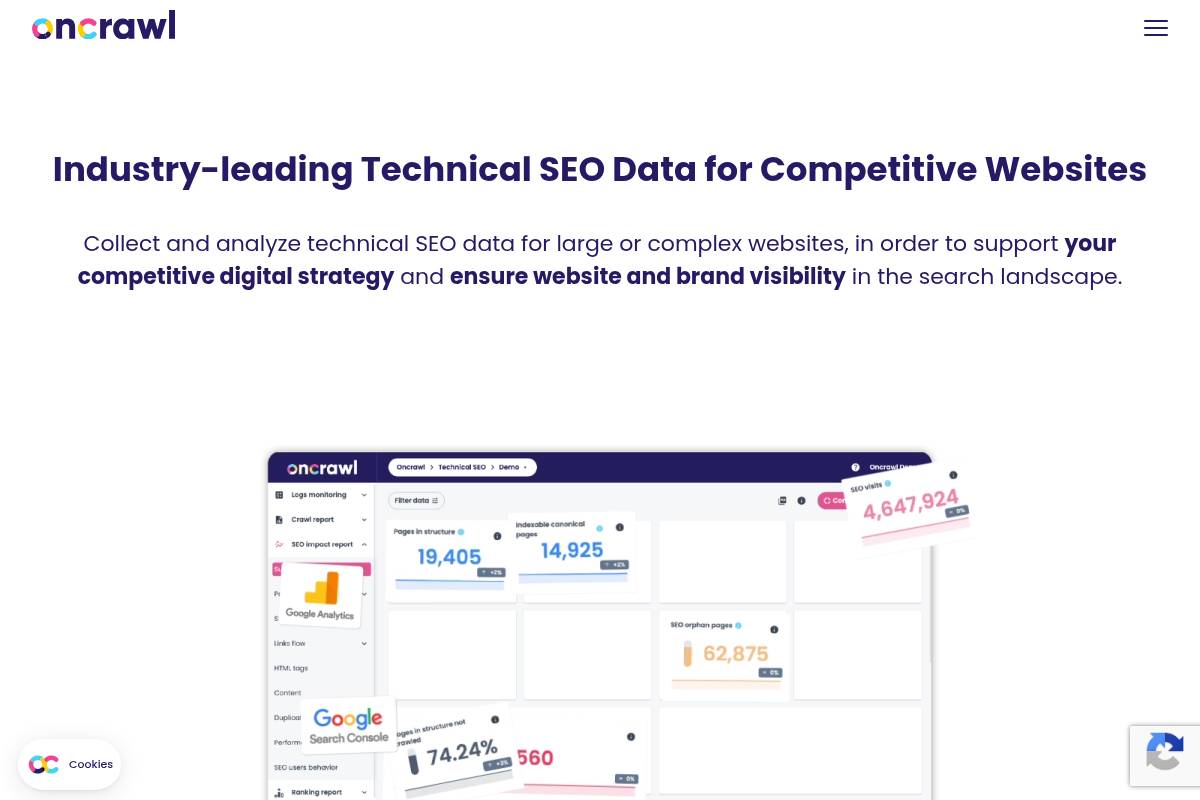
Overview
OnCrawl is an enterprise technical SEO and data platform built for large, complex websites that need deep crawl analytics and log-file insights. It connects how bots and users interact with your site, helping teams understand which structural issues actually correlate with traffic and engagement.
For example, retail brands with millions of URLs, such as large apparel marketplaces, use OnCrawl to tie faceted navigation problems to drops in organic revenue or crawl budget waste.
Technical Requirements
Because OnCrawl runs in the cloud, teams access it via browser and configure large-scale crawls directly in the interface. You define user agents, crawl limits, JavaScript rendering, and robots handling before hitting run.
To unlock full value, many organizations integrate server logs, Google Analytics, and GSC, often involving data engineers who manage exports to warehouses like BigQuery or Snowflake for downstream BI reporting.
Competitive Positioning
OnCrawl competes directly with enterprise crawlers such as Botify and Deepcrawl/Lumar, particularly for large ecommerce, classifieds, and media sites. Its focus is on analytics flexibility rather than just crawl throughput.
Technical SEOs appreciate the strong segmentation and correlation tools, which make it easier to answer questions like how changes to internal linking depth affected organic sessions or crawl frequency on revenue-driving templates.
Getting Started
New users typically begin by configuring a foundational crawl: setting domain scope, subdomain rules, and exclusions for parameters or staging environments. This initial run provides a baseline view of indexability, depth, and internal link structure.
Teams then connect Google Analytics and Search Console, and where possible, import raw access logs; digital agencies often start by segmenting high-value sections—such as /products/ or /insurance-quotes/—to prioritize technical roadmaps.
Key Features
Features
- Cloud-based crawling that scales to tens of millions of URLs for enterprise properties.
- Log-file analysis revealing how often Googlebot and other crawlers hit specific sections.
- Data integrations with analytics, data warehouses, and BI tools for unified reporting.
- Advanced segmentation and correlation of technical metrics with traffic and conversions.
- Dashboards tailored for SEO, product teams, and executive stakeholders.
Pros
Pros
- Delivers powerful analysis on complex websites, uncovering missed crawl budget and cannibalization.
- Strong data science and integration options support sophisticated experimentation and monitoring.
- Connects technical improvements directly to engagement, revenue, or leads for better stakeholder buy-in.
- Reporting views can be customized for hands-on SEOs, analysts, or C‑level updates.
Cons
Cons
- Pricing and capabilities are overkill for small sites or simple lead-gen properties.
- Requires substantial technical knowledge to design crawls, segment data, and interpret outputs.
- Enterprise contracts and setup time mean organizations must commit to using it as core SEO infrastructure.
Pricing
OnCrawl operates on custom enterprise pricing, typically based on monthly crawl volume, log processing, number of projects, and level of support. Contracts are usually annual and aligned with broader analytics or martech procurement cycles.
Agencies and in-house teams treating technical SEO as a continuous, data-driven program—rather than ad-hoc audits—tend to realize better ROI from these longer-term agreements.
User Sentiment
Among advanced technical SEOs and analytics teams, OnCrawl is widely viewed as a strong choice for large sites that need precise segmentation and crawl-log correlation. Reviews often highlight the flexibility of its reporting and ease of integration with tools like Tableau and Looker.
Adoption is most common in organizations that already invest in data warehousing and BI; they value being able to push OnCrawl outputs into existing reporting stacks rather than using it as a siloed crawler.
Reference: Oncrawl | Technical SEO Data for Competitive Websites
HubSpot SEO Tools
Overview
HubSpot’s built-in optimization features sit inside its Marketing Hub and CMS, so content, campaigns, and search performance live in one place. For teams running inbound programs, this makes planning and reporting far less fragmented than juggling separate point tools.
The platform supports topic cluster planning, on-page guidance, and performance tracking. A SaaS agency using HubSpot, for example, can map a pillar page on “customer retention software,” link 15 supporting posts, and then track which posts generate free-trial signups inside the same dashboard.
Key Features
For agencies and in-house teams, the feature set matters less as a checklist and more for how it plugs into real workflows. HubSpot focuses on organizing content around themes, improving individual pages, and connecting traffic data to revenue outcomes.
Below is a quick breakdown of standout capabilities and how they compare to specialist SEO tools.
Feature List
- Topic cluster and pillar page planning
- On-page SEO recommendations in the content editor
- Analytics tied to contacts, deals, and closed-won revenue
- SEO dashboards for marketing and sales stakeholders
- Native integration with CMS, CRM, ads, and email
Feature Comparison
| Capability | HubSpot | Specialist SEO Platforms |
|---|---|---|
| Content planning | Structured topic clusters and pillar mapping | Keyword lists and SERP data, lighter on content architecture |
| On-page guidance | Inline tips in the editor for titles, meta, links | Deeper audits, but often outside the writing workflow |
| Attribution | Direct link to leads, pipeline, and revenue | Stronger on rankings, weaker on CRM-level attribution |
Content teams at B2B companies like Trello and Zapier have publicly discussed using topic clusters on their blogs; HubSpot’s layout is designed for that exact model. You can visually connect a “project management” pillar page with supporting posts on templates, comparisons, and use cases, then see which URLs influence deals.
Pros
From Keywordly’s work with SaaS and eCommerce clients, the strongest upside is how optimization data meets CRM insight. Marketers no longer guess which articles influence SQLs, because HubSpot can show multi-touch journeys from blog visit to signed contract.
- Close integration between content workflows and contact records
- Quick adoption if your team already builds landing pages in HubSpot
- Built-in support for cluster-based internal linking
- Clearer SEO ROI reporting to leadership teams
A tech startup running all campaigns in HubSpot can see that an article on “SOC 2 compliance checklist” assisted 40% of enterprise deals, even if it rarely ranks top three. That level of insight makes budget discussions with finance or the C-suite more concrete.
Cons
These tools are not a full replacement for advanced analysis platforms. Teams that care about deep crawl insights, log-file reviews, or granular backlink profiling will still pair HubSpot with software like Ahrefs, Screaming Frog, or Semrush.
- Limited technical audit depth versus crawler-focused tools
- No standalone access without a wider HubSpot subscription
- Shallow competitive keyword and link intelligence
For example, if a publisher needs to diagnose JavaScript rendering issues across 500,000 URLs, HubSpot’s built-in checks won’t be enough. In those cases, Keywordly typically connects HubSpot with a dedicated crawler and imports high-value recommendations back into content workflows.
Pricing
Optimization features are bundled into Marketing Hub Professional/Enterprise and CMS Hub tiers, rather than sold on their own. That means the business case often hinges on whether you will also use HubSpot for email, automation, forms, and CRM.
For a U.S. B2B team paying around $800–$3,600 per month for Marketing Hub, the search-focused functionality is part of a broader stack. Agencies often justify the cost when HubSpot replaces three or four separate tools, from email platforms to landing page builders.
User Sentiment
Among Keywordly’s clients and broader reviews on sites like G2 and Capterra, sentiment is consistent: marketers appreciate convenience and integration, while advanced specialists keep their existing research platforms. Ratings typically land in the 4.3–4.5 out of 5 range.
Digital agencies often praise how easily junior marketers can follow on-page recommendations while writing in the editor. More technical SEOs note that they still rely on specialist platforms for link-building insights, large-scale audits, and sophisticated competitor monitoring.
Reference: Optimize Your Content with SEO Marketing Software
Ryte
Overview
Ryte is a website quality platform that combines technical auditing, content evaluation, and performance monitoring in one interface. It is built for teams that manage large, complex sites and need ongoing visibility into crawling, indexing, and user experience issues.
Mid-market and enterprise brands like Sixt and OTTO have used Ryte to centralize checks that would otherwise require separate crawlers, content audits, and Core Web Vitals dashboards. For agencies, it can serve as a shared source of truth when collaborating with client dev and content teams.
Technical Requirements
Because Ryte is cloud-based, teams log in through a modern browser such as Chrome or Edge and configure projects without installing desktop software. This helps distributed SEO and product teams collaborate on the same crawl data and dashboards.
To unlock accurate insights, you must verify ownership of your domain and grant Ryte permission to crawl production and, if needed, staging environments. Connecting Google Search Console and GA4 provides search queries, click data, and engagement metrics layered on top of technical findings.
Competitive Positioning
Ryte sits between specialist desktop crawlers and heavyweight enterprise suites. It competes with cloud-based tools like Deepcrawl and botify while staying more approachable for marketing and content stakeholders who may not be technical.
Unlike single-focus solutions, Ryte emphasizes a holistic view that blends crawl errors, content quality, and performance KPIs. Agencies often pair Ryte with tools such as Ahrefs or Semrush, using Ryte for site health governance and the others for backlink and keyword research depth.
Getting Started
Implementation begins by registering an account, creating a project, and adding your primary domain. After DNS or HTML file verification, you can define crawl limits, user agents, and inclusion or exclusion rules to protect sensitive sections or staging subdomains.
Connecting Google Search Console and GA4 allows Ryte to correlate issues like 404s or slow templates with real traffic and revenue impact. Many teams, such as in-house SEO groups at eCommerce brands, run an initial full crawl, then configure weekly or daily schedules to track regressions.
Key Features
Ryte’s core value lies in how it surfaces technical errors, content gaps, and speed bottlenecks together. This enables SEOs, content leads, and engineers to prioritize fixes that drive measurable search and UX impact rather than isolated optimizations.
- Technical SEO crawling to detect errors, indexation problems, and structural issues
- Content analysis for thin, duplicate, outdated, or underperforming pages
- Performance and page speed monitoring within site quality reports
- Google data integrations that overlay search performance on diagnostics
- Dashboards, alerts, and governance reports for ongoing health
For example, an online retailer might use Ryte to reveal that faceted navigation is generating millions of near-duplicate URLs, causing crawl budget waste and index bloat. At the same time, content reports may highlight key category pages with strong impressions but poor click-through rates because of weak titles.
Pros
Ryte appeals to organizations that view digital quality as an ongoing program rather than a one-off technical audit. Its interface is designed so SEO managers can brief developers, content editors, and leadership with clear, non-technical visuals.
- Holistic view of technical health, content quality, and performance
- Accessible UI for SEOs, marketers, and non-technical stakeholders
- Supports continuous monitoring instead of sporadic crawls
- Suited for brands formalizing website quality as a governance practice
For example, a B2B SaaS company managing 10,000+ URLs can set alerts for spikes in 5xx errors or sudden drops in indexable pages, catching deployment problems before they affect paid campaigns or lead flow.
Cons
Ryte is optimized for teams responsible for sizable or revenue-critical sites. Very small sites, such as local service businesses with under 100 pages, may not fully use continuous governance capabilities and could find simpler crawlers more economical.
- Less cost-effective for very small, simple sites
- More limited backlink and keyword research than Ahrefs or Semrush
- Pricing and workflows geared toward teams, not solo consultants
SEO specialists who rely heavily on off-page analysis will usually need supplemental tools. For example, agencies often use Ryte alongside Majestic or Ahrefs for full link profiling and competitive SERP analysis.
Pricing
Ryte sells subscription plans based on project count, crawl volume, and feature access rather than one-off licenses. This structure aligns with organizations that treat technical SEO and site quality as a continuous responsibility.
SMBs with rapidly growing content libraries might start on a lower tier and scale as URL counts and traffic grow. Larger enterprises typically negotiate custom, quote-based contracts that include advanced modules, SLA-backed support, and onboarding assistance for product and engineering teams.
User Sentiment
Among European and global SEO teams, Ryte is often praised for its balance between depth and usability. Review platforms such as G2 and Capterra commonly highlight how its dashboards help non-SEOs understand which issues truly affect search visibility and conversions.
Many practitioners pair Ryte with specialized keyword and backlink suites, using it as the central hub for crawl data and quality governance. Agencies working with retailers, publishers, and travel brands report that this combination offers both strategic insights and day-to-day operational control over large sites.
Reference: RYTE Sport Custom Team Swimwear
ContentKing (Invicti)
Overview
ContentKing, now part of Invicti, focuses on real-time SEO auditing and monitoring for websites where constant change is the norm. Instead of relying on weekly or monthly crawls, it keeps a live watch on your site’s pages, templates, and technical settings.
When issues appear, such as unexpected noindex tags on key templates or a spike in 404 errors after a deployment, the platform flags them quickly. Agencies working on multi-domain portfolios and publishers with thousands of URLs use this continuous visibility to avoid expensive organic traffic drops.
Technical Requirements
Because ContentKing is delivered as SaaS, teams at Keywordly and similar agencies only need a modern browser like Chrome, Edge, or Firefox. Once a property is added and ownership is confirmed via DNS, HTML tag, or Google Analytics, crawling begins from the cloud without on-premise servers.
Users configure crawl depth, allowed subdomains, and URL parameters so monitoring focuses on important sections, such as /blog/ or /product/ categories. Alerts can be routed into Slack, Microsoft Teams, or tools such as Asana and ClickUp, so SEO incidents become actionable tasks for developers and content managers.
Competitive Positioning
Compared with traditional crawlers such as Screaming Frog or Sitebulb, which run periodic scans, ContentKing emphasizes continuous change detection. It works best alongside those tools, which still deliver deeper, point-in-time technical audits for complex migrations or log file analysis.
Dynamic environments like large Shopify Plus or custom React storefronts gain a practical early-warning system. For instance, a multi-brand retailer can spot when a robots.txt deployment suddenly blocks /collections/, while still using other suites like Ahrefs or Semrush for backlink and keyword research.
Getting Started
New users typically sign up, add a domain, and complete verification before tuning crawl rules. For a 50,000-URL WordPress news site, that might mean excluding tag archives while prioritizing categories and high-traffic articles from Google Search Console data.
Once ContentKing establishes a baseline of your site’s health, teams create alert policies for critical patterns: pages unexpectedly losing indexability, templates dropping H1s, or a surge in soft 404s. During a redesign launch, these alerts help agencies catch SEO regressions within minutes instead of days.
Key Features
ContentKing’s feature set is designed around visibility, accountability, and rapid response to SEO incidents. It continuously tracks every monitored URL, recording structural and content-level changes, and then surfaces high-priority issues before they impact organic traffic.
- Continuous crawling with live change tracking across all monitored pages
- Instant incident alerts for indexation problems, broken links, and structural changes
- Page-level audits with severity scoring and practical improvement suggestions
- Historical change logs by URL, section, and issue type
- Integrations with Slack, Jira, and project management platforms
For example, a SaaS company deploying updates twice weekly can see when a developer removes canonical tags from pricing pages and receive an immediate Jira ticket. The historical log then shows exactly when the template changed, supporting quick rollbacks.
Pros
ContentKing is especially useful where release cycles are fast and multiple teams touch the website. It gives SEO managers confidence that technical mistakes will surface quickly, even if they are introduced during late-night pushes or weekend content updates.
- Rapid detection of errors that could damage organic traffic, such as noindex on core templates
- Well suited to news publishers, ecommerce brands, and agencies managing many changing sites
- Encourages collaboration among SEO, development, and editorial through shared dashboards
- Change history creates transparency around who altered what and when
Large editorial teams, like those at major media outlets, often deploy dozens of stories per day; having a detailed audit trail helps diagnose sudden ranking losses tied to template or metadata changes.
Cons
The platform is not intended to replace keyword research suites or backlink analyzers. Users still rely on tools such as Semrush or Majestic for competitive intelligence, while ContentKing focuses on live technical governance and content change monitoring.
- Limited focus on keyword discovery, SERP tracking breadth, or link analysis features
- Continuous monitoring offers less value for small brochure sites that rarely update
- Pricing tiers are designed for serious commercial projects, not casual personal blogs
For organizations with only a handful of static pages, a quarterly crawl using a desktop tool may be more economical than ongoing, real-time surveillance of every URL.
Pricing
Subscription costs depend on total URLs, crawl frequency, and sites under management. Agencies working with multiple client properties often request custom packages, aligning monitoring intensity with contract size and SLA expectations.
Enterprises see the expense as insurance against major SEO incidents. For instance, preventing a 20 percent traffic drop for an ecommerce site doing $500,000 in monthly organic revenue can easily justify an annual contract, especially during replatforming or large-scale content overhauls.
User Sentiment
Feedback from agencies and large sites highlights the value of real-time alerts during launches and ongoing operations. Many describe it as a safety net that catches issues missed during QA, such as inadvertent canonical changes or mass redirects introduced by CDN rules.
Users appreciate being able to trace problems back to specific deployments, helping engineering teams learn from incidents. For SEO professionals at Keywordly and similar firms, that level of detail supports more reliable reporting, clearer client communication, and faster recovery when something breaks unexpectedly.
Reference: Invicti | Web Application and API Security for Enterprise
Conductor
Overview
Conductor is an enterprise organic marketing platform that helps large organizations manage SEO, content, and digital visibility in one place. It is often adopted by teams at brands like Samsung and WeWork that need consistent search performance across hundreds or thousands of pages.
The software combines keyword discovery, competitive insights, and on-page recommendations so SEO and content teams can plan, brief, and measure content together instead of in silos.
Technical Requirements
Because Conductor is cloud-based, most teams access it through modern browsers like Chrome or Edge without installing desktop software. Single sign-on through providers such as Okta or Azure AD is common in larger enterprises.
For deeper insights, SEO leaders usually integrate Conductor with Google Analytics, Adobe Analytics, Google Tag Manager, major CMSs, and BI tools like Tableau or Power BI, which often requires coordination with IT.
Competitive Positioning
In the enterprise SEO segment, Conductor competes directly with platforms such as seoClarity and BrightEdge. Many agencies and in-house teams evaluate these three together when they have global sites, multiple brands, or strict governance needs.
Conductor tends to stand out for collaboration features, such as shared workspaces and content briefs, and for its emphasis on customer success, which appeals to marketing organizations that want strategic guidance, not just software.
Getting Started
New customers usually work with Conductor’s onboarding team to design account structures around domains, regions, and business units. Enterprise brands like Citi or Lenovo often configure separate workspaces for each line of business while keeping roll-up reporting for executives.
Early setup also includes connecting analytics, importing keyword sets, tagging segments, and building dashboards so SEO, content, and paid media teams can all see the same performance story.
Key Features
Key capabilities focus on research, content guidance, reporting, and workflow coordination across teams.
- Enterprise keyword and competitor research with segmentation by brand, region, or product
- Content optimization and recommendation tools integrated with editorial workflows
- Custom dashboards and reports for different stakeholder levels
- Workflow and task management for SEO and content projects
- Integrations with analytics, CMS, and BI platforms
Pros
Conductor offers several advantages for organizations that treat organic search as a strategic channel rather than a tactical add-on.
- Strong alignment between SEO initiatives and broader marketing strategy
- Robust reporting suitable for executives and cross-functional teams
- Hands-on customer success and strategic consulting
- Support for standardized SEO processes and governance at scale
Cons
The platform’s strengths are most relevant to complex organizations; smaller teams may find it more than they need.
- Enterprise pricing often exceeds the budgets of small and mid-sized businesses
- Full value requires organizational buy-in and process changes
- Overkill for simple sites with limited content and few stakeholders
Pricing
Conductor follows a custom, enterprise pricing model with annual agreements. Costs vary based on the number of domains, markets, and users, as well as the level of strategic support required.
Packages typically include training, onboarding, and ongoing customer success, which appeals to companies that want a long-term partner rather than just another SEO tool.
User Sentiment
Among large brands, Conductor is frequently praised for its collaboration features and clear reporting, especially when marketing, content, and analytics teams all need access. Many reviews on G2 highlight responsive support and proactive strategy recommendations.
Smaller organizations, however, often prefer lighter, lower-cost tools such as Semrush or Ahrefs, which provide strong data without the enterprise overhead or governance capabilities Conductor is designed to deliver.
Reference: Conductor: Run a team of coding agents
Recommendations
Choosing the right SEO stack depends on your team size, budget, and how you drive growth. Instead of chasing every new platform, focus on tools that cover your core workflows and integrate smoothly with your reporting setup.
Below is a practical, role-based set of recommendations Keywordly can stand behind, grounded in what agencies and in-house teams actually use day to day.
Best Tool for Beginners
New practitioners benefit most from simple dashboards and clear metrics. Ubersuggest and Mangools give beginners clean keyword ideas, basic site audits, and rank tracking without the steep learning curve of enterprise platforms.
Pairing either with Google Search Console and GA4 lets a small Shopify or WordPress site see which queries drive clicks, how users behave, and which pages deserve optimization first.
Best Tool for Content-Heavy Teams
Editorial teams publishing dozens of articles each month need structured briefs and on-page guidance, not just raw keyword lists. Surfer SEO, Clearscope, Frase, and MarketMuse shine by turning SERP analysis into outlines, topics, and scoring.
For example, a B2B SaaS blog can use Clearscope to raise content scores from C to A, while Ahrefs or Semrush uncovers new topics and tracks competitive coverage.
Best Tool for Technical SEO
Technical specialists require crawl-level visibility into status codes, canonicals, and internal links. Screaming Frog SEO Spider, run regularly on a 10,000-URL site, can reveal redirect chains, orphan pages, and duplicate titles in minutes.
Combining those crawls with PageSpeed Insights and GTmetrix helps diagnose Core Web Vitals issues, while platforms like Deepcrawl (Lumar) scale monitoring for complex ecommerce catalogs.
Best Tool for Local SEO
Location-focused businesses live and die by local pack visibility and consistent citations. BrightLocal and Whitespark simplify tracking Google Business Profile rankings, auditing NAP consistency, and managing reviews across dozens of locations.
A regional dental chain, for instance, can monitor Map Pack performance in each city, push corrected listings, and respond to reviews, all while keeping GBP data accurate.
Best All-in-One Suites for Agencies & In-House Teams
Agencies and internal SEO teams need coverage across research, audits, tracking, and reporting. Semrush, Ahrefs, SE Ranking, and Serpstat balance breadth and usability so most tasks—from backlink checks to content gap analysis—stay in one interface.
Enterprises layering on governance and collaboration often add Conductor, Botify, or ContentKing to enforce workflows, catch unapproved changes, and standardize reporting for stakeholders.
Suggested Stack for Keywordly’s Audience
For most Keywordly clients, a lean but powerful stack works best. GA4 and Search Console anchor measurement, while Ahrefs or Semrush handle research, audits, and rank tracking; SE Ranking or Serpstat fit tighter budgets.
Content teams can rely on Surfer SEO or Clearscope plus Frase or MarketMuse for briefs and on-page optimization, then layer Screaming Frog, PageSpeed Insights, GTmetrix, ContentKing, BrightLocal, and Whitespark as technical and local needs grow.
FAQ
1. Do I really need paid SEO software, or can I rely on free tools?
Free platforms give Keywordly clients a solid foundation, especially for smaller sites or early-stage campaigns. Google Search Console, Google Analytics 4, and PageSpeed Insights reveal crawl issues, rankings, and performance without touching your budget.
Paid platforms expand this view. Tools like Semrush or Ahrefs reveal competitor keywords, backlink gaps, and SERP features you will never see inside free Google products alone.
2. Which SEO tools are most important for tracking ROI?
Clear ROI reporting usually starts with Google Analytics 4. By configuring purchase or lead events, you can attribute revenue to organic sessions and specific landing pages, then compare that against spend.
Pairing GA4 with Google Search Console lets agencies connect conversions to the queries that drove them. An SEO suite then explains how visibility gains led to new business.
3. How many SEO tools should a typical agency use?
Most agencies serving U.S. clients keep a compact toolkit rather than an expensive software sprawl. A common stack is one all-in-one suite, one crawler, GA4, GSC, and one specialized content or local platform.
For example, a local-focused shop might combine BrightLocal, Screaming Frog, and Semrush. A content-heavy firm may lean on Surfer SEO or Clearscope added to their core stack.
4. Are desktop crawlers still relevant with so many cloud SEO tools?
Desktop crawlers remain critical for fast, deep audits. Screaming Frog or Sitebulb can crawl a 50,000-URL ecommerce store on a powerful laptop and export custom reports for development teams.
Cloud platforms like Lumar and Botify excel at always-on monitoring, but desktop crawlers give analysts precise control over configurations and one-off investigations.
5. How often should I audit my site with these tools?
Most Keywordly-led projects run quarterly technical audits, with monthly lighter checks on key templates and Core Web Vitals. This cadence works well for B2B sites that update content weekly.
High-volume retailers such as large Shopify or Salesforce Commerce Cloud stores usually benefit from continuous monitoring to catch deploy-related issues before rankings and revenue slip.