
Introduction
The Scaling Challenge for Agencies
As SEO retainers grow, agencies like Keywordly must serve more clients without sacrificing quality or ballooning overhead. A team managing five retainers can usually rely on manual workflows, but that approach collapses once you’re handling 25+ clients across multiple verticals and locations.
Agencies that depend on ad‑hoc research, manual execution, and custom reporting for each account quickly run into bandwidth issues. Leaders need predictable, repeatable systems so onboarding a new SaaS client or a multi‑location retailer feels routine instead of chaotic.
Common SEO Operations Pain Points
Disjointed reporting is a frequent red flag. When one client gets a Looker Studio dashboard, another receives a PDF from SEMrush, and a third gets screenshots in email, the agency appears disorganized and less strategic.
Teams waste hours copying keyword rankings into spreadsheets, exporting Ahrefs audits, and assembling slide decks. That manual overhead makes it difficult to package SEO into clear Bronze/Silver/Gold tiers that can be sold repeatedly and delivered profitably.
How White Label SEO Tools and Reseller Solutions Help
White label platforms give agencies branded dashboards, scheduled reports, and client portals under their own domain. For example, an agency can connect Google Search Console and Majestic, then present insights through a portal that looks fully native to its brand.
Automation handles recurring audits, rank tracking, and progress summaries so strategists can spend more time on content strategy, link acquisition, and stakeholder communication—work that actually moves organic performance and justifies retainers.
What This Guide Covers
This guide explains how white label SEO software differs from generic point tools, and why that distinction matters for agencies trying to standardize delivery. You’ll see how integrated environments compare to standalone platforms like Moz Pro or Screaming Frog for day‑to‑day client work.
We then break down leading solutions, highlight strengths and trade‑offs, and close with practical stack recommendations tailored to boutique shops, growing regional agencies, enterprise teams, and reseller‑focused businesses that want SEO as a packaged service line.
Understanding White Label & Reseller SEO Solutions
What Are White Label SEO Tools?
White label SEO platforms let agencies like Keywordly deliver professional dashboards and reports under their own brand, without building analytics tech from scratch. The software vendor manages crawling, data warehousing, and algorithm updates, while the agency customizes the interface to match its visual identity.
For example, an agency can plug its logo and colors into a solution such as those reviewed in ITXITPro’s guide to top white label SEO software tools, then share a client portal on a custom subdomain like reports.keywordly.com. Clients see branded rank tracking, audit results, and content performance as if Keywordly engineered the system internally.
SEO Software vs. Broader Digital Marketing Tools
Specialized SEO suites focus narrowly on tasks such as keyword discovery, on-page checks, and backlink audits, giving technical teams the depth they need. All‑in‑one marketing platforms, by contrast, combine search data with PPC, email, and social analytics for a high‑level performance view.
A practical setup for a U.S. agency might pair a dedicated search platform for crawl diagnostics with a broader tool like HubSpot or Semrush for cross‑channel reporting. This mix lets account managers show executives unified reports that connect organic visibility to lead volume, ad spend, and revenue without exporting spreadsheets every week.
What Are Reseller SEO Solutions?
Reseller SEO programs bundle fulfillment and strategy so agencies can sell search campaigns under their own label while specialists execute behind the scenes. The outside provider handles activities such as technical audits, content briefs, and outreach, then delivers results for the agency to present as its own.
For instance, a web design studio that primarily builds WordPress sites might partner with a white label fulfillment team that delivers 10 service pages, a site cleanup, and local citation work each month. The studio marks up the package, brands all reports with its logo, and keeps client communication in‑house while relying on the external experts for execution.
Semrush
Overview
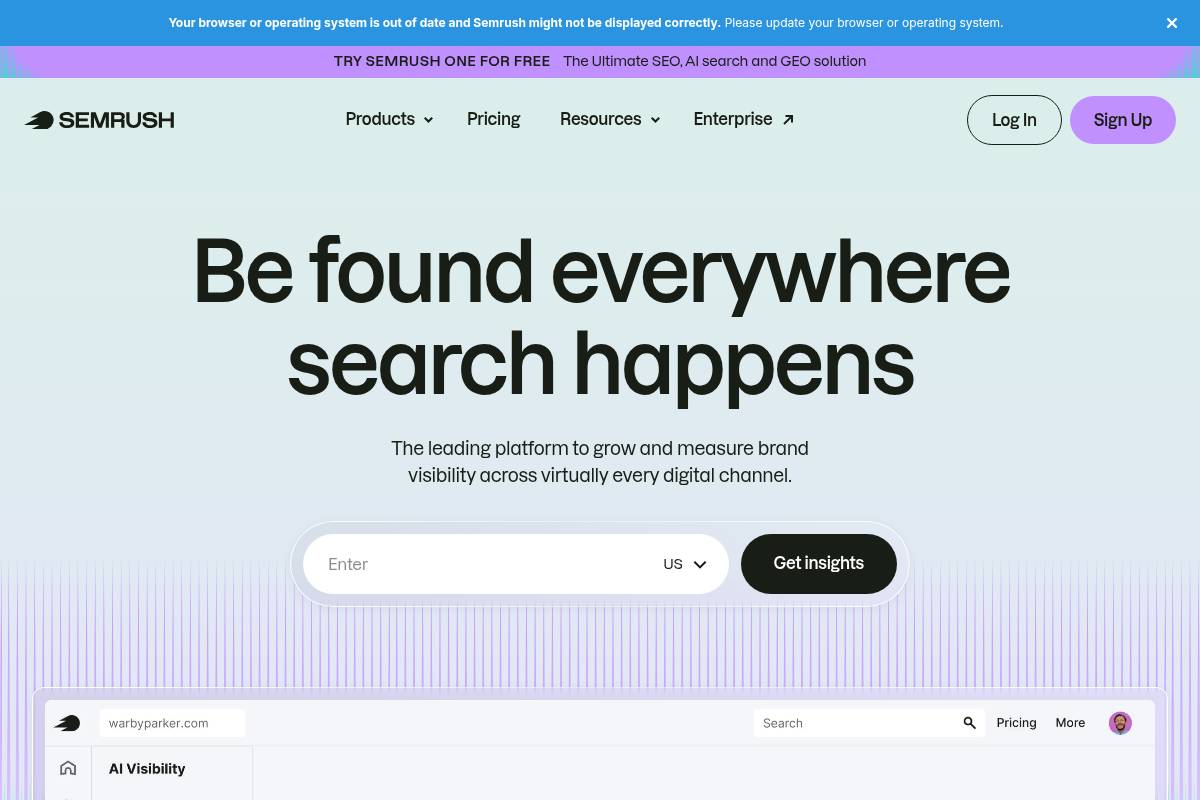
Semrush is a comprehensive SEO and competitive intelligence platform that agencies use to manage search, content, and PPC strategies in one place. For Keywordly clients, it functions as a central hub for keyword discovery, technical audits, and performance reporting across multiple domains.
Digital agencies often rely on Semrush to compare their clients against competitors, plan editorial calendars, and monitor rankings in specific markets like the U.S. or EU. The platform’s client-facing PDFs and partially branded portals make it easier to present findings in a polished, board-ready format during monthly review meetings.
Key Features
Semrush includes a wide toolset for research, optimization, and reporting that suits agencies managing several accounts. Keywordly typically combines research, audits, and tracking to create a single narrative for stakeholders.
- Keyword research and clustering – The Keyword Magic Tool helps uncover long-tail queries; for example, a DTC brand can expand from “running shoes” into thousands of variants, then group them into content clusters for blog and landing pages.
- Site audits and on-page checks – Technical crawls flag issues like 4xx errors and slow Core Web Vitals; agencies often use this data to build 30-day and 90-day SEO roadmaps for ecommerce sites on Shopify or WooCommerce.
- Rank tracking and link analytics – Daily tracking across desktop, mobile, and local SERPs lets teams monitor progress on priority terms, while backlink tools highlight prospects by analyzing domains that already link to competitors such as HubSpot or Mailchimp.
- Branded reporting and portals – Custom PDFs and shareable dashboards allow Keywordly to add logos, color palettes, and commentary so clients can quickly scan traffic trends, visibility, and keyword movements before strategy calls.
Pros
For agencies like Keywordly, the platform’s strengths lie in scale and integrated workflows. Teams can move from research to execution without switching systems.
- Large keyword and backlink datasets relative to many point-solution tools.
- Single environment for organic search, paid search, and content campaigns.
- Flexible, branded reporting that fits client-facing presentations.
- Rich documentation, courses, and webinars that speed up onboarding.
Cons
Despite its depth, the platform is not a perfect fit for every organization. Smaller teams or early-stage businesses may feel constrained by limits or complexity.
Reference: Semrush: Your Unfair Advantage for Growing Brand Visibility
- Pricing increases as you add more projects, tracked keywords, or user seats.
- Branding applies mainly to reports and portals, not to a fully white-labeled interface.
- Broad feature set can overwhelm non-technical users without clear internal processes.
Ahrefs
Overview
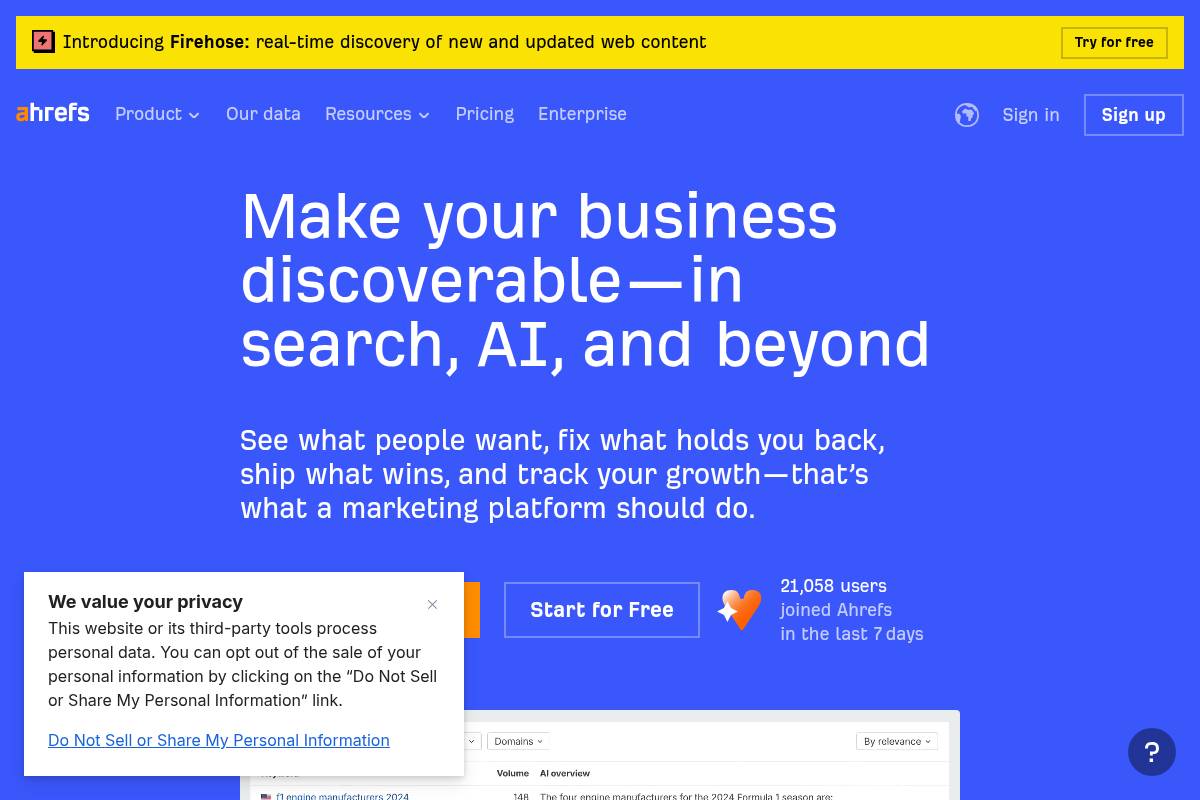
Ahrefs is a premium SEO platform known for its massive backlink index and reliable keyword data, making it a staple for agencies that manage multiple client sites. Its Site Explorer and Keywords Explorer tools help teams at Keywordly reverse‑engineer competitor strategies and uncover content opportunities that actually move traffic and revenue.
Agencies often use Ahrefs for content gap analysis, pairing its data with white-label tools highlighted in best white label SEO software and tools for agencies in 2025 to create branded client reports. For example, a Shopify-focused agency might pull backlink and organic keyword data from Ahrefs, then push it into a Looker Studio dashboard branded under their own logo and colors.
Key Features
For growing agencies, Ahrefs shines when it’s used methodically across research, auditing, and reporting workflows.
- Industry‑leading backlink index and link intersect analysis
- Site Explorer and Content Explorer for competitive and content research
- Site Audit and Rank Tracker for ongoing technical and ranking monitoring
For instance, a B2B SaaS agency might use Site Explorer to analyze HubSpot’s ranking pages, then run Content Explorer to find link‑worthy guides in the same niche. Those insights can be bundled into white‑label deliverables using the kind of reporting stacks recommended in articles on top white-label SEO software for agencies.
Reference: Ahrefs—AI Marketing Platform Powered by Big Data
SE Ranking
Overview
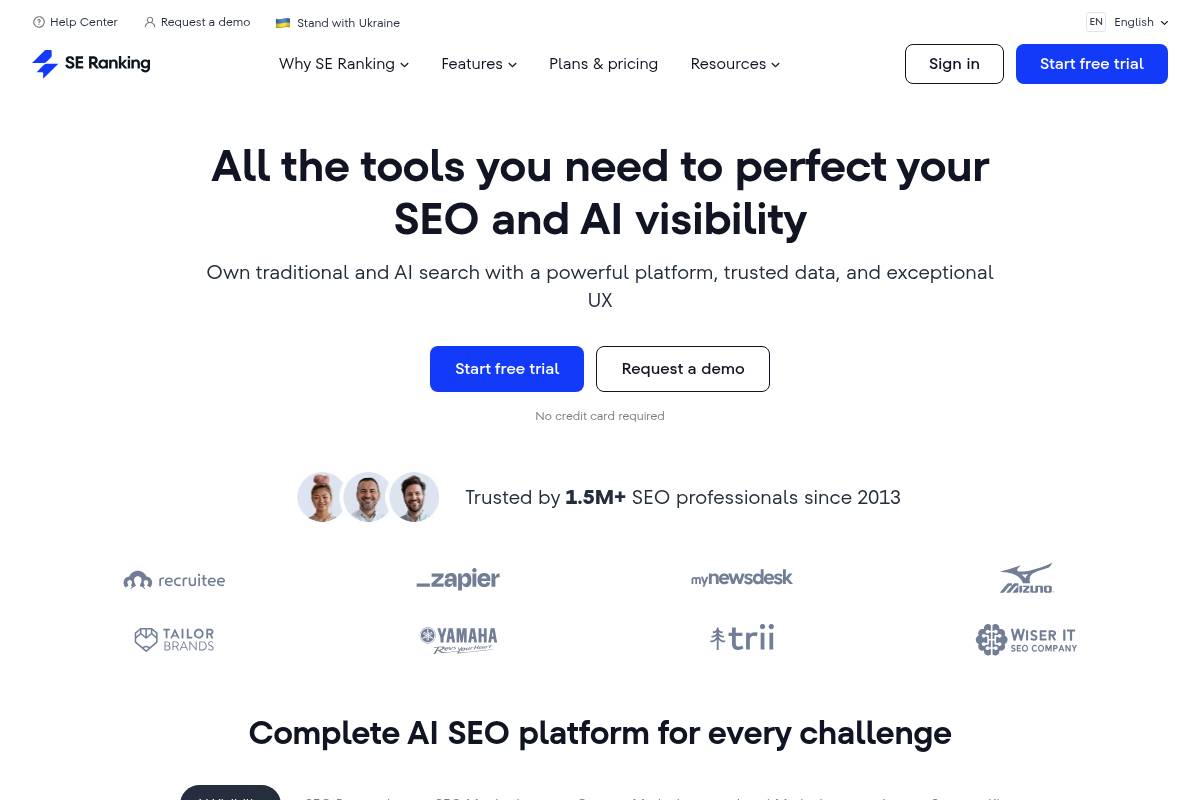
SE Ranking is an all‑in‑one SEO suite designed for teams that need consistent rank tracking, site audits, and client reporting without enterprise‑level pricing. Agencies that manage dozens of small business clients use it to centralize keyword monitoring, on‑page checks, and basic competitor research in one interface.
For example, a local agency managing 20 HVAC and plumbing clients can track 3,000–5,000 keywords, schedule weekly audits, and share client‑friendly dashboards instead of juggling spreadsheets. Built‑in marketing plan templates and a lead generation widget help sales teams pitch recurring SEO retainers more systematically.
Key Features
SE Ranking focuses on practical features agencies use daily, from tracking positions to auditing technical issues. The toolkit is structured so account managers can turn raw data into reports that non‑technical business owners understand.
Reference: SE Ranking — AI SEO Software That Gets Results
- Accurate rank tracking with flexible update schedules and segmentation by location, device, or tag.
- Comprehensive Site Audit and on‑page checks to flag crawl errors, speed problems, and missing tags.
- White label dashboards, custom domains, and branded PDF exports for client reporting.
- Lead generation widget agencies can embed on their site to offer quick SEO checks in exchange for contact details.
- Marketing plan and tasks that let teams map work into actionable checklists per client.
AgencyAnalytics
Overview
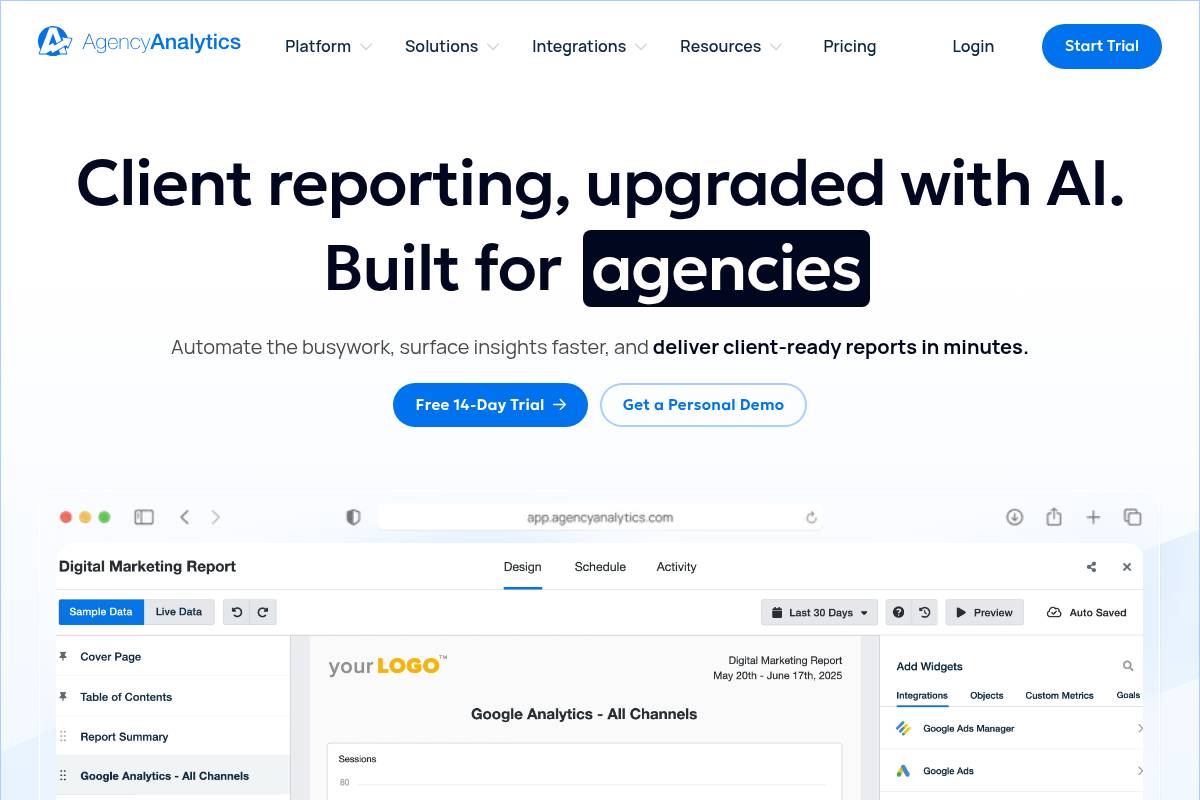
AgencyAnalytics is a cloud-based reporting and dashboard platform designed for marketing agencies that manage dozens of clients across SEO, PPC, and social. Instead of exporting spreadsheets from multiple tools, teams can centralize performance data in one branded interface that clients can log into at any time.
For example, a boutique agency in Austin running Google Ads, Meta Ads, and local SEO for a restaurant group can pull all KPIs into a single dashboard. This cuts weekly reporting time from hours to minutes and keeps account managers focused on strategy instead of manual data wrangling.
Key Features
AgencyAnalytics focuses on visualizing performance from tools you already use, such as Google Analytics, Google Search Console, Google Ads, and Meta Business Suite. Agencies can customize dashboards per client, mapping each widget to the metrics that matter most, such as organic sessions, ROAS, or call tracking conversions.
- Fully white label dashboards, PDF reports, and custom domains tailored to your agency’s branding
- Integrations spanning SEO, PPC, social, email, and call tracking (including GA, GSC, and Google Business Profile)
- Automated, scheduled reporting via email or client portal access
- Custom widgets, goals, and KPI tracking aligned to each client’s priorities
- Task and collaboration tools to support internal workflows
Agencies often position it as the polished presentation layer on top of platforms like Semrush or Ahrefs, which remain the primary research environments.
Reference: AgencyAnalytics: Automated Client Reporting for Marketing …
DashThis
Overview
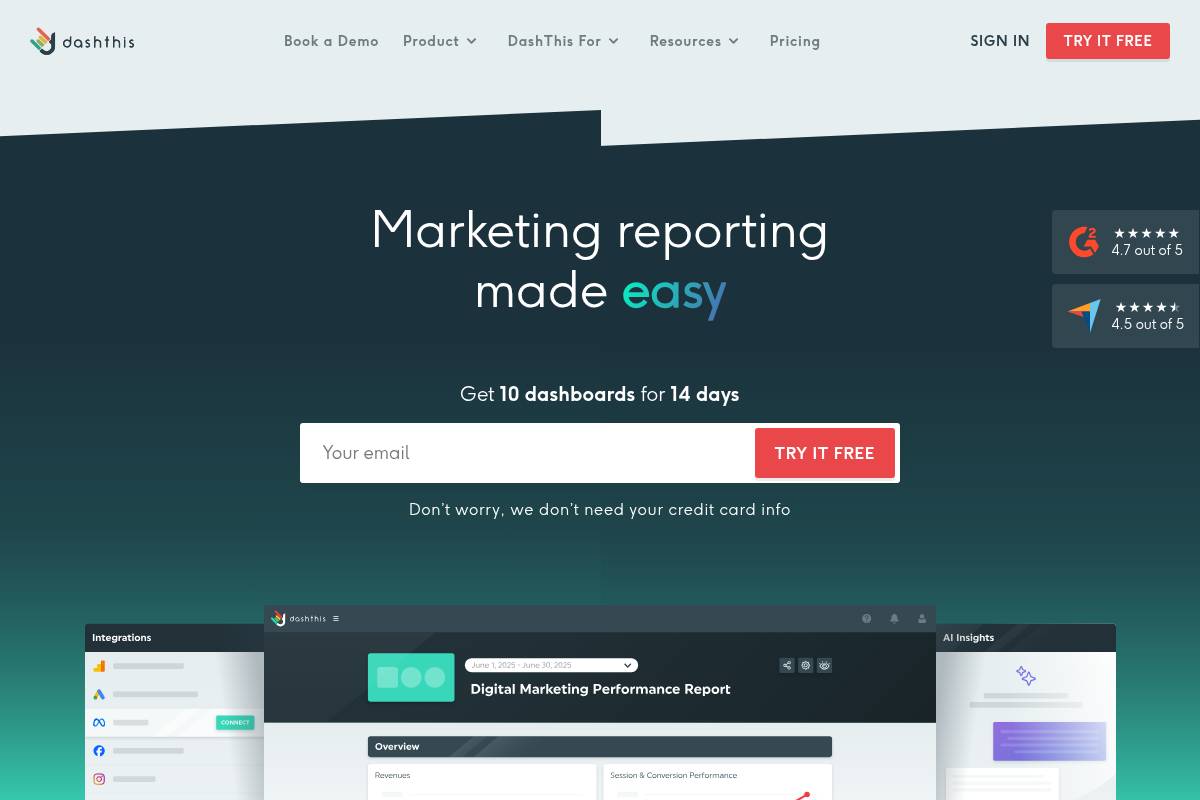
DashThis is a marketing reporting dashboard platform agencies use to pull SEO, PPC, and social data into one clear, branded view for clients. Instead of exporting from Google Analytics, Google Search Console, and Meta Ads separately, teams can centralize KPIs into a single dashboard that non‑technical stakeholders actually read.
For example, a boutique agency in Austin working with Shopify retailers might combine organic traffic from GA4, rankings from keyword tools, and ROAS from Google Ads into a monthly executive summary. Clients get a clean, visual snapshot of performance, while strategists at Keywordly keep the deep analysis inside their own SEO toolset.
Key Features
DashThis focuses on fast, visual reporting, so its features are built around templated dashboards, automation, and branding rather than technical SEO diagnostics. This makes it especially useful for account managers and client services teams who need to show results without exposing complex data models.
- Prebuilt templates for SEO, PPC, and e‑commerce that can be customized with drag‑and‑drop widgets.
- White label options on higher tiers, including logos, brand colors, and custom URLs for client portals.
- Native integrations with GA, GSC, and major ad platforms, plus automated refresh and scheduled email delivery.
- Multi‑client management so agencies can oversee dozens of accounts from a single interface.
Pros
Agencies often adopt DashThis to cut reporting time while keeping presentations polished and easy to interpret. Account managers can shift hours from spreadsheet wrangling to strategy calls and A/B test planning.
- Very quick to implement; most teams can produce client‑ready dashboards in under a day.
- Excellent for executive‑level summaries that blend SEO, paid media, and social metrics.
- Clean visualization style that non‑marketers understand without training.
- Strong branding controls, which helps firms like Keywordly present reports as part of their own service stack.
Cons
DashThis is not designed to replace specialist SEO suites or full BI stacks. Technical teams at larger organizations often pair it with tools like Looker Studio or Power BI when they need advanced modeling.
Reference: DashThis
- Lacks in‑depth site audits, keyword research, and log‑file analysis.
- Customization flexibility is lower than in enterprise BI tools with SQL and custom schemas.
- Costs can rise for agencies managing dozens of dashboards with advanced white label options.
BrightLocal
Overview
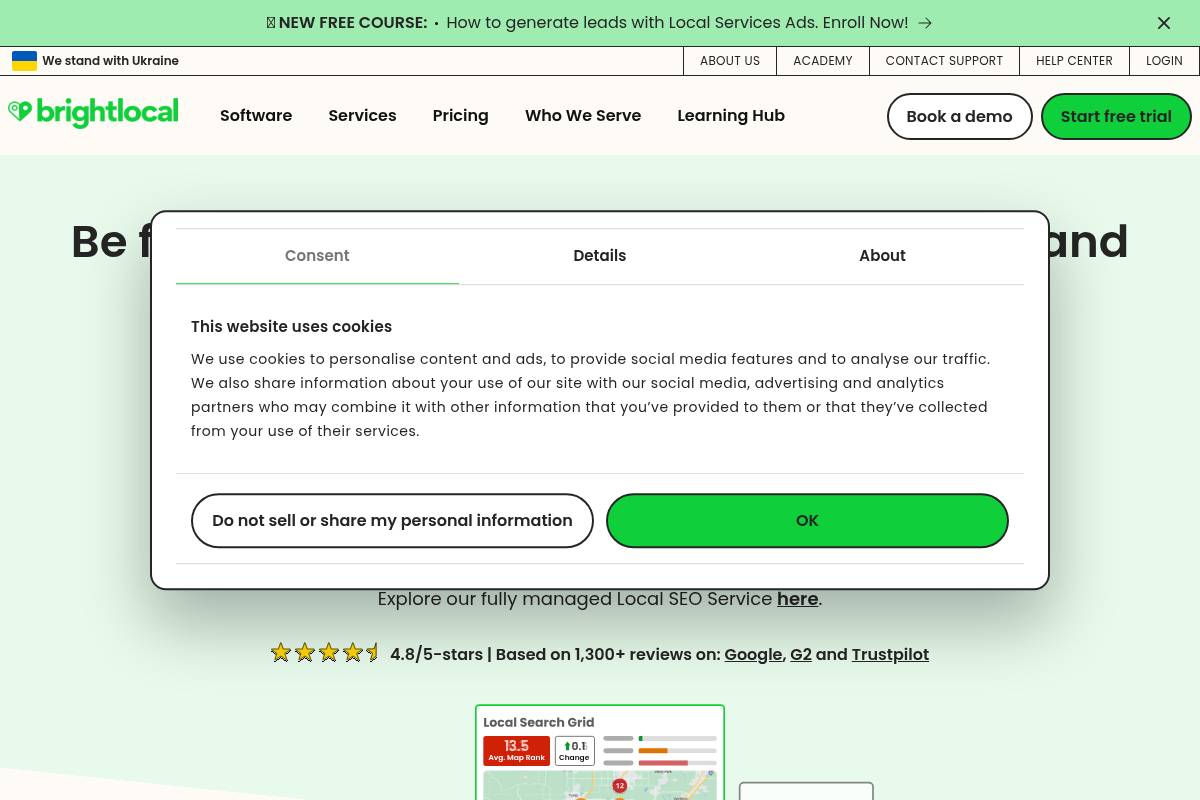
BrightLocal is a specialist platform for managing local search performance across map packs, organic listings, and review sites. Agencies use it to see how a plumber in Chicago or a dental clinic in Austin appears in Google’s local results, then fix citation issues and reputation gaps from a single dashboard.
Because it supports white label reporting and client logins, BrightLocal fits agencies handling dozens of brick‑and‑mortar or service‑area locations. For example, a franchise network like Anytime Fitness could track rankings, NAP consistency, and reviews across hundreds of gyms without logging into separate tools for each site.
Key Features
BrightLocal focuses on core local visibility tasks that agencies at Keywordly typically manage manually. Its tools combine position tracking, listing audits, and review workflows so teams can diagnose issues and present clear insights to small business clients.
Reference: BrightLocal – Local SEO Software, Citations, and Services
- Local rank tracking for map pack and organic results across chosen ZIP codes or cities.
- Citation audits and optional outsourced listing creation on sites like Yelp, Apple Maps, and Bing Places.
- Local SEO audits that review NAP data, on‑page elements, and link signals for each location.
- Review monitoring and request campaigns via email or SMS to improve star ratings.
- White label dashboards and reports that agencies can brand with their own logo and colors.
WebCEO
Overview
WebCEO is an all‑in‑one SEO workspace built with agencies and enterprise teams in mind. It bundles rank tracking, technical audits, backlink monitoring, and basic social reporting into a single dashboard that can be fully branded for clients.
Agencies use it to centralize recurring SEO tasks and then expose client‑facing views through white label portals. For example, a boutique agency in Austin can show local restaurant owners live rankings and audit scores under the agency’s own domain, without revealing WebCEO at all.
Key Features
For teams running multi‑client SEO programs, WebCEO’s feature mix focuses on visibility and workflow. The platform aims to cover day‑to‑day operational needs rather than deep proprietary data research.
Reference: WebCEO | SEO & Digital Marketing Tools
- Rank tracking with regional and local targeting, including city‑level SERPs for U.S. markets.
- Technical site audits, on‑page optimization checks, and structured‑data diagnostics.
- Backlink monitoring with toxic link flags and disavow file export for Google Search Console.
- Fully branded client portals with custom domains, logos, color schemes, and editable UI text.
- Built‑in task management so account managers can assign fixes directly from audit reports.
Raven Tools
Overview
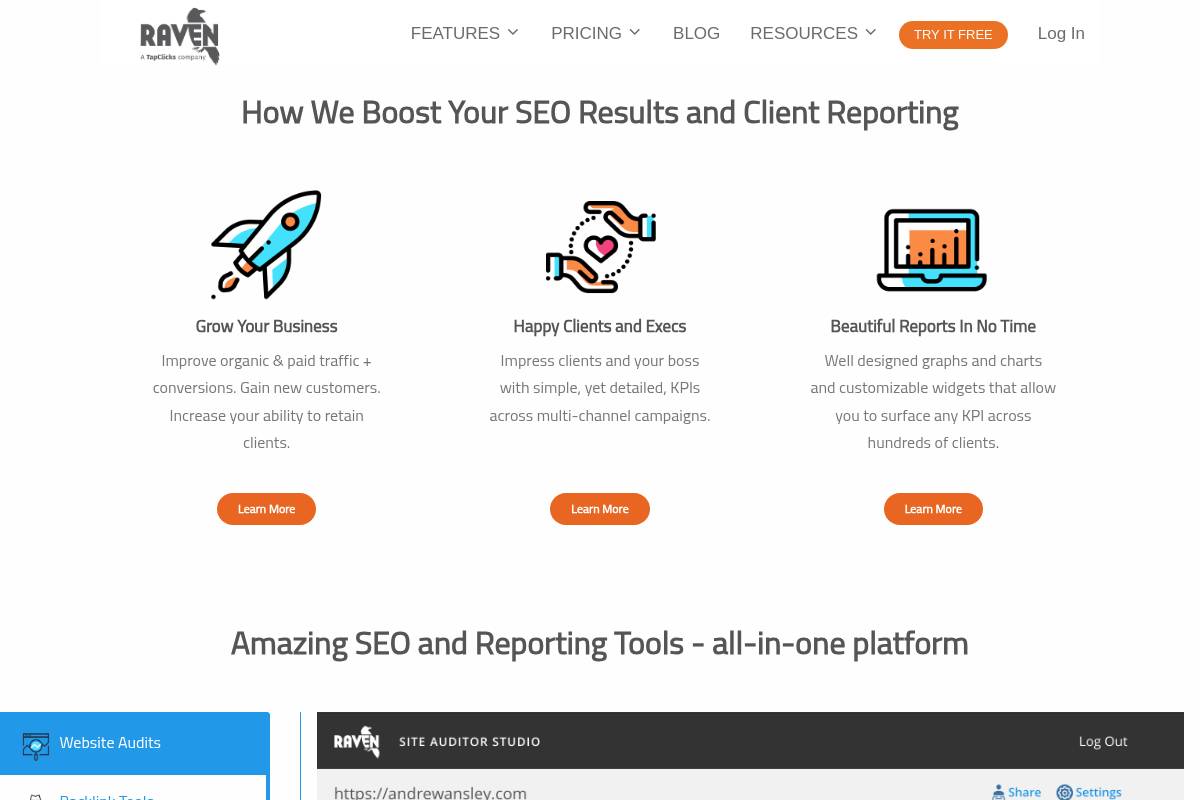
Raven Tools is a reporting-focused SEO and digital marketing platform designed for agencies that manage multiple clients. It pulls data from channels like organic search, paid media, and social to create unified performance dashboards without relying on spreadsheets.
For example, a mid-sized agency in Austin managing 25 local business accounts can blend Google Analytics, Search Console, and Meta Ads data into a single monthly PDF. This centralization helps account managers at Keywordly present consistent KPIs—traffic, conversions, and ad spend—without logging into five different interfaces.
Key Features
Raven’s core strength is multi-channel, white label reporting that agencies can brand as their own. Users can drag-and-drop widgets into templates tailored for C‑suite views, SEO specialists, or paid media teams.
Reference: Raven Tools – White Label SEO Reports and SEO Tools
- White label SEO and marketing reports across multiple channels
- Site Auditor and basic backlink tools for quick technical checks
- Rank tracking and keyword research for ongoing performance monitoring
- Integrations with Google Analytics, Google Search Console, and ad networks
- Customizable report templates with visual widgets
ReportGarden
Overview
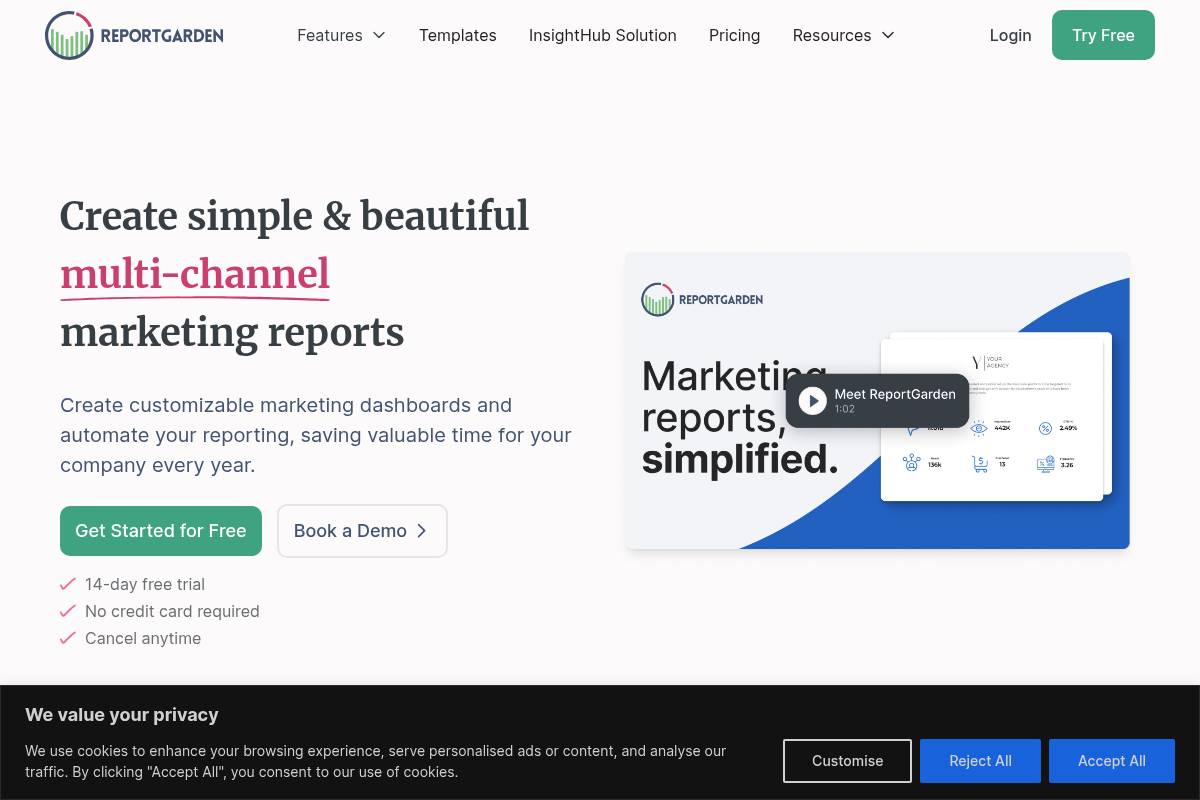
ReportGarden is designed for agencies that juggle SEO, PPC, and paid social across dozens of clients. Instead of exporting CSVs from Google Analytics, Google Ads, and Meta Ads Manager, teams can roll those metrics into one visual dashboard and send polished PDFs or live links to clients on a set schedule.
Agencies like WebFX and Ignite Visibility use comparable reporting suites to centralize cross-channel performance and reduce manual spreadsheet work. ReportGarden adds invoicing and budgeting on top of this, so an account manager can review month-end ROAS and send a branded invoice from the same interface, keeping performance and billing tightly aligned.
Key Features
For Keywordly’s audience, the platform’s core value lies in how it reduces reporting drag while keeping clients informed. It focuses on clear, visual performance summaries instead of deep technical analysis.
Reference: ReportGarden: Marketing Dashboard and Analytics Software
Features
- White label SEO and marketing dashboards and reports for client-facing presentations
- Integrations with analytics and advertising platforms for multi-channel visibility
- Automated report scheduling with email delivery to stakeholders
- Budgeting and invoicing tools mapped to campaigns, retainers, or projects
- Centralized management of multiple client profiles and their performance data
Vendasta
Overview
Vendasta is built for agencies that want to resell SEO and digital services without hiring a full in‑house fulfillment team. The platform combines a marketplace, reporting, and service delivery so shops like Keywordly can launch or expand managed services quickly.
For example, a 5‑person agency in Austin can package local SEO, listings management, and review generation under its own brand while Vendasta’s teams handle execution. Clients log into a branded portal to see keyword rankings, Google Business Profile insights, and call tracking reports in one place.
Key Features
Vendasta functions as an operating system for resellers, not just an analytics dashboard, so configuration matters. Agencies typically start by defining which products they want to sell, then tailoring the white label experience to match existing processes.
Reference: Vendasta: AI Workforce for Agencies & Local Business Partners
Features
- White label client portal, marketing automation, and ready‑made sales decks
- Reseller marketplace for SEO, PPC, listings, and reputation products
- Built‑in CRM to manage leads, deals, and renewal pipelines
- Unified reporting for search campaigns plus other managed services
- Fulfillment via Vendasta’s internal teams or vetted third‑party providers
Yext
Overview
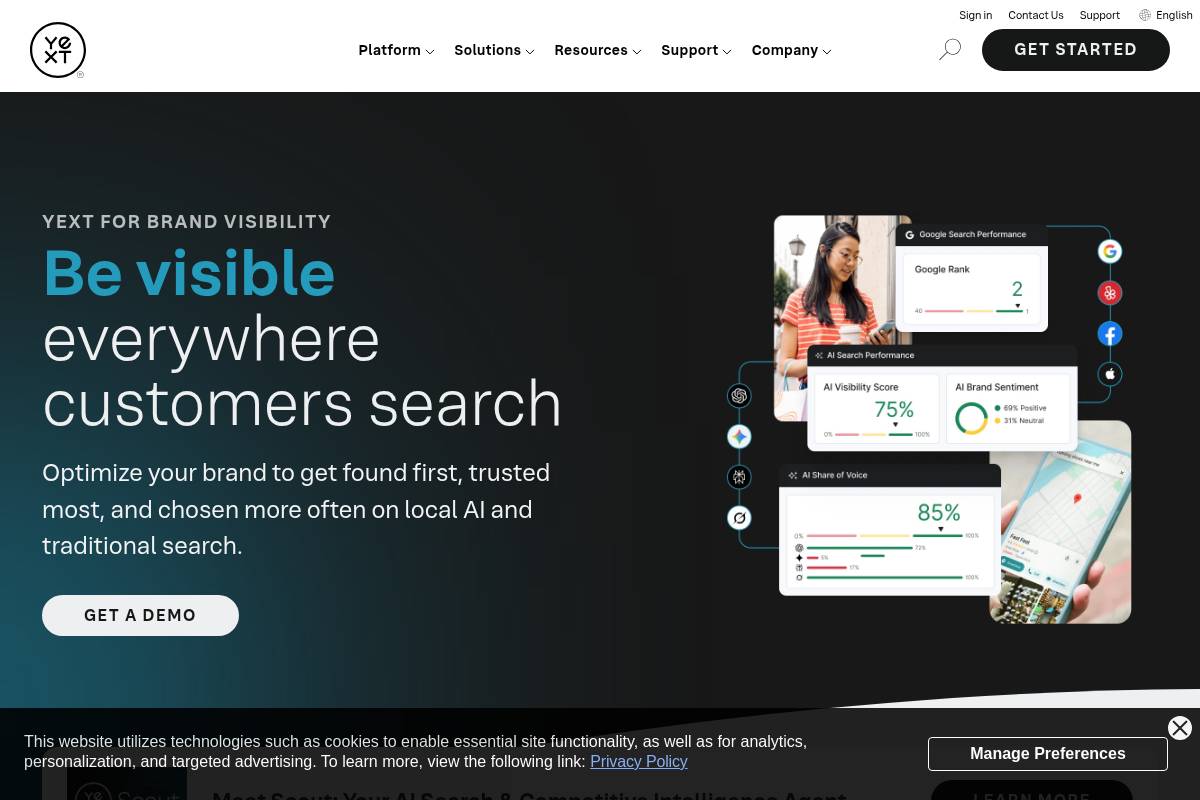
Yext helps agencies control how client locations appear across search engines, map apps, and major directories from a single dashboard. Instead of updating Google Business Profile, Apple Maps, Yelp, and niche vertical sites one by one, you push updates centrally and sync them everywhere.
Multi-location brands like Taco Bell and Marriott have used this type of listings management to keep opening hours, addresses, and amenities consistent across hundreds or thousands of locations, which reduces customer complaints and drives more in-store visits.
Key Features
For Keywordly’s agency audience, the platform is most useful when you’re managing dozens of stores or franchises that need accurate, unified local data. The tools go beyond simple directory submissions by layering review workflows and structured data management.
Reference: Yext: Create and deliver content to any channel
- Centralized listings management with one source of truth for NAP data across Google, Apple Maps, Yelp, and niche sites.
- Review monitoring and response tools that let your team handle feedback for hundreds of locations from one inbox.
- Knowledge graph and local pages to structure store data, power on-site location finders, and improve map and SERP visibility.
Recommendations: Choosing the Right White Label SEO Stack
Best for Beginners and Solo Consultants
Solo consultants working with a handful of local clients need tools that are affordable, forgiving, and easy to onboard. SE Ranking fits this profile, giving one-person shops access to keyword tracking, audits, and on-page checks in a single interface without the complexity of enterprise suites.
A freelancer managing five local accounts at $1,000/month each can use SE Ranking’s guided audits to quickly spot technical gaps and generate branded PDFs for client reviews. Its drag‑and‑drop report builder makes it simple to show ranking gains to a dental practice in Austin or a law firm in Chicago without learning complex BI tools.
Why Keywordly Recommends This Stack
For consultants just formalizing their service offering, SE Ranking’s white label reports and basic client portal features provide a polished, agency‑level experience from day one. That balance of simplicity, cost, and professionalism is ideal before scaling into heavier, multi‑tool stacks.
FAQ: White Label SEO Tools for Agencies
1. What is a white label SEO tool?
A white label SEO tool lets Keywordly and similar agencies provide audits, keyword tracking, and reports under their own branding while a third-party platform powers the data. The client only sees your logo, colors, and URLs, not the underlying vendor.
For example, an agency might use SE Ranking or WebCEO for site audits but deliver dashboards on a custom domain like reports.keywordly.com, complete with branded PDFs and email summaries.
2. How do I choose the right white label SEO platform for my agency?
Selection starts with your service model. A technical agency that handles complex migrations for SaaS brands will often lean on Semrush or Ahrefs, then layer a reporting solution on top.
Agencies focused on recurring local SEO retainers may prefer AgencyAnalytics or DashThis, which streamline multi-location reporting and client-facing dashboards with minimal setup effort.
3. Can I combine multiple tools in my SEO stack?
Most high-performing agencies stack tools to cover research, tracking, and reporting. A typical setup might pair Ahrefs for backlink analysis with BrightLocal for citation management and use a dashboard tool to centralize everything.
Keywordly-style teams often build standard templates, then rely on CSV exports or native integrations (e.g., Ahrefs → Looker Studio) to keep reporting consistent and avoid manual copy-paste chaos.