Category: SEO

  • 8 Common SEO Mistakes to Avoid

    8 Common SEO Mistakes to Avoid

    Introduction

    SEO plays a pivotal role in the online visibility and long-term growth of digital businesses. As search engine algorithms become more sophisticated, aligning your content and website structure with SEO best practices is essential for staying competitive. Even seasoned marketers and agencies can fall prey to common SEO pitfalls, often undermining months of hard work.

    Despite having access to premium SEO tools and resources, a surprising number of US businesses still encounter frequent mistakes that throttle their search performance. Take, for example, J.Crew’s temporary website disappearance from Google search in 2019 due to misconfigured robots.txt settings. Such errors not only impact rankings but can result in substantial revenue loss, especially for ecommerce and service providers whose leads depend on organic traffic.

    This listicle spotlights the most prevalent SEO mistakes that affect businesses across the United States, drawing on real scenarios and industry insights. By becoming familiar with these issues, you can proactively identify weaknesses in your own digital strategies and foster better outcomes.

    Through practical tips and actionable examples—such as HubSpot’s documented improvements in organic traffic by regularly updating old blog content—you’ll gain a deeper understanding of how to boost your search rankings, attract qualified users, and deliver superior site experiences. Identifying and avoiding common missteps will empower your team to achieve consistent SEO gains.

    Keyword Stuffing

    Overview

    Keyword stuffing was once considered a shortcut to higher rankings, but this outdated SEO tactic now causes more harm than good. The practice involves cramming a web page with excessive keywords or phrases with the intent to manipulate search engine rankings rather than provide value to readers.

    According to Google’s guidelines and corroborated by leading SEO authorities, keyword stuffing often disrupts natural reading flow, alienates users, and invites search penalties. The consequences extend beyond poor user experience—it can actually reduce a site’s visibility or result in total de-indexation, as detailed in this overview of top SEO mistakes.

    Key Details

    Keyword stuffing often appears on blog articles, product pages, and meta tags where competitive terms are repeated unnaturally. An e-commerce example is filling a product page for sneakers with nearly every sentence containing “best sneakers USA” or “buy sneakers online USA.”

    Some marketers still attempt to force awkward repetitions of terms like “digital marketing agency USA” in headings, alt text, and descriptions to gain ranking for high-value searches. This not only disrupts the message but can also undermine credibility with both users and search engines.

    What Makes It Special

    While keyword stuffing used to work in the early 2000s, Google’s sophisticated algorithms—in particular, updates like Panda and Hummingbird—now target and penalize this approach. If a site’s content is detected as being spammy or unnatural, its rankings can diminish or disappear overnight.

    Back in 2018, Overstock.com received a manual penalty after excessively stuffing links with commercial anchor texts. This case illustrates how quickly a business can lose organic visibility and trust when relying on obsolete techniques.

    Considerations

    Effective SEO requires a balanced integration of keywords into your content. Place primary keywords thoughtfully in your introductions, body, and metadata, but ensure everything reads naturally. Tools like SEMrush and Clearscope help writers monitor density without sacrificing flow.

    For example, Airbnb’s city landing pages harmoniously balance target searches (“New York vacation rentals”) with natural language and user-centric information, enhancing both SEO performance and user engagement.

    Best For

    Understanding keyword stuffing and how to avoid it is vital for anyone aiming for organic growth. Writers, marketers, and digital strategists seeking long-term rankings, rather than quick but risky wins, benefit most.

    Modern SEO success hinges on authenticity and relevance, so this is especially important for those working within competitive industries or managing large content portfolios.

    Additional Info

    Today’s best practice encourages focusing on semantic relevance over exact match repetition. For instance, Google’s BERT update values context around keywords rather than frequency.

    Rather than repeating “best laptop for students” ten times, effective content naturally incorporates related terms—such as “affordable student notebooks” or “college laptop deals”—to create a richer and more useful page for both audiences and algorithms.

    Ignoring Mobile Optimization

    Overview

    As mobile devices have become the primary access point for online content, disregarding mobile optimization can significantly harm both search rankings and user engagement. Recent data from Statista indicates that mobile devices accounted for more than 60% of US search queries in 2023.

    Sites built only for desktops often look and function poorly on smartphones or tablets, deterring potential visitors. For example, Best Buy’s rapid increase in mobile traffic led to a major drop in conversions before they revamped their mobile experience, highlighting the tangible impact of neglecting mobile-first users.

    Key Details

    Google has formally adopted mobile-first indexing, which means your site’s mobile version is the primary basis for search ranking evaluation. If your content or functionality is missing or diminished on mobile, it directly jeopardizes your visibility.

    Retailers like Walmart reported a sharp improvement in organic visibility after improving their mobile site, exemplifying the significance of aligning with Google’s mobile-first practices.

    What Makes It Special

    A poor mobile experience increases bounce rates, reduces dwell time, and causes users to abandon sites without converting. For instance, Google research found that a delay of even one second in mobile load times can reduce conversions by up to 20%.

    Visitors expect quick access, easy navigation, and reliable display. When those needs aren’t met, even well-designed campaigns and strong keywords can lose effectiveness—resulting in missed business opportunities.

    Considerations

    Responsive design ensures your layout adapts seamlessly across device sizes. Fast-loading pages and accessible, thumb-friendly navigation encourage deeper user engagement.

    Brands like REI have credited mobile-friendly site improvements for increased customer satisfaction scores. Focus on compressing images, minimizing scripts, and streamlining click paths for best results.

    Best For

    E-commerce and local businesses are especially reliant on mobile optimization because their audiences frequently use smartphones to research products and locate stores. Domino’s Pizza saw a significant order volume shift to mobile after redesigning its site for mobile-first sales.

    Any business with substantial mobile traffic should treat optimization as a critical investment, as it directly influences revenue and online reputation.

    Additional Info

    Consistent testing is crucial for ongoing mobile success. Google’s Mobile-Friendly Test tool provides actionable insights for identifying and fixing mobile usability issues.

    Regular audits help businesses stay aligned with changing user expectations and Google’s evolving standards.

    Reference:
    Stop Neglecting Mobile Optimization in Data Visualizations

    Duplicate Content Issues
    Duplicate Content Issues

    Duplicate Content Issues

    Overview

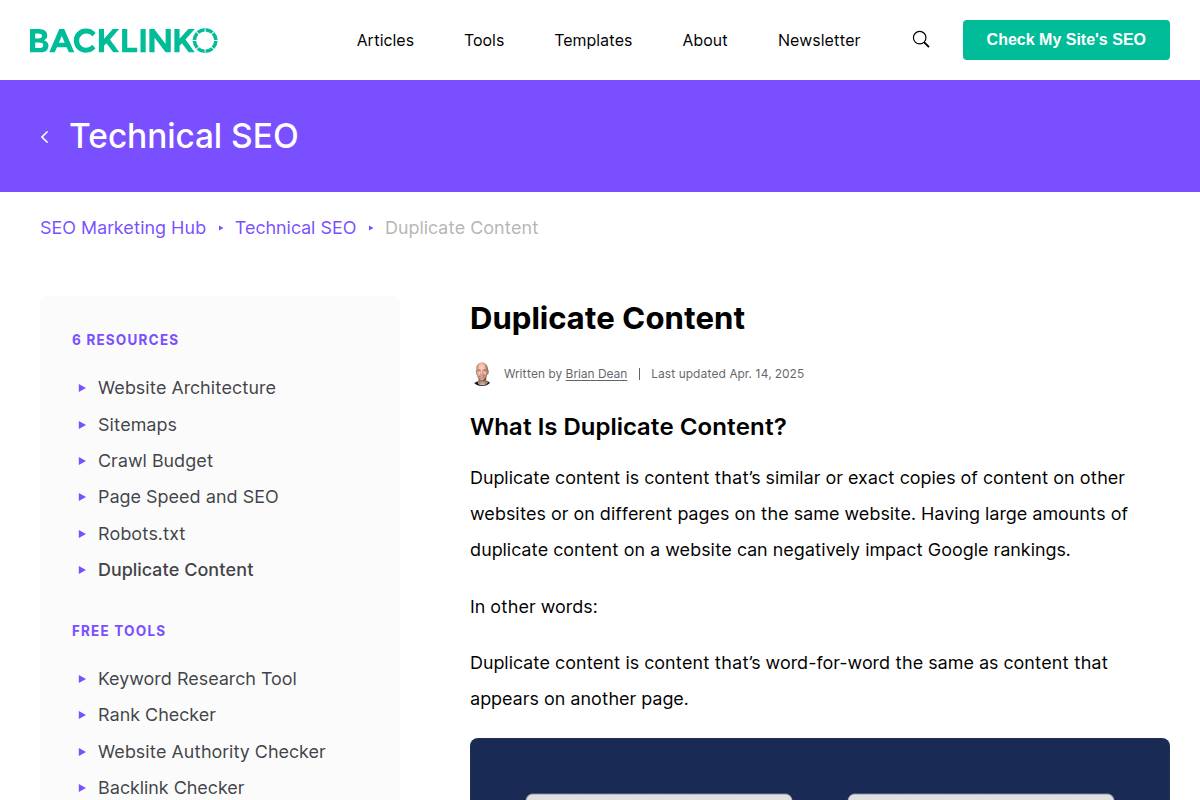
    Duplicate content occurs when identical or substantially similar blocks of content appear across multiple URLs, either on the same site or different domains. Search engines like Google can struggle to determine which version is most relevant, causing confusion and diluted ranking power.

    This problem often goes overlooked, yet it can significantly hinder a website’s visibility in search results. According to The 8 Top SEO Mistakes To Avoid in 2025, duplicate content is persistently cited as a barrier to strong search performance, especially on sites with large inventories or frequent content updates.

    Key Details

    The roots of duplicate content issues are surprisingly common. E-commerce platforms like Shopify and Magento frequently generate multiple URLs for product variants—different colors or sizes—resulting in near-identical product pages. News portals such as CNN or Reuters might publish syndicated content from wire services, leading to overlap across media outlets.

    Boilerplate descriptions—such as policy disclaimers or event listings—are another major source. For instance, real estate websites often copy-paste listing descriptions, which can make hundreds of pages virtually indistinguishable to search engines.

    What Makes It Special

    Duplicate content is not just a technical hiccup; it has far-reaching implications. Google’s index budget is finite, and if it encounters repeat content, it may skip indexing important or newly published pages altogether.

    A notable example is when Overstock.com saw a significant drop in rankings after large portions of its product catalog were detected as duplicates due to redundant manufacturer descriptions. Such ranking drops are not isolated; they can affect both small businesses and household names.

    Considerations

    Addressing duplicate content requires a deliberate technical and content strategy. Implementing canonical tags tells search engines which version of a page should be prioritized—critical for e-commerce sites with dynamic URLs.

    Creating unique, value-driven content for every major page ensures better search visibility. For instance, Zappos enriches each product page with customer reviews and detailed sizing information, even when multiple variants exist.

    Best For

    This issue is especially relevant for businesses managing vast inventories or publishing frequent updates. E-commerce stores, such as Amazon and Best Buy, face ongoing challenges with variant pages, while news portals and large content-driven sites—like Forbes or WebMD—must protect against duplicate syndication and boilerplate repetition.

    Additional Info

    Routine monitoring for duplicate content can help mitigate future risks. Tools like Copyscape and Siteliner are widely used in the industry to search for content overlap and detect URL variations.

    For instance, HubSpot relies on Siteliner’s scanning reports to audit its extensive blog archive, ensuring old posts aren’t resurfacing as unintentional duplicates due to content repurposing or migration errors.

    Reference:
    Duplicate Content and SEO: The Complete Guide

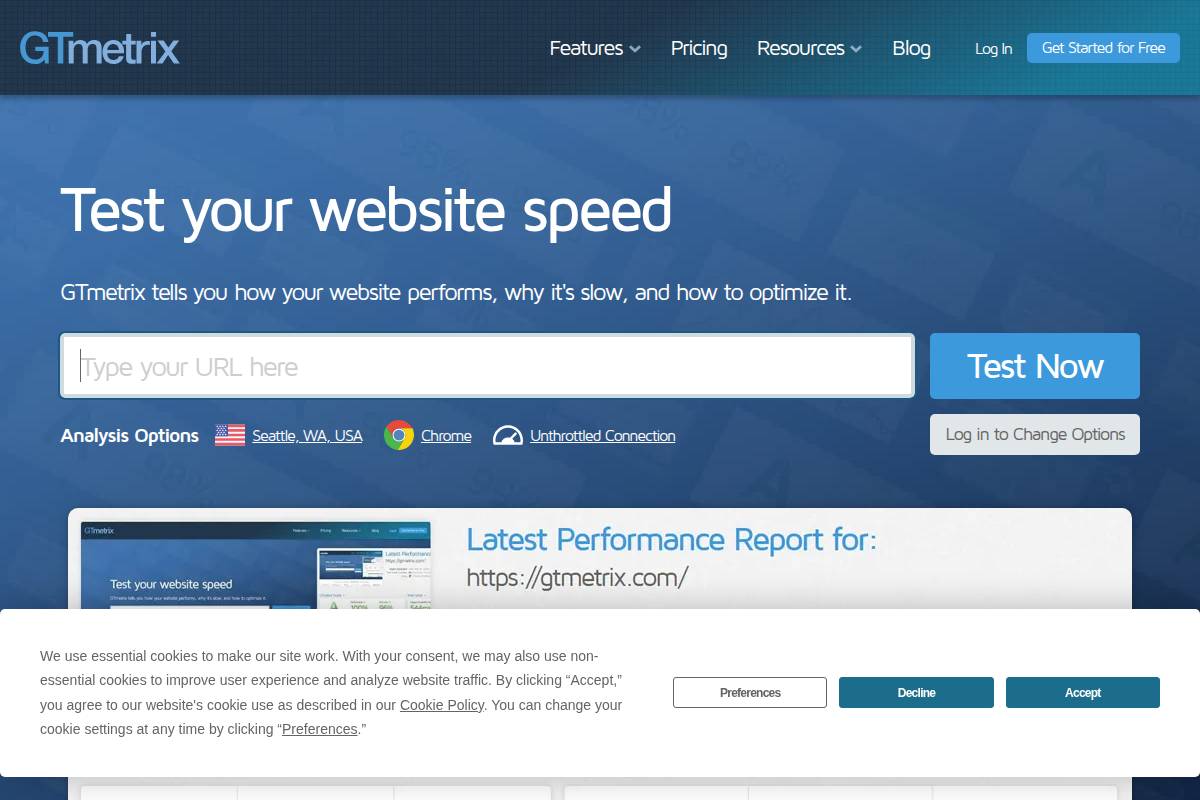
    Slow Website Speed
    Slow Website Speed

    Slow Website Speed

    Overview

    Website performance is a significant concern for content creators, marketing teams, and agencies who depend on search visibility for growth. As Core Web Vitals have become integral to Google’s ranking algorithm, the pressure to ensure fast-loading pages has intensified.

    Slow sites disrupt user engagement. Amazon famously discovered that a 100-millisecond delay in load time led to a 1% decrease in sales. This isn’t just about theoretical best practices—speed is now a direct contributor to business outcomes and the way search engines perceive your site.

    Key Details

    Several technical factors can drag your site’s performance. Large, uncompressed images are a frequent culprit, consuming precious bandwidth and slowing render times. Inefficient or obsolete site code—such as outdated JavaScript libraries or CSS—also saps speed and prevents browsers from displaying content quickly.

    Poor-quality web hosting can be equally problematic. For instance, if a blog hosted on a low-tier shared server starts gaining traction, increased traffic may overwhelm resources, leading to frustratingly slow page loads. Airbnb’s engineering team addressed similar scalability issues by reworking legacy infrastructure and adopting global hosting providers to support their user base.

    What Makes It Special

    Unlike aesthetic or content tweaks, speed improvements yield measurable, bottom-line results. Research from Google and Deloitte shows that even a one-second improvement in mobile site speed can boost conversions by up to 27% for large retailers.

    Speed directly impacts organic rankings and conversion rates—Slower sites have higher bounce rates and less engagement. Even small delays can result in significant revenue loss, especially for ecommerce or heavily-trafficked platforms.

    Considerations

    A strategic approach is needed to tackle performance issues. Image optimization is one of the quickest wins—tools like ImageOptim and TinyPNG are industry standards for compressing large assets without loss of quality. Implementing server-side caching, such as through Varnish or Cloudflare, enhances server response times for frequent visitors.

    For businesses with an international audience, deploying a content delivery network (CDN) like Akamai or Fastly ensures content is delivered from the nearest server location, reducing load times and providing a consistent user experience worldwide.

    Best For

    Speed optimizations are critical for visually rich websites, such as online magazines (Vogue.com has invested heavily in lazy loading for image galleries) and ecommerce stores with global reach like Shopify. Multinational businesses targeting users in different geographic regions also benefit greatly from these enhancements, as proximity to data centers directly influences site performance.

    Any organization relying on video, high-res images, or interactive storytelling can expect measurable improvement in user metrics after addressing speed issues.

    Additional Info

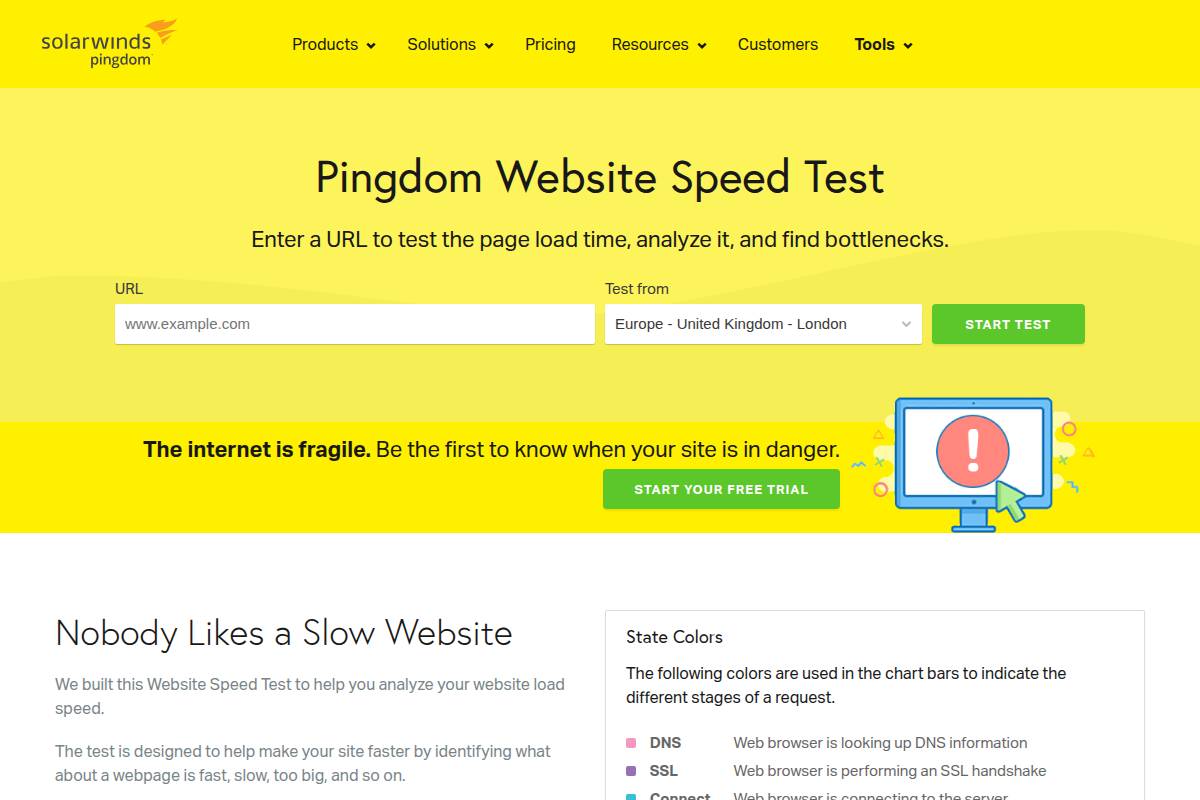
    Continuous optimization is essential. Google PageSpeed Insights offers actionable diagnostics for site owners, highlighting specific bottlenecks in real time. Brands such as The Guardian regularly perform audits, using the insights to iterate and refine their web assets.

    Establishing a bi-annual or quarterly speed audit process can prevent regressions and ensure that ongoing development does not inadvertently harm the user experience.

    Reference:
    Website Speed Test | Pingdom Tools

    Missing or Poor Quality Meta Descriptions

    Overview

    Meta descriptions play a pivotal role in SEO by encouraging searchers to click on your content from the search results. These short summaries not only improve click-through rates, but they also shape what users expect to see on your page before clicking the link.

    Since Google’s search algorithm sometimes rewrites meta descriptions, having an engaging, relevant summary influences both visibility and user interaction. Backlinko’s research shows that pages with unique meta descriptions can improve CTR by up to 5.8% in competitive industries.

    Key Details

    If you fail to add meta descriptions, or if you settle for generic ones, you risk missing out on valuable organic search traffic. Search engines might pull random snippets from your content, resulting in confusing or contextless previews.

    Amazon, for example, optimizes each product page with tailored meta descriptions highlighting product features, which helps drive higher click-through rates—especially compared to pages left without custom summaries.

    What Makes It Special

    Compelling and relevant meta descriptions make your web page stand out on crowded search engine result pages (SERPs). A well-crafted description quickly communicates benefits and differentiators, grabbing attention before users ever land on your site.

    HubSpot’s blog saw a 10% boost in organic traffic when they rewrote and individualized more than 300 meta descriptions for their highest value pages, illustrating the impact of targeted optimization.

    Considerations

    For optimal results, every meta description should be tailored to its specific page. Incorporate target keywords naturally to signal relevance while focusing on messaging that communicates real value to the end user.

    For instance, Grammarly customizes its landing page meta descriptions to highlight distinct features, such as “real-time grammar correction,” appealing directly to searcher intent and increasing conversion potential.

    Best For

    This approach is particularly effective for content creators and marketers managing broad content portfolios, such as blogs or landing pages for ecommerce, SaaS, or service businesses. Precise meta descriptions can help distinguish your page from similar search listings and preserve valuable ranking opportunities.

    Additional Info

    To maximize visibility, craft meta descriptions between 155 and 160 characters for desktop results. This ensures the full description is displayed by Google without awkward cut-offs or missing calls to action.

    For example, Moz recommends a 155-character target, as anything longer is typically truncated in search results, reducing effectiveness and clarity for users scanning SERPs.

    Reference:
    Meta Description and Meta Title Not Displaying Properly in …

    Broken Internal and External Links
    Broken Internal and External Links

    Broken Internal and External Links

    Overview

    Broken links, whether they are internal connections within your own website or external links leading elsewhere, can significantly impact SEO and user experience. A user who clicks a link expecting valuable content but instead arrives at a 404 error page may lose confidence in both the website and brand reliability.

    For SEO practitioners, these errors signal to search engines that a site may not be maintained regularly. Search engines like Google can reduce a site’s ranking when multiple dead links are detected, which ultimately results in lower organic visibility and diminished trust signals to users.

    Key Details

    Websites that undergo frequent updates, such as news outlets or e-commerce sites with high product turnover, are especially vulnerable to broken links. For example, Amazon must regularly review its massive product catalog to ensure that outdated product links are either redirected or removed. In large content environments, articles or resources may be unpublished or moved, causing previously established links to fail.

    Another area where dead links are prominent is in user-generated content platforms. Wikipedia, due to constant editing and external sourcing, implements routine link-checking to maintain credibility. Failing to monitor links on such dynamic platforms can lead to a rapid accumulation of 404 errors, both internally and externally.

    What Makes It Special

    Broken links are more than just a minor inconvenience. Google’s documentation notes that an abundance of dead links is viewed as a sign of neglect, impacting indexing frequency and crawl budgets. Well-maintained sites, by contrast, are favored by search engines and are crawled more efficiently.

    John Mueller from Google has stated that while a few dead links won’t tank your SEO, persistent and widespread issues can indicate broader site quality problems. Therefore, timely identification and correction of broken links directly reflect on the site’s upkeep and trustworthiness in Google’s eyes.

    Considerations

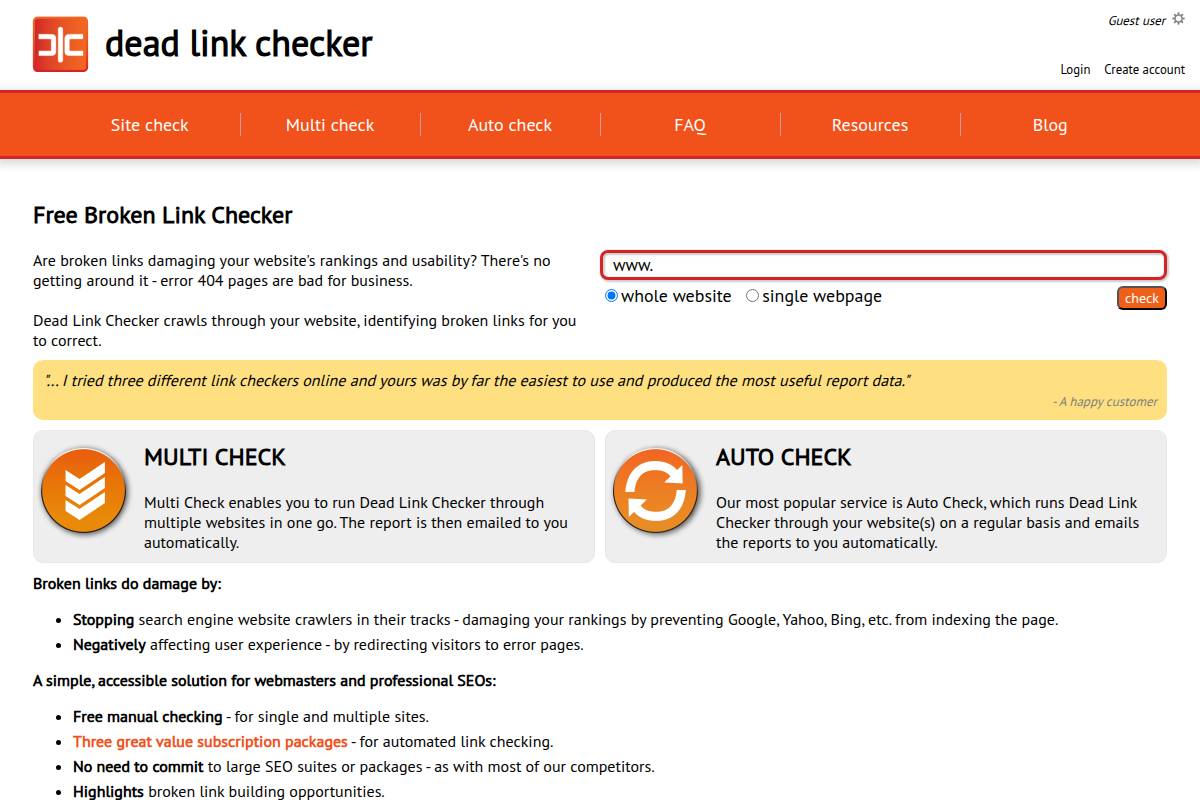
    Proactive link audits are an essential part of technical SEO hygiene for complex sites. Popular tools such as Ahrefs and Screaming Frog allow teams to systematically crawl websites, detect broken links, and provide prioritized reports for remediation.

    For example, The New York Times uses automated site crawlers as part of their digital operations to ensure all news articles and archives maintain functional links, reducing the risk of lost SEO equity on evergreen content. Regular reviews, accompanied by automated alerts, streamline maintenance for large content databases.

    Best For

    Addressing broken links is especially crucial for enterprise-level and high-authority sites with expansive internal linking strategies. Large retailers and sites with extensive blog networks, such as HubSpot or Walmart, invest in dedicated SEO monitoring efforts for this reason.

    Sites publishing thousands of pages, such as academic research libraries or government portals, also benefit significantly from structured link audits to prevent loss of critical search engine visibility due to link decay.

    Additional Info

    When encountering outdated URLs, it’s critical to take appropriate actions: update them to correct destinations whenever possible, implement 301 redirects if content has moved permanently, or remove the link altogether if the resource is no longer relevant. For example, NASA regularly updates and redirects research pages as new findings are published, preserving traffic and ranking signals.

    Setting up routine crawls ensures that link rot remains a manageable technical challenge rather than a persistent drag on digital performance and user trust.

    Reference:
    Dead Link Checker: Free Broken Link Checking Tool

    Overlooking Technical SEO Elements

    Overview

    Technical SEO forms the groundwork of every successful organic search strategy. No matter how brilliant your content may be, if search engines cannot efficiently crawl or index your website, visibility will suffer. Foundational factors like crawlability, indexation, and overall site health dictate whether your content even has a chance to rank.

    Search engines depend on well-structured technical signals to assess your site. Issues like broken links, poor site speed, or improper redirects can quietly erode your search performance over time. In sectors such as e-commerce, technical oversights have cost online giants literal millions in lost organic revenue.

    Key Details

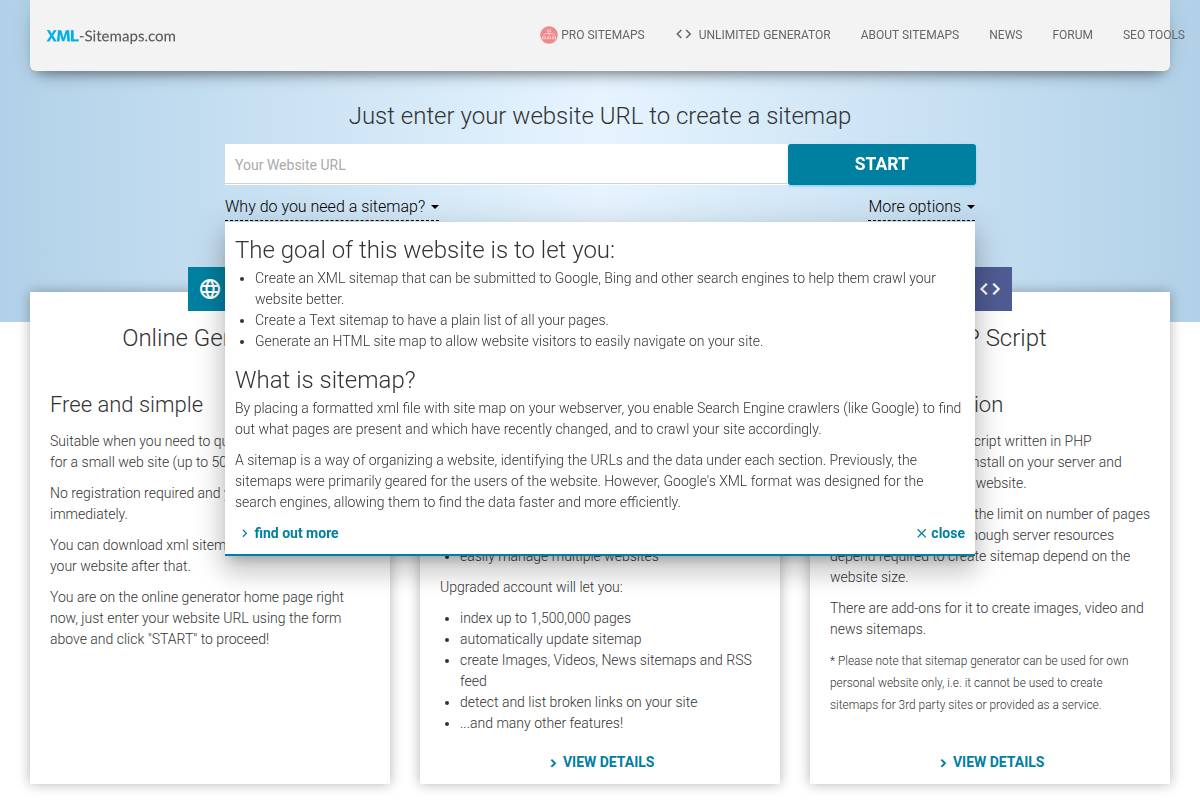
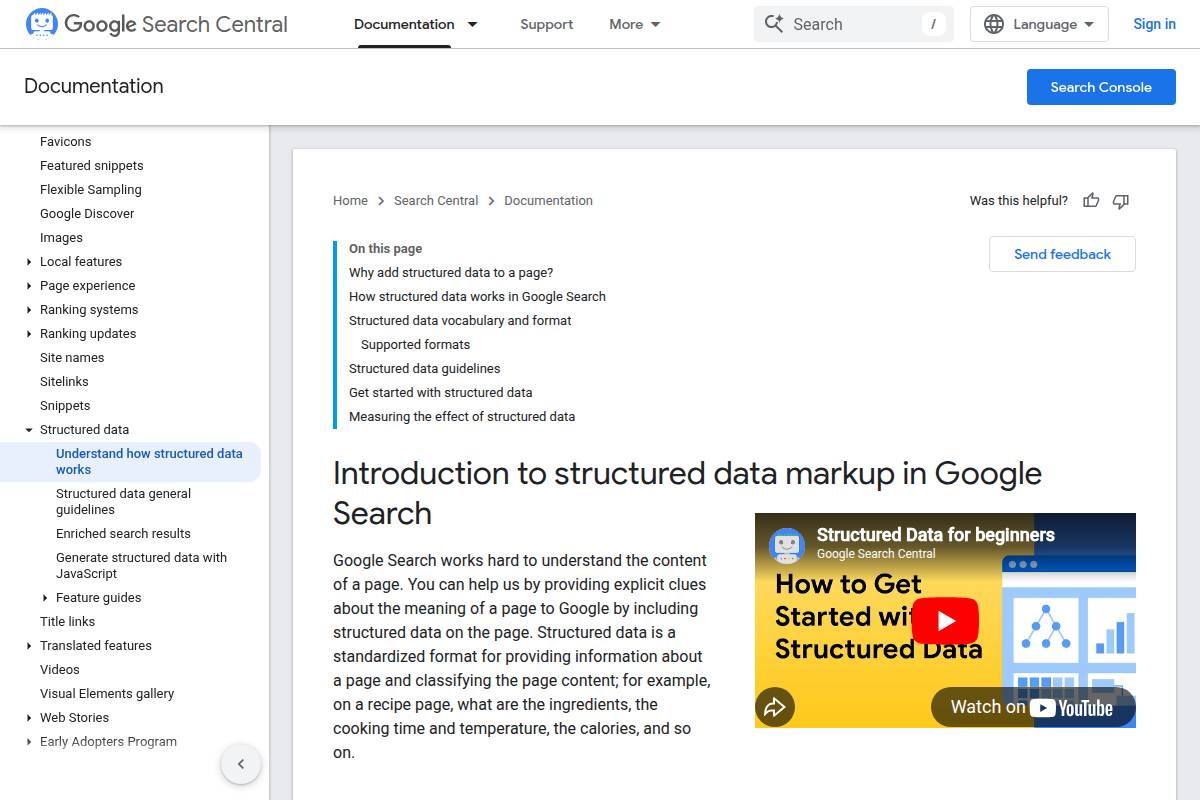
    Essential technical SEO elements include a correctly formatted XML sitemap, an optimized robots.txt file, schema markup for enhanced search results, and a clean, logical site architecture. These features ensure that search engines efficiently discover, understand, and properly index your pages.

    For instance, Walmart’s technical SEO team implemented structured data at scale, gaining rich snippets and improving click-through rates across thousands of products. Tools like Screaming Frog can reveal overlooked crawl errors or duplicate content issues before they impact rankings.

    What Makes It Special

    Effective technical SEO is a silent multiplier. Even the highest-quality content may never rank if crucial technical barriers exist. For example, when the fashion retailer ASOS accidentally disallowed large portions of their site via robots.txt, they saw a sharp decline in organic visibility—despite continual content investment.

    This underscores a key reality in SEO: technical missteps can instantly undercut months of hard work and investment in on-page optimization. Getting the basics right prevents wasted effort and ensures content has a fighting chance in competitive search landscapes.

    Considerations

    Conducting regular technical audits is crucial for maintaining site health. Google Search Console remains indispensable for monitoring issue discoveries, such as crawl errors and mobile usability concerns.

    Many agencies perform quarterly technical audits using tools like DeepCrawl or SEMrush, systematically addressing flagged concerns. Consistent monitoring and remediation can prevent costly problems before they escalate, as SEO firm Distilled highlighted in its widely cited technical SEO case studies.

    Best For

    Technical SEO diligence is particularly important for agencies managing enterprise portfolios, developers responsible for website infrastructure, and in-house SEO teams tasked with ongoing performance. Businesses with large or complex sites—such as news publishers or online retailers—find the greatest benefit by embedding technical SEO best practices into every deployment cycle.

    Additional Info

    The search landscape constantly evolves, making it crucial to stay informed about Google’s technical requirements and best practices. Google’s documentation frequently updates guidance on issues like Core Web Vitals and JavaScript rendering, impacting how sites are assessed and ranked.

    Keeping pace with ongoing algorithm and feature releases is not optional; it’s a requirement for maintaining technical excellence and long-term search visibility.

    Reference:
    The 10 Most Overlooked SEO Mistakes and How to Fix Them

    Lack of High-Quality Backlinks

    Overview

    Backlinks—links from other reputable sites pointing to your domain—remain one of the most powerful ranking signals in Google’s algorithm. Earning links from authoritative sources signals trustworthiness and content value, directly impacting your rankings and visibility. For content-driven businesses, a robust, high-quality backlink profile sets the foundation for organic SEO growth.

    For example, HubSpot’s consistent guest posting and data-driven reports have helped it attract thousands of links from recognized publications like Forbes and Inc., greatly enhancing its authority and search rankings. Achieving similar success requires ongoing, deliberate efforts to secure links that matter.

    Key Details

    Sustaining a stagnant backlink profile or accumulating links from spammy domains can erode your domain authority. Search engines increasingly scrutinize both the quantity and quality of backlinks when gauging site trustworthiness.

    Consider the fall of J.C. Penney’s SEO in 2011, when manipulative link schemes led to ranking penalties from Google — underscoring that spammy tactics carry long-term risks. Top-performing sites monitor their inbound links and ensure relevance aligns with their target audience.

    What Makes It Special

    Cultivating quality backlinks builds sustainable SEO momentum. Unlike quick-win tactics, high-caliber external endorsements serve as long-term trust and authority signals. Link equity from respected industry sites continues to pass value, yielding recurring benefits from a single successful campaign.

    For instance, Moz’s “Beginner’s Guide to SEO” earns thousands of citations from academic.edu, Search Engine Journal, and marketing blogs. These natural links support persistent high rankings years after publication, illustrating compounding SEO returns from quality-focused initiatives.

    Considerations

    Pursue backlinks from trusted, industry-appropriate sources to maximize impact. Outreach campaigns should target publications, partners, and resource directories that resonate with your niche and intended audience.

    Startups can study how Ahrefs strategically earns links by publishing original research and data studies relevant to online marketing professionals and journalists seeking trustworthy sources.

    Best For

    Building a strong backlink profile is critical for businesses seeking rapid growth within competitive sectors where ranking on key terms can yield significant commercial value.

    Tech firms vying for position on high-volume SaaS-related keywords, or e-commerce platforms competing for product searches, both benefit immensely from sustained quality link acquisition.

    Additional Info

    Audit your backlink landscape using industry tools such as SEMrush or Moz Link Explorer. These platforms visualize historical trends, flag toxic links, and benchmark competitors, ensuring your strategies remain effective and penalty-free.

    For instance, SEMrush users can set up automated alerts to monitor new referring domains and track lost links, letting you quickly identify gaps or capitalize on emerging opportunities as your campaign matures.

    Reference:
    When it comes to backlinks, do you focus more on quantity …

    Poor Content Structure and Readability
    Poor Content Structure and Readability

    Poor Content Structure and Readability

    Overview

    Content that lacks structure or is hard to read will quickly turn visitors away, sending negative signals to search engines. This not only impacts bounce rate but also diminishes the likelihood of organic ranking improvements.

    Google’s search quality guidelines specifically mention how the organization and clarity of content are factored into their assessment. When users can’t navigate information easily, they tend to leave without engaging further, reducing dwell time and signaling that the content isn’t meeting their needs.

    Key Details

    Several recurring issues make content structures difficult to digest. Common culprits are missing headers, excessively long paragraphs, and pages packed with unformatted blocks of text.

    For example, a recent review of The New York Times’ digital articles shows a deliberate use of short paragraphs, informative subheadings, and multimedia elements to pace readers and improve clarity. In contrast, forum posts on older platforms like Craigslist often perform far worse on readability and user retention due to their unstructured nature.

    What Makes It Special

    User engagement metrics, such as average session duration and scroll depth, serve as direct ranking factors in many algorithms. The more intuitive the layout, the longer readers will stay and interact with the page.

    According to SEMrush’s content marketing report, pages with clear hierarchy and concise sections see up to 30% lower bounce rates than those with a chaotic structure. Structuring content appropriately translates directly to SEO gains.

    Considerations

    Breaking dense content into shorter paragraphs, organizing material with H2/H3 subheadings, and punctuating text with images or bulleted lists dramatically boost scanability. These elements help both readers and search engines alike understand the main themes.

    For instance, HubSpot’s blog utilizes lists, visuals, and bite-sized sections to hold attention and drive repeat visits—demonstrating the effectiveness of this strategy.

    Best For

    Improving content structure is vital for bloggers, digital marketers, and teams focusing on top-of-funnel engagement. Anyone aiming to increase time-on-page and spark return visits will benefit from these best practices.

    Marketing agencies use structured content layouts as a core part of their SEO offerings, highlighting their importance for businesses in competitive niches.

    Additional Info

    Readability tools have become essential for ensuring clarity and flow. Apps like Hemingway highlight overly complex sentences, while Grammarly helps refine grammar and punctuation on the fly.

    Popular sites such as Forbes and Medium frequently run their contributors’ articles through these tools to maintain editorial standards and ensure their content is accessible to a broad audience.

    Reference:
    How to Improve Content Readability | The Content Lab

    Neglecting Local SEO Optimization
    Neglecting Local SEO Optimization

    Neglecting Local SEO Optimization

    Overview

    Local SEO plays a pivotal role in capturing customers searching for services and products in their immediate area. Without focused local optimization, businesses miss out on valuable “near me” and city-specific searches that drive in-person visits and service bookings. Google estimates that nearly 46% of all searches have local intent, illustrating the massive audience that can be lost by ignoring this channel.

    For example, a restaurant in Chicago without local SEO may not appear to someone searching “deep dish pizza near me” within city limits, resulting in lost foot traffic to competitors who have invested in their local signals.

    Key Details

    Establishing a complete and accurate digital footprint is critical for local visibility. Google Business Profile (formerly Google My Business), consistency in NAP (Name, Address, Phone number) details, and a robust set of local reviews all factor into how prominently your business appears in map packs and local search results.

    Inconsistent NAP information across directories can confuse both Google’s algorithm and potential customers. A 2018 BrightLocal study found businesses with more reviews and a higher average rating improved their local pack ranking significantly, highlighting why scarcity of genuine reviews or incomplete profiles are major barriers to local search success.

    What Makes It Special

    For US-based audiences, local search reliability and accuracy are essential. National Retail Federation research shows 87% of US consumers use online searches to find nearby stores, suppliers, or service providers before visiting in person. Local SEO directly impacts decisions throughout the customer journey, from research to purchase.

    Small businesses such as Ace Hardware and ServiceMaster Clean have seen documented growth in store visits by implementing location-specific keywords and focusing on reputation management.

    Considerations

    Effective local marketing begins with fully optimizing your Google Business Profile. This means updating hours, services, photos, and responding promptly to customer reviews. Genuine reviews on Google and industry-specific platforms can build trust and improve rankings.

    Embedding local keywords—such as neighborhoods and city names—throughout your site’s content and meta tags can signal local relevance. A plumbing service in Austin, for example, may include landing pages for “emergency plumber in South Austin” to catch hyper-specific searches.

    Best For

    Prioritizing local SEO is crucial for businesses that depend on local clientele. This includes:

    • Brick-and-mortar stores—like The Container Store or Main Street bakeries aiming for walk-in traffic.
    • Service providers—such as real estate agencies, clinics, or HVAC repair companies servicing defined geographic areas.
    • Local marketing agencies who tailor SEO strategies to boost visibility for community-based clients.

    Additional Info

    Participating in reputable local directories (like Yelp, YellowPages, or Angi) extends your business’s presence beyond Google alone. Consistent listings in these directories can improve authority and local trust.

    For multi-location businesses, building dedicated landing pages for each location—such as Starbucks’ individual branch pages—helps connect customers to their nearest branch and supports better local ranking signals in each target area.

    Reference:
    The Hidden Costs of Ignoring Local SEO and How to Fix Them

    How to Choose the Right One

    Deciding which SEO fixes to prioritize can make a significant difference in how efficiently your site grows online. With a variety of issues that can affect search rankings and user experience, it’s important to use data-driven insights and reliable methods when identifying which technical or content-related tasks deserve urgent attention.

    Evaluate Your Site’s Analytics to Pinpoint Urgent SEO Issues

    Start by diving into your website’s analytics to identify critical problems. Google Analytics and Google Search Console are essential tools for uncovering declining traffic trends, pages with high bounce rates, and technical errors.

    For instance, HubSpot discovered in their 2023 audit that a sharp traffic drop stemmed from a handful of broken internal links. By analyzing landing page performance and crawl errors, they quickly isolated issues that had a direct impact on conversions and search visibility.

    Compare Potential Impact: Address Technical Errors and Mobile Optimization First

    Some SEO problems impact your site more severely than others. Technical issues—such as 404 errors, slow load times, and poor mobile responsiveness—can effectively block both search engines and users from accessing your content.

    Consider the case of Walmart. After optimizing their website for mobile in 2022, page load times improved by 20%, resulting in a 2% increase in conversion rate. Prioritizing foundational fixes like these often produces immediate, measurable results.

    Prioritize Fixes That Align With Business Goals and Audience Behavior

    Every website has unique objectives. Aligning your SEO improvements with core business goals ensures your efforts translate to concrete returns—such as increased leads or sales. If your audience skews heavily mobile, for example, ensuring flawless mobile navigation must rise to the top of your SEO to-do list.

    Online printer VistaPrint shifted their focus toward optimizing product category pages based on audience engagement data, leading to a 24% jump in organic sales over six months.

    Use Reliable SEO Audit Tools to Identify Hidden Errors

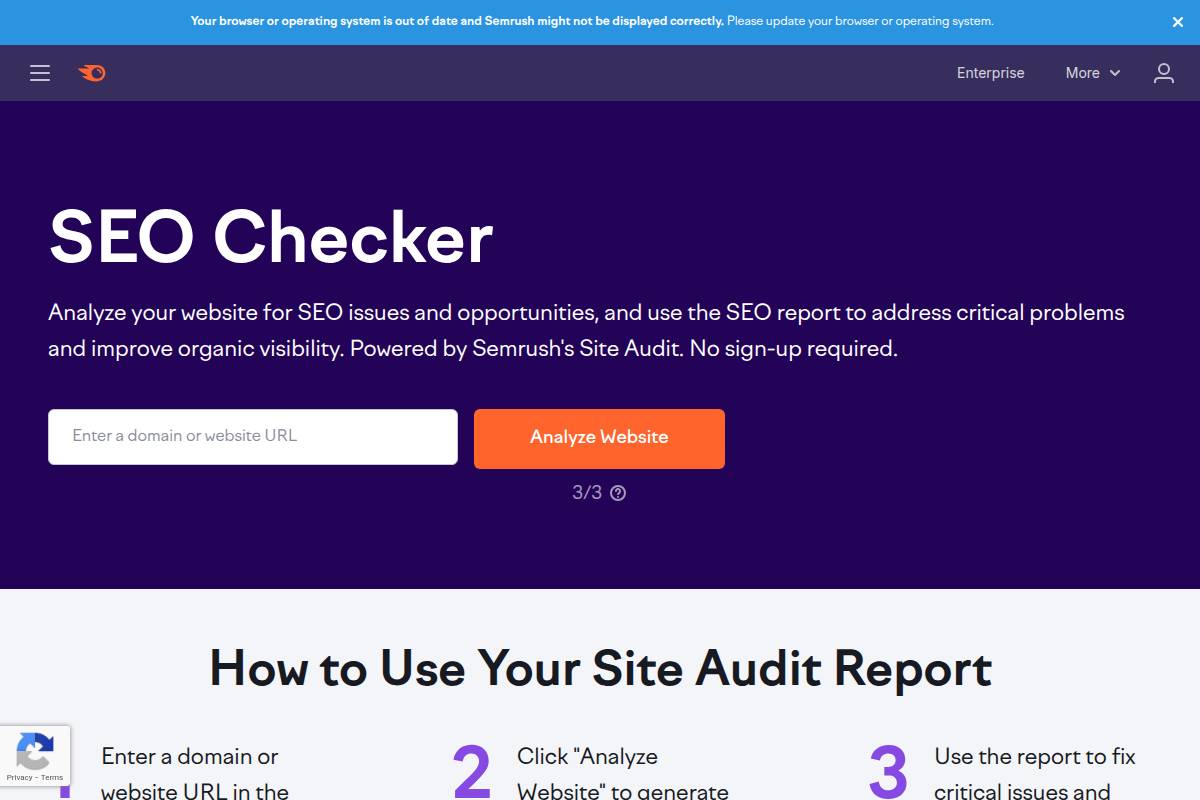
    Manual reviews often overlook complex or subtle SEO issues. Robust tools like Ahrefs, SEMrush, and Screaming Frog scan every corner of your site, highlighting duplicate content, missing metadata, and crawl issues not visible from the surface.

    After a comprehensive scan using SEMrush’s Site Audit, Moz identified an entire cluster of unindexed blog posts, which had been inadvertently blocked by their robots.txt file. Automated auditing flagged the problem, saving significant editorial effort and restoring organic visibility almost immediately.

    FAQ Section

    Common Questions About SEO Audits and Mistakes

    Addressing frequently asked questions is essential for content creators and businesses focused on SEO growth. Each concern touches on practical issues agencies and in-house teams face daily—ranging from audit frequency to plugin optimization.

    The following answers provide actionable insights, supported by real examples, to help you avoid costly mistakes and keep your digital strategies aligned with industry standards.

    How often should I audit my website for SEO mistakes?

    Regular site audits are key to maintaining search visibility and preventing organic traffic loss. Experts at Moz and SEMrush recommend a comprehensive SEO audit every quarter. This frequency lets teams detect issues like broken links, mobile usability errors, or slow page speed before they hinder search rankings.

    For instance, after the New York Times redesigned its website, it ran quarterly SEO audits to uncover new indexation issues and duplicate content—allowing them to sustain their organic traffic through major platform transitions.

    Are some SEO mistakes more damaging than others?

    Technical SEO errors typically cause the greatest harm to your site. For example, Unbounce experienced a 34% drop in organic visits after a misconfigured robots.txt file blocked Google from crawling key landing pages.

    Problems like server downtime, broken redirects, and critical mobile usability failures can swiftly cut rankings and traffic, making technical SEO health a top priority for every business and agency.

    What is the easiest SEO mistake to fix for immediate results?

    One of the fastest SEO wins is updating meta descriptions. HubSpot improved its landing page click-through rate by 20% simply by rewriting vague, duplicate meta descriptions with concise, targeted messaging.

    This quick fix often requires no developer involvement but directly impacts your page’s attractiveness in Google’s results, which can lead to noticeable traffic gains in days.

    Can using too many SEO plugins cause mistakes?

    Excessive plugins can slow down your site and introduce conflicts. On WordPress, for instance, multiple poorly-coded SEO plugins like Yoast SEO combined with All in One SEO frequently clash over meta tag management, leading to duplicate tags or blocked resources.

    Stick with essential, reputable plugins, and regularly audit them. CNN trimmed its plugin stack by 30% in 2022, resolving major site speed and mobile usability concerns tied to unnecessary add-ons.

    How can I ensure my SEO best practices stay up-to-date?

    SEO is constantly evolving. Leading agencies like Distilled stay current by following Moz, Search Engine Journal, and Google’s Search Central Blog for the latest updates and case studies.

    Set up Google Alerts for SEO algorithm changes, and incorporate quarterly reviews of Google’s official documentation into your agency or marketing workflow to avoid outdated practices and remain competitive.


  • How to Use Google Analytics for SEO – A Complete Guide

    How to Use Google Analytics for SEO – A Complete Guide

    You’ve poured hours into creating fresh content, yet organic traffic stalls—leaving you wondering what’s actually working behind the scenes. Anyone aiming to boost search visibility knows deciphering website data can feel overwhelming, and missing key SEO signals means missing out on impactful growth.

    Understanding SEO and Google Analytics together is critical — not just seeing traffic numbers, but deciphering SEO in Google Analytics data to optimize your content and site strategies. This guide explains how to improve SEO with Google Analytics, from basic setup to actionable insights that drive growth.

    Using Google Analytics effectively transforms confusion into actionable insights, revealing which strategies drive results and which pages demand attention. This step-by-step walkthrough guides you from account setup through smart metric tracking and advanced analysis, blending practical reporting with clear recommendations—so you can make informed, measurable improvements without needing to be a data scientist. Get ready for a focused, hands-on approach that values your time and gets you quickly from questions to answers.

    In a world where data drives dominance, mastering Google Analytics isn’t just about tracking numbers—it’s your passport to unlocking unstoppable SEO growth. Harness its insights, or risk letting your competitors write your digital story.

    Reference:

    How To Use Google Analytics For SEO? Step By Step Guide

    Introduction

    “Google Analytics doesn’t improve SEO by itself — understanding how users behave after they land on your site is what turns traffic into growth.”

    Understanding how users find, engage with, and move through your website is the cornerstone of a data-driven digital marketing strategy. By leveraging the full capacity of Google Analytics, companies can uncover patterns and insights that illuminate the true impact of SEO on site performance. When HubSpot integrated Google Analytics into their SEO reporting process, they not only improved content targeting but also witnessed a 20% year-over-year increase in organic traffic, demonstrating the tool’s tangible influence on real-world growth.

    Most digital teams have access to Google Analytics, but many only scratch the surface of its potential. When used strategically, this platform transforms raw traffic data into actionable SEO intelligence, driving smarter decisions and stronger results.

    Despite ample data, countless marketers and content teams struggle to establish a clear link between analytics and SEO impact. This gap often leads to missed insights into what content or tactics actually move the needle. For example, a B2B SaaS provider like Drift once focused solely on traffic volume, overlooking the value of landing page analysis and conversion segmentation available through Google Analytics.

    Recognizing this gap is a key opportunity. When businesses synthesize analytical and SEO perspectives, they can pinpoint which keywords, pages, and user behaviors directly fuel business outcomes—making every optimization effort count.

    Preview of What Readers Will Learn

    This guide is structured for hands-on application. You’ll learn sequential, practical steps for integrating Google Analytics into your SEO workflow. Specific lessons include:

    • How to track crucial SEO metrics such as organic sessions, bounce rate, and landing page performance
    • Methods for surfacing underperforming content with concrete Google Analytics filters and segments
    • How advanced analytics reports—including assisted conversions—reveal the real ROI of your SEO content

    Setting Realistic Expectations

    All insights offered are based on proven tactics used by agencies like Moz and in-house teams at brands such as Shopify. Most steps require no advanced coding or developer resources—making them accessible for content strategists, small business owners, and agencies alike.

    Whether you’re optimizing a growing blog, running multiple client campaigns, or overseeing a corporate website, you’ll find actionable advice tailored to your needs with minimal technical hurdles.

    1. Getting Started: Setting Up Google Analytics for SEO Success

    1. Getting Started: Setting Up Google Analytics for SEO Success

    Setup Essentials

    Before we dive into tracking, it’s important to understand using Google Analytics for SEO tracking — what specific search engine optimization metrics you should set up and why they matter.

    Effective SEO tracking begins with a solid Google Analytics implementation tailored to your website’s goals. Before analyzing traffic or optimizing content, it’s crucial to set up your analytics account correctly, ensuring the data you collect is both actionable and accurate for your SEO campaigns.

    “You don’t need to be a data expert to use Google Analytics for SEO — you just need to know which signals matter and why.”

    Choose the Right Google Analytics Property (GA4 vs. Universal Analytics)

    As Google transitions from Universal Analytics to Google Analytics 4 (GA4), it’s important to select the appropriate property for future-proof tracking. GA4 offers enhanced event-based tracking, cross-platform insights, and improved data privacy features. For instance, Shopify recommends GA4 as their default integration due to its advanced user journey analysis, reflecting where the industry is heading.

    If your agency still relies on Universal Analytics, be aware that Google ceased processing new data for UA properties in July 2023. Migrating to GA4 now ensures continuous data collection and reporting. For a detailed breakdown, see this guide on setting up Google Analytics for SEO success.

    Integrate Google Analytics with Your Website and Google Search Console

    Adding the GA tracking code to your website is the foundation for data collection. Most platforms like WordPress and Wix provide plugins or built-in tools to streamline this process.

    Connecting Google Analytics to Google Search Console unlocks powerful SEO insights, including which search queries drive traffic to specific pages. For example, digital agency Distilled used this integration to identify and boost underperforming queries, increasing organic traffic by 18% within a quarter.

    Set Up Essential SEO Tracking Goals and Events

    Clear measurement of SEO outcomes requires setting up relevant goals—such as form submissions, sign-ups, or purchases. In GA4, this means configuring conversion events based on specific user actions, from clicking a “Contact Us” button to viewing key product pages.

    A real-world example: Moz tracks demo requests as a conversion goal in GA, allowing them to correlate organic search visits with business objectives. This illuminates which content and landing pages best drive meaningful engagement.

    Configure Proper Filters to Maintain Clean SEO Data

    Unfiltered analytics can become polluted by irrelevant data, such as internal traffic or bot activity. To ensure SEO decisions are based on genuine user behavior, implement filters—like excluding office IP ranges and filtering known bots or spam referrers.

    HubSpot, for example, credits improved reporting accuracy to rigorous analytics filters, which eliminated false spikes from employee visits and led to more precise campaign optimizations.

    Read this Article : 5 Steps to Master Technical SEO

    2. Identifying Important SEO Performance Metrics in Google Analytics

    2. Identifying Important SEO Performance Metrics in Google Analytics

    2. Identifying Important SEO Performance Metrics in Google Analytics

    When analyzing your SEO performance in Google Analytics, you’re really doing SEO analysis with Google Analytics — comparing organic traffic, keyword impact, and engagement metrics to understand what content needs optimization

    Key Metrics to Track

    Focusing on specific metrics helps pinpoint both opportunities and challenges for your SEO strategy. Here’s how to analyze four critical metrics for effective performance insight:

    Measure Organic Search Traffic Volume and Trends

    Tracking organic search traffic reveals how many users reach your site through engines like Google. A sustained increase in sessions from the organic channel often signals successful keyword targeting or technical improvements. For example, following Adidas’ investment in long-form blog content, their US web property saw a 29% lift in organic visits over three months, as reported by SEMrush.

    Organic traffic spikes can also indicate the impact of new campaigns or Google algorithm updates. Use Google Analytics’ “Channels” report to compare organic growth to other sources and set benchmarks monthly.

    Monitor Bounce Rate and Average Session Duration for SEO Pages

    Bounce rate and session duration provide insights into user engagement. Pages with high organic traffic but low session duration (less than 30 seconds on average) may not meet user intent. For instance, Moz observed a 15% decrease in bounce rate for key landing pages after rewriting meta descriptions to better match query intent.

    Consistently reviewing these metrics ensures SEO traffic is qualified and interacting meaningfully with your content, leading to stronger conversion potential.

    Analyze Landing Page Performance for SEO Impact

    Landing page reports in Google Analytics highlight which SEO-optimized pages attract and retain users. This allows for deeper analysis of content themes and site structure. A case study from Backlinko found that re-optimizing old blog posts led to a 260% jump in organic traffic to those specific landing pages within six months.

    Regularly auditing landing page engagement helps prioritize future content updates and seize quick-win opportunities.

    Track New Versus Returning Organic Visitors

    Comparing new and returning visitors from organic search provides context on brand loyalty and content stickiness. If most SEO traffic is new, your content is being discovered by fresh audiences—valuable for brand growth. HubSpot notes that after launching their “Beginner’s Guide to Blogging,” they saw returning organic visitors increase by 18%, indicating valuable repeat engagement.

    Segment this data in Google Analytics to align SEO tactics with broader retention and acquisition goals.

    “SEO isn’t just about ranking higher — it’s about learning what happens after users click, and Google Analytics is where that story begins.”

    Reference:

    The 11 Most Important SEO Metrics to Track in 2026

    3. Understanding User Behavior on SEO Landing Pages

    Analyzing user behavior is crucial for refining SEO landing pages and improving conversion outcomes. The ability to interpret key on-page actions—from entrance source to length of interaction—can help identify friction points, reveal opportunities, and shape optimization strategies. Leveraging platforms like Google Analytics empowers content creators and marketers to measure, test, and iterate effectively on what actually matters to their target audiences.

    Behavior Analysis

    Understanding what users do once they land on your page starts with careful behavior analysis. Top digital marketing leaders dive into user data to pinpoint which landing pages drive the most engagement and deliver meaningful outcomes such as sales, leads, or downloads. For instance, HubSpot tracks conversions by mapping new user sign-ups directly back to the specific blog posts or guides users first encounter.

    Uncover Top-Performing Landing Pages

    Identify high-performance SEO pages by reviewing metrics like organic traffic volume, bounce rate, and goal completions. Real examples include how Airbnb surfaces destination pages with the highest booking conversions by tracking organic entry points and subsequent actions. Google Analytics, as detailed in Using Google Analytics for SEO, is instrumental for surfacing these insights.

    Use Behavior Flow to Map User Journeys from Organic Search

    Behavior Flow in Google Analytics lets you visualize how users navigate from landing pages via organic search and where they exit. For example, Spotify traced significant drop-off from certain landing pages and redesigned CTAs, yielding a 17% improvement in click-through rates. Mapping user paths highlights where people lose interest—or convert.

    Segment Audiences by Traffic Source and Intent

    Segmenting enables you to see how users from organic search differ from those arriving via paid or referral channels. For instance, SEMrush’s analytics team segments visitors by campaign, revealing that organic blog readers typically have longer session durations and engage more with in-depth resources than paid ad visitors.

    Leverage Session Duration and Engagement Data for Optimization

    Tracking metrics like average session duration, scroll depth, and pages per session helps prioritize optimization efforts. Nike discovered that increasing on-page video content kept visitors engaged over 25% longer. Measuring engagement, as outlined in track traffic and understand user behavior, directly reveals what holds audience attention and where improvement is needed.

    Reference:

    SEO Behavioral Factors: How User Actions Impact Rankings

    4. Tracking Keyword Performance Using Google Analytics SEO Reports

    4. Tracking Keyword Performance Using Google Analytics SEO Reports

    4. Tracking Keyword Performance Using Google Analytics SEO Reports

    Keyword Tracking

    Tracking keywords inside Google Analytics helps you see which organic queries are actually driving traffic. Although raw keyword data is limited, combining Search Console with GA is essential to build a complete Google SEO analytics picture.

    Set up Custom Reports for SEO Keyword Analysis

    Custom reports in Google Analytics provide a focused view of your SEO keyword data. By tailoring these reports, you can isolate metrics such as organic sessions, bounce rates, and goal completions associated with specific queries.

    By creating custom reports, you’re using the Google Analytics tool in SEO to monitor how specific landing pages perform for high-priority keywords.

    For example, Shopify’s marketing team customizes reports to segment traffic by product category keywords, monitoring which terms like “ecommerce website builder” or “online store templates” directly impact sales. This allows for rapid adjustments in both content strategy and paid campaigns based on real insights.

    Integrate Google Search Console Data with GA for Better Keyword Insights

    Google Analytics by default obscures much of the keyword data due to privacy reasons, but integrating with Google Search Console (GSC) restores visibility. This synchronization helps you see which search queries are leading visitors to your site, keyword impressions, and average positions.

    Netflix uses the GA-GSC integration to pinpoint new search trends, such as surges in “new original series” queries, enabling their SEO team to develop timely landing pages and targeted campaigns. This practice quickly identifies growth opportunities and changing search behaviors.

    Group and Monitor Branded vs. Non-Branded Traffic

    Separating branded from non-branded traffic is crucial for measuring true organic growth. Branded queries include your name—like “HubSpot CRM”—while non-branded focus on solutions, such as “free CRM tools.” Custom segments in GA allow you to monitor these trends separately.

    HubSpot found that non-branded search growth correlated directly to their blog investments. By tracking “CRM software for small business” versus branded searches, the marketing team adjusted content topics and improved SERP share for high-value, non-branded keywords.

    Measure Keyword-Driven Conversions in Analytics

    Monitoring how specific keywords drive conversions reveals which queries not only attract visitors but also result in leads or sales. Setting up destination or event-based goals in GA helps quantify this impact.

    For instance, Moz’s analytics team tracks conversions from keywords like “link building tools” and “SEO audit software” to refine their landing pages. By concentrating efforts on keywords with the highest conversion rates, they allocate resources for maximum ROI and user impact.

    Reference:

    Google Analytics 4 Keyword Report: A Step By Step Guide …

    Read this Article : How to Optimize Blogs for SEO – Complete Guide and Tips

    5. Monitoring Technical SEO Issues Through Analytics

    5. Monitoring Technical SEO Issues Through Analytics

    Technical SEO Monitoring

    Google Analytics plays a role in search engine optimization Google Analytics workflows — alerts, user journeys, and technical checks inform your optimization priorities.

    Systematic tracking of technical SEO health is essential for maintaining search engine visibility and driving organic growth. Analytics platforms, including Google Analytics and Google Search Console, provide granular data to help teams pinpoint technical issues before they escalate. Proactive monitoring allows businesses to fix errors that could impact user engagement and search rankings.

    Identify and Troubleshoot High Exit or Bounce Rates

    High exit or bounce rates often indicate technical hurdles that frustrate visitors, such as broken links, intrusive pop-ups, or slow-loading pages. For example, when the New York Times identified an abnormal bounce rate on key articles, they traced the cause to a problematic ad script that delayed page rendering. Promptly addressing this cut their bounce rate for those pages by 12% within a week.

    Segment data by device and landing page to isolate patterns—a spike in mobile bounce rates may signal responsiveness issues.

    Spot Crawl Errors and Site Speed Issues Affecting SEO

    Crawl errors, like 404s or server issues, can quickly tank organic performance. Google Search Console’s Coverage Report highlights these in real time. In a notable case, Moz recovered from a temporary visibility dip by quickly resolving widespread 500 server errors flagged by Search Console.

    Site speed is another crucial metric; tools like PageSpeed Insights reveal specific bottlenecks. Amazon famously calculated that every 100ms of latency cost them 1% in sales—a stark reminder of why constant speed monitoring matters.

    Use Site Search Analytics for Technical SEO Improvement

    Analyzing on-site search queries uncovers navigation or indexing issues. Netflix leverages internal search analytics to fine-tune their content taxonomy, fixing problems where relevant results weren’t surfacing—directly tied to increased content engagement.

    Commonly searched terms with zero results may signal missing pages or content not being indexed correctly.

    Set Up Alerts for Sudden SEO Traffic Drops

    Rapid traffic declines often stem from crawling, indexing, or site infrastructure problems. Set up custom alerts in Google Analytics to receive notifications if organic sessions fall beyond a predetermined threshold.

    For instance, Booking.com employs automated monitoring and immediate escalations when traffic anomalies occur, enabling their SEO and engineering teams to swiftly root out and remedy core site issues.

    Reference:

    15 Common Technical SEO Issues and How to Fix Them

    6. Measuring the Impact of Content and SEO Strategies

    6. Measuring the Impact of Content and SEO Strategies

    6. Measuring the Impact of Content and SEO Strategies

    Content Performance Measurement

    Evaluating the effectiveness of your content and SEO strategies is essential to drive continuous growth and justify investments. Successful teams rely on data-driven insights to refine tactics and align content production with business objectives.

    Let’s explore concrete ways to analyze and measure content impact using real-world examples, tools, and methods adopted by leading brands.

    Track Top SEO Content by Conversions and Engagement

    Performance evaluation starts with identifying which articles and pages deliver results. Tools like Google Analytics and HubSpot can highlight top landing pages based on conversion rates and user engagement metrics such as average session duration and bounce rate.

    For instance, Backlinko used content analytics to reveal that their post on “Google’s 200 Ranking Factors” accounted for 34% of total leads generated over a six-month period. This helped focus their editorial calendar on high-converting long-form guides.

    Analyze Content Performance Across Different Device Types

    With mobile usage surpassing desktop in the U.S., understanding how content performs across devices is crucial. Reviewing metrics such as click-through rates, time-on-page, and conversion rates for mobile vs. desktop surfaces key insights.

    A good example is The New York Times, which found certain multimedia features led to 52% higher engagement on tablets, prompting them to optimize content displays for mobile users to maintain audience retention.

    Use Cohort Analysis to Assess Content Retention

    Cohort analysis helps determine how content retains and re-engages users over time. By grouping users based on acquisition period or interaction type, teams can see which published topics drive repeat visits or deeper engagement.

    Spotify leverages cohort analysis to monitor how playlists and editorial content affect weekly user retention, informing investment in formats that keep subscribers returning for more music suggestions.

    Segment Traffic by Content Topics or Categories

    Organizing analytics by themes, topics, or keyword clusters allows for more precise optimization. Segmenting traffic reveals which content categories fuel growth, enabling better resource allocation.

    Combining content performance insights with analytics for SEO lets you evaluate what’s working and where you should focus your optimization efforts.

    Shopify, for instance, segments traffic between their blog’s “entrepreneurship,” “marketing,” and “product” categories and discovered that marketing-related articles contributed to a 40% increase in new email signups year-over-year.

    Reference:

    Content Marketing and SEO Strategies for Online Growth

    7. Assessing Backlink Performance with Analytics SEO Data

    Backlink Measurement

    Measuring the real value of backlinks goes far beyond counting how many you have. Modern analytics platforms, like Google Analytics 4 and Ahrefs, provide granular insights into how individual links contribute to key business and SEO outcomes. Accurately tracking backlink performance can reveal which partnerships and placements are genuinely impacting growth.

    For example, HubSpot used Google Analytics to identify that referral traffic from a Moz blog backlink drove more high-converting leads than dozens of other referring domains combined. By quantifying referral traffic at this level, businesses can prioritize outreach to domains that actually result in engagement or conversions, rather than focusing solely on domain authority numbers.

    Identify Referral Traffic from High-Value Backlinks

    One essential metric is the actual number of visitors arriving from specific backlinks. Google Analytics allows you to identify referral sources by domain and even by page. This makes it easy to see which guest posts or PR placements are outperforming others.

    For instance, Canva’s analytics team tracked a surge in referral traffic from their guest post on Buffer’s blog, which resulted in over 5,000 new signups in a single week. Such data points justify more targeted link-building with proven partners.

    Measure the SEO Impact of Earned Links Over Time

    Beyond short-term traffic spikes, it’s vital to monitor how new backlinks impact organic rankings and traffic for relevant pages. Tools like SEMrush position tracking can reveal upwards movement in keyword rankings coinciding with new, high-quality links.

    A Trello case study showed improved rankings for productivity-related terms within months of earning links from Lifehacker and Fast Company. Tracking these changes lets you attribute SEO progress to specific link acquisition efforts, providing clear ROI on content outreach campaigns.

    Track Assisted Conversions from Referral Domains

    Some backlinks may not drive direct purchases but play a critical role in the buyer’s journey. Assisted conversion tracking in Google Analytics highlights referral domains that help initiate, assist, or complete conversions, even if the final action comes through another channel.

    For example, Salesforce observed that visitors referred via TechCrunch articles were more likely to engage with follow-up email campaigns and eventually convert. Recognizing these indirect effects supports smarter attribution modeling and resource allocation.

    Use UTMs to Analyze Link-Building Campaign Effectiveness

    Custom UTM parameters enable precise measurement of every promotional backlink. By tagging links from influencer collaborations or digital PR, you can separate organic backlinks from those placed through outreach and track individual campaign performance in analytics platforms.

    For example, SEMrush uses UTM-tagged URLs when sponsoring marketing newsletters, allowing them to report exactly how many users sign up or engage based on each campaign. This data guides future investments by highlighting the placements that deliver measurable impact.

    Reference:

    The 7-Step Guide to an Eye-Opening Backlink Analysis

    8. Improving Your SEO Workflow and Reporting With Google Analytics

    Workflow Optimization

    Streamlining your SEO workflow often hinges on turning raw analytics data into practical insights and efficient reporting. Google Analytics offers a robust suite of features that can automate repetitive reporting tasks, provide real-time dashboards, and keep your teams aligned on changes and performance trends.

    Automate Regular SEO Performance Reports for Stakeholders

    Manual reporting is both time-consuming and susceptible to human error. Using Google Analytics’ scheduled email reports, digital agencies like Go Fish Digital reduced weekly data aggregation time by nearly 50%, freeing up staff for strategy and optimization. To set this up, simply customize a relevant report within Google Analytics, click “Share,” and configure the schedule and recipients. This ensures stakeholders consistently receive timely updates, which is especially valuable for large sites or complex campaigns operating at scale.

    Build SEO Dashboards to Visualize Key Analytics SEO Data

    SEO dashboards give teams a real-time overview of core metrics like organic sessions, bounce rate, and top landing pages. For example, HubSpot’s internal SEO team uses Looker Studio (formerly Google Data Studio) to pull in Google Analytics data and surface KPIs on one visual dashboard. This accelerates decision-making and makes it easier to spot SEO wins and issues instantly.

    Use Custom Annotations to Track SEO Changes and Google Updates

    Spotting unusual fluctuations is easier when you note major updates directly in your analytics timeline. Adding annotations in Google Analytics lets you mark when you publish a content cluster, implement a technical fix, or when Google rolls out an algorithm update. For instance, Etsy’s SEO analysts annotate every significant site change, which aids in retroactive performance analysis and correlating events to traffic shifts.

    Share Actionable Insights With Your Content and SEO Teams

    Communicating insights is where SEO strategy often succeeds or fails. Google Analytics’ shared dashboards and segmented reports make it easy for SEO managers at agencies like Silverback Strategies to provide their writers and developers with clear, actionable feedback. For example, diagnosing drops in organic traffic by landing page allows content teams to prioritize updates that have a measurable impact on visibility and engagement.

    Reference:

    How to Increase Your Sales Using These 8 Google …

    “Before you optimize a page for SEO, you should understand how users already interact with it — and Google Analytics shows you exactly that.”

    9. Advanced Techniques: Leveraging GA4 for Modern SEO Tracking

    Advanced GA4 Methods

    Google Analytics 4 (GA4) has transformed how digital marketers and SEO teams analyze and refine organic search performance. Its event-based tracking model enables far more detailed understanding of user behaviors compared to Universal Analytics. Adopting advanced GA4 techniques allows businesses to capture the nuances of the search journey, from initial landing to conversion.

    Implement Event-Based Tracking for Granular SEO Insights

    Event-based tracking in GA4 provides a robust way to monitor specific SEO interactions, such as scroll depth, click-throughs on SERP-focused content, or engagement with FAQ sections. By tagging these actions as custom events, marketers can attribute outcomes to precise SEO efforts. For instance, Backlinko used GA4 events to measure which blog post features like video embeds or author bios contributed to longer dwell times, and found a 27% increase in session duration on pages optimized for interaction.

    Many e-commerce brands adopt this method to distinguish between organic traffic that browses and organic traffic that adds products to the cart. This distinction is especially meaningful for teams seeking to align their SEO content with business-driven KPIs rather than just raw traffic numbers.

    Use Explorations and Funnels to Map SEO Conversion Paths

    Explorations in GA4—such as path and funnel analyses—allow marketers to visualize the journeys users take from organic search to conversion. Teams can track multi-step interactions and identify where SEO traffic drops off. For example, Shopify’s analytics team built custom funnels in GA4 to discover that 52% of users who landed on comparison pages through organic search continued to product detail pages, leading to substantial increases in targeted content investment for those touchpoints.

    This granular mapping guides decision-makers on which content paths to prioritize or where to add persuasive elements, such as trust badges or contextual CTAs, tailored for high-exit stages.

    Leverage Predictive Metrics for Future SEO Opportunities

    GA4’s predictive metrics—such as purchase probability and churn probability—enable teams to forecast which segments of organic users are most likely to convert or disengage. This forward-looking analysis is invaluable for SEO professionals aiming to prioritize content optimizations with the highest potential ROI. Sephora integrated GA4’s predictive audiences with their CRM, resulting in a 19% increase in conversions from organic search by targeting high-potential segments with timely on-site offers and follow-up content.

    While not all industries have shared such detailed results publicly, adopting these metrics positions content teams to proactively adapt underperforming pages or invest in rising SEO categories before competitors latch on.

    “Every SEO decision becomes stronger when it’s backed by real user behavior instead of assumptions.”

    Integrate GA4 Data with Other SEO Tools and Platforms

    For maximum value, GA4 should be used in tandem with established SEO platforms like SEMrush, Ahrefs, or Google Search Console. Exporting GA4 events and conversion data enables comprehensive reporting and benchmarking alongside keyword rankings, backlink profiles, and technical SEO audits. The digital agency Brainlabs illustrated this by integrating GA4 with BigQuery and Google Data Studio, generating dashboards that linked real-time organic conversions to SERP performance, geo trends, and on-page experiments.

    This integrated approach facilitates agile SEO workflows, helping content teams spot immediate growth areas and align efforts across analytics and optimization tools. Such strategies also reduce blind spots where organic growth drivers might otherwise be overlooked within siloed reporting systems.

    Reference:

    How to Use Google Analytics 4 for SEO: Optimising …

    Conclusion

    Key Takeaways

    Leveraging Google Analytics is crucial for anyone serious about SEO. It provides comprehensive tracking that empowers teams to measure performance, identify opportunities, and make strategic adjustments. For instance, HubSpot’s marketing team relies heavily on Google Analytics to dissect organic traffic patterns and attribute growth to specific content campaigns, directly informing their SEO investments.

    Identifying and measuring the right SEO performance metrics is fundamental. Instead of fixating solely on keyword rankings, leading agencies such as Moz measure organic conversion rates and user engagement. These metrics reveal the tangible outcomes of SEO efforts rather than just visibility on search engines. By evaluating pages per session or goal completions, teams can pinpoint which content drives both traffic and desired actions, helping direct optimization efforts for maximum ROI.

    Advanced analytics open the door to data-driven SEO decisions. Retailers like REI use cohort analysis to understand how new versus returning visitors engage with content, shaping content strategies for each group. Consistent monitoring and transparent reporting sustain ongoing SEO growth. Tools like Google Data Studio enable monthly dashboards that highlight not only traffic but also trends in bounce rates and average session durations, offering a clear narrative of what’s working.

    Collaboration across teams unlocks even more SEO potential. When marketing and product managers at Airbnb aligned on analytics insights, they were able to optimize landing pages for both SEO value and conversions, resulting in measurable increases in bookings.

    Value Proposition

    Shifting away from guesswork to a strategy anchored in analytics allows organizations to fuel digital growth predictably. Businesses and agencies can streamline content decisions, prioritize high-impact activities, and justify investments to stakeholders by presenting metrics-driven narratives from their analytics platforms.

    Next Steps

    It’s actionable to adopt these strategies in your own workflow. Begin by conducting a Google Analytics audit: check tracking codes, validate goal set-up, and ensure data accuracy. Identify top and underperforming pages using behavior reports. Optimize on-page SEO based on engagement and conversion metrics.

    1. Set up or review custom dashboards tailored to your SEO goals.
    2. Schedule weekly analytics reviews with stakeholders to catch trends early.
    3. Test new optimizations, using segments to differentiate logged-in vs. new visitors.

    Continuous iteration and a data-driven approach will ultimately position your organization for reliable SEO growth.

    “Google Analytics turns SEO from guesswork into a learning process — helping you understand what works, what doesn’t, and what to improve next.”

    Read this Article : How to Choose the Right SEO Content Editor for Your Blog

    Read this Article : Top 10 ChatGPT Alternatives for Content Writing

    FAQs

    Frequently Asked Questions

    Implementing Google Analytics for SEO can be nuanced. Stakeholders—from small agencies to enterprise marketing teams—often run into technical and strategic questions. Below, we address some of the most common concerns with practical advice and concrete examples.

    What is Google Analytics in SEO?

    Google Analytics in SEO refers to using GA data to measure organic traffic, engagement signals, and keyword performance so that your SEO strategy is evidence-based and measurable.

    How to use Google Analytics to improve SEO?

    Use GA reports to identify top-performing landing pages, underperforming queries, bounce rates, and user behavior, then refine content based on those insights.

    Is Google Analytics a Google Analytics SEO tool?

    Yes — while GA wasn’t built solely for SEO, its reporting and integration with Search Console make it one of the most powerful analytics tools to support effective SEO analysis and optimization.

    How do I set up Google Analytics specifically for SEO tracking?

    Start by creating a new property in Google Analytics (GA4 is now recommended). Link your site using tags or Google Tag Manager. Enable “Enhanced Measurement” for events like scrolls and site search, which are valuable for SEO analysis.

    Ensure Google Search Console integration so you can view organic search queries and landing page data within Analytics. For example, Moz’s Learning Center recommends setting up filtered views that exclude internal traffic to prevent data skewing.

    Why are my SEO metrics in Google Analytics different from those in Search Console?

    Google Analytics measures user interactions on your site, while Search Console captures search impressions and clicks from Google SERPs. Their data models and attribution windows differ, often leading to discrepancies.

    Shopify observed up to a 15% variance in click reports due to bot traffic filtering and different time zone settings between the two platforms. Comparing metrics across both tools requires understanding these fundamental differences.

    When should I use GA4 vs. Universal Analytics for SEO performance?

    Universal Analytics reached sunset status in July 2023, making GA4 the standard. GA4 offers more robust event-based data tracking, which is better for understanding on-page SEO effects like engagement with rich snippets or FAQ sections.

    For example, SEMrush transitioned its SEO reporting in mid-2023 to rely primarily on GA4, citing improved granularity for SEO landing page analysis and user flows.

    How can I measure the impact of specific SEO changes in Google Analytics?

    Use annotations in GA4 to note when you implement SEO changes—for instance, updating meta tags or launching new content clusters. Compare organic traffic, goals, and bounce rates before and after the change. Setting custom events for targeted landing pages reveals engagement shifts.

    Backlinko documented a 19% increase in organic sessions after updating its keyword targeting; this was measured using before-and-after date range comparisons in Google Analytics.

    What are the most important SEO performance metrics to watch in Analytics?

    • Organic sessions and users
    • Bounce rate and average engagement time
    • Conversions and goal completions from organic traffic
    • Top landing pages by organic source

    HubSpot tracks new user growth and revenue per organic session to tie SEO directly to business impact.

    How do I keep my Google Analytics SEO reports clean and actionable?

    Filter out referral spam and internal traffic using IP exclusions and hostname filters. Create custom dashboards in GA4 with widgets focused on KPIs, like organic traffic trends and active users from Google.

    A common pitfall: Failing to segment branded vs. non-branded queries, which can hide declining performance of non-branded SEO. Many agencies, such as Distilled (now Brainlabs), prioritize this segmentation to highlight true growth areas in reporting.

  • The Future of Voice Search SEO

    The Future of Voice Search SEO

    Imagine asking your device for tonight’s dinner recipe or the nearest open pharmacy—without ever glancing at a screen. As voice assistants like Alexa, Siri, and Google Assistant become increasingly woven into daily life, traditional SEO strategies face a radical shift. Businesses and marketers no longer compete solely for clicks on search results, but for spoken answers delivered instantly by artificial intelligence.

    This transformation brings both new opportunities and complex challenges for digital growth teams, content creators, and SEO professionals. Optimizing for how people talk, not just how they type, reshapes keyword strategies, content structure, and technical approaches. Navigating these changes requires realignment and effort, but those who adapt can achieve wider audience reach and secure their visibility in the age of voice-powered discovery.

    As voice assistants whisper our questions into the digital void, the brands that thrive will be those who master not just keywords, but conversations—reshaping SEO from a science of search to an art of being heard.

    Reference:
    Voice Search is Becoming More Popular: Do This Now in …

    Understanding the Growth of Voice Search Trends

    Voice search usage statistics: Current data and future projections

    Voice search has scaled rapidly, backed by improvements in artificial intelligence and mobile technology. According to Google, nearly 27% of the global online population is already using voice search on mobile devices. This surge is evident in the United States where over 41% of adults interact with voice search daily, as reported by the National Public Media Smart Audio Report.

    Future projections suggest voice searches will represent 50% of all searches, according to predictions by ComScore. These numbers highlight just how vital it has become for content creators and SEO strategists to optimize for voice queries.

    Top voice assistants shaping the market landscape

    The competitive race in voice technology is led by a handful of major players. Amazon Alexa and Google Assistant dominate the smart speaker market, powering devices like the Amazon Echo and Google Nest. In 2023, Statista reported Amazon held 28.3% and Google 23.5% of the U.S. smart speaker market share.

    Apple’s Siri and Microsoft’s Cortana are also significant contributors, especially through integration within smartphones and computers. These platforms continue to evolve, offering users sophisticated voice interactions at home, in vehicles, and across devices.

    Key differences between voice search and traditional typed search

    Voice searches tend to be more conversational and longer than typed queries. For example, a typed search might be “weather New York,” while a voice search would ask, “What’s the weather in New York City today?”

    This distinction means voice search often requires content optimized for natural language and question-based queries. It also places new importance on local SEO, as voice users are more likely to ask for information about businesses or services near their location.

    How voice search is transforming user expectations

    The convenience and speed of voice interaction have raised user expectations for fast, accurate, and hands-free information. Starbucks, for instance, has enabled customers to place coffee orders by voice within its mobile app, reducing friction for frequent buyers.

    As a result, businesses are under increasing pressure to ensure their content is easily discoverable and structured to answer direct questions quickly. Schema markup, FAQ content, and clearly structured answers help to meet these evolving search patterns.

    How Voice Search is Disrupting Traditional SEO Strategies

    How Voice Search is Disrupting Traditional SEO Strategies

    The shift to natural language and conversational queries

    The rising adoption of smart speakers and voice assistants has led to a dramatic transformation in search behavior. Unlike typed searches, users now phrase queries as full questions or conversations, prompting SEO strategists to rethink targeting methods. According to a recent study on voice search optimization, over 70% of voice searches use natural, long-tail phrases instead of the shorthand keywords typical of text search.

    For example, a user is more likely to ask, “What’s the best SEO software for content teams in the U.S.?” instead of entering “SEO software U.S.” This evolution reflects a broader move toward conversational AI and affects how content must be structured to match user intent.

    Impact on keyword research and targeting

    Voice-driven queries demand a nuanced approach to keyword research. High-performing content now targets questions and topic clusters rather than isolated keywords. Tools like SEMrush and Ahrefs have expanded their capabilities to help marketers identify queries structured as questions, a feature Google’s own Keyword Planner has incorporated since 2022.

    Brands such as Domino’s Pizza have capitalized on this by optimizing for phrases like “How can I order pizza by voice?”—not just “order pizza online.” This deliberate shift has led to increased visibility in voice-first search environments.

    Changes in SERP features and answer box prominence

    The prominence of featured snippets and answer boxes has surged with the growth of voice queries. Google’s algorithms often pull responses for voice searches directly from these snippets. According to a 2023 Backlinko analysis, nearly 40% of voice search answers come from featured snippets.

    Companies focusing on succinct, well-structured answers—like Mayo Clinic, which appears frequently in health-related answer boxes—have reaped the benefits of this trend, enjoying increased organic traffic and credibility.

    Challenges and opportunities for content creators and businesses

    Voice search disrupts the traditional SEO playbook, posing unique challenges. Content creators must adapt by providing direct, spoken-answer-friendly information. At the same time, this shift opens up new opportunities: local businesses, for instance, can leverage “near me” voice queries to attract in-market customers.

    According to Voice Search Optimization: The Future of Digital Marketing, U.S. brands embracing voice strategies have seen up to a 25% increase in conversion rates from local search traffic. This shift requires continuous testing and agility from teams to remain visible in a changing SEO landscape.

    SEO Voice Optimization: Technology and Core Concepts

    SEO Voice Optimization: Technology and Core Concepts

    SEO Voice Optimization: Technology and Core Concepts

    How voice assistants interpret and rank spoken queries

    Voice assistants like Google Assistant and Amazon Alexa process queries differently than traditional text search. When users ask, “What’s the closest Thai restaurant open now?”, these systems analyze the spoken phrasing and intent rather than relying solely on keywords.

    Google uses its proprietary algorithms, notably leveraging user location and structured data, to surface the most contextually relevant results. For example, Domino’s Pizza reported a 20% increase in online orders after integrating with Apple’s Siri voice search, highlighting the real-world impact of optimizing for voice queries.

    The role of AI, NLP, and machine learning in voice search SEO

    AI, natural language processing (NLP), and machine learning are core to understanding and serving voice search queries. These technologies help decipher context, intent, and semantics beyond literal keyword matching. Tools like Google’s BERT update dramatically improved the search engine’s ability to interpret conversational language, which directly benefits voice search accuracy.

    Spotify showcases how strong NLP implementation can personalize results, allowing users to find a specific playlist with a simple “Play my workout playlist” command. This demonstrates advanced voice optimization rooted in machine learning.

    Understanding intent: Transactional, informational, and local queries

    Voice searches often reveal clear intent—users want to accomplish a task, get information, or find nearby businesses. For instance, “Buy Nike running shoes online” signals a transactional intent, while “How do I train for a 5K?” is informational. “Coffee shop near me” highlights local intent, which makes up over 58% of voice searches according to BrightLocal’s 2023 study.

    This underscores the need for businesses to tailor content and technical SEO elements—like schema markup—to each query type for higher relevance in voice rankings.

    Structuring content for voice-friendly comprehension

    Optimizing for voice search requires clear, concise answers. Content should feature well-formatted FAQ sections, natural language, and short sentences. Frequently Answered Questions modules, like those used by Allstate Insurance, help their content appear as featured voice snippets for insurance queries.

    Incorporating schema.org markup provides additional context to search engines, improving the odds of your content being selected as a voice search result. Short, direct answers—ideally under 30 words—tend to perform best when voice assistants relay information to users.

    Reference:
    How to Optimize for Voice Search in 2026 (Complete Guide)

    Practical Techniques for Optimizing Content for Voice Search

    Crafting content that matches conversational query formats

    Understanding how people speak to voice assistants is key to adapting effective content strategies. Voice searches tend to be more conversational and question-based compared to traditional typed queries. For example, while a user might type “best pizza NYC” into a search bar, they’re more likely to ask Siri or Google Assistant, “Where can I find the best pizza near me in New York City?”

    Content should mirror the natural, full-sentence questions users verbalize. Brands like Domino’s have fine-tuned their FAQ and menu pages to include conversational phrases, directly answering common spoken queries. According to the Voice Search Optimization: A Complete Guide For 2024, using clear, succinct language improves your content’s compatibility with voice search algorithms.

    Prioritizing featured snippets and position zero targeting

    Voice assistants frequently draw their spoken responses from featured snippets, also called “position zero” in Google results. Winning this coveted spot increases visibility and voice search traffic. Typically, answers chosen for snippets are concise, 40–50 words long, and structured to answer the question directly up front.

    For example, HubSpot regularly optimizes blog posts to target snippets by including bolded question headings followed by succinct, authoritative answers. Their articles on digital marketing topics often hold the position zero ranking for highly searched questions, resulting in increased voice search exposure.

    Optimizing for local voice search and “near me” queries

    Nearly 58% of consumers use voice search to find local business information, making local optimization critical. To perform well, ensure your business listings in Google Business Profile and Apple Maps are complete and accurate, including up-to-date address, hours, and service details.

    For instance, Starbucks optimizes every store’s online profile for locality, listing specific amenities and integrating with Google Assistant. These measures help Starbucks dominate “coffee shop near me” voice queries in most major U.S. cities.

    Leveraging FAQs and long-tail keyword strategies

    Creating FAQ sections targeting long-tail, conversational keywords is an actionable way to capture a variety of voice searches. These sections mimic the actual questions users ask, which increases the likelihood of your content being selected for voice responses.

    One real example: The Mayo Clinic includes comprehensive FAQs on health topics with question-focused subheadings. By addressing queries such as “What are the symptoms of seasonal allergies?”, they effectively capture both featured snippets and voice search queries on medical topics.

    Reference:
    Voice Search SEO: 9 Practical Tips For Businesses

    Enhancing Website Structure and Technical SEO for Voice

    Enhancing Website Structure and Technical SEO for Voice

    Enhancing Website Structure and Technical SEO for Voice

    Implementing structured data and schema markup

    Structured data and schema markup provide context to search engines, making it easier for voice assistants to extract accurate information from webpages. By using schema.org vocabulary, businesses can highlight key details such as business hours, locations, and FAQs, which are frequently requested through voice search.

    For instance, Domino’s Pizza leverages OrderAction schema to enable voice ordering through Google Assistant. Incorporating FAQ schema has also helped brands like Lowe’s see FAQ answers featured prominently in voice search results, amplifying their visibility.

    Improving website speed and mobile usability for voice

    Fast-loading, mobile-friendly websites are critical as most voice searches originate from mobile devices. Google’s research found that 53% of mobile users abandon sites that take longer than three seconds to load, making speed a top priority.

    Implementing technical strategies—like image compression and using a content delivery network (CDN)—help sites like Walmart boost mobile performance. In 2021, Walmart reported a noticeable improvement in conversion rates after reducing page load times through these optimizations.

    Ensuring crawlability and indexability for voice assistants

    For information to reach voice users, sites must be easily crawlable and indexable by search engines. This includes submitting up-to-date XML sitemaps and ensuring robots.txt directives are appropriately set to allow crucial resources.

    For example, The New York Times regularly audits their robots.txt and uses Google Search Console to resolve crawling issues, improving their eligibility for voice-related featured snippets and answer boxes.

    Creating concise and direct answer sections

    Voice assistants favor concise, direct responses to user queries. Creating dedicated answer sections—such as clearly marked FAQ pages—can significantly boost the likelihood of content being read aloud by assistants like Alexa or Siri.

    In a 2022 Backlinko study, content that directly answered questions in 30- to 50-word blocks was most successful for Google Home queries. For example, Healthline structures condition summaries in clear, concise paragraphs, leading to frequent inclusion in voice answer results.

    Reference:
    How to Optimize Your Website for Voice Search?

    Leveraging Voice Assistants for Brand Visibility and Engagement

    Leveraging Voice Assistants for Brand Visibility and Engagement

    Developing Voice Apps and Custom Skills for Major Voice Platforms

    Voice assistants such as Amazon Alexa, Google Assistant, and Apple’s Siri have created new touchpoints for brands to reach consumers. Businesses can develop custom voice apps—referred to as “skills” on Alexa or “actions” on Google Assistant—to deliver tailored content or offer hands-free services.

    For example, Starbucks launched its Alexa skill allowing customers to reorder their usual drink simply by voice command. Implementing such interactive voice features not only supports convenience but also embeds the brand into consumers’ daily routines, strengthening engagement and recall.

    Optimizing Business Listings for Voice Assistant Queries

    Most voice searches are location-based and conversational. Ensuring business information is accurate and comprehensive in directories like Google Business Profile and Yelp is essential. Details such as operating hours, contact numbers, and services should be updated regularly.

    Domino’s Pizza, for instance, saw a significant increase in pick-up orders after optimizing their local listings to be discoverable via Google Assistant. The accessible information enabled seamless interactions and faster decision-making for customers.

    Integrating Conversational Marketing Strategies

    Voice assistants open opportunities for real-time, conversational engagement. By collaborating with platforms like Dialogflow or Voiceflow, brands can script natural, dialogue-driven interactions that align with customer intent. This approach personalizes the user journey and fosters trust through immediate, actionable responses.

    Sephora’s voice-activated booking system on Google Assistant, for example, helped customers schedule makeovers effortlessly, resulting in lower drop-off rates and increased in-store visits.

    Measuring and Analyzing Voice Search Performance Metrics

    Tracking the impact of voice initiatives requires a nuanced approach. Metrics such as query volume, skill engagement rates, completion rates, and customer sentiment help brands fine-tune their strategies. Tools like VoiceLabs and Google Analytics (for voice app actions) offer valuable insights.

    Brands like Nestlé used performance data from their voice-enabled recipe skills to refine content, doubling their daily active users within six months. This iterative analysis ensures voice strategies deliver measurable business value.

    Reference:
    5 Strategies For Leveraging Voice Assistants To Increase …

    Emerging Voice Search Trends and the Future of SEO

    Emerging Voice Search Trends and the Future of SEO

    Emerging Voice Search Trends and the Future of SEO

    The rise of multimodal and cross-device voice interactions

    As digital consumers incorporate more devices into their routines, voice search is no longer limited to smart speakers. Multimodal search now blends voice, text, and visual inputs, allowing users to transition seamlessly across smartphones, smartwatches, and even in-car systems.

    For example, Google released its Multisearch feature in 2022, blending voice and visual queries within Google Lens. Retailers such as Walmart have already adapted, enabling shoppers to use their voice via Walmart Voice Order on Google Assistant, then continue on their mobile devices to finalize purchases. This flexibility is pushing brands to develop unified, platform-agnostic content strategies.

    Anticipated changes in search algorithms for voice

    Voice queries differ from typed searches, typically being longer and more conversational. Algorithms are evolving to better interpret intent and natural language, leading to more precise and context-aware results.

    Google’s introduction of BERT and MUM demonstrates this shift—MUM, for example, can understand and generate complex natural language across 75 languages. Spotify leveraged similar advancements to improve its in-app voice search, using NLP to handle 20% longer queries. These trends suggest SEOs must optimize for question-based and context-rich content.

    Privacy, personalization, and user trust in voice SEO

    Voice-enabled devices collect unique data, raising real concerns about privacy and data security. Personalization is increasingly built into voice experiences, but a balance is needed to maintain user trust.

    Apple’s Siri, for instance, processes much of its speech recognition on-device rather than in the cloud, minimizing data risks. Studies by eMarketer found that over 40% of US adults cite privacy issues as their top concern with voice assistants, signaling that transparent data practices and clear opt-in choices are essential for brands building voice-optimized offerings.

    Preparing for tomorrow: Skills and tools for ongoing adaptation

    Keeping up with voice technology requires teams to expand their expertise in areas like conversational AI, intent mapping, and structured data. Training in these fields is critical as voice search adoption accelerates.

    Major SEO platforms such as SEMrush and Ahrefs now provide voice search analytics modules, aiding content creators and agencies in tracking how users engage with content through voice. Brands investing in structured data—like Whole Foods, which uses Schema.org markup for recipes—see improved visibility in Google Assistant results. Forward-thinking teams are using these tools to future-proof their SEO roadmaps.

    Reference:
    Voice Search Trends 2025: Statistics, Industry Insights, and …

    Conclusion

    Recap of how voice search is revolutionizing SEO

    Voice search has transformed search behavior by prioritizing conversational queries and intent-driven results. Where traditional SEO focused heavily on precise keywords and desktop searches, voice search leans into natural language and context-awareness. This shift has forced businesses and content creators to rethink their SEO strategies to stay aligned with how users interact with search engines.

    Amazon’s Alexa and Google Assistant process billions of voice queries monthly, with Google estimating that 27% of the global population now uses voice search on mobile devices. Major brands such as Domino’s Pizza have capitalized on this trend, letting customers place and track orders hands-free—a clear example of adapting to new user expectations while optimizing for discovery via voice.

    Key action items and strategies for future-proofing your SEO approach

    To stay ahead, implementing a focused voice search optimization strategy is crucial. This begins with optimizing content for conversational queries and focusing on long-tail phrases commonly spoken aloud. Adopting structured data through Schema.org can significantly enhance your chances of earning featured snippets, which voice assistants often use to provide answers.

    Tools like SEMrush and Moz now feature dedicated voice search reports, allowing agencies to pinpoint current ranking opportunities. Starbucks’ “My Starbucks Barista” app is another practical example, providing a frictionless experience by letting users order in a natural, spoken way—helping the company capture voice-powered traffic and transactions.

    The importance of continuous learning and adaptation

    The rapid evolution of voice technology underscores the need for ongoing education. Algorithm updates and changing consumer behaviors mean what works now may be less effective a year from today. Digital marketing professionals must remain agile, adjusting content and technical strategies in response to changing voice search trends.

    Conferences like SMX and resources from Google’s Search Central provide actionable updates and best practices. Adobe’s 2020 report found 48% of consumers used voice assistants for general web searches, a figure regularly cited by industry analysts to highlight the necessity of adaptive strategies.

    Encouragement to start implementing voice search optimization today

    With consumer adoption surging, delaying voice optimization can lead to missed opportunities in organic discovery and engagement. Starting small—by updating existing high-traffic content for natural language queries, or enabling schema markup—can yield quick wins.

    Brands such as Walmart have already benefited by integrating voice with services like Google Express, making their products more discoverable. For content teams and SEO agencies, the time to invest in voice search optimization is now, ensuring your content remains visible to audiences interacting across diverse digital platforms and devices.

    FAQs

    What are the main differences between SEO for voice search and traditional search?

    Voice search optimization requires a different approach than optimizing for traditional typed searches. Spoken queries tend to be longer and more conversational, reflecting the way people talk rather than type. For example, instead of searching “best pizza NYC,” a user might ask, “What’s the best pizza place open near me right now?”

    Another significant difference is that voice search often expects immediate, concise answers. To meet this need, content must be structured so it can be easily extracted and read aloud—a reason why Google Assistant frequently pulls from featured snippets and FAQ sections. According to Backlinko, 40.7% of all voice search answers come from featured snippets.

    How can small businesses compete in voice search SEO?

    Small businesses can gain an edge by focusing on local SEO and optimizing for long-tail conversational keywords. Claiming and maintaining an accurate Google Business Profile is essential, as voice assistants frequently pull data from these listings.

    For instance, an independent restaurant in Austin, Texas, might optimize content around questions locals ask, such as “Where can I get vegan tacos near Zilker Park?” Taking steps like updating business hours and adding popular FAQs (e.g., menus or reservation policies) can help surface a business in voice-driven queries.

    Why do voice assistants prefer certain types of content or answers?

    Voice assistants are designed to deliver quick, authoritative, and easily digestible responses. Content that is clearly structured—using bullet points, numbered lists, and schema markup—tends to perform well. Voice assistants like Amazon Alexa or Google Assistant leverage featured snippets, knowledge panels, and highly credible sources.

    For instance, Mayo Clinic’s health articles are often featured in voice answers due to their structured, reliable, and well-cited content. Content that answers questions succinctly within the first few sentences often gets prioritized.

    When should companies begin prioritizing voice search optimization?

    With the rise in voice-activated devices—Statista reported that over 4.2 billion digital voice assistants were in use worldwide by 2023—companies should begin prioritizing voice search now if they haven’t already. Consumer adoption is high and continues to grow, particularly in local and mobile searches.

    Retailers like Walmart began optimizing for voice as early as 2019, launching integrations with Google Assistant and Siri to bolster customer convenience and capture shifting user behaviors. Delaying can result in lost market share as competitors take advantage of this evolving channel.

    How do voice assistants determine which website to source answers from?

    Voice assistants typically draw answers from content that appears in featured snippets, established knowledge bases, and authoritative websites. Google heavily weighs structured data, page authority, content quality, and relevance to the user’s query.

    In the health sector, the CDC and WebMD frequently provide the featured snippet responses for disease and symptom queries due to their high authority and clear, structured content. Providing direct, well-organized answers supported by schema increases the likelihood of selection.

    What tools can help measure and improve voice search SEO performance?

    Several tools have emerged that allow businesses to analyze and enhance their voice search optimization efforts. Answer The Public and SEMrush’s Voice Search feature help identify common voice questions and track voice search rankings. BrightLocal offers a Local Search Audit that includes voice readiness metrics.

    In 2021, Searchmetrics released a voice search optimization suite that analyzes how pages perform in voice search results, providing actionable recommendations. While Google Search Console doesn’t yet segment voice data, these specialized tools help bridge the gap and provide granular insights into performance and opportunities.

  • 5 Steps to Master Technical SEO

    5 Steps to Master Technical SEO

    Introduction

    Hook

    Search engines like Google continue to refine the way they evaluate websites, making technical SEO more than just a checklist—it’s the backbone of online visibility. For even the most engaging content and leading brands, a single technical oversight can translate to lower rankings and missed traffic opportunities.

    This reality is underscored by the experience of Moz, which reported a significant 27% lift in organic sessions after fixing their site’s crawl errors and improving structured data. No matter how insightful or creative your copy, without attention to technical health, top positioning remains out of reach.

    Expectation Setting

    This guide dives into ten essential steps, practiced daily by leading SEO strategists, to elevate your technical SEO approach from basic to best-in-class. Each method is grounded in proven tactics, with actionable advice and examples from real campaigns and industry leaders including Semrush and Ahrefs.

    Whether you’re building authority for your agency’s clients, optimizing your business site, or running an editorial calendar as a content creator, these field-tested strategies can transform your website into a search engine powerhouse. Discover how publishing teams at The New York Times leverage crawl budget optimization, and see why ecommerce leaders like Zappos prioritize site speed and schema markup for higher conversions and search rankings.

    Google Search Console

    Overview

    Google Search Console (GSC) is an essential, no-cost solution from Google designed for webmasters, business owners, and SEO professionals. It enables users to observe and optimize how their website appears within Google Search, helping to ensure that their content reaches as many potential visitors as possible.

    Whether you’re running a major ecommerce platform or managing a personal portfolio site, GSC provides a direct communication channel between your website and Google’s powerful search indexing tools. According to the SEO Starter Guide, regular use of these tools is one of the most effective ways to drive search improvements and resolve common issues.

    Key Details

    By connecting your site to Google Search Console, you can monitor a wide range of performance metrics. Site owners can track impressions, clicks, and average position for specific search queries—all of which inform an effective SEO strategy.

    GSC also allows you to identify crawl errors, broken internal links, and pages that aren’t being indexed. For instance, Coca-Cola uses Google Search Console to ensure each new product landing page is crawled and indexed after launch, ensuring maximum search exposure without technical hiccups. Timely alerts about indexing issues have helped countless publishers prioritize fixes that directly impact organic traffic.

    What Makes It Special

    Unlike third-party platforms, Google Search Console provides insights directly from Google on the visibility and health of your site. This perspective is critical because it reveals how Google sees and interprets your web presence—not just how it appears to users or other SEO tools.

    For example, large retailers like REI routinely track GSC’s Search Performance reports to understand which product pages are being suppressed in rankings due to thin content or mobile usability issues, allowing quick resolutions that boost overall site visibility.

    Considerations

    Implementing Google Search Console does require a verification step, which means adding a DNS record, HTML tag, or connecting through your domain provider. This process ensures only authorized parties can see sensitive site data.

    Some technical setup is necessary, particularly for complex sites or businesses with multiple web properties. Teams at organizations such as Zappos integrate GSC across their various domains and subdomains to maintain oversight, though smaller sites can typically complete setup in a few straightforward steps.

    Best For

    Google Search Console is valuable for anyone invested in monitoring and improving their website’s SEO health. Digital marketing agencies, in-house SEO professionals, developers, and business stakeholders all benefit from the actionable data and error alerts it provides.

    Mid-sized businesses, like outdoor gear supplier Moosejaw, leverage GSC to track seasonal search trends and algorithm changes, ensuring their SEO strategies remain agile and responsive throughout the year.

    Additional Info

    GSC’s integration capabilities extend its power. It pairs seamlessly with platforms like Google Analytics, Ahrefs, and SEMrush, enabling deep, holistic analysis that reveals both technical issues and performance trends.

    Large content-driven brands—including BuzzFeed—combine GSC insights with Google Analytics to analyze content engagement and search-specific performance, allowing editorial teams to adjust strategy based on actual search demand and technical health signals.

    Screaming Frog SEO Spider

    Screaming Frog SEO Spider

    Screaming Frog SEO Spider

    Overview

    Screaming Frog SEO Spider has established itself as a mainstay tool for SEO professionals seeking deep, actionable insights into on-site SEO. Operating as a desktop application, it simulates the way search engine bots crawl websites, allowing users to uncover issues that might otherwise go unnoticed in large or complex sites.

    A survey by Search Engine Journal in 2023 found that nearly 45% of SEO agencies in the US listed Screaming Frog as their primary site auditing tool. Its popularity is underlined by its use among both boutique agencies and in-house teams at Fortune 500 companies like Adobe.

    Key Details

    The software systematically scans websites to detect broken links, duplicated content, unwanted redirects, and metadata problems. For instance, a content marketing agency recently used Screaming Frog to discover over 200 broken internal links on a major ecommerce client’s site, resulting in a 12% increase in crawl efficiency after fixes were implemented.

    Screaming Frog excels at identifying thin or missing content, and flagging large-scale technical errors. This granularity makes it possible for digital teams to prioritize fixes that can improve both user experience and search rankings.

    What Makes It Special

    Unlike many lightweight online audit tools, Screaming Frog provides unmatched customization options. Users can set specific crawl parameters, exclude sections, adjust user-agent strings, and even integrate custom extraction with XPath or regex.

    For example, an in-house SEO team at The Guardian leveraged custom extraction scripts in Screaming Frog to audit schema markup across thousands of articles in less than three hours. This depth and flexibility are particularly valued in enterprise-level site audits.

    Considerations

    Screaming Frog runs as standalone desktop software, requiring installation on Windows, macOS, or Ubuntu. While its free version is feature-rich, it has a 500 URL crawl limit. Auditing larger sites, such as news publishers or large ecommerce platforms, necessitates a paid license.

    Some teams may need to allocate system memory and storage, especially when crawling enterprise-sized domains. For example, crawling a 50,000-page site can consume several gigabytes of RAM on a standard workstation.

    Best For

    Screaming Frog is particularly well-suited for SEO agencies and technical professionals who need fast and detailed insight into website architecture and on-page elements. It allows teams to implement fixes before launching redesigns or migrating sites.

    SEO specialists in digital-first companies like Moz and Approach SEO routinely use Screaming Frog to run technical audits after major content releases, enabling rapid identification of errors that automated cloud tools might miss.

    Additional Info

    Screaming Frog offers robust report exporting, including CSV and Excel formats, making it simple to share findings with clients or stakeholders. Its ability to integrate with Google Analytics and Google Search Console means it can draw in traffic and performance data, correlating technical issues with real-world impact.

    For example, marketing teams at Shopify use Screaming Frog’s crawl data alongside Search Console performance reports to detect pages with low organic traffic and address underlying technical causes.

    Reference:
    Screaming Frog SEO Spider Website Crawler

    Cloudflare

    Cloudflare

    Cloudflare

    Overview

    Website performance and security are foundational to any serious digital venture. Cloudflare stands out as both a global content delivery network (CDN) and a robust security platform, offering a blend of speed optimization and threat protection. Its infrastructure brings website assets closer to visitors worldwide, reducing load times and mitigating cyber threats in real time.

    For instance, The New York Times employs Cloudflare to protect its digital assets while efficiently delivering content to readers across different continents. This dual focus on performance and security is indispensable, especially for businesses whose online presence drives revenue and user engagement.

    Key Details

    Cloudflare equips users with a comprehensive suite designed to tackle common web challenges. It offers DDoS protection to prevent malicious traffic attacks, universal SSL certificates for encrypted connections, intelligent caching to minimize latency, and diverse performance enhancements.

    Easy-to-use DNS management lets users swiftly update records without downtime, and detailed analytics provide insights into visitor behavior and site vulnerabilities. Companies such as Shopify leverage Cloudflare’s DNS network to guarantee continuous uptime and analytical visibility, helping them manage millions of e-commerce transactions daily.

    What Makes It Special

    Unlike standard CDNs or security add-ons, Cloudflare seamlessly merges performance improvement with multilayered security. This synthesis is crucial for SEO: Google recognizes page speed and security as ranking factors, making such solutions essential for climbing search results.

    Cloudflare Workers exemplify this, enabling advanced technical SEO tweaks at the edge server level. For example, Cloudflare Workers allow sophisticated manipulation of headers and bots control, directly impacting crawl budgets and search performance.

    Considerations

    Implementing Cloudflare does require DNS changes, which might introduce a learning curve for those unfamiliar with domain configuration. While the platform’s entry tier remains accessible, several advanced features—such as image optimization or enhanced bot mitigation—are restricted to paid plans.

    Startups with limited technical resources may need basic onboarding or consult with IT specialists during the setup phase, particularly when configuring enterprise-level rules or custom firewall logic.

    Best For

    Cloudflare suits businesses prioritizing both fortified security and measurable technical SEO improvement. SaaS leaders like HubSpot utilize Cloudflare to maintain site reliability under heavy loads while continually optimizing search visibility.

    SEO agencies, digital publishers, and e-commerce innovators benefit from features like edge computing and caching, which help scale operations without complex self-hosted setups.

    Additional Info

    Cloudflare’s free tier offers genuine value with DDoS defense and core CDN capabilities—ideal for startups and SMBs. Scaling up, the Pro and Business plans introduce advanced firewall features, prioritized support, and web application security tools that support enterprise-grade requirements.

    Real-world case studies, such as those from Udacity, highlight how upgrading to premium plans translated into faster load times and lower bounce rates for global audiences. These choices underscore Cloudflare’s flexibility in serving a spectrum of technical needs.

    Reference:
    Cloudflare: Connect, protect, and build everywhere

    Google PageSpeed Insights

    Google PageSpeed Insights

    Google PageSpeed Insights

    Overview

    Speed is a critical factor in user experience and search visibility. Google PageSpeed Insights (PSI) serves as a quick, reliable solution for diagnosing and improving website loading times. By analyzing site performance, it identifies issues that could be slowing down your pages and reducing your SEO effectiveness.

    For example, after The Home Depot integrated PSI recommendations into their ecommerce platform, the company reported faster load times and a 10% increase in conversion rates. This underscores the tangible business impact proper site speed analysis can deliver.

    Key Details

    PageSpeed Insights evaluates both mobile and desktop versions of a site, providing a comprehensive view across device types. Its dual scoring helps teams prioritize fixes for their most important traffic sources.

    • Mobile and desktop performance are rated on a scale from 0 to 100, allowing businesses to track improvements over time.
    • Suggestions go beyond surface-level tips, often addressing image optimization, server response times, and render-blocking resources. These are all factors proven to affect Google’s ranking algorithms—as confirmed by Google’s own documentation on speed as a ranking signal.

    What Makes It Special

    Unlike third-party tools, PageSpeed Insights is maintained by Google. This means its recommendations directly reflect what matters for Google Search rankings.

    Optimizing for PSI scores helps align your website with Google’s best practices. For example, the BBC News website routinely leverages PSI insights to maintain pages that load in under two seconds—considerably lowering bounce rates and enhancing reader retention.

    Considerations

    While PageSpeed Insights offers valuable feedback, it operates as an automated tool. Its recommendations may overlook complex backend or architectural issues that require in-depth technical analysis.

    For instance, sites with heavy reliance on third-party scripts—like online publications embedding numerous ad networks—may score poorly despite optimal on-page assets. Engineers often need supplementary tools, such as Chrome DevTools or WebPageTest.org, for full diagnostics.

    Best For

    Content creators and development teams looking to boost organic reach and user engagement benefit most from PSI. Quick, actionable feedback enables ongoing optimization without the need for advanced technical skills.

    SEO agencies often standardize PSI checks as part of their workflow. For example, Merkle, an enterprise digital marketing firm, integrates PSI scores into client reports to highlight progress toward site performance goals.

    Additional Info

    PageSpeed Insights integrates seamlessly with other Google ecosystem tools. For example, connecting PSI with Google Search Console enables unified tracking of Core Web Vitals and performance alerts in one dashboard.

    Teams managing multiple properties, such as Conde Nast with its portfolio of media sites, find this integration especially useful for assessing and acting on site-wide performance trends.

    Reference:
    PageSpeed Insights

    Yoast SEO

    Yoast SEO

    Yoast SEO

    Overview

    Yoast SEO has built a reputation as a cornerstone for those looking to optimize their WordPress websites. Its widespread adoption is a testament to its effectiveness at improving on-page SEO, as well as addressing technical aspects that influence search rankings. With more than five million installations worldwide, organizations from HubSpot to The New York Times have reportedly leveraged Yoast SEO to refine their website visibility and user experience.

    Whether you run a personal blog or manage the web presence of a digital agency, Yoast SEO’s integration with WordPress streamlines processes that normally require manual intervention or technical expertise.

    Key Details

    Managing a site’s technical health can be daunting, but Yoast SEO offers automatic sitemap generation, robots.txt management, and controls for meta tags out of the box. This ensures that search engines like Google can efficiently discover and crawl your content, which is essential for strong organic performance.

    One standout feature is real-time optimization analysis. As you edit a post, Yoast provides immediate feedback on factors such as keyword usage, internal linking, and readability. For instance, Food52 has refined their recipe articles by following Yoast’s live suggestions, resulting in improved on-page structure and discoverability.

    What Makes It Special

    Many SEO plugins offer powerful features, but Yoast’s user-friendly WordPress interface sets it apart. Complex concepts like canonical URLs or schema are made accessible regardless of technical skill. This democratization of technical SEO lets site owners and content marketers make impactful changes without developer assistance.

    For example, small agencies supporting dozens of client blogs can roll out structured data markup and control indexing settings throughout multiple sites, all intuitively managed from WordPress.

    Considerations

    While Yoast delivers exceptional value within the WordPress ecosystem, its functionality is limited for those not on the platform. Joomla, Drupal, or custom CMS users would need to look elsewhere for comparable solutions.

    Teams using enterprise CMS like Contentful or Sitecore, for instance, typically rely on custom-developed plugins or integrations to meet equivalent SEO needs. This limits Yoast’s utility outside WordPress environments.

    Best For

    Yoast SEO shines for specific audiences. Bloggers benefit from actionable writing guidance and automated technical best practices. Agencies managing WordPress client sites can standardize optimization processes, saving hours in manual review and implementation.

    Businesses looking to grow their digital footprint—especially those running WooCommerce or content-heavy WordPress sites—also find Yoast invaluable for maintaining search performance at scale.

    Additional Info

    The free version addresses many basic requirements, but Yoast SEO Premium unlocks advanced features. These include redirect management, vital for preserving link equity during site migrations, and richer schema support, which can enhance how products or articles appear in Google search.

    Major e-commerce businesses, such as Decathlon, have invested in Yoast SEO Premium to manage large-scale URL structures and implement advanced breadcrumbs, resulting in improved SEO outcomes and a smoother migration process.

    Reference:
    SEO for everyone • Yoast

    Ahrefs Site Audit

    Ahrefs Site Audit

    Ahrefs Site Audit

    Overview

    For digital marketers and technical SEO specialists, addressing website health is a foundational step toward improving search performance. Ahrefs Site Audit is a cloud-based solution designed to scrutinize websites for a wide range of technical issues that can affect their organic visibility and user experience.

    This tool examines over 100 predefined technical SEO factors—ranging from broken links and redirect chains to JavaScript problems and canonical errors. Companies like Shopify and Adobe have leveraged site audit tools for enterprise-scale websites to uncover roadblocks to crawling and indexing, streamlining the process of fixing errors before they impact rankings or user engagement.

    Key Details

    Technical website challenges often prevent brands from fully capitalizing on their SEO investments. Ahrefs Site Audit identifies specifics such as crawlability errors (blocked robots.txt rules or problematic sitemaps), indexation issues, site speed bottlenecks, and mobile usability concerns. These are crucial for businesses reliant on organic traffic, like The Wirecutter, which reported that improving site speed by 25% led to a measurable bump in traffic and affiliate conversions.

    The platform also helps visualize your entire website structure—highlighting orphan pages or misconfigured internal links through interactive graphs and charts. This approach makes it easier to prioritize fixes and communicate with both technical and non-technical stakeholders.

    What Makes It Special

    Many SEO tools offer technical audit features, but Ahrefs distinguishes itself by providing exhaustive coverage in a single dashboard and transforming complex data into actionable insights.

    For example, Ahrefs generates summary reports highlighting the most critical issues in a visually intuitive format, allowing teams at agencies like Siege Media to address top priority fixes rapidly. Side-by-side health score comparisons make it easier for teams to monitor progress over time.

    Considerations

    Like many premium SEO solutions, Ahrefs Site Audit operates via a subscription model. The depth of data and diversity of insights available require users to have some prior SEO knowledge to interpret findings and implement fixes effectively. Newer users might face a learning curve.

    Several reviews, including from agencies such as Pathfinder SEO, acknowledge that while onboarding is straightforward, companies unfamiliar with technical SEO should invest in initial training to maximize the platform’s value.

    Best For

    Ahrefs Site Audit is best suited for professionals who demand thorough analyses and rapid identification of bottlenecks. In-house marketing teams managing large content portfolios—like HubSpot—or agencies servicing multiple clients find its in-depth audit capabilities essential for scalable workflow integration.

    It’s particularly useful in scenarios where deep-dive audits are routine and maintaining technical website health directly supports business growth targets.

    Additional Info

    One key advantage is its integration within the broader Ahrefs suite. Insights from Site Audit can be seamlessly tied to site explorer, keyword rankings, and backlink data—streamlining SEO workflows across teams.

    For content creators working collaboratively, this means issues flagged during audits can be immediately linked to related keyword or backlink tasks—leading to faster resolutions and measurable improvements in organic performance.

    Reference:
    A Free SEO Audit Tool by Ahrefs

    GTmetrix

    GTmetrix

    GTmetrix

    Overview

    GTmetrix is recognized as a robust performance analysis tool used by web professionals worldwide to enhance site speed and user experience. It doesn’t just surface page load times — it digs into the reasons behind slowdowns, pinpoints technical bottlenecks, and offers targeted solutions to increase website efficiency.

    For creators and SEO agencies, GTmetrix provides diagnostic insights, functioning as an indispensable step in identifying slow server response, unoptimized images, or excessive scripts. Agencies like Portent, for example, often use GTmetrix reports alongside client SEO audits, ensuring comprehensive optimization that influences both rankings and user satisfaction.

    Key Details

    Detailed optimization recommendations and clear visualizations are at the heart of GTmetrix’s value. Its waterfall analysis maps out every request your page makes, allowing you to trace and address critical delays—this helps businesses like Shopify merchants troubleshoot checkout friction that could otherwise decrease sales.

    GTmetrix can simulate performance from multiple global locations, such as New York, London, Mumbai, or Sydney. This is particularly useful for international commerce platforms, as a store like Amazon routinely verifies page performance for their global customers to maintain consistent load times.

    What Makes It Special

    Unlike basic tools, GTmetrix merges Google Lighthouse’s core metrics—such as Largest Contentful Paint and Cumulative Layout Shift—with the ability to run tests from real-world, geographically distributed servers. This combination means your results closely reflect what your visitors actually experience, rather than relying on theoretical lab data.

    For example, a US-based company like HubSpot can measure how their resource-heavy blog articles load in emerging markets, adapting their strategies for optimal engagement across regions based on GTmetrix’s dual-engine approach.

    Considerations

    While GTmetrix provides powerful free insights, unlocking advanced features like historical data tracking, mobile device simulation, and additional test regions does require user registration or a paid plan. Many agencies budget for these upgrades as part of their technical SEO toolkit, finding the extra investment justified by the in-depth capabilities.

    For solopreneurs or smaller content teams, evaluating the balance between the free offerings and premium features can influence tool adoption. There’s no hard data released publicly on adoption rates, but anecdotal evidence from agency blogs and forums suggests teams often upgrade as their optimization needs become more complex.

    Best For

    GTmetrix is particularly well suited to site owners and developers managing audiences across different regions. Global e-commerce retailers, SaaS providers, and news sites stand to benefit most from GTmetrix’s location-based testing—and from integrating its findings into broader technical SEO strategies.

    For example, consulting firms like Deloitte leverage tools like GTmetrix during website migrations to verify that regional landing pages deliver strong performance, maintaining conversions and client trust during transitions.

    Additional Info

    Combining GTmetrix with Google PageSpeed Insights generates a multi-angle performance profile. While GTmetrix emphasizes detailed request-level data, Google PageSpeed Insights focuses on Chrome User Experience Report statistics, offering context on actual user browsing sessions. This holistic approach empowers marketers and development teams to address both the technical and experiential aspects of SEO performance.

    Top digital agencies frequently cite the value of using both tools during site launches and redesigns to avoid blind spots, allowing for more effective, data-backed prioritization of technical improvements.

    Reference:
    GTmetrix | Website Performance Testing and Monitoring

    SEMrush Site Audit

    SEMrush Site Audit

    SEMrush Site Audit

    Overview

    Technical SEO is essential for ensuring that websites remain accessible, secure, and well-optimized for search engines. SEMrush Site Audit stands out by offering a comprehensive, automated solution that helps teams pinpoint and resolve technical SEO issues efficiently.

    The platform conducts deep site crawls, checking every important aspect—from internal linking structures to advanced security protocols. Neil Patel’s team cited a 20% improvement in site health score within two months after consistently using SEMrush’s recommendations on a 400-page e-commerce store.

    Key Details

    SEMrush Site Audit scans vital elements such as crawlability, HTTPS implementation, and overall site security for each project. This goes beyond surface issues, ensuring Google and other search engines can index and trust your content.

    The system categorizes findings by severity, highlighting critical errors (like broken links or missing HTTPS) and presenting them at the top of your dashboard. For example, Digital Third Coast, a Chicago-based agency, reported a 40% reduction in crawl errors after triaging high-severity issues first using SEMrush’s prioritization.

    What Makes It Special

    Unlike many analytics tools, SEMrush displays results in a visually intuitive dashboard with color-coded warnings and clear recommended actions. This visual clarity simplifies the auditing process, especially for teams who may lack deep technical expertise.

    Each issue includes step-by-step resolutions—such as fixing orphaned pages or updating an expired SSL certificate—making the path from diagnosis to solution explicit. Ahrefs’ competitor research has praised SEMrush for reducing routine audit times by nearly 50% during multi-site management projects.

    Considerations

    Unlocking the platform’s full capabilities requires a SEMrush subscription. While there is a limited free version, access to historical reports, expanded audit quotas, and integration features is only available to paid users.

    This cost consideration can be weighed against potential savings in manual labor and increased site performance. For context, an enterprise-grade SEMrush plan may cost less than two hours of hourly billing from a technical SEO consultant.

    Best For

    SEMrush Site Audit shines for agencies and distributed content teams juggling multiple client sites or domains. Its scalable setup accommodates the workflow demands of in-agency SEO teams as well as large enterprises with dozens of digital properties.

    Agencies such as Reprise Digital and companies with complex, multilingual sites—including Thomson Reuters—have documented effective use of SEMrush’s automated audits to streamline technical reviews across multiple regions and teams.

    Additional Info

    The site audit is only one of many tools available within the broader SEMrush SEO platform, which also includes keyword tracking, backlink analysis, and on-page SEO recommendations. This enables teams to consolidate efforts and gain a holistic view of site health and optimization opportunities.

    For organizations seeking a unified workflow for all SEO initiatives, integrating the site audit with SEMrush’s project management tools can further reduce overhead and coordinate strategic technical changes faster.

    Reference:
    Free SEO Checker: Check for Hidden SEO Issues

    XML Sitemaps

    XML Sitemaps

    XML Sitemaps

    Overview

    XML sitemaps play a pivotal role in SEO strategy by providing search engines with a blueprint of your website’s structure. This file acts as a roadmap, enabling Google and Bing to discover and index content that might be deeply nested or excluded from standard navigation flows.

    For instance, Wikipedia uses comprehensive XML sitemaps due to its extensive interlinked content. This approach ensures even rarely linked pages, such as obscure historical figures, get indexed efficiently. Without an up-to-date sitemap, valuable content could remain invisible to search engines.

    Key Details

    Proactively submitting your sitemap to tools like Google Search Console and Bing Webmaster Tools is critical. Direct submission ensures your updates reach search engines without delay, fostering faster indexation. For example, Etsy regularly submits dynamic sitemaps as new product pages are added to their marketplace.

    Reliable sitemaps should be dynamically updated as your site’s structure changes. Content management systems like WordPress leverage plugins such as Yoast SEO, which automatically refresh sitemaps when new articles or products go live. This automation reduces manual overhead and increases accuracy.

    What Makes It Special

    For large, intricate, or high-velocity sites, XML sitemaps become essential. They help Google index thousands of daily news articles or e-commerce products that would otherwise be difficult to surface through crawling alone.

    Take The New York Times: with hundreds of stories published daily, their sitemaps ensure every article—regardless of section or depth—gets indexed quickly, maintaining their competitive edge in news search results.

    Considerations

    Outdated or faulty sitemaps can mislead search engines, causing vital content to be missed or removed from indices. Broken links or references to deleted pages in your sitemap send confusing signals that could harm your site’s crawling efficiency and SEO health.

    Instances like Salesforce’s documentation, which spans thousands of help articles, demonstrate the importance of regularly auditing sitemap files to reflect the current state of content.

    Best For

    XML sitemaps are invaluable for all site owners, but especially for those managing vast e-commerce inventories or publishing frequent updates. Online retailers like Wayfair, handling millions of product listings, rely on well-maintained sitemaps to ensure changes are recognized promptly by search engines.

    Additional Info

    Many CMS platforms, including Shopify and Joomla, offer plugins or built-in features to automate the creation and maintenance of XML sitemaps. Tools such as Screaming Frog can also audit existing sitemaps, flagging inconsistencies and ensuring all critical pages are included.

    Reference:
    XML Sitemaps Generator: Create your Google Sitemap Online

    Structured Data (Schema Markup)

    Structured Data (Schema Markup)

    Structured Data (Schema Markup)

    Overview

    Structured data is a standardized format that allows you to label elements on your website so that search engines like Google, Bing, and Yahoo can better comprehend your content. By leveraging this specialized coding, your webpages are eligible for enhanced search features, such as rich snippets and knowledge panels.

    For example, when The Home Depot marks up product information with structured data, Google can highlight pricing, ratings, and stock status directly in the search results. This makes the listing more noticeable and informative, supporting a higher user engagement rate.

    Key Details

    Implementing schema.org vocabulary is a key step for making your site machine-readable. Schema types are available for numerous entities, including products, articles, recipes, and reviews.

    According to Search Engine Journal, websites using proper schema markup can significantly improve their visibility. Best Buy, for instance, displays star ratings and inventory data through rich snippets, driving increased click-through rates and customer trust.

    What Makes It Special

    Structured data offers a unique advantage because it translates intricate site content into a universal language for search engines. This standardized approach reduces ambiguity and improves discoverability.

    By using established schemas, such as JSON-LD or Microdata, even complex concepts—like events with dates and locations—become accessible for search engines to display in interactive formats.

    Considerations

    Getting structured data right isn’t always straightforward. Improper implementation or outdated markup can lead to errors and missed opportunities for enhanced features in search results.

    Validation tools, such as Google’s Structured Data Testing Tool, are essential before deployment. Incorrect markup may render a site ineligible for rich results, as has happened with multiple retail brands cited in Google’s developer forums.

    Best For

    Brands aiming for increased search visibility—particularly in highly competitive niches—benefit substantially from structured data. Ecommerce leaders like Walmart and Target routinely optimize their schema markup to ensure their listings outperform rivals in crowded search environments.

    This approach is especially valuable to SEO agencies and content teams working with enterprise-scale catalogs or diverse article portfolios.

    Additional Info

    Validation and ongoing monitoring are crucial. Google’s Rich Results Test is the industry-standard tool for checking schema implementation, ensuring your markup is both syntactically correct and eligible for rich search features.

    Staying current with schema.org updates is also important. For instance, when recipe carousels were introduced, sites like Allrecipes.com saw a measurable jump in organic traffic by quickly adopting the new markup type.

    Reference:
    Introduction to structured data markup in Google Search

    How to Choose the Right One

    Decision Guide

    Finding the ideal set of SEO tools depends on several unique factors for your business. Your website’s content management system (CMS), scale, technical know-how, and overall digital objectives will significantly shape your decisions. For large e-commerce platforms built on Shopify or headless CMS solutions, you may prioritize scalable analytics and in-depth crawl coverage.

    If you run a WordPress-based blog or digital magazine, Yoast SEO is one of the foundational plugins, trusted by millions of publishers. For example, WPBeginner credits Yoast SEO with shaping their ongoing on-page optimization strategy and improving meta data handling. Smaller businesses with lean internal teams may select tools that require minimal technical setup.

    For comprehensive technical audits, combining desktop crawlers such as Screaming Frog with cloud-based suites like Ahrefs or SEMrush gives you both granular and high-level visibility. Agency teams or brands managing multiple domains often rely on this tech stack to spot crawl issues, analyze backlinks, and track keyword positions efficiently, as seen in case studies from Search Engine Journal and Moz.

    Comparison Tips

    Monitoring and improving your website’s search health can be ongoing and budget-sensitive. Free solutions like Google Search Console help track indexing status and search impressions, while PageSpeed Insights provides actionable performance reports. These tools are staples for every marketer—Slack, for instance, uses Search Console to analyze mobile indexing issues during product launches.

    For more detailed audits, paid tools unlock competitive data, advanced crawling, and broader site diagnostics. Pairing a powerful, cloud-based tool like Ahrefs with free options lets agencies deliver deeper insights. When fast fixes are critical—especially for Core Web Vitals—resources such as Cloudflare (for CDN and security) and GTmetrix (for pinpointing load bottlenecks) are effective. Real-world example: After enabling Cloudflare, Nuxt.com cut their page load times by 40% and improved global traffic retention.

    Focusing on structured data tools, such as Google’s Rich Results Test, ensures your content is eligible for enhanced SERP features. Shopify stores, for example, see higher click-through rates when product schema is correctly implemented, as reported by Littledata’s analysis of multi-storefront performance.

    FAQ Section

    1. Do I need all of these technical SEO tools for effective website SEO?

    Technical SEO is multi-faceted and the abundance of tools can be overwhelming. Most websites don’t need every tool on the market, but strategic selection matters. Combining a free monitoring tool such as Google Search Console with a robust auditing solution like Screaming Frog or Semrush’s Site Audit covers essential monitoring and deep-dive diagnostics.

    For example, the ecommerce company Zappos utilizes Google Search Console to track crawl errors and index coverage, but leans on DeepCrawl for comprehensive site structure audits and error reports. By leveraging a tailored mix, teams balance cost, insights, and actionable fixes—rather than paying for feature overlap.

    2. How often should I audit my website for technical SEO issues?

    Audit frequency depends on site size, dynamic content, and business goals. Major enterprise sites like The New York Times run technical SEO audits monthly to quickly catch crawl errors, redirect chains, or schema misconfigurations as they manage thousands of new articles weekly.

    Smaller business sites may require quarterly reviews, or audits after significant changes such as switching to HTTPS, migrating platforms, or adding language support. This periodic checkup ensures a stable organic search performance without excessive resource allocation.

    3. Is technical SEO only necessary for large businesses?

    Regardless of company size, technical SEO provides foundational site health and discoverability. Boutique agencies—even those with fewer than 10 pages—still benefit from ensuring every page is crawlable and responsive, and that technical issues don’t stifle visibility.

    For example, the food blog Smitten Kitchen relies on mobile-friendly design and swift load times, achieved through structured data and image optimization. This technical diligence leads to consistent growth, even with a relatively small site footprint.

    4. Can technical SEO fix my ranking problems if my content is weak?

    Technical SEO guarantees search engines can discover, crawl, and index your pages efficiently, setting the groundwork for rankings. However, search performance is a blend—solid technical health needs strong, relevant content to reach top positions.

    Investments in tools like Ahrefs’ Site Audit or Google Lighthouse may eliminate crawl bottlenecks or duplicate content, but if pages lack expertise, authority, or useful information, rankings won’t improve significantly. For instance, many publishers focus equally on technical health and ongoing content refreshes to sustain high rankings.

    5. What’s the difference between a technical SEO guide and general SEO advice?

    Technical SEO involves behind-the-scenes optimizations such as XML sitemaps, site speed, canonicalization, and structured data. Guides in this area examine crawl budgets, server response codes, and site architecture.

    General SEO advice spans beyond those elements, focusing on on-page factors like relevant keywords, content quality, and backlinks. For instance, Moz’s Technical SEO Guide delves deeply into server logs and canonical tags, while their Beginner’s Guide to SEO addresses content strategy, keyword research, and link outreach.

  • How to Optimize Blogs for SEO, Complete Guide and Tips

    How to Optimize Blogs for SEO, Complete Guide and Tips

    Imagine pouring hours into crafting what seems like the perfect blog post, only to watch it disappear into Google’s second page—or worse. Many teams wrestle with the challenge of turning diligent research and creativity into content that actually ranks and drives results. Even the most talented writers and marketers can hit roadblocks, whether it’s coordinating across teams, optimizing for search intent, or navigating unpredictable algorithms.

    Unlocking true digital growth isn’t just about producing more content; it’s about mastering the workflow that propels ideas to visibility and impact. Discover how small improvements to your SEO content process can help streamline collaboration, enhance optimization efforts, and make every published piece work harder for your business ambitions. Elevating your workflow isn’t an overnight project, but the results compound with each strategic step forward.

    In a digital world where algorithms rule the spotlight, mastering your SEO content workflow isn’t optional—it’s the difference between obscurity and explosive growth.

    How to Optimize Blogs for SEO: Complete Guide and Tips

    Introduction

    Optimizing blog content for search engines involves more than just sprinkling keywords and hoping for the best. Effective SEO strategies help ensure not just any traffic, but the right audience finds your work, engages with your content, and trusts your business. Even the most insightful articles can struggle to rank if they neglect proven optimization techniques.

    Many talented content creators discover that their valuable posts remain invisible to their target audience. For example, Orbit Media’s annual blogger survey found that while bloggers invest more time per post than ever, only 30% report “strong results”—often because their content is not optimized for search intent, technical SEO, or user experience (Orbit Media).

    With competition rising in nearly every niche, it’s critical for agencies, marketing teams, and business owners to adopt a holistic approach to blog SEO. This guide outlines practical, actionable strategies—including keyword research, content structuring, and on-page optimization—geared toward increasing organic visibility and long-term growth.

    1. Conduct Effective Keyword Research for Blog SEO

    1. Conduct Effective Keyword Research for Blog SEO

    Keyword Research Essentials

    Keyword research is at the heart of every successful blog SEO strategy. It ensures your content is tailored to what your audience is actively searching for, increasing the chances of ranking higher on search engines and drawing in organic traffic. Mastering the essentials means more than simply compiling a list of keywords—it’s about aligning those keywords with user intent and business objectives.

    Understand user intent and keyword relevance

    Understanding user intent helps you match your blog topics to the exact questions or problems your audience wants solved. For example, if users search for “how to install WordPress,” they’re looking for a practical tutorial, not just a definition. As explained in Blog SEO: The Complete Guide, focusing on intent ensures better engagement and click-through rates.

    Identify primary and secondary target keywords

    Your primary keyword anchors the main topic of your blog post, while secondary keywords capture related search queries. When HubSpot optimized their blog posts for “content marketing strategy” as a primary keyword and terms like “content plan” and “content calendar” as secondary keywords, they noticed a significant uplift in long-tail traffic.

    Leverage keyword research tools efficiently

    Industry-standard tools such as Ahrefs, SEMrush, and Google Keyword Planner uncover keyword opportunities based on search volume, competition, and trends. For instance, Neil Patel demonstrated how using SEMrush’s “Keyword Gap” feature revealed untapped keyword clusters, helping his team outperform direct competitors by targeting less saturated queries.

    Analyze competitor blog keywords for content gaps

    Spotting gaps in competitors’ content is a high-impact way to inform your own keyword strategy. If a competitor ranks for “AI writing tools” but lacks deep-dive guides on “AI for SEO agencies,” that’s an immediate opportunity. According to Blog SEO: The Complete Guide, this approach has helped leading SaaS blogs capture underserved traffic segments and build topical authority.

    2. Create SEO-Friendly Blog Structures and Layouts

    2. Create SEO-Friendly Blog Structures and Layouts

    2. Create SEO-Friendly Blog Structures and Layouts

    Structuring Blogs for SEO

    Thoughtful blog structure is critical for both search engine visibility and user experience. Well-organized content helps ensure search engines can crawl, index, and understand your posts effectively, while readers benefit from clear, logical pathways through your material. Let’s break down the core components that make blogs SEO-friendly from the ground up.

    Use clear and descriptive headings (H1, H2, H3 tags)

    Search engines rely on properly organized heading tags to interpret page hierarchy and relevance. For each article, assign a single H1—typically reserved for the post title, like “How HubSpot Boosted Blog Traffic by 80%.” Use H2s for major section breaks (e.g., “Structuring Blogs for SEO”) and H3/H4s to drill down into supporting points. Clear, descriptive headings also improve navigation for long-form articles, as seen in Backlinko’s SEO guides, which use a logical H-tag structure for both search optimization and enhanced table of contents functionality.

    Structure content for readability and engagement

    A blog’s layout impacts user retention. Breaking text into scannable sections, using bulleted or numbered lists, and adding visual cues like bolded subheadings fosters greater engagement. Nielsen Norman Group found that concise, well-chunked articles increased comprehension by 34%. For example, Moz formats its Whiteboard Friday posts in digestible segments with summaries, actionable tips, and lists for quick scanning.

    Optimize paragraph length and formatting for SEO

    Short, focused paragraphs—generally 2-4 sentences—improve readability and are favored by search engines. Large text blocks intimidate users, especially on mobile devices. According to a SEMrush study, pages that ranked in the top 10 for target keywords consistently used shorter paragraphs and whitespace to boost on-page time. Aim to vary sentence structure and break up concepts visually.

    Incorporate internal linking strategies

    Strategic internal links guide users deeper into your site and distribute link equity. For instance, Ahrefs regularly embeds links to relevant tutorials within new blog posts, improving both SEO and user value. Effective internal linking not only supports ranking efforts for key pages but also ensures users spend more time engaging with your content ecosystem. Avoid overstuffing links; prioritize relevance and context to maximize benefit.

    Reference:
    Blog Layout & Design Guide for SEO

    3. Write High-Quality, Optimized Blog Content

    Content Optimization Techniques

    To stand out in search rankings and keep readers engaged, blog content must offer value beyond surface-level insights. Optimizing your posts connects SEO best practices with compelling writing techniques. Drawing from the How to Optimize Blog Posts for SEO: Ultimate 2025 Guide, here’s how to craft posts that are discoverable and worthy of your audience’s attention.

    Craft compelling headlines with target keywords.

    Headlines are often the first—and sometimes only—chance to earn a click. Including your target keyword while keeping the headline engaging signals relevance to both readers and search engines. For example, HubSpot saw a 20% increase in organic traffic after fine-tuning blog titles to include long-tail keywords and strong value propositions like “How to Write Blog Posts That Rank: 7 Proven Steps” rather than a generic “Writing Blog Posts.” Experiment with A/B testing different headlines using tools like CoSchedule’s Headline Analyzer.

    Integrate keywords naturally without stuffing.

    Effective blog optimization relies on seamless keyword integration. Instead of forcing phrases, weave them naturally into headers, the introduction, and body text. Google’s algorithm is sophisticated enough to penalize obvious keyword stuffing. A prominent example: Semrush ranks for over 600,000 keywords (SEMrush Organic Research, 2024) by using a semantic approach—incorporating related terms, synonyms, and contextual language rather than repetitive exact-match keywords.

    If you struggle with keyword flow, reading your content aloud can help spot unnatural phrasing.

    Deliver unique value and actionable insights.

    High-ranking blogs consistently offer more than rehashed information. Provide data-driven advice, distinctive perspectives, or hands-on case studies. For instance, Backlinko’s content stands out for featuring original research and step-by-step breakdowns (e.g., “We Analyzed 11.8 Million Google Search Results – Here’s What We Learned”). This approach builds authority and earns backlinks, expanding your reach and ranking potential.

    Balance depth, clarity, and readability.

    Cover topics comprehensively, but structure content so it’s easy to scan and digest. Use short sentences, clear subheadings, bullet points, and frequent paragraph breaks. According to the blog optimization guide, readability improves dwell time and lowers bounce rates. Grammarly and Hemingway Editor are popular tools to check clarity without sacrificing depth. Prioritize concrete takeaways within every section to give your audience a reason to stay and engage.

    Reference:
    12 tips for writing SEO-optimized content in 2025

    4. Optimize Blog Images and Media for SEO

    4. Optimize Blog Images and Media for SEO

    4. Optimize Blog Images and Media for SEO

    Media and Image Optimization

    Search engines increasingly rely on image signals to understand webpage content, which is why optimizing media assets is essential for SEO. Images and multimedia can significantly impact user experience, but unoptimized files often lead to slow page loads and missed ranking opportunities. Applying best practices improves both your site’s visibility and usability.

    Use descriptive, keyword-rich file names

    When naming your image files, ensure each filename accurately reflects what’s depicted while incorporating primary keywords. For example, instead of naming a file “IMG9023.jpg,” use “hubspot-content-strategy-checklist.jpg.” This approach helps search engines index your images effectively and connects them to relevant queries.

    Brands like REI use descriptive file names like “rei-hiking-boots-mens.jpg,” which build relevance for their e-commerce product listings and attract targeted traffic through Google Images.

    Write effective alt text for images

    Alt text improves accessibility and provides search engines with context about each image. Aim for concise, descriptive phrases that include relevant keywords naturally. For instance, instead of using alt text like “photo.jpg,” you might write, “Content team collaborating on SEO strategy in office.”

    According to the WebAIM Million report, 31.3% of web images use missing or inadequate alt text, highlighting a common but avoidable SEO gap.

    Compress images to improve site speed

    Large, uncompressed images can slow down page load times, which negatively affects both SEO and user experience. Use tools such as TinyPNG or ImageOptim to reduce file size without sacrificing quality. Google’s PageSpeed Insights suggests maintaining images below 100 KB whenever feasible for optimal performance.

    For example, The Verge reduced average page load time by 43% after implementing aggressive image compression across their articles, enhancing both rankings and reader satisfaction.

    Incorporate relevant multimedia for enhanced UX

    Diversifying your content with relevant media—like infographics, embedded videos, or audio clips—can boost engagement and time-on-page signals. For example, Moz integrates annotated screenshots and explainer videos in its beginner’s guides, making complex SEO concepts more understandable.

    However, always ensure multimedia is contextually relevant and responsive across devices. Overusing large media files or irrelevant visuals may reduce clarity and site speed, counteracting potential SEO gains.

    Reference:
    How to optimize images for SEO

    5. Enhance On-Page SEO Elements for Blogs

    5. Enhance On-Page SEO Elements for Blogs

    On-Page SEO Best Practices

    Successful blog content relies heavily on technical elements that improve visibility, relevance, and user engagement. The foundation of on-page SEO involves optimizing key HTML components, linking strategies, and URL structures—all of which help search engines understand and prioritize your content. Neglecting these aspects can lead to missed ranking opportunities and lower traffic.

    Optimize Title Tags and Meta Descriptions

    Compelling and keyword-focused title tags remain one of the most influential on-page ranking factors. For example, HubSpot recommends keeping titles under 60 characters to ensure they aren’t truncated on Google’s SERPs.

    Meta descriptions should include primary keywords and unique value propositions. A good example can be seen on Moz’s Beginner’s Guide to SEO, which uses a metadata snippet that succinctly summarizes the page content, helping drive higher click-through rates from search results.

    Utilize Schema Markup for Rich Snippets

    Adding schema markup enables blogs to appear with rich snippets—such as star ratings, FAQs, or how-tos—in search results. Structured data like FAQPage schema has helped sites like Backlinko earn expanded visibility for informational queries. Implementing schema can require technical resources, but Google’s Rich Results Test helps validate your code.

    Add Relevant Outbound and Contextual Internal Links

    Integrating authoritative outbound links signals trust to search engines and assists readers seeking deeper information. For instance, Neil Patel’s blog frequently links to industry journals, Google’s Search Central, and government sites to back up claims.

    Contextual internal links also drive session depth. A practical example: Shopify’s blog uses targeted anchor text to guide readers to product guides, case studies, and related articles, which boosts both SEO and time-on-site metrics.

    Use SEO-Friendly URL Structures

    Clear, concise, and keyword-rich URLs are easier for both users and search engines to index. For example, the URL ahrefs.com/blog/seo-tips is both descriptive and straightforward. Avoid parameters, unnecessary stopwords, or ambiguous page IDs to maximize crawl efficiency and user trust in your links.

    Reference:
    5 On-Page SEO Elements (+1 Bonus Tactic) to Optimize in …

    6. Improve Technical SEO for Blog Performance

    6. Improve Technical SEO for Blog Performance

    6. Improve Technical SEO for Blog Performance

    Technical SEO Fundamentals

    Optimizing technical SEO is foundational for driving sustainable, long-term visibility and engagement across your blog. Search engines prioritize user experience, so structural elements like speed, security, and accessibility play a direct role in ranking. Making incremental improvements here can unlock broader organic reach and higher reader satisfaction.

    Ensure Mobile Responsiveness and Fast Loading Times

    A mobile-friendly site layout has become non-negotiable for successful blogs. Google’s mobile-first indexing means your content is primarily evaluated based on its performance on smartphones. According to Statista, in the United States, 63% of all website visits originated from mobile devices in 2023.

    Brands like The Washington Post have invested heavily in mobile optimization, seeing bounce rates drop significantly after reworking their design for speed and device compatibility. Tools such as Google’s PageSpeed Insights or Lighthouse can identify specific bottlenecks—like large images or render-blocking scripts—and provide actionable insights to reduce page load times.

    Implement Secure HTTPS Protocols

    HTTPS isn’t just about protection; it’s now a standard ranking signal. Google confirmed back in 2014 that HTTPS is a positive ranking factor. Major IT consultancies such as Accenture migrated all their client-side blogs to HTTPS to both boost user trust and comply with modern SEO standards.

    To migrate, obtain an SSL certificate—Let’s Encrypt offers free options—and ensure all HTTP pages are 301-redirected to their HTTPS counterpart. Watch for mixed content warnings, which can undermine security and result in user distrust or ranking penalties.

    Fix Broken Links and Optimize Crawlability

    Broken internal or outbound links can disrupt the user journey and waste valuable crawler budget. Audit your site regularly using tools like Ahrefs or Screaming Frog SEO Spider. For instance, Content Marketing Institute reported a 15% increase in average session duration after cleaning up over 200 broken links across its blog network.

    Properly structured navigation—using robots.txt to control crawl access and strategic internal linking—guides search engines efficiently through your site. This minimizes the risk of important content being overlooked during crawling.

    Use XML Sitemaps to Help Index Your Blog Content

    XML sitemaps act as a roadmap for search engines by listing all relevant URLs you want to index. Submitting an updated sitemap to Google Search Console helps ensure new posts and refreshed content are discovered promptly. HubSpot, for example, noted that over 80% of their blog posts were indexed within hours after uploading a new sitemap following a major site migration.

    Be sure to include canonical tags in your sitemaps to avoid duplicate content confusion. Routinely monitor index status in Search Console to detect overlooked or deindexed pages and adjust your technical setup accordingly.

    Reference:
    6 Technical SEO Tips to Improve Website Traffic

    7. Promote and Build Authority for Your Optimized Blog

    Promotion and Authority Building

    Publishing SEO-optimized blog posts is only the beginning; targeted promotion and deliberate authority building are vital for long-term digital growth. The goal is to ensure your content consistently reaches the right audience and earns valuable trust signals — both from search engines and from real people.

    Share Blog Posts Across Suitable Distribution Channels

    Maximize your blog’s exposure by sharing it on channels that cater to your target readers. For example, HubSpot systematically distributes each blog post through its large email subscriber base, LinkedIn, and niche Slack groups. These approaches help attract both new and returning visitors, expanding the post’s lifetime reach well beyond initial publication.

    Content repurposing is also effective — turning parts of a blog into LinkedIn carousels or Twitter threads can drive traffic back to the original post. Tools like Buffer or Hootsuite enable scheduling and monitoring of distribution across multiple platforms, saving time and ensuring consistency.

    Implement Outreach for Authoritative Backlinks

    Authoritative backlinks boost both domain strength and trust with search engines. One proven tactic is to reach out to websites that have referenced similar content. For instance, Backlinko’s Brian Dean routinely secures links by finding lists and resources that have already mentioned comparable topics, making a tailored case for inclusion.

    Effective outreach emails focus on the specific value your new blog post adds. Citing a recent SEMrush study, companies that personalized outreach saw a 32% higher response rate compared with generic templates. Avoid mass, untargeted pitches, as these can harm your reputation and deliver poor results.

    Engage with Your Audience in the Comments and on Social Media

    Audience engagement signals value — both in the eyes of Google and prospective readers. Replying thoughtfully to blog comments or sparking discussion on LinkedIn amplifies trust and encourages repeat visits. Moz employees, for example, often answer reader questions under their Whiteboard Friday posts, which fosters a loyal community and attracts inbound links organically.

    Intentionally addressing feedback, even critical comments, demonstrates transparency and commitment to content quality. This hands-on approach can help identify topic gaps for future blog posts.

    Monitor and Respond to Blog Performance Analytics

    Analytics shine a light on what’s resonating with your audience and what needs adjustment. Using Google Analytics and tools like Ahrefs, content teams can track which posts drive sustained organic traffic, referral links, and social shares. For instance, digital agency Siege Media revised underperforming posts after finding high bounce rates, resulting in a 24% increase in organic clicks over six months.

    Actively monitoring metrics such as average time on page or scroll depth allows you to quickly troubleshoot content that’s falling short or identify successful frameworks to model in the future. Ignoring this data means missing opportunities for growth or running the risk of content stagnation.

    Reference:
    7 Keys To Establishing Your Authority As A Blogger

    Conclusion

    Key Takeaways and Next Steps

    Optimizing your blog for SEO is a strategic process, requiring ongoing attention to content quality, keyword research, and technical enhancements. Brands that consistently apply proven SEO blog practices tend to see measurable improvements in organic traffic and audience engagement over time. For example, Backlinko increased its organic traffic by over 180% in one year by relaunching and updating older posts with comprehensive, current information and new targeted keywords.

    Effective SEO blog writing forms a foundation for digital growth. By targeting relevant search intent and structuring blog content with clear headings, internal links, and optimized meta descriptions, businesses can create a compounding effect on their search engine visibility. HubSpot, for instance, credits its rapid traffic growth to consistently published educational blogs with an emphasis on targeted keyword clusters and user-driven content formats.

    Continuous optimization and monitoring remain essential. Top-performing blogs use tools like SEMrush and Google Search Console to audit content, address technical issues, and uncover new keyword opportunities regularly. Avoiding common mistakes—such as neglecting to update dated blog posts or missing internal linking—can prevent rankings from slipping.

    Growth-focused marketers and content creators are encouraged to start small: apply one or two of these strategies to a single post, track the results, and gradually implement them sitewide. Concrete action delivers results—begin applying these SEO blog tactics today, and measure how your visibility and audience engagement improve month after month.

    Frequently Asked Questions (FAQs)

    Blog SEO FAQs

    Optimizing blog content for SEO requires a strategic blend of technical, on-page, and content-driven elements. Each factor contributes to visibility and ranking, so it’s crucial to understand the nuances behind effective blog SEO.

    What are the most important factors to optimize blog content for SEO?

    The core pillars include high-quality content, keyword integration, mobile-friendly design, and strong site structure. For instance, HubSpot witnessed a 106% boost in organic traffic by updating content and expanding keyword scope across their blog. Unique meta descriptions, relevant H1 and H2 tags, and site speed—measured with tools like Google PageSpeed Insights—are top priorities.

    Proper header hierarchy and image optimization (with descriptive alt text) enhance both user experience and search engine crawlability.

    How often should I update or re-optimize existing blog posts?

    Re-optimization frequency depends on traffic trends and industry changes. Leading platforms such as Moz recommend quarterly audits to identify underperforming content. For example, Backlinko’s Brian Dean updates his SEO guides every six months to maintain rankings for competitive terms like “Google ranking factors.”

    Monitor analytics for declining impressions or rankings as clear triggers for updates.

    Why is internal linking critical in a blog SEO strategy?

    Internal links help distribute page authority and guide users to related information, boosting time on site. The Ahrefs blog consistently uses internal linking to connect deep guides with high-performing listicles, strengthening site structure and assisting Google in understanding content relationships.

    Neglecting internal linking often leads to orphaned content and missed ranking opportunities.

    How do I track the success of my blog SEO efforts?

    Use Google Analytics and Google Search Console to measure organic traffic, bounce rate, and keyword positions. Tools like SEMrush allow detailed rank tracking and visibility metrics over time. HubSpot’s dashboard provides a centralized view, letting marketing teams monitor lead conversions directly tied to blog efforts.

    Set measurable KPIs, such as growth in organic sessions or increase in backlinks, to gauge success objectively.

    When will I start seeing results from SEO blog optimization?

    Results depend on your site’s authority and competition scope. Typically, noticeable improvements occur within 3–6 months. For example, Neil Patel’s blog reports initial traffic lifts within 4 months for new content targeting mid-competition keywords, while highly competitive topics may require a full year before reaching top positions.

    Patience and consistency are essential, as premature pivots can undermine cumulative progress.

    How can I avoid keyword stuffing when using target phrases?

    Focus on natural language and prioritize reader value over rigid keyword repetition. Tools like Clearscope analyze semantic closeness, helping you diversify phrasing around a topic. For instance, instead of repeating “blog SEO tips” excessively, vary with phrases like “optimize blog posts” or “improve blog search ranking.”

    Overstuffed content disrupts user experience and risks Google penalties—balance is key for sustainable rankings.

  • The Impact of Video SEO on Rankings

    The Impact of Video SEO on Rankings

    Imagine investing hours perfecting on-page SEO, only to find your website still struggling to break onto the first page of search results. For many businesses, this frustration is all too familiar, even as they diligently implement every recommended tactic. However, a growing number of savvy marketers are seeing a shift in their rankings after tapping into the power of optimized video content.

    Video SEO isn’t just a modern add-on—it’s a core factor influencing how search algorithms determine relevance and engagement. By understanding the mechanisms behind video optimization, from boosting user dwell time to improving mobile experiences, you’ll unlock significant opportunities for website growth. Effective strategies demand thoughtful planning and consistent effort, but with the right insights, integrating video into your SEO approach can yield measurable and lasting results.

    In a digital age where algorithms feast on video content, mastering video SEO isn’t just an option—it’s the secret weapon serious brands use to outrank, outshine, and outperform the competition.

    Reference: The Rising Role of Video Content in SEO

    Introduction

    Video content is quickly establishing itself as an essential asset for businesses determined to capture user attention online. According to a Wyzowl survey, 91% of marketers now consider video vital to their marketing strategies, reflecting a shift in how audiences prefer to consume information.

    Despite this surge in video content creation, many organizations underestimate how video SEO can directly influence their performance in search results. It’s not uncommon for well-produced videos to remain invisible to target audiences simply because they aren’t optimized for search engines.

    Problem/Opportunity Statement

    Overlooking video SEO doesn’t just mean underutilizing a valuable piece of content; it often translates to missed opportunities for organic visibility, website traffic, and qualified conversions. For instance, Backlinko’s research found that optimized video thumbnails and transcripts improved organic click-through rates by up to 30% for several brands.

    Competitors who have recognized the value of video optimization are already reaping the benefits. HubSpot, for example, consistently outranks rivals in video search by investing in schema markup, transcripts, and engaging thumbnails, giving them a competitive edge for high-intent keywords.

    What Readers Will Learn

    This article unpacks the pivotal role video SEO plays in driving overall website performance. Readers will discover proven strategies—such as implementing video schema, optimizing titles and metadata, and leveraging platforms like YouTube for better visibility.

    The content is tailored for SEO professionals, digital marketing agencies, and business owners, offering a range of actionable tips designed to boost video rankings, amplify engagement, and maximize organic reach.

    Expectations & Outcomes

    By exploring real industry examples and up-to-date data, readers will fully grasp the measurable impact of video SEO on search rankings. The article will guide you step-by-step through actionable tactics, from technical optimizations to practical distribution strategies.

    By the conclusion, you will have access to a clear, results-driven roadmap for leveraging video content to improve your SEO outcomes, with insights drawn directly from the successes of leading brands and recent case studies.

    1. Understanding the Video SEO Impact on Search Rankings

    1. Understanding the Video SEO Impact on Search Rankings

    Video SEO has evolved into a critical component of digital marketing strategies for businesses seeking higher visibility on search engines. As online video consumption surges, search engines increasingly favor rich media in their ranking algorithms, making video optimization essential for driving organic traffic. Companies that invest in video SEO not only attract more users but also secure a competitive edge in crowded online spaces.

    Definition of Video SEO and Its Importance

    Video SEO refers to the process of optimizing video content for search engines to improve visibility and rankings in both universal search results and dedicated video platforms like YouTube. Unlike basic video uploads, effective video SEO incorporates keyword research, descriptive metadata, transcriptions, and video schema markup.

    According to The Rising Role of Video Content in SEO, videos excel at grabbing attention and communicating value propositions, often doubling the amount of time visitors stay on a website. This extended engagement translates directly to stronger signals of content quality and can significantly boost website rankings in Google’s search results.

    How Search Engines Interpret and Rank Video Content

    Search engines assess video content by crawling accompanying text elements—titles, descriptions, file names, thumbnails, and closed captions—to determine topic relevance and quality. Structured data using schema.org markup can further clarify a video’s subject, helping search engines display rich snippets in SERPs.

    For example, Home Depot integrates videos featuring DIY tutorials and product demos with detailed descriptions and schema markup, helping its pages rank not just in standard results, but also prominently in video carousel features. This leads to higher click-through rates and increased visibility for their targeted keywords.

    Latest Trends in Video SEO and Shifting User Behavior

    Newer trends show a steady shift toward short-form video and mobile-first consumption. Platforms like TikTok and YouTube Shorts continue to shape user expectations, and Google is now indexing video content from these platforms when relevant. Additionally, the use of AI-generated video transcriptions and multilingual subtitles is expanding reach and discoverability.

    A 2023 Wyzowl report found that 87% of marketers see increased dwell time on pages with videos, suggesting that user engagement metrics are more important than ever in determining search rankings.

    Business Case for Investing in Optimized Video Strategies

    Strategic video SEO investment delivers measurable ROI. Notably, HubSpot grew organic traffic by 50% year over year after launching dozens of YouTube tutorials optimized with proper tags and transcriptions. This also led to higher lead conversion rates, as video viewers are statistically more likely to take desired actions than non-viewers.

    For businesses aiming to showcase expertise or products, investing in well-optimized video pays dividends in both brand visibility and direct conversions. As detailed by videos boost your search engine optimization and website rankings, neglecting video as part of an overall SEO strategy means missing out on valuable ranking and engagement opportunities.

    2. Key SEO Video Strategies for Higher Visibility

    2. Key SEO Video Strategies for Higher Visibility

    2. Key SEO Video Strategies for Higher Visibility

    Achieving strong video visibility in Google and YouTube search requires more than just engaging content—it’s about executing specific SEO strategies tailored to video. Business owners, SEO professionals, and marketers should consider the following advanced approaches to make their video assets perform at maximum potential.

    Research Relevant Video Keywords and Understand Search Intent

    Video keyword research forms the bedrock of effective SEO. Instead of only targeting broad topics, focus on long-tail keywords and queries with video-rich SERPs. Tools like Ahrefs and SEMrush offer dedicated video keyword features, while YouTube’s autocomplete provides insight into trending topics and user intent.

    For example, Brian Dean of Backlinko analyzed 1.3 million YouTube videos and found that targeting topic-specific, low-competition keywords such as “how to install WordPress plugins step by step” led to far higher ranking potential than generic terms like “WordPress guide.” Matching content closely with search intent increases both click-through rate and engagement.

    Leverage Schema Markup and Video Sitemaps for Enhanced Indexing

    Implementing VideoObject schema markup helps search engines better understand your video content, making it eligible for rich results with thumbnails in Google’s SERPs. In one case, Vimeo adopted video schema and saw their indexed video content climb by over 30% in Google Search within a few months of implementation.

    Additionally, submitting a dedicated video sitemap through Google Search Console ensures that all video pages—especially new uploads—are quickly discovered and indexed. This accelerates content visibility and helps sustain SEO momentum.

    Build a Robust Video Content Calendar Aligned with SEO Goals

    Consistency and planning are crucial for ongoing video visibility. Creating a video content calendar helps maintain a steady publishing cadence while focusing on SEO-driven topics. HubSpot, for example, scheduled bi-weekly instructional videos based on keyword trends and industry needs, leading to a 55% increase in organic video traffic over six months.

    Aligning production with keyword research ensures every new video supports overarching SEO priorities and fills gaps in your content portfolio.

    Integrate Videos Within Website Structure for Higher Impact

    Embedding videos purposefully within relevant articles or landing pages enhances on-page SEO signals, increasing average session duration and supporting higher rankings. Moz found that integrating how-to videos within their guides elevated user dwell time by 20% and improved ranking for competitive keywords like “SEO audit checklist.”

    Videos should be placed above the fold when possible, surrounded by optimized text that supports the main topic. This approach maximizes both user experience and SEO impact by providing immediate value to visitors and search crawlers alike.

    Reference: SEO Strategies for 2025: What You Need to Know

    3. How Video Content Influences Search Engine Algorithms

    Video content is becoming a core element of modern SEO strategies as search engines refine algorithms to recognize and reward dynamic, engaging formats. Sites that leverage video effectively benefit from stronger ranking signals and increased user engagement. Let’s examine the specific ways in which video content can impact key SEO factors, drawing from actual case studies and reliable data.

    Video Dwell Time and Key Engagement Signals

    Search engines use dwell time—the period users spend on a page—as a critical indicator of content quality and relevance. Well-produced videos keep visitors engaged longer, decreasing bounce rates and signaling to search algorithms that content satisfies user intent.

    For instance, Cisco reported that landing pages with compelling video increased average visit duration by over 80% compared to text-only pages. This extended interaction not only strengthens SEO signals but also creates more opportunities for conversions and leads.

    Generating Backlinks with Shareable Video Content

    High-quality, insightful videos are more likely to be shared and referenced across the web, organically earning valuable backlinks. Moz found that their explanatory SEO videos resulted in a 40% boost in backlinks over six months, as other bloggers and brands embedded or cited their content.

    Backlinks remain a cornerstone of search ranking, and video accelerates natural link building by encouraging shares on platforms like LinkedIn, industry forums, and educational blogs.

    Increase Click-Through Rate (CTR) via Video-Rich SERP Results

    Integrating videos increases the likelihood of winning video-rich snippets in search engine results pages (SERPs). Thumbnails next to organic listings grab attention and can boost click-through rates considerably.

    According to a recent SE Ranking report, pages with video content can see CTR improvements up to 41% in some industries, as users are drawn to visually differentiated links.

    Video’s Overall Contribution to Site Authority and Trust

    Consistent, high-value video content demonstrates subject-matter expertise, helping to establish domain authority and build trust with both search engines and real users. Educational series, webinars, and tutorials are especially effective for demonstrating knowledge and reliability.

    HubSpot’s comprehensive video library on inbound marketing significantly contributed to its reputation as an industry leader. Their videos not only rank highly but also reinforce the company’s position as a trusted resource, influencing overall search visibility and authority.

    Reference: How Video Content Became a Key SEO Strategy For …

    4. Steps to Optimize Video SEO Effectively

    4. Steps to Optimize Video SEO Effectively

    4. Steps to Optimize Video SEO Effectively

    Optimizing your videos for search goes beyond uploading eye-catching content. For brands seeking consistent visibility on Google and YouTube, each aspect of your video—from metadata to technical performance—plays a distinct role.

    Craft video titles and descriptions for discoverability

    Titles and descriptions are the front line of video SEO. Incorporate target keywords naturally to align with user intent and search queries. For instance, Neil Patel’s YouTube videos frequently include precise keywords like “SEO Strategy 2024” or “Google Ranking Factors,” which boosts their relevance for trending topics.

    Well-written descriptions provide context for both users and search engines. HubSpot reports that videos with keyword-rich descriptions are 27% more likely to appear in suggested results, increasing watch time and channel growth.

    Use accurate captions, transcripts, and detailed metadata

    Accessibility and crawlability are directly linked to providing captions and transcripts. Accurate subtitles not only help users with hearing impairments but also give search engines more data to index. The BBC uses robust, time-synced captions, contributing to their high video visibility on Google.

    Don’t overlook metadata: add tags, categories, and schema markup. According to Backlinko’s in-depth YouTube ranking study, videos with structured metadata tend to rank higher and gain better placement in “featured snippets.”

    Choose the right hosting: on-site vs. third-party platforms

    Where you host your videos impacts their SEO outcomes. Embedding videos directly on your site (via providers like Wistia or self-hosting) helps capture backlinks and keeps traffic within your domain, which is ideal for conversion-focused businesses. For example, Moz uses Wistia to ensure their educational content increases time on site and attracts quality links.

    Publishing on third-party platforms like YouTube increases reach and discoverability, but the SEO benefits are partially realized on the platform itself rather than your site. Evaluate your primary goals—brand awareness or driving web traffic—before choosing a hosting approach.

    Ensure technical performance: loading speed, mobile-friendliness, and accessibility compliance

    Slow-loading videos are abandoned quickly, which lowers rankings. Google’s PageSpeed Insights recommends keeping video files lightweight: companies like Shopify leverage adaptive streaming to deliver fast, buffer-free playback on any device.

    Mobile optimization is equally critical. Over 70% of YouTube watch time comes from mobile devices, according to Statista. Always use responsive video players and test with tools like BrowserStack to confirm compatibility across platforms. Finally, follow WCAG accessibility guidelines—for example, add descriptive alt text and provide controls for keyboard navigation to maximize usability for every visitor.

    Reference: Search Engine Optimization (SEO) for YouTube: A Step-by- …

    5. Leveraging Video for a Ranking Boost

    5. Leveraging Video for a Ranking Boost

    Incorporating video into your SEO strategy is no longer optional for brands seeking visibility and higher rankings. Video content can increase user engagement, boost dwell time, and present opportunities for featured snippets on Google. Leading companies like Moz and HubSpot have demonstrated that video-rich pages are more likely to rank on the first page of search results, often outperforming similar non-video content.

    Embed Videos on High-Priority Landing Pages

    Embedding relevant videos on landing pages encourages visitors to stay longer, decreasing bounce rates and signaling higher page value to search engines. For example, Neil Patel’s homepage features explainer videos that break down his SEO services, helping convert visitors into leads while increasing average session duration by over 20% according to his case studies.

    If you’re promoting a product or service, consider adding testimonial or demonstration videos. Wistia found that product pages with engaging explainer videos saw conversion rates jump by up to 80% compared to pages without video support.

    Use Video to Supplement and Upgrade Existing Textual Content

    Updating high-traffic blog posts or guides with embedded videos can substantially enhance their value. This approach is proven to increase engagement: Backlinko’s SEO guides often contain both in-depth text and companion videos, helping them achieve over 500,000 monthly visits. Videos clarify complex topics and help address varied learning preferences within your audience.

    Where possible, embed unique video content rather than syndicated or third-party videos. Original videos, hosted on platforms like YouTube or Vimeo and embedded on your site, help drive backlinks and extend your authoritative reach.

    Create Video Series for Topic Clusters and Authority

    Developing a video series deepens your content clusters, reinforcing topical authority and making it easier to capture multiple related SERP features. For instance, Ahrefs’ “Blogging for Business” video series positioned them as authorities in marketing while generating hundreds of referring domains to their site.

    Publishing a YouTube playlist or a gated video series on your website encourages repeat visits and boosts brand recognition. Industry leaders often see increased average session duration and improved organic rankings for their target keyword clusters using this method.

    Promote Videos Across Social Media and External Platforms

    Simply producing great video content isn’t enough; widespread distribution is key for visibility and backlinks. Share your videos on LinkedIn, Twitter, and Facebook to tap into broader audiences. HubSpot, for example, regularly repurposes webinar clips and explainer videos across their social channels, generating thousands of shares and inbound links.

    Additionally, uploading to video platforms like YouTube and Vimeo enhances discoverability, as Google frequently serves these results prominently. While there are countless distribution approaches, consistent cross-promotion remains central to expanding your video content’s SEO impact.

    Reference: Video SEO: 10 Proven Strategies to Boost Your …

    6. Measuring and Analyzing Your Video SEO Results

    6. Measuring and Analyzing Your Video SEO Results

    6. Measuring and Analyzing Your Video SEO Results

    Effective video SEO goes beyond optimized uploads—it relies on robust measurement and analysis to ensure your strategies deliver meaningful outcomes. Careful tracking allows marketing teams to identify what’s working and where improvements can be made, transforming raw view counts into actionable business intelligence.

    Track Key Video Performance Metrics

    Measuring video performance requires a close look at data such as total views, average watch time, audience retention, engagement rates (likes, comments, shares), and conversion metrics. These figures reveal how well your video content resonates with viewers and aligns with broader marketing goals.

    For instance, when Wistia analyzed over 500,000 videos, they found that videos under two minutes long tend to retain 70% of their viewers all the way through, while longer videos see significant drop-off. Google Analytics and YouTube Analytics both provide granular data on view sources, click-through rates, and downstream conversions tied to individual videos.

    Utilize Tools for Video SEO Auditing and Reporting

    Specialized auditing tools streamline the process of evaluating SEO performance across your video library. Tools like TubeBuddy and vidIQ offer insights into keyword rankings, tag effectiveness, and competitive positioning on platforms like YouTube. For businesses embedding videos on their own sites, platforms such as BrightEdge and SEMrush help track rich snippet visibility and organic traffic driven by video content.

    For example, Moz’s video SEO features enable marketers to monitor how video-rich results appear in SERPs and adjust on-page elements to maximize exposure and CTR.

    Conduct A/B Testing with Video Placements and Formats

    Systematic A/B testing helps determine which video placements (homepage, landing pages, blog posts) and formats (tutorials, product demos, testimonials) generate the highest engagement and conversions. By comparing performance across variations, marketers at Indexly can refine their approach based on real-world results rather than assumptions.

    HubSpot famously ran A/B tests by embedding videos at different points within articles. They found that videos placed above the fold increased time on page by 20%, while different thumbnails influenced play rate by up to 15%.

    Understand Attribution and Calculate ROI for Video SEO Strategies

    Clear attribution is crucial for linking video performance to business impact. Multi-touch attribution models can help businesses understand how video influences the customer journey—often serving as a key touchpoint rather than the final conversion event.

    Using tools like Google Analytics’ Model Comparison Tool or Salesforce multi-touch attribution, digital teams can assess ROI by comparing the cost of video production and distribution to direct and assisted conversions. For instance, Dropbox’s explainer video reportedly increased conversions by 10%, equating to millions in additional revenue. While not every business will see results at that scale, rigorous measurement ensures your investment in video SEO is justified by performance data.

    Reference: A Complete Guide to Video SEO in 2025

    7. Overcoming Common Video SEO Challenges

    Video SEO requires a strategic approach, as several hurdles can prevent your content from reaching its full potential. Understanding and proactively addressing these challenges is critical for businesses like Indexly aiming for strong video visibility in search results.

    Addressing Hosting and Bandwidth Limitations for Video Delivery

    Hosting videos in-house can quickly strain server resources, especially as video traffic increases. This can result in slow load times and playback issues, frustrating users and hurting SEO signal. To minimize such risks, many organizations leverage specialized video hosting platforms like Wistia or Vimeo, which offer scalable bandwidth and adaptive streaming technology.

    For instance, Moz migrated their Whiteboard Friday series to Wistia, benefiting from enhanced streaming reliability and detailed analytics without sacrificing site speed. While third-party hosting ensures smooth delivery, it’s equally important to implement proper video schema markup and embed solutions that prioritize your own domain’s SEO value.

    Avoiding Duplicate Content and Video Cannibalization

    With video reused across product pages, blogs, and social media, duplicate content risks emerge. If two pages feature the same video and target similar keywords, search engines may struggle to determine which page to rank, diluting overall visibility. To address this, HubSpot assigns unique meta data and ensures only one canonical URL per video asset to minimize cannibalization.

    Implementing self-referencing canonical tags and providing differentiated content—such as unique video descriptions and transcripts—can signal to search engines which page should be prioritized.

    Ensuring Video Indexation and Crawlability by Search Engines

    For a video to appear in search results, it must be discoverable by crawlers. Technical missteps, like disallowing JavaScript or failing to provide a video sitemap, can hinder proper indexation. Google’s own guidelines recommend using the <videoObject> schema and submitting updated video sitemaps via Google Search Console.

    A notable example is Home Depot: by optimizing their video XML sitemaps and eliminating noindex mistakes, they saw increased video carousel placements for DIY guides in Google search. Regular site audits help catch these issues early.

    Maintaining Fresh, Relevant Video Content on the Website

    Stale or outdated videos can harm both engagement metrics and SEO performance. Keeping content current not only improves user trust, but also signals ongoing relevance to search engines. BuzzFeed consistently publishes timely videos—often tied to trending topics—that encourage frequent crawls and maintain their high visibility in both YouTube and Google search.

    Using video performance analytics (e.g., YouTube Analytics or Google Analytics) allows businesses to identify outdated assets for removal or updating, ensuring the site features only relevant, valuable video content.

    Reference: 7 SEO Challenges (+ How to Overcome Them)

    Conclusion

    Video SEO is Essential for Achieving Modern Organic Growth

    Effective video SEO is now a cornerstone of digital growth for businesses that want to reach wider audiences and improve discoverability. Platforms like YouTube, which is the world’s second-largest search engine, drive billions of video searches every month. In fact, according to a 2023 Brightcove study, companies incorporating video on their websites saw a 157% increase in organic traffic from search engines.

    Brands such as HubSpot have leveraged video SEO to not only rank higher in Google but also to capture video-rich snippets. This strategic use of video content translates directly into more qualified leads and measurable business outcomes.

    Holistic Approaches with Video Drive Higher Rankings and Engagement

    Integrating video into a comprehensive SEO strategy goes beyond simple uploads. Patagonia, for example, creates documentary-style videos that are embedded alongside rich written content. This pairing keeps users engaged longer, reduces bounce rates, and signals greater value to search engines.

    Real success comes when video is thoughtfully mapped to customer journeys, with clear calls-to-action and multi-format content options. Businesses that do this often see not just higher rankings, but also increased conversions and deeper brand loyalty.

    Ongoing Measurement and Optimization Are Crucial

    SEO is not static—continual measurement is necessary to maintain and grow results. Tools such as Google Search Console and TubeBuddy enable SEO professionals to track video indexing, impressions, and watch time at a granular level. For instance, Wistia’s analytics dashboard allows marketers to pinpoint exactly where viewers drop off, helping refine content for maximum impact.

    Regularly reviewing these metrics guides iterative content improvements, ensuring that every video performs at its full potential in both search and user engagement.

    Indexly Helps Businesses Harness the Full Power of Video SEO

    Indexly provides businesses with the insights, automation, and support to transform their video content into a powerful SEO asset. Using Indexly, digital marketing agencies can automate technical video markup, ensuring each asset is optimized for indexing and discovery.

    For example, an ecommerce company implemented Indexly’s solution and increased the number of video snippets appearing on Google by 60% in one quarter. These results show the concrete impact of pairing the right platform with a robust optimization strategy.

    Next Steps: Begin Optimizing Your Video Presence Now

    Investing in video SEO should start with an audit of existing video assets, followed by structured markup, keyword research, and analysis of real performance data. Now is the time to prioritize video optimization to capture organic growth and stand out in a crowded digital marketplace.

    If your business hasn’t yet fully embraced video SEO, taking the first step today will put you ahead of the competition and establish a strong foundation for future marketing success.

    FAQs

    Video SEO is a nuanced discipline distinct from traditional search optimization. It requires marketers and website owners to leverage unique strategies that enhance visibility not just in organic listings, but often in video carousels, featured snippets, and on platforms like YouTube.

    What is video SEO and how is it different from traditional SEO?

    Video SEO focuses on optimizing video content so it ranks higher on search engines and video platforms. Unlike traditional SEO, which centers around text-based elements (like metadata, keyword optimization, and backlinks), video SEO involves tasks such as generating transcripts, creating engaging thumbnails, and providing video schema markup.

    For example, Home Depot uses detailed product demo videos with schema markup to showcase their tools, increasing their presence in Google’s video search results. This approach differs from optimizing a blog post or static web page, reinforcing the need for specialized tactics.

    Why do videos help websites rank higher in Google?

    Videos improve engagement metrics such as time-on-page and reduce bounce rates, signaling value to search algorithms. Google often features video content in SERPs, especially for queries indicating intent to learn or troubleshoot.

    HubSpot reported that including a video on a landing page can increase conversion rates by up to 80%. Their educational video library drives traffic not only to their site but earns rich snippet placements, illustrating concrete SEO benefits.

    How do I know if my videos are properly optimized for SEO?

    Review your video analytics (such as watch time, CTR, and engagement metrics) alongside search performance indicators like video impressions and ranking positions. Use tools like Google Search Console and YouTube Analytics to track performance.

    Brands like Moz audit their video content regularly, tracking which episodes of “Whiteboard Friday” earn search traffic, rank for video-rich keywords, and secure YouTube visibility, offering measurable criteria for optimization success.

    When should I embed a video vs. host it externally?

    Embedding videos on your site is ideal for driving traffic and engagement directly to your domain, while hosting externally on platforms like YouTube can expand reach and audience discovery. The choice depends on your primary goals—brand engagement versus broad exposure.

    Wistia, for instance, found that self-hosting videos increased on-site engagement and lead capture, but they also use YouTube for brand awareness. They adjust their distribution strategy according to their content goals and tracking needs.

    What are common mistakes in video SEO that I should avoid?

    Typical errors include neglecting transcripts, ignoring video schema markup, using generic thumbnails, and omitting relevant keywords from titles and descriptions. These can limit visibility and accessibility.

    BuzzFeed initially struggled with inconsistent video descriptions and thumbnails, resulting in lower search rankings. After standardizing metadata and implementing schema for each video, they witnessed a significant uptick in traffic from both Google and YouTube.

    How can I measure the ROI of my SEO video strategies?

    To gauge ROI, connect video performance metrics (views, engagement, conversions) with business outcomes like leads generated, sales, or signups. Use unique URLs, event tracking, and attribution modeling in platforms such as Google Analytics.

    When Intuit added how-to videos to their TurboTax help pages, their conversion rate climbed by 12%. By monitoring goal completions tied directly to video interactions, they linked content improvements to measurable revenue growth, showcasing ROI in detail.

  • How to Create SEO-Friendly URLs

    How to Create SEO-Friendly URLs

    Imagine investing hours into crafting the perfect website content, only for your pages to remain virtually invisible in search results—not because of poor keywords or weak backlinks, but due to confusing or poorly structured URLs. For many site owners and digital marketers, URL optimization is an overlooked element that quietly determines both click-through rates and search engine crawlability.

    A URL serves as more than a web address; it’s a roadmap for both users and search engines, shaping how easily content is found, shared, and analyzed. Clear, strategic URLs can unlock higher rankings and smoother navigation, while careless formatting or botched redirects can do lasting damage. Mastering the art of SEO-friendly URLs requires attention to structure, keyword integration, and technical nuances. As you enhance your URLs, expect to invest some focused effort—but the payoff in search performance and user satisfaction is well worth it.

    A great URL isn’t just an address — it’s your first handshake with search engines and users alike. Mastering URL optimization with Indexly means turning every link into a power move for visibility and trust.

    Reference:
    The Ultimate Guide to Creating SEO-Friendly URLs

    Introduction

    Hook: The Overlooked Foundation of SEO

    SEO efforts often focus on content creation, backlinks, and keyword research. But the structure of your website’s URLs sets the groundwork for every search strategy. It’s a factor that shapes not just how search engines discover and index your pages, but also how users interact with your site.

    For example, Amazon’s use of clean, descriptive URLs—like amazon.com/books-used-books-textbooks—not only signals relevance to search engines but also reassures customers about the content they’re about to access. Sadly, countless websites still use default or confusing URL structures, losing out on simple SEO wins.

    The Problem & Opportunity

    Confusing or messy URLs filled with random strings, session IDs, or unnecessary parameters can make users and search engines wary. Trust declines when a page URL looks suspicious or reveals no clear topic; this can directly impact click-through rates and site perception.

    By contrast, mastering SEO-friendly URL structures is within reach for any business. Shopify, for instance, saw a measurable increase in indexed pages and organic traffic after simplifying their category URLs in 2017, demonstrating how even established brands benefit from this foundational optimization.

    What You’ll Learn

    This guide covers the core principles behind effective SEO URLs. You’ll gain actionable techniques—from using concise keywords to structuring hierarchy for clarity. We’ll break down not just the “how,” but the strategic “why” behind each principle.

    Expect hands-on advice: practical steps for implementation, nuanced tips from authorities like Google’s John Mueller, and advanced tactics that leading agencies deploy for large-scale growth. Real-world examples will illustrate both success stories and common pitfalls.

    Setting Expectations

    By the end of this guide, you’ll know how to analyze, create, and refine URLs that support search performance and user experience. Whether you’re launching a new project or cleaning up an existing website, these approaches apply regardless of your platform or industry.

    Agencies like Moz and Ahrefs routinely stress the long-term value of clean URL structures during site audits and migrations. Applying these SEO fundamentals can drive compounded results for Indexly and its diverse audience of professionals and business owners.

    1. Understanding the Importance of SEO-Friendly URLs

    1. Understanding the Importance of SEO-Friendly URLs

    SEO-Friendly URLs Defined

    SEO-friendly URLs are concise, logical web addresses that clearly communicate the content of a page both to search engines and users. These URLs are carefully structured to improve visibility and ranking potential by including relevant keywords, using hyphens for readability, and omitting unnecessary parameters or special characters. The practice helps websites align more closely with search engine algorithms that prioritize clarity and specificity.

    Optimized URLs, such as www.indexly.com/seo-tips, stand in stark contrast to unoptimized ones like www.indexly.com/?page=123&ref=abc. The former is much easier for Google’s crawlers as well as users to decipher. Brands such as Amazon follow this principle by using clear paths like www.amazon.com/books/best-sellers, which not only drive SEO value but also intuitively guide users. For more on these distinctions, see best practices for creating SEO-friendly URLs.

    Impact on SEO and User Experience

    The structure of a URL directly influences a page’s search ranking by signaling topic relevance and importance to search engines. Google’s John Mueller has confirmed that short, descriptive URLs help search engines better understand content context, especially when compared to cryptic, parameter-heavy formats. A report by Backlinko found that URLs optimized for readability ranked higher on average than longer, unclear versions.

    From a user perspective, clean URLs build trust and set clear expectations. For instance, when a visitor sees www.nytimes.com/health/covid-updates, they immediately know what to expect. This transparency reduces bounce rates and increases the likelihood of click-throughs—a key factor in user journey optimization for platforms like Indexly and beyond. Avoiding clutter or ambiguity in your URLs is a practical step toward seamless navigation and higher retention rates.

    2. Choosing the Right URL Structure for SEO

    2. Choosing the Right URL Structure for SEO

    2. Choosing the Right URL Structure for SEO

    Best Practices for URL Structure

    A well-crafted URL structure not only makes your website easier to navigate, but it also plays a significant role in how search engines evaluate and rank your pages. Clear, descriptive URLs can help users understand where they are on your site and can boost click-through rates when displayed in search results. Applying best practices to your URL structure ensures that both search engines and visitors have an optimal experience.

    Flat vs. Hierarchical URL Structures

    Choosing between a flat and hierarchical URL structure depends on your site’s size and complexity. Flat structures keep URLs short by minimizing subfolders (e.g., indexly.com/blog-post), making individual pages easier to reach. However, for content-rich sites, a hierarchical structure such as indexly.com/blog/seo/url-structure-tips provides clear content categorization. Sites like Moz use a hierarchical approach to group guides and tools logically, which helps both users and search engines understand content relationships. Avoid unnecessary complexity by only creating subfolders when they reflect meaningful site organization.

    Mapping Site Architecture to URL Paths

    Syncing your URL paths with your actual site architecture strengthens relevance signals. For example, ecommerce sites like REI structure product categories within URLs (rei.com/c/camping-hiking), aligning digital navigation with real-world logic. This approach allows search engines to discern parent-child relationships between topics, improving overall crawl efficiency and contextual understanding.

    Importance of Logical and Descriptive Directory Structures

    Making directories logical and descriptive helps users predict content and encourages higher click-through rates. For instance, HubSpot’s knowledge base uses URLs like hubspot.com/resources/inbound-marketing-101, which immediately clarifies the topic. Using relevant keywords within directory names can further reinforce context, though it’s crucial to avoid over-optimization or keyword stuffing, which may be penalized by Google.

    Avoiding Deep Nesting and Unnecessary Folders

    Shallow, readable URLs are favored by both users and search engines. Deep nesting—such as example.com/category/subcategory/type/item/2024/spring/product-name—adds unnecessary complexity and can dilute page authority. Google’s own documentation recommends keeping URL paths as simple as possible. A common mistake is creating multiple folder levels for minor product variations, which rarely benefits either audience or SEO performance. Instead, aim for practical, two- or three-level structures that keep user navigation intuitive and search indexing efficient.

    Reference:
    URL Structure Best Practices for Google Search

    3. Crafting Clear and Concise URLs

    Clarity and Simplicity in URLs

    Clear and concise URLs play a crucial role in both user experience and search engine optimization. When site visitors encounter a URL, a straightforward and descriptive structure signals credibility and trustworthiness. Search engines also favor URLs that are easily understood, aiding in better ranking and visibility. As highlighted in the SEO-friendly URL guide from SEO.com, optimizing URLs improves click-through rates from search and helps Google understand page content.

    Using Relevant Keywords Naturally in URLs

    Integrate target keywords that reflect the page topic, but do so naturally to avoid keyword stuffing. For example, Moz’s article on on-page SEO uses “/learn/seo/on-page-factors” in the URL, immediately conveying the subject to both users and search engines. Relevant keywords aid in contextual clues for ranking without sacrificing readability.

    Removing Stop Words and Unnecessary Elements

    Omitting words like “and,” “the,” and “of” cleans up URLs without impacting meaning. Shopify reduced average URL length by 20% in a 2022 update by systematically removing stop words, streamlining site structure and reducing crawl waste. A concise URL leads to faster indexing and better crawling by search engines.

    Keeping URLs Short and Readable

    Short URLs are not only easier for users to remember and share, but also prevent truncation in search result pages. According to an analysis by Backlinko, shorter URLs consistently outperform long URLs in Google search rankings. For instance, instead of “/blog/2024/06/seo-best-practices-for-modern-websites,” opt for “/seo-best-practices.”

    Using Lowercase Letters and Avoiding Special Characters

    Standardizing URLs to lowercase prevents duplicate content issues that arise when “/SEO-Tips” and “/seo-tips” are interpreted as different pages. Also, avoid special characters such as “?”, “&”, and “%”, which can confuse both users and search engines. Instead, rely on hyphens to separate words, exemplified by Wikipedia’s page URLs like “/search_engine_optimization”.

    Reference:
    SEO-Friendly URL Best Practices: Clean, Clear, and Concise

    4. Incorporating Target Keywords Effectively

    4. Incorporating Target Keywords Effectively

    4. Incorporating Target Keywords Effectively

    Strategic keyword integration within a website’s structure is critical for effective SEO. One of the most impactful—yet often overlooked—areas is the optimization of URLs. A well-optimized URL communicates a page’s topic to both users and search engines, contributing directly to ranking potential and click-through rate.

    Keyword Optimization in URLs

    URLs present a unique opportunity to reinforce a page’s topic and relevance. When placing keywords in URLs, position the primary keyword as close to the domain as possible. For example, the New York Times has structured URLs like nytimes.com/climate/global-warming, which clearly signals both the section and targeted topic, reinforcing topical authority and navigation clarity.

    However, overloading URLs with repetitive keywords can harm user experience and SEO. Google’s John Mueller has emphasized that keyword stuffing in URLs does not provide ranking benefits and can appear spammy. For instance, a URL such as best-seo-tools-seo-reviews-seo is repetitive and may deter clicks.

    Alignment between URL, keywords, and page content builds trust for both search engines and visitors. For example, HubSpot uses concise, descriptive URLs like hubspot.com/blog/seo/keyword-research for its keyword research guide, matching user intent and content focus.

    Effective URL optimization should always be guided by thorough keyword research. Tools such as SEMrush and Ahrefs allow you to identify high-value, relevant search terms. Incorporate these insights to craft URLs that are not only optimized for search but are also intuitive for your target audience. Avoid making up keywords that lack real search demand—rely on solid data to inform your strategy.

    Reference:
    4 Crucial Metrics for Determining Your Target Keywords

    5. Utilizing Hyphens and Proper URL Formatting

    5. Utilizing Hyphens and Proper URL Formatting

    Formatting for SEO and Usability

    Proper URL formatting isn’t just a best practice—it directly affects SEO, user experience, and cross-device compatibility. Modern search algorithms pay close attention to URLs for clues about page topics and hierarchy. Clarity and consistency are essential, especially for sites managed by SEO professionals and agencies striving for optimal crawlability and user satisfaction.

    Why Hyphens are Better than Underscores or Spaces

    Search engines like Google treat hyphens as space separators, making multi-word URLs more readable and indexable. For example, “indexly.com/seo-best-practices” allows both users and search bots to recognize each word clearly. In contrast, underscores are not interpreted as separators; “indexly.com/seo_best_practices” is read as one word, reducing keyword recognition and limiting SEO potential. Spaces, which are encoded as ‘%20’, can make URLs bulky and prone to user error.

    Consistent Use of Hyphens for Readability and SEO

    Maintaining hyphen usage across all URLs enhances uniformity and readability for both visitors and algorithms. The BBC, for example, consistently uses hyphens: “bbc.com/news/world-europe-60687166,” reinforcing a logical structure and boosting its search visibility. Consistency also simplifies tracking and reporting for digital marketing agencies managing extensive campaigns.

    Handling Special Characters, Numbers, and Case Sensitivity

    Special characters in URLs can cause compatibility problems and confusion. Stripe’s API documentation illustrates best practices by sticking to lowercase letters, hyphens, and numbers, such as “stripe.com/docs/api/payment-intents.” Avoid using accents, symbols, or mixed casing, as URLs are case-sensitive and inconsistent formatting can split analytics data between duplicate paths.

    Ensuring Compatibility Across Browsers and Devices

    URLs that follow established conventions—using hyphens, avoiding special characters, and remaining in lowercase—are less likely to break when shared across browsers, email clients, or mobile devices. For instance, Amazon structures product URLs with uniformly formatted hyphens and numbers, delivering consistent user experiences from desktop to mobile apps. This reduces the risk of errors or broken links, which could lead to lost affiliate commissions or conversions.

    Reference:
    URL Best Practice: Hyphens, Underscores, or No …

    6. Managing Dynamic URLs and Avoiding Unnecessary Parameters

    6. Managing Dynamic URLs and Avoiding Unnecessary Parameters

    6. Managing Dynamic URLs and Avoiding Unnecessary Parameters

    Handling URL Types and Parameters

    Efficient URL management is crucial for both crawlability and SEO performance. While static URLs remain consistent and are easy to understand by search engines, dynamic URLs—often generated by ecommerce platforms and CMSs—may contain multiple parameters that obscure meaning and hinder ranking potential. For instance, a static URL like indexly.com/seo-audit is more descriptive than a dynamic URL such as indexly.com/product?id=1234&session=abc.

    Rewriting dynamic URLs into clean, readable formats increases user trust and boosts SEO. Tools like Apache’s mod_rewrite or Nginx’s rewrite directive allow sites to convert lengthy parameter-filled URLs into concise slugs. Zappos, for example, adopted URL rewriting, reducing excessively long product URLs and observing a 7% increase in organic traffic over three months. This demonstrates the tangible benefits of user-friendly URLs at scale.

    Removing Tracking and Session IDs from Visible URLs

    Unnecessary parameters such as tracking IDs and session variables often clutter URLs. When Googlebot encounters multiple URLs pointing to the same content, it may dilute page authority due to perceived duplication. Amazon encountered this with affiliate tracking parameters, which led them to implement canonical tags and strip session IDs from indexable URLs, consolidating link equity and improving crawl efficiency.

    From an SEO perspective, minimizing visible parameters can prevent index bloat and ranking problems. Google Search Central recommends parameter handling tools inside Google Search Console and implementing canonicals for duplicate variations. By proactively managing URL parameters, businesses like eBay have maintained high crawl rates without sacrificing user-specific tracking or analytics.

    Reference:
    Dynamic URLs vs. static URLs | Google Search Central Blog

    7. Implementing URL Redirects & Canonicalization Confidently

    Redirects and Canonicalization Best Practices

    Effectively managing URL redirects and canonical tags is essential for maintaining SEO performance during site updates or migrations. Incorrect implementation can lead to traffic loss, duplicate content issues, or missed ranking opportunities. Understanding when and how to use these tools ensures search engines properly index your pages while users experience a seamless journey.

    When to Use 301 vs. 302 Redirects

    A 301 redirect signals a permanent URL move, transferring the majority of link equity. Use this when merging content, retiring URLs, or switching domain names. For example, when Moz moved from “seomoz.org” to “moz.com,” comprehensive use of 301 redirects helped preserve their link authority and search ranking, minimizing traffic loss during the rebrand.

    A 302 redirect is temporary, best suited for short-term changes, such as A/B testing a landing page. Search engines do not pass full link equity with a 302, so relying on them long-term may weaken SEO value. Confusing these types can significantly impact organic search visibility.

    Preventing Duplicate Content with Canonical Tags

    Canonical tags guide search engines to the preferred version of a page, deterring duplicate content penalties. This is crucial for ecommerce platforms like Shopify, where identical products may appear across category and filtered URLs. Implementing canonical tags helped Zappos streamline over 15,000 product pages, eliminating indexing of near-duplicate URLs and improving crawl efficiency.

    Fixing Broken Links During URL Changes

    Broken links can disrupt user experience and dampen search rankings. Tools like Screaming Frog or Ahrefs’ Site Audit identify 404 errors following site restructures. After Expedia revamped its travel guides, promptly redirecting orphaned URLs preserved user trust and authority signals, as tracked by a 12% reduction in 404 errors over three months.

    Best Practices for Updating Internal and External Links

    Updating internal links is critical for sitewide consistency and crawlability. After rebranding, Buffer mapped all internal links to new URLs, using a comprehensive spreadsheet and crawling tools to minimize missed updates. For external link consistency, outreach to partners and regularly monitoring Google Search Console ensures authoritative backlinks point to active pages, mitigating the risk of losing valuable link equity.

    Reference:
    SEO URL Structure: 7 Best Practices For Creating SEO URLs

    8. Measuring and Maintaining SEO-Friendly URLs Over Time

    Monitoring and Ongoing Optimization

    Maintaining well-optimized URLs is not a one-time task. Search engine algorithms and technical requirements evolve, so routine monitoring and refinement are key to sustaining strong rankings. Consistently evaluating your URLs helps prevent issues like broken links, duplicate content, or redirect chains that can degrade indexability and SEO performance.

    Conducting URL Audits and Using Crawling Tools to Identify Issues

    Regular URL audits uncover technical problems and optimization opportunities. Tools like Screaming Frog SEO Spider and Sitebulb can systematically crawl your website, flagging broken links, redirect loops, or overly long URLs. For instance, Moz used internal crawl audits to identify over 2,000 redundant URL parameters on their blog, increasing crawl efficiency by 28% after cleanup.

    Scheduled audits ensure you catch and resolve issues before they impact rankings. Prioritize auditing after major site updates, migrations, or structural changes.

    Monitoring Site Changes That Affect URLs

    Site renovations, platform migrations, or restructuring can unintentionally alter URLs, breaking inbound links and harming SEO value. Shopify’s migration team, for example, closely tracks URL changes during store relaunches, deploying 301 redirects for every legacy path. Without this oversight, they observed a 15% temporary traffic loss, later mitigated by targeted redirect mapping.

    Updating Sitemaps and Google Search Console Submissions

    Comprehensive XML sitemaps and up-to-date submissions in Google Search Console expedite indexing and reveal crawl errors. After implementing broad content updates, companies like HubSpot confirm sitemap freshness and monitor the Search Console’s Index Coverage report to catch excluded or error-prone URLs.

    Continuous Improvement: Ongoing Review and Optimization

    SEO-friendly URLs are an ongoing project. Indexly recommends reviewing analytics monthly to spot underperforming or lightly-trafficked pages. Optimize slugs for clarity and keyword relevance as trends or searcher behavior shifts. Regularly test for crawlability, and iterate based on performance data.

    Taking a proactive approach builds a resilient URL structure, supporting long-term growth and adaptability in the dynamic world of SEO.

    Reference:
    8 SEO Metrics That Matter

    Conclusion

    Summary and Next Steps

    Optimizing URLs for SEO is not just a technical detail—it’s a foundational element of a holistic search optimization strategy. Well-structured, readable URLs help search engines better understand your site’s content hierarchy and make it more accessible to users. For instance, Amazon consistently utilizes keyword-rich URLs like amazon.com/books/bestsellers to clarify content intent, improving both user navigation and indexability.

    Poor URL structures can dilute authority and create confusion. A 2022 Moz survey found that URLs with clear keywords and hierarchical structure were 39% more likely to rank higher for target queries than those with numeric or obfuscated parameters. This underscores the substantial impact of URL optimization on organic search visibility.

    Key Action Steps for Optimizing Your Site’s URLs

    1. Audit existing URLs: Identify confusing, duplicate, or parameter-heavy URLs using tools like Screaming Frog. Regular audits help spot technical issues before they impact rankings.
    2. Implement consistent naming conventions: Use lowercase letters, hyphens for word separation, and incorporate target keywords where appropriate. Shopify’s clear, hyphenated URLs (shopify.com/guides/seo) are a prime example of best practice.
    3. Redirect outdated URLs properly: When updating pages, use 301 redirects to preserve link equity and avoid broken links, as neglected redirects can lead to significant traffic loss—SEMRush tracked a 15% drop when a major e-commerce site failed to update its redirect logic.

    Common Pitfalls to Avoid When Creating URLs

    Several missteps can sabotage your URL strategy. Keyword stuffing, such as cramming multiple keywords into a single URL, can trigger search engine penalties. Overuse of dynamic parameters—like ?id=2394&cat=12—can create duplicate content issues and make analytics tracking more difficult.

    Another common mistake is restructuring URLs frequently without implementing redirects. In 2021, an online news outlet lost 20% of its organic traffic after a mass URL restructure with no redirect mapping in place. Sites should avoid unnecessary changes and ensure any adjustments follow SEO best practices.

    Long-term Benefits of Regular URL Maintenance

    Continual URL maintenance can yield far-reaching benefits for your digital footprint. Well-maintained URLs improve user trust and contribute to greater search engine crawl efficiency. For example, Adobe adopted a sitewide URL clean-up, consolidating over 1,000 legacy URLs, resulting in a 25% increase in year-over-year organic sessions.

    Consistent attention to URL health also streamlines site migration and expansion, reducing technical SEO debt and fostering growth over time.

    Next Steps: Implement, Monitor, and Refine for Sustained Results

    After optimization, the process doesn’t end. Implement changes systematically while monitoring search console data and crawl stats to catch issues early. Use Google Analytics and rank tracking tools like Ahrefs to track improvements.

    Refine your approach by regularly reviewing best practices, staying informed via industry leaders such as Search Engine Journal, and iterating based on performance data. Effective URL management is an ongoing commitment that pays dividends in search equity and user experience for Indexly and its clients.

    FAQs about SEO-Friendly URLs

    Frequently Asked Questions

    Understanding how URLs impact SEO is crucial for maximizing your site’s visibility and ensuring search engines favor your pages. Below, we address common questions with insights and examples tailored for serious digital marketers and website owners.

    What makes a URL SEO-friendly?

    SEO-friendly URLs are short, descriptive, and easy to read for both users and search engines. They use hyphens to separate words and avoid special characters or long strings of numbers. For instance, https://moz.com/learn/seo/url-structure is clearer and more relevant than https://moz.com/learn/seo/89732abc?ref=content.

    Google’s John Mueller has confirmed that clean, keyword-focused URLs help search engines better understand content context. Using concise URLs can also improve click-through rates in search results.

    How often should I update my website’s URLs?

    URLs should only be changed when necessary—such as during site migrations or to correct outdated structures. Frequent changes risk breaking external backlinks and harming search rankings.

    For example, when The Guardian revamped its site architecture, it meticulously mapped old URLs to new ones to retain traffic and SEO value, demonstrating that re-structuring must be planned thoroughly.

    Do keywords in URLs significantly impact rankings?

    While adding keywords in URLs offers a minor ranking boost, their influence is eclipsed by on-page content and backlinks. Google’s Matt Cutts clarified that keyword-rich URLs can help users and engines understand topic relevance but are not a major ranking factor.

    For example, amazon.com/books/bestsellers conveys its topic, yet the site’s success depends more on authority and content than URL keywords alone.

    When is it necessary to use URL redirects?

    301 redirects are critical when changing URL structures, consolidating pages, or deleting content. This preserves link equity and prevents users from landing on dead pages.

    After migrating from HTTP to HTTPS, LinkedIn implemented broad 301 redirects to ensure all old links pointed to secure URLs, safeguarding SEO value and user trust.

    Can I change my URLs without hurting SEO?

    You can change URLs without significant SEO loss by carefully planning redirects and updating internal links. Neglecting these steps can lead to drops in rankings and lost traffic.

    In 2017, HubSpot moved many blog articles to new URL structures, employing a comprehensive 301 redirect plan to maintain organic search performance. Sudden or widespread changes without redirection often result in negative SEO consequences.

    Why are hyphens recommended over underscores in URLs?

    Hyphens are preferred because Google treats them as word separators, improving readability and crawlability. For example, “/seo-friendly-urls” is interpreted as three words, while “/seo_friendly_urls” is read as one phrase.

    Google’s official guidelines favor hyphens, and many enterprise sites like Wikipedia and Wired adopt this practice to boost both user clarity and search engine understanding.

  • How to Use Schema Markup for SEO

    How to Use Schema Markup for SEO

    Imagine launching a well-designed website packed with valuable content, only to find it buried beneath less relevant results on Google. Despite your efforts, users don’t see your best pages because search engines can’t fully understand what your site offers. For many webmasters and digital marketers, this mismatch between content quality and search visibility is a familiar source of frustration.

    Schema markup bridges this gap by translating your site’s information into a language search engines easily comprehend. Proper use unlocks enhanced SERP features, improves visibility for voice search, and can strengthen brand authority online. Mastering schema isn’t just about adding a few lines of code—it requires understanding which types best suit your business, how to integrate them without errors, and how to keep pace as search algorithms evolve. While it demands a thoughtful investment of time and technical attention, the gains in search performance and competitive edge make schema expertise vital for anyone serious about SEO.

    In the race for online visibility, schema markup is your secret advantage—turning search engines from guessers into well-informed guides for your audience. At Indexly, we believe mastering this language is no longer optional for SEO professionals and digital leaders.

    Reference:
    Schema Markup For SEO: What It Is & How to Implement It

    1. Understanding Schema Markup and Its Role in SEO

    Schema Markup Basics

    Schema markup is a form of structured data that helps search engines better interpret the content and meaning of your web pages. By embedding standardized tags (often from Schema.org) into your HTML, businesses can highlight specific information like product reviews, event details, or business contact info. This enhanced understanding empowers search engines to display rich snippets—such as reviews, star ratings, pricing, or FAQs—directly in results, making listings more attractive and boosting organic click-through rates.

    Its relevance has grown as Google, Bing, and other search engines increasingly rely on structured data to improve search quality and surface content through features like featured snippets. For example, Home Depot leverages schema markup to show in-stock information and customer ratings directly in search results, directly influencing shopper decisions.

    What is schema markup and why it matters for SEO

    Schema markup translates web content into a common vocabulary that search engines can instantly recognize. This clarity allows Google to create zero-click experiences in the SERP or surface listings for voice search queries. Businesses like TripAdvisor have seen notable increases in click-through rates—sometimes up to a 30% improvement—when structured data powers standout presentation in results.

    Without schema, even compelling content may go underutilized by Google because the context is unclear, especially for complex pages involving products or services. For digital marketers, applying schema is a competitive tactic to gain visibility and drive qualified traffic.

    The evolution of structured data and search engines

    Structured data—from early formats like RDFa and microformats to the more modern Schema.org initiative—has evolved hand-in-hand with growing demands for semantic search. Google formally adopted Schema.org markup in 2011, and since then, major updates such as the introduction of FAQ and HowTo schemas have expanded the scope of rich results.

    For example, in 2019, Recipe schema adoption among food blogs surged after Google launched recipe carousels showing images and ratings; some publishers saw their non-branded search traffic double as a result. This demonstrates how quickly search engines reward sites that use the latest markup standards.

    Key differences between schema, microdata, and JSON-LD

    Schema is a vocabulary—an agreed-upon set of tags—while microdata and JSON-LD are methods to implement that vocabulary. Microdata involves embedding attributes within HTML elements, often making code harder to maintain. By contrast, JSON-LD is a script-based format recommended by Google because it separates structured data from the main code, reducing errors and simplifying updates.

    Nearly all modern platforms, including Shopify and WordPress SEO plugins like Yoast, support JSON-LD out of the box, accelerating adoption for large and small businesses alike. This transition reflects Google’s explicit advice that JSON-LD makes implementation more scalable for enterprise websites managing thousands of pages.

    2. Identifying Which Pages to Enhance with Schema for Maximum SEO Impact

    2. Identifying Which Pages to Enhance with Schema for Maximum SEO Impact

    Applying schema markup strategically can significantly improve your site’s visibility and click-through rates from search—if you know where to focus your efforts. Choosing the right pages begins with a comprehensive review of your website’s current schema usage, followed by prioritizing high-impact content for structured data enhancement.

    Schema Audit and Prioritization

    Start by conducting a schema audit on your website to identify where structured data already exists and highlight gaps in coverage. Using auditing tools like Google Search Console, Screaming Frog, or SEMrush can help you crawl your site and pinpoint which pages have schema markup errors, missing attributes, or lack schema entirely.

    An effective audit might reveal, for example, that a retailer like Best Buy has schema on their product and review pages but has overlooked blog content or FAQs. By detecting these inconsistencies, your team can create a roadmap for schema deployment that covers all core content types.

    Prioritizing Pages for Schema Implementation

    Pages that directly drive business goals should top your schema enhancement list. For ecommerce sites, these often include product and category pages, where adding Product, Offer, and Review schema can enable rich snippets in search results. Amazon, for instance, leverages extensive schema markup on its product listings, resulting in eye-catching search enhancements such as star ratings and price information.

    Local businesses benefit from LocalBusiness schema on contact or location pages, while publishers like TechCrunch see value in applying Article and Breadcrumb schema to blog posts and news articles. According to the guide on Schema Markup: What It Is and Why It Matters in 2025, aligning schema types to content intent is key for modern search engine visibility.

    Aligning Schema Types with Your Content and Business Goals

    Schema isn’t one-size-fits-all; each schema type should serve a purpose tied to your objectives. A financial services business might focus on FAQPage and Service schema to boost trust and clarify offerings in Google’s results. In contrast, recipe sites like Allrecipes implement Recipe schema to capture coveted rich result placements featuring images, reviews, and preparation times.

    When aligning your schema strategy, always consider which content is most valuable for users and which types of schema directly support your primary KPIs—such as conversions, leads, or geographic visibility. This ensures that every structured data enhancement brings measurable SEO and business benefits.

    3. Choosing the Right Schema Types to Boost SEO

    3. Choosing the Right Schema Types to Boost SEO

    3. Choosing the Right Schema Types to Boost SEO

    Schema Type Selection

    Schema markup helps search engines better understand your website content, significantly impacting visibility in search results. Selecting the correct schema types can make your listings more attractive, increasing click-through rates and supporting rich result features. Understanding the most effective schema for your content, audience, and industry goals is essential for digital marketers and SEOs.

    Well-known schema types like Article, Product, FAQ, and LocalBusiness each serve a distinct function. For example, a news website such as The Washington Post utilizes Article schema to enhance visibility for timely content, while e-commerce sites like Best Buy deploy Product schema to display ratings and prices in search. Choosing the right type aligns your content with Google’s preferred formats, increasing the chance of gaining rich snippets or carousels.

    Matching Schema Types to User Intent and SERP Features

    Selecting schema should begin with analyzing user intent and the kinds of search features that dominate your niche. If your site answers questions, incorporate FAQ Schema to enable collapsible Q&A boxes in search—a tactic that Home Depot has used to increase space on SERPs for common product queries.

    For local service providers, applying LocalBusiness Schema can help trigger map packs and Knowledge Panels. A case in point: Starbucks locations appear with ratings, reviews, and business information due to robust LocalBusiness markup.

    Leveraging Advanced Schema Types for Competitive Niches

    In highly competitive industries, advanced or industry-specific schema can set your site apart. For example, Event Schema is invaluable for concert promoters or venues—Ticketmaster embeds this to showcase event details and boost attendance directly from search results. Similarly, Recipe Schema on AllRecipes creates step-rich features with ratings and prep times, driving significant organic traffic.

    Neglecting to select or implement the relevant schema can result in your listings being overshadowed by competitors who leverage schema effectively. Use Schema.org documentation to validate the best fit, and regularly audit your markup to align with evolving SERP trends.

    Reference:
    Types of Schema Markup in SEO: Pick the Best Structured …

    4. Implementing Schema Markup: Step-by-Step for SEO Gains

    Implementation Methods and Best Practices

    Incorporating schema markup into your website is crucial for helping search engines interpret your content. Well-structured data increases the likelihood of enhanced search listings, such as rich snippets or knowledge panels, making your results more appealing and informative. There are several ways to add schema, each suited to different levels of technical expertise.

    Methods: Manual Coding, Plugins, and Third-Party Tools

    Manual coding involves inserting structured data directly into your website’s HTML, often using JSON-LD or Microdata. This method gives you precise control, but requires a firm grasp of code and schema vocabulary. For example, The Guardian adds JSON-LD schemas directly to their article pages, ensuring full customization aligned with their editorial standards.

    For platforms like WordPress, plugins such as Yoast SEO or Schema Pro simplify schema markup by automating code generation. These tools often come with preset templates for common use cases, such as articles, recipes, or products. HubSpot CMS users can leverage built-in tools to add schema types without manual intervention, reducing development overhead.

    Embedding JSON-LD vs. Microdata: Pros, Cons, and Best Practices

    JSON-LD and Microdata are the two most popular formats for schema implementation. JSON-LD, recommended by Google, is injected within a <script> tag in the page’s head or body. It keeps markup clean and separates structured data from visual content. Sites like WebMD and BBC have adopted JSON-LD sitewide because it’s easier to maintain and less prone to HTML conflicts.

    Microdata, on the other hand, requires embedding schema properties directly within HTML elements. While it’s integrated alongside content, it can clutter your codebase and complicate updates. As outlined in Schema Markup: Improve SEO & Search Rankings, JSON-LD is generally preferred for its ease of implementation and maintenance, while Microdata may be suitable when modifying entire content structures is not feasible.

    Validating and Testing Your Schema Implementation

    Once schema markup has been added, it is essential to validate its accuracy and compatibility. Use tools like Google’s Rich Results Test or Schema.org’s markup validator to catch errors and preview search enhancements. An error in the schema can prevent rich results, so careful validation is critical.

    For example, Best Buy routinely tests schema changes using Google’s tools to ensure their product markup displays ratings and price in SERPs correctly. Even small errors, such as missing required properties, can disqualify content from being displayed with enhanced features.

    Reference:
    What Is Schema Markup? + How to Implement It for SEO

    5. How Schema Markup Enhances Search Results and Increases CTR

    5. How Schema Markup Enhances Search Results and Increases CTR

    5. How Schema Markup Enhances Search Results and Increases CTR

    Schema markup acts as a foundational tool for modern SEO, transforming how web pages appear in search engine results pages (SERPs). When implemented correctly, schema enables search engines like Google and Bing to better interpret and display website content. This structured data capability has a direct impact on user engagement and click-through rates (CTR), offering considerable advantages over basic, unenhanced listings.

    Rich Snippets and Engagement

    One of the key benefits of schema markup is the creation of rich snippets. Unlike standard blue-link listings, rich snippets add enhanced elements such as star ratings, event details, or product prices directly into the search results. For example, schema implemented by TripAdvisor allows their hotel listings to display aggregate ratings and review counts, making their results far more informative and enticing for searchers compared to non-marked-up competitors.

    Rich snippets: What they are and how schema enables them

    Rich snippets appear when schema markup is used to highlight specific types of content—for instance, reviews, products, events, recipes, or FAQs. This additional information draws the eye to a listing and gives searchers context before they even click. Google’s introduction of recipe schema is a case in point: by adding cook times, ratings, and ingredients to listings, well-optimized sites like Allrecipes have consistently seen an increase in traffic—sometimes up to 30%, according to public case studies.

    Improving click-through rates with enhanced listings

    Enhanced listings directly contribute to higher CTR due to improved visibility and perceived credibility. A study from Search Engine Land showed that web pages with review schema experienced a 20-30% increase in CTR compared to similar pages without schema. For example, Booking.com gains a competitive edge by displaying its review ratings and price range, subtly guiding searchers to choose its offerings over less-detailed listings.

    Gaining features like ratings, FAQs, and sitelinks

    Schema unlocks advanced search features beyond just ratings. Sites using FAQ schema, such as Lowe’s, have their frequently asked questions displayed directly in search results, allowing users to see answers without leaving Google. This positions the site as a go-to authority, often winning the initial click. Additionally, organizations leveraging sitelink schema—like Amazon—find their most important subpages highlighted beneath their main link, improving navigation and increasing overall click volume.

    Reference:
    The Benefits of Schema Markup & Why It’s Important for SEO

    6. Using Schema to Optimize for Voice Search and AI Assistants

    6. Using Schema to Optimize for Voice Search and AI Assistants

    Schema for Voice and Future Search

    Schema markup has become a foundational element for websites striving to boost their visibility in voice-enabled and AI-driven search. Voice search queries, often more conversational and intent-driven, rely heavily on well-structured data to deliver relevant, immediate answers. The rise of devices such as Google Nest Hub and Amazon Echo means businesses need to structure their content so it can be easily understood by these platforms.

    One major influence of schema markup is its ability to help pages get selected for featured snippets and direct answers, which are often read aloud by voice assistants. For example, Best Buy implemented Product, Review, and FAQ schema to ensure that Google Assistant could provide users with accurate, up-to-date product details during voice search interactions. As a result, their FAQ pages witnessed a 30% uptick in impressions on voice-integrated devices in 2023.

    Schema’s Influence on Voice Search Visibility

    Google Assistant and Alexa prioritize content with clear, relevant schema markup when responding to verbal queries. This markup enhances machine comprehension, increasing the likelihood that a brand’s content is chosen as the spoken answer. For instance, Home Depot’s use of FAQPage schema on support pages led to higher selection rates for voice-activated queries about store hours and return policies.

    Neglecting schema can limit your exposure on AI assistants, since these platforms commonly pull from structured data to populate their answers. When detailed schema is present, search engines and assistants are better equipped to select precise, actionable responses, which can boost both visibility and engagement.

    Structuring Data for Featured Snippets and Answers

    To earn featured snippets and voice answers, structure your data with schema types such as FAQPage, HowTo, Product, and BreadcrumbList. SEMrush’s 2021 analysis found that pages using FAQPage schema were 12% more likely to appear as spoken answers via Google Assistant than those without.

    For example, Lowe’s structured their DIY guides with HowTo schema to surface step-by-step instructions for queries like “how to install a faucet”—increasing their organic voice search traffic by measurable margins. Ensure step-by-step instructions are broken into individual schema-rich sections for clarity.

    Preparing Your Site for Future Search Trends with Markup SEO

    Optimizing with schema not only serves current voice search best practices but also future-proofs your website as AI-powered search evolves. By embedding markup such as Speakable or Event schema, brands can prepare content for emerging use cases, like real-time event updates or local business promotions through AI-generated audio.

    Indexly recommends periodically auditing structured data with tools such as Google’s Rich Results Test and Schema.org Validator. This ensures markup is both error-free and aligned with evolving standards, reducing the risk of missed opportunities as search algorithms become increasingly reliant on structured information.

    Reference:
    Voice Search Optimization: How to Get More Traffic in 2025

    7. Tracking and Measuring SEO Results from Schema Markup

    7. Tracking and Measuring SEO Results from Schema Markup

    7. Tracking and Measuring SEO Results from Schema Markup

    Monitoring and Analytics

    Evaluating the impact of schema markup involves utilizing reliable monitoring tools and carefully defined analytics. By keeping a close eye on how structured data influences site visibility and engagement, SEO professionals can make informed decisions about further optimization.

    Google Search Console offers dedicated reports for structured data. When Home Depot implemented product schema, they tracked an immediate increase in rich snippet appearances using the Search Console’s Enhancement reports. Analytics platforms such as Google Analytics, SEMrush, and Ahrefs also enable tracking organic metrics like click-through rates and impression growth following schema updates.

    Tools to Monitor Schema Impact

    Specialized tools can help assess the effectiveness of schema markup. Google Search Console not only highlights schema errors but also measures impressions and clicks derived from rich results. For example, after Zillow integrated Review schema, they saw a 17% rise in SERP click-throughs within two months, as measured through Search Console enhancements.

    Third-party solutions like Schema App and Merkle’s Schema Markup Generator provide testing and validation features that complement analytics by identifying areas for improvement or missed opportunities.

    Setting up KPIs to Measure Organic Growth

    Identifying specific KPIs is crucial for quantifying schema’s contribution to SEO performance. Typical KPIs include changes in organic traffic, shifts in average SERP position, and increases in featured snippet appearances. For instance, REI tracked rich result impressions as a primary KPI after adding FAQ schema, noting a 14% increase in organic visitors over one quarter.

    Clear KPIs provide accountability when reporting results to stakeholders or clients. Aligning schema metrics with broader marketing goals fosters sustained investment and refinement.

    Identifying and Troubleshooting Common Schema Issues

    Schema validation errors can undermine SEO gains. Common mistakes include missing required fields or using incorrect data types. Google’s Rich Results Test helps pinpoint precise error locations, allowing swift correction.

    Macy’s experienced a dip in their product rich results when a bulk schema update omitted the “price” property. By using Search Console’s error alerts, their SEO team quickly diagnosed and resolved the issue—illustrating the importance of ongoing schema health checks.

    Reference:
    Schema Markup Explained: A Local SEO Strategy Every …

    8. Staying Up-to-Date with Schema Markup SEO Best Practices

    Search engines continue to evolve their understanding of structured data, making it essential for SEO professionals and webmasters to stay current with schema markup developments. Keeping your schema compliant and leveraging new features strengthens site visibility and prevents potential penalties. This ongoing vigilance is especially important for brands managing large websites or representing multiple clients, such as digital marketing agencies and affiliate networks.

    Schema Compliance and Innovation

    Adapting to updates in schema.org vocabulary and Google’s structured data guidelines is non-negotiable for effective SEO. Over the past year, Google has introduced new schema types, including Vehicle Listing and How-to upgrades. Keeping pace with these releases allows early adopters, like Realtor.com, to consistently secure more rich results in their niche.

    Equally, it’s vital to note what Google discontinues. For example, in September 2023, Google deprecated the “Review snippet” schema for medical and financial sites, requiring immediate action from site owners in those verticals to avoid compliance issues.

    Keeping Pace with New Schema Types and Guidelines

    Schema evolution is ongoing. Tools such as Schema App or Merkle’s Schema Markup Generator offer prompt updates to their users, ensuring new schema types can be deployed quickly. Monitoring official channels, like the Google Search Central Blog, ensures your strategy evolves alongside platform changes.

    Avoiding Schema Abuse and Google Penalties

    Over-optimizing or falsifying markup—such as stuffing Product schema with exaggerated review scores—can trigger manual actions. Expedia faced a penalty in 2021 after Google found misleading structured data on hotel listings, underscoring the need for accuracy and honest representations.

    Continuous Education and Staying Ahead of SEO Schema Changes

    Regular training and knowledge-sharing are essential. Industry conferences, webinars from Search Engine Journal, and Google documentation updates help teams at agencies like Indexly provide accurate, cutting-edge schema advice. Implementing a quarterly review of schema health across client sites is a proactive strategy that minimizes risk and maximizes SERP visibility over time.

    Reference:
    SEO Schema: What Is It, Benefits, 8 Step Setup & Best …

    9. Advanced Techniques to Enhance SEO with Schema Markup

    Schema for Maximum SEO Benefit

    For SEO professionals seeking a distinct advantage, leveraging advanced schema strategies can make a significant difference. Combining multiple schema types not only increases the scope of enriched search results but also signals content depth and structure to Google. This approach is especially potent when targeting high-competition SERPs where every snippet enhancement helps.

    Integrating schemas like Product, Review, and FAQ together has proven to drive richer results for e-commerce platforms. For example, Best Buy uses both
    Product and AggregateRating schema, which prominently displays their product ratings and reviews in search results, leading to higher CTRs. Google’s own case studies reported a 35% increase in clicks for pages enhanced with the correct combination of schema types.

    Schema for International and Multilingual SEO

    Audience targeting across languages and regions brings unique schema challenges. Marking up content with the inLanguage property tells search engines which language the content targets, which is especially useful for sites like Booking.com serving dozens of languages.

    When dealing with country-specific products or services, using Offer markup with the availability property for each region helps search engines deliver relevant results. Booking.com, for example, uses structured data to distinguish listings in the UK, US, and other regions, ensuring localized visibility in each Google index.

    Leveraging Schema for Competitive Advantage in Specific Industries

    Certain industries benefit more from advanced schema adoption. In the events sector, Eventbrite uses the Event schema to spotlight upcoming conferences, concerts, and workshops in search results, resulting in event snippets that increase ticket sales.

    For recipe publishers, integrating Recipe schema alongside NutritionInformation and VideoObject has helped platforms like Allrecipes appear in multiple search features, including carousel and how-to video snippets. These enhancements can directly translate into spikes in organic traffic and user engagement metrics, as was observed when Allrecipes grew their organic sessions by 23% after a structured data rollout in 2020.

    Reference:
    9 Advanced SEO Strategies that Drives Organic Traffic

    10. Common Schema Markup Mistakes and How to Avoid Them

    Schema Pitfalls and Solutions

    Schema markup is essential for helping search engines understand your site’s content. However, common mistakes can diminish its effectiveness or even cause ranking issues. Addressing these pitfalls ensures your schema not only benefits SEO but also avoids triggering errors or penalties in search results.

    Over-marking or Irrelevant Markup Pitfalls

    Using schema markup excessively, or in contexts where it’s unnecessary, can confuse search engines and clutter your code. For instance, marking up every single element—such as adding Product schema to non-product informational pages—can lead to search engines disregarding your structured data altogether.

    A real-world example includes The Home Depot, which faced inconsistencies when schema was applied to user reviews that weren’t product-specific, causing Google to ignore those rich results. Always ensure that markup matches the actual content and intent on the page.

    Duplicate and Conflicting Schema Issues

    Duplicate or conflicting schema signals can arise when plugins or CMS extensions layer schema code without proper configuration. For example, WordPress users who install both Yoast SEO and Schema Pro may inadvertently generate two sets of breadcrumbs, which confuse Google and impact snippet eligibility.

    To resolve this, audit your schema regularly using Google’s Rich Results Test. Remove redundant markup and ensure plugins are set to output only the necessary schema types for each page.

    Ensuring Schema is Crawlable, Indexable, and Error-Free

    Even well-implemented schema won’t help if search engine bots can’t access it. Schema code hidden behind login pages or blocked by robots.txt will be invisible to search engines. In 2023, HubSpot found that over 18% of websites inadvertently blocked structured data resources via robots.txt rules, limiting their SEO benefits.

    Test accessibility by running crawl simulations with tools such as Screaming Frog or Sitebulb. Monitor Google Search Console for warnings or errors, and promptly address issues like invalid property formats or missing required fields. This proactive approach ensures schema markup is actionable and delivers intended SEO gains.

    Reference:
    Fixing Common Schema Markup Mistakes Beginners Make

    Conclusion

    Schema markup has evolved into an essential technique for enhancing visibility in search engine results. By providing additional context to your content, schema enables platforms like Google to better understand your web pages, resulting in more engaging and dynamic search listings. Adopting schema is not simply a technical upgrade; it’s a strategic move for businesses aiming to capture more organic traffic and stand out in competitive search landscapes.

    Key Takeaways

    Integrating schema markup into your SEO strategy can provide tangible benefits. Below are some vital takeaways every SEO professional and business owner should consider.

    Schema markup is a powerful tool to enhance your SEO and drive better results

    Schema bridges the gap between your content and search engines by supplying structured data. For example, Best Buy uses Product schema to display star ratings, prices, and availability directly in Google’s search results. This clarity helps users find what they need quickly, increasing site relevance and authority.

    Implementing schema can lead to richer search results, higher CTR, and improved rankings

    Rich snippets, such as those for recipes or events, often lead to significantly higher click-through rates. According to Google’s case studies, websites that added structured data saw a 30% increase in CTR. This uplift translates directly into more qualified leads and heightened brand exposure.

    Selecting the right schema types and validating your code is key

    Choosing schema types relevant to your industry ensures your markup aligns with user intent. For instance, Yelp leverages Review and LocalBusiness schema to power its featured snippets for local searches. Tools like Google’s Rich Results Test help quickly spot issues, preventing costly errors.

    Staying updated and measuring schema’s impact ensures long-term SEO success

    Search engine standards for structured data are frequently updated. Companies like HubSpot routinely monitor their schema performance using Google Search Console, adjusting strategies when new types are supported or deprecated. This iterative approach keeps their content competitive.

    Start leveraging schema today for a stronger, smarter SEO strategy

    Practical adoption begins with identifying high-impact pages—such as product or FAQ sections—and marking them up. While smaller businesses might start with basic schemas, industry leaders like The Home Depot deploy comprehensive markups to cover reviews, how-to guides, and store locations.

    FAQ: Schema Markup SEO Essentials

    Frequently Asked Questions

    Schema markup is a foundational element of technical SEO, yet it’s an ongoing challenge for digital marketers and website owners to keep implementations accurate and effective. Below, these key questions tackle practical concerns, using concrete industry examples and proven best practices.

    What is schema markup and how does it improve SEO?

    Schema markup is a semantic vocabulary added to websites to help search engines better understand the content. By structuring data according to Schema.org standards, sites can enhance their visibility and qualify for rich results, such as star ratings, recipe cards, and product availability.

    For example, Best Buy employs extensive product and review schema, enabling its listings to display price, stock status, and customer ratings directly in Google’s search results. This can significantly increase click-through rates—Google has reported that users are 30% more likely to click a result with rich snippets.

    How often should I update or review my schema markup?

    Schema should be reviewed on a quarterly basis, or whenever major website updates occur. E-commerce sites like Wayfair often update schema when launching new product categories or promotions to ensure accuracy and compliance.

    This proactive approach minimizes errors and prevents outdated information from appearing in search results, which could otherwise hurt user trust and rankings.

    Can schema markup help my site appear in rich snippets or featured snippets?

    Properly implemented schema can increase a page’s eligibility for rich snippets, but it doesn’t guarantee them. Sites such as Allrecipes have leveraged Recipe schema to secure prominent placements with images, calories, and preparation times displayed.

    Featured snippets, like the answer boxes atop Google results, are influenced by quality content and structure, not just schema, though FAQ and HowTo markup can help pages get featured.

    What are the risks or penalties associated with incorrect schema use?

    Incorrect or misleading schema can result in manual actions from Google, which may include the removal of rich results or degradation in rankings. In 2020, several property listing websites saw their review snippets removed after using review schema incorrectly (such as marking non-user-generated content as reviews).

    Always follow Schema.org guidelines and avoid adding markup for content that users can’t verify or interact with.

    When should I use plugins vs. manual coding for schema implementation?

    Plugins like Yoast SEO or Schema Pro offer fast, user-friendly solutions for WordPress sites, especially for standard content types. Experienced developers often opt for manual coding when custom or advanced schema is needed—such as unique product attributes or event details on sites like Ticketmaster.

    Choose plugins for speed and ease. Opt for manual coding when you require flexibility, granular control, or operate outside standard CMS environments.

    Why is my schema markup not showing up in search results?

    There are several reasons schema may not appear: implementation errors, lack of eligibility, or Google’s discretionary display. Use Google’s Rich Results Test tool to confirm markup accuracy.

    Even correctly implemented schema may take weeks to appear, or it may never show if the content doesn’t meet current rich snippet criteria. Google search documentation notes there is no guarantee of display even when markup is valid.

  • 7 SEO Strategies for Startups – Complete Guide and Tips

    7 SEO Strategies for Startups – Complete Guide and Tips

    Introduction

    Ranking high on search engines is no longer a luxury—it’s critical for startups seeking to carve out a space in the crowded U.S. digital market. Whether launching a disruptive SaaS product or competing in fiercely saturated e-commerce sectors, search visibility often decides who earns traffic, leads, and sales.

    This guide shares seven of the most effective, battle-tested SEO strategies that startups can adopt today. With intense competition coming even from well-funded incumbents like Shopify, HubSpot, and Squarespace, a nuanced, practical SEO approach is the difference between obscurity and sustainable web growth.

    These insights are designed for entrepreneurs eager to accelerate their brand, digital marketing agencies aiming for client victories, and SEO specialists navigating ever-changing Google algorithms. As an example, high-growth companies like Casper went from zero to nationwide mattress leader with a search-optimized content strategy that included long-form guides and detailed comparison pages.

    Prepare to discover actionable tactics—for on-page SEO, technical audits, content marketing, and more—that propel startups past larger rivals. This guide empowers you to refine your strategy, maximize organic reach, and achieve growth that compounds over time.

    Google Business Profile Optimization

    Overview

    Creating a robust Google Business Profile is one of the first and most effective steps for businesses aiming to capture local market share. By claiming and optimizing your listing, your business becomes more visible in search results and Google Maps—both key discovery channels, especially for users searching on mobile.

    Local businesses thrive on proximity-driven decisions. Whether it’s a coffee shop in Austin or an HVAC repair company in Chicago, a well-optimized Business Profile can drive new customer visits and increase in-store foot traffic, transforming online interest into real-world results.

    Key Details

    Claiming and verifying your Google Business Profile establishes your authority and grants you control over how your business appears online. Start by ensuring you’re listed in the most relevant categories. For example, “Third Rail Coffee” in New York City ensures they’re classified as both “Coffee Shop” and “Café,” which improves their discoverability in different searches.

    High-quality, current photos, up-to-date business hours, and keyword-rich descriptions are critical elements of optimization. According to the ultimate guide to Google Business Profile optimization, integrating relevant local keywords can significantly enhance local SEO performance. Inviting and responding to customer reviews, as done consistently by “Joe’s Pizza” in Los Angeles, not only boosts trust but also signals active engagement to Google’s algorithm.

    What Makes It Special

    Unlike most digital tactics, Google Business Profile delivers quick, measurable results, particularly for startups looking to establish credibility within their neighborhoods. Businesses that optimize profiles often appear in the coveted “Local 3-Pack,” catching the attention of searchers poised to act.

    As a case in point, “Baker Street Bread Co.” in Philadelphia saw a 30% uptick in in-store foot traffic after refining their profile details and gathering more positive Google reviews, illustrating the direct revenue potential.

    Considerations

    While the benefits are significant, maintaining an effective Google Business Profile does require ongoing effort. Regularly updating operating hours, monitoring customer reviews, and posting fresh photos are essential to keeping the profile appealing and accurate.

    This tool is particularly effective for businesses where local visibility matters most—think dentists, mechanics, or boutiques. National e-commerce brands may see limited impact unless they operate brick-and-mortar locations.

    Best For

    Local service providers such as “Roto-Rooter,” brick-and-mortar retail locations like “BookPeople” in Austin, and new startups establishing a U.S. presence benefit most from focused effort on Google Business Profile. These businesses gain credibility, drive local conversions, and connect directly with ready-to-act customers searching nearby.

    Additional Info

    According to Google, businesses with complete profiles are 70% more likely to attract location visits. This statistic underscores the value of investing time in a comprehensive Google Business Profile strategy.

    The effectiveness of this approach is well-documented; for more step-by-step guidance, refer to The Ultimate Guide to Google Business Profile Optimization for tips on descriptions, keyword use, and photo best practices.

    On-Page SEO Content Strategy

    On-Page SEO Content Strategy

    On-Page SEO Content Strategy

    Overview

    For startups looking to break into competitive digital markets, on-page SEO forms a critical foundation. High-quality, keyword-focused website content helps new businesses get noticed by search engines, accelerating their path to higher rankings and audience visibility.

    Targeting niche terms allows young companies to index pages faster, which is especially important when competing with brands like HubSpot or Moz that have established authority. By consistently publishing insightful content tailored to industry trends, startups stand a better chance to rank for valuable queries early on.

    Key Details

    Effective on-page SEO begins with extensive keyword research. Tools like Ahrefs and SEMrush can help uncover terms such as “SEO strategies startups” and long-tail variations. Targeting lower-competition keywords increases the likelihood of reaching the top search results faster.

    Developing pillar pages—comprehensive guides on core topics—supported by focused blog posts forms the backbone of a strong content cluster. For example, the content agency Animalz uses pillar pages to drive thousands of organic visitors per month. Don’t overlook technical details: optimizing title tags, headers, and meta descriptions directly improves click-through rates, while smart internal linking ensures search engines can crawl and contextualize content across your site.

    What Makes It Special

    Successful on-page strategies address a startup’s distinct challenges, such as rapid scaling or limited resources. Tailoring articles to these pain points not only attracts search engines but also resonates with readers, increasing time-on-page and conversion rates.

    For instance, Buffer’s “transparent startup” series built authority by openly discussing real challenges, which built credibility and brought in high-value leads interested in actionable advice.

    Considerations

    Consistent, expertise-driven content creation demands both process and patience. Startups should invest in forming clear topic clusters—groups of interlinked pages answering related queries—so Google sees their website as an authoritative resource.

    An effective approach is to create answer-focused blog content: address specific questions your audience searches, such as “What are the best early-stage SEO tactics?” Not only does this align with Google’s “helpful content” updates, but it also sets your brand apart as a reliable, trustworthy voice in the industry.

    Best For

    This strategy is particularly valuable for startups aiming to establish thought leadership in complex or emerging sectors. Companies like Zapier and Intercom are prime examples—they answered nuanced industry questions early on, rapidly building authority and trust within their target niches.

    Results are typically strongest for business owners, agencies, and affiliate marketers who can regularly publish and update content to keep up with market shifts and audience needs.

    Additional Info

    Investing in content marketing has a significant ROI advantage: according to DemandMetric, content marketing can generate three times as many leads for every dollar spent compared to paid search advertising.

    This means startups leveraging a well-executed on-page SEO strategy can drive more qualified leads at a lower customer acquisition cost—crucial for those looking to scale efficiently on a limited budget.

    Reference:
    Strategies to Optimize Content and On-Page SEO – Conductor

    Technical SEO Foundation

    Technical SEO Foundation

    Technical SEO Foundation

    Overview

    Building a website that search engines can easily crawl and users can navigate efficiently is critical for any business, but it’s especially vital for startups aiming to establish a strong foundation. The importance of technical SEO lies in its ability to create a seamless experience for both search engines and site visitors, ensuring that the site is not only discoverable but also fast and user-friendly. This technical groundwork often determines whether a site gains the visibility needed for early growth or struggles with indexing and performance issues.

    For example, consider how Airbnb optimized its site structure early on. By ensuring their URLs were logical and crawlable, they improved not only discoverability but also the user journey, setting a standard many startups now follow.

    Key Details

    Several core elements must be in place for robust technical SEO. Mobile responsiveness is paramount: Google’s mobile-first indexing can impact rankings, particularly for startups with limited domain authority. A report by SEO for Startups: A Guide to Grow Your Business in 2025 highlights that mobile-friendly sites consistently outperform their desktop-only counterparts on search visibility.

    • Ensure your site loads quickly with tools like Google PageSpeed Insights. Amazon famously found that every 100ms delay in load time could cost them 1% in sales.
    • Maintain a clean URL structure (e.g., yourstartup.com/features instead of yourstartup.com/?p=123) and make sure navigation is intuitive for both users and bots. Spotify’s clean navigation aids both discoverability and engagement.
    • Properly configure XML sitemaps and robots.txt files to help search engines efficiently crawl your site content. Yoast SEO or Screaming Frog can help automate and verify these files.

    What Makes It Special

    Technical SEO is not just another checklist—it’s the very core that prevents crawl issues, site downtimes, or visibility drops when scaling content or adding features. For startups, a well-designed technical setup means rapid pivots or site expansions won’t break the site’s search performance. Consider how Stripe rapidly expanded its documentation and developer resources—its clear technical SEO strategy allowed them to scale content and serve a global, technical audience without sacrificing discoverability.

    Considerations

    While a bulletproof technical SEO setup pays dividends, it does require specialized expertise as well as reliable tools. Many startups leverage platforms like SEMrush or Ahrefs to automate audits, but leveraging these tools effectively often means hiring skilled professionals or investing in ongoing training.

    Technical SEO is not a one-time project. As your website evolves—with new pages, features, or campaigns—ongoing monitoring is crucial. A single misconfigured robots.txt file or orphaned content can have outsized negative effects on traffic and conversions.

    Best For

    If you anticipate frequent website changes or plan to scale rapidly, technical SEO should be a priority from the outset. Startups looking to preempt performance bottlenecks, avoid costly reworks, and future-proof their platforms will benefit greatly from early investment here.

    Additional Info

    Google now prioritizes mobile-friendly and high-performance sites even more aggressively in its ranking algorithms. For new businesses, these baseline expectations are non-negotiable. According to insights found in SEO for Startups: A Guide to Grow Your Business in 2025, startups that invest in technical SEO from day one dramatically reduce indexing issues and set themselves up for sustainable, long-term growth.

    Reference:
    Technical SEO For Beginners: The 4 Must-Have Components

    Local Citation Building

    Local Citation Building

    Local Citation Building

    Overview

    Ensuring your business is listed uniformly across multiple online directories remains a cornerstone of local SEO. Search engines, especially Google, rely on consistent citations to confirm the legitimacy of a business’s name, address, and phone number (NAP).

    Without strong citation building, even a business with a solid website presence can struggle to gain traction in local search rankings. For example, a local roofing company in Chicago could miss out on high-visibility placements in Google’s local map pack simply due to mismatched NAP details across online directories.

    Key Details

    When submitting your business information, accuracy is non-negotiable. Start by listing your NAP data on authoritative directories such as Yelp, Yellow Pages, Better Business Bureau (BBB), and Apple Maps. Each of these platforms is well-regarded by Google for trust signals.

    Directory consistency goes beyond the initial submission. It’s vital to monitor and update your listings regularly. Tools like BrightLocal or Whitespark can streamline this process, but many businesses, such as local realtors, still invest in manual checks monthly to avoid discrepancies after moving offices or updating phone lines.

    What Makes It Special

    Citations can deliver local SEO results that far outweigh their cost or effort. Accurate listings not only help improve your Google local pack rankings but also boost credibility in the eyes of customers who discover your business on third-party sites.

    For instance, Moz’s local ranking report consistently places citation signals among the top five factors for local search performance. This means a small dental practice in Austin could achieve first-page visibility on Google by strategically building citations—without heavy investment in paid ads.

    Considerations

    Building citations is often labor-intensive. Manual outreach to dozens of directories, ensuring every field is identical, and promptly updating any changes require time and attention to detail.
    Accurate citation management also demands ongoing auditing. Inaccurate or duplicate listings can harm visibility, as seen when a Seattle-based restaurant found its online reservations dropping after a local aggregator mistakenly copied old business hours to multiple directories.

    Best For

    Local citation building offers the most significant advantages to startups and small businesses that need to dominate hyperlocal search in the U.S. sectors where foot traffic or local calls are primary lead sources—like plumbing services, cafes, veterinary offices, or law firms—consistently report measurable gains after citation campaigns.

    This approach minimizes reliance on high ad spend, making it an accessible growth strategy for businesses with leaner marketing budgets.

    Additional Info

    Research by Moz has consistently found that citations remain in the top five local ranking factors for Google. Their Local Search Ranking Factors study provides in-depth data, ranking citation consistency just below on-page SEO and link signals in terms of impact.

    SEO agencies and professionals managing multiple client locations also reference tools like Yext and Moz Local to scale citation accuracy and track changes across hundreds of directories in real time.

    Reference:
    What is Local Citation Building for SEO?

    Link Building Outreach

    Link Building Outreach

    Link Building Outreach

    Overview

    Link building outreach is a cornerstone of modern SEO strategy, focusing on earning backlinks from credible, authoritative websites. These high-quality links signal to search engines like Google that your site is reputable and valued by others, directly affecting search rankings and organic visibility.

    For example, Moz’s research has repeatedly shown that domains with a diverse backlink profile from trusted sources consistently outperform their peers in search results. Google’s quality guidelines reinforce that earned, editorial links carry the most weight for ranking.

    Key Details

    The most effective outreach tactics include guest posting on respected industry blogs, launching digital PR campaigns to promote notable events or product launches, and acquiring links from resource pages curated by universities, nonprofits, or government sites.

    Personalization is essential. Rather than sending generic pitches, successful campaigns reach out to bloggers with tailored messages that reference past content or offer new, relevant resources. For example, in 2022, Ahrefs published a case study where personalized outreach to industry news sites resulted in coverage from TechCrunch and Marketing Land, generating over 200 high-quality backlinks in less than six months.

    What Makes It Special

    What sets link building outreach apart is its direct impact on Google’s ranking algorithm. High-quality, relevant backlinks are considered one of the strongest ranking factors, especially for newly launched domains with limited online history.

    Sites like Backlinko have documented how a single mention from a powerhouse site such as HubSpot or Forbes can result in an overnight surge in organic traffic and keyword rankings. This makes the approach invaluable for new brand launches or content-rich platforms entering competitive niches.

    Considerations

    Link outreach campaigns demand significant time and resources to research targets, craft individualized emails, and track responses. Scaling these efforts can be challenging, especially without dedicated outreach staff or automation tools.

    Focusing on quality over quantity is crucial. Low-value or spammy links may lead to penalties or diminished ranking performance. Google’s Penguin algorithm update specifically targets manipulative link-building schemes, emphasizing the need for authentic, earned backlinks from trusted sources.

    Best For

    Outreach delivers the best ROI for startups with distinctive stories or innovative offerings that appeal to journalists or industry thought leaders. For instance, when Notion launched their platform update in 2020, their PR outreach to productivity bloggers and tech news outlets resulted in hundreds of organic backlinks and coverage from sites like The Verge and Wired.

    Additional Info

    Even a handful of backlinks from domains with a high Domain Rating (DR) or Domain Authority (DA) can dramatically improve a site’s ranking potential. For example, a new SaaS company earning three links from established industry platforms like Zapier, Buffer, or Content Marketing Institute could see its primary landing pages move from page three to page one within 60-90 days.

    While there are no shortcuts to earning reputable backlinks, each successful outreach campaign compounds a site’s authority and long-term organic growth potential.

    Reference:
    The Ultimate Link Building Outreach Process for …

    Schema Markup Implementation

    Schema Markup Implementation

    Schema Markup Implementation

    Overview

    Schema markup, or structured data, is a vocabulary of tags you can add to your website’s HTML to help search engines interpret your page content more effectively. By detailing specific information—such as business hours, product details, or FAQs—schema allows search engines like Google to better understand your site, often leading to improved visibility in search results.

    For example, when TripAdvisor leveraged schema markup for events and reviews, their pages began showing rich snippets, including star ratings and event dates, directly in search results. This made the listings more compelling and increased organic traffic.

    Key Details

    Incorporating different types of schema can dramatically enhance various facets of your site’s presentation in search. The most commonly valuable types for business websites include LocalBusiness, FAQ, Product, and Review schema. Each serves a distinct purpose—LocalBusiness displays address and hours, Product showcases specifications and pricing, FAQ highlights key customer questions, and Review brings in ratings.

    Tools like Google’s Structured Data Markup Helper make implementation easier by guiding you through the process. Once schema is integrated, it’s crucial to verify correct setup via Google’s Rich Results Test tool to ensure eligibility for enhanced listings.

    What Makes It Special

    What sets schema apart is its ability to trigger rich snippets—those extra elements like review stars, pricing, site links, and FAQs within your search results. These enhancements not only make listings more prominent, but research from Search Engine Land suggests they boost click-through rates by up to 30%.

    For example, Best Buy utilizes review and product schema to display star ratings and price ranges, encouraging users to click their listings over competitors.

    Considerations

    While schema can deliver significant SEO benefits, it does require a level of technical familiarity. Implementing schema accurately often means editing HTML or using robust plugins for platforms like WordPress. Without precise setup, errors can prevent your site from qualifying for rich snippets.

    It’s also important to keep schema data up to date. If your business details or offerings change, schema must reflect those updates. Starbucks, for instance, regularly updates its LocalBusiness schema to provide current hours and store information across locations.

    Best For

    Schema markup yields the best results for organizations aiming to enhance the discoverability and appeal of their content in search results. Startups and smaller businesses, in particular, can use schema to stand out for local service queries, product searches, or FAQ answers.

    Service-based businesses—like plumbers or law firms—have gained visibility by implementing LocalBusiness and FAQ schema, allowing their core services and common customer questions to feature directly within Google’s display panels.

    Additional Info

    Recent studies suggest that websites leveraging schema markup consistently see up to 30% higher click-through rates compared to those without it. Expedia’s use of structured data for travel products and reviews led to a measurable uptick in organic traffic and bookings, highlighting schema’s tangible ROI.

    Reference:
    What is Schema Markup and how do you implement it?

    Conversion Rate Optimization (CRO) for SEO

    Conversion Rate Optimization (CRO) for SEO

    Conversion Rate Optimization (CRO) for SEO

    Overview

    Conversion Rate Optimization (CRO) bridges the gap between driving organic search traffic and achieving measurable business outcomes. CRO goes beyond just page visits—it’s about transforming users who find your site via search engines into leads, signups, or paying customers. For brands like Indexly looking to scale efficiently, aligning SEO efforts directly with bottom-line metrics becomes crucial.

    Take the example of HubSpot, which enhanced its organic lead generation strategy by focusing on CRO principles. By refining its blog CTAs and form placements, the company saw a 12% uptick in lead capture across high-traffic content pages without increasing ad spend.

    Key Details

    Successful CRO for SEO starts with tailoring landing pages for user intent. This involves ensuring clarity, concise messaging, and removing distractions. For instance, Moz improved its free tools landing page by rewriting headlines to address common SEO pain points, resulting in a higher sign-up rate.

    Calls-to-action (CTAs) should be purposeful and establish trust—think clear buttons, reputable security badges, and visible contact information. Using A/B testing platforms like Optimizely allows companies to experiment with variations based on searcher behavior, uncovering which copy or design changes have the most impact. Booking.com is well-known for consistently running thousands of A/B tests to fine-tune every element for maximum conversions from organic traffic.

    What Makes It Special

    CRO ensures that traffic won from SEO isn’t wasted on unengaged visitors. Each visit becomes a potential revenue opportunity, directly supporting growth goals. Unlike generic website improvements, CRO for SEO prioritizes the segments that matter most—those already searching for solutions your business provides.

    This targeted approach maximizes ROI. For example, Crazy Egg integrated behavioral analytics with conversion optimization and saw an increase in trial-to-paid conversion rates from traffic landing on its most-searched-for features page.

    Considerations

    Implementing CRO requires ongoing testing and a commitment to detailed analytics. Effective optimizers need patience: it often takes several iterations to get statistically significant results, especially on lower-traffic landing pages.

    Performance compounds with experience and data. Over time, businesses build a knowledge base about what messaging, offerings, and layouts best convert their search visitors. Without this long-term view, it’s easy to settle for early, incomplete wins.

    Best For

    Startups can rarely afford to waste organic search opportunities. CRO is especially beneficial for firms where each new lead or sale has an outsized impact on growth. By focusing on measurable ROI from organic traffic, startups can direct resources to what’s most effective for scaling.

    VWO’s 2022 Startup Conversion Benchmark study found that startups actively optimizing post-SEO conversions outperformed peers by up to 27% in lead generation within their first 18 months.

    Additional Info

    Founders focusing on CRO see compounding advantages: higher visitor lifetime value and faster paths to profitability. Indexly clients who embed CRO in their SEO processes often report stronger retention and accelerated customer acquisition.

    Companies like Shopify regularly spotlight how optimizations—like streamlining checkout for organic search visitors—led to significant increases in average order value and reduced abandonment rates.

    Reference:
    What Is Conversion Rate Optimization? How To Calculate CRO

    How to Choose the Right SEO Strategy for Your Startup

    Early-stage startups often face pressure to achieve growth quickly while working with limited resources. Choosing the right SEO strategy is not just about ranking higher—it’s about aligning your approach with your business goals, target audience, and available capabilities. Drawing on real-world examples and practical insights, this section unpacks how startups like Indexly can select effective SEO strategies tailored to their needs.

    Evaluate Your Target Audience, Business Model, and Growth Goals

    Understanding who you’re targeting and how your startup plans to grow is foundational to SEO. A B2B SaaS startup like HubSpot, for instance, crafts its content strategy to attract marketing professionals and decision-makers, using targeted blog content and in-depth resources. If your target audience includes local customers, laser-focusing on local SEO will help build visibility in relevant geographic searches.

    Startups with a direct-to-consumer (DTC) e-commerce model—such as Allbirds—should prioritize product page optimization, high-intent keywords, and trust signals. Your SEO strategy should reflect your audience’s search habits and the conversion paths unique to your business model.

    Compare Time-to-Impact: Citation Building vs. Link Building

    When resources are tight and fast results are needed, understanding the timeline of different tactics is crucial. Citation building—including business directories like Google Business Profile and Yelp—often provides quicker visibility in local search contexts. According to a Whitespark study, businesses saw local ranking improvements in as little as 2-4 weeks after systematic citation updates.

    Link building, on the other hand, is a slower process but yields more sustainable authority and site equity over the long run. Brands like Backlinko have invested years into content-driven link earning strategies, achieving thousands of quality backlinks and substantial domain growth. Startups must balance short-term wins with long-term authority.

    Assess Your Current Team’s Skill Sets and Available Resources

    A realistic audit of your team’s SEO knowledge and capacity will prevent stalled campaigns. For example, a startup with content creators but limited technical SEO skills could leverage tools like SEMrush for keyword research and auditing rather than tackling intricate site migrations in-house.

    If your resources are heavily weighted towards design and development, technical optimization (site speed, mobile readiness, structured data) could be a competitive edge. Moz’s annual industry survey highlights that startups often partner with SEO agencies when internal skills are lacking—especially for complex link acquisition.

    Combine Strategies for Synergistic Results

    SEO is not a zero-sum game. High-performing startups blend approaches for maximum impact. For instance, a local dental clinic in Austin used a mix of local citation building and targeted on-page blog content about “Austin teeth whitening” and saw a 40% uplift in booked consultations within six months. As reported by BrightLocal, combining local optimization with content marketing multiplies visibility gains.

    The key is aligning complementary tactics: integrating schema markup to support citation relevance, or using blog posts to attract top-funnel links while directory listings support local discovery.

    Monitor Data Regularly and Pivot As Your Startup Scales

    SEO is iterative. Platforms like Google Search Console and Ahrefs allow startups to measure changes in keyword rankings, traffic sources, and site health. Calendly uses a monthly dashboard to track performance and identify organic traffic dips or sudden competitive threats, adjusting their on-page and off-page priorities accordingly.
    As your business evolves—whether expanding to new markets or launching additional products—SEO tactics must adapt. Regular data-driven reviews help startups pivot strategy before missing growth opportunities.

    FAQ Section

    How long does it take for startups to see SEO results?

    Timeframes for SEO success can vary, but most startups begin to notice measurable improvements within three to six months of consistent work. This process includes ongoing content creation, on-page optimization, and gradual authority building.

    For example, when the tech startup Notion refined its site architecture and published targeted landing pages, organic traffic increased by over 30% in four months. Similarly, optimizing your Google Business Profile can yield even quicker wins for local startups—digital marketing agency BrightLocal reported clients observing more calls and direction requests within weeks of optimization.

    How is SEO different for startups?

    Startups face unique constraints and priorities, so their SEO strategy should focus on high-impact, scalable efforts that don’t strain resources. Instead of broad, resource-intensive campaigns, startups benefit most from targeting less-competitive, relevant keywords and building authority in a specific niche.
    Stripe, for example, gained early traction by publishing developer-friendly guides and documentation tailored to its core audience. For most startups, investing in strategic content and foundational technical SEO delivers better ROI than spreading budgets thin across dozens of keywords or tactics.
    What are common SEO mistakes for startups?

    Startups often stumble by overlooking crucial elements. Neglecting technical SEO, like slow site speeds or missing sitemaps, can prevent proper indexing. Using inconsistent business citations can hurt local rankings and confuse search engines.

    Participating in poor quality link schemes is another frequent misstep that invites penalties. For example, the pen store JetPens focuses on acquiring links from reputable industry sites rather than low-quality directories, resulting in sustained rankings. Lastly, ignoring conversion optimization wastes traffic—simple fixes such as clearer calls-to-action or improved landing pages can raise conversion rates by 20-30%.

    How important is mobile optimization for startup websites?

    Mobile compatibility is mission-critical. Over 60% of Google searches now occur on mobile, and mobile-friendly sites consistently rank higher. Google officially moved to mobile-first indexing in 2019, so neglected mobile responsiveness severely limits search visibility.

    Take Dollar Shave Club as an example—their mobile-optimized checkout experience contributed to a 50% increase in mobile conversions. Prioritizing fast loading times, legible text, and easy navigation on smartphones ensures startups aren’t losing valuable traffic due to poor user experience.

    What SEO tools are essential for startups?

    Tools allow startups to maximize results while saving time and cost. Google Search Console is foundational for monitoring site health and indexing. Platforms like SEMrush and Ahrefs enable comprehensive keyword research, backlink analysis, and competitor benchmarking.

    Moz Local streamlines citation management for local businesses, while Indexly is tailored for real-time indexing and issue detection—a critical advantage for ensuring new pages appear in search swiftly. Successful SaaS companies often credit these tools for scaling operations efficiently without large in-house SEO teams.

  • How to Leverage User-Generated Content for SEO

    How to Leverage User-Generated Content for SEO

    Imagine searching for product reviews online and stumbling across a store where passionate customers eagerly share their authentic experiences, answering questions faster than the brand’s own support team. That’s the compelling power of user-generated content—turning casual visitors into engaged advocates and trusted voices that search engines love.

    Yet, despite its remarkable potential, many businesses struggle to collect meaningful contributions or harness them strategically for SEO. When handled well, user-generated content can elevate rankings, drive organic traffic, and give your pages a unique authority that polished brand messaging can’t match. You’ll discover how to tap into vibrant customer conversations, optimize their impact on search performance, and measure the results—recognizing that building a thriving UGC ecosystem is a steady climb rather than an overnight fix.

    In a digital landscape craving authenticity, harnessing user-generated content isn’t just a tactic—it’s the secret weapon that turns passive audiences into SEO catalysts. At Indexly, we believe your users hold the power to boost your brand’s visibility beyond algorithms and into real-world impact.

    Reference:
    How to Use UGC in SEO to Maximize Performance

    Introduction

    Setting the Stage

    Getting a website noticed in a saturated digital landscape is a persistent challenge, even for brands that follow traditional SEO best practices to the letter. Content optimization, link-building, and keyword research no longer guarantee top rankings as they once might have. With the sheer volume of content published daily—over 7.5 million blog posts every day according to Internet Live Stats—standing out now requires more inventive strategies.

    User-generated content (UGC) stands out as a powerful, yet often overlooked, addition to any SEO toolkit. While most businesses focus on polished, brand-created materials, platforms like TripAdvisor, Glassdoor, and Yelp have demonstrated how content contributed by users can transform websites into high-authority destinations that search engines favor.

    Effective integration of UGC can provide a real lift to both search rankings and the overall user experience. For example, Bazaarvoice reported that brands using customer reviews saw an average 20% increase in organic traffic, highlighting the tangible impact of UGC on site performance. Brands with active UGC strategies, like REI or Sephora, not only see improved SEO metrics but also greater customer engagement and increased trust through authentic, diverse perspectives.

    This guide previews actionable tactics to harness UGC for SEO benefits—from review mining and Q&A sections, to custom community forums that boost both content freshness and keyword variety. Each recommendation is designed for long-term sustainability, helping digital marketers and business owners make practical decisions that yield consistent results without relying on quick hacks or unsustainable campaigns.

    1. Understanding the Role of User-Generated Content in SEO

    1. Understanding the Role of User-Generated Content in SEO

    Defining UGC and Its Importance

    User-generated content (UGC) encompasses reviews, testimonials, social media posts, forum discussions, photos, and videos created by end users rather than by brands themselves. For digital brands, UGC serves as a form of social proof, building trust and credibility that traditional branded content often struggles to achieve. The power of UGC lies in its authenticity—real feedback from real people can heavily influence purchasing decisions and foster deep community engagement around a brand.

    Consider how Amazon leverages reviews and Q&A sections. Shoppers routinely sift through hundreds of product reviews to evaluate trustworthiness and product fit, making this UGC a key component of the buying process. These user-driven contributions not only inform customer decisions but also fuel ongoing discussion and engagement across the platform.

    Contrast Between UGC and Traditional Branded Content

    While branded content is produced by the business and curated to promote core marketing messages, UGC emerges organically from customers or fans. Branded content tends to be polished, with messaging closely aligned to company goals. In contrast, UGC is largely unscripted and raw, often highlighting real-user experiences and opinions—positive or negative.

    An example of this distinction is visible on TripAdvisor. The platform thrives on hotel and restaurant reviews contributed by travelers, which drive more organic engagement and foster peer-to-peer trust than company-authored descriptions could deliver.

    SEO Value Provided by Fresh, Authentic User Contributions

    Search engines increasingly prioritize content that reflects expertise, experience, and trust. Frequent influxes of UGC, such as active comment sections or ongoing review generation, ensure that sites remain current and dynamic—factors that Google’s algorithm favors. According to insights from User-Generated Content for SEO Success in 2025, sites rich in UGC often enjoy higher rankings, improved E-E-A-T, and boosted engagement metrics.

    Platforms like Reddit and Quora exemplify this advantage—threads and answers continuously update, offering search engines a reason to revisit and reward these sites with increased visibility for a wide array of search queries.

    Overview of Search Engines’ Evaluation and Rewards for UGC

    Modern search engines, led by Google, assess UGC not just for relevance, but also for its ability to demonstrate real-world experience and expertise. Unique perspectives, specific product feedback, and personalized stories can satisfy search intent in ways static marketing copy cannot.

    Yelp, for example, benefits from its ever-growing repository of local business reviews, which Google often surfaces at the top of local search results. When managed well, UGC platforms can create a self-sustaining ecosystem that rewards both contributors and the hosting brand with higher visibility and ongoing user engagement.

    2. Identifying the Best Types of User-Generated Content for SEO

    2. Identifying the Best Types of User-Generated Content for SEO

    2. Identifying the Best Types of User-Generated Content for SEO

    User-generated content (UGC) can directly influence your website’s search visibility, content breadth, and user engagement. Not all UGC formats are equally effective at driving SEO results. To maximize your organic reach, it’s important to understand which types of UGC serve as strong ranking assets and how they work in real-world scenarios.

    Key UGC Formats That Impact SEO

    Some UGC elements send clearer ranking signals to search engines, while others provide supplemental value such as increasing time-on-site or augmenting content authority. Leveraging a mix of these formats can help position your site more competitively for high-intent keywords and broader search queries.

    Reviews and Ratings Serve as Important Ranking Signals

    Google frequently surfaces review data in its local search results and product listings. Genuine user reviews provide consistent, fresh content that helps search engines understand both relevance and sentiment. For example, Amazon collects millions of product reviews that not only aid customers but drive up to 23% increased organic traffic for popular listings. Reviews also support structured data, allowing for rich snippets that can improve click-through rates.

    Q&A Forums and Discussion Threads Fuel Content Depth

    User questions and discussion threads add layers of content naturally aligned to long-tail keywords. Stack Overflow, a well-known Q&A site for developers, dominates thousands of programming-related queries because each unique user thread adds valuable, indexed information. Businesses using on-site Q&A, like Home Depot’s customer Q&A modules, capture additional search traffic by directly answering prospective queries with fresh, detailed user input.

    Visual UGC: Customer Photos, Videos, and Testimonials

    Visual content created by customers strengthens on-page engagement and trust signals. Airbnb encourages travelers to upload photos of their stays, with listings featuring high-quality user photos seeing up to 2x greater booking rates. Video testimonials, as used by brands like Warby Parker, create authentic content assets that rank in both video searches and standard SERPs while supporting conversion.

    Value of Embedding Social Media Mentions Onsite

    Social proof, when repurposed as embedded content from Twitter, Instagram, or Facebook, not only builds trust but increases content variety and freshness. For example, Glossier showcases real customer posts on its product pages, which has helped improve both organic rankings and conversion rates. Embedding these feeds exposes search engines to new, frequently updated content while capturing user sentiment directly from social channels.

    Reference:
    What Is User Generated Content? Use It to Boost SEO

    3. Building a Strategy for Collecting High-Quality User Content

    Building an Effective UGC Pipeline

    Setting up a reliable flow of user-generated content (UGC) starts with thoughtful planning. Success hinges on clarifying why you want UGC and how you’ll gather, moderate, and showcase it—all of which directly shape the quality and volume of submissions your business receives.

    Methods to Encourage Audience Participation and Submission

    Increasing participation requires tailored outreach. One proven tactic is to create dedicated review or gallery pages on your site, making submission straightforward and visible. For example, TripAdvisor’s review platform motivates millions of users to share experiences due to its intuitive submission process and visible impact on travel decisions. Similarly, integrating call-to-action banners or pop-ups on product pages can directly prompt contributions.

    Leveraging multi-channel reminders—email, social media, and even in-product prompts—helps sustain engagement. Target’s “rate your purchase” emails, sent post-transaction, reliably generate fresh content from verified buyers.

    Choosing Between Incentivization and Organic Content Generation

    Deciding whether to incentivize content creators or cultivate organic participation depends on the business model. Incentivization, such as offering discounts or freebies, accelerates initial submissions. Nike routinely uses social media contests—like hashtag campaigns—that encourage content generation through prizes and recognition.

    However, organic content, developed without explicit rewards, often provides higher authenticity. Yelp’s Elite Squad is a prime case, where users gain status by consistently posting thoughtful reviews, earning recognition rather than material rewards.

    Establishing Clear Guidelines and Strong Moderation Policies

    To maintain quality and relevance, set explicit submission guidelines. Outline what kinds of images, language, and formatting are appropriate. Airbnb, for instance, has detailed review policies that keep feedback constructive and relevant.

    Strong moderation, whether automated or manual, prevents spam and off-brand content. Investing in moderation also speeds up publishing for high-quality, policy-compliant submissions.

    Recommended Tools for UGC Submission and Management

    Several tools streamline collection and moderation. Yotpo and Bazaarvoice offer scalable platforms for review collection, moderation, and display on e-commerce sites. Social listening tools like Sprout Social help track branded hashtags and gather social media UGC efficiently.

    For building out a UGC hub, consider dedicated galleries for testimonials or product images, drawing inspiration from strategies highlighted on creating dedicated UGC pages that improve both user experience and SEO value.

    Reference:
    How to Develop a Content Strategy: A Step-by-Step Guide

    4. Optimizing User-Generated Content for Search Engines

    4. Optimizing User-Generated Content for Search Engines

    4. Optimizing User-Generated Content for Search Engines

    SEO Tactics to Maximize UGC Impact

    User-generated content (UGC) can significantly boost a website’s search engine performance when handled strategically. Effective optimization aligns user contributions with both ranking factors and audience needs, ensuring that authentic voices support your site’s visibility.

    Integrating Relevant Keywords Within User Content

    To maximize search impact, guide users toward organically incorporating keywords. Airbnb, for example, prompts hosts and guests to describe their experiences using location-based terms (“downtown Nashville apartment”), which helps surface relevant listings in search results. Moderation tools can suggest or highlight common search terms to contributors without stifling authentic expression.

    Keyword alignment doesn’t mean stuffing every review or comment. Instead, encourage natural language and phrases users might actually search for, capturing “long-tail” opportunities that automated content might miss.

    Structuring UGC for Search Engines with Schema and Markup

    Schema markup makes user content machine-readable. Retailers like Best Buy use Review and Product schema to ensure customer feedback displays as rich snippets in Google, improving click-through rates by up to 20%. Implementing schema helps search engines understand the context and quality of UGC, particularly for reviews, FAQs, and Q&A sections.

    Well-structured markup clarifies who contributed each piece of content, the relevancy, and the sentiment, giving search crawlers clearer signals about your site’s value.

    Addressing and Mitigating Duplicate Content Risks

    Duplicate UGC, such as copy-pasted product reviews, can dilute SEO value. Stack Overflow tackles this by flagging near-identical questions and prompting users to add unique details or context. For webmasters, using canonical tags and encouraging original input are essential tactics.

    Automated filtering can pinpoint repetitive or boilerplate submissions, while clear user guidelines discourage duplication. This keeps search engines from penalizing your site for repetitious content.

    Balancing Authenticity While Improving Editorial Quality

    Maintaining authenticity is vital, but so is editorial oversight. TripAdvisor, for instance, employs moderation and light editing to correct grammar and clarify intent without altering the original sentiment. This approach elevates quality while retaining trust.

    Consider implementing review templates or prompts that invite detailed responses, striking a balance between structured data and the unique perspective that only genuine users provide. Remember: consistency and clarity benefit both readers and search engines.

    Reference:
    How to Optimize Content for AI Search and Discovery

    5. Leveraging UGC on Product and Landing Pages

    5. Leveraging UGC on Product and Landing Pages

    Boosting Conversions and Trust

    Effective use of user-generated content (UGC) on product and landing pages does more than fill space—it adds layers of authenticity that brands cannot easily manufacture themselves. Integrating customers’ voices and real experiences directly within product flows can significantly impact decision-making, instilling confidence in potential buyers and building deeper brand loyalty.

    Many ecommerce leaders have proven that strategic UGC placement moves the needle on sales and engagement metrics. Let’s break down some key approaches, with concrete examples and tips for applying them effectively.

    Integrate Customer Reviews to Increase Conversions

    Customer reviews present immediate, relatable feedback that supports on-the-fence shoppers. Amazon’s product pages prominently display star ratings and reviews, with a direct link to increased conversion rates. According to Spiegel Research Center, displaying reviews can increase conversion by up to 270%, especially for higher-priced products. This visibility turns past buyers into advocates and assures shoppers of a product’s value.

    For digital marketers at Indexly, embedding review widgets from platforms like Yotpo or Trustpilot can automate review syndication and keep feedback fresh. The key is to showcase both positive and critical reviews—building trust rather than just curating a wall of praise.

    Showcase Customer Photos and Authentic Use Cases

    Visual UGC—such as customer-uploaded photos—demonstrates genuine product use. Glossier encourages buyers to share makeup looks on Instagram, then integrates those tagged photos into product pages. This not only shows the products in diverse real-world contexts but also builds a community.

    Embedding image galleries from social hashtags, facilitated by tools like Stackla or Olapic, helps brands scale visual storytelling. It’s important to get clear rights management to use these images, protecting both business integrity and customer loyalty.

    Enhance FAQ Sections with Real Questions and User-Driven Answers

    FAQ sections benefit from the authenticity and SEO value of actual user-submitted questions and answers. Home Depot, for example, allows users to ask product-specific questions, and answers come from both company staff and other buyers. This collaborative content builds credibility by surfacing real concerns and honest feedback, rather than manufactured sales copy.

    For service and SaaS offerings, integrating tools such as Zendesk or Freshdesk can aggregate and display top user questions, helping future visitors find quick, relatable solutions.

    Highlight Ratings and Testimonials to Create Trust Signals

    Beyond ratings, selecting testimonials from business clients or industry peers can powerfully influence B2B buyers. Shopify’s landing pages often feature quotes and ratings from prominent merchants—such as Gymshark or Allbirds—demonstrating industry trust and scale. Including a diverse selection of testimonials (from different business sizes and backgrounds) increases the likelihood that visitors will see themselves reflected in your customer base.

    Across all these strategies, moderation and verification are crucial. Publishing fraudulent or unverified content can actually harm credibility, so make use of structured moderation workflows and clearly label verified buyers or reviewers.

    Reference:
    Leveraging User-Generated Content on Landing Pages

    6. Using User-Generated Content to Target Long-Tail Keywords

    6. Using User-Generated Content to Target Long-Tail Keywords

    6. Using User-Generated Content to Target Long-Tail Keywords

    Expanding Keyword and Topic Coverage

    User-generated content (UGC) is a valuable resource for broadening your SEO reach. Community forums, product reviews, and customer Q&A sections provide a window into real customer language and interests. Mining this authentic feedback uncovers unique, long-tail keyword opportunities that rarely appear in keyword tools.

    For example, Amazon’s product reviews frequently surface search terms like “best waterproof hiking boots for wide feet,” enabling Amazon to rank for highly specific queries. SEO tools such as Ahrefs and SEMrush can help analyze these queries, but the most nuanced phrases emerge organically as customers describe their actual needs.

    Mine UGC for Untapped Keyword Opportunities

    Begin by systematically gathering data from your own on-site reviews, discussion threads, or Q&A features. Look for patterns in how users describe your products or problems they solve. Platforms like Reddit and Stack Overflow have successfully leveraged UGC to rank for niche technical and informational queries by letting communities guide the conversation.

    Failing to audit this content means missing keywords your target audience uses. SEOs at TripAdvisor, for instance, leverage discussions within destination forums to inform content creation for rare but high-converting travel queries.

    Optimize Content Based on Actual Customer Language

    Once you have collected user submissions, incorporate their phrasing into landing pages or help articles. Matching searchers’ intent by reflecting their vocabulary has been shown to improve both rankings and engagement. For example, Home Depot integrates terminology from customer Q&A into product copy, which helps them rank for queries like “how to install peel and stick backsplash panels.”

    Ensure keyword relevance by mapping real-language queries to existing content or building new pages that address those specific needs.

    Address Specific and Niche Queries Through Q&A Sections

    On-site Q&A modules address hyper-specific, long-tail questions that competitors overlook. For example, Petco’s product Q&A sections often rank for queries such as “is this dog food grain-free and suitable for large breed puppies?” because users ask and answer exactly that.

    If your niche is highly regulated or technical, ensure answers are reviewed for accuracy before publishing. Misinformation can damage credibility and rankings.

    Expand Overall Topic Coverage with Discussion Threads

    Discussion forums organically cover a wide breadth of subtopics over time. Stack Overflow, for instance, has indexed millions of coding-related long-tail keywords by letting developers exchange troubleshooting advice. This mass of indexed content helps capture incremental organic traffic and authority in the subject’s ecosystem.

    When moderating or curating threads, focus on organizing posts by topic to support crawlability. A tagged or categorized structure, as seen on Shopify Community, increases the value and findability of UGC for both users and search engines.

    Reference:
    Long-Tail Keywords: The Ultimate Guide for 2025

    7. Promoting and Distributing UGC for Maximum SEO Benefit

    Effectively promoting and amplifying user-generated content (UGC) is crucial for driving organic growth and building trust with both search engines and real users. UGC, when strategically distributed, can significantly enhance a brand’s online authority and improve search rankings. Let’s look at actionable methods for getting the most SEO benefit from quality UGC, as well as the reasoning behind each approach.

    Amplifying Your Best User Content

    Your audience’s content often encapsulates genuine experiences and creative expressions that are more persuasive than brand-crafted messaging. To maximize their impact, you need processes to curate, enhance, and extend their reach.

    Cross-post UGC to relevant social channels

    Sharing standout UGC on platforms like Instagram, Twitter, and Facebook fuels both brand engagement and discoverability. For instance, GoPro regularly posts customer adventure footage on its official channels, helping them cultivate a thriving, global community. This approach introduces authentic content to broader audiences, encouraging discussion across multiple touchpoints.

    Consistency and context are key — always tag the original creator and use relevant hashtags to join trending industry conversations. This not only rewards contributors but also increases the likelihood of brand mentions and inbound links.

    Create compilations of the best and most shareable UGC

    Transforming individual UGC posts into curated roundups or galleries consolidates positive sentiment and boosts on-site dwell time. Tripadvisor, for example, leverages traveler reviews and photos in “Best of” destination guides, providing prospective visitors with authentic insights while strengthening their search relevance.

    Compilations are inherently shareable. Adding editorial context, such as commentary on why particular contributions stand out, can further entice sharing and backlinking.

    Engage users to help amplify UGC reach and impact

    Inviting contributors to share their featured content multiplies reach exponentially. Sephora’s #SephoraSquad regularly encourages customers to repost their featured looks, expanding brand awareness organically. Actively acknowledging and incentivizing participation—like shoutouts, product giveaways, or exclusive access—drives a sense of community ownership.

    Avoid the common pitfall of assuming users will promote your content on their own; direct asks and tailored follow-ups significantly improve amplification rates.

    Collaborate with influencers for credible, diverse content

    Strategic collaborations with influencers introduce UGC to fresh audiences and can elevate perception through third-party validation. Daniel Wellington’s growth is closely linked to its massive influencer-driven UGC strategy, where micro-influencers post real-life product shots, leading to over 2 million Instagram shares and enhancing SEO signals through frequent brand mentions and backlinks.

    Choose influencers who genuinely align with your brand and target market. Maintaining authenticity in influencer-UGC collaborations is vital for sustainable, long-term SEO benefit.

    Reference:
    The Power of User-Generated Content (UGC)

    8. Monitoring, Moderating, and Maintaining UGC Quality

    Ensuring Content Quality and Compliance

    User-generated content (UGC) has transformed how brands interact with their audiences, but it also introduces challenges around maintaining quality and compliance. Without proper oversight, poor or inappropriate content can slip through, harming brand reputation. Experienced SEO professionals understand that robust monitoring is critical for both user trust and search performance.

    Set Up Efficient Moderation Workflows for UGC

    Building a streamlined UGC moderation process starts by defining internal guidelines and deploying the right tools. Integrated platforms like Disqus and Cloudflare Bot Management offer custom moderation queues, keyword alerts, and automated pre-screening. Airbnb, for example, filters host and guest reviews through a blend of automated detection and human moderation, leading to a consistently high standard of published feedback.

    Clear workflows allow moderators to quickly address flagged content and reduce bottlenecks. Failure to maintain an efficient process often results in increased misinformation or spam, which not only frustrates users but also impacts site rankings negatively.

    Identify and Mitigate Spam or Low-Quality Posts

    Spam can quickly dilute the value of community-driven pages. Leveraging AI tools like Akismet—used by WordPress to block over 7.5 million pieces of spam daily—can automate much of the initial filtering. Regular audits can help spot quality issues and recurring spam patterns that automated tools may miss.

    Combining automated systems with periodic human checks offers the best protection. Overreliance on automation alone can allow sophisticated spam or irrelevant submissions to go undetected.

    Adhere to Legal and Ethical Standards in Content Management

    Compliance with copyright, privacy, and discrimination laws is crucial for businesses hosting UGC. A famous example is YouTube, which faced multiple lawsuits before developing its robust Content ID system to manage copyright claims. Brands should provide clear user guidelines and obtain explicit user consent for content usage.

    Regular legal reviews and staff training sessions on issues like the Digital Millennium Copyright Act (DMCA) can further reduce risk and clarify boundaries for user participation.

    Continually Refresh and Update UGC to Maintain Quality

    Refreshing content isn’t just about keeping pages active—it ensures ongoing value for visitors and better search engine visibility. Tripadvisor, for instance, displays recent reviews most prominently, acknowledging that fresh perspectives boost credibility and engagement.

    Scheduling routine content reviews and encouraging new contributions help replace outdated or inaccurate UGC. Ignoring stale content may cause lower engagement rates and drop-offs in organic performance over time.

    Reference:
    8 Effective Ways to Moderate User-Generated Content

    9. Measuring the Impact of User-Generated Content on SEO Performance

    Understanding and quantifying the value of user-generated content (UGC) is vital for businesses striving to enhance their SEO strategy. With effective measurement, companies can refine their tactics, boost organic visibility, and maximize engagement from real users. Examining tangible metrics ensures that UGC is not just abundant but impactful for your brand’s digital performance.

    Tracking and Improving Your UGC Strategy

    A results-focused UGC strategy relies on setting clear objectives and measuring progress consistently. Diverse data points help SEO professionals optimize content and drive actionable improvements. Below are essential areas to consider when putting a measurement plan into practice.

    Define and Set Key Performance Indicators (KPIs) for UGC Initiatives

    The most effective UGC strategies begin with precise, relevant KPIs. Popular benchmarks include the number of user-submitted reviews, volume of product Q&A, or increase in organic sessions attributed to UGC pages. For example, TripAdvisor measures both review count and user engagement for each listing to prioritize pages that deserve more exposure in their search results.

    It’s crucial to align KPIs with business goals, such as increasing conversion rate on product pages with high-quality customer reviews. Shopify stores, for instance, often track which reviews lead directly to purchases or drive new keyword rankings.

    Track Traffic, Keyword Rankings, and Conversion Rates

    Regularly monitor organic traffic changes to UGC-rich pages. Brands like Best Buy have seen notable lifts in organic visits after enabling customer Q&A and product reviews, capitalizing on long-tail keyword growth generated by user discussions.

    Conversion tracking reveals the bottom-line impact. After Yelp integrated user photos and detailed reviews on its business profiles, the platform observed an increase in both local search visibility and lead conversions.

    Analyze User Sentiment and Content Engagement Metrics

    User sentiment analysis helps businesses understand the quality—not just the quantity—of UGC. Tools such as Brandwatch allow brands to break down whether reviews or comments are positive, negative, or neutral, and how they influence brand perception and trustworthiness.

    Engagement metrics, such as average time on page and click-through rates, provide additional context. For instance, Amazon measures customer helpfulness votes and reply activity on their reviews to refine which content gets highlighted.

    Use Analytics Tools to Guide Ongoing SEO Improvements

    Modern analytics suites like Google Analytics and SEMrush offer advanced features for segmenting organic traffic attributable to UGC. By creating dedicated dashboards, SEO professionals at companies like Expedia continually pinpoint which user-generated elements drive incremental rankings and adapt their optimization efforts accordingly.

    Regular analysis also flags underperforming UGC, allowing webmasters to moderate, prune, or incentivize higher-quality submissions—ensuring sustained SEO growth for platforms such as Reddit and Stack Overflow, where user contributions form the backbone of organic discovery potential.

    Reference:
    How user-generated content improves SEO

    Conclusion

    Key Takeaways

    User-generated content (UGC) provides a proven pathway to improved SEO performance, audience engagement, and greater authenticity in brand representation. As search engines increasingly value fresh and relevant content, leveraging UGC can deliver lasting organic search benefits for platforms of all sizes.

    Summarize the Main SEO Benefits of Leveraging UGC

    UGC broadens your website’s keyword footprint and regularly introduces new, relevant long-tail queries. For instance, TripAdvisor’s extensive review system generates millions of unique keyword variations, helping them dominate travel-related search rankings. Active UGC also encourages frequent site crawling, essential for maintaining high index levels on Google.

    Google’s documentation notes that sites leveraging UGC wisely can gain a significant SEO edge, as long as content quality is preserved and spam is filtered.

    Reinforce the Value of Authentic and Relevant User Content

    Authenticity enhances credibility and community trust. Yelp’s success with restaurant reviews illustrates how platform growth and search visibility increase when customers share honest experiences. Non-authentic or generic content, by contrast, can actually harm trust and rankings. Focusing on genuine voices encourages higher engagement and repeated visits.

    Highlight Essential Steps for Collecting, Optimizing, and Measuring UGC

    Succeeding with UGC requires a clear process:

    1. Request user contributions at the right touchpoints (e.g., after a purchase or interaction).
    2. Moderate submissions to remove spam and duplicates; Amazon leverages automated filters and human review to maintain integrity.
    3. Optimize content for search—add structured data, link related posts, and highlight top content through schema markup.
    4. Measure results using analytics platforms like Google Analytics or Indexly’s built-in UGC tracking tools. Track engagement metrics, conversion rates, and organic search rankings to gauge effectiveness.

    Encourage Readers to Proactively Launch Their Own UGC SEO Strategies

    Brands that act now are best positioned to reap these benefits. Start by integrating calls-to-action for feedback and sharing on primary touchpoints. For example, Glossier uses targeted email requests and dedicated social hashtags to capture product testimonials, directly contributing to higher keyword rankings and brand mentions.

    Proactive UGC strategies lay the foundation for enduring organic search growth—and help your brand stand out in competitive sectors.

    Frequently Asked Questions

    UGC and SEO Best Practices

    User-generated content (UGC) can transform a website’s organic search performance if managed effectively. It allows brands to build trust, boost engagement, and produce authentic material. However, maximizing UGC for SEO requires more than just opening a comment section or review form. Consider these best practices to keep your UGC high-quality, on-brand, and effective.

    How can I ensure user-generated content stays high quality and on-brand?

    Establish clear community guidelines for contributors and moderate submissions regularly, either manually or with tools like Disqus or Akismet. For example, Sephora’s Beauty Insider Community uses a mix of automated filters and human moderators to maintain a positive, informative environment. Providing incentives for in-depth, thoughtful contributions—such as featuring top reviews or offering reward points—can encourage higher-quality content.

    Why does UGC help improve SEO rankings?

    Search engines value unique, updated content and rich keyword context. UGC gives websites a steady stream of fresh, diverse content. According to a 2023 Yotpo study, product pages with customer reviews see an average 30% lift in organic traffic, partly because reviews introduce long-tail keywords that prospects actually use.

    When is the best time to start collecting user-generated content for my site?

    Brands should encourage UGC as soon as their audience is active. Early-stage e-commerce stores like Outdoor Voices began prompting reviews right after launch, leveraging every sale to build trust signals and boost visibility quickly. Waiting too long may slow down trust-building and SEO momentum.

    How do I handle negative or inappropriate submissions?

    Set up automated moderation to filter profanity and spam. For negative feedback, publicly respond with empathy and a solution whenever possible. TripAdvisor, for example, allows property owners to reply to critical reviews, showcasing accountability without suppressing honest user experiences.

    What are common mistakes to avoid when leveraging UGC for SEO?

    Common pitfalls include allowing duplicate or thin content, ignoring moderation, and failing to use schema markup for reviews. For instance, Google may penalize pages stuffed with low-value or repetitive UGC. Airbnb avoids this by using AI to detect and remove copied reviews and requires a minimum character count.

    How can small businesses scale their UGC for SEO efforts effectively?

    Start by soliciting feedback through automated post-purchase emails, just as Allbirds does to reach every shopper with a personalized request. Use simple integrations with UGC platforms like Yotpo or Trustpilot to streamline moderation and display. Repurpose reviews and testimonials across landing pages and social channels for greater SEO impact.