Category: Uncategorized

  • How to Automate SEO Content Creation in 2026

    How to Automate SEO Content Creation in 2026

    How to Automate SEO Content Creation — Step-by-Step Guide (2026)

    Last updated: April 13, 2026 | Published by SEO Automation Expert | Time required: 8-12 weeks for full implementation | Difficulty: Beginner

    What You’ll Learn

    Most content teams are stuck in the same cycle: someone needs an article, research takes forever, writing takes even longer, and by the time it’s published, the moment has passed. You’re about to break that cycle. To automate SEO content creation, you need to build an integrated system that connects keyword research, content generation, quality control, and publishing into a seamless workflow. Think of it as setting up a content factory where the machinery does the heavy lifting while you focus on strategy.

    Here’s how it actually works: The process starts by mapping your existing manual process to identify where things get stuck—usually in drafting and the endless cycle of revisions. Next, you select and integrate a tool stack that includes a core SEO platform (like Semrush), a content generator, and a workflow builder (like Zapier), making sure they can all talk to each other through APIs. With your tools connected, you configure automated keyword research pipelines that continuously feed your content calendar with high-opportunity topics. These topics then trigger AI-powered content generators to produce SEO-optimized drafts based on your templates and brand voice. Finally, you establish automated quality control checkpoints and publishing triggers that push approved content directly to your CMS, update your sitemap, and notify search engines for rapid indexing. The result? You’ve eliminated manual intervention at nearly every stage.

    • Set up automated workflows that transform keyword ideas into published articles in 72 hours or less
    • Configure AI-powered content generation tools that create SEO-optimized drafts with minimal oversight
    • Build quality control systems that maintain brand voice and editorial standards at scale
    • Implement automated indexing and performance tracking to accelerate search engine discovery

    Prerequisites: Basic understanding of SEO principles, access to WordPress or similar CMS, willingness to use AI tools and workflow automation platforms.


    Why SEO Content Automation Matters in 2026

    Let’s be honest: if you’re still manually researching keywords, writing every draft from scratch, and uploading articles one by one, you’re operating at a massive disadvantage. Search engines have become ruthlessly good at detecting low-quality automation while simultaneously rewarding well-executed systematic approaches. Companies implementing these strategies are seeing 300-500% increases in organic traffic, while those stuck in manual processes are getting left behind.

    The competitive landscape has shifted in ways that matter right now: 17.3% of pages in Google’s top 20 results are now AI-generated content (up from 2.3% in 2020). That means AI-generated copy is no longer an exception—it’s the baseline. Manual content creation alone simply can’t compete with the volume and consistency that smart automation enables. Your competitors aren’t writing everything by hand anymore. Neither should you.

    With the AI SEO tools market projected to reach $4.5 billion by 2033, and AI reducing content production time by 60-80%, automation has become essential rather than optional. The businesses that master strategic content automation in 2026 will have a significant competitive advantage as content marketing becomes increasingly sophisticated and fast-moving. This isn’t about replacing your team. It’s about making your team dramatically more productive.


    The Process at a Glance

    Step Action Time Outcome
    1 Map current workflow 4-6 hours Documented bottlenecks
    2 Choose automation tools 1-2 weeks Integrated toolstack
    3 Set up keyword automation 3-5 days Automated keyword pipeline
    4 Configure content generation 1-2 weeks AI-powered drafting system
    5 Build quality controls 1 week Review workflows
    6 Automate publishing 3-5 days Hands-off publication
    7 Monitor and optimize Ongoing Performance tracking

    Total implementation time: 8-12 weeks for a complete, end-to-end automation system.


    Step 1: Map Your Current Content Workflow

    Before you automate anything, you need to understand exactly where your current process breaks down. Think of this as a diagnostic phase—you can’t fix what you haven’t measured. Most teams have no idea how much time actually gets lost in the gaps between tasks. This step reveals those gaps and gives you the data to choose the right tools.

    How to Do It

    1. Document every single stage of your content journey. From the moment someone says “we need an article about X” to the moment that article appears in search results, write it all down. Don’t skip anything, even if it seems minor.
    2. List each specific stage: Keyword research, competitive analysis, brief creation, outline approval, first draft, editorial review, SEO optimization, image selection, metadata writing, CMS upload, formatting, internal linking, publication, sitemap update, and indexing submission. You’ll probably find stages you didn’t even realize existed.
    3. Calculate your current time-to-publish metric as a baseline. How many days does it take from “we need this article” to “it’s live and indexed”? For most teams, the answer is 7-14 days for a single piece of content. Some teams take even longer.
    4. Identify which stages consume the most time. For many teams, writing the first draft eats 60-70% of total production time, making it a prime candidate for automation. But it’s different for every team, so look at your actual numbers.
    5. Look for transition zones where content sits waiting. Does your content sit in a Google Doc waiting for someone to copy it into WordPress? Does your SEO specialist manually add keywords that could have been included in the original brief? Does content wait for approval that never comes on schedule? These transition zones are goldmines for automation.

    What Done Looks Like

    You have a visual workflow map (a flowchart, spreadsheet, or detailed diagram) with precise time estimates for each stage and a prioritized list of your biggest bottlenecks. You can point to specific areas and say, “This is where we’re losing time.”

    Example

    Stage Current Time Bottleneck? Automation Potential
    Keyword research 2 hours Yes High
    Content brief creation 1 hour No Medium
    First draft writing 4 hours Yes High
    Editorial review 30 minutes No Low
    CMS formatting 45 minutes Yes High

    Key Takeaway: A detailed map of your current process isn’t optional—it’s the foundation that tells you exactly where to invest in automation and which tools will actually make a difference for your team.


    Step 2: Choose Your Automation Tool Stack

    Now that you know where your bottlenecks are, it’s time to pick the tools that will eliminate them. You’re not looking for the “best” tool. You’re building an integrated system where keyword research feeds directly into content briefs, briefs trigger draft generation, drafts route to review, and approved content publishes automatically through APIs or native integrations. The magic happens when tools talk to each other seamlessly.

    How to Do It

    1. Select a primary content automation platform from these categories:
    2. Verify CMS compatibility for auto-publishing capabilities. Your content generator needs to talk directly to your website. WordPress, Webflow, HubSpot—whatever you use, verify that your chosen tools can push content automatically without manual intervention. This is non-negotiable.
    3. Ensure indexing automation is included. Your stack must include IndexNow integration or similar functionality. IndexNow is a protocol that lets you ping search engines the moment new content goes live, dramatically reducing the time between publication and discovery.
    4. Test integration by running a sample piece of content through your entire stack to verify all tools can communicate and pass data correctly from one stage to the next. Don’t skip this step—broken integrations will kill your whole system.

    Best Practices

    • Consider total cost of ownership beyond subscription fees. A cheaper tool requiring extensive manual work may ultimately cost more than an expensive platform that automates workflows completely. Do the math based on your team’s hourly rate.
    • Evaluate integration requirements carefully. If you rely heavily on specific CMS platforms, analytics tools, or project management systems, ensure your automation tools connect seamlessly. Poor integration creates data silos that undermine automation benefits and create more work, not less.
    • Start with free trials to test workflow compatibility before committing to annual plans. Most platforms offer 14-30 day trials. Use them to actually test your workflow, not just poke around.

    What Done Looks Like

    You have a tested and connected toolstack where a keyword in a spreadsheet can trigger a complete draft in your CMS without any manual file transfers or copy-pasting. Everything flows automatically.

    Key Takeaway: The goal is not to find the single “best” tool, but to build an interconnected stack where data flows automatically from one platform to the next, eliminating manual handoffs that waste time and introduce errors.


    Step 3: Set Up Automated Keyword Research

    Here’s the reality: you can’t scale content creation if you’re spending hours hunting for keywords every time you need a new topic. An automated pipeline solves this by continuously surfacing opportunities while you focus on strategy and quality. Your keyword research should run 24/7 in the background, feeding fresh ideas into your content calendar without you lifting a finger.

    How to Do It

    1. Set up tools that monitor search trends and competitor movements in real-time. Modern keyword research platforms can track when competitors publish new content, identify emerging search queries before they peak, and flag topics where you have a realistic chance to rank. This is where you find opportunities before your competitors do.
    2. Configure keyword clustering automation. Keyword clustering is the process of grouping related search queries that share the same user intent into a single topic, allowing you to create one comprehensive article that can rank for dozens of keywords. For example, “automated seo content,” “ai content automation,” and “automated content marketing” might cluster together. One article. Multiple ranking opportunities.
    3. Set up automated alerts for:
      • New keyword opportunities in your niche
      • Competitor content gaps
      • Rising search volume trends
      • Low-difficulty, high-opportunity keywords
    4. Create keyword pipelines that automatically populate your content calendar based on a priority score combining search volume, difficulty, and business relevance. Let the system rank opportunities so you don’t have to.

    What Done Looks Like

    Your content calendar or project management tool automatically fills with a backlog of prioritized, clustered keyword opportunities, ready for content creation without requiring manual research sessions. You open your calendar and see “here are the 20 best topics to create this month” without doing any research yourself.

    Example

    Using Keywordly‘s automated workflow: Set up monitoring for “SEO automation” terms → Platform identifies 50+ related keywords → Automatically clusters by intent (informational vs. transactional) → Pushes top 10 opportunities to content calendar → Triggers brief creation for highest-priority clusters. All automatic. All the time.


    Step 4: Configure AI Content Generation

    This is where the real magic happens. When your calendar says “publish article about X on Friday,” your system should start generating that draft on Monday without anyone clicking a button. You’re setting up a system where AI handles the blank page problem—the hardest part for most writers—leaving your team to focus on making good content even better.

    How to Do It

    1. Configure AI agents to pull from your brief templates and keyword targets. AI agents are specialized AI configurations trained to perform specific tasks, such as writing in a certain style or format. Each content type should trigger the appropriate agent. A “how-to guide” request activates your step-by-step agent. A “product comparison” request activates your listicle agent. This ensures consistency in output.
    2. Set up content brief templates that include:
      • Target keyword and related terms
      • Content type and structure requirements (e.g., must include a 5-step process)
      • Brand voice guidelines (e.g., professional but approachable tone)
      • Required data points or examples
      • Word count targets
    3. Configure automated content optimization for:
      • SEO meta tags (title, description, headings)
      • Internal linking suggestions
      • Image alt text generation
      • Schema markup implementation
    4. Implement multi-stage review systems: use AI for initial drafts and optimization, then apply human oversight for fact-checking, brand voice refinement, and strategic decisions. This hybrid approach consistently outperforms pure AI or pure human production.

    Common Mistakes

    • Using AI to take over all content creation without human oversight. While automation speeds up the process, don’t publish content directly from AI without review. The best results come from AI doing the heavy lifting and humans doing the refinement.
    • Failing to train AI tools on your specific brand voice and style guidelines, resulting in generic output. Spend time upfront training your AI agents. It pays dividends in every piece of content you generate.

    What Done Looks Like

    Your system produces SEO-optimized first drafts that are 80% complete and require only 30-60 minutes of editorial refinement rather than complete rewriting from scratch. Your writers go from “I have to write this from nothing” to “I need to make this better,” which is a completely different job.

    Key Takeaway: The objective of AI content generation is not to replace writers but to eliminate the “blank page” problem, producing high-quality, optimized drafts that allow editors to focus on high-value strategic improvements and making content truly excellent.


    Step 5: Build Quality Control Systems

    Automation should accelerate your workflow, not bypass quality control. The worst thing you can do is publish low-quality content at scale. This step ensures that everything going live meets your standards, with human editors handling the content that actually needs human judgment.

    How to Do It

    1. Create automated quality scoring that flags content needing human review based on:
      • Brand voice consistency scores (e.g., using a tool to check against your style guide)
      • Factual accuracy indicators (e.g., flagging claims that need citation)
      • SEO optimization completeness (e.g., ensuring all target keywords are included)
      • Readability and engagement metrics (e.g., Flesch-Kincaid score)
    2. Set up review workflows that automatically assign content to appropriate editors based on:
      • Content type and complexity
      • Editor expertise and availability
      • Quality score thresholds (e.g., scores below 90% trigger manual review)
    3. Implement hybrid approaches: AI for volume, humans for strategic oversight. Let the system handle routine checks. Have your team focus on making sure the content actually makes sense and aligns with your strategy.
    4. Configure approval gates that prevent publication without human sign-off on strategic content, such as cornerstone articles or product announcements. Some content is too important to autopublish.

    Best Practices

    • Set clear KPIs: QA pass rate >95% for autopublished items, time-to-publish under 72 hours for evergreen briefs. These numbers keep your team honest about quality.
    • Establish automated alerts for negative signals like traffic drops or quality issues post-publication. If something goes wrong, you want to know immediately.
    • Perform a monthly audit of 10% of published automated content to refine quality control parameters. Spot-check your system regularly to catch drift before it becomes a problem.

    What Done Looks Like

    Content only publishes automatically when it meets your predefined quality standards, with any content scoring below a 95% threshold being automatically routed to a human editor’s queue for review. Your team sees a clean queue of content that’s ready to go, not a chaotic pile of drafts.


    Step 6: Automate Publishing and Indexing

    You’ve created great content. You’ve approved it. Now get it live and visible to search engines as fast as humanly possible. You’re creating seamless integration where approved content publishes to your CMS, updates your sitemap, and pings IndexNow—all without touching a single file. Speed matters in SEO. This step makes sure nothing slows you down.

    How to Do It

    1. Configure automatic CMS publishing with:
      • Scheduled publication times based on your optimal posting schedule
      • Automatic category and tag assignment based on content topics
      • Featured image selection and optimization
      • Internal linking automation to relevant existing content
    2. Set up IndexNow integration to notify search engines immediately when content goes live. This is the fastest way to get Google’s attention.
    3. Automate social media announcements and email notifications for new content using tools like Zapier. Multiply your reach without extra work.
    4. Configure automatic sitemap updates and search console submission upon publication. These tasks should never require manual intervention.
    5. Set up performance tracking that begins monitoring rankings and traffic from the moment of publication. You want to see how content performs in real-time.

    What Done Looks Like

    An article that receives final approval in your system appears on your website within minutes and is submitted for search engine indexing automatically, beginning to earn visibility within hours rather than weeks. Your team doesn’t need to do anything. The system handles it.


    Step 7: Monitor Performance and Optimize

    The last step is also ongoing: building feedback loops that use real performance data to continuously improve your entire automation system. You’re not done after launch. You’re just getting started. The best automation systems get smarter over time because they’re constantly learning from what works.

    How to Do It

    1. Track key metrics: Coverage of priority topics (aim for 80%), QA pass rate (>95%), time-to-publish (under 72 hours), 30-day organic click lift (10-30% per asset), and conversion rate uplift (5-15% for pages with CTAs). These numbers tell you if your system is actually working.
    2. Refine your AI configuration based on performance insights. If articles with more specific examples perform better, update content brief templates to require three concrete examples. If shorter articles outrank longer ones in your niche, adjust word count targets. Let data guide your decisions.
    3. Set up automated alerts for performance anomalies, such as a sudden drop in rankings for a key article. You want to catch problems before they become disasters.
    4. Segment and compare automated content performance against manual content. Companies following this approach often find automated pages match or exceed manual pages on routine informational queries. You might be surprised by the results.
    5. Conduct quarterly workflow audits to identify new automation opportunities and eliminate inefficiencies. As you learn more about your system, you’ll find new ways to improve it.

    What Done Looks Like

    You have a performance dashboard that automatically tracks the ROI of your content system, providing actionable insights that are used to refine AI prompts and workflow rules each month. You can see exactly what’s working and adjust accordingly.


    What to Do After Setting Up Content Automation

    Phase 1: Scale and Optimize (Months 1-3)

    Focus on increasing content volume by 50% while maintaining your QA pass rate above 95%. This is where you prove the system works. Fine-tune your AI prompts based on what you’re learning, expand keyword monitoring to new adjacent topics, and optimize your review workflows for faster turnaround times. By the end of month three, you should feel confident in your system.

    Phase 2: Advanced Integration (Months 4-6)

    Now that the basics are solid, get creative. Integrate automation with advanced SEO strategies like programmatic internal linking, which is the automated creation of contextual links between new and existing articles, automated content updates for seasonal keywords, and cross-channel content distribution to social media and email. Your content is working harder for you.

    Phase 3: Strategic Expansion (Months 7+)

    Expand automation to cover competitive analysis, content gap identification, and predictive content planning. Begin experimenting with automated video scripts, social media content, and email sequences derived from your top-performing blog content. You’re not just automating content creation anymore—you’re automating your entire content strategy.


    Resources You’ll Need

    Resource Role Status Price
    Keywordly All-in-one SEO content workflow platform Recommended Contact for pricing
    Semrush SEO automation and competitive analysis Required $129.95/month
    Zapier Workflow automation and tool integration Required $29.99/month
    Surfer SEO AI content optimization Optional $89/month
    Frase Content brief generation Optional $45/month

    Common Plateaus & How to Break Through

    Content Quality Degradation at Scale

    Likely cause:
    AI systems producing generic content without proper quality controls. However, research shows that with proper systems, automated content can perform as well as or better than manual production. The problem isn’t automation—it’s poor implementation.

    Fix: Implement stricter brand voice training for AI tools and increase human review to a random 10% sample of all published content for one month. Create content scoring systems that catch quality issues before publication. If quality dips, your system is telling you something. Listen to it.

    Tool Integration Failures

    Likely cause: APIs breaking, data not flowing between platforms, or manual intervention creeping back into automated workflows. This happens to everyone. The question is how quickly you catch it.

    Fix: Set up monitoring alerts for workflow failures, maintain backup data sync methods (like a nightly Google Sheets export), and regularly audit your automation stack for broken connections. Check your integrations quarterly. A broken link in your automation chain can cost you days of lost productivity.

    Diminishing Keyword Opportunities

    Likely cause: Your automated keyword research hitting saturation in your primary topics and not expanding to adjacent opportunities. You’ve covered the obvious keywords. Now what?

    Fix: Expand monitoring to long-tail variations, competitor gap analysis, and emerging trend detection. Use semantic keyword research, which is the analysis of topics and concepts related to your core keywords, to find related topic clusters. Think about the questions your audience is asking, not just the exact keywords they’re typing.

    Review Workflow Bottlenecks

    Likely cause:
    Human review processes becoming the limiting factor as AI generates content faster than editors can review it. This is actually a good problem to have—it means your system is working.

    Fix: Implement tiered review systems where only strategic or high-risk content requires full human review. Train AI to handle routine editorial tasks like grammar and formatting checks, while humans focus on brand voice and strategic decisions. Or hire another editor. Either way, don’t let review become your bottleneck.


    Conclusion

    Key Takeaways

    • Automated SEO content in 2026 isn’t about churning out generic AI-generated content—it’s about building strategic frameworks that blend machine efficiency with human oversight to create content that ranks and converts.
    • The goal isn’t to automate everything—it’s to automate the repetitive, low-value work that prevents your team from doing their best thinking. Let AI handle the blank page. Let your team handle the strategy.
    • The agencies and brands that win at SEO in 2026 are those that have built automation into every stage of their workflow—from keyword research through content production to performance monitoring. They’re moving faster, publishing more, and ranking better.

    FAQ

    How do you automate SEO content creation?

    Automating SEO content creation involves building an integrated seven-step workflow. First, map your current process to find bottlenecks. Second, select and connect a tool stack (SEO platform, AI writer, workflow builder). Third, set up automated keyword research pipelines. Fourth, configure AI to generate drafts from briefs. Fifth, build automated quality controls. Sixth, automate publishing and indexing. Finally, monitor performance to continuously optimize the system. This approach is essential for competing in 2026, with AI reducing production time by 60-80%.

    What are the best tools for automated SEO content creation in 2026?

    Leading AI platforms for SEO automation in 2026 include Search Atlas, Surfer SEO, Writesonic, Jasper, Frase, and AirOps for custom workflows. Keywordly offers comprehensive workflow automation designed specifically for SEO content teams. The best stack depends on your specific needs: choose all-in-one platforms for comprehensive automation, specialized tools for content optimization, or workflow builders for custom integration. Test before you commit.

    How much time can SEO content automation save?

    Automation can drastically reduce production time. For example, a content creation process that used to take 8 hours (from keyword finding to publication) can be reduced to 1-2 hours through strategic automation of repetitive tasks like drafting and formatting.
    Nearly 65% of companies report improved SEO outcomes after adding automation tools to their workflow. That’s not just efficiency—that’s real business impact.

    Does automated content perform as well as manually written content?

    Yes, with proper systems, automated content can perform as well as or better than manual production. The hybrid approach—AI for volume, humans for strategic oversight—consistently outperforms either pure AI or pure human content production. Success depends on implementing robust quality controls and reserving human oversight for strategic decisions and final approval. Quality matters. Systems matter more.

    What should not be automated in SEO content creation?

    Do not automate final strategic decisions, link outreach relationship building, brand voice refinement, and interpreting complex performance data. These require human context and creativity that no tool can replicate. Automation handles the “what” (e.g., drafting an article); you should always handle the “why” (e.g., deciding the strategic angle of the article). Keep humans in charge of strategy.

    How do you maintain quality with automated content creation?

    Maintain quality through a multi-layered system: use multi-stage review processes, train AI models on your specific brand voice, implement automated quality scoring, and establish human oversight checkpoints.
    Set clear benchmarks like QA pass rates >95% for autopublished items and implement automated alerts for quality issues. The key is using AI for efficiency while maintaining human control over strategic and creative decisions. Automation amplifies your standards—good or bad. Make sure your standards are high.

    What’s the ROI of SEO content automation?

    Workflow automation ROI averages 340% in year one for content teams.
    Research shows automation reduces repetitive tasks by about 40%, and companies that adopt automation properly report a 2x increase in publishing cadence on average, with some seeing up to 3x scale with the same headcount. That’s not just efficiency—that’s growth without hiring.

    How long does it take to implement SEO content automation?

    Basic workflows typically take two to four weeks to define and adopt, while enterprise-grade systems with full automation and governance often take six to eight weeks. Full implementation of a comprehensive automation system from start to finish, including setup, integration testing, and optimization phases, typically requires 8-12 weeks. Plan accordingly and be patient with the process.

    This guide synthesizes current best practices from leading SEO automation platforms and industry research as of April 2026. Implementation success depends on proper tool selection, workflow integration, and maintaining quality controls throughout the automation process. Your results will depend on your commitment to the system and your willingness to continuously refine it based on performance data.

  • AI Powered Search Engine: Transforming SEO Strategies

    AI Powered Search Engine: Transforming SEO Strategies

    Search results that used to feel predictable now shift overnight, as AI-powered engines rewrite how people discover brands, content, and answers. The tactics that once reliably drove rankings and traffic no longer guarantee visibility, leaving SEO teams and agencies second-guessing which levers still matter.

    Amid AI summaries, new ranking signals, and changing user behavior, the real advantage goes to marketers who adapt strategy, content workflows, and measurement—without sacrificing quality or control. By understanding how AI search evaluates intent, how tools like Keywordly support smarter optimization, and what it realistically takes to iterate, you can rebuild a durable organic growth engine for the next wave of search.

    As AI reshapes the digital landscape, the question is no longer whether your SEO strategies can keep up, but rather how quickly they’ll become obsolete if they don’t embrace this revolutionary shift.

    Reference: SEO in 2026: How AI is reshaping the fundamentals of …

    1. Understanding AI Powered Search Engines and Their Impact on SEO

    What Is an AI Powered Search Engine?

    AI-driven search engines use machine learning to interpret queries the way humans do, instead of matching exact keywords. Google’s Search Generative Experience (SGE) and Microsoft Bing’s Copilot are prime examples, generating synthesized answers, sources, and follow-up prompts directly on the results page.

    Rather than focusing on a phrase like “best running shoes,” these systems infer intent, such as cushioning, pronation support, or budget. Users can then ask conversational follow-up questions like “Which of these are best for flat feet?” without retyping the full query, and the engine keeps context across turns.

    Core AI Technologies Behind Modern Search

    Modern search relies on natural language processing to understand queries and content in a human-like way. Models such as Google’s BERT and MUM help the engine grasp nuances, synonyms, and relationships, which is why long-tail questions like “how to reduce SaaS churn for a B2B product” now return highly specific results.

    Behind the scenes, vector search and embeddings map pages and queries into high-dimensional space. When a user searches for “email onboarding sequence for new customers,” a tool like Keywordly can surface semantically related content—even if the page never uses that exact phrase—by aligning topics, entities, and context.

    How AI Changes Ranking Factors and Search Behavior

    Ranking is increasingly influenced by intent fulfillment and user satisfaction signals, not just keyword placement. Metrics like dwell time, scroll depth, and task completion matter when Google assesses whether a guide actually helps a searcher compare, choose, or implement a solution.

    As search becomes more personalized, results differ based on location, device, and history. For example, two users searching “local SEO agency” might see different agencies, review snippets, and map packs, while AI-generated panels propose tailored shortlists that combine organic results, ads, and aggregated reviews.

    Rethinking Keywords and Results Pages

    SEO strategies must now revolve around topics and entities rather than isolated phrases. A SaaS brand targeting “marketing analytics” should build content clusters around concepts like attribution modeling, cohort analysis, and dashboard reporting to cover the full information need comprehensively.

    Results pages are no longer just ten blue links. Marketers now compete across AI overviews, People Also Ask boxes, video carousels, and featured snippets. Winning visibility means structuring content so it can be cited in AI summaries, highlighted in FAQ-rich results, and repurposed into multiple SERP features simultaneously.

    2. How AI Is Reshaping the SEO Landscape

    From Keyword Matching to Intent Optimization

    Search has shifted from counting exact-match keywords to understanding why a person is searching in the first place. Instead of building separate pages for “best CRM,” “top CRM tools,” and “CRM software,” Keywordly can group these by intent and craft one in-depth guide targeting users comparing options before buying.

    AI-powered platforms like Ahrefs and Semrush now cluster phrases into informational, transactional, and navigational groups, helping teams design content for problems and context, not isolated terms. For example, HubSpot’s blog maps a full journey from “what is CRM” education to “HubSpot vs Salesforce” comparison content, covering each stage of search intent.

    Generative Answers, AI Overviews, and Zero-Click Experiences

    Generative summaries in Google’s AI Overviews and tools like Perplexity often answer a query directly on the results page, reducing the need to click through. According to How AI is reshaping SEO: Challenges, opportunities, and brand strategies for 2025, two-thirds of consumers believe AI may replace traditional search within five years, which aligns with the rise of chat-style answer engines.

    To stay visible in these environments, Keywordly’s clients are structuring content with clear subheadings, concise answers, and source-backed stats so AI systems can quote them. For instance, publishing succinct FAQ blocks and schema-enhanced how-to sections increases the odds of being referenced inside AI-generated overviews and rich result panels.

    3. Leveraging SEO Automation Without Losing Strategic Control

    3. Leveraging SEO Automation Without Losing Strategic Control

    3. Leveraging SEO Automation Without Losing Strategic Control

    What SEO Automation Can and Cannot Do

    SEO automation excels at handling data-heavy workflows, but it still needs human direction. At Keywordly, teams often connect tools like Screaming Frog, Ahrefs, and Looker Studio to schedule crawls, track rankings, and surface anomalies without manual exports.

    Those automations cannot decide market positioning, messaging, or which audience segments matter most. AI can cluster keywords and outline content, yet it cannot replace a strategist defining why your product should win a SERP against Shopify or HubSpot.

    Automating Repetitive SEO Tasks

    Technical tasks are prime candidates for automation. Many agencies schedule weekly crawls to flag new 404s, Core Web Vitals regressions, or indexation drops, similar to how Cloudflare and Semrush users monitor performance via automated alerts.

    Internal linking suggestions from tools like JetOctopus or Surfer can quickly reveal pages that should reference cornerstone content. Standardized dashboards pulling from Google Analytics, Search Console, and a rank tracker save Keywordly clients hours per month.

    Human-in-the-Loop Workflows

    A human-in-the-loop model keeps automation aligned with brand and legal requirements. For example, a B2B SaaS team might let AI draft briefs, but senior strategists refine angles, add SME quotes, and verify claims against product documentation.

    Legal and compliance review is critical in regulated niches like finance or healthcare. Clear approval checkpoints in tools such as Asana or Jira ensure AI-assisted drafts never go live without editorial and legal sign‑off.

    Reference: Leveraging SEO Automation for Enhanced Digital …

    4. Using AI in Digital Marketing to Power Smarter SEO Campaigns

    Integrating AI Insights Across Channels

    When search data is siloed, paid and organic teams often duplicate work and dilute messaging. AI helps unify those insights so every channel reinforces the same narrative and value props across Google, Meta, and programmatic display.

    For example, when Spotify’s performance team sees a high CTR on “focus music for work” in Google Ads, AI can surface that phrasing from paid search and push it into SEO title tests, YouTube ad scripts, and LinkedIn sponsored content to keep messaging aligned.

    Audience and Intent Analysis for Better Topics

    AI-powered clustering tools can group thousands of queries into intent-led themes, then map them to stages of the customer journey. That gives content strategists a clear view of what prospects need at discovery, comparison, and decision phases.

    Using this approach, a B2B SaaS brand could discover that “SOC 2 checklist” and “SOC 2 audit cost” belong in separate guides, with different depth and CTAs, rather than one generic security compliance article.

    Predictive Modeling and Forecasting

    Predictive models help marketers anticipate shifts in search demand and content ROI before they happen. As Harvard notes, AI is an opportunity to deliver more customized and relevant marketing that drives growth, especially when forecasts guide investment in content and creative as AI will shape the future of marketing.

    A retailer, for instance, can use historical data to predict that “Black Friday TV deals” will spike 4–6 weeks out, and schedule long-form guides, schema updates, and supporting email campaigns to capture that surge earlier than competitors.

    Cross-Channel Attribution and Feedback Loops

    Modern attribution models reveal how organic search quietly supports conversions driven by email, paid social, or direct traffic. AI can stitch these touchpoints together to show, for example, that a how-to blog visit often precedes a branded search and final conversion through a retargeting ad.

    With those insights surfaced in shared dashboards, teams at an agency like Keywordly can refine targeting, shift budgets toward topics that assist high-value deals, and iterate content formats—turning top-performing articles into comparison pages, short videos, and lead magnets that lift overall funnel performance.

    Reference: AI in Digital Marketing – The Ultimate Guide

    5. Content Optimization Tools for an AI-First Search World

    5. Content Optimization Tools for an AI-First Search World

    5. Content Optimization Tools for an AI-First Search World

    Essential Capabilities in AI Content Optimization Tools

    As search engines and AI assistants rely more on context than keywords, optimization platforms must help teams understand what “complete” coverage looks like for a topic. Modern tools use natural language processing to map the concepts, entities, and questions that define a search journey.

    Platforms like Clearscope and Surfer analyze top-ranking pages to surface missing subtopics, FAQs, and entities such as brands, locations, or product attributes, so your draft doesn’t miss critical angles.

    Competitive benchmarking is now table stakes. For example, an agency targeting “small business accounting software” can compare its draft against the top 10 Google results and People Also Ask questions, then use workflow features—briefs, outlines, comments, and optimization scores—to align writers, editors, and SEOs in one environment.

    Optimizing for Entities, Topics, and Semantic Coverage

    Search performance now depends on how well you cover related ideas, not how often you repeat a phrase. That means deliberately incorporating entities (QuickBooks, payroll, 1099s), synonyms, and adjacent topics that define a niche.

    Building content clusters—such as a “B2B SaaS pricing” hub with satellite articles on models, discounts, and free trials—signals topical authority and allows you to satisfy both primary intent (pricing research) and secondary intent (implementation, negotiation, ROI) within a coherent structure.

    On-Page Optimization in an AI-First Era

    Titles, headers, and meta descriptions still shape click-through, but they now also guide AI systems on when to surface your content. Clear, intent-matched phrasing like “How to Build a B2B SaaS Pricing Page (With Benchmarks)” helps both users and models understand the page’s value.

    Layering in structured data—FAQPage, Product, Article schema—gives search engines machine-readable context, while strong UX signals such as sub-2-second load times, mobile-optimized layouts, and high readability scores reinforce E-E-A-T and reduce pogo-sticking.

    Scaling with Platforms Like Keywordly

    For teams producing dozens of articles each month, manual research doesn’t scale. Keywordly can generate data-backed briefs with target entities, questions, internal links, and outline suggestions in minutes, allowing strategists to focus on positioning and differentiation.

    By standardizing optimization checklists—readability thresholds, schema requirements, and internal link rules—across workspaces, and integrating with your CMS and analytics stack, Keywordly helps agencies and in-house teams ship consistent, AI-ready content without adding headcount.

    Reference: Best AI SEO Tools for 2026: Content Optimization, Keyword …

    6. Practical Workflows: Implementing AI Powered SEO in Your Organization

    6. Practical Workflows: Implementing AI Powered SEO in Your Organization

    Designing an AI-Powered SEO Workflow

    Before introducing automation, map how content currently moves from keyword research to publication and reporting. Many teams at agencies like Brainlabs have discovered that only 30–40% of tasks truly need human creativity, while the rest can be assisted by language models, scrapers, or analytics tools.

    Identify stages such as topic ideation, SERP analysis, and meta description drafting where software can safely support strategists without replacing human judgment. For instance, an in-house team at Shopify could let AI cluster thousands of keywords into themes, while strategists decide which clusters align with revenue priorities.

    Clarify roles so SEO leads own strategy, writers own narrative and examples, and AI tools support research, outlining, and optimization. Choose a core stack that connects research (Ahrefs, Semrush), creation (Keywordly plus a writing assistant), and measurement (Google Search Console, Looker Studio) so outputs and performance data flow in one loop.

    Step-by-Step SEO Process with AI Support

    A structured, repeatable process helps your team know where software fits and where expert oversight is mandatory. Treat AI as a specialist assistant inside each phase rather than a single button that “does SEO.”

    In research, use models to summarize competitor content and extract recurring pain points from reviews on Amazon or G2. For example, a B2B SaaS team might feed 200 customer reviews into a model to surface themes like “onboarding time” or “integration complexity,” then refine target topics with Semrush volume and difficulty data.

    During planning and creation, have AI generate multiple outlines, intro angles, and title variations that writers test in tools like Optimizely. Post-launch, connect analytics so the system flags pages with falling CTR or declining rankings and suggests updates—such as adding FAQ sections or refreshing statistics—while editors decide which changes to ship.

    Reference: How to Use AI in SEO: 20 Practical Workflows for Better …

    7. Measuring Performance in an AI Powered Search Environment

    7. Measuring Performance in an AI Powered Search Environment

    7. Measuring Performance in an AI Powered Search Environment

    Updated KPIs for AI-Era SEO

    Traditional rank tracking misses much of what happens on AI-assisted results pages. Modern SEO teams at brands like HubSpot and Shopify now blend visibility, engagement, and qualitative signals to understand whether content is actually being consumed and trusted.

    Instead of fixating on position 1–3, measure scroll depth, time on page, and save/share actions from channels like Google Discover and Bing Copilot. When Keywordly audits clients, a common pattern is that pages with slightly lower rankings but higher engagement often drive more pipeline than top-ranked but thin content.

    Revenue alignment is equally important. B2B teams using tools like HubSpot or Salesforce Attribution track conversions, assisted conversions, and influenced pipeline from organic sessions. For example, Adobe reported that organic-assisted opportunities grew 30% year over year after mapping AI-surface traffic to multi-touch attribution rather than last-click only.

    Brand and entity visibility also matter. Monitor how often your company, products, and experts appear in knowledge panels, People Also Ask, and AI overviews. Many retailers use Semrush and Brandwatch together to quantify brand mentions across search touchpoints and benchmark against competitors like Amazon and Walmart.

    Reference: 7 Proven Metrics to Accurately Measure and Boost Visibility

    8. Future Trends: Where AI Powered Search and SEO Are Heading Next

    Generative Search, Multimodal AI, and Voice

    Search is shifting from static results pages to conversational, assistant-like experiences. Google’s Search Generative Experience and tools like Perplexity and ChatGPT are training users to ask multi-step questions and expect synthesized answers, not just links.

    Voice interfaces through Siri, Google Assistant, and Alexa are embedded in cars, TVs, and phones, which means content must be structured so assistants can extract a single, concise answer. Brands like Domino’s have already built voice ordering flows that rely on clear, machine-readable information.

    Multimodal AI now processes text, images, and video together. For example, YouTube’s AI-powered “jump to” moments favor videos with strong chapter titles and descriptive metadata. Keywordly clients future‑proof content by pairing detailed how‑to articles with short explainer videos, alt text, and transcripts so it surfaces whether a user types, talks, or taps an image.

    First-Party Data and Privacy

    As Chrome phases out third‑party cookies and regulations like GDPR and CCPA tighten, reliable behavioral data will increasingly come from your own properties. Email lists, logged‑in user behavior, and survey responses become critical inputs for content strategy.

    Brands such as The New York Times publicly emphasize first‑party relationships, using registration walls and newsletters to understand reader interests. SEO teams can mirror this by mapping on‑site search terms, category subscriptions, and content engagement to refine topic clusters.

    To stay compliant and trusted, clearly explain consent and value exchange. For instance, a B2B SaaS company might offer a detailed technical SEO audit checklist in return for email permission, then use that consented data to personalize future guides, without relying on cross‑site tracking pixels.

    Anticipating Algorithm Shifts and Building Resilience

    Search algorithms will keep evolving, but core principles like expertise, relevance, and satisfying intent remain stable. Google’s Helpful Content and spam updates repeatedly reward sites that answer specific problems with depth instead of chasing loopholes.

    Resilient brands diversify acquisition: organic search, YouTube, LinkedIn, newsletters, and even podcast search. HubSpot, for example, pairs high‑ranking blog posts with gated templates, YouTube tutorials, and an email nurture path, so a drop in one channel doesn’t cripple pipeline.

    Keywordly recommends setting a monthly routine to review Google Search Console trends, patent watchers like SEO by the Sea archives, and public documentation from Google and OpenAI. Early signals—such as rising “zero-click” queries or new SERP modules—inform tests before competitors react.

    Preparing Your Tech Stack and Processes

    To capitalize on emerging AI capabilities, marketing ops needs flexible, API‑friendly tools. Rigid CMS setups or disconnected analytics make it harder to adapt when search interfaces or schema requirements change.

    Modern stacks often pair platforms like WordPress or headless CMSs (Contentful, Sanity) with CDPs such as Segment and experimentation tools like Optimizely. This lets teams pipe behavioral data into AI content assistants, dynamic internal search, or personalized recommendations without rebuilding everything.

    Keywordly clients gain traction by running small, time‑boxed pilots—such as testing AI‑generated FAQ blocks on 20 product pages—before full rollout. Create an iterative roadmap, define success metrics (CTR, scroll depth, leads), and ensure dev, content, and legal teams review changes so innovation doesn’t disrupt core revenue pages.

    Reference: 8 top SEO trends I’m seeing in 2026

    Conclusion: Turning AI Powered Search into a Competitive SEO Advantage

    Key Strategic Takeaways

    Search experiences enriched by large language models are changing how people discover and judge content. Instead of ten blue links, users see synthesized answers and curated sources, which means your pages must be both technically sound and contextually authoritative to be surfaced.

    Teams that automate routine SEO tasks free hours each week for strategy and testing. For example, agencies using workflows similar to HubSpot’s automated topic clustering often report saving 5–10 hours per client per month, time they reallocate to experimentation with new SERP features and content formats.

    Content optimization platforms that map topics to entities and intent help align pages with E‑E‑A‑T expectations. When brands structure content around concepts like “mortgage preapproval,” “DTI ratio,” and “credit utilization,” they see stronger visibility in financial SERPs where trust and clarity are critical.

    Operationalizing AI-Driven SEO

    To make this shift real, organizations need processes, not just tools. Start by treating search data as the foundation for campaigns across email, paid media, and product messaging so every channel reflects what people are actually asking.

    Keywordly can help teams scale briefs, outlines, and on-page refinement while editors keep final control. For instance, a mid-size SaaS agency could generate 30 intent-aligned briefs in a week, then have strategists refine tone and angles for priority accounts instead of writing from scratch.

    Regular audits of your technology stack and small pilots reduce risk. A practical approach is to run a 60-day test where half of new articles use AI-assisted workflows and half follow legacy methods, then compare organic traffic, rankings, and production costs.

    Next Steps for Organizations

    Turning insight into action requires a clear, time-bound plan. A 90-day roadmap might include week 1–2 stack evaluation, week 3–6 pilot implementation with two content teams, and week 7–12 performance analysis, followed by a rollout decision.

    Identify the first use cases where AI can create visible impact: keyword research for long-tail queries, scalable content ideation, on-page optimization, or automated reporting. Many agencies begin with reporting, using AI to draft monthly performance narratives while analysts validate numbers from tools like Google Search Console and GA4.

    Document everything that works across briefs, QA checklists, and publishing workflows. Once results are consistent—such as a 15–20% reduction in production time without ranking loss—standardize those processes and expand usage to new teams, regions, or product lines in measured phases.

    FAQs About AI Powered Search Engines and Modern SEO Strategies

    How Do AI Powered Search Engines Change Keyword Research?

    Search engines that rely on machine learning now evaluate topics, entities, and context instead of isolated phrases. This shifts research away from single keywords toward clusters that match the way people actually search across a full journey.

    For example, instead of treating “product analytics,” “Mixpanel pricing,” and “how to use Mixpanel reports” separately, advanced tools group them into one intent cluster covering evaluation and onboarding. This helps teams plan interconnected content hubs rather than one-off articles.

    Getting Started with AI-Powered SEO Using Keywordly

    Adopting AI-driven workflows works best when you start with a contained pilot and clear success metrics. Keywordly can be introduced around a single product line, service category, or country site to prove value before wider rollout.

    One practical approach is to use Keywordly for clustering and content briefs around a high-value theme, such as “B2B email marketing” for a platform like Mailchimp. The team can then compare production speed, content depth, and organic visibility against a manually researched control group.

    Track changes in impressions, click-through rate, and rankings over 60–90 days in Google Search Console. If the pilot pages show stronger coverage of related queries and faster publishing cycles, expand Keywordly to more writers and categories with shared templates and documented workflows.

  • Top SEO Optimization Tools for 2023 – Complete Guide and Tips

    Top SEO Optimization Tools for 2023 – Complete Guide and Tips

    Introduction

    Organic growth rarely fails because of effort; it fails because teams are guessing. Keywordly often meets clients who publish dozens of blog posts, tweak title tags, and chase backlinks, yet still can’t explain why traffic spikes one month and crashes the next. Those swings usually come from decisions made without reliable data.

    SEO platforms exist to replace that guesswork with clear, repeatable insight. Instead of relying on instinct or scattered spreadsheets, you can see which pages win, which decay, and which fixes will actually move revenue, not just rankings.

    The Real Cost of Guesswork in SEO

    When optimization decisions are based on hunches, rankings behave like a roller coaster. One quarter looks strong, then a core update hits and you have no idea which technical issues, pages, or links are to blame. Content teams at brands like Etsy and Zillow have publicly shared how unclear attribution once made it hard to justify budgets, even when output was high.

    Manual tracking in Excel or Google Sheets easily hides patterns. For example, a multi-location retailer might miss that 30 percent of its local pages are cannibalizing the same keywords because no centralized reporting exists. That means ad spend, content hours, and dev time flow into tactics with almost no measurable ROI.

    Why SEO Optimization Tools Are Essential

    Modern platforms aggregate data from search engines, analytics, and your own site to reveal what actually drives visibility, traffic, and conversions. Suites like Semrush, Ahrefs, and Google Search Console work together to show how technical health, content quality, and backlinks intersect. That unified view turns abstract “SEO performance” into specific, testable hypotheses.

    With the right setup, a single dashboard can surface crawl issues, prioritize internal links, and flag decaying content before traffic drops. Agencies that connect these tools into their workflows often cut manual reporting hours by 50 percent or more, freeing strategists to focus on experiments, not screenshots.

    What This Guide Covers

    This guide explains how different types of SEO platforms fit into a complete search strategy. You’ll see how all-in-one suites, technical crawlers, content optimization tools, and reporting solutions compare, and where a platform like Keywordly can slot into an existing stack. Clear definitions help you distinguish between research tools, execution tools, and monitoring tools.

    Across the next sections, you’ll find detailed breakdowns of more than two dozen leading solutions. For each, we outline core use cases, standout features, pricing approach, and which roles benefit most—whether you are a solo consultant, an in-house manager at a SaaS company, or an agency director overseeing dozens of client accounts.

    Understanding SEO Optimization Tools and Who Needs Them

    What Are SEO Optimization Tools & SEO Strategy Tools?

    SEO platforms help you uncover how people search, how your pages perform, and which fixes will actually move rankings and traffic. Tools like Keywordly, Ahrefs, and Semrush combine keyword discovery, site audits, and reporting, echoing many best practices outlined in Google’s SEO Starter Guide.

    SEO software suites typically add rank tracking, link analysis, and task management so teams can turn insights into workflows. Strategy-focused tools then layer on forecasting, competitive gap analysis, and content planning so you are not just finding issues, but prioritizing what to fix and publish first.

    Core Capabilities and Practical Examples

    Keyword and topic research surfaces the exact phrases people type into Google, such as “best CRM for small business” or “schema markup generator.” Technical health modules crawl your site, flagging problems like missing title tags or slow Core Web Vitals, which Google highlights as common fixes in its SEO Starter Guide.

    Rank tracking, link monitoring, and content optimization guidance then show how changes affect visibility. For instance, a B2B SaaS brand might watch a new “pricing” page climb from position 18 to 6 over four weeks after addressing title tags, internal links, and page speed identified by its audit tool.

    Who Needs These Tools?

    Search specialists, marketers, and business owners rely on these platforms at different scales. An in-house SEO at a retailer managing millions of URLs needs crawl controls, log-file insights, and automation, while a two-person startup leans on simpler dashboards that highlight quick wins for traffic and leads.

    Agencies benefit from client-ready reporting and collaboration, using shared dashboards so each account can see progress without manual spreadsheets. Enterprise brands often integrate their SEO stack with analytics and BI tools to support global governance, regional rollouts, and executive-level performance views for hundreds of markets.

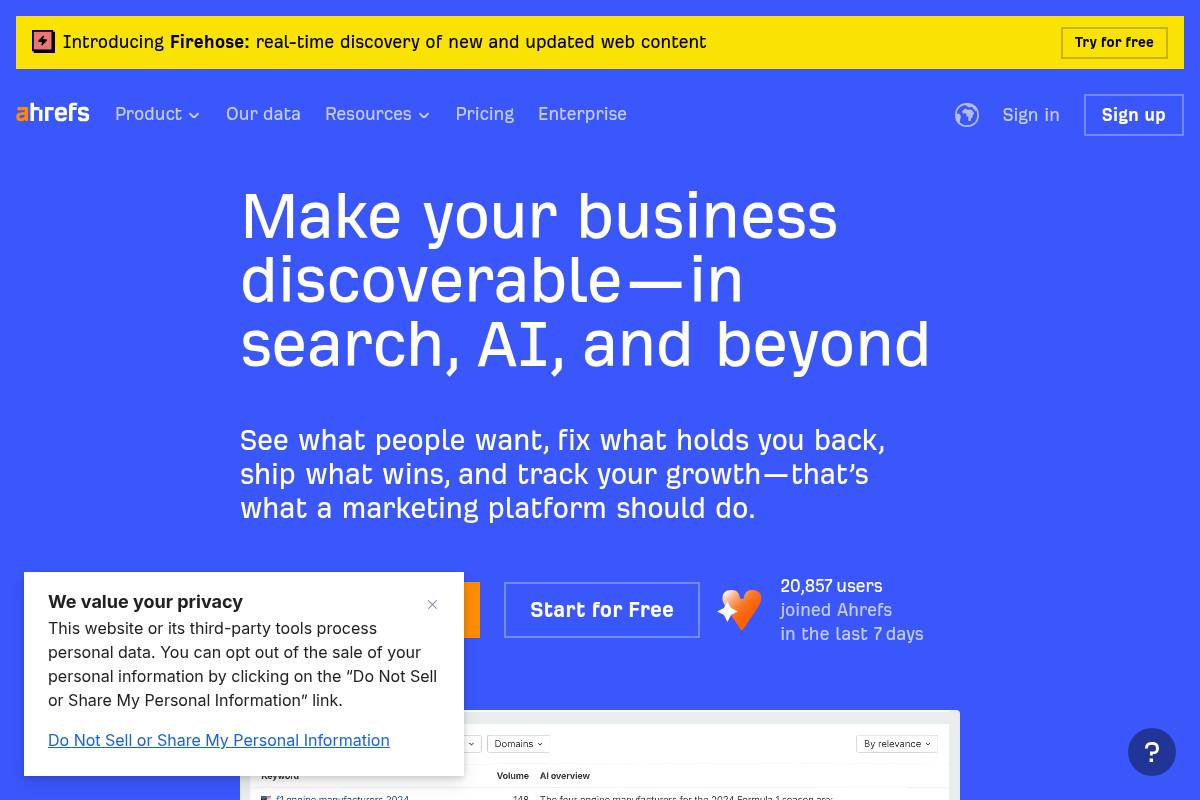
    Ahrefs
    Ahrefs

    Ahrefs

    Overview

    Ahrefs is a comprehensive SEO suite widely used for backlink intelligence, keyword discovery, and competitive research. Agencies using Keywordly often pair it with Google Search Console to validate traffic and ranking trends before pitching new campaigns.

    Many content teams lean on its Content Explorer to reverse‑engineer high‑traffic articles from sites like HubSpot or NerdWallet, then build briefs that target similar topics while closing content gaps.

    Technical Requirements

    Because Ahrefs runs fully in the browser, teams can log in from Chrome or Edge without installing desktop software. A reliable broadband connection is important when exporting large backlink reports or crawling enterprise sites with millions of URLs.

    SEO leads typically coordinate with IT to add DNS TXT records or upload HTML verification files, especially when auditing multiple subdomains on complex stacks such as Shopify plus WordPress blog combinations.

    Competitive Positioning

    Within the SEO platform landscape, Ahrefs often competes with Semrush and Moz Pro for agency budgets. Many specialists prefer its backlink index when auditing link profiles for brands like Shopify or Canva because the crawler frequently surfaces obscure referring domains.

    For PPC teams, Semrush’s Google Ads tooling is stronger, but technical SEOs at Keywordly usually select Ahrefs when link analysis, content gaps, and crawl diagnostics drive the engagement’s core deliverables.

    Reference: Ahrefs—AI Marketing Platform Powered by Big Data

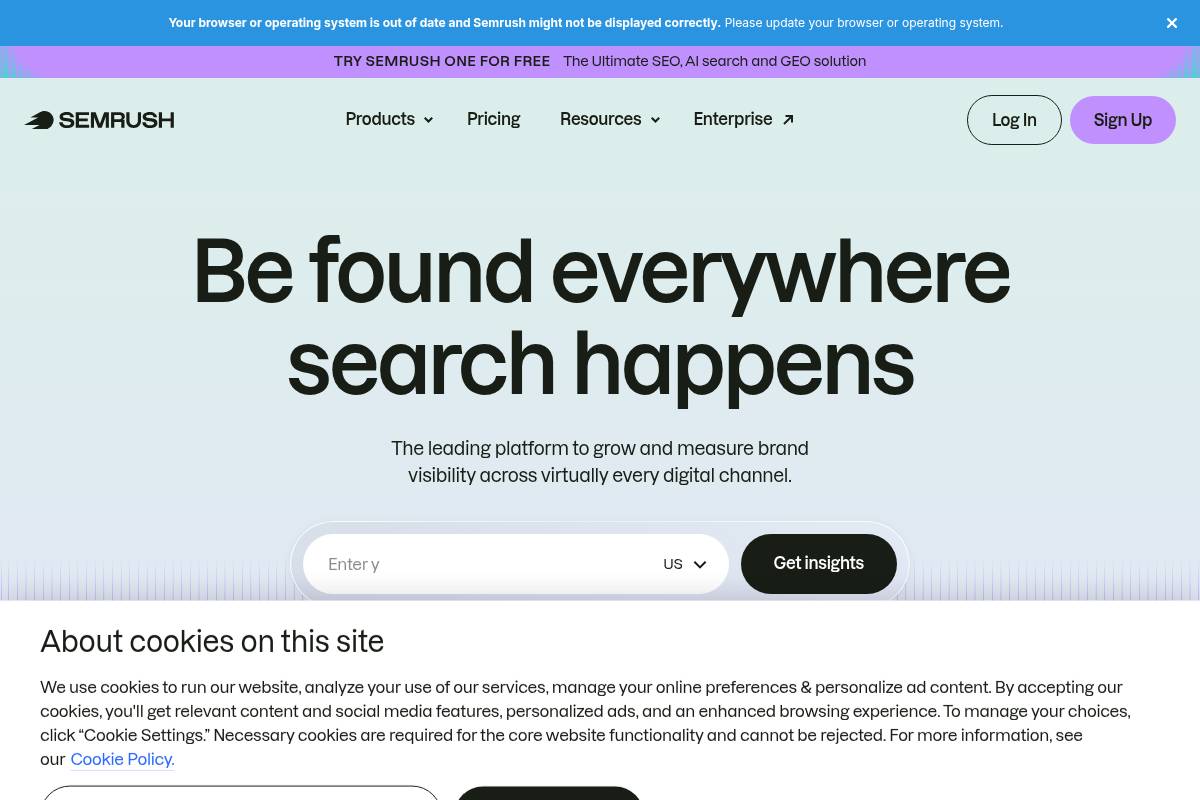
    Semrush
    Semrush

    Semrush

    Overview

    Semrush is a full-stack digital marketing platform that lets teams manage SEO, paid search, content, and social campaigns from one dashboard. It’s widely adopted by agencies that need to report on multiple channels without jumping between separate tools.

    For example, a mid-size agency handling SEO and Google Ads for a retailer can run keyword research, site audits, link outreach, and PPC analysis inside a single Semrush Project, instead of stitching reports from different platforms.

    Technical Requirements

    The platform runs entirely in the browser, so your team only needs a modern version of Chrome, Edge, or Firefox and a stable connection. There’s no desktop software to maintain, which simplifies onboarding for distributed marketing teams.

    When you connect Google Analytics or Search Console, Semrush simply requests API access from those accounts. That lets you blend your first-party data with Semrush’s own metrics, similar to how tools featured in the AI SEO Tools Guide 2025 layer external data for deeper insights.

    Competitive Positioning

    Among professional SEO platforms, Semrush often sits alongside Ahrefs and Moz Pro in RFPs from brands and agencies. Its biggest strengths are competitive intelligence, advertising research, and cross-channel reporting rather than pure backlink analysis.

    A performance team at a DTC brand might use Ahrefs to dig into link profiles, while depending on Semrush for granular Google Ads insights, display placements, and multi-channel visibility reports that inform media budget decisions.

    Getting Started

    On day one, most teams create a Project for their domain, run a Site Audit, and configure Position Tracking for priority keywords and locations. This gives a baseline for technical health and search visibility before any optimization work begins.

    Connecting Google Analytics and Search Console unlocks more accurate traffic and query data. From there, SEO managers typically dive into the Keyword Magic Tool and Domain Overview to shape content roadmaps and estimate realistic traffic growth targets.

    Key Features

    Semrush includes a broad feature set that supports keyword discovery, technical SEO, competitive research, and content strategy in a single workspace. This breadth is why it frequently appears alongside AI-powered platforms in guides like the AI SEO Tools Guide 2025.

    Features

    • Domain Overview for quick snapshots of organic, paid, and backlink performance
    • Keyword Magic Tool with advanced filters and grouping options
    • Site Audit that flags technical and on-page issues by priority
    • Position Tracking for daily rankings and SERP feature monitoring
    • Content Marketing toolkit with Topic Research and SEO Writing Assistant

    Pros

    For agencies and in-house teams, the main advantage is consolidating multiple workflows into one interface. That includes SEO analysis, PPC research, content planning, and social tracking.

    Pros

    • Extensive toolkit spanning organic search, paid media, content, and social
    • Strong competitive and advertising research ideal for performance marketers
    • Agency-friendly reporting, including white-label options for client deliverables
    • Structured keyword research flows that map cleanly to editorial calendars

    Cons

    The breadth of tools can feel heavy if your focus is only basic SEO tasks. Some smaller businesses find they use just a fraction of the modules they pay for.

    Cons

    • Interface and feature depth can overwhelm new or non-technical users
    • Advanced, agency-grade capabilities live in higher-priced tiers
    • Learning curve is steeper than more streamlined SEO platforms

    Pricing

    Semrush uses tiered plans—Pro, Guru, and Business—that scale by projects, keyword limits, and access to advanced modules. Annual billing reduces costs, which appeals to agencies standardizing on a single platform.

    Add-ons such as local SEO listings, expanded content features, and extra user seats can significantly increase the monthly bill for larger teams, so it’s important to map features to actual usage before committing.

    User Sentiment

    Among SEO professionals and digital agencies, sentiment is generally positive, especially around its competitive research and multi-channel visibility. Many agencies cite it as their default environment for both SEO and PPC insights.

    Criticism tends to focus on the crowded interface and pricing for very small businesses. For lean teams, lighter tools highlighted in the AI SEO Tools Guide 2025 can be more cost-effective while Semrush remains better suited to agencies and larger brands.

    Reference: Semrush: Your Unfair Advantage for Growing Brand Visibility

    Moz Pro
    Moz Pro

    Moz Pro

    Overview

    Moz Pro is an SEO platform that brings keyword research, site audits, and link analysis into a single dashboard. It’s widely recognized for proprietary metrics like Domain Authority and Page Authority, which many agencies use in client reports.

    Marketing teams at companies such as Zillow and Trivago have cited Moz’s blog and Whiteboard Friday videos as foundational learning resources for junior specialists, helping them understand search intent and on-page optimization basics.

    Technical Requirements

    The software runs in the browser, so teams at Keywordly or client organizations can log in from Chrome, Firefox, or Edge without installing anything locally. This works well for distributed SEO teams collaborating across multiple offices or time zones.

    When linked with Google Analytics, Moz Pro can layer ranking data over traffic and goal metrics. For example, an ecommerce brand might see that a page ranks in the top five positions yet delivers poor conversion, indicating a misaligned offer or intent issue.

    Competitive Positioning

    Among generalist SEO suites, Moz Pro competes most closely with Semrush and Ahrefs. Agencies often use Ahrefs for deep backlink analysis, while relying on Moz for straightforward reporting and easier onboarding of non-technical stakeholders.

    For a small content team managing five to ten sites, Moz’s interface can feel less intimidating than Semrush’s broader marketing toolkit. That makes it appealing for marketing managers who need SEO insights without juggling dozens of cross-channel features.

    Getting Started

    New users typically begin by creating a campaign around a primary domain, then launching a Site Crawl to reveal technical issues such as 404 pages or excessive redirect chains. This mirrors the workflow many agencies use during an initial website health audit.

    Once crawling is complete, teams configure rank tracking for core commercial and informational terms. At Keywordly, a typical setup might track 200–500 priority phrases, then use Keyword Explorer to uncover related long-tail opportunities based on search volume and difficulty.

    Key Features

    Before choosing a subscription, it helps to understand how each feature supports daily SEO operations and reporting workflows for clients.

    • Keyword Explorer with SERP previews, difficulty scores, and CTR estimates
    • Campaigns module for ongoing rank, health, and visibility tracking
    • Site Crawl for scalable technical and on-page diagnostics
    • Link Explorer showing key authority and risk indicators
    • On-page optimization suggestions with simple scoring

    Feature Details

    Feature How It Helps
    Keyword Explorer Shows difficulty, volume, and SERP features; useful when planning new content clusters.
    Campaigns Aggregates rankings, crawl data, and link metrics into one view for client reporting.
    Site Crawl Flags duplicate content, missing meta tags, and broken links at scale.
    Link Explorer Assesses domains for outreach by reviewing authority and spam indicators.
    On-page tools Provides simple scores and recommendations for key landing pages.

    Pros

    For many marketing teams, the biggest advantage is how approachable the interface feels. Junior coordinators can learn to pull Domain Authority benchmarks or basic keyword reports with minimal onboarding support.

    • Interface is accessible for non-technical marketers and beginners
    • Extensive guides, webinars, and community Q&A support continuous learning
    • Authority metrics provide quick domain and page quality snapshots
    • Well-rounded toolkit for small to mid-sized SEO programs

    Cons

    Specialist link-building teams often comment that they still lean on Ahrefs or Majestic when they need the deepest backlink coverage or very fresh link discovery for aggressive digital PR campaigns.

    • Backlink coverage and freshness trail link-focused competitors
    • Limited PPC and social features compared with broader suites like Semrush
    • Lower tiers cap campaigns and keywords, which can constrain larger agencies

    Pricing

    Moz Pro offers several tiers that scale by tracked keywords, campaigns, and user seats. Agencies often start on a mid-tier plan to balance cost against the number of domains and regional SERPs they must monitor.

    Annual billing can reduce effective monthly costs, especially when combined with seasonal promotions. For example, some U.S. agencies upgrade before Q4 to secure discounts ahead of peak ecommerce demand and expanded keyword tracking needs.

    User Sentiment

    Across review platforms like G2 and Capterra, users frequently highlight ease of use and trustworthy authority scores. Many small businesses report that Moz was their first serious SEO platform before expanding into more specialized tools.

    Critical feedback usually notes that updates to emerging SERP features or new data views can feel slower than competitors. Advanced practitioners sometimes pair Moz with other platforms to cover gaps while still valuing its consistent, easy-to-share metrics.

    Reference: Moz Pro: All-in-One SEO Toolkit

    Google Search Console
    Google Search Console

    Google Search Console

    Overview

    Google Search Console is the core diagnostics hub for understanding how your site surfaces in organic search. It shows which queries trigger your pages, how often users click, and whether Google can crawl and index critical URLs.

    For agencies like Keywordly, this data informs content strategy, technical fixes, and client reporting, often replacing guesswork with specific, query-level insights.

    Key Features

    These built-in capabilities help SEO teams prioritize fixes and opportunities across large and small sites.

    • Search Performance report showing queries, pages, countries, devices, CTR, and average positions.
    • Index Coverage and Sitemap reports to surface crawl errors and indexing gaps.
    • Core Web Vitals and Page Experience metrics tied to real-user performance data.
    • Manual action and security alerts for penalties, hacked content, or malware.
    • URL Inspection for live testing and requesting re-crawls after key changes.

    Pros

    Because the data comes directly from Google, it is trusted for measuring search visibility and diagnosing technical issues.

    • Free access for verified properties, with data closely aligned to how Google Search actually behaves.
    • Essential for spotting indexing failures, soft 404s, and coverage issues at scale.
    • Integrations with Looker Studio and third-party SEO platforms streamline reporting.
    • Performance data supports accurate analysis of branded vs non-branded query trends.

    Cons

    While powerful, it is not a full SEO platform and requires complementary tools for a complete workflow.

    Reference: Google Search Console

    • No competitive ranking intelligence or broad keyword discovery for non-owned sites.
    • Limited historical data versus dedicated rank trackers.
    • Some reports and terminology can confuse non-technical stakeholders.

    Google Analytics 4

    Google Analytics 4

    Google Analytics 4

    Overview

    Google Analytics 4 is Google’s event-based measurement platform that tracks how users actually interact with your site or app, not just which pages they load. Instead of sessions full of pageviews, every meaningful action becomes an event, from scroll depth to video plays and form submissions.

    For Keywordly’s clients, this shift is vital for understanding which content assets bring qualified organic visitors and how those visitors convert. For example, a B2B SaaS blog can compare readers who watch 50% of a product demo video against those who do not and tie that behavior to trial signups.

    Technical Requirements

    To use this platform, all you need is a Google account, a modern browser like Chrome or Edge, and access to your site’s code or tag manager. Most SEO teams at agencies install the tracking via Google Tag Manager so they can adjust events without developer release cycles.

    Reliable data depends on correct consent and script loading. For example, a retailer using Cookiebot must configure consent so the analytics tag fires only after approval; otherwise, traffic in California or the EU may appear far lower than reality, skewing organic performance reports.

    Competitive Positioning

    Within the analytics landscape, this product competes with enterprise suites such as Adobe Analytics and privacy-focused tools like Matomo and Piwik PRO. Adobe often wins in heavily customized enterprise stacks, while Matomo is attractive for organizations that require self-hosted data.

    For most SEO teams in the United States, Google’s solution becomes the default choice because it integrates directly with Search Console, Google Ads, and Looker Studio at no license cost. Keywordly typically recommends it as a baseline, then layers on tools like Matomo only when strict data residency rules demand it.

    Getting Started

    Launching a new property is straightforward: you create it in the admin area, then deploy the gtag.js snippet or a Google Tag Manager container across your site or app. Many agencies first roll this out to a staging environment to confirm that events, parameters, and user properties are firing as expected.

    Once basic tracking is live, define key events such as lead form submits, checkout completions, and free-trial activations as conversions. Then link the property to Search Console and Google Ads so your team can see how organic queries, landing pages, and campaigns influence those conversions in a single reporting view.

    Key Features

    For Keywordly’s clients, several capabilities stand out because they directly support SEO decisions and testing. Each feature below can be tied to practical workflows across content, UX, and acquisition teams.

    Features

    • Event-based tracking – Every interaction, such as a CTA click or PDF download, is an event. A publisher like HubSpot can track which whitepaper downloads from blog posts correlate with higher CRM signups.
    • Cross-device reporting – Identity methods help connect users as they move from mobile to desktop. Retailers see how an organic mobile visit on Monday can lead to a desktop purchase on Friday.
    • Acquisition and engagement reports – Built-in reports show how organic search stacks up against paid and email on metrics like engaged sessions and revenue.
    • Explorations workspace – Analysts can build custom funnels and paths, such as tracking how visitors move from informational blog posts to pricing pages.
    • Integrations with Google Ads and BigQuery – Exporting raw data into BigQuery lets advanced teams model SEO-assisted conversions and create predictive audiences.

    Pros

    Keywordly often highlights the advantages of this platform when clients are deciding whether to invest in more complex enterprise tools. The strengths below matter most to SEO and content-led growth programs.

    Pros

    • No license fee – The standard version is free, which is attractive for agencies managing dozens of properties.
    • Rich insight into organic quality – Metrics like engaged sessions, scroll tracking, and outbound clicks clarify which landing pages actually contribute to deals.
    • Flexible event model – Teams can track micro-conversions such as newsletter signups, calculator uses, or comparison-tool interactions.
    • Scales via BigQuery – Large sites can analyze billions of events, segmenting behavior by content clusters or keyword themes.

    Cons

    Despite its strengths, SEO teams often face friction when migrating or training non-technical stakeholders. Being aware of these drawbacks helps Keywordly design better onboarding and reporting processes.

    Cons

    • Steep learning curve – Users familiar with Universal Analytics’ sessions and goals need time to adapt to events and parameters.
    • Complex interface – Non-analysts may struggle to find the right report without curated dashboards in Looker Studio.
    • Sampling and thresholds – Very high-traffic sites sometimes see limited detail in standard reports, especially with ad personalization disabled.

    Pricing

    The standard version of this analytics platform is free and suitable for most small and mid-sized businesses focused on SEO and content performance. It offers generous data limits, automatic integrations with other Google products, and does not require a contract.

    Larger enterprises sometimes step up to Google Analytics 360, which starts at six-figure annual pricing based on public estimates shared by agencies like Merkle. Heavy BigQuery users must also budget for storage and processing, which can reach thousands of dollars per month when analyzing multi-year, multi-property datasets.

    User Sentiment

    Feedback from marketers and analysts is mixed but gradually improving. Early reactions on forums like Measure Slack and Reddit highlighted frustration with the unfamiliar UI and missing one-to-one report equivalents from Universal Analytics.

    As migrations stabilize, more SEO professionals acknowledge that event-level data better reflects how people interact with content. Keywordly sees this in practice when clients finally visualize full-funnel journeys, such as how blog readers who interact with comparison tables later request demos at rates 20–30% higher than average organic visitors.

    Reference: Google Analytics

    Screaming Frog SEO Spider
    Screaming Frog SEO Spider

    Screaming Frog SEO Spider

    Overview

    Screaming Frog SEO Spider is a desktop crawler that lets Keywordly’s clients inspect every URL on a site the way a search engine bot would. It scans internal links, status codes, and on-page elements, then surfaces problems that often stay hidden in Google Search Console alone.

    During a 120,000-URL audit for a Shopify retailer, for example, Keywordly used the crawler to uncover thousands of 404s from retired product URLs and duplicate title tags across paginated category pages, cutting crawl waste and boosting index efficiency.

    Technical Requirements

    This software runs locally on Windows, macOS, or Ubuntu and depends on Java, so SEO teams at agencies often install it on high-RAM workstations. Performance scales with hardware; an 8–16 GB RAM machine with a modern multi-core CPU can comfortably handle mid-sized ecommerce sites.

    For Keywordly’s enterprise clients, crawls run on 32–64 GB RAM desktops to push through 1M+ URLs. A stable internet connection is essential when pulling in Google Analytics, Search Console, or PageSpeed Insights data via their APIs during a crawl.

    Competitive Positioning

    Compared with cloud-based crawlers like Deepcrawl and OnCrawl, this desktop tool stands out for speed, local control, and a predictable annual license. Agencies that already pay for enterprise suites often still keep it as their primary diagnostic crawler for granular tests.

    For example, Keywordly pairs Deepcrawl for scheduled portfolio-wide monitoring with this desktop crawler for deep-dive investigations, custom extractions, and quick validation of changes before major site releases on platforms such as WordPress or Magento.

    Getting Started

    Most teams start by downloading the installer from the official site, entering their domain, and running a default crawl. This initial pass reveals immediate issues in the Internal and Response Codes tabs, such as soft 404s or misconfigured redirects.

    Keywordly’s consultants then review Page Titles, Canonicals, and Directives to form a prioritized action list. They export CSVs for developers, grouping fixes like 301 updates, canonical corrections, and noindex adjustments into separate implementation tickets in Jira or Asana.

    Key Features

    For technical audits, the tool’s sitewide crawling exposes broken links, redirect chains, non-indexable URLs, and template-level issues within minutes. This is critical when assessing migrations from platforms like Wix to WordPress or custom headless builds.

    • Detects 3xx/4xx/5xx status codes, long redirect chains, and inconsistent canonical tags
    • Analyzes titles, meta descriptions, headings, word count, and near-duplicate content
    • Supports custom extraction (XPath, CSS Path, regex) and API integrations with GA, GSC, and PageSpeed Insights

    For instance, Keywordly has used XPath extraction to pull product schema fields from BigCommerce sites, then cross-checked them against Search Console rich result reports to find missing or malformed structured data at scale.

    Pros

    For experienced SEOs, this crawler offers a rare mix of speed, flexibility, and depth. It can be tuned aggressively with custom user agents, crawl speed throttling, and exclusion rules to test complex setups, such as large international sites with extensive hreflang implementations.

    • Extremely powerful for edge-case investigations and one-off technical experiments
    • Runs quickly on modern hardware and scales well for large, parameter-heavy sites
    • Exports clean, filterable datasets suited to agency reporting and BI tools
    • Annual license is inexpensive compared with most enterprise crawling SaaS

    Cons

    Because it is desktop-based, collaboration can be clunky for distributed teams at agencies like Keywordly. Results often need to be exported and shared via Google Sheets or Looker Studio dashboards rather than accessed in a shared cloud interface.

    • Desktop-only access makes multi-user, simultaneous analysis harder than with cloud crawlers
    • Advanced configuration, custom extraction, and Java memory tuning require experience
    • Free tier limits crawl size and doesn’t support the advanced integrations many professionals need

    Pricing

    The free version works for very small sites or quick spot checks but lacks advanced features agencies rely on, such as custom extraction and extensive configuration options. For professional use, the annual per-user license is the realistic baseline.

    Keywordly typically equips every lead technical SEO with a paid seat. Compared with tools like OnCrawl or Deepcrawl, the desktop license often pays for itself with a single large audit, especially for ecommerce or publisher clients with hundreds of thousands of URLs.

    User Sentiment

    Among technical SEOs in the United States, this crawler is considered a staple, frequently recommended in communities like Traffic Think Tank and Women in Tech SEO. Many professionals run it alongside cloud crawlers and analytics platforms for a more complete view of site health.

    The interface is utilitarian, but Keywordly’s team values reliability and transparency over aesthetics. Most power users accept the learning curve because it consistently surfaces issues that lighter-weight tools or partial crawls overlook on complex, legacy web architectures.

    Reference: Screaming Frog SEO Spider Website Crawler

    Yoast SEO
    Yoast SEO

    Yoast SEO

    Overview

    Yoast SEO is a long-established WordPress plugin that helps site owners handle on‑page optimization and essential technical settings without touching code. Within the WordPress editor, it adds a sidebar and meta box so writers can evaluate how well a post is optimized before publishing.

    Agencies like Ignite Visibility and smaller publishers alike rely on its readability checks and snippet preview to keep titles and descriptions consistent. For a content team at a SaaS blog, Yoast’s tools act as a checklist so editors can quickly confirm that headings, internal links, and metadata align with their content strategy.

    Technical Requirements

    To use this plugin, you need a self‑hosted WordPress installation or managed hosting that allows third‑party plugins, such as WP Engine or Kinsta. Admin‑level access is required so you can install and update the plugin through the WordPress dashboard or via SFTP if your security policies demand it.

    For stability, Keywordly typically recommends WordPress on PHP 8.x with at least 1 GB RAM and reliable database performance. On shared hosts with limited CPU, large sites with thousands of posts may notice slower admin screens, so pairing Yoast with good caching and database optimization becomes important.

    Competitive Positioning

    Within the WordPress ecosystem, Yoast competes primarily with Rank Math and All in One SEO. Rank Math has attracted power users by bundling features such as redirection and rich schema options in its free tier, while All in One SEO often appeals to developers who prefer more granular control panels.

    Yoast, released back in 2010, maintains an edge in brand recognition, documentation, and training material. For example, many HubSpot Academy and LinkedIn Learning courses use it in their walkthroughs, which means new content marketers often encounter Yoast first and stick with it as they scale their blogs or client sites.

    Getting Started

    Initial setup begins with installing the plugin from the official WordPress repository and activating it under the Plugins menu. Once active, a configuration wizard guides you through identifying whether the site represents a company or person, setting default visibility for content types, and defining basic schema details.

    From there, SEO teams can enable XML sitemaps, verify ownership with Google Search Console, and refine index settings for categories or tags. During publishing, writers use the Yoast meta box to craft SEO titles and meta descriptions, pick a primary keyphrase, and quickly see whether the URL slug, headings, and content length align with their optimization target.

    Key Features

    For WordPress users comparing optimization tools, the plugin’s feature set is a major consideration. The following points outline how it supports daily publishing work.

    • On‑page analysis around a focus keyword with traffic‑light scoring that evaluates keyword placement in titles, headings, URL, and body.
    • Readability checks that flag long sentences, excessive passive voice, and dense paragraphs to keep blog posts scan‑friendly.
    • Automatic XML sitemap creation plus basic schema.org markup to help Google understand content types and improve indexation.
    • Reusable templates for SEO titles and descriptions to enforce consistent formatting across posts, pages, and archives.
    • Breadcrumb and canonical URL controls that reduce duplicate content risk and surface a clearer internal structure.

    For example, a DTC brand running a 2,000‑page WooCommerce store might rely on Yoast’s canonical URL settings to point variant pages back to a main product page. A B2B blog publishing three times a week can use title templates to ensure every post automatically includes the brand name and target segment in its SERP snippet.

    Pros

    Teams evaluating WordPress SEO plugins often focus on ease of use and editorial experience. The advantages below make this plugin approachable for non‑developers.

    • Friendly for non‑technical editors who want optimization guidance directly inside the post edit screen.
    • Real‑time readability and SEO feedback that reduces back‑and‑forth between writers and SEO specialists.
    • Extensive documentation and training materials, backed by years of updates and compatibility testing.
    • Integrates smoothly into existing WordPress publishing workflows used by agencies and in‑house content teams.

    For instance, an agency managing 30 client blogs can onboard junior writers quickly by asking them to “get green bullets” for readability and SEO before sending drafts to editors. That simple rule often cuts revision cycles in half because structure and basic optimization issues are addressed earlier.

    Cons

    Despite its strengths, the plugin has trade‑offs that matter for larger or more technical operations. Understanding these limitations helps Keywordly clients decide when to pair it with additional tools or consider alternatives.

    • Advanced functions such as multiple focus keyphrases and robust internal linking suggestions sit behind the paid tier.
    • Can feel resource‑intensive on low‑budget shared hosting, especially on big content libraries with thousands of posts.
    • Schema configuration and technical controls are less flexible than what Rank Math or custom schema plugins provide.

    For very complex sites—such as news publishers with custom post types and specialized schema needs—teams may supplement Yoast with tools like Schema Pro or bespoke code to reach full control over structured data.

    Pricing

    The core plugin is offered free and covers essential functionality such as on‑page checks, basic schema, and sitemaps. This makes it accessible for smaller blogs, nonprofits, and early‑stage SaaS companies that need guidance but lack budget for custom development.

    The premium license is sold per site and adds capabilities like multiple keyphrases, internal linking suggestions, and priority support. Separate paid extensions exist for local, news, and video optimization, which can be valuable for companies similar to local retailers, publishers, or YouTube‑heavy brands that need more specialized markup.

    User Sentiment

    Among WordPress users, sentiment is generally positive, with millions of active installations and strong review volume in the official plugin directory. Bloggers and small businesses often praise its clear interface and the way it translates SEO concepts into simple traffic‑light indicators.

    More advanced practitioners sometimes prefer Rank Math or custom setups for deeper schema control and integrated redirection management. In Keywordly’s experience with client audits, however, many long‑running sites still rely on Yoast because it has proven stable through multiple WordPress core updates and major Google algorithm changes.

    Reference: SEO for everyone • Yoast

    Rank Math
    Rank Math

    Rank Math

    Overview

    Rank Math is a modern WordPress SEO suite designed to consolidate on-page optimization, schema markup, and technical controls in a single plugin. It replaces separate tools for redirects, XML sitemaps, and schema, which is attractive for lean WordPress stacks managed by agencies like Keywordly.

    For example, a content site running Astra and Elementor can use Rank Math to handle meta tags, product schema for WooCommerce, and redirections without extra add-ons, keeping performance strong while retaining granular SEO control.

    Technical Requirements

    This plugin runs on self-hosted WordPress sites using standard PHP and MySQL hosting. You need permission to install and activate plugins, which is usually available on VPS or managed WordPress plans from providers like SiteGround or Kinsta.

    To unlock analytics and keyword tracking, you connect a free Rank Math account plus Google Search Console and Analytics, letting you see impressions and rankings directly inside the WordPress dashboard without separate logins.

    Competitive Positioning

    Rank Math competes directly with Yoast SEO and All in One SEO, but its free tier includes structured data, redirection management, and basic rank tracking that rivals often reserve for paid licenses. Many technical SEOs appreciate the modular design and relatively lean codebase.

    Agencies migrating five to ten client sites from Yoast often cite the integrated redirect manager and extensive schema templates as key reasons, especially when they can remove two or three other plugins from each install.

    Getting Started

    Setup begins by installing the plugin from the official WordPress repository and running the onboarding wizard. You can choose Easy mode for small business blogs or Advanced mode for complex sites needing indexation rules, custom post type controls, and detailed sitemap settings.

    Once connected to a Rank Math account, enable only the modules you need—such as Local SEO, WooCommerce, or Image SEO—and use the content analysis panel inside the editor to optimize for multiple focus keywords and rich result eligibility.

    Key Features

    Rank Math bundles a large set of SEO capabilities that would otherwise require multiple separate plugins. For SEO teams at Keywordly, this consolidation reduces compatibility headaches and speeds up audits.

    Features

    • On-page content analysis supporting multiple focus keywords
    • Built-in schema generator for articles, products, FAQs, and more
    • Redirection manager and 404 monitor for URL changes
    • XML sitemaps with fine-grained index controls
    • Basic keyword ranking and analytics via the cloud dashboard

    Pros

    From a cost and efficiency standpoint, Rank Math offers strong value for agencies and in-house SEO teams. Many advanced options, such as detailed schema controls, are available without a paid license.

    Pros

    • Feature-rich free version that often replaces two or three other plugins
    • Modular interface so teams can disable unneeded components
    • Extensive structured data support that helps win rich snippets
    • Good balance of technical controls and usability for most WordPress sites

    Cons

    The same depth that appeals to specialists can intimidate beginners, especially on multi-plugin stacks. Misconfigured indexation or redirects can create crawling issues if changes are not documented or tested.

    Cons

    • Interface and options can feel complex for non-technical users
    • Requires account connection for analytics and advanced modules
    • Risk of conflicts or misconfiguration on heavily customized builds

    Pricing

    The core plugin is free and suitable for many small and mid-sized sites. Paid tiers—Pro, Business, and Agency—are billed annually and expand keyword tracking quotas, reporting options, and the number of supported domains.

    For instance, an agency managing 50 WordPress sites may choose the Agency plan to centralize reporting, whereas a single large ecommerce brand often finds the Pro or Business license sufficient for their SEO roadmap.

    User Sentiment

    Among WordPress developers and SEO professionals in the United States, Rank Math has seen rapid adoption. Many praise its feature-to-price ratio and the way it streamlines technical tasks previously handled through multiple plugins.

    Some users report a learning curve when migrating from Yoast SEO, especially around schema templates and advanced modules, but the built-in wizard and documentation help most teams adjust within a few days of experimentation.

    Reference: Rank Math – Best Free WordPress SEO Tools in 2026

    Surfer SEO
    Surfer SEO

    Surfer SEO

    Overview

    Surfer SEO is a cloud-based content optimization platform that compares your drafts against pages already ranking on Google. It uses natural language processing and live SERP data to highlight the structure, terms, and entities common to high-performing content.

    Content marketers and SEO copywriters at agencies like Siege Media and Animalz use it to brief writers, standardize outlines, and reduce guesswork. For Keywordly clients, it often acts as a shared benchmark so strategists, editors, and writers align on what “good enough to rank” actually looks like.

    Technical Requirements

    Because this tool runs in the browser, teams only need a modern browser like Chrome or Edge and a reliable internet connection. There is no desktop software to maintain, which simplifies rollout for agencies managing dozens of contractors or remote writers.

    Surfer’s Google Docs extension lets writers optimize directly inside their usual workspace, while CMS plugins support systems such as WordPress. For a Keywordly deployment, access management usually revolves around Google accounts, shared workspaces, and clear ownership of projects rather than IT-heavy setup.

    Competitive Positioning

    Within content optimization, Surfer often appears on shortlists alongside Clearscope and MarketMuse. Clearscope is frequently praised for its simplicity, while MarketMuse leans into AI-driven topic modeling and inventory audits. Surfer takes a correlation-focused approach, mapping on-page factors against top SERP results.

    Compared with Clearscope, Surfer includes built-in keyword research and more granular correlation metrics such as partial-match usage, page structure, and internal link patterns. Keywordly typically recommends Surfer for teams that want deeper on-page data without committing to higher MarketMuse-style pricing or heavyweight content inventory features.

    Getting Started

    Teams usually begin by creating an account and opening the Content Editor for a target query, such as “best B2B SEO tools” or “SaaS content marketing strategy.” The editor immediately surfaces suggested word count, heading breakdown, and NLP-derived terms based on pages ranking on page one.

    Writers can either paste an existing draft or start from scratch, watching the optimization score update in real time. Once a page goes live, Keywordly specialists often run Surfer’s Audit against the URL and keyword to identify gaps—such as missing entities or thin sections—before a scheduled optimization sprint.

    Key Features

    The platform groups its core capabilities into a few workflows that support planning, writing, and optimization. For SEO teams at agencies, these often become standard parts of content briefs and QA checklists.

    • Content Editor with live scoring against SERP competitors
    • SERP Analyzer for correlation-based insights
    • Audit tool for live-page optimization
    • Built-in keyword discovery and topic clustering
    • Integrations for Google Docs and select CMSs

    For example, an eCommerce brand targeting “running shoes for flat feet” can use the Content Editor to match competitor depth while the SERP Analyzer checks word count ranges, heading density, and related queries. Keywordly then layers internal link and conversion recommendations on top of these on-page insights.

    Pros

    Agencies and in-house teams often choose Surfer because it offers actionable, data-backed guidance instead of vague best practices. Clear scoring and term suggestions make it easier for non-technical writers to collaborate with technical SEOs.

    • Highly effective for improving on-page relevance and structure
    • Produces clear, prioritized recommendations writers can follow
    • Grounded in live SERP competitors and real search data
    • Well-suited to content-heavy SEO programs and editorial teams

    Keywordly frequently sees blog posts climb from page two to the middle of page one after a single optimization pass using Surfer guidelines, especially on content with existing impressions but weak topical coverage.

    Cons

    Surfer focuses tightly on content and on-page elements, so it does not replace a full SEO stack. Teams still need tools like Ahrefs, Semrush, or Google Search Console for backlinks, technical audits, and rank tracking.

    • Limited technical SEO and link-related functionality
    • Requires consistent use across a site to see portfolio-wide impact
    • Over-reliance can lead to keyword-heavy or formulaic writing

    Keywordly mitigates these issues by pairing Surfer recommendations with editorial standards: voice guidelines, user intent checks, and manual pruning of suggestions that would make copy feel robotic or repetitive.

    Pricing

    Surfer uses subscription tiers that scale by the number of Content Editor credits, Audit runs, and user seats. Smaller teams might start on lower tiers just for new article creation, while larger agencies often upgrade to support recurring optimization cycles.

    Monthly and annual billing options are available, with annual plans typically offering cost savings. Keywordly generally advises agencies running 30–60 articles a month to select mid-range tiers so they have enough capacity for both new production and quarterly refreshes of high-value pages.

    User Sentiment

    Among content marketers and SEO practitioners, reviews are largely positive. Many publicly attribute ranking lifts to systematic optimization—especially when updating older assets that already have impressions but underperform in click-throughs.

    Some SEOs wish it included site-wide crawling, backlink analysis, and rank tracking, but most accept that its focus remains content. At Keywordly, feedback from writers and editors tends to highlight how the interface demystifies on-page best practices and helps less experienced contributors deliver publish-ready drafts faster.

    Reference: Surfer: SEO Content Optimization Platform

    Clearscope
    Clearscope

    Clearscope

    Overview

    Clearscope is a premium content optimization platform designed to help teams create pages that closely match search intent. It reviews the current SERP leaders for a given topic and surfaces the language patterns, entities, and subtopics they have in common.

    Agencies like Siege Media and B2B SaaS brands such as HubSpot have discussed using similar optimization platforms to guide briefs and land consistent top‑3 rankings for high‑value keywords. Clearscope fits into that same workflow, turning raw keyword ideas into structured, editor-ready outlines.

    Competitive Positioning

    Within the content optimization category, Clearscope often appears on shortlists alongside Surfer SEO and MarketMuse. Its focus is a streamlined interface that feels natural for writers, with minimal clutter and a clear grading system.

    Agencies managing dozens of writers often select it over lower-cost tools because onboarding is fast and training materials are minimal. When a content manager at a SaaS brand wants a reliable way for freelancers to hit consistent quality standards, this type of simplicity becomes a major buying decision.

    Reference: Clearscope | Get Discovered on Google & AI Search

    Majestic

    Majestic

    Majestic

    Overview

    Majestic is a specialist platform built almost entirely around backlink intelligence and link graph analysis. Instead of bundling rank tracking, content tools, and PPC data, it invests heavily in crawling and classifying links across the web at scale.

    Its Trust Flow and Citation Flow metrics help assess both the quality and volume of links. For example, a SaaS brand comparing its domain to HubSpot can quickly see where authority gaps come from, not just how many links each site has accumulated.

    Technical Requirements

    The platform runs in the browser, so teams at Keywordly or client-side SEO teams can log in from Chrome, Firefox, or Edge without local installs. A dependable internet connection is important because reports often query large historic indexes.

    Majestic also provides a REST-style API, which agencies often connect to Google Data Studio or custom dashboards. For instance, an agency might pull Trust Flow trends weekly into BigQuery to correlate link growth with organic traffic in Looker Studio.

    Competitive Positioning

    Within the SEO stack, this tool competes most directly with the backlink modules in Ahrefs and Semrush but deliberately focuses on links rather than keywords or content audits. That specialization appeals to link-building teams that care about crawl depth over all-in-one convenience.

    Its Trust Flow, Citation Flow, and Topical Trust Flow metrics give more granularity for off-page analysis. Many agencies pair it with Ahrefs for keyword research, using Majestic specifically when auditing risky links before a disavow or planning high-authority outreach campaigns.

    Getting Started

    When you first log in, the Site Explorer is the core workspace. Enter your own domain or a competitor like shopify.com to see Trust Flow, Citation Flow, referring domains, and anchor text distribution within seconds.

    From there, use Topical Trust Flow to check whether links align with the right industries, such as “Business / Marketing and Advertising.” Link-context views help uncover strong placements, like an editorial mention on moz.com, that can inspire similar outreach targets for Keywordly clients.

    Key Features

    Majestic offers a focused feature set around backlink discovery and evaluation that supports link-building roadmaps, competitive audits, and risk analysis.

    • Site Explorer for granular backlink and referring domain analysis
    • Trust Flow and Citation Flow scoring
    • Topical Trust Flow categorization
    • Historic and Fresh indexes
    • Bulk backlink checker and link-context analysis

    Teams might, for example, use the Historic index to track how a publisher like nytimes.com has linked to a brand over several years. The Bulk checker helps agencies vet thousands of outreach prospects from a scraped list before investing time in contact research.

    Pros

    For agencies and in-house SEOs at scale, the main benefits come from data depth and unique scoring that clarifies which links truly move the needle.

    • Extensive, specialized backlink index and proprietary metrics
    • Strong fit for advanced link-building and competitive profiling
    • Historic data surfaces long-term acquisition trends
    • Often uncovers referring domains missed by broader SEO suites

    Cons

    Because the platform emphasizes links, some users still need other tools for technical audits, keyword research, and content optimization, which adds cost and complexity to the stack.

    • Narrow scope focused almost exclusively on link data
    • Interface can feel dated compared to newer dashboards
    • Learning curve around interpreting Trust Flow and related metrics

    Pricing

    Subscription tiers differ mainly by report volume, data export limits, and project slots. Monthly plans are common for smaller in-house teams testing fit, while agencies often commit annually for savings.

    Heavy users, especially those automating reports or powering internal tools, generally need higher tiers with generous API quotas. A mid-sized agency running hundreds of client domains might rely on an advanced plan to support daily crawls and dashboard integrations.

    User Sentiment

    Among technical SEOs and link-building specialists, Majestic is regarded as a dependable authority on link data. It is frequently mentioned in conference talks from agencies like Distilled (now Brainlabs) when discussing off-page audits.

    Most practitioners treat it as a complementary analytics layer alongside Ahrefs or Semrush. They appreciate its depth and unique metrics while recognizing that the UI lacks some of the polish and onboarding guidance found in broader marketing suites.

    Reference: Majestic Products: Majestic Home Page

    Ubersuggest
    Ubersuggest

    Ubersuggest

    Overview

    Ubersuggest began as a free keyword idea generator and has grown into a lightweight SEO suite that covers basic research, site audits, and rank tracking. It targets teams that do not need the complexity of tools like Semrush or Ahrefs but still want structured insight into search performance.

    Small agencies managing a few local clients often use it to validate topics, spot quick-win pages, and understand overall visibility without juggling multiple platforms. For example, a local Denver plumbing business can use it to discover “emergency plumber Denver 24/7” variants and prioritize pages around those terms.

    Technical Requirements

    This platform runs entirely in the browser, so most teams simply need a stable internet connection and a current version of Chrome, Edge, or Firefox. No software installation or server configuration is required, which suits remote teams and freelancers who work across multiple devices.

    To unlock more accurate audits and tracking, users typically connect Google Search Console and verify domain ownership. When a New York e‑commerce brand links its properties, crawl data and impression stats align more closely, allowing better diagnostics for issues such as mobile usability errors or sudden drops in branded queries.

    Competitive Positioning

    Within the SEO tool market, Ubersuggest sits in the entry-level segment alongside products like Mangools and Serpstat’s lower tiers. It focuses on approachability and clear visuals instead of deep, technical controls and massive keyword indexes.

    Agencies that manage complex international sites usually pair it with more advanced suites. For instance, a Shopify-focused agency might lean on Ahrefs for large-scale backlink audits while using Ubersuggest as a quick, shared dashboard when walking small clients through basic performance metrics during monthly calls.

    Getting Started

    New users typically begin by creating an account, adding their primary domain as a project, and selecting target countries. This setup allows the software to monitor visibility over time instead of treating each search as a one‑off lookup.

    A practical first workflow for a local fitness studio would be: run a Site Audit, fix critical issues like missing title tags, then open Keyword Ideas for phrases such as “HIIT classes Chicago.” After choosing a handful of targets, they can activate rank tracking and watch how newly optimized class pages progress in the search results.

    Key Features

    For lean marketing teams, the most appealing aspects are its structured keyword suggestions, simple auditing, and basic backlink views. These tools help prioritize what to publish and what to fix without needing deep technical expertise.

    Features

    • Keyword Ideas and content topic suggestions from seed phrases and competitors
    • Site Audit with high-level health scores and on-page recommendations
    • Rank tracking for selected keywords across countries and devices
    • Backlink overview with referring domain and link growth trends
    • Dashboards summarizing estimated traffic and visibility metrics

    For example, a SaaS startup competing with HubSpot can input the competitor’s domain to reveal topics like “CRM for small business” and related long‑tail queries. The Site Audit may highlight low word count or missing H1 tags on existing feature pages, giving the content team a checklist they can address in a sprint.

    Pros

    Marketing teams at small businesses appreciate the balance of price and usability, especially when they are learning SEO fundamentals. Onboarding non‑specialists is usually quick because the interface explains issues in plain language rather than dense technical jargon.

    Pros

    • Low cost of entry, with pricing well below most large SEO suites
    • Clean interface that helps new users understand audits and keyword metrics
    • Solid for early‑stage keyword discovery and high-level content planning
    • Useful as a stepping stone before committing to premium enterprise platforms

    An Atlanta-based boutique agency, for example, might start junior marketers on this tool to learn about search volume and difficulty scores before upgrading them to more robust stacks once they manage larger B2B accounts.

    Cons

    Because it focuses on accessibility, its datasets and advanced functions are less comprehensive than those of enterprise tools. Highly technical SEOs often find the crawl options, export flexibility, and historical data depth limiting when working on multi‑country or multi‑language sites.

    Cons

    • Keyword and backlink indexes are smaller and may lag compared with Ahrefs or Semrush
    • Limited support for advanced technical diagnostics such as complex JavaScript rendering issues
    • Reporting templates and white‑label options can feel restrictive for larger agencies

    For instance, a global retailer running multiple subdomains might struggle to perform granular log‑file-level investigations here and end up supplementing with specialized crawlers like Screaming Frog or enterprise suites.

    Pricing

    The pricing model targets budget-conscious marketers by offering a free tier with caps on daily searches and projects, plus paid subscriptions that remain below many well-known competitors. Lifetime plans, when available, cater to small agencies that prefer a one‑time expense instead of monthly overhead.

    A solo consultant managing five local SEO clients might find that the mid-tier plan covers enough daily queries and projects to handle audits and basic tracking, delaying the need for pricier alternatives until their client base expands.

    User Sentiment

    Among beginners and small organizations, reviews frequently highlight the straightforward interface and clear explanations. Many courses and blogs, including some by Neil Patel’s own team, recommend it as a starting point for people who have never touched professional search tools.

    Experienced SEO professionals, however, often treat it as a secondary or backup option rather than a primary analytics engine. Once an agency begins managing national brands or complex content sites, they tend to rely more heavily on platforms with deeper data, using this one mainly for easy-to-share snapshots or entry-level training.

    Reference: Ubersuggest: Free Keyword Research Tool

    SE Ranking
    SE Ranking

    SE Ranking

    Overview

    SE Ranking is an all-in-one SEO platform that combines rank tracking, technical audits, and keyword and competitor research in a single dashboard. It is designed for agencies, small to mid-sized businesses, and in-house marketing teams that need reliable data without the steep cost of large enterprise suites.

    For example, a regional agency managing 20 local business clients can monitor positions, audit sites, and research competitors in one place instead of juggling separate tools, helping streamline workflows and reporting.

    Technical Requirements

    This platform is entirely browser-based, so you do not need to install desktop software or maintain separate versions for Windows or macOS. A stable internet connection and a modern browser such as Chrome, Edge, or Firefox are sufficient for day-to-day operations.

    Teams often connect Google Analytics and Google Search Console to merge traffic, query, and ranking insights. For instance, an eCommerce brand using GA4 can overlay organic revenue data with ranking trends to identify which high-traffic keywords are not yet converting efficiently.

    Competitive Positioning

    SE Ranking competes directly with suites like Semrush, Ahrefs, and Serpstat in the mid-market segment. Its pricing scales based on tracked keyword volume and update frequency, which allows cost-conscious agencies to choose daily, every‑3‑days, or weekly checks instead of paying for constant updates they do not need.

    While its backlink index is smaller than link-centric tools such as Ahrefs or Majestic, it covers core link metrics for many use cases. A local law firm, for instance, may only need to track a few hundred referring domains and anchor texts rather than millions of historical links.

    Getting Started

    New users typically begin by creating an account and setting up a first project with the target domain, country, and priority keywords. A small SaaS company might add its .com domain, choose the United States as the region, and upload a list of 200 product and feature-related terms exported from Google Search Console.

    From there, users select how often rankings should be updated, based on plan limits and campaign goals. Running an initial Website Audit usually follows, helping teams uncover broken links, crawl errors, thin content, and meta issues that form the foundation of a practical SEO roadmap.

    Key Features

    SE Ranking offers a suite of tools that covers daily execution for most organic search campaigns. These features are particularly useful for agencies handling multiple clients and needing consistent, white-label reporting.

    • Accurate rank tracking across locations, devices, and search engines
    • Website Audit to identify technical and on-page problems
    • Keyword and competitor research modules
    • Backlink monitoring and analysis
    • Marketing Plan templates and agency-focused reporting

    For example, a multi-location retailer can track positions in Los Angeles and Chicago separately, monitor Core Web Vitals issues via the audit, and generate scheduled PDF reports for stakeholders every Monday.

    Pros

    For SEO professionals and agencies partnering with Keywordly, SE Ranking often sits in the “strong value” category. It packs a broad feature set into a pricing structure that smaller teams can realistically afford.

    • Flexible pricing and solid value for most SMB and agency use cases
    • Coverage of rank tracking, technical SEO, research, and reporting in one tool
    • Intuitive interface, clear dashboards, and straightforward exports
    • Customizable tracking frequency to keep costs predictable

    A boutique agency managing 15 clients can, for instance, monitor 3,000–5,000 keywords weekly instead of daily, trimming software spend while still getting actionable visibility.

    Cons

    Despite its breadth, SE Ranking is not designed to replace every specialist SEO product on the market. Large enterprises and advanced link-building teams may find certain limitations when they push the platform to scale.

    • Backlink index smaller than link-specialist tools like Ahrefs or Majestic
    • Some advanced modules and UX flows feel less refined than top-tier suites
    • Very large enterprises may outgrow limits on projects, keywords, or reporting depth

    For example, a global publisher tracking millions of URLs and hundreds of thousands of backlinks per domain is more likely to rely on enterprise stacks that include dedicated link intelligence platforms.

    Pricing

    Pricing is structured around three main levers: the number of keywords tracked, how frequently rankings are updated, and which advanced features or user seats are included. This allows agencies to tailor plans precisely to client volume and reporting expectations.

    Many businesses choose annual billing to reduce overall cost, similar to how they might commit yearly to tools like Semrush or Moz Pro. For a U.S.-based agency spending around $70–$100 per month, the platform typically undercuts large enterprise competitors while still providing essential SEO capabilities.

    User Sentiment

    Across review sites such as G2 and Capterra, SE Ranking is often praised for affordability, accurate rank tracking, and accessible reporting. Agencies highlight that account managers can quickly pull client-ready PDFs and share live dashboards without extensive training.

    Advanced link-building teams sometimes complement it with dedicated backlink tools to gain deeper historical link data and advanced filtering. This hybrid approach—using SE Ranking for daily SEO management and a specialist tool for link research—helps maintain both cost efficiency and analytical depth.

    Reference: SE Ranking — AI SEO Software That Gets Results

    Serpstat
    Serpstat

    Serpstat

    Overview

    Serpstat is a growth-focused SEO suite that brings keyword research, rank tracking, technical audits, and competitor analysis into one interface. For Keywordly’s clients, it often acts as a central research hub that supports both organic and paid search planning across multiple markets.

    Digital agencies use it to map content strategies, while SaaS teams rely on its data to validate demand before launching new landing pages or campaigns. Because reports can be localized by country and language, it suits brands operating in the US, Canada, and Europe with one shared workflow.

    Technical Requirements

    The platform runs completely in the cloud, so your team just needs a modern browser like Chrome, Edge, or Firefox and a stable internet connection. That makes it easy for distributed SEO teams to log in from different locations without VPNs or local installs.

    For more advanced setups, Serpstat exposes an API that lets you pull rankings or keywords into tools such as Google Data Studio or custom dashboards. At Keywordly, analysts often connect it to Looker Studio so clients can see daily ranking trends alongside Google Analytics conversion data in one report.

    Competitive Positioning

    Within the SEO software landscape, Serpstat typically competes with Semrush, Ahrefs, and SE Ranking as a more budget-conscious all-in-one platform. Agencies that manage dozens of mid-sized domains often choose it because pricing scales more gently as they add projects.

    Its strength lies in keyword databases and clustering options, which are helpful for international content planning. For pure backlink intelligence, many professionals still lean on Ahrefs or Majestic, using Serpstat as the primary research environment and link-focused tools only for deep off-page audits.

    Getting Started

    New users usually begin by registering an account and creating a project around a primary domain, selecting core markets such as the United States and United Kingdom. From there, you can configure position tracking for desktop and mobile to monitor visibility for your main commercial and informational keywords.

    Keywordly often recommends running a Site Audit in week one to surface crawl issues, HTTPS problems, or slow pages. After the audit, teams dive into Keyword Research and Competitor Analysis to build topic maps, identify SERP gaps against rivals like HubSpot or Shopify, and prioritize new content briefs.

    Key Features

    Serpstat’s feature set is broad enough for agencies and in-house SEOs who need both discovery and monitoring in a single place. Its workflows help transform raw data into structured content plans and technical task lists.

    • Keyword research with clustering and grouping to design topic-based architectures
    • Rank tracking segmented by region and device
    • Site Audit for technical and on-page improvements
    • Backlink analysis and monitoring
    • PPC research tools for competitor ads

    For example, a B2B SaaS company could use clustering to group thousands of “project management software” keywords into intent-based clusters, then assign each cluster to a dedicated guide or feature page. Rank tracking would then show performance for each cluster across US mobile and desktop search.

    Feature Comparison

    Module Primary Use Best For
    Keyword Clustering Grouping queries by semantic similarity Building topic clusters and content hubs
    Rank Tracking Monitoring positions by location/device Ongoing SEO reporting and SLA tracking
    Site Audit Finding technical and on-page issues Technical clean-up and QA after releases
    Backlink Analysis Evaluating link profile and growth Baseline off-page checks and outreach lists

    Pros

    For many Keywordly clients, the main advantage is balancing breadth of features with affordable cost. This is particularly useful for agencies working with dozens of SMB websites where per-project economics must remain tight.

    • Competitive pricing with generous query and reporting limits, suitable for multi-domain portfolios
    • Powerful keyword clustering workflows that speed up topic cluster planning and internal linking strategies
    • Robust multi-country and multilingual databases that support US-focused and global SEO programs
    • Well-rounded toolkit for growing teams that need research, auditing, and tracking without enterprise budgets

    Cons

    There are trade-offs compared with higher-priced platforms, especially for teams that rely heavily on link acquisition or demand a very polished user experience. Some training time is required before junior analysts can use it efficiently.

    • Backlink index is smaller and less granular than specialist link tools like Ahrefs
    • Interface can feel less refined, with a learning curve for navigating reports efficiently
    • Advanced modules such as clustering and API usage require experimentation and internal documentation

    Pricing

    Serpstat follows a tiered subscription structure with limits on projects, keywords, and export volumes. Monthly and annual options typically come in below many top-tier competitors, which helps agencies maintain margins while still offering comprehensive SEO reporting.

    Higher plans unlock expanded API quotas and more user seats, supporting collaboration between SEO leads, content strategists, and PPC specialists. Keywordly often recommends starting on a mid-tier plan, then upgrading once keyword tracking and reporting needs are clearly defined.

    User Sentiment

    SEO practitioners generally view the platform as strong value, especially for keyword intelligence and clustering. On review sites like G2 and Capterra, ratings often mention its cost-to-feature ratio as a key reason for adoption by agencies and in-house teams.

    Common feedback notes occasional UX quirks or the need for onboarding to uncover time-saving workflows. Once teams document internal processes—such as standard rank-tracking setups or cluster export routines—most report that Serpstat becomes a reliable, everyday part of their optimization stack.

    Reference: Serpstat – Marketing Tool for SEO and Content Tasks

    SpyFu
    SpyFu

    SpyFu

    Overview

    SpyFu is a competitive search intelligence platform that helps marketers dissect how rivals attract traffic from Google. Instead of guessing which terms competitors bid on or rank for, you can see their keyword portfolios and ad tactics laid out in a single dashboard.

    Agencies use it to audit prospect domains before pitches, while in-house teams benchmark against brands like HubSpot or Zendesk to understand where they’re losing clicks. The historical lens, especially for paid search, is where this tool stands out compared with broader SEO suites.

    Technical Requirements

    Because SpyFu is entirely web-based, teams only need a modern browser such as Chrome or Edge and a stable internet connection. That makes it simple for distributed SEO and paid search teams to collaborate without IT managing licenses on local machines.

    Data exports can be pulled as CSV files and dropped directly into Google Sheets, Excel, or BI tools like Looker Studio. Many Keywordly clients schedule weekly exports of PPC keywords to blend alongside Google Ads and Search Console data for unified reporting.

    Competitive Positioning

    SpyFu sits alongside platforms like Semrush and Similarweb, but its strength is deep visibility into long-term US keyword and ad trends. It’s often used as a second lens to validate findings from broader SEO suites that focus more heavily on content, audits, and link data.

    For example, an agency working with a SaaS brand might use Semrush for site audits and content gaps, then open SpyFu to analyze three years of ad copy from rivals such as Asana or Monday.com. That combination helps refine messaging and budget allocation based on proven search behavior.

    Getting Started

    Onboarding is straightforward: sign up, enter a competitor domain like shopify.com, and review the overview of organic rankings and paid search terms. This initial snapshot reveals which categories and funnels a rival is investing in most heavily.

    From there, marketers open the Kombat view to compare overlapping and unique keywords across multiple domains, such as Shopify, BigCommerce, and WooCommerce. Keywordly often uses this to spot mid-funnel phrases with solid volume where a client has no content or low impression share.

    Key Features

    SpyFu’s feature set is centered on revealing how competitors use search to win traffic and conversions. The platform structures this information at both domain and keyword level, making it easier to turn intelligence into actual campaigns.

    • Domain-level breakdown of rival organic rankings and paid terms
    • PPC ad copy archives with estimated monthly spend and auction insights
    • SEO and paid keyword ideas inferred from competitor portfolios
    • Kombat reports comparing overlapping and unique keywords across multiple sites
    • Bulk exports for building and updating campaigns at scale

    Pros

    For Keywordly’s agency partners, SpyFu is especially useful when reverse-engineering how larger brands dominate search in lucrative categories. The ability to see historical campaigns lets teams avoid repeating failed experiments and focus on terms that have consistently attracted budget.

    • Excellent for unpacking competitor search strategies without guesswork
    • Rich, long-term data for US markets helps evaluate budget trends over years
    • Interface surfaces top insights quickly for sales decks and strategic reviews
    • Works best as a complementary research layer alongside core SEO and PPC tools

    Cons

    While SpyFu is strong for US-focused PPC and keyword analysis, coverage for smaller international markets can feel thin. Global brands running heavy campaigns in regions like LATAM or Southeast Asia often still need regional tools or local search platforms.

    • Depth and accuracy are strongest in the United States and select English-speaking regions
    • Lacks advanced technical SEO auditing and crawling capabilities
    • Not designed to fully replace all-in-one SEO platforms or analytics stacks

    Pricing

    SpyFu’s subscription tiers focus on how many projects, tracked domains, and exports a team needs, while searches remain largely unrestricted. This structure suits agencies that work across dozens of clients and require frequent ad-hoc checks.

    Compared with full enterprise suites, many Keywordly clients consider it an affordable line item dedicated to competitive search intelligence. It’s often bundled alongside tools like Ahrefs or Semrush in agency tech stacks without straining budgets.

    User Sentiment

    Performance marketers generally appreciate how quickly they can turn SpyFu data into tactical moves, such as adjusting bids or creating new ad groups. Agencies mention that historical ad copy views are particularly helpful for creative teams planning tests against incumbents.

    Most teams run it alongside broader management platforms like Google Ads, SA360, and SEO suites. The consensus is that SpyFu fills a specific niche: making competitor keyword and ad history accessible without heavy configuration or steep learning curves.

    Reference: SpyFu – Competitor Keyword Research Tools for Google Ads …

    Mangools (KWFinder Suite)
    Mangools (KWFinder Suite)

    Mangools (KWFinder Suite)

    Overview

    Mangools brings together five tools—KWFinder, SERPChecker, SERPWatcher, LinkMiner, and SiteProfiler—into a single, streamlined interface. The suite focuses on visual clarity, so charts, keyword lists, and SERP previews are easy to digest even for non-technical marketers.

    Bloggers and small agencies often adopt it as a lighter alternative to large suites. For example, niche site publishers in communities like Niche Pursuits frequently highlight KWFinder for discovering low-competition long‑tail phrases without needing extensive training.

    Technical Requirements

    The platform runs entirely in the browser, so your team only needs a stable internet connection and a login. There’s no desktop software to maintain, which suits distributed content teams working from different locations or devices.

    Because the interface is relatively lightweight, Mangools typically performs well on standard office laptops. CSV exports allow analysts to pull keyword lists into tools like Google Sheets or Excel for custom filtering, reporting, or combining with Google Search Console data.

    Competitive Positioning

    In the affordable SEO category, Mangools often sits alongside Ubersuggest and SE Ranking. Agencies that don’t require deep crawl diagnostics or massive backlink indexes appreciate its clearer UI and straightforward pricing.

    For technical audits or enterprise‑scale link research, platforms such as Semrush and Ahrefs still offer broader coverage. Many practitioners therefore use Mangools as a complementary research and rank‑tracking layer rather than a complete replacement for heavy-duty suites.

    Getting Started

    New users typically begin in KWFinder by entering seed phrases like “B2B email marketing examples” or competitor domains such as mailchimp.com. The tool surfaces related terms, estimated search volumes, and a difficulty score that helps prioritize targets.

    After selecting promising phrases, marketers can open SERPChecker to inspect current ranking pages and then push chosen keywords into SERPWatcher. This workflow lets a content team at a mid-sized SaaS company track performance of new blog posts from first indexing through to top‑10 visibility.

    Key Features

    Within this suite, each module plays a distinct role in research and monitoring. Together they cover discovery, SERP evaluation, rank tracking, link analysis, and quick domain reviews for competitive context.

    • KWFinder for intuitive keyword discovery with volume and difficulty metrics.
    • SERPWatcher for visual rank tracking dashboards over time.
    • SERPChecker for analyzing current SERPs and competing pages.
    • LinkMiner for basic backlink and competitor link analysis.
    • SiteProfiler for high-level domain strength and top-content views.

    Pros

    SEO specialists at smaller agencies often choose Mangools because the interface reduces training time for junior staff. Clear tooltips guide users through keyword metrics, so analysts can start contributing to research within a few hours.

    • Very approachable UI that suits non-specialists and content writers.
    • Strong keyword research and rank tracking for small to mid-sized projects.
    • Pricing aligns well with freelancers, bloggers, and boutique agencies.
    • Helpful onboarding aids accelerate time-to-value for new accounts.

    Cons

    For complex technical programs, marketers will quickly notice gaps. There is no full-site crawler comparable to Screaming Frog or Deepcrawl, so in-depth health checks must rely on separate tools.

    • Limited capabilities for advanced technical site audits.
    • Backlink data is thinner than indexes from Ahrefs or Majestic.
    • Less suited as a standalone solution for enterprise or multi-region SEO.

    Pricing

    Mangools structures plans around the number of keyword lookups, tracked phrases, and simultaneous logins. This approach allows a solo consultant to start small, then upgrade as they add clients or expand tracking to more locations.

    Annual subscriptions are discounted compared with month-to-month billing, which appeals to agencies that can commit for a full year. For many U.S.-based content teams, the mid-tier plan covers the core research and monitoring they need without stretching budgets.

    User Sentiment

    User reviews on sites like G2 and Capterra often highlight the clean interface and straightforward reports. Bloggers, affiliate marketers, and small agencies frequently recommend the suite in forums like Reddit’s r/SEO as a beginner-friendly way to handle everyday keyword tasks.

    While advanced practitioners may still rely on enterprise tools for technical and link-focused work, Mangools is commonly viewed as a practical, cost-effective option for ongoing content and ranking analysis within lean teams.

    Reference: KWFinder: Free Keyword Research & Analysis Tool

    BuzzSumo
    BuzzSumo

    BuzzSumo

    Overview

    BuzzSumo is a research platform that helps SEO and content teams uncover articles, videos, and reports that earn strong engagement and backlinks. By analyzing which URLs get shared most across networks like Facebook, X, and Pinterest, it reveals the topics and formats audiences actually interact with.

    Agencies often use it to benchmark against competitors. For example, a SaaS brand might compare its product-led guides with HubSpot’s blog posts to see which angles earn more referring domains and social shares, then refine its editorial calendar accordingly.

    Technical Requirements

    Because BuzzSumo runs in the browser, teams at Keywordly and client organizations can access it from any modern device without installing software. A reliable internet connection and individual user login are the only essentials for daily research and reporting.

    To get full value, marketers typically connect email for alerts and configure permissions for integrations such as X profiles or Slack notifications, so new viral content or brand mentions are surfaced to the right channel in real time.

    Competitive Positioning

    Compared with content explorers inside tools like Ahrefs or Semrush, BuzzSumo distinguishes itself with deeper multi-network engagement visibility. It lets marketers sort by total social interactions and quickly see which domains dominate specific topics.

    Many SEO professionals pair it with traditional keyword tools: Ahrefs for search volumes and difficulty, then BuzzSumo for share data and formats. That combination helps identify content that not only ranks but also attracts links and earns organic promotion from niche influencers.

    Getting Started

    New users typically begin by creating an account and running broad topic or domain searches related to their niche, such as “B2B SEO case studies” or a competitor’s blog URL. The results highlight headlines, content types, and engagement stats that can inspire your next briefs.

    After initial exploration, teams usually set up alerts for brand terms, high-value keywords, and rival domains. Influencer discovery tools then support outreach plans, helping identify authors or publishers who consistently drive engagement in your market.

    Key Features

    BuzzSumo includes several capabilities that are especially valuable for SEO-focused content teams.

    • Search by topic or domain to surface top-performing content across major social networks
    • View granular engagement metrics, including total shares and platform-level interactions
    • Discover influential authors and publishers for outreach and partnerships
    • Configure alerts for brands, competitors, and important keyword mentions
    • Generate content analysis reports to spot trends in format, length, and themes

    Pros

    For agencies and in-house teams, BuzzSumo offers several operational advantages across ideation and outreach.

    • Strong for validating ideas and benchmarking content performance against competitors
    • Reveals what resonates on social channels, not just within search engine results
    • Helps pinpoint linkable assets and qualified outreach prospects for campaigns
    • Interface is intuitive for content strategists, PR specialists, and analysts

    Cons

    Despite its strengths, the platform is not a full SEO suite and has some limitations to consider.

    • Lacks technical SEO tools such as site audits, crawl diagnostics, and on-page checks
    • Subscription pricing can be steep for solo consultants or early-stage startups
    • Social engagement data offers less value in industries with minimal social activity

    Pricing

    BuzzSumo uses tiered subscriptions that differ by search allowances, available modules, and the number of user seats. Monthly and annual billing options make it easier for agencies to align plans with client retainers and expected usage patterns.

    Higher-priced tiers typically unlock longer historical data ranges, more keyword and brand alerts, and enhanced collaboration features, which are especially useful for larger marketing teams coordinating content calendars and outreach.

    User Sentiment

    Across review platforms and conference talks, BuzzSumo is consistently highlighted by content strategists and digital PR teams as a reliable discovery and validation tool. Many SEO professionals describe it as their go-to tab when stress-testing new content ideas against what has already performed well.

    Agencies frequently cite its value during pitch preparation: showing prospects how their engagement compares with leaders such as Moz or Shopify helps frame realistic goals and identify gaps a strategic content program could fill.

    Reference: BuzzSumo | Media Mentions In Minutes. Content Ideas For …

    AnswerThePublic
    AnswerThePublic

    AnswerThePublic

    Overview

    AnswerThePublic helps marketers uncover the actual questions people type into Google and Bing around a single seed term. Instead of guessing topics, you see long-tail queries mapped visually, grouped by question types like who, what, why, and how.

    Keywordly clients often use it to plan resource hubs. For example, a SaaS brand targeting “CRM software” can discover queries such as “CRM for real estate agents” or “how to migrate CRM data,” then turn those into targeted blog posts and FAQ sections.

    Technical Requirements

    This tool is completely web-based, so your team only needs a modern browser such as Chrome, Edge, or Firefox. There’s no software to install, which helps agencies deploy it quickly across distributed teams without IT approval cycles.

    Strategists can export results as CSV files and upload them into Google Sheets, Airtable, or project tools like Asana for content planning. Keywordly often combines these exports with Google Search Console data to prioritize which questions to answer first.

    Competitive Positioning

    Among question-focused ideation platforms, AnswerThePublic stands out for its radial visualization that groups queries into intuitive clusters. Many SEO teams pair it with Semrush, Ahrefs, or Keywordly’s in-house dashboards to layer search volume and difficulty on top of the ideas it surfaces.

    Agencies working on content roadmaps typically start brainstorming with this question tool, then validate and forecast traffic using broader research suites. That combination keeps brainstorming creative while still grounded in performance metrics.

    Getting Started

    To begin, visit the platform, type a seed phrase such as “email marketing,” and pick the United States and English to localize results. Within seconds, you’ll see questions like “how often to send email newsletters” and “what is a good email open rate.”

    For Keywordly-led campaigns, strategists switch to the data view, filter out irrelevant phrases, and export the remaining ideas. Those lists then become topic clusters, content briefs, and structured FAQ pages for clients in niches like ecommerce, SaaS, and healthcare.

    Key Features

    Feature Highlights

    The platform focuses tightly on ideation rather than full SEO suites, which makes it fast and approachable. Below is a quick breakdown of its core capabilities for content teams.

    • Visual maps of questions, prepositions, and comparison searches
    • Long-tail keyword discovery using search autosuggest data
    • CSV exports for downstream planning and collaboration
    • Support for multiple languages and regions
    • Minimalist interface tailored to brainstorming workflows

    Pros

    For SEO specialists and agencies, the main advantages center on speed and clarity. Within a single dashboard, you see how people actually phrase their problems, which is invaluable for aligning copy with user intent.

    • Simple enough for non-SEO stakeholders like product managers and UX writers
    • Rich source of long-tail topics you’d rarely think of manually
    • Perfect for support content, documentation, and knowledge bases
    • Works best when layered with volume and difficulty data from other tools

    Cons

    There are trade-offs. The platform is not designed to be a full SEO suite, so it lacks elements like backlink analysis, rank tracking, or technical audits. Teams must rely on complementary software for those tasks.

    • Free tier limits daily searches and omits metrics like search volume
    • No integrated competitive comparison against rival domains
    • Higher tiers needed for agencies handling many brands or workspaces

    Pricing

    The service offers a restricted free option that works for occasional brainstorming. For example, a small local business might run a few queries per month to identify blog ideas about services like “roof repair in Chicago.”

    Marketing departments and agencies typically select paid plans to gain higher search limits, team logins, and organized folders. Keywordly often recommends those tiers for clients publishing multiple articles per week across several markets.

    User Sentiment

    Among content marketers in the United States, feedback is generally positive, especially around ease of use. Many SEO practitioners mention that it helps stakeholders visualize user intent more clearly than spreadsheets alone.

    Some power users do wish for native volume and competitiveness metrics similar to Ahrefs or Semrush. As a result, most mature teams treat it as a discovery layer that feeds into broader analytics stacks rather than a standalone solution for all research needs.

    Reference: AnswerThePublic by Neil Patel: Keyword Research & Content …

    GTmetrix
    GTmetrix

    GTmetrix

    Overview

    GTmetrix helps SEO teams and developers understand how real users experience a page’s loading behavior. It blends Lighthouse data, Core Web Vitals, and traditional performance timings into a single, easy-to-share report.

    Keywordly clients often pair it with Google Analytics and Search Console to see how slow Time to First Byte or Largest Contentful Paint correlates with drops in organic conversions or session depth.

    Technical Requirements

    The tool runs entirely in the cloud, so your team only needs a modern browser to start testing. Just paste a URL, choose a location like San Francisco or London, and GTmetrix spins up a test environment.

    Agencies often wire the GTmetrix API into Jenkins or GitHub Actions so every pull request on a Shopify or WordPress site triggers an automated performance check before deployment.

    Competitive Positioning

    Compared with Google PageSpeed Insights, GTmetrix stands out for its detailed waterfall visualizations. These reveal blocking scripts from tools such as Hotjar or Meta Pixel that might not be obvious from a simple score.

    Keywordly typically references GTmetrix alongside Chrome Lighthouse reports so developers get both lab diagnostics and repeatable, location-specific tests for international audiences.

    Getting Started

    After creating a free account, you can unlock more test locations and save historical runs. This is handy when stakeholders want to see the impact of a migration or image optimization sprint over several weeks.

    Run a report, then walk your dev team through the Performance and Structure tabs, highlighting the worst offenders by size, blocking time, and third-party domains like Google Tag Manager.

    Key Features

    GTmetrix offers a set of capabilities that help teams move beyond surface-level scores and into actionable diagnostics.

    • Performance grading using Core Web Vitals and Lighthouse metrics
    • Detailed waterfall charts exposing blocking requests and slow domains
    • Multiple test locations, browsers, and device simulations
    • Historical tracking, comparisons, and performance alerts
    • API for CI/CD pipelines and scheduled tests

    For example, an ecommerce brand like REI could schedule hourly tests on key category pages, then receive alerts if Largest Contentful Paint exceeds 2.5 seconds after a new promotion banner launches.

    Pros

    GTmetrix provides clear advantages for agencies and in-house SEO teams responsible for site speed.

    • Developer-focused insights that reveal render-blocking JavaScript and heavy hero images
    • Readable charts that make it easier to brief engineering, product, and leadership
    • Supports continuous monitoring to catch regressions before Core Web Vitals updates

    Cons

    There are some limitations teams should factor into their workflow and reporting.

    • Focuses on performance only, so you still need tools like Screaming Frog or Ahrefs for broader SEO
    • Technical recommendations may require front-end engineering skills to implement safely
    • Advanced locations, device options, and higher test volumes sit behind paid tiers

    Pricing

    The free account works well for occasional checks on a few landing pages, giving basic test locations and limited report history.

    Agencies managing dozens of domains often upgrade to paid plans to gain more test credits, scheduled monitoring, and access to key markets like Frankfurt, Sydney, and São Paulo.

    User Sentiment

    Among technical SEOs in communities like Traffic Think Tank and Women in Tech SEO, GTmetrix is frequently mentioned as a go-to performance testing option. Many practitioners keep it pinned alongside WebPageTest and PageSpeed Insights for cross-validation.

    For Keywordly customers, it often becomes part of the standard technical audit stack, especially when Core Web Vitals issues are already flagged in Google Search Console performance reports.

    Reference: GTmetrix | Website Performance Testing and Monitoring

    PageSpeed Insights
    PageSpeed Insights

    PageSpeed Insights

    Overview

    Google’s PageSpeed Insights helps Keywordly’s clients understand how fast their pages load on both mobile and desktop, and how that experience compares to real users. It surfaces the same Core Web Vitals that influence visibility in Google Search, making it a constant touchpoint for technical SEO decisions.

    SEOs at agencies like Brainlabs and Siege Media use the report during audits to align developers and marketing teams around one common score. The tool translates complex performance data into plain-language suggestions that can be turned into tickets in Jira, Asana, or ClickUp without guesswork.

    Technical Requirements

    Getting a performance snapshot is as simple as opening the PageSpeed Insights site in Chrome, Firefox, or Safari and entering a URL. No login, plugin, or extension is required for manual checks, which makes it easy for content marketers and account managers at Keywordly to run quick spot tests before a campaign launch.

    Behind the scenes, the tool blends Lighthouse lab tests with Chrome User Experience Report data when enough traffic exists. That hybrid view lets teams compare a controlled test to real user behavior, similar to how Shopify merchants compare theme preview speed to actual shopper sessions.

    Competitive Positioning

    Compared with GTmetrix or standalone Lighthouse runs, this report has the advantage of surfacing metrics that map directly to Google’s search ecosystem. Agencies often pair it with GTmetrix waterfalls and WebPageTest filmstrips to decide whether to tackle image compression, render-blocking scripts, or server latency first.

    For example, when an ecommerce brand on WooCommerce sees good GTmetrix grades but a poor mobile score here, Keywordly’s strategists prioritize Core Web Vitals fixes that are known to influence rankings and paid quality scores, such as Largest Contentful Paint and layout stability.

    Getting Started

    To begin, visit the PageSpeed Insights webpage, paste the URL you want to evaluate, and run an analysis for mobile and desktop. Many agencies first test a homepage, then a key product or lead-gen landing page to understand performance across templates and content types.

    After reviewing the scores, export or copy the Opportunities and Diagnostics sections into your project management system. Keywordly often groups recommendations into quick wins, like image compression, and larger tasks, such as code splitting or moving to a CDN, then schedules follow-up tests to confirm improvements with before-and-after metrics.

    Key Features

    The tool reports the primary Web Vitals that influence user experience, including Largest Contentful Paint, Interaction to Next Paint, and Cumulative Layout Shift. These metrics show whether a page feels fast, stable, and responsive, which strongly affects bounce rate and revenue on platforms like BigCommerce and Magento.

    Its interface combines Lighthouse lab measurements with real-user data where available, then lists optimization ideas sorted by impact. For a typical B2B SaaS site, that often means surfacing issues like oversized hero images, unoptimized third-party scripts, or unused CSS that can be addressed during the next sprint.

    Features

    • Core Web Vitals reporting with LCP, INP, and CLS thresholds clearly labeled as Good, Needs improvement, or Poor.
    • Blended lab and field data, giving a single view of synthetic tests and real Chrome user performance.
    • Prioritized optimization suggestions with estimated millisecond savings and impacted metrics.
    • Separate breakdowns for mobile and desktop, including different bottlenecks like CPU time or network speed.
    • Direct alignment with Lighthouse and Chrome DevTools for deeper performance debugging.

    Pros

    For Keywordly and its clients, a major advantage is that the insights come directly from Google’s ecosystem and mirror the metrics referenced in public documentation. This alignment makes it easier to justify performance work to stakeholders who care about organic traffic and Google Ads quality thresholds.

    The combination of lab and field data offers both a repeatable benchmark and a view into real-world conditions. That dual perspective helps agencies serving U.S. audiences understand how users on older iPhones or slower LTE connections actually experience a site, not just how it performs on a fast laptop.

    Pros

    • Free access with no sign-up required, reducing friction for cross-functional SEO, dev, and content teams.
    • Reports both simulated tests and real user outcomes when traffic triggers Chrome UX coverage.
    • Readable, plain-language recommendations that can be turned into actionable developer stories.
    • Essential for technical SEO audits where Web Vitals directly influence search visibility and conversions.

    Cons

    Because lab runs simulate a mid-range device and connection, individual customers may still see different behavior, especially on low-end Android phones. Keywordly usually pairs this report with real-user monitoring tools like New Relic Browser or SpeedCurve when working with high-traffic ecommerce sites.

    Some recommendations, such as reducing main-thread work or eliminating render-blocking resources, require engineering expertise. Nontechnical marketers often need support from developers or a performance-focused agency partner to correctly interpret and implement these suggestions.

    Cons

    • Lab metrics may not fully match every user’s real-world device and network conditions.
    • Many optimization items involve complex code changes that are challenging for non-developers.
    • No built-in historical charts or alerts, requiring external tools for ongoing trend monitoring.

    Pricing

    The service is free for manual testing, so Keywordly’s strategists can run as many checks as needed during strategy, implementation, and QA. This makes it ideal for agencies managing large portfolios of client domains without incurring extra software costs.

    For automation, Google’s PageSpeed Insights API is accessible within standard Google Cloud quotas. Teams often script nightly audits for priority pages, pushing results into Looker Studio dashboards or BigQuery for trend analysis alongside Google Search Console and analytics data.

    User Sentiment

    Among SEO professionals, developers, and CRO specialists, sentiment is that this tool is a foundational reference for performance-focused work. Even when teams disagree about specific thresholds or metric definitions, they generally treat these scores as the baseline for evaluating technical health.

    There is occasional debate in blogs and conference talks, such as at BrightonSEO and SMX Advanced, over how much specific metrics should influence rankings. Despite those discussions, agencies and brands across the United States consistently use the reports to guide Web Vitals improvements and justify performance investments.

    Reference: PageSpeed Insights

    Hotjar
    Hotjar

    Hotjar

    Overview

    Hotjar helps SEO and content teams understand what visitors actually do after they land on a page. Instead of just reporting sessions and bounce rates, it visualizes clicks, scroll depth, and user flows so you can see where attention drops and friction appears.

    For example, an ecommerce brand might discover via scroll heatmaps that only 30% of organic visitors reach key product specs. That insight can justify moving comparison tables or reviews higher on the page to improve engagement and conversions.

    Technical Requirements

    To start capturing behavior data, you add a lightweight JavaScript snippet directly in your site template or deploy it through Google Tag Manager. Most WordPress, Shopify, and Webflow themes let you paste the code into a global header field in under five minutes.

    On high-traffic sites like large publishers, teams often sample only 5–10% of users to avoid performance issues. Reports are then reviewed in a modern browser via the Hotjar dashboard, where marketers, UX specialists, and SEOs can collaborate.

    Competitive Positioning

    This platform sits alongside tools such as Crazy Egg and Microsoft Clarity in the behavioral analytics category. Its core strength is combining heatmaps, recordings, and on-page surveys within one interface, which reduces the need to juggle multiple products.

    SEO teams at agencies often pair it with GA4 and Google Search Console. While GA4 shows that organic traffic to a comparison guide dropped by 15%, Hotjar recordings can reveal that an intrusive pop-up blocks content on mobile, explaining declining engagement.

    Getting Started

    Most teams begin by creating an account, adding their domain, and installing the tracking snippet through a CMS integration or tag manager. Once traffic is flowing, focus setup on your key organic landing pages rather than the entire site.

    For instance, a B2B SaaS company might track a pricing page, a main feature page, and a top blog article. They can then configure heatmaps, recordings, and short surveys asking, “Did this page answer your question?” to prioritize UX and content improvements.

    Key Features

    Hotjar includes several capabilities that help connect visitor behavior to organic performance. These tools are especially valuable when you need to understand why a page with strong rankings underperforms on engagement or conversions.

    • Click, move, and scroll heatmaps to visualize attention and depth of engagement.
    • Session recordings for replaying real user journeys.
    • On-site surveys and feedback widgets to capture qualitative insights.
    • Funnels and form analysis on higher tiers.
    • Segmentation by channel, device, and attributes.

    For example, an online retailer can segment heatmaps by organic mobile traffic and see that 60% of search visitors never scroll to product recommendations. By repositioning those modules, they may lift average order value without changing rankings.

    Pros

    Marketing and UX teams value Hotjar for turning abstract metrics into concrete behavior stories. It clarifies how well SEO-driven visitors understand your offer, navigate the layout, and move toward conversion events like demo requests or checkouts.

    • Delivers qualitative insight that complements analytics data.
    • Connects search traffic to UX and conversion performance.
    • Offers intuitive setup and dashboards marketers can use without engineers.
    • Works alongside GA4 and SEO platforms instead of replacing them.

    Cons

    Hotjar doesn’t replace keyword research or technical crawling tools; it lives firmly in the behavior and UX layer. Without a clear sampling plan, teams can also be overwhelmed by the volume of recordings and feedback.

    • Does not provide keyword data or technical SEO audits.
    • Large datasets require thoughtful sampling and filtering.
    • Advanced features like funnels and extensive recording storage sit on paid tiers.

    Pricing

    Hotjar offers a free option with limited heatmaps and recordings, which works well for smaller sites validating a few core templates. As traffic and analysis needs grow, you can upgrade to paid plans that scale by pageviews, sessions, and feature access.

    Growing ecommerce or SaaS brands commonly step up to paid tiers so they can store more recordings and use funnels and form analytics. That investment often pays off when they identify UX friction that depresses conversion on high-value organic landing pages.

    User Sentiment

    UX, CRO, and SEO teams frequently mention Hotjar in conference talks and case studies as a go-to visual analytics platform. Agencies use it to show clients concrete evidence—like rage clicks on mobile menus—when recommending redesigns or layout changes.

    For instance, an agency working with a regional bank might use surveys and recordings to refine a mortgage rates page that attracts search traffic. Feedback such as “I can’t find closing cost details” directly informs copy updates that improve both engagement and lead quality.

    Reference: Hotjar: Website Heatmaps & Behavior Analytics Tools

    MarketMuse
    MarketMuse

    MarketMuse

    Overview

    MarketMuse is a content intelligence platform built to help teams map and grow topical authority at scale. Instead of only checking keyword density, it evaluates overall coverage of a subject, related entities, and depth versus competing pages.

    Large publishers and brands such as The Motley Fool and Investopedia have been cited in industry case studies as using similar topic-modeling tools to manage thousands of articles. MarketMuse fits that level of complexity, guiding editors on what to update, expand, or retire across an entire domain.

    Technical Requirements

    Because MarketMuse is cloud-based, teams typically just need a modern browser like Chrome or Edge and reliable internet access. All crawling, processing, and scoring happen on their servers, which is helpful for agencies managing several large client sites.

    For deeper workflows, organizations often connect MarketMuse with their CMS via API. For example, a WordPress or Contentful implementation might push briefs directly into an editorial queue, but this usually requires light development help from an internal or agency engineer.

    Competitive Positioning

    Within the content optimization landscape, MarketMuse often gets compared to Surfer SEO and Clearscope. Those tools focus heavily on page-level recommendations, while MarketMuse leans toward full-site analysis, topic modeling, and long-term content roadmaps.

    This makes it attractive for advanced SEO and content teams managing hundreds or thousands of URLs, such as SaaS brands with extensive documentation or publishers with evergreen libraries. Agencies serving these clients can use it to defend budgets with data-backed coverage maps and authority-building plans.

    Getting Started

    New users typically begin by creating an account and submitting their primary domain so the platform can crawl existing content. This inventory view helps reveal which themes already perform well and where thin, overlapping, or outdated assets exist.

    Once the crawl is complete, teams can use Topic Research to identify high-opportunity clusters. For instance, a B2B cybersecurity firm might discover gaps around “zero trust architecture” and then generate AI-assisted briefs, outlines, and optimization checklists to guide writers and editors.

    Key Features

    For SEO professionals at Keywordly and similar agencies, the core value lies in how MarketMuse connects research, planning, and optimization. The platform surfaces coverage gaps and then provides structured briefs so content production aligns with those strategic insights.

    • Content inventory and gap analysis at site or section level
    • Topic and keyword research with difficulty and opportunity signals
    • AI-generated content briefs, outlines, and optimization guidance
    • On-page scoring benchmarked against the competitive landscape
    • Cluster-planning tools to support authority-building content hubs

    Pros

    MarketMuse appeals strongly to mature content operations that need a strategic lens on organic growth, not just word-count targets. It can help prioritize which pages to update versus create, aligning publishing calendars with business and revenue goals.

    • Strategic focus on topical authority and sitewide coverage
    • Ideal for large websites and editorial teams with many contributors
    • AI-driven briefs speed up high-quality, search-aligned draft creation
    • Helps connect SEO priorities to broader marketing objectives

    Cons

    The same depth that benefits enterprises can feel heavy for lean teams. Smaller businesses that publish only a few pieces each month might struggle to justify the learning curve and subscription costs.

    • Higher pricing than lightweight optimization tools
    • Often excessive for small sites or low-volume content programs
    • Requires process changes to fully leverage inventory and planning workflows

    Pricing

    MarketMuse typically sells on a quote-based model, factoring in team size, site volume, and required features. This positions it closer to enterprise software than self-serve tools like Surfer SEO, which publish fixed plans on their websites.

    Mid-market agencies or brands sometimes negotiate pilot access or limited-seat trials to validate value before rollout. For larger editorial organizations, the cost is often weighed against savings from better prioritization and reduced content waste.

    User Sentiment

    Among enterprise content leaders and senior SEOs, MarketMuse is often praised for its strategic insights and topic-cluster planning capabilities. It helps clarify where a site is underpowered on key themes and what content investments are most likely to deliver compounding results.

    Smaller teams sometimes express concerns about complexity and price but still recognize the strength of its recommendations. For organizations running serious, content-led SEO programs, it is frequently viewed as a high-value option when used consistently within editorial workflows.

    Reference: MarketMuse: AI Content Planning and Optimization Software

    Frase
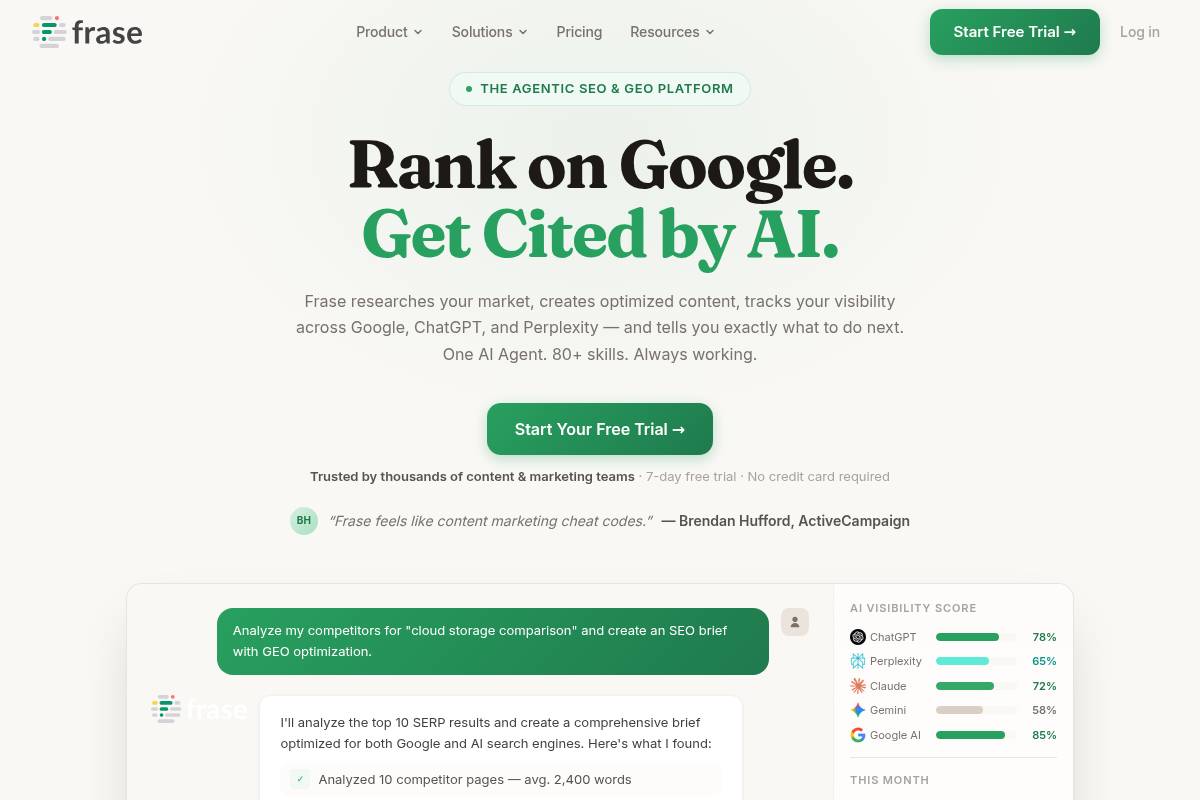
    Frase

    Frase

    Overview

    Frase is an AI-driven research and content optimization platform designed around live search results. It analyzes the top-ranking pages for a target query and surfaces common headings, questions, and topical clusters so your briefs align tightly with actual search intent.

    Agencies and SaaS marketers often use Frase to produce long-form assets like comparison pages, use-case articles, and knowledge base content that match what shows on page one of Google.

    Reference: Frase — The Agentic SEO & GEO Platform | Rank on Google …

    BrightLocal
    BrightLocal

    BrightLocal

    Overview

    BrightLocal is a dedicated platform built for local visibility, helping agencies and brick‑and‑mortar brands track rankings, manage citations, and control online reviews from one dashboard. It focuses specifically on local search factors that influence how often a business appears in Google’s map pack and localized organic results.

    Marketing teams often use it to keep tabs on Google Business Profile performance, NAP consistency across directories, and review volume and sentiment. For example, a multi‑location dental group in Texas can monitor how each office ranks for “emergency dentist near me” within a tight radius around its physical address.

    Technical Requirements

    Because BrightLocal is web‑based, any modern browser such as Chrome, Edge, or Firefox is sufficient for access. Most agencies run it alongside tools like Google Search Console and Google Analytics, switching between tabs while auditing performance or preparing reports for clients.

    To unlock its full capabilities, you need admin or manager access to Google Business Profiles, key directory accounts like Yelp and Apple Maps, and relevant client data. This access powers automated reporting, white‑label dashboards for agencies, and API integrations that feed local metrics into internal reporting stacks.

    Competitive Positioning

    BrightLocal sits in the same competitive space as Whitespark and local modules inside broader suites such as Semrush and Moz Pro. Where large platforms tend to treat local search as an add‑on, this tool leans into depth—especially around geo‑specific rank tracking and citation workflows.

    Agencies focused on maps visibility for franchises, restaurants, and multi‑location retailers often pair BrightLocal with a general SEO suite. For instance, an agency serving 150+ locations for a regional bank might rely on Semrush for technical audits and BrightLocal for hyper‑local rank snapshots and citation projects.

    Getting Started

    Onboarding is straightforward: create an account, then add your first business location or client project. The setup wizard prompts you to choose target cities or ZIP codes, making it easier to see how visibility shifts across different neighborhoods rather than just at a national level.

    Next, connect your Google Business Profile and other platforms such as Facebook and Yelp. From there, you can configure local rank tracking for priority keywords, run a citation audit to locate incomplete or inconsistent listings, and enable review monitoring so your team can respond to customer feedback from a central inbox.

    Key Features

    BrightLocal’s toolkit spans rankings, listings, reviews, and reporting. The features below help agencies at Keywordly and similar firms manage dozens or hundreds of locations without losing visibility into performance.

    • Local rank tracking across organic and map pack results
    • Citation audit, tracking, and optional building services
    • Review monitoring and management for major platforms
    • Google Business Profile insights and optimization guidance
    • White‑label reporting tailored for agencies

    Its rank tracker lets you see how a business appears from different grid points in a city, similar to how tools like Local Falcon visualize geo‑rank data. The citation tools then close the loop by showing where your NAP details are missing or inconsistent.

    Pros

    • Purpose‑built for local SEO use cases and challenges.
    • Strong geo‑specific rank tracking not usually found in broader SEO suites.
    • Efficient scaling for citations and reviews across many locations.
    • Client‑friendly, white‑label reporting ideal for agencies.

    Cons

    • Limited tools for advanced technical audits or content research.
    • Citation‑building services require extra budget beyond software fees.
    • Best fit for businesses with local footprints, not purely national brands.

    Pricing

    BrightLocal offers tiered subscriptions that scale by number of locations, tracked keywords, and report volume. Solo consultants handling a handful of clients can often start on lower plans, while larger agencies opt into higher tiers to support more projects and advanced reporting limits.

    There is also a pay‑per‑citation option, which works like an à‑la‑carte service for building or cleaning listings across directories such as Foursquare, YellowPages, and niche industry sites. This model helps agencies control costs by outsourcing heavy citation work only when it is strategically necessary.

    User Sentiment

    Within the local search community, BrightLocal is frequently recommended for its practical coverage of rankings, listings, and reviews. On platforms like G2 and Capterra, users often praise the maps‑focused rank reports and citation insights for making local performance easy to explain to non‑technical stakeholders.

    Agencies managing dozens of Google Business Profiles tend to highlight the reporting and project overview screens as core strengths. While some teams still rely on separate suites for technical audits and keyword discovery, BrightLocal is often described as a reliable backbone for local visibility reporting.

    Reference: BrightLocal – Local SEO Platform, Citations, Services, and APIs

    Whitespark
    Whitespark

    Whitespark

    Overview

    Whitespark is a specialized local search platform known for its focus on citations, map rankings, and reputation management. Agencies use it to uncover where a business is already listed, where it should be listed, and how consistently its name, address, and phone number appear across the web.

    The Local Citation Finder is the flagship tool, helping teams audit existing directory listings and discover new citation opportunities on sites like Yelp, YellowPages, and industry-specific directories, which can significantly strengthen local visibility across Google Business Profiles and map packs.

    Technical Requirements

    Whitespark is cloud-based, so agencies can log in via major browsers such as Chrome or Edge without installing desktop software. A stable internet connection is essential for running citation audits, export reports, and monitoring local rankings across multiple locations.

    To implement findings, teams typically need access to Google Business Profile, Yelp, Facebook, and major directory logins. CSV exports make it easy to pull listings and ranking data into tools like Google Sheets, Looker Studio, or agency dashboards, while optional APIs support deeper workflow automation.

    Competitive Positioning

    Whitespark competes directly with local SEO platforms such as BrightLocal and Yext, but stands out for its emphasis on manual, high-quality citation research and cleanup. Many consultants rely on it for detailed citation audits while using broader suites like Semrush or Ahrefs for technical and content SEO.

    Within the local search community, it is frequently recommended in forums such as the Local Search Forum when practitioners need precise listing analysis rather than full-stack SEO features, making it a specialized companion to more general optimization tools.

    Getting Started

    New users typically begin by running a Local Citation Finder report for a priority location, then benchmarking results against top-ranking competitors in the same city. This uncovers missing high-value directories and inconsistent NAP data that may be diluting map pack performance.

    Agencies then set up local rank tracking for key terms such as “dentist in Austin” or “roof repair Chicago,” segmented by ZIP code or neighborhood. From there, review monitoring and optional citation-building services can be layered in to streamline ongoing optimization across multiple clients.

    Key Features

    Whitespark’s toolkit is structured to address the core pillars of local search: citations, rankings, and reviews, with supporting services that reduce manual effort for agencies managing dozens of locations.

    • Local Citation Finder to track existing citations and discover new listing sites
    • Local rank tracking across organic and map results
    • Review monitoring and tools for generating and managing reviews
    • Citation-building services, including manual submissions and cleanup
    • Educational resources and guides focused on local SEO strategies

    Pros

    Whitespark offers several strong advantages for local-focused agencies and in-house teams, especially those managing brick-and-mortar brands.

    • Deep specialization in local citations and listing management
    • Valuable tools and services for agencies working with physical or service-area businesses
    • Effective at improving local visibility and ensuring NAP consistency
    • Straightforward interface and highly actionable reporting

    Cons

    Despite its strengths, Whitespark’s narrow scope means it usually sits alongside broader SEO platforms rather than replacing them completely.

    • More limited in scope than full-service SEO suites
    • Some of the biggest gains depend on paid citation-building services
    • Best used with complementary tools for technical SEO and content work

    Pricing

    Pricing tiers are based on the tools you need—such as citation research and rank tracking—and the number of searches or locations. This model lets agencies scale usage as they add more local clients without committing to heavy enterprise contracts.

    Citation-building and cleanup are typically billed per location or per citation, providing predictable project-based costs. For example, an agency managing 20 franchise locations can forecast spend per market and bake it into monthly retainers with clear line items.

    User Sentiment

    Within the local SEO community, Whitespark enjoys strong trust, with practitioners often crediting it for simplifying complex citation projects. On industry podcasts and blogs, consultants frequently call out the Local Citation Finder as a go-to resource for competitive local research.

    Users praise the combination of practical tools and education, noting that its resources help clarify when to prioritize new listings, when to fix inconsistent data, and how to interpret shifts in local pack rankings for multi-location clients.

    Reference: Whitespark

    Deepcrawl (Lumar)
    Deepcrawl (Lumar)

    Deepcrawl (Lumar)

    Overview

    Deepcrawl, now known as Lumar, is an enterprise cloud platform for large-scale site health monitoring and technical SEO. It is built to crawl millions of URLs across multiple domains without breaking, which makes it suitable for complex environments such as large e-commerce catalogs and media networks.

    Global brands such as Nike, Salesforce, and Hearst have used enterprise crawlers like Lumar to keep track of indexability, duplication, and template errors across thousands of templates and page types. For agencies serving Fortune 500 clients, this type of platform becomes a central source of truth for technical diagnostics and governance.

    Technical Requirements

    Lumar runs as a SaaS application, so teams at Keywordly and similar agencies only need a modern browser, stable internet, and the right access permissions. To crawl staging or password-protected areas, you typically configure IP whitelisting, HTTP auth, or token-based access so the crawler can reach non-public environments.

    Engineering teams often connect Lumar to Google Analytics, Snowflake, or BigQuery via APIs, then wire it into CI/CD tools like GitHub Actions or Jenkins. That way, each deployment can trigger targeted crawls, and any spike in 5xx errors or broken canonicals can block a release until issues are resolved.

    Competitive Positioning

    Within the enterprise crawling space, Lumar is often evaluated alongside Botify and OnCrawl while complementing desktop tools such as Screaming Frog or Sitebulb. Desktop crawlers remain useful for quick checks, but cloud platforms handle the heavy lifting across millions of URLs with historical trend analysis.

    For a retailer like Target or Best Buy, Lumar’s value shows up in its ability to align SEO, product, and engineering teams around a shared dashboard. It is particularly effective for organizations that treat technical optimization as an ongoing governance function rather than a one-off cleanup project.

    Getting Started

    Implementation usually begins with an onboarding workshop where Lumar’s team helps define domains, subdomains, and crawl rules. This is where Keywordly or an in-house SEO lead clarifies which areas should be prioritized, such as product detail pages, blog content, or key category hubs that drive revenue.

    After the first baseline crawl, teams review a site health score, then segment data by templates, countries, or device types. For example, a global publisher might create segments for US, UK, and AU editions, then configure dashboards that tie crawl issues to organic traffic drops in Google Analytics or Adobe Analytics.

    Key Features

    Lumar is built around features that help enterprises continuously monitor complex architectures and pinpoint risk before it impacts organic visibility. The platform’s key modules span crawling, reporting, segmentation, and workflow collaboration.

    Features

    • Large-scale crawling across multi-domain and international setups
    • Automated detection of indexability, technical SEO, and architecture issues
    • Custom segmentation and stakeholder-specific dashboards
    • Integrations with analytics, BI tools, and development workflows
    • Automated alerts and governance controls for long-term site health

    Pros

    For agencies and in-house teams managing millions of URLs, Lumar’s strengths lie in its scalability and collaboration features. It supports multi-user workflows where SEO, developers, and product managers can all view the same dataset, filtered to their responsibilities.

    Pros

    • Optimized for massive, enterprise-scale crawling and monitoring
    • Robust segmentation and reporting ideal for tracking long-term trends
    • Deep integration into product, engineering, and analytics workflows
    • High-touch onboarding and support designed for large organizations

    Cons

    Because it is tailored for large organizations, Lumar can feel heavy for smaller sites or teams that only need periodic technical audits. The depth of configuration, user permissions, and integration options often requires dedicated SEO operations or analytics support to unlock full value.

    Cons

    • Pricing generally exceeds the budgets of small and mid-sized websites
    • Complex setup that benefits from dedicated technical and SEO resources
    • Unnecessary overhead for simple sites that do not need continuous monitoring

    Pricing

    Lumar uses custom, quote-based pricing that reflects crawl volume, feature access, and service level. Contracts are typically annual because the platform is positioned as core technical infrastructure rather than a short-term tool.

    Enterprise brands with large catalogues, such as Walmart or Expedia, often allocate a portion of their SEO and analytics budget specifically for platforms like this. For Keywordly’s larger clients, the justification usually comes from preventing organic traffic losses that could cost millions in revenue if technical issues go unnoticed.

    User Sentiment

    Among enterprise technical SEOs, Lumar is generally seen as a reliable workhorse for ongoing governance. Reviews on platforms like G2 and peer discussions at events such as BrightonSEO often highlight its scalability and integrations as standout strengths.

    Adoption tends to correlate with SEO maturity. Organizations that have cross-functional squads for search, product, and engineering see the most benefit, while smaller teams may opt for lighter, more affordable crawling solutions until their operational needs grow.

    Reference: Lumar | Website Optimization Platform | SEO, GEO, A11y & More

    Botify
    Botify

    Botify

    Overview

    Botify is an enterprise-focused SEO analytics platform that unifies large-scale crawling, log-file analysis, and performance data. It is built for teams managing millions of URLs where understanding how Googlebot and other crawlers interact with content directly affects revenue.

    For example, a large U.S. retailer with millions of product URLs can use Botify to reveal which faceted navigation pages waste crawl budget and which money pages are rarely seen by search bots.

    Technical Requirements

    Because Botify is SaaS, teams simply access it through modern browsers like Chrome or Edge, but they must be able to configure large crawls without overloading servers. That often means coordinating with IT to set crawl rates, user agents, and allowed paths.

    Enterprises also need secure ways to share server log files and connect APIs from tools such as Google Analytics 4, Adobe Analytics, or Snowflake so data teams and SEOs can work from a unified technical dataset.

    Competitive Positioning

    In the enterprise technical SEO category, Botify sits alongside platforms such as Lumar (formerly Deepcrawl) and OnCrawl. Its core differentiation is the depth of integration between crawl data, log events, and analytics, enabling more confident prioritization of technical work.

    Large marketplaces and news publishers, like multi-million URL e-commerce catalogs or high-volume media sites, often select Botify when crawl efficiency and indexation coverage are tied directly to ad revenue or product sales at scale.

    Getting Started

    Implementation typically begins by defining the site scope, setting crawl rules, and aligning on priorities with Botify’s onboarding team. For instance, a travel brand might focus first on destination and deals pages before crawling user-generated content.

    Once crawls and log imports are running, connecting analytics lets teams see which sections deliver revenue, so they can highlight crawl waste, blocked templates, or duplicate paths and then feed concrete tasks into Jira or Asana for engineering.

    Key Features

    Botify offers a suite of advanced capabilities tailored to large, complex sites where traditional crawlers fall short.

    • Configurable large-scale crawling across multi-million URL architectures and international sites
    • Log-file processing to expose real Googlebot behavior and crawl budget allocation
    • Unified interface combining crawl, log, and analytics metrics for deeper insights
    • Impact modeling and forecasting for proposed technical SEO changes
    • Enterprise workflows including user permissions, dashboards, and alerting

    Pros

    For mature SEO teams at brands with high traffic, Botify can materially change how decisions are made.

    • Provides granular visibility into how search engines interact with massive websites
    • Connects technical fixes to traffic, rankings, and revenue uplift
    • Excels at identifying crawl budget waste and indexation gaps
    • Supports governance across SEO, product, engineering, and analytics

    Cons

    The platform is built for advanced use cases, which introduces trade-offs for smaller or less technical teams.

    • Enterprise pricing places it out of reach for many SMBs and smaller agencies
    • Requires technical resources to manage logs, integrations, and complex crawls
    • Impact modeling and log analysis can be challenging for beginners

    Pricing

    Botify uses custom enterprise contracts typically structured around crawl volume, modules, and service level. Agreements are usually annual and often include dedicated customer success and technical support to ensure adoption.

    For agencies and brands working with very large catalogs—such as multi-million page retailers or large publishers—the cost is often justified by even small percentage gains in organic traffic tied to better crawl management.

    User Sentiment

    Among advanced technical SEOs, Botify is frequently praised for its depth and strategic value, especially when used alongside analytics stacks like BigQuery. Many digital leaders at large organizations highlight its dashboards when presenting crawl and indexation progress to executives.

    The main friction points raised in reviews are complexity and cost, which naturally restrict adoption to organizations where organic search is a major revenue channel and internal teams have the capacity to operationalize the insights.

    Reference: Botify | AI search optimization platform

    OnCrawl
    OnCrawl

    OnCrawl

    Overview

    OnCrawl is an enterprise technical SEO and data platform built for large, complex websites that need deep crawl analytics and log-file insights. It connects how bots and users interact with your site, helping teams understand which structural issues actually correlate with traffic and engagement.

    For example, retail brands with millions of URLs, such as large apparel marketplaces, use OnCrawl to tie faceted navigation problems to drops in organic revenue or crawl budget waste.

    Technical Requirements

    Because OnCrawl runs in the cloud, teams access it via browser and configure large-scale crawls directly in the interface. You define user agents, crawl limits, JavaScript rendering, and robots handling before hitting run.

    To unlock full value, many organizations integrate server logs, Google Analytics, and GSC, often involving data engineers who manage exports to warehouses like BigQuery or Snowflake for downstream BI reporting.

    Competitive Positioning

    OnCrawl competes directly with enterprise crawlers such as Botify and Deepcrawl/Lumar, particularly for large ecommerce, classifieds, and media sites. Its focus is on analytics flexibility rather than just crawl throughput.

    Technical SEOs appreciate the strong segmentation and correlation tools, which make it easier to answer questions like how changes to internal linking depth affected organic sessions or crawl frequency on revenue-driving templates.

    Getting Started

    New users typically begin by configuring a foundational crawl: setting domain scope, subdomain rules, and exclusions for parameters or staging environments. This initial run provides a baseline view of indexability, depth, and internal link structure.

    Teams then connect Google Analytics and Search Console, and where possible, import raw access logs; digital agencies often start by segmenting high-value sections—such as /products/ or /insurance-quotes/—to prioritize technical roadmaps.

    Key Features

    Features

    • Cloud-based crawling that scales to tens of millions of URLs for enterprise properties.
    • Log-file analysis revealing how often Googlebot and other crawlers hit specific sections.
    • Data integrations with analytics, data warehouses, and BI tools for unified reporting.
    • Advanced segmentation and correlation of technical metrics with traffic and conversions.
    • Dashboards tailored for SEO, product teams, and executive stakeholders.

    Pros

    Pros

    • Delivers powerful analysis on complex websites, uncovering missed crawl budget and cannibalization.
    • Strong data science and integration options support sophisticated experimentation and monitoring.
    • Connects technical improvements directly to engagement, revenue, or leads for better stakeholder buy-in.
    • Reporting views can be customized for hands-on SEOs, analysts, or C‑level updates.

    Cons

    Cons

    • Pricing and capabilities are overkill for small sites or simple lead-gen properties.
    • Requires substantial technical knowledge to design crawls, segment data, and interpret outputs.
    • Enterprise contracts and setup time mean organizations must commit to using it as core SEO infrastructure.

    Pricing

    OnCrawl operates on custom enterprise pricing, typically based on monthly crawl volume, log processing, number of projects, and level of support. Contracts are usually annual and aligned with broader analytics or martech procurement cycles.

    Agencies and in-house teams treating technical SEO as a continuous, data-driven program—rather than ad-hoc audits—tend to realize better ROI from these longer-term agreements.

    User Sentiment

    Among advanced technical SEOs and analytics teams, OnCrawl is widely viewed as a strong choice for large sites that need precise segmentation and crawl-log correlation. Reviews often highlight the flexibility of its reporting and ease of integration with tools like Tableau and Looker.

    Adoption is most common in organizations that already invest in data warehousing and BI; they value being able to push OnCrawl outputs into existing reporting stacks rather than using it as a siloed crawler.

    Reference: Oncrawl | Technical SEO Data for Competitive Websites

    HubSpot SEO Tools
    HubSpot SEO Tools

    HubSpot SEO Tools

    Overview

    HubSpot’s built-in optimization features sit inside its Marketing Hub and CMS, so content, campaigns, and search performance live in one place. For teams running inbound programs, this makes planning and reporting far less fragmented than juggling separate point tools.

    The platform supports topic cluster planning, on-page guidance, and performance tracking. A SaaS agency using HubSpot, for example, can map a pillar page on “customer retention software,” link 15 supporting posts, and then track which posts generate free-trial signups inside the same dashboard.

    Key Features

    For agencies and in-house teams, the feature set matters less as a checklist and more for how it plugs into real workflows. HubSpot focuses on organizing content around themes, improving individual pages, and connecting traffic data to revenue outcomes.

    Below is a quick breakdown of standout capabilities and how they compare to specialist SEO tools.

    Feature List

    • Topic cluster and pillar page planning
    • On-page SEO recommendations in the content editor
    • Analytics tied to contacts, deals, and closed-won revenue
    • SEO dashboards for marketing and sales stakeholders
    • Native integration with CMS, CRM, ads, and email

    Feature Comparison

    Capability HubSpot Specialist SEO Platforms
    Content planning Structured topic clusters and pillar mapping Keyword lists and SERP data, lighter on content architecture
    On-page guidance Inline tips in the editor for titles, meta, links Deeper audits, but often outside the writing workflow
    Attribution Direct link to leads, pipeline, and revenue Stronger on rankings, weaker on CRM-level attribution

    Content teams at B2B companies like Trello and Zapier have publicly discussed using topic clusters on their blogs; HubSpot’s layout is designed for that exact model. You can visually connect a “project management” pillar page with supporting posts on templates, comparisons, and use cases, then see which URLs influence deals.

    Pros

    From Keywordly’s work with SaaS and eCommerce clients, the strongest upside is how optimization data meets CRM insight. Marketers no longer guess which articles influence SQLs, because HubSpot can show multi-touch journeys from blog visit to signed contract.

    • Close integration between content workflows and contact records
    • Quick adoption if your team already builds landing pages in HubSpot
    • Built-in support for cluster-based internal linking
    • Clearer SEO ROI reporting to leadership teams

    A tech startup running all campaigns in HubSpot can see that an article on “SOC 2 compliance checklist” assisted 40% of enterprise deals, even if it rarely ranks top three. That level of insight makes budget discussions with finance or the C-suite more concrete.

    Cons

    These tools are not a full replacement for advanced analysis platforms. Teams that care about deep crawl insights, log-file reviews, or granular backlink profiling will still pair HubSpot with software like Ahrefs, Screaming Frog, or Semrush.

    • Limited technical audit depth versus crawler-focused tools
    • No standalone access without a wider HubSpot subscription
    • Shallow competitive keyword and link intelligence

    For example, if a publisher needs to diagnose JavaScript rendering issues across 500,000 URLs, HubSpot’s built-in checks won’t be enough. In those cases, Keywordly typically connects HubSpot with a dedicated crawler and imports high-value recommendations back into content workflows.

    Pricing

    Optimization features are bundled into Marketing Hub Professional/Enterprise and CMS Hub tiers, rather than sold on their own. That means the business case often hinges on whether you will also use HubSpot for email, automation, forms, and CRM.

    For a U.S. B2B team paying around $800–$3,600 per month for Marketing Hub, the search-focused functionality is part of a broader stack. Agencies often justify the cost when HubSpot replaces three or four separate tools, from email platforms to landing page builders.

    User Sentiment

    Among Keywordly’s clients and broader reviews on sites like G2 and Capterra, sentiment is consistent: marketers appreciate convenience and integration, while advanced specialists keep their existing research platforms. Ratings typically land in the 4.3–4.5 out of 5 range.

    Digital agencies often praise how easily junior marketers can follow on-page recommendations while writing in the editor. More technical SEOs note that they still rely on specialist platforms for link-building insights, large-scale audits, and sophisticated competitor monitoring.

    Reference: Optimize Your Content with SEO Marketing Software

    Ryte
    Ryte

    Ryte

    Overview

    Ryte is a website quality platform that combines technical auditing, content evaluation, and performance monitoring in one interface. It is built for teams that manage large, complex sites and need ongoing visibility into crawling, indexing, and user experience issues.

    Mid-market and enterprise brands like Sixt and OTTO have used Ryte to centralize checks that would otherwise require separate crawlers, content audits, and Core Web Vitals dashboards. For agencies, it can serve as a shared source of truth when collaborating with client dev and content teams.

    Technical Requirements

    Because Ryte is cloud-based, teams log in through a modern browser such as Chrome or Edge and configure projects without installing desktop software. This helps distributed SEO and product teams collaborate on the same crawl data and dashboards.

    To unlock accurate insights, you must verify ownership of your domain and grant Ryte permission to crawl production and, if needed, staging environments. Connecting Google Search Console and GA4 provides search queries, click data, and engagement metrics layered on top of technical findings.

    Competitive Positioning

    Ryte sits between specialist desktop crawlers and heavyweight enterprise suites. It competes with cloud-based tools like Deepcrawl and botify while staying more approachable for marketing and content stakeholders who may not be technical.

    Unlike single-focus solutions, Ryte emphasizes a holistic view that blends crawl errors, content quality, and performance KPIs. Agencies often pair Ryte with tools such as Ahrefs or Semrush, using Ryte for site health governance and the others for backlink and keyword research depth.

    Getting Started

    Implementation begins by registering an account, creating a project, and adding your primary domain. After DNS or HTML file verification, you can define crawl limits, user agents, and inclusion or exclusion rules to protect sensitive sections or staging subdomains.

    Connecting Google Search Console and GA4 allows Ryte to correlate issues like 404s or slow templates with real traffic and revenue impact. Many teams, such as in-house SEO groups at eCommerce brands, run an initial full crawl, then configure weekly or daily schedules to track regressions.

    Key Features

    Ryte’s core value lies in how it surfaces technical errors, content gaps, and speed bottlenecks together. This enables SEOs, content leads, and engineers to prioritize fixes that drive measurable search and UX impact rather than isolated optimizations.

    • Technical SEO crawling to detect errors, indexation problems, and structural issues
    • Content analysis for thin, duplicate, outdated, or underperforming pages
    • Performance and page speed monitoring within site quality reports
    • Google data integrations that overlay search performance on diagnostics
    • Dashboards, alerts, and governance reports for ongoing health

    For example, an online retailer might use Ryte to reveal that faceted navigation is generating millions of near-duplicate URLs, causing crawl budget waste and index bloat. At the same time, content reports may highlight key category pages with strong impressions but poor click-through rates because of weak titles.

    Pros

    Ryte appeals to organizations that view digital quality as an ongoing program rather than a one-off technical audit. Its interface is designed so SEO managers can brief developers, content editors, and leadership with clear, non-technical visuals.

    • Holistic view of technical health, content quality, and performance
    • Accessible UI for SEOs, marketers, and non-technical stakeholders
    • Supports continuous monitoring instead of sporadic crawls
    • Suited for brands formalizing website quality as a governance practice

    For example, a B2B SaaS company managing 10,000+ URLs can set alerts for spikes in 5xx errors or sudden drops in indexable pages, catching deployment problems before they affect paid campaigns or lead flow.

    Cons

    Ryte is optimized for teams responsible for sizable or revenue-critical sites. Very small sites, such as local service businesses with under 100 pages, may not fully use continuous governance capabilities and could find simpler crawlers more economical.

    • Less cost-effective for very small, simple sites
    • More limited backlink and keyword research than Ahrefs or Semrush
    • Pricing and workflows geared toward teams, not solo consultants

    SEO specialists who rely heavily on off-page analysis will usually need supplemental tools. For example, agencies often use Ryte alongside Majestic or Ahrefs for full link profiling and competitive SERP analysis.

    Pricing

    Ryte sells subscription plans based on project count, crawl volume, and feature access rather than one-off licenses. This structure aligns with organizations that treat technical SEO and site quality as a continuous responsibility.

    SMBs with rapidly growing content libraries might start on a lower tier and scale as URL counts and traffic grow. Larger enterprises typically negotiate custom, quote-based contracts that include advanced modules, SLA-backed support, and onboarding assistance for product and engineering teams.

    User Sentiment

    Among European and global SEO teams, Ryte is often praised for its balance between depth and usability. Review platforms such as G2 and Capterra commonly highlight how its dashboards help non-SEOs understand which issues truly affect search visibility and conversions.

    Many practitioners pair Ryte with specialized keyword and backlink suites, using it as the central hub for crawl data and quality governance. Agencies working with retailers, publishers, and travel brands report that this combination offers both strategic insights and day-to-day operational control over large sites.

    Reference: RYTE Sport Custom Team Swimwear

    ContentKing (Invicti)
    ContentKing (Invicti)

    ContentKing (Invicti)

    Overview

    ContentKing, now part of Invicti, focuses on real-time SEO auditing and monitoring for websites where constant change is the norm. Instead of relying on weekly or monthly crawls, it keeps a live watch on your site’s pages, templates, and technical settings.

    When issues appear, such as unexpected noindex tags on key templates or a spike in 404 errors after a deployment, the platform flags them quickly. Agencies working on multi-domain portfolios and publishers with thousands of URLs use this continuous visibility to avoid expensive organic traffic drops.

    Technical Requirements

    Because ContentKing is delivered as SaaS, teams at Keywordly and similar agencies only need a modern browser like Chrome, Edge, or Firefox. Once a property is added and ownership is confirmed via DNS, HTML tag, or Google Analytics, crawling begins from the cloud without on-premise servers.

    Users configure crawl depth, allowed subdomains, and URL parameters so monitoring focuses on important sections, such as /blog/ or /product/ categories. Alerts can be routed into Slack, Microsoft Teams, or tools such as Asana and ClickUp, so SEO incidents become actionable tasks for developers and content managers.

    Competitive Positioning

    Compared with traditional crawlers such as Screaming Frog or Sitebulb, which run periodic scans, ContentKing emphasizes continuous change detection. It works best alongside those tools, which still deliver deeper, point-in-time technical audits for complex migrations or log file analysis.

    Dynamic environments like large Shopify Plus or custom React storefronts gain a practical early-warning system. For instance, a multi-brand retailer can spot when a robots.txt deployment suddenly blocks /collections/, while still using other suites like Ahrefs or Semrush for backlink and keyword research.

    Getting Started

    New users typically sign up, add a domain, and complete verification before tuning crawl rules. For a 50,000-URL WordPress news site, that might mean excluding tag archives while prioritizing categories and high-traffic articles from Google Search Console data.

    Once ContentKing establishes a baseline of your site’s health, teams create alert policies for critical patterns: pages unexpectedly losing indexability, templates dropping H1s, or a surge in soft 404s. During a redesign launch, these alerts help agencies catch SEO regressions within minutes instead of days.

    Key Features

    ContentKing’s feature set is designed around visibility, accountability, and rapid response to SEO incidents. It continuously tracks every monitored URL, recording structural and content-level changes, and then surfaces high-priority issues before they impact organic traffic.

    • Continuous crawling with live change tracking across all monitored pages
    • Instant incident alerts for indexation problems, broken links, and structural changes
    • Page-level audits with severity scoring and practical improvement suggestions
    • Historical change logs by URL, section, and issue type
    • Integrations with Slack, Jira, and project management platforms

    For example, a SaaS company deploying updates twice weekly can see when a developer removes canonical tags from pricing pages and receive an immediate Jira ticket. The historical log then shows exactly when the template changed, supporting quick rollbacks.

    Pros

    ContentKing is especially useful where release cycles are fast and multiple teams touch the website. It gives SEO managers confidence that technical mistakes will surface quickly, even if they are introduced during late-night pushes or weekend content updates.

    • Rapid detection of errors that could damage organic traffic, such as noindex on core templates
    • Well suited to news publishers, ecommerce brands, and agencies managing many changing sites
    • Encourages collaboration among SEO, development, and editorial through shared dashboards
    • Change history creates transparency around who altered what and when

    Large editorial teams, like those at major media outlets, often deploy dozens of stories per day; having a detailed audit trail helps diagnose sudden ranking losses tied to template or metadata changes.

    Cons

    The platform is not intended to replace keyword research suites or backlink analyzers. Users still rely on tools such as Semrush or Majestic for competitive intelligence, while ContentKing focuses on live technical governance and content change monitoring.

    • Limited focus on keyword discovery, SERP tracking breadth, or link analysis features
    • Continuous monitoring offers less value for small brochure sites that rarely update
    • Pricing tiers are designed for serious commercial projects, not casual personal blogs

    For organizations with only a handful of static pages, a quarterly crawl using a desktop tool may be more economical than ongoing, real-time surveillance of every URL.

    Pricing

    Subscription costs depend on total URLs, crawl frequency, and sites under management. Agencies working with multiple client properties often request custom packages, aligning monitoring intensity with contract size and SLA expectations.

    Enterprises see the expense as insurance against major SEO incidents. For instance, preventing a 20 percent traffic drop for an ecommerce site doing $500,000 in monthly organic revenue can easily justify an annual contract, especially during replatforming or large-scale content overhauls.

    User Sentiment

    Feedback from agencies and large sites highlights the value of real-time alerts during launches and ongoing operations. Many describe it as a safety net that catches issues missed during QA, such as inadvertent canonical changes or mass redirects introduced by CDN rules.

    Users appreciate being able to trace problems back to specific deployments, helping engineering teams learn from incidents. For SEO professionals at Keywordly and similar firms, that level of detail supports more reliable reporting, clearer client communication, and faster recovery when something breaks unexpectedly.

    Reference: Invicti | Web Application and API Security for Enterprise

    Conductor
    Conductor

    Conductor

    Overview

    Conductor is an enterprise organic marketing platform that helps large organizations manage SEO, content, and digital visibility in one place. It is often adopted by teams at brands like Samsung and WeWork that need consistent search performance across hundreds or thousands of pages.

    The software combines keyword discovery, competitive insights, and on-page recommendations so SEO and content teams can plan, brief, and measure content together instead of in silos.

    Technical Requirements

    Because Conductor is cloud-based, most teams access it through modern browsers like Chrome or Edge without installing desktop software. Single sign-on through providers such as Okta or Azure AD is common in larger enterprises.

    For deeper insights, SEO leaders usually integrate Conductor with Google Analytics, Adobe Analytics, Google Tag Manager, major CMSs, and BI tools like Tableau or Power BI, which often requires coordination with IT.

    Competitive Positioning

    In the enterprise SEO segment, Conductor competes directly with platforms such as seoClarity and BrightEdge. Many agencies and in-house teams evaluate these three together when they have global sites, multiple brands, or strict governance needs.

    Conductor tends to stand out for collaboration features, such as shared workspaces and content briefs, and for its emphasis on customer success, which appeals to marketing organizations that want strategic guidance, not just software.

    Getting Started

    New customers usually work with Conductor’s onboarding team to design account structures around domains, regions, and business units. Enterprise brands like Citi or Lenovo often configure separate workspaces for each line of business while keeping roll-up reporting for executives.

    Early setup also includes connecting analytics, importing keyword sets, tagging segments, and building dashboards so SEO, content, and paid media teams can all see the same performance story.

    Key Features

    Key capabilities focus on research, content guidance, reporting, and workflow coordination across teams.

    • Enterprise keyword and competitor research with segmentation by brand, region, or product
    • Content optimization and recommendation tools integrated with editorial workflows
    • Custom dashboards and reports for different stakeholder levels
    • Workflow and task management for SEO and content projects
    • Integrations with analytics, CMS, and BI platforms

    Pros

    Conductor offers several advantages for organizations that treat organic search as a strategic channel rather than a tactical add-on.

    • Strong alignment between SEO initiatives and broader marketing strategy
    • Robust reporting suitable for executives and cross-functional teams
    • Hands-on customer success and strategic consulting
    • Support for standardized SEO processes and governance at scale

    Cons

    The platform’s strengths are most relevant to complex organizations; smaller teams may find it more than they need.

    • Enterprise pricing often exceeds the budgets of small and mid-sized businesses
    • Full value requires organizational buy-in and process changes
    • Overkill for simple sites with limited content and few stakeholders

    Pricing

    Conductor follows a custom, enterprise pricing model with annual agreements. Costs vary based on the number of domains, markets, and users, as well as the level of strategic support required.

    Packages typically include training, onboarding, and ongoing customer success, which appeals to companies that want a long-term partner rather than just another SEO tool.

    User Sentiment

    Among large brands, Conductor is frequently praised for its collaboration features and clear reporting, especially when marketing, content, and analytics teams all need access. Many reviews on G2 highlight responsive support and proactive strategy recommendations.

    Smaller organizations, however, often prefer lighter, lower-cost tools such as Semrush or Ahrefs, which provide strong data without the enterprise overhead or governance capabilities Conductor is designed to deliver.

    Reference: Conductor: Run a team of coding agents

    Recommendations

    Choosing the right SEO stack depends on your team size, budget, and how you drive growth. Instead of chasing every new platform, focus on tools that cover your core workflows and integrate smoothly with your reporting setup.

    Below is a practical, role-based set of recommendations Keywordly can stand behind, grounded in what agencies and in-house teams actually use day to day.

    Best Tool for Beginners

    New practitioners benefit most from simple dashboards and clear metrics. Ubersuggest and Mangools give beginners clean keyword ideas, basic site audits, and rank tracking without the steep learning curve of enterprise platforms.

    Pairing either with Google Search Console and GA4 lets a small Shopify or WordPress site see which queries drive clicks, how users behave, and which pages deserve optimization first.

    Best Tool for Content-Heavy Teams

    Editorial teams publishing dozens of articles each month need structured briefs and on-page guidance, not just raw keyword lists. Surfer SEO, Clearscope, Frase, and MarketMuse shine by turning SERP analysis into outlines, topics, and scoring.

    For example, a B2B SaaS blog can use Clearscope to raise content scores from C to A, while Ahrefs or Semrush uncovers new topics and tracks competitive coverage.

    Best Tool for Technical SEO

    Technical specialists require crawl-level visibility into status codes, canonicals, and internal links. Screaming Frog SEO Spider, run regularly on a 10,000-URL site, can reveal redirect chains, orphan pages, and duplicate titles in minutes.

    Combining those crawls with PageSpeed Insights and GTmetrix helps diagnose Core Web Vitals issues, while platforms like Deepcrawl (Lumar) scale monitoring for complex ecommerce catalogs.

    Best Tool for Local SEO

    Location-focused businesses live and die by local pack visibility and consistent citations. BrightLocal and Whitespark simplify tracking Google Business Profile rankings, auditing NAP consistency, and managing reviews across dozens of locations.

    A regional dental chain, for instance, can monitor Map Pack performance in each city, push corrected listings, and respond to reviews, all while keeping GBP data accurate.

    Best All-in-One Suites for Agencies & In-House Teams

    Agencies and internal SEO teams need coverage across research, audits, tracking, and reporting. Semrush, Ahrefs, SE Ranking, and Serpstat balance breadth and usability so most tasks—from backlink checks to content gap analysis—stay in one interface.

    Enterprises layering on governance and collaboration often add Conductor, Botify, or ContentKing to enforce workflows, catch unapproved changes, and standardize reporting for stakeholders.

    Suggested Stack for Keywordly’s Audience

    For most Keywordly clients, a lean but powerful stack works best. GA4 and Search Console anchor measurement, while Ahrefs or Semrush handle research, audits, and rank tracking; SE Ranking or Serpstat fit tighter budgets.

    Content teams can rely on Surfer SEO or Clearscope plus Frase or MarketMuse for briefs and on-page optimization, then layer Screaming Frog, PageSpeed Insights, GTmetrix, ContentKing, BrightLocal, and Whitespark as technical and local needs grow.

    FAQ

    1. Do I really need paid SEO software, or can I rely on free tools?

    Free platforms give Keywordly clients a solid foundation, especially for smaller sites or early-stage campaigns. Google Search Console, Google Analytics 4, and PageSpeed Insights reveal crawl issues, rankings, and performance without touching your budget.

    Paid platforms expand this view. Tools like Semrush or Ahrefs reveal competitor keywords, backlink gaps, and SERP features you will never see inside free Google products alone.

    2. Which SEO tools are most important for tracking ROI?

    Clear ROI reporting usually starts with Google Analytics 4. By configuring purchase or lead events, you can attribute revenue to organic sessions and specific landing pages, then compare that against spend.

    Pairing GA4 with Google Search Console lets agencies connect conversions to the queries that drove them. An SEO suite then explains how visibility gains led to new business.

    3. How many SEO tools should a typical agency use?

    Most agencies serving U.S. clients keep a compact toolkit rather than an expensive software sprawl. A common stack is one all-in-one suite, one crawler, GA4, GSC, and one specialized content or local platform.

    For example, a local-focused shop might combine BrightLocal, Screaming Frog, and Semrush. A content-heavy firm may lean on Surfer SEO or Clearscope added to their core stack.

    4. Are desktop crawlers still relevant with so many cloud SEO tools?

    Desktop crawlers remain critical for fast, deep audits. Screaming Frog or Sitebulb can crawl a 50,000-URL ecommerce store on a powerful laptop and export custom reports for development teams.

    Cloud platforms like Lumar and Botify excel at always-on monitoring, but desktop crawlers give analysts precise control over configurations and one-off investigations.

    5. How often should I audit my site with these tools?

    Most Keywordly-led projects run quarterly technical audits, with monthly lighter checks on key templates and Core Web Vitals. This cadence works well for B2B sites that update content weekly.

    High-volume retailers such as large Shopify or Salesforce Commerce Cloud stores usually benefit from continuous monitoring to catch deploy-related issues before rankings and revenue slip.


  • Boost Traffic with Professional SEO Audit Services

    Boost Traffic with Professional SEO Audit Services

    Your organic traffic looks solid on the surface, but conversions are flat, rankings bounce up and down, and quick fixes never seem to stick. That’s usually a sign that hidden technical issues, messy site architecture, or weak content signals are quietly holding your site back.

    Professional SEO audit services from providers like Keywordly expose those blind spots, connect data across technical, on-page, and off-page factors, and translate findings into a realistic roadmap you can actually execute over months—not days. By understanding how a comprehensive audit works, what to expect from the process, and how to prioritize recommendations, you can turn scattered SEO efforts into focused, measurable growth.

    In the digital jungle, even the sharpest swords can dull without the right sharpening tools; a professional SEO audit isn’t just an option—it’s your essential survival kit for cutting through the noise and driving organic traffic where it needs to go.

    Reference: SEO Audit Services | Boost Rankings & Fix Website Issues …

    Introduction

    Why Professional SEO Audits Matter for Sustainable Growth

    Organic growth rarely stalls because of a single issue. It usually slows due to a mix of technical errors, weak content strategy, and unclear tracking. A structured SEO audit connects these dots so you can see why traffic has plateaued and what needs to change to unlock the next stage of growth.

    For example, an ecommerce brand doing $500K a month in revenue might see organic sessions flatline for a year, even while publishing new blog posts and running Google Ads. Without a thorough review, leadership often assumes they’ve “maxed out” search, when the real problem is hidden in site architecture, crawl depth, or misaligned content.

    Most marketing teams are comfortable investing in design refreshes, content calendars, and paid media, but they rarely dig into log files, internal linking patterns, or index bloat. When HubSpot audited its blog years ago, it discovered thousands of overlapping posts cannibalizing one another; consolidating and redirecting those posts led to significant traffic gains and cleaner reporting.

    This kind of diagnostic lens is what separates businesses that keep spending more on acquisition from those that improve the efficiency of the traffic they already earn.

    A professional review reveals technical SEO issues like slow Core Web Vitals, orphan pages, and broken canonical tags, alongside strategic gaps such as missing topic clusters or weak product-led content. Tools such as Screaming Frog, Ahrefs, and Google Search Console help exposed missed opportunities—like high-impression, low-click queries ripe for better titles and snippets.

    Beyond quick wins, readers of this guide will understand core audit components, the most useful website evaluation tools, and how to translate findings into a long-term optimization plan that compounds over time rather than delivering short bursts of traffic.

    Keywordly uses this approach to turn raw audit data into a prioritized roadmap, not a static PDF that gathers dust. For a SaaS client targeting project management terms, for instance, restructuring topic clusters and fixing 4xx/5xx errors after an audit led to a double-digit lift in organic signups within six months.

    This guide is structured around that same philosophy: diagnose precisely, then convert every insight into clear actions, owners, and timelines so your search performance improves quarter after quarter.

    1. Understanding Professional SEO Audit Services and Why They Matter

    1. Understanding Professional SEO Audit Services and Why They Matter

    What a Professional SEO Audit Includes (Beyond Basic Checks)

    A professional SEO audit is a structured review of how your site performs across technical health, on-page relevance, content strategy, and off-site authority. Agencies like Keywordly use this process to uncover issues that limit visibility and organic growth, not just to fix a few tags.

    Beyond title tags, a robust review looks at crawlability, indexation, internal linking, and page experience signals such as Core Web Vitals. For example, using Google Search Console and Screaming Frog together can reveal orphan pages, redirect chains, and render-blocking scripts that automated basic checkers miss.

    Strong audits also assess analytics trends, conversion paths, and keyword performance, alongside competitor benchmarking. As outlined in The Future of SEO Audits: Why They Matter in 2025, the outcome should be a prioritized roadmap—e.g., “fix duplicate content on 50 category pages” before “fine‑tune three low-traffic blog posts”—not a raw dump of errors.

    How SEO Performance Analysis Connects to Traffic, Leads, and Revenue

    Technical health and content alignment directly affect how Google crawls, indexes, and ranks your pages. When a site like an ecommerce retailer cleans up 5,000 soft 404s and speeds up product pages from 5 seconds to under 2 seconds, crawl efficiency and impressions usually rise, opening the door to more qualified visitors.

    Aligning content with search intent improves metrics that matter to revenue. HubSpot has reported that SEO-focused blogs can drive the majority of lead generation for B2B firms; when those pages load quickly on mobile and answer buyer questions clearly, time on page, pages per session, and form-fill rates all increase.

    Professional assessments also quantify potential impact. For instance, forecasting how lifting non‑brand ranking keywords from positions 8–12 into the top 3 could add tens of thousands of monthly visits and six-figure revenue, helping stakeholders see organic optimization as a growth lever rather than a technical chore.

    DIY vs. Professional Audits: When Each Makes Sense

    Many smaller sites start with DIY health checks using free tools like Google Search Console, PageSpeed Insights, and basic SEO plugins. For a five-page consulting site validating its first service offering, a simple checklist might be enough to confirm pages are indexed, mobile-friendly, and targeting the right core queries.

    Once a business scales—think Shopify stores with 2,000+ SKUs or multi-location franchises—professional, manual analysis becomes essential. Complex issues such as faceted navigation, duplicate listings, hreflang conflicts, or analytics attribution rarely get solved by clicking “Fix” in a plugin.

    A hybrid approach is often best: internal teams at agencies or brands use DIY tools for weekly monitoring, while bringing in experts like Keywordly quarterly or biannually for deep dives, strategy alignment, and prioritized implementation plans.

    Common Misconceptions About Website Audits and Quick Fixes

    Many teams expect a one-time website checkup to permanently solve their organic visibility challenges. In reality, algorithms, competitors, and user behavior evolve constantly, so audits should be part of an ongoing optimization cycle rather than a one-off event.

    Another misconception is that tweaking a few meta descriptions or adding more keywords will dramatically boost rankings. Automated tools often flag hundreds of “issues,” but experienced strategists know not all of them are material. Fixing a noindex tag on a high-converting landing page matters far more than perfecting every minor heading on low-traffic archives.

    Reputable providers are clear that no review can guarantee #1 rankings or overnight traffic spikes. The real goal is sustainable gains—like a B2B SaaS firm gradually increasing organic signups 20–30% over 6–12 months by addressing site speed, content gaps, and authority, instead of chasing short-lived loopholes.

    2. Preparing Your Site for a High-Impact SEO Performance Analysis

    2. Preparing Your Site for a High-Impact SEO Performance Analysis

    2. Preparing Your Site for a High-Impact SEO Performance Analysis

    Setting Clear Goals and KPIs for the Audit

    A high-impact review starts with clarity on what the business is actually trying to achieve. Before Keywordly or any partner touches your data, define whether success means more qualified demos, higher ecommerce revenue, or expanded brand reach in a specific market.

    Translate those objectives into measurable KPIs such as organic sessions, non-branded keyword growth, or a target 20% lift in form submissions. For example, HubSpot often aligns SEO audits around MQL volume from organic, not just traffic, which keeps recommendations tied to revenue outcomes.

    Gathering Baseline Data from Analytics and Search Console

    Strong diagnostics depend on reliable benchmarks. Pull current organic traffic, assisted conversions, and top landing pages from Google Analytics 4 and cross-check them with Google Search Console impressions and clicks.

    For instance, an audit for a Shopify retailer might flag a 30% drop in organic sessions after a theme change. Having exports of query data and average positions by URL lets your audit provider pinpoint whether the issue is template-level, indexation, or a tracking misconfiguration.

    Identifying Key Pages, Funnels, and Business-Critical Keywords

    Not every URL deserves equal attention. List your highest-value assets: core product or service pages, pricing pages, and lead-gen assets like a “Request a Quote” path or demo flow. In B2B SaaS, the pricing and comparison pages often convert 2–3x better than blog posts.

    Document the terms that matter commercially, such as “HubSpot implementation agency” or “enterprise payroll software,” along with cornerstone guides that support them. Sharing this with your audit team ensures a 404 error on a low-traffic blog doesn’t outrank a subtle issue on a seven-figure revenue page.

    Aligning Stakeholders Before the Audit

    SEO reviews touch content, UX, and engineering, so misalignment can stall even the best recommendations. Identify everyone involved early: marketing leads, content strategists, developers, and executives who control budget and timelines.

    Agree on who owns fixes to site speed, template changes, or content rewrites, and set a cadence for reviewing findings. For example, many agencies run a weekly 30-minute standup with dev and content teams to work through the backlog, which keeps the audit from becoming a static PDF no one implements.

    Reference: Future Of SEO: How To Prepare Your Website

    3. Technical SEO Audit: Building a Solid Foundation for Organic Growth

    Crawling Your Website with Professional Website Audit Tools

    A rigorous crawl is the starting point for any technical review. Tools like Screaming Frog, Sitebulb, and Deepcrawl emulate search engine bots, hitting every accessible URL and recording status codes, directives, and on-page data.

    By switching between desktop and mobile user agents, these crawlers reveal issues that only appear on one experience, such as mobile-only navigation gaps or desktop-specific interstitials. When Keywordly audits, we align crawl output with XML sitemaps and Google Search Console coverage, then interpret patterns to find root causes instead of handing over a raw error dump.

    Diagnosing Indexation, Crawl Budget, and Site Architecture Issues

    Comparing crawled URLs with indexed pages shows which sections Google is ignoring and whether that matches your revenue priorities. Common crawl budget drains include infinite faceted URLs on Shopify collections or thousands of thin WordPress tag pages.

    We then review robots.txt, noindex tags, and canonicals to confirm that high-value templates are accessible and correctly consolidated. In the Visit Seattle technical SEO case study, cleaning up unnecessary URLs and tightening site hierarchy was a key factor in achieving an 850% health score improvement.

    Fixing Core Web Vitals, Speed, and Mobile Usability Problems

    Core Web Vitals—Largest Contentful Paint, Interaction to Next Paint, and Cumulative Layout Shift—directly affect both rankings and user satisfaction. Using PageSpeed Insights, Lighthouse, and real-user field data, we pinpoint slow hero images, render‑blocking JavaScript, and heavy third‑party scripts that delay LCP.

    Template-level fixes, like deferring noncritical JS and serving WebP images via a CDN, often improve hundreds of pages at once. On mobile, we validate responsive breakpoints, font sizes, and tap targets; for one B2B SaaS client, removing a sticky chat widget on small screens cut CLS errors across 2,000+ URLs without redesigning the site.

    Resolving Technical SEO Errors

    A focused clean-up phase turns diagnostic insights into measurable gains. We collapse redirect chains, fix loops, and retire legacy 302s that bleed crawl equity, then validate HTTPS to remove mixed-content warnings that erode trust and rankings.

    Accurate XML sitemaps and canonical tags ensure that search engines understand your preferred URLs and index only what matters. Keywordly prioritizes fixes by impact—starting with issues that block crawling or indexation, then addressing performance and UX problems that suppress click-through and conversions.

    Reference: Technical SEO Audits: The Foundation of SaaS Growth

    5. Content and Keyword Strategy Audit for Sustainable Traffic Growth

    5. Content and Keyword Strategy Audit for Sustainable Traffic Growth

    Conducting Keyword Gap Analysis vs. Competitors

    An effective audit starts by understanding which queries your rivals dominate in organic search. Look beyond product rivals and include publishers, review sites, and marketplaces that appear alongside you in Google for priority topics.

    For example, a DTC skincare brand might benchmark against Sephora, Healthline, and Allure using tools like Semrush or Ahrefs. By comparing ranking keywords, you can segment gaps by intent—informational guides (awareness), “best retinol for sensitive skin” (consideration), and “CeraVe vs La Roche-Posay retinol” (decision).

    Keywordly typically prioritizes gaps where clients already have topical relevance, such as under-optimized blog posts or category pages. Those insights turn into concrete targets for new articles, revised headings, or FAQ sections that can realistically capture share within 3–6 months.

    Mapping Content to the Buyer’s Journey and Topical Authority

    Once you know where competitors outrank you, the next step is mapping your content against the full journey from problem awareness to purchase. This reveals whether you’re overinvested in bottom-of-funnel pages while neglecting early research queries.

    A B2B SaaS brand like HubSpot illustrates strong clustering: high-level “what is CRM” guides, mid-funnel comparison pages, and detailed product docs all interlink. During audits, Keywordly looks for missing formats such as vs. pages, case studies, and implementation guides, then proposes clusters where cornerstone resources are supported by related, tightly linked articles.

    Auditing Blog, Product, and Landing Page Content Performance

    Performance analysis ties the strategy to measurable outcomes. Reviewing organic sessions, scroll depth, and assisted conversions in GA4 and Looker Studio helps separate vanity traffic from content that genuinely drives pipeline.

    For instance, an ecommerce client might discover that a single sizing-guide blog post assists 8% of all purchases, while dozens of trend pieces deliver traffic but no revenue. In these cases, Keywordly recommends deepening or repurposing the winning assets and consolidating thin, overlapping articles to strengthen authority and internal link equity.

    Building a Prioritized Content Roadmap from Audit Insights

    The final deliverable is a clear roadmap that converts audit findings into an execution plan. Initiatives are grouped into themes—quick wins like title improvements, medium-effort rewrites, and net-new content hubs that support long-term growth.

    Keywordly typically scores each idea by impact and effort, then sequences them across a 3–12 month calendar. For example, month one might focus on refreshing 10 high-potential posts, while quarters two and three invest in a comprehensive resource center, with design and SEO teams aligned on templates, layouts, and internal linking patterns.

    Reference: Keyword & Content Strategy for 586% Traffic Growth

    6. Off-Page, Authority, and Competitor SEO Analysis

    6. Off-Page, Authority, and Competitor SEO Analysis

    6. Off-Page, Authority, and Competitor SEO Analysis

    Evaluating Backlink Profile Quality, Toxicity, and Risk

    Strong organic visibility depends on links from relevant, trustworthy sites rather than sheer volume. Use tools like Ahrefs, Majestic, or Semrush to review referring domains, focusing on domains with real traffic and engaged audiences, not just high metrics.

    Differentiate natural editorial links (e.g., a Forbes mention citing your data) from manipulative patterns such as sitewide footer links, irrelevant foreign domains, or paid directories. Watch anchor text: if 60% of anchors are exact-match like “cheap CRM software,” that’s a risk. In such cases, Keywordly would flag toxic domains for removal outreach and, where no response is possible, recommend selective disavow via Google Search Console.

    Benchmarking Domain Authority and Topical Relevance

    Comparative authority reveals why competitors outrank you. Contrast your Domain Rating or Authority with leaders in your niche; for example, a DR 35 SaaS brand will struggle to outrank HubSpot (DR 93) on broad “marketing software” terms.

    Instead, inspect where competitors hold dense topical link graphs—do they have dozens of referring domains to content like “B2B email outreach templates”? Keywordly then prioritizes strengthening those clusters with expert guides, supporting blog posts, and targeted outreach so authority aligns with your most valuable themes.

    Analyzing Competitor SEO Strategies and Traffic Drivers

    Studying rival strategies helps uncover formats and topics that consistently attract search traffic and links. For example, Backlinko’s in-depth SEO studies and stats pages rank for thousands of keywords and attract links from marketing blogs, universities, and even government sites.

    Review competitors’ top pages, schema usage, and presence in featured snippets or People Also Ask. If a rival law firm wins the snippet for “how long does a car accident claim take,” Keywordly would deconstruct their structure—H2s, FAQs, internal links—and design a more comprehensive resource and FAQ schema to compete for that SERP real estate.

    Identifying Safe, Effective Link-Building and Digital PR Opportunities

    Sustainable off-site growth comes from credible contributions, not link schemes. Focus on thought leadership via podcasts, webinars, and expert quotes on platforms like HARO and Qwoted. For instance, when Shopify publishes annual ecommerce trend reports, they earn hundreds of editorial links from newsrooms and blogs citing their data.

    Keywordly looks for chances to turn your existing assets into link magnets—original research, benchmark reports, or interactive calculators—and targets industry publications such as Search Engine Journal, niche trade magazines, and respected community blogs. Outreach emphasizes long-term editorial relationships rather than one-off paid placements, keeping your link acquisition both safe and scalable.

    Reference: 6-Step SEO Competitor Analysis [+ Template Examples]

    7. Choosing the Right Professional SEO Audit Services Provider

    Key Criteria for Evaluating SEO Audit Agencies and Consultants

    Selecting an audit partner starts with verifying relevant experience. Look for agencies that have worked with businesses similar to yours in size, industry, and tech stack. For example, a Shopify DTC brand will benefit from a provider that can show results for other Shopify or BigCommerce stores, not just B2B SaaS.

    Ask for detailed case studies with metrics such as organic traffic growth, lead volume, or revenue impact. An agency that can walk you through how they helped a client like HubSpot resolve crawl issues or how they lifted a local retailer’s organic sessions by 40% shows they understand both technical and commercial impact.

    Questions to Ask About Methodology, Tools, and Deliverables

    A credible consultant should openly share their toolkit and workflow. Clarify whether they use platforms like Screaming Frog, Sitebulb, Google Search Console, and GA4, and how they combine that data with manual review. Confirm that the assessment covers technical, content, on-page, and off-page areas, not just metadata and broken links.

    Also ask how findings are prioritized for non-technical teams. Strong providers deliver a ranked roadmap with effort/impact estimates and offer implementation guidance and follow-up reviews, rather than dropping a 100-page PDF and disappearing.

    Red Flags: Automated-Only Audits and Unrealistic Promises

    Be wary of audits generated solely from free tools with no expert interpretation. If a vendor will not explain their methodology or insists they can guarantee “#1 rankings in 30 days,” treat that as a serious warning sign. Sustainable SEO performance cannot be promised on a fixed timeline.

    Extremely low-cost offers often indicate no manual analysis, overseas link farms, or private blog networks. Google’s spam updates have repeatedly penalized sites using such tactics, so any provider pushing bulk link packages as part of an audit should be avoided.

    How Keywordly Structures and Delivers Professional SEO Audits

    Keywordly follows a multi-phase approach: discovery, data collection, deep analysis, and strategy. The team pairs automated crawls with expert manual review to evaluate site architecture, content quality, internal links, and off-page signals in context with your business goals.

    Findings are delivered in a unified, prioritized report that includes technical fixes, content opportunities, and authority-building recommendations. Keywordly then collaborates on a practical execution roadmap and offers post-audit performance monitoring so marketing and development teams can track impact and adjust tactics over time.

    Reference: The 7 Best SEO Site Audit Services Compared

    8. Turning Audit Insights into an Actionable SEO Roadmap

    Prioritizing Issues by Impact, Effort, and Business Value

    Once Keywordly’s audit is complete, the raw findings need to be ranked so teams know what to tackle first. Start by tagging each issue as high, medium, or low impact on traffic and revenue, not just on rankings.

    For example, when HubSpot fixed slow Core Web Vitals on a handful of high-traffic blog posts, they saw notable gains without touching the rest of the site. Use a simple impact/effort matrix in tools like Airtable or Asana, and map fixes to revenue-driving pages such as product detail, pricing, and sign-up funnels.

    Creating a Phased Implementation Plan

    Structured execution keeps teams from getting overwhelmed. Break work into immediate fixes (e.g., 404s on Google Search Console), short-term projects (template-level metadata), and longer initiatives (information architecture changes).

    Assign ownership across SEO, dev, and content. A SaaS company working with Keywordly might schedule critical schema and page-speed fixes in the next two sprints, while aligning a new content hub launch with their Q3 product release and paid campaign calendar.

    Integrating Audit Recommendations into Ongoing SEO Workflows

    To avoid a one-and-done overhaul, embed recommendations into regular operations. Add prioritized tasks into your Jira or Monday.com sprints and update internal playbooks so new pages follow the improved standards.

    For instance, Shopify’s content team publicly shares guidelines on titles, internal links, and structure; your org can mirror this by holding training sessions and creating checklists that reflect the audit’s technical and content lessons.

    Measuring Post-Audit Performance and Iterating Over Time

    Implementation only matters if it moves the numbers. Compare post-audit metrics in Google Analytics 4 and Search Console against pre-audit baselines—organic sign-ups, non-branded clicks, and indexed pages are strong indicators.

    Build a Looker Studio dashboard to track technical health, content growth, and authority signals. When you see, for example, a 20% lift in organic conversions after consolidating thin content, double down on similar initiatives and schedule mini-audits quarterly to stay aligned with algorithm shifts.

    Conclusion: From Audit to Ongoing Optimization

    Core Benefits of Professional SEO Audit Services

    A structured audit turns guesswork into a prioritized roadmap. Instead of chasing every possible tweak, you see exactly which technical errors, content gaps, and missed opportunities are holding you back.

    For example, a mid-market retailer using Screaming Frog and Google Search Console might uncover thousands of 404s and duplicate title tags that were quietly wasting crawl budget and depressing rankings on key category pages.

    Key Takeaways: Technical Health, Content Strategy, and Authority Signals

    Long-term organic growth depends on three pillars working together: clean technical foundations, content mapped to intent, and credible authority signals.

    B2B brands like HubSpot align blog clusters, internal links, and schema with the buyer’s journey, then support that structure with high-quality links from sites such as G2 and Forbes, reinforcing topic authority and trust.

    Next Steps and Building a Culture of Continuous Optimization

    SEO leaders should treat audits as recurring checkpoints rather than one-off events. Large publishers, for instance, often schedule quarterly reviews around core update cycles to validate site health and adjust strategy.

    Keywordly can support this cadence when you’re planning a redesign, migrating platforms, or responding to a sudden traffic swing, ensuring every change compounds instead of eroding hard-won visibility.

    FAQs About Professional SEO Audit Services

    How Often Should a Business Invest in Professional SEO Audit Services?

    Audit cadence should track how quickly your site, content, and competitive landscape evolve. A B2B SaaS brand with a stable site often does well with a deep review every 6–12 months.

    High-change environments need tighter cycles. Large ecommerce sites like Walmart or Best Buy typically review technical health quarterly and run targeted mini-audits after redesigns, migrations, or major Google updates such as the March 2024 Core Update.

    What Website Audit Tools Do Agencies Typically Use, and Do You Need Paid Tools?

    Specialist agencies combine crawlers (Screaming Frog, Sitebulb), backlink tools (Ahrefs, Majestic), and rank trackers (Semrush, STAT) with analytics platforms like Google Analytics 4 and Search Console.

    Keywordly clients usually don’t need their own licenses; the value lies in analysts who reconcile conflicting signals rather than the software stack itself.

    How Long Does a Comprehensive SEO Performance Analysis Usually Take?

    For a 5,000–20,000-URL site, a serious review often spans 2–6 weeks. Crawling and data extraction may finish in days, but diagnosing issues and prioritizing fixes takes longer.

    When Keywordly audited a 15,000-URL DTC retailer, stakeholder interviews and two feedback rounds extended the project to five weeks, but prevented costly misaligned recommendations.

  • How to Recover from Google Penalty Effectively

    How to Recover from Google Penalty Effectively

    One week you’re celebrating record organic traffic; the next, your top pages vanish from Google overnight. For SEO teams, content marketers, and agencies, a sudden rankings crash isn’t just stressful—it threatens revenue, credibility, and client trust.

    Recovering from a Google penalty demands more than quick fixes or guesswork. By understanding what triggered the hit, separating algorithmic turbulence from manual actions, and prioritizing high-impact technical, content, and backlink cleanup, you can restore visibility and build a site that’s resilient to future updates—provided you’re ready to put in focused, methodical work over weeks or even months.

    In the relentless race for digital supremacy, a Google penalty isn’t just a setback; it’s an invitation to reevaluate your strategies, empowering you to rise with resilience and sharpen your competitive edge.

    Reference: Google Penalty Guide: Detect, Recover, and Prevent Issues

    Introduction

    Why Google Penalties Matter

    When organic traffic drops 40–60% overnight, it’s rarely a normal fluctuation. It can be a sign that Google has applied a manual action or your site was hit by an algorithm update like Penguin or Helpful Content. For SEO teams at agencies like Keywordly, recognizing this difference quickly is critical, because your response window can determine how much visibility and revenue you retain.

    The business impact is real. After the 2012 Penguin update, Expedia reportedly saw a significant rankings loss tied to unnatural links, which translated into millions in potential booking revenue at risk. For smaller Shopify or WordPress sites, a similar pattern can mean missed payroll, lost client retainers, and weeks of unplanned cleanup work for your SEO and dev teams.

    The good news is that recovery is achievable. With a structured, data‑driven workflow—using tools such as Google Search Console, GA4, and log file analysis—you can isolate the cause, prioritize fixes, and methodically win back visibility rather than guessing and hoping the problem resolves itself.

    What This Guide Covers

    This guide walks through a practical process: confirming whether there is a penalty, determining if it’s manual or algorithmic, cleaning up content and links, and then rebuilding trust and rankings. Each stage is mapped to specific diagnostics and actions your team at Keywordly or in‑house can execute without guesswork.

    You will see both technical tactics—like disavowing toxic backlinks and fixing crawl issues—and strategic moves such as improving content depth, tightening E‑E‑A‑T signals, and refining your publishing workflow. The goal is to strengthen your site so it ranks better, weathers core updates more reliably, and reduces the likelihood of facing another penalty-induced traffic cliff.

    1. Diagnose Whether It’s Really a Google Penalty

    Distinguish Penalty from Normal Volatility

    Before Keywordly teams start drafting a recovery plan, you must confirm that the drop isn’t just routine search volatility. Compare 30, 60, and 90‑day traffic and ranking trends in GA4 and Google Search Console to see whether the decline is a sharp cliff or mild oscillation around the norm.

    Check for seasonality and campaign shifts. For example, many U.S. retailers see organic traffic dip 20–30% in January compared with November–December. If you paused Google Ads or email campaigns, branded search demand may naturally fall, mimicking a penalty.

    Use segments by device, country, and channel. If only U.S. mobile traffic from organic search collapses while other segments stay stable, you’re more likely facing a search-specific issue than a full penalty.

    Align Drops with Algorithm Update Timelines

    Algorithmic issues often line up with known update windows. Compare the exact date of the decline to public core, spam, or helpful content updates. Search Engine Land’s Google penalty guide links to documented rollouts you can map against your graphs.

    Use third‑party trackers like MozCast, SEMrush Sensor, or Algoroo to validate turbulence. A sudden 40% traffic drop the same week as a core update, like the March 2024 core update, often signals algorithmic devaluation, while slow, multi‑month erosion may indicate content quality or technical issues.

    Check Google Search Console for Manual Actions

    Manual penalties are always confirmed inside Google Search Console. Open the “Manual actions” report; if you see “No issues detected,” you’re likely dealing with an algorithmic hit, not a direct sanction.

    If a notice exists, document the exact wording and scope. For example, an “Unnatural links to your site” message that applies to “partial matches” suggests specific sections—like an aggressive affiliate subfolder—were targeted. Capture screenshots for internal stakeholders and to guide your cleanup roadmap.

    Analyze Impacted Pages, Queries, and Segments

    Use the Performance report in Search Console to isolate what actually dropped. Compare the 28 days before and after the decline, filtering by pages, queries, and countries. Pay attention to which templates—blog posts, product pages, or location landing pages—lost the most impressions and clicks.

    Segment brand vs non‑brand queries and informational vs commercial intent. If non‑brand terms like “best CRM for small business” tanked while branded queries such as “HubSpot login” remained steady, you’re likely facing a relevance, quality, or helpful‑content issue rather than a brand‑level trust problem for your site.

    2. Determine the Type of Google Penalty You’re Facing

    2. Determine the Type of Google Penalty You’re Facing

    2. Determine the Type of Google Penalty You’re Facing

    Distinguish Manual Actions vs. Algorithmic Filters

    Your first diagnostic step is to confirm whether a human reviewer has penalized your site or you’re dealing with an algorithmic hit. Log into Google Search Console and open the “Manual actions” report; if you see a notice like “Unnatural links to your site,” you’re facing an explicit action that can suppress entire sections of your domain.

    Manual actions require you to fix the issues and then file a reconsideration request describing what you changed. If rankings dropped after a documented core update, such as the March 2024 Core Update, with no Search Console warning, you’re likely dealing with an algorithmic filter. In that case, focus on quality improvements and expect recovery only after the next major recalculation.

    Separate Link‑Related vs. Content‑Related Issues

    Once you know the penalty type, isolate whether links or content are the primary driver. Use tools like Ahrefs or Majestic to spot spikes in exact‑match anchors or links from obvious networks; for example, a local roofing site suddenly getting hundreds of sidebar links from unrelated casino blogs is a classic link scheme signal.

    For content, audit thin or unhelpful pages with tools like Screaming Frog and Google Analytics. If 60% of your blog posts from a vendor’s AI writer have near‑zero engagement and high bounce rates, that pattern often correlates with quality‑related demotions.

    Map Symptoms to Core, Spam, and Helpful Content Updates

    Patterns and timing help you align traffic losses with specific update families. Broad declines across most categories around an announced core update date usually point to overall relevance or trust issues, similar to how many product review sites saw hits during the 2022 product reviews updates.

    If only obviously low‑quality comparison pages or doorway pages tanked shortly after a spam update, you’re likely tripping Google’s spam and anti‑abuse systems. Sites that scaled low‑value AI content across thousands of URLs in 2023–2024, for instance, often reported slow, site‑wide erosion tied to helpful content refinements.

    Prioritize Issues by Business Impact

    Not every lost ranking hurts revenue equally, so Keywordly recommends mapping affected URLs and keywords to actual dollars. In Google Analytics and your CRM, identify pages tied to high‑intent queries like “B2B SEO agency pricing” and estimate their lead or sales value based on past conversion data.

    Score each issue type—links, content, technical—on severity and revenue impact, then build a remediation roadmap. For example, fix a toxic link profile hitting a seven‑figure ecommerce category page before rewriting low‑traffic blog posts. This structured triage keeps teams focused on changes that will restore meaningful traffic and pipeline first.

    Reference: How to Know if You’ve Been Hit With a Google Penalty …

    3. Audit Your Site for Technical and Content Issues

    Run a Comprehensive Technical SEO Audit

    A structured technical review prevents small issues from snowballing into traffic loss or even manual actions. Start by crawling your site with tools like Screaming Frog or Sitebulb to surface blocked resources, 4xx/5xx errors, and redirect chains that waste crawl budget.

    Cross-check this crawl with Google Search Console’s Coverage and Page Indexing reports to spot anomalies, such as important URLs marked “Crawled – currently not indexed.” Then benchmark Core Web Vitals in PageSpeed Insights; for example, Shopify merchants often see significant lifts by improving Largest Contentful Paint on collection pages.

    Evaluate Content Quality and E‑E‑A‑T Signals

    Google’s recent updates heavily weigh real expertise and trust signals. Review key articles for evidence of hands-on experience, accurate data, and visible author credibility, especially in finance or health where YMYL scrutiny is high.

    Ensure content cites primary sources and reputable studies. Neil Patel notes in How to Recover From Any Google Penalty that weak trust and unclear ownership often correlate with penalties, so strengthen author bios, about pages, and contact paths to reinforce accountability.

    Identify Thin, Duplicate, and Over‑Optimized Pages

    Low-value URLs dilute overall quality. Use your crawler and Google Analytics to find pages with very low word count and almost no organic traffic, such as tag pages or orphaned blog posts contributing under 10 visits per month.

    Then hunt for duplicates created by faceted navigation or UTM parameters. Many WooCommerce stores discover hundreds of near-identical product URLs. Also scan for keyword-stuffed titles and anchors like “cheap CRM software cheap CRM tools,” and rework them into natural, intent-focused phrasing.

    Review Site Architecture, Internal Linking, and Canonicals

    A clean structure helps both users and crawlers find what matters. Confirm money pages are reachable within three clicks from the homepage and grouped in logical silos, such as /services/seo-audit/ or /pricing/ tiers.

    Map internal links with tools like Ahrefs or Sitebulb to ensure high-value pages receive contextual links from topical hubs. Verify canonical tags on variant pages, check hreflang on multilingual sections, and test pagination patterns so you do not accidentally index thousands of thin, parameter-based URLs that compete with your primary pages.

    Reference: How Do You Guys Audit a Website? I’m New and Super …

    4. Clean Up Toxic Backlinks and Unnatural Link Patterns

    4. Clean Up Toxic Backlinks and Unnatural Link Patterns

    4. Clean Up Toxic Backlinks and Unnatural Link Patterns

    Aggregate and Review Backlink Data

    Before you can clean up riskier links, you need a single, reliable view of your backlink profile. Pull exports from Google Search Console, Ahrefs, Majestic, and Moz so Keywordly can see what Google likely knows, plus what third‑party crawlers have discovered.

    Merge these exports into a master spreadsheet, then deduplicate by referring domain and URL. Add columns for metrics like Domain Rating/Authority, anchor text, country, and link type (editorial, directory, forum, profile). This segmentation lets you quickly isolate patterns, such as dozens of forum profile links from .ru domains using the same anchor.

    Identify Spammy, Paid, or Manipulative Links

    Once your data is structured, scan for obvious junk: link farms, PBNs, hacked sites, or unrelated foreign‑language blogs. For example, a U.S. B2B SaaS brand finding 200+ links from spun‑content blogs in Indonesian is a red flag, especially when those domains have near‑zero organic traffic in Ahrefs.

    Look for excessive exact‑match anchors to money pages, sitewide footer links, or patterns typical of paid link schemes. When Expedia was penalized in 2014, auditors found large volumes of keyword‑stuffed anchors from low‑quality blogs—exactly the kind of manipulative footprint you want to surface here.

    Decide Between Removal Outreach and Disavow

    With suspect links identified, decide where human outreach is realistic and where Google’s disavow file is more efficient. If a local chamber of commerce site added a followed, keyword‑rich footer link to your homepage, contact them and request either removal or a nofollow tag.

    For thousands of links from obvious PBNs with no contact details or unresponsive webmasters, use the disavow tool at the domain level. Be conservative—do not nuke borderline or neutral links. Over‑disavowing can weaken your link equity and stall the progress Keywordly is trying to drive.

    Document the Backlink Cleanup Process

    Thorough documentation is essential, especially if your site already has a manual action for unnatural links. Maintain a simple log in Google Sheets listing domains reviewed, the risk level you assigned, actions taken, and dates of outreach emails or contact‑form submissions.

    Store copies of your disavow files, along with submission timestamps from Search Console. If you ever submit a reconsideration request, you can summarize your efforts—e.g., “Reviewed 1,350 domains, contacted 220 webmasters, removed 87 links, disavowed 410 domains”—to demonstrate a credible, good‑faith cleanup.

    Reference: How to Identify and Remove Bad Backlinks That Kill Your …

    5. Fix On‑Page and Content Issues That Trigger Penalties

    5. Fix On‑Page and Content Issues That Trigger Penalties

    Remove or Rewrite Low‑Quality and AI‑Only Content

    Search updates increasingly target thin, generic pages and auto‑generated copy. For Keywordly clients, the first step is auditing content using tools like Screaming Frog and Google Search Console to flag URLs with low traffic, high bounce rates, and near-duplicate text.

    Pages built purely with AI, without expert input or editing, often read as vague and repetitive. Rewrite important templates and money pages by adding original insights, brand data, and SME quotes. For instance, HubSpot strengthens blog posts with internal benchmarks and customer examples to differentiate from generic AI output.

    When you find five short articles all targeting the same query, merge them into one evergreen guide and 301 redirect the weaker versions. This consolidation tends to improve crawl efficiency and can lift rankings for the primary URL.

    Normalize Keyword Usage and De‑Optimize

    Over‑optimized pages can look manipulative to both users and algorithms. Review titles, H1s, and internal links to remove repeated exact‑match phrases like “best CRM software” crammed multiple times in a single paragraph.

    Shift toward natural language and semantic variants. For example, a Salesforce comparison page might mix terms like “sales platform,” “pipeline tool,” and “CRM solution” while still staying on topic. Align metadata and headings with what’s actually on the page, avoiding clickbait promises you can’t fulfill.

    Improve Topical Depth, Unique Value, and Intent Alignment

    Shallow pages that barely answer the query are frequent culprits in traffic drops. Expand lean content by mapping real questions from tools like AlsoAsked, Reddit threads, and your own support tickets.

    Add value beyond text: embed Loom walkthroughs, calculators built in ConvertCalculator, or anonymized campaign data from Keywordly audits. If the query is transactional, like “buy standing desk,” lead with product specs, pricing, and comparisons instead of a 1,500‑word history of ergonomics.

    Enhance On‑Page Trust and Transparency Signals

    Trust indicators help separate high‑quality content from low‑effort pages. Attach clear bylines, with author bios that show credentials—such as “10+ years in technical SEO” or “Former content strategist at Shopify.” This is critical for YMYL topics like finance and health.

    Support claims with outbound citations to credible sources, such as Pew Research or Google’s own documentation. Make your privacy policy, terms, editorial standards, and contact page one click away in the header or footer, reinforcing that Keywordly operates as a legitimate, accountable business rather than a faceless content farm.

    Reference: 50 Reasons Your Website Deserves to Be Penalized By …

    6. Implement Safer, Sustainable SEO Penalty Solutions

    6. Implement Safer, Sustainable SEO Penalty Solutions

    6. Implement Safer, Sustainable SEO Penalty Solutions

    Move from Manipulative Tactics to Value‑Driven Strategy

    Long‑term organic growth comes from trust, not tricks. If your history includes paid link schemes, doorway pages, cloaking, or spun content, those patterns will eventually be caught by search engines and erode performance across the whole domain.

    Start by auditing tactics and phasing out anything that conflicts with Google Search Essentials, such as private blog networks or keyword‑stuffed AI text. Shift your roadmap toward content that solves real problems, like how Ahrefs built a massive audience with transparent SEO studies and product walkthroughs that answer specific user questions.

    Align this approach with broader marketing and product goals. For example, if your SaaS targets mid‑market HR teams, focus on detailed guides, benchmarks, and calculators that your sales and customer success teams can use, rather than quick‑win tricks that risk another penalty.

    Build Authoritative Links Through Legitimate Channels

    High‑quality links are still critical, but they must be earned. Digital PR campaigns, expert commentary, and useful assets will attract coverage from reputable publications without violating link policies.

    For example, Backlinko’s data‑driven studies have earned mentions from HubSpot, Moz, and Search Engine Journal because they publish original research with clear methodologies. Keywordly clients can replicate this by commissioning industry surveys or proprietary reports that journalists and bloggers actually want to cite.

    Combine this with partnerships and co‑marketing. A B2B fintech brand, for instance, might co‑host a webinar with Stripe or QuickBooks and publish a recap guide, naturally earning links from partner blogs, event listings, and industry newsletters.

    Strengthen Brand, Entity, and Topical Authority

    As Google leans more on entities and context, a clear, consistent brand footprint becomes a safeguard against volatility and penalties tied to thin or confusing signals.

    Ensure your name, address, and phone (NAP) data match across your site, Google Business Profile, LinkedIn, and major directories. Add organization and author schema so search engines can connect your experts to their content, similar to how Mayo Clinic and WebMD clearly mark medical reviewers on health pages.

    Then build hub‑and‑spoke content clusters. For a cybersecurity firm, that might mean a central “Ransomware Guide” hub supported by spokes on incident response, backups, user training, and legal implications, all tightly interlinked to strengthen topical relevance.

    Create Internal Guidelines to Avoid Risky SEO

    Penalty recovery fails when teams quietly reintroduce risky tactics. Clear internal rules and workflows keep everyone—from executives to freelancers—aligned on acceptable practices.

    Document specific do’s and don’ts for link acquisition, content quality, and technical changes. For instance, ban bulk directory submissions and undisclosed paid links, while endorsing HARO outreach, expert interviews, and UX‑driven on‑page tests. Train internal teams and agencies on Google’s documentation and your organization’s risk tolerance.

    Finally, implement reviews for high‑risk changes. Any major URL migrations, large‑scale content rewrites, or link campaigns should pass through an experienced SEO at Keywordly or your in‑house lead, reducing the chance of accidentally triggering the same penalties again.

    Reference: 6 SEO Practices You Need To Stop Right Now

    7. Submit Reconsideration (If Needed) and Monitor Recovery

    Know When a Reconsideration Request Is Appropriate

    Reconsideration requests only matter when Google has applied a manual action, visible in Google Search Console under the “Security & Manual Actions” section. If Keywordly’s audit shows a “Manual action: Unnatural links to your site,” that’s a clear signal a request is relevant.

    Do not submit a reconsideration request for traffic drops tied to core updates like the March 2024 update or broad algorithmic shifts. In those cases, focus on quality improvements instead. Before any request, complete substantial fixes: remove or disavow spammy links, rewrite thin content, and document everything.

    Craft a Transparent, Evidence‑Backed Request

    Your reconsideration request should read like a clear incident report, not a plea. Explain honestly what happened, such as aggressive guest‑post link schemes from 2019 or doorway pages created by a previous agency. Google’s webspam team has seen it all, so candor builds credibility.

    Outline the clean‑up: for example, “Between February 3–21, we removed 312 paid links using outreach logged in Google Sheets and submitted a disavow file on February 22.” Include links to shared logs, screenshots, and the disavow file. This level of proof, similar to approaches described by Marie Haynes in her penalty recovery case studies, increases your odds of reinstatement.

    Monitor Post‑Submission Performance

    Once submitted, track the manual action status daily in Search Console until it changes to “No issues detected” or you receive feedback. Keep a timeline in your project tracker (e.g., Asana, Jira) so the Keywordly team can correlate status changes with performance shifts.

    After a manual action is lifted, monitor impressions, clicks, and average position for impacted URLs over at least 8–12 weeks. Sites hit as severely as the Rap Genius (now Genius) penalty in 2013 showed that recovery is rarely instant; expect gradual return as trust is rebuilt.

    Set Realistic Timelines and Stakeholder Expectations

    Manual reviews can take several weeks, and meaningful traffic recovery may stretch over multiple months. Communicate this clearly to clients or leadership to avoid pressure for quick, risky shortcuts that could trigger new problems.

    Share concise bi‑weekly reports summarizing fixes completed, status of the manual action, and leading indicators like increased impressions on key templates. Frame recovery as phases—remediation, stabilization, then growth—so stakeholders understand that organic visibility returns in stages, not overnight leaps.

    Reference: GN 02201.025 – Title II Overpayment Reconsideration …

    8. Rebuild and Improve Website Ranking Post‑Penalty

    Refocus on High‑Value Pages and Keywords

    After a penalty, restoring your most valuable pages is the fastest path to revenue recovery. Start by identifying URLs that previously drove the most conversions or assisted sales, using tools like Google Analytics and Keywordly’s revenue attribution reports.

    For example, an ecommerce client selling Nike and Adidas footwear prioritized their top 20 category and brand pages first, regaining 60% of lost revenue within eight weeks. Re‑optimize these landing pages using fresh SERP intent research from Semrush or Ahrefs to align titles, headers, and on‑page copy with what searchers expect now, not last year.

    Refresh and Expand Intent‑Aligned Content Clusters

    Once priority pages are stable, rebuild topical authority around them. Update cornerstone guides with recent data, screenshots, and short Loom‑style explainer videos to improve engagement and depth.

    For a B2B SaaS client, expanding a “CRM for small business” cluster with comparison posts (e.g., HubSpot vs. Pipedrive), pricing breakdowns, and implementation checklists increased organic leads by 28%. Use internal links from these support articles back to your primary commercial pages to reinforce relevance and create clear, keyword‑focused pathways for users and crawlers.

    Reference: Diagnose & Fix Google Ranking Drops (With 8 Case Studies)

    Conclusion: Turning a Google Penalty into a Long‑Term Win

    Core Steps of Effective Penalty Recovery

    Recovering from a search penalty starts with clarity. Teams at brands like Overstock and Expedia only regained visibility after accurately diagnosing whether the issue was algorithmic (e.g., Penguin-style link problems) or a manual action, then running deep link and content audits instead of guessing.

    Use tools such as Google Search Console, Ahrefs, and Screaming Frog together so you can fix toxic links, thin content, and crawl issues in one coordinated effort. Treat links, content, and technical foundations as a single system, then monitor rankings and log changes weekly to validate which fixes actually drive recovery.

    From Short‑Term Tricks to Long‑Term Resilience

    Penalties expose where your SEO playbook relied too heavily on shortcuts—like aggressive anchor text or doorway pages. When Overstock was penalized for scholarship link schemes, its recovery came from shifting toward editorial-quality content and more natural acquisition strategies.

    For Keywordly clients, this is the moment to embed quality guidelines into content briefs, link outreach SOPs, and dev checklists. Aligning with Google’s Search Essentials and real user needs builds resilience that protects future core update performance.

    Data‑Driven Decisions and Next Steps

    Teams that bounce back strongest make analytics their compass. Use Search Console to track recovered URLs, Looker Studio dashboards to compare pre‑ and post‑penalty traffic, and controlled tests (e.g., revising 10 URLs at a time) to prioritize what to scale.

    Establish quarterly site audits and monthly performance reviews so emerging issues surface early. Document playbooks—disavow workflows, content cleanup criteria, QA checklists—so your organization can spot risk patterns quickly and act before they trigger a new penalty.

    FAQs About Recovering from a Google Penalty

    How can I quickly tell if my traffic drop is due to a Google penalty or seasonality?

    When a client’s organic traffic falls, the first question for Keywordly is whether it’s normal seasonality or a search issue. Start by comparing year-over-year data in Google Analytics or Looker Studio to see if last March, for instance, showed a similar 20% dip for an ecommerce brand like REI around post‑holiday slowdowns.

    Then align the exact drop date with public Google core updates using resources like the Moz or Search Engine Roundtable update timelines, and check Google Search Console for manual actions. Segment by channel to confirm that the impact is isolated to organic search and not affecting paid, direct, or a specific region only.

    Why does Google penalize some sites but not others using similar tactics?

    Penalty enforcement is not perfectly uniform. A large publisher, such as a major news site, may have enough authority, brand signals, and strong content to offset borderline link practices temporarily, while a smaller affiliate site is hit quickly for the same tactics.

    Keywordly advises agencies to treat any shortcut—like aggressive anchor‑text exchanges or expired‑domain redirects—as inherently unstable. Even if competitors seem to “get away with it,” a single core update can wipe out years of growth, as seen when many coupon and review sites lost 40–60% visibility during the 2023 Helpful Content update.

  • Top Automated Reporting Tools for SEO Success

    Top Automated Reporting Tools for SEO Success

    Introduction

    SEO Data Overload and Reporting Challenges

    Modern search programs rely on dozens of disconnected data sources. A typical team might check Google Analytics for traffic, Search Console for queries, Semrush or Ahrefs for rankings, and LinkedIn or X for content engagement. Each platform uses different metrics and time frames, so simply answering, “Did organic performance improve this month?” becomes a manual puzzle.

    When reports are stitched together in spreadsheets, the risk of copy‑paste errors and broken formulas grows. Agencies sending monthly PDFs to 20 clients often spend entire days just cleaning numbers. Stakeholders at brands like HubSpot or Shopify expect clean trend lines, not messy tabs and one-off screenshots, so inconsistent reporting quickly erodes trust.

    How Automated Reporting Tools Solve the Problem

    Reporting platforms pull data from analytics suites, search tools, and social channels into unified dashboards. For instance, a Looker Studio setup can blend Google Analytics sessions, Search Console impressions, and Ahrefs keyword data in one view, letting teams evaluate performance by URL, topic cluster, or funnel stage without constant exports.

    These systems also schedule recurring email summaries, such as a first‑Monday organic performance report for every account manager. Visualizations like time‑series charts and KPI scorecards replace raw CSVs, so clients see clear trends in clicks, conversions, and revenue impact rather than decoding pivot tables.

    What to Expect from This Guide

    This Keywordly guide focuses on tools built specifically to automate SEO reporting, not broad content platforms or generic BI software. You will see how different roles use them: a solo consultant tracking 15 local sites, an in‑house lead at a B2B SaaS brand, or an agency director overseeing 60+ retainers.

    We’ll walk through 10 widely used solutions, outlining strengths, weaknesses, pricing ranges, and typical user feedback from sources like G2. For each, you’ll get ideal use cases—for example, white‑label client portals versus deep technical dashboards—so you can assemble a reporting stack that matches your budget and workflow instead of forcing a one‑size‑fits‑all approach.

    Understanding Automated SEO Reporting & Analytics

    What Are Automated Reporting Tools & SEO Reporting Software?

    Automated reporting platforms pull data from sources like Google Search Console, GA4, and Ahrefs, then turn it into scheduled dashboards. Instead of exporting CSVs every week, you can trigger a Monday email with visuals your team actually reads.

    Tools such as Whatagraph, highlighted in 6 Best SEO Reporting Tools & Software for Agencies in 2025, let agencies auto-generate cross-channel reports so account managers spend time on insights, not spreadsheets.

    Search-focused reporting software narrows in on rank tracking, organic sessions, crawl errors, backlinks, and content performance. A consultant might connect Semrush for keyword movements, Screaming Frog exports for technical issues, and Keywordly dashboards to show impact by URL cluster.

    That combined view makes it obvious when a canonical fix or internal link update pushed key terms from page two to the top three, tying technical work directly to revenue pages.

    Broader marketing analytics suites layer SEO alongside PPC, social, and email, ideal for brands running integrated campaigns. An eCommerce retailer, for example, can see how a Black Friday blog hub supports Google Ads remarketing and Klaviyo flows in the same funnel report.

    Content optimization tools then go deeper at the page level, benchmarking your articles against competitors for depth, search intent, and on-page structure. Platforms like Clearscope and Surfer compare headings, entities, and readability so your writers know exactly what to improve before publishing.

    Who Needs These Tools?

    Specialists, agencies, and marketing leaders all rely on automated insights, but their use cases differ. Clear alignment on who reads the report—and how often—prevents bloated dashboards no one opens.

    Keywordly clients often start with one audience, such as executives, then add deeper, analyst-only views once the core ROI story is established.

    Consultants and in-house SEOs use recurring reports to prove traction over quarters, not days. A B2B SaaS strategist, for instance, might track weekly ranking trends, monthly organic trials, and quarterly technical health scores to justify migration work or new content clusters.

    Because reports are automated, they can quickly isolate drops caused by algorithm updates versus site changes, which is critical during leadership reviews.

    Content marketers need visibility into how individual posts and landing pages drive engagement and assisted conversions. A blog lead at HubSpot-style scale may tag every article by topic and funnel stage, then watch which clusters influence demo requests, not just pageviews.

    Agencies managing dozens of accounts lean on white-label templates to deliver on strict reporting deadlines. Platforms like Whatagraph, named in the SEO reporting tools for agencies roundup, help them standardize structure while customizing logos and commentary per client.

    Finally, growth leaders and CMOs use analytics suites to align stakeholders around a shared set of KPIs—often organic pipeline, not just traffic. When executives can skim a single dashboard that connects rankings to SQLs and revenue, budget conversations for content and technical work at Keywordly become far easier.

    This shared visibility keeps product, sales, and marketing rowing in the same direction, especially when quarterly targets depend heavily on search performance.

    Semrush

    Semrush

    Semrush

    Overview

    Semrush is a cloud-based marketing suite that helps teams manage SEO, PPC, and content performance from one dashboard. For Keywordly clients, it often becomes the core dataset driving keyword decisions, technical fixes, and competitive research across multiple domains.

    Agencies use it to track rankings, audit sites, and benchmark against rivals like HubSpot or Shopify in specific niches. Its reporting layer can combine platform data with Google Analytics and Search Console, giving stakeholders a single, shareable view of organic and paid performance.

    Technical Requirements

    Because the platform runs in a browser, most Keywordly partners only need a modern Chrome or Firefox setup and reliable broadband. There is no desktop software to maintain, which makes onboarding remote teams and clients much easier.

    To unlock richer reporting, connect properties from Google Analytics, Search Console, and sometimes social profiles like Facebook Pages. Agencies handling large franchises or multi-country sites often opt for higher tiers so they can manage more projects and export bigger data sets via CSV or API.

    Competitive Positioning

    Within the SEO stack, Semrush is often compared with Ahrefs and Moz Pro. Many agencies prefer its competitive intelligence for PPC and display, using it to see which keywords competitors like Zillow or Grammarly are bidding on and what ad copy they test.

    Compared with dashboard-focused tools like DashThis or AgencyAnalytics, it offers deeper research but a denser interface. Keywordly typically pairs it with a visualization layer when CMOs want at-a-glance views while strategists stay inside Semrush for granular analysis.

    Reference: Semrush: Your Unfair Advantage for Growing Brand Visibility

    Ahrefs

    Ahrefs

    Ahrefs

    Ahrefs is widely used by SEOs who need reliable backlink data, rank tracking, and technical insights in one place. For agencies using Keywordly or similar workflows, it often acts as the data engine that powers more visual reporting tools.

    In comparisons like 6 Best SEO Reporting Tools for Agencies in 2025, it’s frequently highlighted not as a dashboard tool, but as a trusted source of SEO metrics that you plug into client-facing reports.

    Overview

    Ahrefs provides backlink analysis, keyword research, and competitor intelligence that help you decide where to focus content and link-building. Its crawler is often cited as one of the most active after Google’s, which is why link indices for domains like HubSpot or Shopify tend to look very complete.

    Agencies typically use it to monitor rankings, run content gap studies, and track how technical fixes affect visibility, then export that data into BI tools or platforms such as Whatagraph or Looker Studio for presentation.

    Technical Requirements

    Because it’s a browser-based SaaS, your team just needs a modern browser and stable internet connection—no desktop installation or server setup. That makes onboarding simple when you’re scaling an SEO team across multiple locations.

    For advanced reporting, API access is only available on higher tiers, so teams often combine CSV exports with Google Sheets or BigQuery before piping numbers into dashboards, which requires basic spreadsheet or BI knowledge.

    Competitive Positioning

    Among specialist SEO platforms, Ahrefs is often compared to Semrush and Moz Pro. Its focus is narrower than a multi-channel suite, prioritizing link data, keyword intelligence, and site auditing over paid media or social analytics.

    Agencies that need automated multi-channel client reporting usually pair Ahrefs with tools covered in the best SEO reporting tools for agencies rundown, while relying on Ahrefs as the underlying source of organic search insights.

    Reference: Ahrefs—AI Marketing Platform Powered by Big Data

    Google Looker Studio

    Google Looker Studio

    Google Looker Studio

    Overview

    Google Looker Studio is a free, browser-based reporting platform that lets teams turn raw marketing and analytics data into interactive dashboards. For SEO specialists at Keywordly or in-house teams, it becomes a single, visual layer on top of scattered data sources.

    Many agencies use it to merge GA4 engagement metrics with Google Search Console queries and Google Ads spend. For example, a New York agency might track branded vs. non‑branded organic clicks alongside ROAS for key campaigns in one client-facing report.

    Technical Requirements

    The tool works in Chrome, Edge, Safari, and other modern browsers, and access is tied to a standard Google account. That makes it easy for U.S.-based teams to share dashboards with clients using existing Gmail or Google Workspace identities.

    Marketers often start with GA4 and Search Console connectors, then add Supermetrics or Funnel.io to pull in data from Meta Ads, LinkedIn Ads, or HubSpot. A basic grasp of dimensions, metrics, and joins is helpful when blending SEO data with CRM or revenue numbers.

    Competitive Positioning

    Compared with paid BI tools like Tableau or Power BI, Looker Studio stands out for being free and tightly integrated with Google’s stack. Agencies that already rely on GA4, Google Ads, and BigQuery can deploy client dashboards without new software licenses.

    Unlike full SEO platforms such as Semrush or Ahrefs, it does not crawl websites or collect keyword data itself. Instead, it visualizes exports from those tools, letting Keywordly-style teams design executive summaries that compare rankings, traffic, and revenue on one page.

    Getting Started

    Most teams begin by logging in with a Google account and choosing a template, such as Google’s “GA4 – Ecommerce” starter report. This speeds up setup while offering a structure that can be customized for each client or business unit.

    From there, marketers connect GA4, Search Console, and a Google Sheet that might contain monthly target keywords or revenue goals. Using drag‑and‑drop charts, they build SEO performance overviews and schedule weekly PDF emails to CMOs or founders who want quick, visual summaries.

    Key Features

    Looker Studio offers a mix of interactive controls and deep integration with Google data sources that suits performance-focused teams.

    Features

    • Interactive dashboards with filters, date selectors, and drill‑down by device, landing page, or campaign
    • Native connections to GA4, Search Console, Google Ads, and BigQuery for streamlined setup
    • Custom calculated fields and cross‑source data blending for advanced attribution or funnel reporting
    • Near real‑time updates driven by the underlying connected platform’s refresh schedule
    • Simple sharing via links, website embeds, and scheduled PDF delivery for stakeholders

    Pros

    For SEO agencies and content teams, the platform delivers strong value without recurring license fees. That makes it attractive for smaller U.S. businesses that still need polished reporting.

    Pros

    • Free access with powerful visualization options tailored to marketing and analytics data
    • Highly customizable layouts and controls for both executive summaries and analyst‑level views
    • Deep, native integration with GA4, Google Ads, and Search Console data sets
    • Supports cross‑channel reporting when paired with connectors or cloud data warehouses

    Cons

    There are trade‑offs: non‑Google platforms usually require paid connectors, and more complex dashboards can strain performance. Teams scaling from a handful of charts to dozens may notice slower load times.

    Cons

    • Relies on external connectors for platforms like Meta Ads, often adding extra monthly cost
    • Learning curve for marketers unfamiliar with joins, calculated fields, or schema design
    • Large multi-page reports with many blend operations can load slowly or time out
    • Lacks native SEO widgets such as backlink explorers or technical audit summaries

    Pricing

    Access to the core platform is free for anyone with a Google account, which is a key reason agencies adopt it for reporting. The main expenses typically arise from the data pipelines feeding dashboards.

    For instance, a 15‑client agency might spend a few hundred dollars per month on Supermetrics plus BigQuery storage to centralize ads and CRM data. Even with these add‑ons, total reporting costs often stay lower than licenses for enterprise BI tools.

    User Sentiment

    Practitioners often praise the flexibility and integration with GA4 and Search Console, especially when replacing static Excel or PowerPoint reports. Many SEO leaders highlight how stakeholders engage more when they can filter by device or region on their own.

    Common complaints include a steeper learning curve for advanced blending and occasional slowness on heavy reports. Still, for agencies like Keywordly focused on transparent, data-rich SEO reporting, the balance of cost and capability is typically viewed as favorable.

    Reference: Looker Studio Overview – Google

    AgencyAnalytics

    AgencyAnalytics

    AgencyAnalytics

    Overview

    AgencyAnalytics is purpose-built for digital agencies that need to deliver consistent, visual performance reports across dozens of clients. Instead of pulling screenshots from GA4, Search Console, and Google Ads into slides, teams can centralize KPIs and present them in a polished, branded interface.

    For example, a mid-size agency managing 40 local SEO clients can spin up templated dashboards for rankings, calls, and conversions, then schedule monthly PDFs for stakeholders who prefer email. Account managers still have live dashboards for ad‑hoc questions between reporting cycles.

    Technical Requirements

    Because AgencyAnalytics runs in the browser, most teams only need a modern Chrome or Edge setup and reliable broadband. The platform connects directly to data sources like GA4, Search Console, Google Ads, Facebook Ads, and LinkedIn Ads through secure OAuth authentication.

    Agencies typically request admin or standard access to each client’s properties to sync data. For instance, a Keywordly strategist might map a client’s GA4, CallRail account, and Ahrefs integration into one dashboard, ensuring daily refreshes without manual CSV uploads.

    Competitive Positioning

    This platform is framed as an agency-first reporting hub rather than a full SEO suite or general BI product. It prioritizes multi-client management, white-label portals, and cross-channel visualization over advanced keyword research or complex modeling.

    Compared with tools like Looker Studio or Power BI, setup is faster because marketers can start from ready-made templates and marketing-specific integrations. Against suites such as Semrush or Ahrefs, AgencyAnalytics typically wins on reporting automation at scale, not on deep competitive research.

    Reference: AgencyAnalytics: Automated Client Reporting for Marketing …

    DashThis

    DashThis

    DashThis

    Overview

    DashThis is a lightweight marketing reporting platform designed for agencies and in‑house teams that need clear, visual performance snapshots without a heavy BI setup. It pulls metrics from sources like Google Analytics 4, Google Ads, Meta Ads, and LinkedIn into client‑ready dashboards.

    Keywordly clients often use DashThis to replace manual Google Sheets reports for monthly SEO and PPC reviews. For example, an agency handling 20 local HVAC businesses can plug in each client’s GA4 and Google Business Profile data to generate side‑by‑side traffic and lead summaries in minutes.

    Technical Requirements

    Because DashThis is fully cloud‑based, you only need a modern browser such as Chrome or Edge and a stable internet connection. Reports update automatically, so there’s no need to install desktop software or worry about version control across your team.

    Marketers connect platforms like GA4, Search Console, and Facebook Ads through native connectors. A content strategist at a Shopify brand, for instance, can build a dashboard that blends organic sessions, product revenue, and email sign‑ups without writing SQL or using a data warehouse.

    Competitive Positioning

    Compared with tools like Looker Studio or Power BI, DashThis focuses on speed and simplicity rather than advanced modeling. It works well when you want to communicate results, not engineer complex data pipelines or custom schemas.

    Agency platforms such as AgencyAnalytics or ReportGarden often bundle project management or call tracking. DashThis instead optimizes for quick, clean reporting. A small SEO agency with two analysts and 30 clients can build standardized monthly decks in DashThis, then manage tasks separately in Asana or ClickUp.

    Getting Started

    Onboarding typically begins by creating an account, then connecting your primary data sources like GA4, Search Console, and Google Ads. This initial setup often takes less than an hour for a standard client, assuming proper admin permissions are in place.

    Once sources are linked, you can choose templates or assemble dashboards from widgets showing KPIs such as organic sessions, non‑brand clicks, and ROAS. Many Keywordly users schedule automated PDF or URL reports for the first business day of each month, so account managers can focus on commentary instead of exporting charts.

    Key Features

    DashThis includes a focused feature set built for marketing teams, emphasizing automation and clarity in reporting.

    Features

    • Prebuilt SEO, PPC, social, and multi‑channel templates tailored for client‑facing reporting
    • Automated sync with platforms like GA4, Search Console, Google Ads, Facebook, and Instagram
    • Drag‑and‑drop widgets for time‑series graphs, tables, and KPI tiles
    • White‑label branding with custom logos, colors, and domain options
    • Multi‑client management to organize dozens of dashboards in one interface

    Pros

    For many agencies, the primary advantage is time saved on recurring updates. Reports that once took hours of spreadsheet work can be refreshed automatically, freeing strategists to focus on analysis.

    Pros

    • Fast to implement and intuitive for non‑technical marketers
    • Client‑friendly visuals that clarify trends in traffic, conversions, and ad spend
    • Specialized support resources for agencies, including templates and onboarding calls
    • Significant reduction in manual reporting for weekly or monthly performance reviews

    Cons

    DashThis does have trade‑offs, especially for teams that expect deep customization or advanced data modeling. It is more a reporting layer than a full analytics stack.

    Cons

    • Limited complex calculated fields and custom data transformations compared with BI suites
    • Challenging to integrate unusual or proprietary data sources without supported connectors
    • Less granular SEO diagnostics than tools such as Semrush or Ahrefs
    • Pricing can rise as you add dashboards for dozens of smaller clients

    Pricing

    DashThis prices plans based on dashboard volume and collaboration features. Smaller agencies might start with a handful of boards covering SEO, paid search, and social for their top clients, then scale as their book of business grows.

    Higher tiers generally unlock extra dashboards, user seats, and advanced white‑label options like custom domains. A free trial is typically available, so a team can prototype a few Keywordly performance reports before committing; the exact dollar amounts change, so it’s wise to confirm current details on the official pricing page.

    User Sentiment

    Marketing teams often praise DashThis for shortening the gap between data and client‑ready storytelling. Reviews on sites like G2 commonly mention being able to roll out unified reporting across 10–50 clients within a single quarter.

    Power users who need multi‑touch attribution or warehouse‑level modeling sometimes feel boxed in by its simplified structure. For most SEO and content programs focused on transparent, recurring updates, though, DashThis tends to strike a practical balance between control and convenience.

    Reference: DashThis

    Databox

    Databox

    Databox

    Overview

    Databox helps marketing, sales, and product teams pull KPIs from dozens of tools into a single, visual performance hub. Instead of jumping between GA4, Search Console, HubSpot, and ad platforms, teams see traffic, leads, and revenue trends side by side.

    Agencies often use Databox to pair SEO metrics with pipeline data. For example, a B2B agency might track organic sessions and keyword rankings from Google alongside HubSpot MQLs and Salesforce opportunities to report how content efforts influence closed-won deals.

    Technical Requirements

    Because Databox is cloud-based, most teams only need a modern browser and the mobile app for on-the-go access. Connections are made via native integrations, APIs, or Google Sheets, so your analytics, CRM, and ad platforms can feed live data into one interface.

    More advanced setups, such as mapping GA4 events to custom revenue KPIs, require comfort with data structures. For instance, an eCommerce brand might build custom metrics that blend Shopify revenue with SEO landing-page performance to isolate organic-assisted revenue.

    Competitive Positioning

    Databox is positioned as a cross-channel performance dashboard rather than a pure SEO crawler or rank tracker. Compared with tools like Semrush or Ahrefs, it sacrifices deep backlink and technical crawl data in favor of executive-ready KPI visualizations.

    Against lighter BI dashboards such as Google Looker Studio, Databox leans on guided setup, prebuilt templates, and faster time to value. Agencies often adopt it when spreadsheets and static PDFs no longer scale but a full BI stack like Power BI or Tableau is excessive.

    Reference: Databox: Business Intelligence & Analytics Software

    Raven Tools

    Raven Tools

    Raven Tools

    Overview

    Raven Tools is a reporting-focused marketing platform that lets teams pull SEO, PPC, social, and analytics data into one dashboard. Instead of bouncing between separate tools, agencies can check technical health, rankings, and campaign performance from a single interface and export client-ready reports.

    For example, a boutique agency managing five HVAC clients across Google Ads, Facebook Ads, and organic search can centralize KPIs like conversions, phone calls, and organic traffic into a recurring monthly PDF, cutting manual spreadsheet work by several hours per account.

    Technical Requirements

    This web-based SaaS product runs in the browser, so most users only need a stable internet connection and a modern browser like Chrome or Edge. Because it connects to analytics and advertising APIs, account permissions are crucial to avoid gaps or errors in reporting.

    Teams should connect GA4, Google Search Console, and ad accounts such as Google Ads and Meta Ads Manager. A basic grasp of concepts like impressions, CTR, and conversions helps users interpret charts correctly and explain trends to stakeholders during review meetings.

    Competitive Positioning

    Raven sits between pure SEO suites and general-purpose dashboard tools. Compared with platforms focused solely on keyword research or backlinks, it emphasizes scheduled, client-facing reports that combine multiple channels in one view.

    Against broader BI tools like Looker Studio or Power BI, it offers ready-made marketing templates and SEO-specific widgets. This balance appeals to agencies that want structure and speed rather than maintaining complex, custom data models for every client.

    Getting Started

    New users typically begin by creating an account and adding each brand or client as a separate profile. From there, they connect GA4, Search Console, and ad platforms so the system can start pulling performance data automatically.

    After integrations are live, teams usually run an initial site audit and set up rank tracking for priority keywords. They then customize a reporting template—for instance, a monthly local SEO report—and schedule email delivery to clients or internal stakeholders.

    Key Features

    Raven includes a mix of diagnostic tools and reporting utilities designed for recurring marketing updates. This combination helps agencies reduce their tool stack while still delivering detailed insights into technical health and campaign outcomes.

    • Site audits, rank tracking, and backlink data for on-page and off-page analysis
    • Customizable, automated and white-labeled client reports
    • Integrations covering analytics, paid search, and social channels
    • Prebuilt reporting templates for SEO, technical performance, and KPIs
    • Link management workflows to support outreach and authority-building

    Pros

    Agencies and in-house teams often choose this platform to simplify reporting and centralize SEO diagnostics. Its structure supports consistent delivery of insights without heavy manual updates month after month.

    • Combines optimization tools and reporting in one login
    • White-label options and multi-client management for agencies
    • Reduces reliance on separate audit, rank, and reporting solutions
    • Produces repeatable audit and ranking snapshots for trend analysis

    Cons

    Despite its strengths, there are trade-offs compared with both high-end SEO suites and modern BI products. Some users mention the interface and certain databases feel less current than newer competitors.

    • Interface can feel dated compared with newer cloud tools
    • Data coverage may trail leading keyword and link databases
    • Reporting customization is less flexible than full BI platforms
    • Pricing must be weighed against all-in-one or niche dashboard options

    Pricing

    Plans are structured around the number of domains, users, and report allowances. Higher tiers typically raise limits and expand white-labeling, which can be critical for agencies scaling from a handful of retainers to dozens.

    A trial period is usually available, giving teams time to import accounts, test audits, and build sample reports before committing. Because pricing changes periodically, it is best practice to confirm current tiers directly on the Raven Tools website.

    User Sentiment

    User reviews often highlight the blend of SEO capabilities with cross-channel reporting. Agencies appreciate managing multiple brands from one login and exporting consistent, branded reports for client calls.

    Some practitioners, especially those used to tools like Ahrefs or Semrush, note that data depth and UI design could be more modern. Still, they often keep Raven for its dependable, automated reporting workflow that reduces manual effort for recurring updates.

    Reference: Raven Tools – White Label SEO Reports and SEO Tools

    SE Ranking

    SE Ranking

    SE Ranking

    Overview

    SE Ranking is an all-in-one search engine optimization suite designed to centralize rank tracking, site audits, keyword research, and competitor insights in a single dashboard. For teams at Keywordly working with multiple client sites, it helps replace scattered spreadsheets and manual checks with structured, comparable data.

    Agencies like Siege Media and small in-house teams often use similar cloud SEO platforms to standardize reporting. SE Ranking’s automated reporting lets account managers send monthly performance summaries to stakeholders, blending visibility data, traffic trends, and technical health without rebuilding slides for every update.

    Technical Requirements

    This platform runs fully in the browser, so most users only need a modern version of Chrome or Firefox and a stable connection. Projects, keywords, and crawl settings are configured inside the web app, which makes it practical for distributed teams or remote agencies.

    Connecting GA4 and Google Search Console allows SE Ranking to blend ranking, click, and conversion metrics into consistent reports. SEO specialists should understand concepts like crawl budget, meta data, and canonicalization to interpret audit results and fine-tune settings for large catalogs or multi-language sites.

    Competitive Positioning

    Compared with bigger platforms such as Semrush and Ahrefs, SE Ranking positions itself as a budget-conscious option that still covers core workflows. This matters for boutique agencies and freelancers who cannot justify several hundred dollars per month per seat but still need dependable rank tracking and audits.

    The suite offers integrated reporting, though it is less customizable than BI tools like Looker Studio or Power BI. Teams that primarily need recurring SEO performance summaries typically find the native dashboards sufficient, while data-heavy organizations may export metrics into external visualization stacks.

    Getting Started

    Onboarding is simple: sign up, create a project, and add your primary domain along with a curated keyword set mapped to core pages. Many agencies start by importing terms from Search Console and refining them by search intent before scheduling daily or weekly rank checks.

    After linking GA4 and Search Console, configure automated reports using templates tailored to executives or channel managers. For example, a weekly email might focus on top 50 keywords, visibility changes, and critical technical issues, while a monthly report highlights traffic, conversions, and competitor movement for leadership.

    Key Features

    SE Ranking brings several core optimization capabilities into one interface. For Keywordly and similar teams, this reduces the need to juggle multiple subscriptions and logins while managing high volumes of client campaigns.

    • Accurate rank tracking across locations, devices, and search engines
    • Site audit for detecting technical SEO issues and optimization opportunities
    • Backlink monitoring and competitor analysis tools
    • Keyword research, clustering, and on-page SEO checks
    • Automated report generation with options for branding and customization

    Localized rank tracking is especially useful for businesses like multi-location clinics or regional eCommerce brands, where visibility in specific cities drives revenue. Keyword clustering helps content teams structure topic hubs and avoid cannibalization across similar landing pages.

    Pros

    For many agencies and consultants, the main attraction is the balance between coverage and price point. The platform includes the critical capabilities needed to launch, monitor, and refine campaigns for small and mid-sized businesses.

    • Strong value for money, especially for smaller teams and solo SEOs
    • Comprehensive set of core SEO tools in a single platform
    • Automated reporting simplifies recurring client or stakeholder updates
    • User-friendly interface with helpful tutorials and documentation

    New staff at Keywordly can typically become productive with SE Ranking after a short orientation. Built-in guides and tooltips lower the learning curve compared with more complex enterprise stacks that demand significant onboarding time.

    Cons

    There are trade-offs compared with premium enterprise ecosystems. Power users sometimes encounter limits when they require extremely deep index data, extensive APIs, or highly custom reporting outside the standard templates.

    • Data coverage may be narrower in some markets compared with the largest SEO suites
    • Advanced users might find limits in highly specialized or enterprise-level features
    • Reporting customization may not match the flexibility of dedicated BI or dashboard tools
    • White-label and agency-specific features may require higher-tier plans

    For teams that rely heavily on data science workflows or complex multi-touch attribution models, SE Ranking usually acts as one of several data sources rather than a single source of truth.

    Pricing

    SE Ranking uses tiered plans based on the number of keywords, projects, and update frequency. While specific figures change, published prices are generally lower than comparable tiers from larger players, which appeals to agencies managing clients with limited budgets.

    Annual billing typically includes discounts, and higher volumes often unlock more favorable terms. Because inclusions vary by plan, Keywordly’s ops teams should review the pricing page carefully to align rank-check frequency and project limits with forecasted client growth.

    User Sentiment

    Reviews on platforms like G2 and Capterra often emphasize strong value and dependable tracking accuracy for the price. Many small businesses and consultants mention that the interface feels intuitive even for marketers who are not full-time technical SEOs.

    Some advanced practitioners note that link data and specialized features can lag behind bigger competitors, so they sometimes pair SE Ranking with targeted tools such as Majestic or Screaming Frog. For typical agency workloads, however, the platform’s capabilities are usually sufficient to plan and report on ongoing optimization programs.

    Reference: SE Ranking — AI SEO Software That Gets Results

    Moz Pro

    Moz Pro

    Moz Pro

    Overview

    Moz Pro is a long-standing SEO platform that helps teams manage keyword research, ranking performance, and site health from a single dashboard. For Keywordly clients, it often serves as a central hub to understand how technical fixes and content updates translate into visibility gains over time.

    The suite combines rank tracking, link analysis, and crawl diagnostics with visual reporting. For example, an in-house team at Zillow has cited Moz metrics like Domain Authority when benchmarking content sections against Realtor.com and Redfin to prioritize new link-building initiatives.

    Technical Requirements

    Because Moz Pro is fully cloud-based, your team only needs a modern browser like Chrome or Edge and stable internet access. Most agencies run it alongside tools such as Google Analytics and Google Search Console, keeping all windows open during weekly optimization reviews.

    Linking Moz with Google Analytics lets you correlate organic traffic with ranking changes at the campaign level. Teams at mid-size B2B firms often create views by region or product line so they can see whether a 20% lift in rankings for a term like “SaaS onboarding software” is actually driving qualified sessions and leads.

    Reference: Moz Pro: All-in-One SEO Toolkit

    Supermetrics

    Supermetrics

    Supermetrics

    Overview

    Supermetrics is a connector layer that moves marketing and SEO data into destinations like Google Sheets, Looker Studio, Excel, and cloud warehouses. For Keywordly clients, this often becomes the backbone of performance reporting, feeding unified data into whichever BI or spreadsheet tools teams already trust.

    Instead of downloading CSV files from Google Analytics 4, Google Search Console, and Meta Ads, teams configure scheduled pulls. An agency handling 20 clients, for example, can centralize clicks, conversions, and ROAS in one Looker Studio dashboard while still modeling data at the sheet or warehouse level.

    Technical Requirements

    Running Supermetrics typically involves installing an add-on or connector inside Google Sheets, Excel, Looker Studio, or a data warehouse like BigQuery or Snowflake. Once installed, you authenticate each data source, which means you need admin or at least reporting access to platforms such as GA4, Search Console, and ad accounts.

    To fully benefit, teams should be comfortable with spreadsheet formulas or BI concepts like joins and calculated fields. For instance, a Keywordly strategist might join Search Console queries with GA4 landing page data in BigQuery to evaluate which blog posts actually drive assisted conversions rather than just impressions.

    Competitive Positioning

    Supermetrics focuses on data integration rather than native visualization, positioning it differently from tools like AgencyAnalytics or Whatagraph that ship with prebuilt dashboards. It acts as a flexible pipe, letting you keep Tableau, Power BI, or Looker Studio as your presentation layer.

    Compared with broader ETL tools such as Fivetran or Stitch, Supermetrics leans heavily into marketing and advertising connectors. Agencies running large Google Ads and Facebook Ads budgets often pick it because the marketing schemas, prebuilt fields, and template queries are tailored to performance reporting rather than generic data engineering.

    Getting Started

    To get started, choose your destination first. Many Keywordly partners begin with Google Sheets or Looker Studio, then graduate to BigQuery once data volumes and retention needs grow. Install the corresponding Supermetrics connector or marketplace add-on, then open its sidebar or configuration panel.

    From there, authorize sources like GA4, Search Console, and LinkedIn Ads. Configure queries by selecting metrics, dimensions, and date ranges, then schedule refreshes daily or hourly. A common setup pulls daily GA4 conversions, Search Console clicks, and Google Ads spend into BigQuery, where a Looker Studio dashboard visualizes blended cost-per-acquisition across channels.

    Key Features

    Supermetrics offers a broad feature set aimed at digital marketing and analytics teams that want control over their data layer while using existing BI tools.

    • Dozens of marketing and analytics connectors, including GA4, Search Console, Meta Ads, LinkedIn Ads, HubSpot, and Shopify.
    • Automated, scheduled refreshes into spreadsheets, dashboards, and data warehouses such as BigQuery and Snowflake.
    • Custom query builder to define metrics, dimensions, filters, and time frames for each data pull.
    • Support for high-volume data and historical backfills in warehouse destinations.
    • Tight integration with common BI stacks so teams can build tailored SEO and paid media reporting.

    Pros

    For SEO and performance teams at Keywordly and similar agencies, Supermetrics delivers clear benefits when reporting across multiple channels and clients.

    • Centralizes search, paid, and analytics data in tools your analysts already know, such as Sheets or Power BI.
    • Eliminates repetitive exports from GA4 and Search Console, saving hours per month per analyst.
    • Highly adaptable for custom funnels, attribution models, and multi-touch reporting when combined with a BI layer.
    • Large connector catalog covers nearly all major media platforms, from Google Ads to TikTok Ads and Twitter Ads.

    Cons

    Despite its strengths, Supermetrics is not always the best fit for teams that need quick, templated dashboards without technical setup.

    • Provides data pipes, not native dashboards, so you must still design reports in Looker Studio, Tableau, or similar tools.

    • Requires spreadsheet or BI literacy to handle joins, calculated fields, and data modeling.
    • Subscription costs can climb when you add many connectors, destinations, or larger row limits.
    • Ongoing maintenance, such as updating schemas when platforms change APIs, can feel more technical than plug-and-play tools.

    Pricing

    Supermetrics pricing depends on destination type, number of data sources, and usage caps. Spreadsheet plans are usually cheaper, while warehouse or API-based products cost more but support larger volumes and more robust automation.

    Most plans are subscription-based, billed monthly or annually, with higher tiers allowing additional connectors and greater row limits. Trials or guided demos are commonly available, which Keywordly often recommends before committing so teams can validate that required connectors and fields are supported for their reporting needs.

    User Sentiment

    Among power users in agencies and in-house growth teams, Supermetrics is regarded as a reliable workhorse for assembling multi-channel marketing datasets. Many practitioners report cutting weekly reporting time from several hours to under 30 minutes once automated pulls are configured.

    Some feedback notes that the learning curve and cumulative pricing can be challenging for smaller businesses. That said, for organizations managing multiple brands or large ad budgets, the ability to standardize data flows into a central BI environment typically outweighs those concerns, especially when analysts already live in Google Sheets and Looker Studio.

    Reference: Supermetrics: Marketing Intelligence Platform

    Recommendations

    Choosing the right reporting stack depends on your team’s size, technical comfort, and how often you need to share insights. Keywordly recommends starting with the lightest toolset that reliably covers your SEO and reporting needs, then layering complexity only when data demands grow.

    Below are practical combinations based on common scenarios our clients face, from solo consultants to enterprise marketing teams connecting multiple channels.

    Best for Solo SEO Beginners and Small Businesses

    Freelancers and small local brands usually need straightforward rank tracking, basic site audits, and simple monthly reports. SE Ranking and Moz Pro pair well with Looker Studio to achieve this without breaking the budget.

    For example, a local dentist in Austin can track 50–200 keywords in SE Ranking, run weekly audits, then push Google Search Console and Analytics data into Looker Studio for a one-page performance dashboard.

    Best for Agencies Needing White-Label, Automated Client Reporting

    Agencies juggling 20+ retainers must automate recurring reports and present them under their own brand. AgencyAnalytics and DashThis both offer white-label portals, cross-channel widgets, and scheduled PDF email reports.

    A mid-size agency serving eCommerce clients might pull Semrush Position Tracking and Site Audit data into AgencyAnalytics, then automate branded monthly reports for 40 clients, saving dozens of hours of manual exports.

    Best for Enterprises with Complex Data Stacks and Multi-Channel Analytics

    Large organizations often centralize data in BigQuery, Snowflake, or Redshift. Databox and Looker Studio, connected through Supermetrics or native warehouse connectors, can surface SEO metrics alongside paid media, CRO, and revenue data.

    An enterprise retailer could blend Ahrefs backlink data, SE Ranking keyword trends, and Salesforce revenue figures inside Looker Studio, giving leadership a single, governed view of performance across thousands of SKUs.

    Best for Content Marketing Teams

    Editorial and content strategy teams need to connect topics and formats to traffic, engagement, and assisted conversions. Semrush and Ahrefs shine here by mapping keywords, SERP features, and content gaps against live performance.

    A B2B SaaS blog team might use Semrush’s Topic Research and Organic Research, then visualize page groups by funnel stage in Looker Studio to see that comparison guides drive 30% more demo requests than generic thought-leadership posts.

    Best for Teams Already Using BI Tools and Needing Strong Data Connectors

    Marketing groups embedded in data-driven companies often rely on Power BI, Tableau, or Looker (Google Cloud) as their single source of truth. In these cases, the priority is robust data pipelines rather than new dashboards.

    Supermetrics can stream Search Console, Google Ads, and Semrush data into BigQuery, after which analysts build custom models in Tableau. One multi-brand publisher used this stack to track millions of URLs and reduced manual reporting time by over 60%.

    FAQs

    1. How do automated reporting tools help with SEO?

    Automated reporting platforms reduce manual spreadsheet work and let teams focus on analysis. They pull metrics from multiple sources into one view so SEOs can react faster to changes in traffic or rankings.

    For example, Keywordly can auto-generate a weekly report that flags drops in branded clicks or Core Web Vitals issues. Agencies using tools like Looker Studio with connectors often save 5–10 hours per month per client on reporting alone.

    2. What data sources should my SEO reporting software integrate with?

    Effective reporting relies on combining search, analytics, and revenue data. Most teams start with Google Analytics 4 and Google Search Console, then layer in keyword and backlink platforms.

    Advanced setups connect systems like HubSpot or Salesforce so you can see which landing pages from organic search contribute to pipeline. Some Keywordly users also integrate Semrush or Ahrefs to overlay visibility metrics on top of lead and revenue reports.

    3. How often should automated SEO reports be sent?

    Cadence depends on audience and site scale. Executives typically prefer clean monthly summaries with trendlines and key insights rather than daily fluctuations that create noise.

    Hands-on SEO teams often rely on weekly or biweekly reports to monitor tests, such as structured data changes or new content clusters. Large publishers may keep internal daily dashboards for anomalies, only sharing curated readouts with leadership less often.

    4. What’s the difference between SEO reporting software and content optimization tools?

    Reporting platforms track performance metrics such as traffic, rankings, and technical errors. They answer questions like whether a new section increased organic sessions or if a site migration affected crawl behavior.

    Content optimization tools, such as Clearscope or Surfer, focus on improving on-page relevance and structure against search results. Many Keywordly clients pair both: optimization software to refine articles, and dashboards to prove lifts in clicks and conversions.

    5. How can a business justify the cost of digital marketing analytics tools?

    To defend budgets, translate saved time and better decisions into dollars. If an SEO manager spends 8 hours a month on manual reports at $70 per hour, automation saving 75% of that time equals over $5,000 a year.

    Clearer attribution often reveals content that drives outsized revenue. One SaaS company reported via GA4 and Salesforce that a single organic comparison page generated over $250,000 in annual pipeline, easily covering their reporting stack and content investment.

  • Enterprise SEO Solutions: Boost Your Visibility

    Enterprise SEO Solutions: Boost Your Visibility

    Organic visibility is easy to grow on one website; it’s another story when you’re managing thousands of URLs, multiple brands, and stakeholders who all want results yesterday. Enterprise SEO often breaks down under its own weight—siloed data, inconsistent execution, and strategies that don’t scale across complex site architectures.

    This article shows how Keywordly approaches scalable, data-driven enterprise SEO: aligning teams and technical infrastructure, using AI-powered insights without losing human judgment, and building processes that support long-term growth. Expect a realistic view of the effort, coordination, and iteration required to turn enterprise SEO from a cost center into a predictable, measurable growth engine.

    In a digital landscape where content is king, the true power lies not just in creation, but in mastering the nuances of visibility; without strategy, even the best content is destined to become a whisper in the vast noise of the internet.

    Reference: Visibility for Global Brands I Semrush for Enterprise

    1. Understanding Enterprise SEO Solutions in a Modern Search Landscape

    What Makes Enterprise SEO Different from Traditional SEO

    Search at the enterprise level involves thousands of URLs, complex site architectures, and multiple business units, which creates challenges that small sites never face. A brand like Salesforce manages hundreds of localized subdomains and product pages, requiring coordination across product, legal, and regional marketing teams before a single change goes live.

    Because of this complexity, large organizations need formal governance, standardized technical SEO guidelines, and documentation that product, dev, and content teams can follow. SEO decisions are often tied to revenue forecasts and multi-touch attribution models in tools like Adobe Analytics, so Keywordly’s audience must align optimization work with pipeline and opportunity metrics, not just rankings.

    The Role of Enterprise SEO in Overall Digital Marketing Growth

    At scale, organic search becomes a core demand engine that supports paid media, social, and email. HubSpot, for example, built a library of thousands of educational articles that now generates millions of visits per month, drastically lowering blended CAC and feeding retargeting and nurture programs.

    When SEO teams map queries to buyer intent, performance marketers gain higher-quality audience segments and better creative angles. This closed-loop view lets brands refine ad copy, landing pages, and email sequences based on the same keyword and intent data surfaced in their search programs.

    Key Components of an Enterprise SEO Solution

    A mature approach requires the right mix of people, processes, platforms, and governance. Many global brands rely on centralized SEO leaders, regional content teams, and dedicated developers, supplemented by specialized agencies that handle migrations or large content programs.

    Standardized workflows—such as Jira-based SEO request queues, sprint-ready technical specs, and brand-approved content playbooks—keep initiatives consistent across regions. Platforms like Google Search Console, Adobe Analytics, and enterprise crawlers such as Lumar or Botify provide the data layer, while governance frameworks define URL structures, schema standards, and localization rules across every brand site.

    Where AI-Driven SEO Tools Fit into the Enterprise Tech Stack

    AI-powered platforms increasingly sit between analytics, CRM, and content systems to centralize insight and automate heavy analysis. For instance, tools that integrate with Salesforce and GA4 can surface revenue-weighted keyword opportunities and identify content gaps by lifecycle stage.

    These systems can automate large-scale tasks like log-file analysis and internal link optimization, then push prioritized recommendations into Asana or Jira for global teams. By standardizing how opportunities are scored and routed, AI helps organizations with dozens of stakeholders act on data faster while maintaining consistent, documented workflows across markets.

    2. Building a Scalable Enterprise SEO Framework

    Defining SEO Ownership: In-House Teams, Agencies, and Hybrid Models

    Enterprise SEO only scales when ownership is unambiguous. Clarify who leads strategy, who owns day-to-day execution, and who is accountable for reporting across markets and product lines.

    For example, a SaaS company might keep a director of organic growth in-house to own roadmap and forecasting, while partnering with a specialist agency for technical audits and large-scale content production. A hybrid model like this preserves strategic control while adding flexible capacity during peak launch periods.

    Creating Standardized SEO Workflows

    Standard workflows prevent chaos when hundreds of pages and stakeholders are involved. Define repeatable processes for keyword discovery, brief creation, and content optimization so regional teams don’t reinvent the wheel.

    Enterprises using platforms such as enterprise SEO solutions like BrightEdge often build templates for briefs, on-page checklists, and Jira boards that route work through legal, brand, and product review. This cuts approval cycles from weeks to days and keeps risk-sensitive teams aligned.

    Governance Models and SEO Centers of Excellence

    A governance model prevents every region from improvising its own rules. An SEO Center of Excellence (CoE) at Keywordly, for instance, could own global playbooks, tool selection, and training while empowering local teams to adapt messaging to their markets.

    The CoE sets standards for page speed, structured data, and internal linking, then audits regional sites quarterly. When a violation appears—such as non-compliant meta descriptions in EMEA—the CoE flags it, provides corrective guidance, and updates the playbook to avoid future issues.

    Aligning SEO Goals with Business KPIs

    Scalable frameworks translate organic performance into executive metrics. Instead of reporting only rankings, map core initiatives to revenue, pipeline, or qualified demo requests so leadership sees direct financial impact.

    For example, a Keywordly-led content cluster targeting “B2B lead scoring” might be tied to Salesforce opportunities influenced by those pages. Dashboards in Looker or Power BI can then show that organic sessions grew 35%, but more importantly, assisted $1.2M in pipeline, aligning SEO with broader digital marketing OKRs.

    3. Developing a High-Impact Enterprise Keyword & Content Strategy

    3. Developing a High-Impact Enterprise Keyword & Content Strategy

    3. Developing a High-Impact Enterprise Keyword & Content Strategy

    Mapping Keyword Portfolios to Products and Buyer Journeys

    Large organizations need a structured keyword portfolio that mirrors their product architecture and target markets. Start by grouping terms by product line, industry vertical, region, and persona so each business unit understands which themes it owns.

    For example, a company like Salesforce separates “sales automation,” “CPQ software,” and “sales analytics” by cloud, then localizes for the US, UK, and DACH markets. Each cluster then maps to awareness, consideration, decision, and expansion queries, such as “what is CPQ” through “Salesforce CPQ pricing.”

    Identifying Enterprise-Value Topics

    Once portfolios are mapped, prioritize topics by commercial impact, not just search volume. Use CRM data to see which queries correlate with pipeline and closed-won revenue; HubSpot has shared that aligning blog topics to SQL-driving keywords significantly boosted their lead quality.

    Layer SERP and competitor analysis on top. If rivals dominate “enterprise SEO platform,” but ignore related terms like “SEO workflow automation,” your team can claim those gaps with focused content that still attracts high-intent evaluators.

    Structuring Content Hubs, Clusters, and Pillar Pages

    High-performing brands use hub-and-spoke architectures to build topical authority. Create pillar pages around core solutions or problem spaces, then support them with tightly themed cluster articles that answer specific questions and use deliberate internal linking.

    Shopify’s “Start an online store” pillar, supported by dozens of subpages on shipping, payments, and marketing, is a strong example. Standardize that model inside Keywordly so each product and region can replicate a proven structure without reinventing from scratch.

    Balancing Evergreen and Campaign-Driven Content

    Sustainable organic growth comes from a blend of durable, always-relevant assets and time-bound campaigns. Anchor your program in evergreen resources like “technical SEO checklist” guides, then layer on launch support, seasonal trends, and co-marketed webinars.

    Ahrefs’ long-standing tutorials consistently attract search traffic, while their feature release posts and data studies create spikes in attention. Set clear refresh cadences for top performers so those evergreen pieces stay accurate, competitive, and conversion-focused over multiple years.

    Reference: How to Create a Content Strategy That Drives Results

    4. Advanced SEO Content Optimization for Enterprise Sites

    Standardizing On-Page SEO Across Large URL Sets

    Enterprise domains with tens of thousands of URLs need consistent rules so search engines can interpret content at scale. Standardizing titles, meta descriptions, heading hierarchies, and schema markup helps large brands like Walmart and Expedia maintain clarity across millions of pages.

    Define global patterns for key elements, then implement them via CMS fields and tag managers. For example, an enterprise retailer might standardize product titles as: [Brand] + [Product Type] + [Key Attribute] | [Category]. Use controlled templating for collections and product detail pages, while allowing SEO teams to override for priority URLs.

    Guardrails are critical to prevent duplicate intent and keyword cannibalization. Create URL-level ownership rules and use tools like Botify or Conductor to flag pages that target the same query. Quarterly audits should surface missing schema, empty meta tags, or outdated copy so teams can push bulk fixes rather than manual page-by-page work.

    Embedding SEO into UX with Templates and Design Systems

    At enterprise scale, most new pages are spun up from templates, not built one-by-one. That makes your design system one of the most powerful levers for organic growth and user experience.

    Work with product and UX to bake SEO needs into core templates: clear H1 placement, crawlable navigation, and flexible modules for FAQs, related articles, and internal links. Shopify’s help center templates, for instance, include structured FAQs that support both user problem-solving and rich result eligibility.

    Test mobile-first layouts for scroll depth, click-through on in-line links, and accessibility. Use experiments in Optimizely or Google Optimize alternatives to compare template variants, then promote winning patterns across all relevant page types. Treat these design components as living assets that evolve with search guidelines and user behavior.

    Reference: 9 Advanced SEO Strategies that Drives Organic Traffic

    5. Implementing AI-Driven SEO Tools for Competitive Advantage

    5. Implementing AI-Driven SEO Tools for Competitive Advantage

    5. Implementing AI-Driven SEO Tools for Competitive Advantage

    Core Capabilities to Look for in AI-Driven SEO Tools

    Choosing the right AI platform starts with understanding which capabilities actually move organic performance. For most teams at Keywordly, the priority is combining intent-aware research, smart content optimization, and reliable technical insights in a single workflow.

    Look for tools that map keywords to search intent and topics, not just volume. Platforms like Semrush and Ahrefs, for example, cluster queries into themes and surface informational vs. transactional patterns, helping you decide whether to build a guide, comparison page, or product page.

    Automating Audits and Opportunity Discovery

    Automation is most valuable when it prevents issues before traffic drops. AI-driven crawlers can run weekly or even daily audits, flagging broken internal links, slow templates, or missing schema, then ranking them by projected impact and ease of fix.

    Some enterprise teams use tools like Screaming Frog with API-connected models to highlight “quick-win” URLs: pages ranking between positions 4–15 with above-average impressions but low CTR. A simple title rewrite on these pages has delivered 10–20% traffic lifts in real client case studies shared at BrightonSEO.

    Reference: 5 AI-powered SEO tools: Next-gen competitive tracking

    6. Technical Enterprise SEO: Performance, Architecture, and Scale

    6. Technical Enterprise SEO: Performance, Architecture, and Scale

    Crawling and Indexation for Large, Complex Sites

    At enterprise scale, crawl efficiency determines whether search engines ever see your most valuable pages. For sites with millions of URLs, you need deliberate architecture rather than relying on bots to “figure it out.”

    Start by structuring internal links so revenue-driving sections are never more than three clicks from the homepage. Large retailers like Target surface high-margin categories in the header and sidebar, then support discovery with XML sitemaps segmented by type (categories, products, articles). At Keywordly, we recommend separate sitemaps for each major section and keeping each file under 50,000 URLs for easier diagnostics.

    Use robots.txt and meta robots to de-prioritize low-value URLs such as internal search results or endless pagination, protecting crawl budget. Then validate with log file analysis segmented by directory (e.g., /product/, /blog/, /support/) and user agent, checking that Googlebot spends at least 70–80% of its crawl on indexable, strategic pages. Regularly compare log data with index coverage reports to catch gaps where critical templates are crawled but not indexed, or never requested at all.

    Handling Faceted Navigation and Duplicate Content

    Filtering and sorting power modern ecommerce UX, but uncontrolled facets can generate billions of near-identical URLs. That dilutes signals and wastes crawl resources.

    Define strict URL parameter rules: for example, allow price and size filters to be crawled, but block combinations of more than three facets, or parameters that only change sort order. Zalando publicly documented using canonical tags to consolidate similar fashion category URLs back to a single canonical, keeping indexable sets focused on demand-heavy combinations.

    Use rel=”canonical” from color or minor-variant product pages back to a primary SKU when content is largely duplicated, and apply noindex on pure sort parameters like ?sort=price_asc. Work with product and UX teams so filter UIs default to SEO-safe states. For instance, have default category URLs indexable, with secondary, long-tail facet combinations discoverable via internal links but controlled through canonicals and crawl directives.

    Performance, Core Web Vitals, and Technical KPIs

    At enterprise scale, small performance gains applied across thousands of templates can unlock significant organic revenue. Search teams should treat speed and stability as core ranking levers, not just UX nice-to-haves.

    Google’s benchmarks show higher conversion rates when Largest Contentful Paint stays under 2.5 seconds and Cumulative Layout Shift under 0.1. Shopify reported that merchants saw up to 15% conversion lifts when pages loaded 1 second faster, illustrating why Core Web Vitals matter commercially. Use tools like Chrome UX Report and WebPageTest to monitor these metrics by template and device type.

    Define technical SLAs with engineering: for example, 99.9% uptime, sub-500 ms TTFB for key landing pages, and zero 302 chains in core journeys. Monitor 5xx error rates and redirect hops via your CDN and analytics. When Keywordly audits large publishers, we often find entire article archives trapped behind long redirect chains that bleed PageRank and add 1–2 seconds of latency—fixing those chains can deliver quick SEO wins.

    Managing International and Multi-Brand Architectures

    Global organizations must balance centralized control with local market nuance. Poorly planned structures can cause self-competition, where multiple regional versions battle for the same queries.

    Implement hreflang annotations so search engines map each page to the right language and country variant, such as en-us, en-gb, and es-mx. Brands like Airbnb use hreflang across subfolders (airbnb.com/en/, /fr/, /es/) to reduce duplication while preserving local relevance. Decide on structure—subfolders, subdomains, or ccTLDs—based on legal requirements, local teams, and existing domain equity; for example, Nestlé maintains local ccTLDs (nestle.fr, nestle.de) where strong country-level branding is critical.

    When managing multiple brands under one group, coordinate targeting to avoid overlapping content competing on the same queries. A central SEO governance council can set global rules on canonical use, hreflang strategy, and content ownership, while regional teams adapt messaging and internal links for their markets. This balance protects domain authority while allowing each locale to meet its commercial goals.

    Reference: Enterprise SEO Optimization: 6 Technical Areas to Improve

    7. Integrating Enterprise SEO with Cross-Channel Digital Marketing

    7. Integrating Enterprise SEO with Cross-Channel Digital Marketing

    7. Integrating Enterprise SEO with Cross-Channel Digital Marketing

    Connecting SEO with Paid Search, Social, and Email

    At enterprise scale, organic search cannot operate in a silo. High-intent keyword and audience insights from tools like Google Search Console and Keywordly should feed directly into Google Ads, Meta Ads, and lifecycle email targeting.

    For example, HubSpot has long used top-performing blog topics to inform LinkedIn ad targeting and nurture flows, improving lead quality while reducing cost per lead. You can mirror this by aligning paid and organic landing pages so a user clicking a branded Google Ad and a non-branded organic result experiences the same offer, message, and next step.

    Using SEO Insights to Inform Brand Messaging

    Search data reveals the exact language customers use, often before it shows up in brand research decks. By analyzing rising query themes in Keywordly and Google Trends, your team can spot shifts such as “AI content brief generator” overtaking “SEO content template.”

    Shopify has used search insights around “side hustle” and “print on demand” to influence campaign narratives and on-site copy. Your brand team can test SEO-validated headlines in performance channels first, then roll winners into hero banners, video scripts, and sales decks to keep messaging consistent across every touchpoint.

    Reference: Integrating SEO into omnichannel marketing for seamless …

    8. Measurement, Reporting, and Continuous Improvement

    Defining Enterprise SEO Success Metrics

    Enterprise programs need clear, shared definitions of success so teams from product, content, and leadership interpret performance the same way. That means moving beyond generic “organic traffic” and mapping metrics directly to pipeline, revenue, and market share.

    Start by tracking visibility across priority keyword groups and segments, such as “small business accounting software” vs. “enterprise ERP” for a company like Intuit. Layer on engagement and conversion metrics—bounce rate, demo requests, trial starts—to understand traffic quality and lead fit, not just volume.

    Building Executive-Friendly Dashboards

    Executives want a fast, accurate read on impact, not a tactical keyword report. Build dashboards in tools like Looker Studio or Tableau that focus on a small set of outcome KPIs: SQLs from organic, pipeline influenced, and closed-won revenue.

    Visualize trends over 3–12 months, highlight major releases (e.g., a new product hub) on the timeline, and annotate spikes or dips. At HubSpot, SEO leaders regularly surface two or three initiatives driving most incremental MQLs, keeping the narrative strategic instead of diving into title tag changes.

    SEO Experimentation at Scale

    Large sites gain outsized returns from structured testing. For example, Zillow has tested meta title formats across thousands of property pages to lift click-through rate by small percentages that compound into millions of additional visits.

    Document hypotheses, sample sizes, and results in a shared Confluence or Notion space, then roll winning treatments—such as a proven internal link layout—into CMS templates so improvements propagate across entire sections automatically.

    Establishing Continuous Improvement Loops

    Continuous improvement means folding learnings back into your roadmap on a fixed cadence. Many enterprise teams run quarterly technical audits in tools like Screaming Frog and maintain monthly content performance reviews to spot pages ready for a refresh.

    Use AI-driven recommendations in platforms like Keywordly to identify decaying pages, expand sections with missing subtopics, and align with stakeholder feedback from sales and customer success. Update playbooks and enablement materials whenever a new pattern—such as a winning comparison-page format—proves itself across multiple segments.

    Reference: 8 Essential Continuous Improvement Metrics for Lean

    Conclusion: Turning Enterprise SEO Solutions into Sustainable Growth

    From Strategy to Sustainable Competitive Advantage

    Enterprise search performance becomes a true moat when strategy, execution, and measurement are tightly connected. Mature organizations treat organic visibility like a product, with clear owners, roadmaps, and success metrics that mirror how they manage paid media or product development.

    Leaders like HubSpot and Adobe combine scalable technical frameworks, pattern-based content models, and strict publishing guidelines so thousands of URLs can be updated without losing consistency. Their teams use AI-assisted tools for tasks like title testing and internal link suggestions, while still enforcing human review to protect brand and E‑E-A-T standards. This blend of automation and governance turns incremental optimizations into durable competitive advantage.

    Next Steps for SEO Leaders and Marketing Teams

    Senior marketers should start by auditing maturity across people, processes, and platforms. For example, many Fortune 1000 brands discover they have strong technical resources but weak governance for content briefs or cross-functional approvals, which slows down execution and dilutes impact.

    A practical path is a phased roadmap: quarter one focuses on governance and reporting alignment; quarters two and three layer in standardized workflows, shared taxonomies, and SLAs with product and engineering. AI-driven diagnostics and forecasting tools can then be mapped to this operating model, so investments in automation directly support priority use cases like international rollouts or large-scale content refreshes.

    Leveraging Keywordly for Enterprise SEO

    Keywordly is designed to sit inside this kind of structured operating model, not replace it. Teams can use AI-assisted research to cluster thousands of queries into themes, then auto-generate briefs that reflect existing messaging frameworks, brand tone, and compliance rules across regions.

    Global organizations can automate recurring audits to surface decaying content, missed internal link opportunities, or technical regressions and then push prioritized task lists into tools like Asana or Jira. By connecting Keywordly insights with analytics and revenue platforms, directors can track how organic sessions translate to pipeline and closed-won deals, giving executives the financial clarity needed to keep investing in large-scale SEO programs.

    FAQs About Enterprise SEO Solutions

    Readiness for Enterprise SEO Solutions

    Organizations usually reach an inflection point where basic tools and one-off optimizations stop working. This often happens when the website spans thousands of URLs, multiple regions, and several internal owners across product, content, and IT.

    If SEO decisions affect teams in the U.S., EMEA, and APAC, or multiple product lines like Adobe’s Creative Cloud and Experience Cloud, coordinated workflows and governance become essential. At that scale, leadership will expect clear reporting that connects organic sessions and assisted conversions to revenue, not just rankings.

    Why AI-Driven SEO Tools Are Essential

    For large properties, manual keyword research and technical auditing can’t keep pace. A site the size of Shopify’s help center or Salesforce’s documentation library generates millions of log lines and ranking data points every month.

    AI-driven platforms can surface patterns—such as recurring crawl traps, intent gaps, or declining content clusters—that humans would miss in spreadsheets. This kind of automation lets senior strategists focus on roadmaps, prioritization, and cross-team buy‑in instead of repetitive data pulls and pivots.

    Timeline for Seeing Digital Marketing Growth

    Enterprise programs typically deliver results in phases. Fixing critical technical issues and on‑page mistakes can lead to early lifts in crawl efficiency and indexed pages within 60–90 days, especially for strong domains like HubSpot or Zendesk.

    New content hubs, international expansion, and large‑scale on‑site optimization usually compound over 3–9 months, with full maturity often requiring 12–24 months of consistent execution, stakeholder alignment, and measurement.

    Prioritizing Technical vs. Content SEO Investments

    Large organizations should first address issues that block crawling and indexation, such as misconfigured canonical tags or bloated JavaScript rendering. When eBay reduced unnecessary parameters and improved internal linking, it unlocked more efficient crawling across millions of product listings.

    Once the technical foundation is stable, high‑impact content around revenue-driving topics should be prioritized, then refined over time. Data from tools like Google Search Console and analytics platforms should guide when to switch emphasis between site performance, architecture, and net‑new content.

    In-House vs. Agency for Enterprise SEO

    Whether to build an internal search team or partner with an outside firm depends on scale, speed, and existing expertise. Brands like Airbnb and Booking.com maintain strong in‑house teams for deep product understanding and constant experimentation.

    Agencies such as Merkle or Brainlabs are often used for specialized migrations, large content rollouts, or international projects. Many enterprises land on a hybrid model, keeping strategy and governance internal while leveraging agencies for technical audits, content production, and regional execution.

    Fitting Keywordly into an Enterprise SEO Stack

    Keywordly works best when connected to your existing analytics and CRM stack so that organic traffic, leads, and pipeline are visible in one place. This helps leadership see which content clusters, landing pages, and search intents are closest to revenue.

    Teams can use Keywordly’s AI to discover new opportunities, optimize high‑value pages, and automate monitoring across regions. Centralized workflows support collaboration between SEO leads, content strategists, and local market teams while maintaining consistent standards at scale.

  • Top White Label SEO Tools for Agencies – Complete Guide and Tips

    Top White Label SEO Tools for Agencies – Complete Guide and Tips

    Introduction

    The Scaling Challenge for Agencies

    As SEO retainers grow, agencies like Keywordly must serve more clients without sacrificing quality or ballooning overhead. A team managing five retainers can usually rely on manual workflows, but that approach collapses once you’re handling 25+ clients across multiple verticals and locations.

    Agencies that depend on ad‑hoc research, manual execution, and custom reporting for each account quickly run into bandwidth issues. Leaders need predictable, repeatable systems so onboarding a new SaaS client or a multi‑location retailer feels routine instead of chaotic.

    Common SEO Operations Pain Points

    Disjointed reporting is a frequent red flag. When one client gets a Looker Studio dashboard, another receives a PDF from SEMrush, and a third gets screenshots in email, the agency appears disorganized and less strategic.

    Teams waste hours copying keyword rankings into spreadsheets, exporting Ahrefs audits, and assembling slide decks. That manual overhead makes it difficult to package SEO into clear Bronze/Silver/Gold tiers that can be sold repeatedly and delivered profitably.

    How White Label SEO Tools and Reseller Solutions Help

    White label platforms give agencies branded dashboards, scheduled reports, and client portals under their own domain. For example, an agency can connect Google Search Console and Majestic, then present insights through a portal that looks fully native to its brand.

    Automation handles recurring audits, rank tracking, and progress summaries so strategists can spend more time on content strategy, link acquisition, and stakeholder communication—work that actually moves organic performance and justifies retainers.

    What This Guide Covers

    This guide explains how white label SEO software differs from generic point tools, and why that distinction matters for agencies trying to standardize delivery. You’ll see how integrated environments compare to standalone platforms like Moz Pro or Screaming Frog for day‑to‑day client work.

    We then break down leading solutions, highlight strengths and trade‑offs, and close with practical stack recommendations tailored to boutique shops, growing regional agencies, enterprise teams, and reseller‑focused businesses that want SEO as a packaged service line.

    Understanding White Label & Reseller SEO Solutions

    What Are White Label SEO Tools?

    White label SEO platforms let agencies like Keywordly deliver professional dashboards and reports under their own brand, without building analytics tech from scratch. The software vendor manages crawling, data warehousing, and algorithm updates, while the agency customizes the interface to match its visual identity.

    For example, an agency can plug its logo and colors into a solution such as those reviewed in ITXITPro’s guide to top white label SEO software tools, then share a client portal on a custom subdomain like reports.keywordly.com. Clients see branded rank tracking, audit results, and content performance as if Keywordly engineered the system internally.

    SEO Software vs. Broader Digital Marketing Tools

    Specialized SEO suites focus narrowly on tasks such as keyword discovery, on-page checks, and backlink audits, giving technical teams the depth they need. All‑in‑one marketing platforms, by contrast, combine search data with PPC, email, and social analytics for a high‑level performance view.

    A practical setup for a U.S. agency might pair a dedicated search platform for crawl diagnostics with a broader tool like HubSpot or Semrush for cross‑channel reporting. This mix lets account managers show executives unified reports that connect organic visibility to lead volume, ad spend, and revenue without exporting spreadsheets every week.

    What Are Reseller SEO Solutions?

    Reseller SEO programs bundle fulfillment and strategy so agencies can sell search campaigns under their own label while specialists execute behind the scenes. The outside provider handles activities such as technical audits, content briefs, and outreach, then delivers results for the agency to present as its own.

    For instance, a web design studio that primarily builds WordPress sites might partner with a white label fulfillment team that delivers 10 service pages, a site cleanup, and local citation work each month. The studio marks up the package, brands all reports with its logo, and keeps client communication in‑house while relying on the external experts for execution.

    Semrush

    Semrush

    Semrush

    Overview

    Semrush is a comprehensive SEO and competitive intelligence platform that agencies use to manage search, content, and PPC strategies in one place. For Keywordly clients, it functions as a central hub for keyword discovery, technical audits, and performance reporting across multiple domains.

    Digital agencies often rely on Semrush to compare their clients against competitors, plan editorial calendars, and monitor rankings in specific markets like the U.S. or EU. The platform’s client-facing PDFs and partially branded portals make it easier to present findings in a polished, board-ready format during monthly review meetings.

    Key Features

    Semrush includes a wide toolset for research, optimization, and reporting that suits agencies managing several accounts. Keywordly typically combines research, audits, and tracking to create a single narrative for stakeholders.

    • Keyword research and clustering – The Keyword Magic Tool helps uncover long-tail queries; for example, a DTC brand can expand from “running shoes” into thousands of variants, then group them into content clusters for blog and landing pages.
    • Site audits and on-page checks – Technical crawls flag issues like 4xx errors and slow Core Web Vitals; agencies often use this data to build 30-day and 90-day SEO roadmaps for ecommerce sites on Shopify or WooCommerce.
    • Rank tracking and link analytics – Daily tracking across desktop, mobile, and local SERPs lets teams monitor progress on priority terms, while backlink tools highlight prospects by analyzing domains that already link to competitors such as HubSpot or Mailchimp.
    • Branded reporting and portals – Custom PDFs and shareable dashboards allow Keywordly to add logos, color palettes, and commentary so clients can quickly scan traffic trends, visibility, and keyword movements before strategy calls.

    Pros

    For agencies like Keywordly, the platform’s strengths lie in scale and integrated workflows. Teams can move from research to execution without switching systems.

    • Large keyword and backlink datasets relative to many point-solution tools.
    • Single environment for organic search, paid search, and content campaigns.
    • Flexible, branded reporting that fits client-facing presentations.
    • Rich documentation, courses, and webinars that speed up onboarding.

    Cons

    Despite its depth, the platform is not a perfect fit for every organization. Smaller teams or early-stage businesses may feel constrained by limits or complexity.

    Reference: Semrush: Your Unfair Advantage for Growing Brand Visibility

    • Pricing increases as you add more projects, tracked keywords, or user seats.
    • Branding applies mainly to reports and portals, not to a fully white-labeled interface.
    • Broad feature set can overwhelm non-technical users without clear internal processes.

    Ahrefs

    Ahrefs

    Ahrefs

    Overview

    Ahrefs is a premium SEO platform known for its massive backlink index and reliable keyword data, making it a staple for agencies that manage multiple client sites. Its Site Explorer and Keywords Explorer tools help teams at Keywordly reverse‑engineer competitor strategies and uncover content opportunities that actually move traffic and revenue.

    Agencies often use Ahrefs for content gap analysis, pairing its data with white-label tools highlighted in best white label SEO software and tools for agencies in 2025 to create branded client reports. For example, a Shopify-focused agency might pull backlink and organic keyword data from Ahrefs, then push it into a Looker Studio dashboard branded under their own logo and colors.

    Key Features

    For growing agencies, Ahrefs shines when it’s used methodically across research, auditing, and reporting workflows.

    • Industry‑leading backlink index and link intersect analysis
    • Site Explorer and Content Explorer for competitive and content research
    • Site Audit and Rank Tracker for ongoing technical and ranking monitoring

    For instance, a B2B SaaS agency might use Site Explorer to analyze HubSpot’s ranking pages, then run Content Explorer to find link‑worthy guides in the same niche. Those insights can be bundled into white‑label deliverables using the kind of reporting stacks recommended in articles on top white-label SEO software for agencies.

    Reference: Ahrefs—AI Marketing Platform Powered by Big Data

    SE Ranking

    SE Ranking

    SE Ranking

    Overview

    SE Ranking is an all‑in‑one SEO suite designed for teams that need consistent rank tracking, site audits, and client reporting without enterprise‑level pricing. Agencies that manage dozens of small business clients use it to centralize keyword monitoring, on‑page checks, and basic competitor research in one interface.

    For example, a local agency managing 20 HVAC and plumbing clients can track 3,000–5,000 keywords, schedule weekly audits, and share client‑friendly dashboards instead of juggling spreadsheets. Built‑in marketing plan templates and a lead generation widget help sales teams pitch recurring SEO retainers more systematically.

    Key Features

    SE Ranking focuses on practical features agencies use daily, from tracking positions to auditing technical issues. The toolkit is structured so account managers can turn raw data into reports that non‑technical business owners understand.

    Reference: SE Ranking — AI SEO Software That Gets Results

    • Accurate rank tracking with flexible update schedules and segmentation by location, device, or tag.
    • Comprehensive Site Audit and on‑page checks to flag crawl errors, speed problems, and missing tags.
    • White label dashboards, custom domains, and branded PDF exports for client reporting.
    • Lead generation widget agencies can embed on their site to offer quick SEO checks in exchange for contact details.
    • Marketing plan and tasks that let teams map work into actionable checklists per client.

    AgencyAnalytics

    AgencyAnalytics

    AgencyAnalytics

    Overview

    AgencyAnalytics is a cloud-based reporting and dashboard platform designed for marketing agencies that manage dozens of clients across SEO, PPC, and social. Instead of exporting spreadsheets from multiple tools, teams can centralize performance data in one branded interface that clients can log into at any time.

    For example, a boutique agency in Austin running Google Ads, Meta Ads, and local SEO for a restaurant group can pull all KPIs into a single dashboard. This cuts weekly reporting time from hours to minutes and keeps account managers focused on strategy instead of manual data wrangling.

    Key Features

    AgencyAnalytics focuses on visualizing performance from tools you already use, such as Google Analytics, Google Search Console, Google Ads, and Meta Business Suite. Agencies can customize dashboards per client, mapping each widget to the metrics that matter most, such as organic sessions, ROAS, or call tracking conversions.

    • Fully white label dashboards, PDF reports, and custom domains tailored to your agency’s branding
    • Integrations spanning SEO, PPC, social, email, and call tracking (including GA, GSC, and Google Business Profile)
    • Automated, scheduled reporting via email or client portal access
    • Custom widgets, goals, and KPI tracking aligned to each client’s priorities
    • Task and collaboration tools to support internal workflows

    Agencies often position it as the polished presentation layer on top of platforms like Semrush or Ahrefs, which remain the primary research environments.

    Reference: AgencyAnalytics: Automated Client Reporting for Marketing …

    DashThis

    DashThis

    DashThis

    Overview

    DashThis is a marketing reporting dashboard platform agencies use to pull SEO, PPC, and social data into one clear, branded view for clients. Instead of exporting from Google Analytics, Google Search Console, and Meta Ads separately, teams can centralize KPIs into a single dashboard that non‑technical stakeholders actually read.

    For example, a boutique agency in Austin working with Shopify retailers might combine organic traffic from GA4, rankings from keyword tools, and ROAS from Google Ads into a monthly executive summary. Clients get a clean, visual snapshot of performance, while strategists at Keywordly keep the deep analysis inside their own SEO toolset.

    Key Features

    DashThis focuses on fast, visual reporting, so its features are built around templated dashboards, automation, and branding rather than technical SEO diagnostics. This makes it especially useful for account managers and client services teams who need to show results without exposing complex data models.

    • Prebuilt templates for SEO, PPC, and e‑commerce that can be customized with drag‑and‑drop widgets.
    • White label options on higher tiers, including logos, brand colors, and custom URLs for client portals.
    • Native integrations with GA, GSC, and major ad platforms, plus automated refresh and scheduled email delivery.
    • Multi‑client management so agencies can oversee dozens of accounts from a single interface.

    Pros

    Agencies often adopt DashThis to cut reporting time while keeping presentations polished and easy to interpret. Account managers can shift hours from spreadsheet wrangling to strategy calls and A/B test planning.

    • Very quick to implement; most teams can produce client‑ready dashboards in under a day.
    • Excellent for executive‑level summaries that blend SEO, paid media, and social metrics.
    • Clean visualization style that non‑marketers understand without training.
    • Strong branding controls, which helps firms like Keywordly present reports as part of their own service stack.

    Cons

    DashThis is not designed to replace specialist SEO suites or full BI stacks. Technical teams at larger organizations often pair it with tools like Looker Studio or Power BI when they need advanced modeling.

    Reference: DashThis

    • Lacks in‑depth site audits, keyword research, and log‑file analysis.
    • Customization flexibility is lower than in enterprise BI tools with SQL and custom schemas.
    • Costs can rise for agencies managing dozens of dashboards with advanced white label options.

    BrightLocal

    BrightLocal

    BrightLocal

    Overview

    BrightLocal is a specialist platform for managing local search performance across map packs, organic listings, and review sites. Agencies use it to see how a plumber in Chicago or a dental clinic in Austin appears in Google’s local results, then fix citation issues and reputation gaps from a single dashboard.

    Because it supports white label reporting and client logins, BrightLocal fits agencies handling dozens of brick‑and‑mortar or service‑area locations. For example, a franchise network like Anytime Fitness could track rankings, NAP consistency, and reviews across hundreds of gyms without logging into separate tools for each site.

    Key Features

    BrightLocal focuses on core local visibility tasks that agencies at Keywordly typically manage manually. Its tools combine position tracking, listing audits, and review workflows so teams can diagnose issues and present clear insights to small business clients.

    Reference: BrightLocal – Local SEO Software, Citations, and Services

    • Local rank tracking for map pack and organic results across chosen ZIP codes or cities.
    • Citation audits and optional outsourced listing creation on sites like Yelp, Apple Maps, and Bing Places.
    • Local SEO audits that review NAP data, on‑page elements, and link signals for each location.
    • Review monitoring and request campaigns via email or SMS to improve star ratings.
    • White label dashboards and reports that agencies can brand with their own logo and colors.

    WebCEO

    WebCEO

    WebCEO

    Overview

    WebCEO is an all‑in‑one SEO workspace built with agencies and enterprise teams in mind. It bundles rank tracking, technical audits, backlink monitoring, and basic social reporting into a single dashboard that can be fully branded for clients.

    Agencies use it to centralize recurring SEO tasks and then expose client‑facing views through white label portals. For example, a boutique agency in Austin can show local restaurant owners live rankings and audit scores under the agency’s own domain, without revealing WebCEO at all.

    Key Features

    For teams running multi‑client SEO programs, WebCEO’s feature mix focuses on visibility and workflow. The platform aims to cover day‑to‑day operational needs rather than deep proprietary data research.

    Reference: WebCEO | SEO & Digital Marketing Tools

    • Rank tracking with regional and local targeting, including city‑level SERPs for U.S. markets.
    • Technical site audits, on‑page optimization checks, and structured‑data diagnostics.
    • Backlink monitoring with toxic link flags and disavow file export for Google Search Console.
    • Fully branded client portals with custom domains, logos, color schemes, and editable UI text.
    • Built‑in task management so account managers can assign fixes directly from audit reports.

    Raven Tools

    Raven Tools

    Raven Tools

    Overview

    Raven Tools is a reporting-focused SEO and digital marketing platform designed for agencies that manage multiple clients. It pulls data from channels like organic search, paid media, and social to create unified performance dashboards without relying on spreadsheets.

    For example, a mid-sized agency in Austin managing 25 local business accounts can blend Google Analytics, Search Console, and Meta Ads data into a single monthly PDF. This centralization helps account managers at Keywordly present consistent KPIs—traffic, conversions, and ad spend—without logging into five different interfaces.

    Key Features

    Raven’s core strength is multi-channel, white label reporting that agencies can brand as their own. Users can drag-and-drop widgets into templates tailored for C‑suite views, SEO specialists, or paid media teams.

    Reference: Raven Tools – White Label SEO Reports and SEO Tools

    • White label SEO and marketing reports across multiple channels
    • Site Auditor and basic backlink tools for quick technical checks
    • Rank tracking and keyword research for ongoing performance monitoring
    • Integrations with Google Analytics, Google Search Console, and ad networks
    • Customizable report templates with visual widgets

    ReportGarden

    ReportGarden

    ReportGarden

    Overview

    ReportGarden is designed for agencies that juggle SEO, PPC, and paid social across dozens of clients. Instead of exporting CSVs from Google Analytics, Google Ads, and Meta Ads Manager, teams can roll those metrics into one visual dashboard and send polished PDFs or live links to clients on a set schedule.

    Agencies like WebFX and Ignite Visibility use comparable reporting suites to centralize cross-channel performance and reduce manual spreadsheet work. ReportGarden adds invoicing and budgeting on top of this, so an account manager can review month-end ROAS and send a branded invoice from the same interface, keeping performance and billing tightly aligned.

    Key Features

    For Keywordly’s audience, the platform’s core value lies in how it reduces reporting drag while keeping clients informed. It focuses on clear, visual performance summaries instead of deep technical analysis.

    Reference: ReportGarden: Marketing Dashboard and Analytics Software

    Features

    • White label SEO and marketing dashboards and reports for client-facing presentations
    • Integrations with analytics and advertising platforms for multi-channel visibility
    • Automated report scheduling with email delivery to stakeholders
    • Budgeting and invoicing tools mapped to campaigns, retainers, or projects
    • Centralized management of multiple client profiles and their performance data

    Vendasta

    Vendasta

    Vendasta

    Overview

    Vendasta is built for agencies that want to resell SEO and digital services without hiring a full in‑house fulfillment team. The platform combines a marketplace, reporting, and service delivery so shops like Keywordly can launch or expand managed services quickly.

    For example, a 5‑person agency in Austin can package local SEO, listings management, and review generation under its own brand while Vendasta’s teams handle execution. Clients log into a branded portal to see keyword rankings, Google Business Profile insights, and call tracking reports in one place.

    Key Features

    Vendasta functions as an operating system for resellers, not just an analytics dashboard, so configuration matters. Agencies typically start by defining which products they want to sell, then tailoring the white label experience to match existing processes.

    Reference: Vendasta: AI Workforce for Agencies & Local Business Partners

    Features

    • White label client portal, marketing automation, and ready‑made sales decks
    • Reseller marketplace for SEO, PPC, listings, and reputation products
    • Built‑in CRM to manage leads, deals, and renewal pipelines
    • Unified reporting for search campaigns plus other managed services
    • Fulfillment via Vendasta’s internal teams or vetted third‑party providers

    Yext

    Yext

    Yext

    Overview

    Yext helps agencies control how client locations appear across search engines, map apps, and major directories from a single dashboard. Instead of updating Google Business Profile, Apple Maps, Yelp, and niche vertical sites one by one, you push updates centrally and sync them everywhere.

    Multi-location brands like Taco Bell and Marriott have used this type of listings management to keep opening hours, addresses, and amenities consistent across hundreds or thousands of locations, which reduces customer complaints and drives more in-store visits.

    Key Features

    For Keywordly’s agency audience, the platform is most useful when you’re managing dozens of stores or franchises that need accurate, unified local data. The tools go beyond simple directory submissions by layering review workflows and structured data management.

    Reference: Yext: Create and deliver content to any channel

    • Centralized listings management with one source of truth for NAP data across Google, Apple Maps, Yelp, and niche sites.
    • Review monitoring and response tools that let your team handle feedback for hundreds of locations from one inbox.
    • Knowledge graph and local pages to structure store data, power on-site location finders, and improve map and SERP visibility.

    Recommendations: Choosing the Right White Label SEO Stack

    Best for Beginners and Solo Consultants

    Solo consultants working with a handful of local clients need tools that are affordable, forgiving, and easy to onboard. SE Ranking fits this profile, giving one-person shops access to keyword tracking, audits, and on-page checks in a single interface without the complexity of enterprise suites.

    A freelancer managing five local accounts at $1,000/month each can use SE Ranking’s guided audits to quickly spot technical gaps and generate branded PDFs for client reviews. Its drag‑and‑drop report builder makes it simple to show ranking gains to a dental practice in Austin or a law firm in Chicago without learning complex BI tools.

    Why Keywordly Recommends This Stack

    For consultants just formalizing their service offering, SE Ranking’s white label reports and basic client portal features provide a polished, agency‑level experience from day one. That balance of simplicity, cost, and professionalism is ideal before scaling into heavier, multi‑tool stacks.

    FAQ: White Label SEO Tools for Agencies

    1. What is a white label SEO tool?

    A white label SEO tool lets Keywordly and similar agencies provide audits, keyword tracking, and reports under their own branding while a third-party platform powers the data. The client only sees your logo, colors, and URLs, not the underlying vendor.

    For example, an agency might use SE Ranking or WebCEO for site audits but deliver dashboards on a custom domain like reports.keywordly.com, complete with branded PDFs and email summaries.

    2. How do I choose the right white label SEO platform for my agency?

    Selection starts with your service model. A technical agency that handles complex migrations for SaaS brands will often lean on Semrush or Ahrefs, then layer a reporting solution on top.

    Agencies focused on recurring local SEO retainers may prefer AgencyAnalytics or DashThis, which streamline multi-location reporting and client-facing dashboards with minimal setup effort.

    3. Can I combine multiple tools in my SEO stack?

    Most high-performing agencies stack tools to cover research, tracking, and reporting. A typical setup might pair Ahrefs for backlink analysis with BrightLocal for citation management and use a dashboard tool to centralize everything.

    Keywordly-style teams often build standard templates, then rely on CSV exports or native integrations (e.g., Ahrefs → Looker Studio) to keep reporting consistent and avoid manual copy-paste chaos.

  • How to Humanize AI Text for Authentic Engagement

    How to Humanize AI Text for Authentic Engagement

    You paste an AI draft into your editor, and it technically says the right things—yet it feels flat, generic, and oddly robotic. It might be optimized for keywords, but it’s not optimized for humans, and that disconnect quietly kills engagement, trust, and conversions.

    For SEO teams and agencies using tools like Keywordly at scale, the challenge isn’t generating content—it’s transforming that raw AI output into something that sounds like a real expert with a real point of view. Here, you’ll learn how to spot common AI tells, weave in brand voice and lived experience, and build repeatable workflows that take intention and effort, but ultimately produce content that ranks, resonates, and actually moves readers to act.

    In a world where artificial intelligence generates text at lightning speed, the real challenge lies not in the algorithms we create, but in how we infuse those words with the genuine humanity that captivates hearts and minds.

    Reference: How to Humanize AI Text for Natural Writing

    1. Understanding Why Humanizing AI Text Matters for SEO and Engagement

    Key Reasons Humanized AI Content Performs Better

    AI writing tools are powerful for scale, but unedited machine‑generated copy often feels generic, repetitive, and disconnected from real audience needs. Search engines and readers are both getting better at spotting this “machine sheen,” which means unrefined AI text can quietly drag down performance instead of helping you publish more.

    For Keywordly’s clients, the goal isn’t just more content; it’s content that earns clicks, holds attention, and converts. That requires subject-matter nuance, real stories, and choices a human strategist makes based on business context—not just probabilities from a model.

    Recognize the Limits of Raw AI Content for Modern Audiences

    Raw AI drafts often miss audience intent, especially on high-value topics like B2B SaaS pricing, compliance, or healthcare. For example, unedited AI content on “enterprise SEO platforms” might list features, but fail to compare how Conductor vs. Semrush supports large teams, leaving searchers unsatisfied.

    Editorial review adds lived experience, product knowledge, and positioning. That’s what turns a bland AI outline into a piece that speaks directly to a CMO comparing tools, a founder watching budget, or an in‑house SEO defending their strategy to leadership.

    Understand How AI “Flatness” Hurts Dwell Time, Conversion, and E‑E‑A‑T

    Monotonous, templated copy leads to quick bounces and short session duration. In user tests run by Nielsen Norman Group, readers consistently reported lower trust for content that sounded generic or “bot-like,” even when the information was technically correct.

    On a conversion page, this flatness means fewer demo requests or signups. A Keywordly client in B2B software saw a 23% lift in free‑trial signups after replacing stock AI copy with customer language pulled from Gong call transcripts and case studies featuring brands like HubSpot and Shopify—elements AI alone hadn’t included.

    See Why Authenticity Is Now a Ranking and Brand Trust Factor

    Google’s E‑E‑A‑T guidelines explicitly reward experience and expertise. Articles that reference real projects, specific tools, and named clients signal authenticity in a way generic AI text cannot. For example, Backlinko’s case studies on organic growth for brands like Canva perform well because they detail actual experiments, wins, and failures.

    When content sounds interchangeable with any competitor’s blog, it erodes brand trust. Humanizing AI drafts with quotes from your strategists, screenshots from Google Search Console, and concrete campaign results turns content into proof—not just prose.

    Balance Machine Efficiency with Human Creativity and Judgment

    The highest-performing teams use AI for first drafts, outlines, and data synthesis, then rely on humans for structure, narrative, and strategic framing. At agencies like Siege Media, writers often start with AI-assisted research but spend the bulk of the time refining angles, examples, and visuals that resonate with specific personas.

    For Keywordly, this means building a workflow where AI speeds up production, while editors enforce voice, accuracy, and differentiation. That balance keeps content scalable without sacrificing the human insight search engines and readers now expect.

    2. Defining Your Brand Voice Before You Humanize AI Content

    2. Defining Your Brand Voice Before You Humanize AI Content

    Clarifying and Documenting Brand Voice

    Before Keywordly can refine or humanize AI content, you need a precise definition of how your brand should sound. That means clarifying who you’re talking to, why they’re reading, and how you want to be perceived across channels like blogs, landing pages, and email sequences.

    Start by mapping audience segments (for example, SaaS CMOs vs. local service business owners) and pairing each with a core purpose: educate, convert, or retain. This context helps you spot when AI slips into generic patterns, a common issue highlighted in How to Humanize AI Content.

    Document Voice, Tone, and Style

    Create a one-page voice guide your editors and AI tools can follow. Define attributes like “direct, data-backed, and pragmatic” with concrete do/don’t examples. For instance, mirror HubSpot’s educational tone: friendly, but anchored in research and case studies.

    Specify sentence length, jargon tolerance, and format preferences (e.g., short intros, frequent subheads, and data-led claims). Store this in Notion or Confluence and link it inside your content brief templates so every AI draft is generated with the same constraints.

    Create Reusable Voice Prompts and Fix Off-Brand AI

    Turn your guide into reusable prompts such as: “Write like Keywordly: speak to SEO managers at mid-market B2B brands, prioritize clarity over cleverness, and support claims with stats from credible sources.” Save these prompts in tools like Jasper or ChatGPT for consistent output.

    When AI produces off-brand text—for example, fluffy hype language for a serious analytics report—ask it to revise: “Remove buzzwords, add one concrete example (e.g., Ahrefs or Semrush), and replace vague claims with specific metrics.” This loop helps you gradually steer AI away from repetitive patterns and toward a distinct, recognizable voice.

    3. Detecting “AI-Sounding” Text and Common Machine-Like Patterns

    3. Detecting “AI-Sounding” Text and Common Machine-Like Patterns

    3. Detecting “AI-Sounding” Text and Common Machine-Like Patterns

    Identifying and Auditing Machine-Like Content

    AI-generated drafts can be useful for scale, but they often carry tells that turn off readers and editors. For SEO teams at Keywordly’s clients, the real risk isn’t “being detected as AI” by algorithms; it’s publishing copy that feels lifeless, padded, or off-brand to human visitors.

    A quick manual audit before publishing can catch most of these issues and protect engagement metrics like time on page, scroll depth, and conversion rate.

    Spot typical AI text issues: vagueness, repetition, and generic phrasing

    Machine-written content often leans on safe, empty language: phrases like “it is important to note” or “in conclusion” every few paragraphs, with no concrete data or examples. If a 1,500-word piece on technical SEO never mentions specific tools like Screaming Frog or Google Search Console, that’s a strong signal it’s padding length instead of delivering insight.

    Repetition is another giveaway. For example, a blog post for a Shopify agency might repeat “boost your online presence” in every section instead of varying wording and angles. Human editors at agencies like Siege Media routinely trim these echoes because they dilute authority and bore readers.

    Audit structure and flow for unnatural patterns

    AI content often follows rigid, predictable patterns: every section is the same length, sentences follow a similar rhythm, and transitions sound copy‑pasted. When you read it aloud, it feels oddly flat, with no natural emphasis, contrast, or storytelling.

    During an audit, scan for back-to-back paragraphs that start with the same word, or lists that mechanically mirror each other. For example, a Keywordly content strategist might flag a piece where every H3 is “Benefit 1, Benefit 2, Benefit 3” with near-identical sentence structures, then rewrite one section as a mini case study to restore a human feel.

    Use AI detection tools wisely and understand their limits

    Tools like Originality.ai and GPTZero can signal when text is likely machine-written, but they are far from perfect. In tests reported by OpenAI and independent researchers, even highly polished human writing is sometimes misclassified, especially if it’s formal or heavily templated (such as legal or academic content).

    For agencies, treat these tools as a triage system, not a final verdict. If a 3,000-word SaaS guide scores “highly likely AI,” don’t automatically reject it. Instead, have an editor review the flagged sections, inject specific product examples (e.g., HubSpot, Ahrefs), and layer in original insights from your client’s team.

    Watch red flags that signal poor real-world engagement

    Some patterns reliably predict that content will underperform with real readers: introductions that never get to the point, conclusions that simply restate headings, and advice that lacks any “how to” detail. When Google Analytics or GA4 shows high bounce rates and low scroll depth on such pages, it often correlates with these machine-like traits.

    For instance, a B2B cybersecurity blog that talks vaguely about “protecting your data” without mentioning concrete scenarios like ransomware or tools like CrowdStrike will struggle to keep CISOs engaged. Keywordly teams often use user behavior data—rage clicks, scroll heatmaps, exit rates—to pinpoint which AI-heavy sections need human rewriting to restore credibility and depth.

    Reference: The 6 best AI content detectors in 2026

    4. Techniques to Make AI Text More Human and Conversational

    Practical Methods to Humanize Tone and Style

    AI copy often sounds stiff because it leans on patterns: formal phrasing, repetitive transitions, and over-explaining. Teams at Keywordly can get far better results by editing those drafts into something that reads like a real strategist talking to a client, not a template talking to a search engine.

    Coursera notes that you can humanize AI by spotting and breaking common AI patterns, such as repetitive sentence structures and generic claims, then rewriting for authenticity in your own voice in its guide on how to humanize AI content.

    Using natural language: contractions, plain English, and reader-friendly syntax

    Swap formal phrases for everyday language: “you’ll” instead of “you will,” “get” instead of “obtain.” When HubSpot rewrites AI outlines, editors strip out legalistic phrasing and keep sentences under 20–25 words for most web content. That makes how-to SEO guides easier to scan and reduces bounce rates.

    Read your AI draft aloud. If a sentence sounds like a policy document, rewrite it. Turn “It is recommended that businesses conduct a comprehensive audit” into “Run a full content audit so you know what’s working and what isn’t.” Same idea, far more human.

    Injecting personality: strategic voice, emotion, and point of view

    Decide whose voice is speaking. For a Keywordly blog, that might be “senior SEO lead advising a busy marketing director.” Use first or second person (“we,” “you”) and show stakes. For example: “If your technical SEO is broken, your best content never gets a chance to rank.”

    Shopify’s content team often weaves in light humor and empathy when explaining complex topics like schema markup, acknowledging that it “feels like learning a new language.” That small emotional cue signals there’s a real human behind the advice, not just an algorithm.

    Varying sentence length, rhythm, and formatting for readability

    AI tends to produce uniform sentence length and repetitive cadence. Break that pattern. Mix short punchy lines with longer, more detailed explanations. Use subheadings, bullets, and bold text to guide scanners—especially for multi-step SEO workflows.

    For instance, when outlining a 6-step content brief process, keep the step description short, then follow with one longer supporting paragraph. Nielsen Norman Group usability studies show scannable formatting significantly improves comprehension and on-page engagement for web readers.

    Turning AI “wall of text” outputs into engaging, skimmable content

    Take a 1,000-word AI block and slice it into sections: problem, impact, framework, examples, checklist. Give each section a clear heading and keep paragraphs to 2–3 sentences. Content marketers at Ahrefs frequently use this structure in their SEO case studies so readers can jump straight to methods or results.

    Convert dense explanations into visual structure: short bullet lists for tools, numbered mini-steps for workflows, and callout boxes for key takeaways. This doesn’t just “look nicer”—it directly supports time-on-page, scroll depth, and conversion metrics for organic traffic campaigns.

    Reference: 4 Ways to Make Your AI Content More Human (and …

    5. Adding Human Insight, Stories, and Expertise to AI Drafts

    5. Adding Human Insight, Stories, and Expertise to AI Drafts

    5. Adding Human Insight, Stories, and Expertise to AI Drafts

    Enriching AI Drafts with Real-World Insight

    AI can generate a solid first draft, but SEO content that actually ranks and converts needs human context. Keywordly users consistently see better engagement when strategists layer lived experience and concrete data on top of machine‑generated structure.

    Start by inserting real examples, case studies, and first‑hand experiences from your campaigns. For instance, reference how HubSpot increased organic traffic by 50% in 12 months with topic clusters, or how a Keywordly client in B2B SaaS lifted click‑through rates 32% by rewriting meta descriptions based on search intent, not just keywords.

    Weave in brand stories, analogies, and concrete scenarios that reflect how your audience actually works. A content marketer might compare pruning low‑value pages to “spring‑cleaning” an overgrown Shopify catalog, or walk through a detailed scenario of rescuing a local HVAC company stuck on page two for “furnace repair Denver.” These specifics turn generic AI copy into credible guidance.

    To bring true expertise into AI drafts, have subject‑matter experts review and annotate outputs instead of writing from scratch. Record a 20‑minute Zoom with your PPC lead or CMO, extract quotes with tools like Otter.ai, then feed those insights back into your editing process so the final article reflects real practice, not theory.

    Finally, align the content with Google’s E‑E-A-T expectations by highlighting experience, expertise, and trust indicators. Attribute insights to named specialists, cite reputable sources like Moz or Ahrefs when you reference studies, and add brief outcome metrics from Keywordly client campaigns. This combination of AI speed and human depth produces content that both search engines and readers trust.

    Reference: How to Optimize AI Content with Human Insight: A Step-by- …

    6. Structuring and Optimizing Humanized AI Content for Search

    6. Structuring and Optimizing Humanized AI Content for Search

    SEO-First Structuring for Humanized Content

    Human-centered content can still be rigorously optimized for search when it’s planned around real queries and on-page structure. Start by mapping each AI-assisted draft to a clear search intent and stage of the user journey, then shape the narrative so it answers questions the way a subject-matter expert would.

    Use Keywordly’s search intent reports or tools like Ahrefs and Semrush to group topics by awareness, consideration, and decision. For example, an informational post targeting “how to build a content brief” should prioritize step-by-step education, while a comparison piece like “Surfer SEO vs Clearscope” should foreground feature and pricing breakdowns.

    Map AI-Assisted Content to Search Intent and User Journeys

    Before editing any AI draft, label the primary intent: informational, commercial, transactional, or navigational. This ensures your structure (headings, depth, and examples) aligns with what searchers actually want, not just what the model generated.

    For instance, Shopify’s blog often separates beginner guides (“What is SEO?”) from advanced playbooks (“Technical SEO checklist”), each matching distinct journey stages. Use similar content segmentation so internal links smoothly guide users toward next-step resources, demos, or templates.

    Integrate Target Keywords Naturally into Human-Sounding Copy

    Feed your focus term and a few related phrases into your prompt, then revise the output to sound like a subject expert explaining the topic out loud. Read key sentences aloud to catch awkward phrasing or obvious keyword stuffing that could hurt rankings and trust.

    For example, instead of repeating “content optimization” four times in a paragraph, alternate with phrases like “improve on-page elements,” “refine your copy,” or “strengthen your article structure.” This mirrors how high-performing sites like HubSpot and Moz vary language while staying tightly on topic.

    Improve Headings, Introductions, and Conclusions for SEO and Clarity

    AI often creates generic H2s and weak openings. Rewrite headings so they promise a clear benefit and echo user language. A heading like “Benefits” becomes “Key SEO Wins from Re-Optimizing Old Content,” which improves scannability and click-through from SERP jump links.

    In the introduction, summarize the problem, who it’s for, and what the reader will walk away with in 3–5 sentences. Close with a concise recap and a next action, such as exploring a related guide or using a template; this pattern is visible across high-traffic blogs like Backlinko.

    Use Internal Linking, Schema, and On-Page Enhancements

    Once the narrative is solid, layer in internal links to supporting guides, case studies, and tools to boost topical authority and session depth. Keywordly clients often see measurable gains by linking from educational content to pricing or ROI calculators, guiding users deeper without pushy CTAs.

    Where relevant, add FAQ, HowTo, or Article schema using tools like Rank Math or Schema Markup. Combine this with optimized title tags, meta descriptions, and descriptive alt text for images. Google’s own case studies show enhanced results can increase CTR by 20–30%, which compounds gains from strong, human-readable content.

    Reference: 6 Ways To Humanize Your Content In The AI Era

    7. Building a Scalable Workflow to Humanize AI Content at Keywordly

    7. Building a Scalable Workflow to Humanize AI Content at Keywordly

    7. Building a Scalable Workflow to Humanize AI Content at Keywordly

    Processes and Roles for Scalable Humanization

    To humanize AI-assisted content at scale, Keywordly needs a production line that treats every article like a mini product. That means defining a consistent flow from first draft to publish-ready piece, with clear owners and quality checkpoints.
    This approach mirrors how agencies like Animalz and Siege Media structure content operations to ship hundreds of articles per month without losing voice or accuracy.

    The core workflow is simple: AI draft → human edit → optimization. At Keywordly, a content strategist defines briefs, outlines, and intent, then prompts the AI to generate a structured draft. A writer/editor rewrites for narrative flow, brand voice, and originality, while a subject matter expert validates claims, adds proprietary insights, and checks for nuance.

    Finally, a QA specialist reviews fact accuracy, internal linking, schema, and on-page SEO, using checklists and SOPs stored in Notion or Confluence. Tools like Grammarly, Writer, and ContentKing can automate surface-level checks, but human reviewers still own judgment calls—such as whether a B2B SaaS case study sounds credible or if an example needs real metrics (e.g., “HubSpot increased organic leads 52% in 12 months”) to resonate with decision-makers.

    Reference: I built a tool that turns a keyword into a publish-ready post

    8. Measuring the Impact of Humanized AI Text on Performance

    Analytics and Optimization Feedback Loops

    Humanized AI content only proves its value when it lifts measurable performance. For Keywordly clients, that means tying copy quality directly to traffic, engagement, and revenue, not just content volume. Your analytics stack should turn every page into a testbed for learning what style, structure, and tone actually drive outcomes.

    Start by tracking core metrics: organic sessions, keyword rankings, conversion rate, assisted conversions, branded search volume, and engagement signals. For example, when HubSpot rewrote help articles to be more conversational, they reported double‑digit gains in time on page and self-service resolution rates, which also lowered support tickets.

    Compare AI-Only vs. Humanized AI Content

    Run A/B tests where one variant is raw AI copy and the other is edited to sound more natural and aligned with your brand voice. Tools like Google Optimize (legacy), Optimizely, or VWO can split traffic between versions on high-volume landing pages.

    An ecommerce brand using Keywordly-style workflows might see Version A (unedited AI) convert at 1.8% and Version B (humanized AI) at 2.4%. That 0.6-point lift on 50,000 monthly visitors can translate into hundreds of extra orders without additional ad spend.

    Read Behavioral Metrics as Quality Signals

    Behavior data reveals whether your content actually resonates. Watch bounce rate, time on page, and scroll depth in GA4. A blog post with a 25% higher scroll depth after rewriting intros to be more empathetic and benefit-focused is a strong sign your tone is working.

    If you notice high impressions but low clicks in Google Search Console, your title and meta description may still sound robotic. Similarly, a sharp drop-off at 25% scroll often means the opening paragraphs are dense, jargon-heavy, or clearly AI-generated and not adapted to reader intent.

    Refine Prompts and Workflows from Performance Data

    Use these insights to adjust your content production system, not just individual pages. When you see that stories and examples keep users longer, update your prompt templates to require a named brand anecdote or data point in the first 200 words.

    Agencies working with Keywordly often create a quarterly “prompt review” where they pull GA4 and Search Console reports, identify top and bottom performers, and then refine their AI instructions, editorial checklists, and internal style guides. Over time, this feedback loop makes each new piece more human, more useful, and more profitable.

    Reference: Evaluating the Effectiveness of AI Text Humanising Tools in …

    Conclusion: Turning AI Text into Authentic, High-Performing Content

    Key Takeaways and Next Steps

    Blending AI drafts with human editorial judgment is now a core skill for any serious SEO or content team. Search results are already crowded with generic machine-written copy, and Google’s Helpful Content guidelines make it clear that thin, unoriginal text will struggle to rank and retain readers.

    Brands that win are doing what HubSpot and Shopify’s content teams do: using AI for first drafts and outlines, then layering in proprietary data, customer language, and editor review to create pieces that feel genuinely expert and experience-backed.

    At the heart of this workflow are three principles: a clear, recognizable voice, real subject-matter insight, and deliberate on-page optimization. For example, Ahrefs and Moz both succeed because their articles sound like specific experts, cite internal studies, and structure posts around search intent instead of keyword repetition.

    Agencies can adopt similar standards by defining style guides, requiring SME or strategist review for high-value pages, and using tools like Surfer SEO or Clearscope to validate topical depth without over-optimizing.

    To future-proof your process, treat AI as an assistant, not an author. Build templates where AI handles outlines and variations, while humans own narratives, examples, and conclusions. Over the next 30 days, Keywordly readers should pilot one revised workflow: pick a key content cluster, generate AI drafts, then run each through a humanizing checklist for voice, insight, and search performance before publishing.

    FAQs About How to Humanize AI Text for Authentic Engagement

    Common Questions on Balancing AI and Human Input

    How much of an article should be AI-generated vs. human-written for best results?

    For most Keywordly clients, a 60–80% AI draft with 20–40% human editing works well. Let the model handle structure, first drafts, and basic research while strategists refine angles, stories, and persuasion.

    At Animalz, editors often rewrite intros, transitions, and CTAs entirely, even when the body is AI-assisted. This balance keeps production fast while preserving originality and subject-matter authority.

    Why does AI content sometimes rank well but still fail to convert?

    Search engines may reward comprehensive coverage and technical optimization, which AI can provide. But conversions depend on empathy, objections handling, and proof that you understand a buyer’s real context.

    For example, HubSpot reports higher conversion when posts include customer quotes, sales insights, and product screenshots—elements AI struggles to invent credibly without human input and data.

    How can I quickly humanize AI content when working with high volumes?

    Build a light editorial checklist: add one specific customer story, one expert quote, and one original framework per article. This can be done in 10–15 minutes by a strategist instead of rewriting from scratch.

    Teams at agencies like Siege Media often keep looms, sales call notes, and real analytics snapshots on hand so editors can inject real examples into AI drafts without slowing production.

  • Mastering AI Search Engine Optimization Strategies

    Mastering AI Search Engine Optimization Strategies

    Your competitors aren’t just publishing more content—they’re quietly using AI to predict search demand, personalize experiences, and dominate entire niches before you even spot the trend. For SEO pros and brands relying on organic growth, traditional keyword lists and on-page tweaks are no longer enough to keep pace with machine-driven search algorithms.

    By understanding how AI reshapes keyword research, content creation, and technical SEO, you can turn automation, smart workflows, and sharper measurement into a lasting edge rather than a short-lived hack. It takes deliberate strategy, experimentation, and consistent refinement, but those willing to invest the effort can transform AI from a buzzword into a core part of their search strategy with Keywordly.

    In a digital landscape where algorithms evolve faster than our strategies, mastering AI-driven SEO is not just an advantage—it’s the survival kit for marketers who refuse to get lost in the noise.

    Reference: Your Guide to Mastering the AI-Powered Search Landscape

    Introduction

    AI’s impact on modern SEO

    Artificial intelligence is reshaping how search engines interpret content, user intent, and site quality. Google’s use of machine learning systems like RankBrain and BERT means ranking signals are no longer just about keywords and links, but how well a page satisfies nuanced queries.

    For SEO professionals, this shifts the focus from narrow keyword targets to topic depth, semantic relevance, and behavioral signals. Teams that embrace AI-driven analysis can uncover patterns in search data far beyond what manual spreadsheets or basic tools can reveal.

    AI also enables automation of repetitive SEO tasks. For example, agencies using tools like Ahrefs, Semrush, and Clearscope can classify thousands of keywords, cluster topics, and generate content briefs in minutes instead of hours, freeing strategists to focus on higher-level decisions.

    Purpose of this Keywordly guide

    This guide from Keywordly is designed to explain how AI-led changes in search affect strategy, execution, and measurement. Rather than focusing on theory, it emphasizes workflows that teams can plug into existing processes without rebuilding their tech stack.

    You will see how to combine AI-assisted keyword clustering, internal linking insights, and on-page optimization with human oversight. For instance, an in-house team at a SaaS brand might use AI to surface long-tail opportunities, then have strategists validate topics before publishing.

    We also address the risks: over-reliance on auto-generated content, thin E‑E-A-T signals, and potential violations of search guidelines. By the end, you’ll know where automation is safe, where review is mandatory, and how to keep output aligned with Google’s spam and quality systems.

    Human expertise in an AI-powered world

    AI is most powerful when it augments, not replaces, experienced marketers. Algorithms can predict search trends, analyze SERPs, and draft outlines, but they cannot fully replicate strategic judgment, brand voice, or audience empathy.

    Consider a B2B agency planning SEO for a cybersecurity client. AI can map competitor content gaps and suggest topics like “zero trust architecture checklist,” yet a senior strategist is needed to prioritize based on sales input, regulatory nuance, and buyer objections heard on real calls.

    Keywordly’s approach treats AI as a force multiplier: experts define strategy, guardrail quality, and interpret data, while automation handles grunt work such as log file pattern detection, large-scale content audits, and technical anomaly alerts. This balance keeps teams efficient without sacrificing originality or long-term brand equity.

    1. Understanding AI-Driven SEO in Today’s Search Landscape

    1. Understanding AI-Driven SEO in Today’s Search Landscape

    What “AI search engine optimization” really means in 2026

    By 2026, optimization for search is less about manual tweaks and more about orchestrating machine learning and automation across the entire workflow. AI systems now support tasks from opportunity discovery to content drafting and on-page testing, letting teams at agencies like Wpromote or brands like HubSpot focus on strategy instead of repetitive execution.

    This shift replaces rigid, rule-based checklists with learning-based, intent-aware approaches that adapt as user behavior changes. As the Salesforce guide on AI for SEO in 2026 notes, the same model can now support keyword discovery, content optimization, and technical audits inside one continuous workflow, rather than living in separate silos.

    How search engines use AI (RankBrain, BERT, MUM, SGE, and beyond)

    Google’s RankBrain uses machine learning to interpret unfamiliar queries and adjust rankings based on engagement, which is why long-tail questions like “best CRM for 10-person SaaS startup” often surface niche blog posts that keep users on-page. BERT and related transformer models interpret nuance in queries such as “can you get a visa while working remotely,” distinguishing legal guidance from general travel content.

    MUM and multimodal systems connect formats and topics, allowing a query like “compare Patagonia Nano Puff vs. Arc’teryx Atom for wet climates” to surface guides, videos, and user reviews in one experience. With Search Generative Experience and other answer engines summarizing results directly on the SERP, brands must provide concise, evidence-backed content that can be cited as a trustworthy source, not just rank as one of many blue links.

    Why traditional keyword-only strategies are no longer enough

    Search platforms now evaluate topics, entities, and semantic relationships rather than simple phrase matches. A pillar page about “small business payroll” that maps related entities—W-2s, 1099 contractors, FICA, tools like Gusto and ADP—tends to outperform thin posts repeating the same head term, because it mirrors how users explore a problem end to end.

    User signals and content depth matter more than exact-match density. For instance, Backlinko’s analyses of click-through data show that top results often win by delivering comprehensive answers and strong UX, even when they don’t use the exact phrase in the title. As AI-generated answers compress visible results into a smaller set of rich experiences, competition intensifies, making thin, keyword-first tactics increasingly ineffective.

    The new role of SEO professionals in an AI-first search ecosystem

    Practitioners are shifting from manual implementers to strategists and quality controllers. At Keywordly, this means designing content models, taxonomies, and internal linking frameworks that help AI understand topical authority, then using automation to scale those structures across thousands of URLs without losing editorial oversight.

    SEO teams now collaborate closely with product, data, and engineering to shape log file analysis, event tracking, and experimentation pipelines. Their job is to interpret AI-driven insights—such as user journey clusters or content gaps—and align them with brand positioning, revenue goals, and compliance standards, ensuring that automated decisions still reflect human judgment and business priorities.

    2. Building an AI-Ready SEO Foundation and Data Strategy

    2. Building an AI-Ready SEO Foundation and Data Strategy

    2. Building an AI-Ready SEO Foundation and Data Strategy

    Auditing your current SEO stack for AI capabilities and gaps

    Before layering in automation, Keywordly clients need a clear picture of how their existing SEO tools support AI-driven workflows. A structured audit prevents duplicate functionality, wasted spend, and blind spots in measurement.

    Start by cataloging everything you use across analytics (Google Analytics 4, Adobe Analytics), content (Surfer, Clearscope), technical SEO (Screaming Frog, Sitebulb), and reporting (Looker Studio, Power BI). Note which already offer AI features, like Semrush’s AI Writing Assistant or Ahrefs’ predictive traffic estimates, and how often your team actually uses them.

    Then document where work is still manual—such as weekly keyword clustering in spreadsheets or hand-written meta descriptions for thousands of URLs. Map these tasks to your core use cases: content planning, technical audits, and performance forecasting, so you can clearly see where intelligent automation will drive the highest ROI.

    Structuring data for AI: clean analytics, tags, schema, and taxonomies

    Machine learning outputs are only as good as the data you feed them. For search teams, that means dependable analytics, structured tagging, and clear content organization that an algorithm can interpret as easily as a human.

    Verify that GA4 events and conversions are consistently tagged across web and app, and that UTM parameters are standardized so models can reliably attribute performance. Define topic and content-type taxonomies—such as “how-to,” “comparison,” and “case study”—and apply them via your CMS fields so AI models can segment content accurately.

    Implement schema markup for products, FAQs, and articles using JSON-LD, as brands like Walmart and Zillow do to power rich results. Pair this with logical URL structures and XML sitemaps grouped by content type, making it easier for both Google and AI systems to infer relationships between entities and pages.

    Creating a unified source of truth for content, keywords, and performance

    Scattered spreadsheets and siloed tools make it hard for intelligent systems to detect patterns. An integrated data layer lets Keywordly and your internal teams run reliable models for forecasting, clustering, and opportunity sizing.

    Centralize keyword, content, and performance data in a warehouse such as BigQuery or Snowflake, or a unified dashboard in Looker Studio. Link each URL to its primary topic, intent stage, and conversion goal so AI can understand which content influences revenue versus top-of-funnel awareness.

    Standardize naming conventions—campaign IDs, content IDs, and author fields—then configure bi-directional syncs between your research tools, CMS, and reporting stack via APIs or connectors like Supermetrics. This creates a single, trusted dataset that advanced models can query without constant manual cleanup.

    Privacy, compliance, and data governance when using AI for SEO

    As you introduce third-party models and automation into your search program, data protection and compliance become strategic concerns, not just legal checkboxes. Poor governance can limit which tools you can safely use—or expose you to risk.

    Work with legal and security teams to define which user attributes can be shared with external AI vendors under GDPR and CCPA. Where necessary, anonymize IPs and aggregate conversion data before sending it to platforms like OpenAI or Anthropic. Implement role-based access controls and clear retention policies so training datasets are not stored indefinitely.

    Document rules for prompt design, model selection, and output handling—for example, banning inclusion of PII in prompts and requiring human review of AI-generated title tags. Treat this as part of your broader SEO operations playbook so your AI experiments scale safely and consistently.

    Reference: Building an AI-Ready Data Foundation: What Leaders Must …

    3. Keyword Research in the Age of AI Search Engine Optimization

    Using AI-driven SEO tools to discover topics, not just keywords

    Modern research is shifting from single phrases to analyzing topic ecosystems. AI platforms like Keywordly, Ahrefs, and Semrush now surface themes, recurring user questions, and problem spaces from millions of queries at once, similar to how Salesforce describes AI uncovering patterns across large data sets in its guide AI for SEO: Your Guide for 2026.

    For example, a B2B SaaS client targeting “customer data platform” might uncover adjacent clusters like “CDP vs DMP,” “first‑party data strategy,” and “real-time personalization,” each becoming a content hub. This topic-first view reveals gaps and long-tail opportunities—such as “CDP for healthcare compliance”—that keyword-only tools often miss, while still balancing high-volume phrases with intent-rich queries that convert.

    Identifying search intent, entities, and semantic relationships at scale

    AI models can classify thousands of queries by intent—informational, navigational, transactional, or commercial—far faster than manual tagging. For an ecommerce brand like Best Buy, this means separating “best 4K TV under 1000” (commercial) from “Samsung QLED setup guide” (informational) and mapping each to distinct content types.

    Entity recognition engines link brands, products, and locations across queries—such as tying “iPhone 15 Pro battery life,” “Apple trade-in,” and “Verizon upgrade” into a single journey. This helps Keywordly clients plan content for multi-step tasks, from research to purchase, while also surfacing semantic relationships that support rich snippets and knowledge panels.

    Building AI-assisted keyword clusters and topical authority maps

    Clustering algorithms group related phrases into coherent topic sets, giving strategists a visual map of where they are strong and where they are thin. A healthcare publisher, for instance, might see robust coverage around “type 2 diabetes diet” but weak or missing content on “continuous glucose monitoring,” revealing new content angles.

    From there, you can assign a primary cluster—like “continuous glucose monitor accuracy”—to a pillar guide, then support it with pages on “CGM vs fingerstick,” “how to read CGM data,” and “insurance coverage for CGM.” This structure sends clear topical signals and reduces internal competition between overlapping articles.

    Prioritizing opportunities with predictive traffic and difficulty modeling

    AI-driven forecasting lets teams estimate potential traffic, conversions, and time-to-rank before committing resources. By layering search volume, SERP features, and competitive quality, Keywordly can score “best small business CRM” as high effort but high return, while “CRM for lawn care businesses” appears as a lower-volume, faster-win opportunity.

    As pages gain impressions and rankings, models update automatically—similar to the feedback loops described in AI for SEO: Your Guide for 2026—refining difficulty scores over time. This creates a living content roadmap where topics are re-ordered by observed impact versus effort, not guesswork or outdated assumptions.

    Reference: 3 Keyword Research Trends to Get Your Content Seen

    4. Content Optimization Strategies Powered by AI

    4. Content Optimization Strategies Powered by AI

    4. Content Optimization Strategies Powered by AI

    Turning keyword clusters into audience-focused content strategies

    AI turns messy spreadsheets of keywords into clear, audience-centric content roadmaps. Instead of writing isolated posts, Keywordly users can group clusters into themes like “B2B email automation” or “local SEO for dentists” and plan entire series around them.

    For example, a SaaS brand might map top-of-funnel how‑to guides, mid-funnel comparison pages, and bottom-funnel case studies to one cluster. They can then choose formats (blogs, checklists, webinars) and CTAs tailored to each segment, and repurpose core pieces into LinkedIn threads or YouTube scripts to reinforce authority beyond search.

    Using AI to generate SEO content briefs and outlines that rank

    AI-driven briefs help teams scale without sacrificing quality. Tools like Clearscope and Surfer SEO already surface entities, related questions, and competitor gaps; Keywordly can layer on SERP analysis to propose headings and angles that match search intent.

    An agency building a brief for “Shopify SEO checklist” might include target questions from People Also Ask, specify a practical tone for ecommerce founders, and highlight how to differentiate from guides by Shopify and Ahrefs. Standardized templates ensure every writer knows the structure, audience, and competitive landscape before drafting.

    AI-assisted on-page optimization: titles, meta descriptions, headers, and copy

    On-page refinement is where AI can drive quick wins. Content teams can generate 5–10 variations of titles and meta descriptions, then A/B test click-through rates using tools like Google Optimize or Optimizely, while keeping human editors in control of final choices.

    Keywordly can also scan drafts to suggest clearer H2s and H3s, highlight walls of text, and flag missing internal links. This results in pages that are more scannable, accessible, and aligned with semantic patterns Google rewards, without over-optimizing for exact-match phrases.

    Balancing AI-generated content with editorial standards and E‑E‑A‑T

    Search guidelines emphasize experience, expertise, authoritativeness, and trust, so AI output must support—not replace—human judgment. High-performing teams require human review for every piece, checking facts, citations, and tone against brand standards.

    For a healthcare client, for instance, Keywordly users might blend AI-assisted drafts with quotes from board-certified doctors, detailed author bios, and links to Mayo Clinic or NIH sources. Performance data from Google Search Console and user feedback then inform how and where AI is used, tightening policies when engagement or trust signals decline.

    Reference: AI-Powered Content Optimization: 4 Approaches That …

    5. Automating Technical SEO and On-Site Optimization with AI Tools

    5. Automating Technical SEO and On-Site Optimization with AI Tools

    Crawling, auditing, and error detection using SEO automation tools

    AI-assisted crawlers let teams scan millions of URLs without drowning in raw data. Tools like Lumar and Screaming Frog with GPT-based analysis can surface issues that genuinely affect visibility instead of dumping endless reports.

    For example, an enterprise retailer with 5M+ URLs can auto-flag broken links, redirect chains, and crawl traps, then group them by template or directory so engineers can fix issues in batches instead of URL by URL.

    AI-driven internal linking recommendations and site architecture improvements

    Machine learning models can map content relationships and identify where internal links will strengthen topic clusters. At Keywordly, you might connect high-intent guides to product pages automatically based on semantic similarity, not just exact-match anchors.

    Tools like Link Whisper or inLinks can uncover orphaned pages and suggest new paths from high-authority content, then track impact on engagement and rankings over a 30–60 day window.

    Automating image, video, and media optimization for search and performance

    Computer vision services such as Cloudinary and Google Vision can auto-generate descriptive alt text, captions, and schema for thousands of assets. This is especially powerful for eCommerce, where unique alt text for 50,000+ product photos is otherwise unrealistic.

    At the same time, platforms like ImageKit or Akamai optimize formats (e.g., WebP, AVIF), compression, and lazy loading at the edge, keeping Largest Contentful Paint under Google’s 2.5s guideline on both desktop and mobile.

    Monitoring Core Web Vitals and technical health with predictive alerts

    AI-enhanced observability tools such as New Relic and SpeedCurve track Core Web Vitals in real time and detect anomalies before traffic drops. When CLS spikes after a deployment, alerts can route directly into Jira or Asana for the dev team.

    By correlating code changes, templates, and performance trends, these systems forecast where issues are likely to emerge, helping Keywordly’s clients prioritize fixes in upcoming sprints instead of reacting after rankings decline.

    Reference: The 7 best SEO automation tools we’re using in 2026

    6. Scaling Content Creation and Refresh Workflows with AI

    6. Scaling Content Creation and Refresh Workflows with AI

    6. Scaling Content Creation and Refresh Workflows with AI

    Designing AI-assisted content production pipelines for agencies and in-house teams

    Scaling content reliably starts with a clear production map from brief to publication. For Keywordly clients, that often means defining stages like research, outline, drafting, editing, SEO optimization, design, and CMS upload, then deciding where AI can reduce manual effort without weakening editorial control.

    Teams can standardize prompts, templates, and checklists in tools like Notion or Asana for recurring formats such as blog posts, product pages, and comparison guides. For example, an agency might maintain a library of prompts for “SaaS feature pages” tuned in ChatGPT or Jasper, then push drafts directly into WordPress via a plugin, while content leads retain ownership of reviews, approvals, and performance follow-up inside ClickUp.

    Using AI to refresh, consolidate, and repurpose existing content assets

    Refreshing at scale starts with an audit that surfaces decay, cannibalization, and underperformers in Search Console, Analytics, and tools like Ahrefs. AI can then propose update angles, missing subtopics, and consolidation opportunities, especially where multiple thin posts compete for the same query.

    High-performing articles can be repurposed into email sequences, LinkedIn carousels, and short scripts for YouTube or TikTok. HubSpot, for instance, has publicly described turning pillar posts into lead magnets and social content; AI accelerates this by summarizing, re-framing by persona, and suggesting formats, while your team tracks uplift in clicks, rankings, and conversions to refine what gets prioritized next.

    Versioning and localization: adapting content for markets and segments with AI

    As brands expand into new regions, AI-assisted translation provides a fast first draft that native experts can refine. Using tools like DeepL or Lokalise, you can generate localized variants, then have in-market editors adapt examples, CTAs, and search intent to match local behavior and culture.

    Global companies such as Shopify maintain structured version control across languages in Git or headless CMSs, ensuring each locale’s content respects local SERP features, privacy rules (like GDPR), and advertising regulations. AI can help summarize differences between versions so marketers see exactly what changed by market.

    Quality assurance workflows to keep AI-assisted content on-brand and compliant

    To keep AI-driven output on-brand, teams need explicit editorial standards inside tools like Google Docs or Confluence, including tone, formatting, claim types, and sources that are or aren’t allowed. That style guidance should feed into prompt libraries so quality is baked in from the first draft.

    Robust QA stacks often combine human editors with AI checks for tone, bias, and compliance, plus tools such as Originality.ai or Copyscape for plagiarism and Grammarly or LanguageTool for clarity. Regulated industries can add legal review queues in Jira or Monday.com and update QA rules as new policies, errors, or feedback emerge, turning every issue into a training input for better future prompts and outputs.

    Reference: 10 Ways to Scale Content Creation with AI

    7. Measurement, Experimentation, and Continuous Improvement with AI

    Setting AI-specific SEO KPIs and performance baselines

    AI programs need their own success metrics, distinct from overall organic performance. At Keywordly, teams often track standard KPIs like organic sessions and conversions alongside AI-focused metrics such as content production speed and review time per page.

    Establish baselines by measuring current output per writer, average content quality scores from tools like Clearscope, and technical health via Lighthouse or Screaming Frog. Then quantify AI impact, such as cutting briefing time from 45 to 15 minutes or reducing 404 cleanups by 30% through automated audits.

    Using AI to identify patterns, anomalies, and new ranking factors

    Machine learning models can sift through Google Search Console, log files, and analytics to flag non-obvious trends. For example, an AI model might detect that pages with FAQ schema on a SaaS blog see 12% higher CTR across thousands of queries.

    Set up anomaly detection to alert teams when a specific template, such as product comparison pages, suddenly loses rankings. These insights help refine hypotheses about SERP features, intent shifts, and on-page signals that correlate with gains or losses.

    Running SEO experiments and A/B tests with AI-driven analysis

    Structured testing turns insights into measurable impact. Teams can A/B test title formats, content depth, or internal link density across similar page groups, while AI clusters URLs by intent, authority, and template to keep tests statistically clean.

    Use AI to run rapid statistical checks, documenting each experiment in an internal knowledge base. Many agencies mirror this approach after seeing how companies like Booking.com scaled thousands of incremental tests to refine layouts and copy.

    Building SEO dashboards that surface actionable, AI-generated insights

    Unifying Google Search Console, GA4, and tools like Ahrefs or Semrush into a single dashboard makes AI insights accessible. Keywordly clients often route this data into Looker Studio or Power BI, then layer AI summaries that highlight key wins, risks, and opportunities.

    Create tailored views: executives see revenue and lead trends; strategists see intent gaps and content clusters; developers see crawl and Core Web Vitals issues. Automating weekly narrative reports helps teams act faster instead of manually stitching data together.

    Reference: Artificial Intelligence and Continuous Improvement

    8. Risk Management, Ethics, and Future-Proofing Your AI SEO Strategy

    Avoiding over-automation: where human oversight is non-negotiable

    AI can accelerate workflows, but strategic judgment still belongs to people. For Keywordly clients, that means humans approve information architecture, brand positioning, and any content tied to legal, financial, or health topics before it goes live.

    Avoid one-click publishing of AI drafts. Treat tools like Jasper or Claude as first-draft partners, then use editors to align tone, compliance, and UX. For technical SEO, set rules so AI cannot auto-deploy redirects, schema, or robots changes without review and a staging check, and schedule quarterly audits of AI recommendations in Search Console data.

    Guardrails to reduce the risk of thin, duplicate, or misleading AI content

    To prevent thin content, require every AI-assisted page to include expert input, unique data, or original examples. HubSpot’s content team, for instance, uses editors to add proprietary survey stats and internal benchmarks to AI outlines.

    Run plagiarism checks with tools like Originality.ai or Copyscape, and demand citations for statistics or medical claims. Maintain a documented rollback process so inaccurate pages can be updated or noindexed within hours, not weeks, including a change log in your CMS.

    Aligning AI SEO practices with Google guidelines and quality raters’ standards

    Google’s guidance is clear: intent and usefulness matter more than whether content is AI-assisted. Build E‑E‑A‑T into briefs with required author bios, client case details, and clear source attribution, especially on YMYL topics.

    Have Keywordly’s strategists review content against the Search Quality Rater Guidelines checklist: who wrote it, why it exists, and whether it fully satisfies the query. Where AI support is significant, a short disclosure in your editorial policy page can reinforce trust without undermining credibility.

    Preparing for the future of AI search (SGE, answer engines, multimodal search)

    As Google’s Search Generative Experience and answer engines like Perplexity highlight sources inside summaries, structure content with clear sections, FAQs, and concise definitions that are easy to quote. Use schema markup (FAQ, HowTo, Product) to help machines parse context.

    Invest in multimodal assets—original screenshots, Loom-style walkthrough videos, and short demo clips—to increase visibility in visual and video surfaces. Keep your stack flexible with headless CMS setups and modular content blocks, so Keywordly can quickly adapt templates when new SERP formats or AI surfaces roll out.

    Reference: 8 Ways To Future Proof Your SEO Career In A Fast- …

    Conclusion: Turning AI-Driven SEO Into a Sustainable Competitive Advantage

    Key takeaways from AI search engine optimization

    AI is now embedded in every stage of search, from Google’s Search Generative Experience to tools like Ahrefs and Clearscope. These systems amplify what strong strategists already do well; they don’t replace the need for human judgment on positioning, messaging, and business priorities.

    Brands like HubSpot and Shopify still rely on editorial oversight to decide which topics matter, how to frame offers, and when to say no to a keyword opportunity, even when AI models recommend it.

    Consistent performance comes from solid data, clean tracking, and reliable technical foundations. Teams that invest in site architecture, schema, and log-file analysis get far more from AI-assisted audits and opportunity modeling.

    At the same time, search intent, content depth, and E‑E‑A‑T signals remain non‑negotiable. The New York Times and NerdWallet win not just with tools, but by pairing expert authors, thorough sourcing, and clear user value with intelligent automation.

    Elevating teams with SEO automation tools

    When automation handles repetitive work, specialists can focus on strategy and collaboration. For example, scripts and APIs can pull search console, crawl, and rankings data into Looker Studio, eliminating hours of manual exports.

    Agencies that automate technical checks and internal link suggestions often reallocate analyst time to client education, experimentation, and higher-value testing roadmaps.

    Well-structured AI workflows also make scaling less chaotic. A content team at a SaaS brand might use automated outlines, entity checks, and internal link prompts inside their CMS, while editors focus on narrative clarity and brand voice.

    This blend enables larger content catalogs—hundreds of optimized articles per quarter—without the thin, low-quality output that can harm organic visibility over time.

    Next steps to implement AI SEO in your organization

    Rolling out AI-enabled workflows works best when you start small and measurable. For instance, you might pilot AI-assisted content briefs for one product category and track changes in click‑through rates and conversions over 90 days.

    Clear success metrics—such as reduced production time per article or improved ranking distribution—help build buy‑in across leadership and adjacent teams.

    Tool selection should follow your data strategy and stack, not the other way around. If your organization standardizes on BigQuery and Looker, favor SEO and content tools with flexible APIs and warehouse-friendly exports.

    From there, establish governance: usage guidelines, risk policies around PII, and quality checklists. Ongoing training and feedback loops—monthly audits, peer reviews, and experimentation logs—turn isolated wins into a mature, repeatable program.

    How Keywordly supports AI-driven SEO adoption and training

    Keywordly partners with teams to evaluate where automation will yield real impact—not just shiny dashboards. That includes mapping current workflows, choosing tools that integrate with your analytics and CMS, and designing prompts and templates that match your editorial standards.

    By aligning technology choices with business goals, you avoid fragmented, one-off experiments that never scale past a single champion.

    We also provide hands-on enablement for keyword discovery, content optimization, and technical audits. Workshops can walk your team through building AI-assisted briefs, using SERP and log data to refine topic clusters, and setting up automated QA checks.

    Over time, Keywordly helps teams codify these practices into playbooks, dashboards, and training paths—so AI-enhanced SEO becomes sustainable, compliant, and accountable to clear performance metrics.

    FAQs About AI Search Engine Optimization

    How should SEO teams decide which parts of their workflow to automate with AI first?

    SEO leaders at brands like Shopify and HubSpot often start with repetitive work that clogs calendars: keyword clustering, content briefs, and weekly reporting. These tasks follow clear rules and are easy to review, which makes them ideal early candidates for AI support.

    A simple scoring model helps: rate workflows by impact on revenue, risk to brand, and implementation effort. For example, Keywordly clients often pilot AI on internal content outlines before touching live site copy, letting them measure quality and accuracy in a safe environment.

    Why can’t businesses rely solely on AI-generated content for organic growth?

    Search quality systems from Google explicitly reward first-hand experience and expert analysis, not mass-produced text. When CNET quietly published dozens of fully automated finance articles, public criticism and factual errors forced the team to pause and tighten editorial review.

    AI can rapidly draft, but it cannot audit legal risk, reflect real customer interviews, or describe how your product actually performs. Keywordly clients see better results when subject-matter experts refine AI drafts with data, quotes, and screenshots from real campaigns.

    When is the right time for an agency or brand to invest in dedicated AI SEO tools?

    Agencies typically feel the inflection point when manual workflows cap their ability to test ideas. A 10-person team handling 40+ monthly content pieces usually benefits from AI-driven briefs, internal linking suggestions, and automated content audits.

    Investment makes sense once you have baseline metrics—organic sessions, conversion rates, and publishing cadence—so you can quantify uplift. Keywordly, for instance, recommends waiting until you can compare at least three months of pre- and post-AI performance before expanding licenses.