
Introduction
The Challenge of Finding Long Tail Keywords
Ranking for broad terms like “CRM software” or “email marketing” is increasingly dominated by high-authority domains such as HubSpot, Mailchimp, and Salesforce. Their domain strength, content teams, and backlink profiles crowd smaller brands off page one, even when those smaller sites offer better niche solutions.
The real growth lever lies in long tail keywords like “best CRM for real estate teams under 10 users” or “how to segment abandoned cart emails in Shopify.” These phrases reflect specific problems and buyer intent, but uncovering them at scale is difficult if you rely only on guesswork or basic keyword tools.
Without structured long tail keyword generator, SEO teams often scrape SERPs manually, copy “People also ask” questions into spreadsheets, and try to reverse-engineer patterns. That approach rarely surfaces hidden queries in volume, and it makes it harder to build topical maps or content clusters that can meaningfully compete with larger brands.
Why Long Tail Keyword Research Matters
Long tail queries usually reveal clearer intent and face less competition. For instance, “best B2B SEO agency for SaaS startups” has far fewer competitors than “SEO agency,” yet it often converts at higher rates because searchers know what they want. Brands like Ahrefs have shown in blog case studies that targeting thousands of lower-volume keywords can collectively drive millions of visits.
These intent-rich phrases are essential for content marketing funnels. A blog targeting “how to do keyword clustering for travel blogs” will attract advanced users likely to try tools like Keywordly for SEO workflows. By matching content directly to these nuanced needs, you increase organic conversion rates, not just traffic.
Long tail optimization also feeds discovery in AI search and assistants such as ChatGPT and Bing Copilot. AI systems favor pages that answer highly specific questions, including “People also ask” style queries. When you build deep, structured long tail coverage, your content becomes more visible not only in classic SERPs but also within conversational AI answers and chat-based recommendations.
What You’ll Learn in This Guide
This guide walks through 7 of the best free long tail keyword generator tools, starting with Keywordly. You’ll see how Keywordly uses Google Autocomplete, Related Searches, and People Also Ask in two depths—Standard and Depth 3—to surface layered long tail ideas that plug directly into clustering, topical mapping, and content briefs.
We will compare how each tool differs in data sources, SERP coverage, and usability. For example, you’ll learn when a lightweight browser-based generator is enough, and when you need an end-to-end platform like Keywordly to research, publish, and audit SEO content across Google, Bing, and AI search.
By the end, you’ll have clear criteria to pick the right long tail keyword research stack for your business size, content volume, and budget. Whether you run a boutique agency, an in-house SEO team, or a solo content site, you’ll know how to build a repeatable workflow for discovering and monetizing intent-rich long tail queries.
What Are Long Tail Keyword Generators (and Who Needs Them)?
What Is a Long Tail Keywords Generator Free / Long Tail Keyword Research Tool / Long Tail Keyword Search Tool?
Long tail keywords are longer, more specific search phrases like “best CRM for real estate investors” or “how to fix 404 errors in WordPress without plugin.” These terms usually run 3–7+ words, carry clearer intent, and face much lower competition than head terms such as “CRM” or “SEO.”
Because they map so closely to user problems, long tail phrases often convert better. Ahrefs has reported that the vast majority of searches are long tail, which is why modern SEO strategies increasingly prioritize them over broad, generic keywords.
A long tail keywords generator free, long tail keyword research tool, or long tail keyword search tool helps you uncover these phrases from seed topics or URLs. Platforms like Keywordly let you enter a topic such as “AI SEO tools,” then output hundreds of intent-rich ideas like “AI SEO tools for Shopify stores” or “AI SEO vs traditional SEO pricing.”
Many tools highlighted in 7 Best Long Tail Keyword Generator Tools to Uncover use similar workflows, turning a single seed keyword into a structured list ready for content planning and clustering.
These generators typically pull data from SERPs, Google Autocomplete, People Also Ask, related searches, and sometimes clickstream data. Keywordly goes deeper here by offering People Also Ask, related searches, and Google Autocomplete in two levels of depth—standard and depth 3—so you can expand from “content optimization” into layered queries like “how to optimize content for Bing discovery” and “content optimization for AI search engines.”
This level of granularity helps you align articles, landing pages, and FAQs with how people search not just in Google and Bing, but also in AI-driven experiences such as ChatGPT, Perplexity, and built-in search assistants in tools like Notion or ClickUp.
Who Needs These Tools?
Long tail keyword tools are essential for anyone who must scale content without guessing what users want. Before diving into specific roles, it helps to remember that most organic growth now comes from owning clusters of narrow, high-intent topics instead of a few broad phrases.
Whether you manage a single blog or a 500-page SaaS site, structured long tail research keeps your roadmap focused on terms that can actually rank and convert, instead of vanity keywords that look impressive but never move revenue.
SEO professionals and agencies
SEO specialists and agencies managing dozens of clients rely on long tail tools to build repeatable processes. An agency working with a B2B SaaS portfolio, for example, might use Keywordly to generate depth 3 autocomplete and People Also Ask ideas around “SOC 2 compliance software” and then cluster them into comparison, implementation, and troubleshooting content.
By combining these generators with rank tracking and content audits, agencies can systematize quick-win campaigns, especially for clients with limited authority who need traffic from underserved queries rather than hyper-competitive head terms.
Content marketers and editorial teams
Content marketers use long tail research tools to design topical clusters and editorial calendars. A content lead at HubSpot, for instance, might identify subtopics like “sales enablement templates for startups” or “content calendar examples for nonprofits,” then brief writers around those specific queries.
Using long tail tools recommended in long tail keyword generator guides, they can prioritize terms with clear business intent and bake them into briefs, outlines, and CTAs that map directly to funnel stages.
Bloggers, niche site builders, and publishers
Independent bloggers and niche site builders depend heavily on long tail queries to gain traction against bigger brands. A food blogger targeting “gluten-free meal prep for athletes” can use Keywordly to uncover spins like “7-day gluten-free meal prep for college athletes” or “high-protein gluten-free meal prep for runners.”
Publishers in display-ad or affiliate models often build entire silos around long tail terms such as “best camping chairs under $100” or “quiet portable generators for RVs,” where competition is lighter and RPMs can be higher.
E-commerce, SaaS brands, and small businesses
E-commerce and SaaS brands use these tools to find conversion-focused searches for product, feature, and comparison pages. An e-commerce store selling running shoes might chase long tail clusters like “best stability running shoes for flat feet men” or “trail running shoes for rocky terrain” rather than the impossible “running shoes.”
Smaller teams and local businesses benefit from free or lightweight generators when budgets don’t justify enterprise suites. A local HVAC company can target phrases like “emergency AC repair Denver 24/7” by mining Google Autocomplete and People Also Ask via Keywordly’s standard and depth 3 modes, then building service pages and blog posts that match those exact needs.
Keywordly
Keywordly
Overview
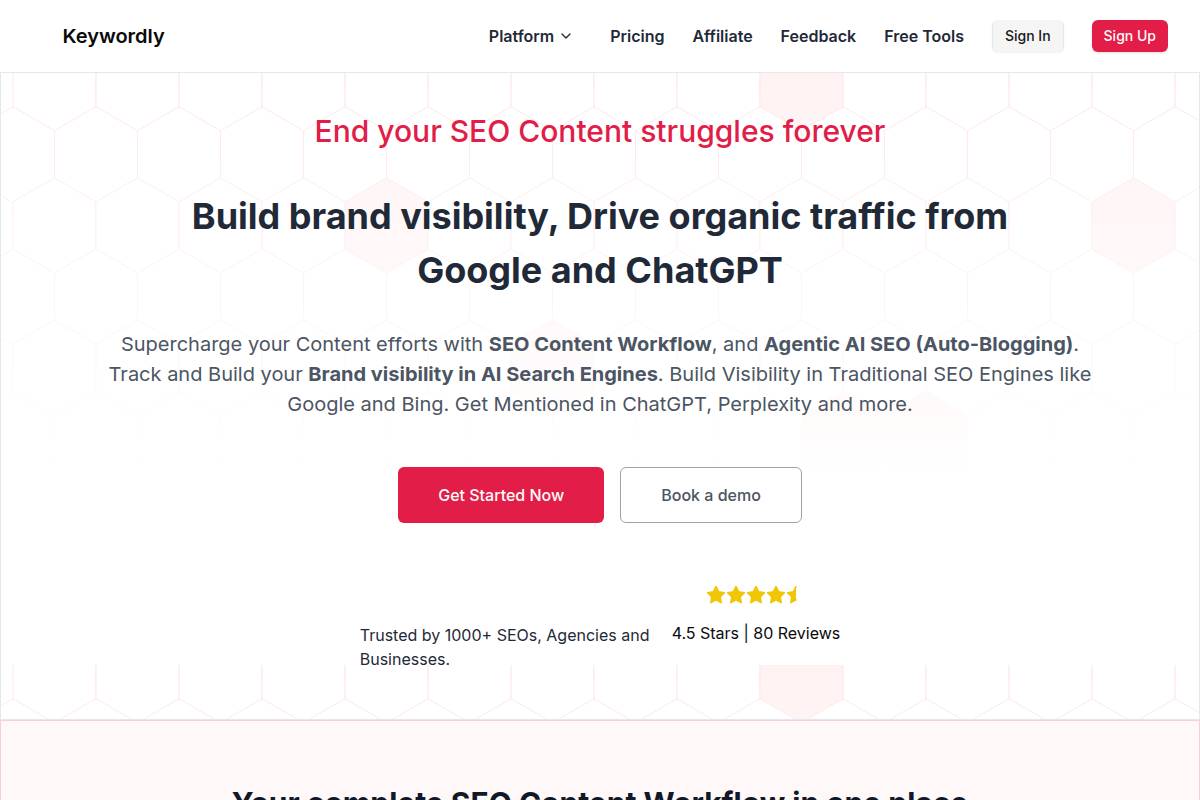
Keywordly is an end-to-end AI SEO content workflow platform that connects keyword research, clustering, topical mapping, writing, and optimization in one interface. It is built for teams that want to manage every stage of SEO content production without jumping between spreadsheets, standalone keyword tools, and separate editors.
As a long tail keywords generator, Keywordly stands out because it pulls data from Google Autocomplete, People Also Ask, and Related Searches, then ties those ideas directly into briefs and articles. For example, a SaaS agency targeting “CRM for real estate investors” can go from discovering niche phrases to publishing optimized landing pages and blog posts inside a single workflow.
Technical Requirements
Keywordly is delivered as a cloud-based SaaS, so teams can log in from Chrome, Edge, or Firefox on Windows, macOS, or Linux without installing extra software. This setup mirrors how tools like Ahrefs and Semrush operate, but with a deeper focus on agentic AI workflows that continuously support content teams.
Because Keywordly fetches real-time SERP, autocomplete, and People Also Ask data, a stable internet connection is essential. Role-based access lets agencies create separate workspaces for clients, similar to how large teams structure accounts in Asana or Monday.com, ensuring writers, strategists, and clients only see relevant projects.
Competitive Positioning
Keywordly’s core advantage is that it is not a single-purpose long tail keyword tool. It combines long tail discovery, clustering, topical maps, AI brief creation, writing, and SEO auditing. That makes it closer in spirit to an SEO operating system than to a simple keyword list generator.
Its multi-depth harvesting of Google Autocomplete, People Also Ask, and Related Searches helps uncover phrases competitors often miss. For example, an ecommerce brand selling running shoes might surface ultra-specific ideas like “best running shoes for flat feet and knee pain” at Depth 3, then map those keywords into a product-led content cluster with supporting blogs and guides.
Getting Started
New users begin by creating a Keywordly account and onboarding their website or project into the platform. This usually means adding target domains, markets, and key topics so the system can align keyword discovery and topical maps with real business goals.
From there, you can open the keyword research module, add seed terms such as “B2B SEO agency” or “Denver personal injury lawyer,” and switch into the long tail generator views. Selecting Autocomplete, People Also Ask, or Related Searches, and choosing Standard or Depth 3 exploration, lets you control how broad or deep your discovery goes before saving terms into clusters and triggering AI brief and article generation workflows.
Key Features
The feature set in Keywordly is designed to support an SEO program from ideation to performance tracking. For practitioners used to juggling multiple tools, the goal is to replace separate keyword generators, clustering scripts, and content editors with one coordinated system.
-
Long tail keyword generator powered by Google Autocomplete, People Also Ask, and Related Searches data, tailored for specific content angles.
-
Two exploration depths (Standard and Depth 3) that balance fast wins with exhaustive niche research.
-
Automated clustering and topical maps for organizing thousands of terms into strategic content hubs.
-
AI brief and article generation that aligns outlines and drafts with target keyword groups.
-
SEO auditing and optimization feedback for both drafts and live URLs.
-
Agentic workflows that monitor rankings and suggest refreshes or expansion topics over time.
Feature Comparison
Feature Keywordly Typical Point Solution Long Tail Keyword Source Autocomplete, PAA, Related Searches in one view Often Autocomplete only Depth Control Standard + Depth 3 Single fixed depth Clustering & Topical Maps Built-in, automated Usually missing or manual
Pros
Keywordly’s strengths are most visible when managing a serious, ongoing SEO content program. Agencies, SaaS brands, and publishers that push dozens of articles per month can especially benefit from having long tail discovery, briefs, and auditing fully connected.
-
Purpose-built for long tail discovery across Google Autocomplete, People Also Ask, and Related Searches.
-
Depth control (Standard vs Depth 3) lets teams choose speed for quick ideation or depth for thorough topical coverage.
-
Unified environment for research, clustering, writing, and auditing reduces tool sprawl and copy-paste work.
-
Well suited to agencies handling multiple clients and content calendars with hundreds of monthly keywords.
-
Designed to support both classic search engine rankings and visibility in emerging AI search experiences.
Cons
Keywordly does more than a basic long tail keyword generator, which is an advantage for mature SEO teams but can feel like overkill for ad-hoc users. If your primary need is a one-time list of ideas, the full workflow may not be necessary.
-
Scope can exceed what casual users or one-off projects require.
-
Clustering and topical maps may introduce a learning curve for teams new to structured SEO strategies.
-
Best return on investment appears when Keywordly powers the entire SEO content workflow, not just ideation.
Pricing
Keywordly’s pricing is structured to scale with project volume and team size. While specifics vary over time, the model follows patterns familiar to users of other SEO suites, with entry tiers focused on single brands and higher tiers optimized for agencies and enterprise teams.
Expect a free tier or time-limited trial with restricted projects and keyword rows, then paid plans that expand project limits, user seats, and automation quotas. Agency and enterprise tiers typically layer in higher SERP data quotas and richer collaboration features, supporting teams that manage dozens of sites and thousands of pages.
User Sentiment
Feedback from SEO professionals and agencies often emphasizes how Keywordly reduces tool fragmentation. Instead of exporting keywords from one platform, clustering in a separate script, and writing in another app, teams can build an end-to-end workflow that stays inside a single environment.
Users report that the depth of long tail discovery from People Also Ask, Related Searches, and Autocomplete contributes directly to new content ideas and traffic. While published case-study numbers are still emerging, practitioners describe strong ROI once Keywordly is integrated into a repeatable strategy that includes content refreshes, new hub pages, and ongoing AI-driven optimization.
Related Articles:
Reference: → long-tail-keywords-research
Reference: → best-ai-keyword-research-tools
Reference: Keywordly – SEO Content Workflow Platform & Tools
Google Keyword Planner
Google Keyword Planner
Overview
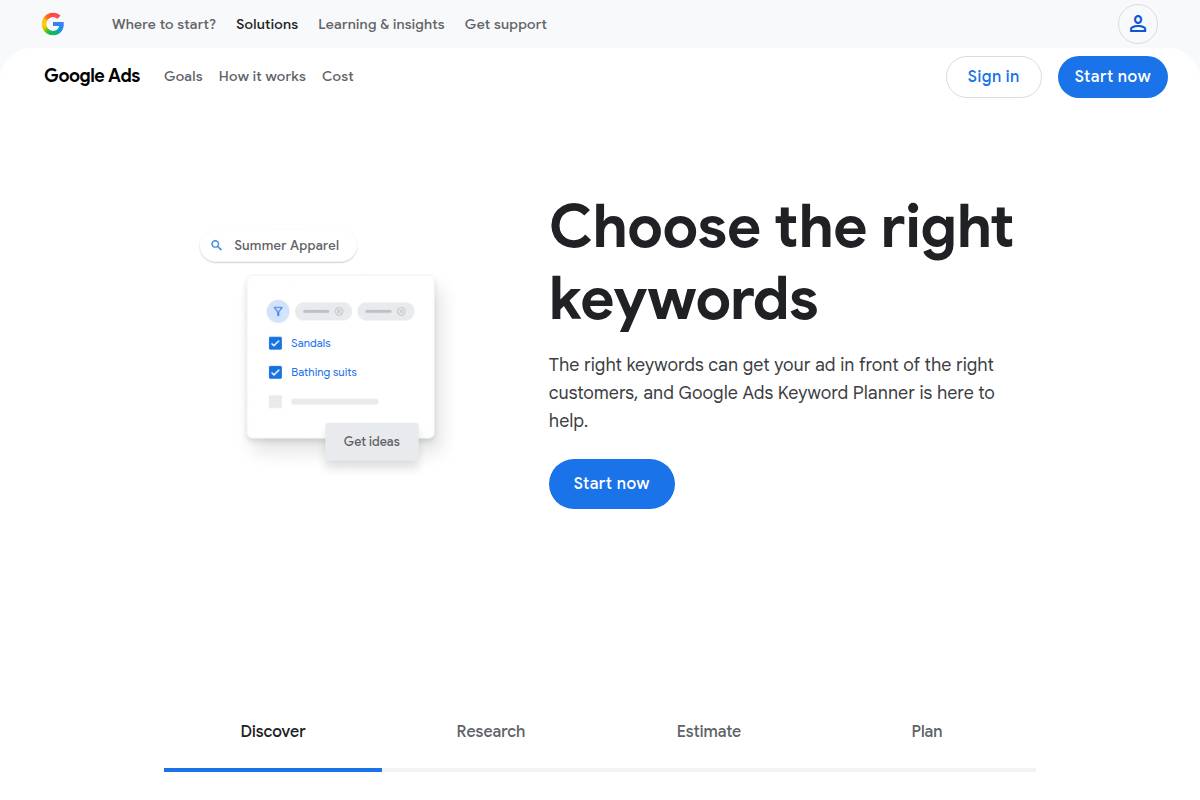
Google Keyword Planner is Google’s native keyword research tool inside the Google Ads interface, and it’s often the first stop for validating search volume and CPC before building clusters in platforms like Keywordly. Because the data comes directly from Google’s ad ecosystem, SEO teams at brands like HubSpot and Shopify use it to sanity-check whether a term has real commercial intent before scaling content.
The tool lets you generate ideas from seed keywords, URLs, or product categories. For example, if you paste an ecommerce category URL for “running shoes,” Keyword Planner will return variants like “nike running shoes women” or “best running shoes for flat feet,” which you can then push into Keywordly for long tail clustering and topical map expansion.
Technical Requirements
To access Google Keyword Planner, you need a free Google account and a Google Ads profile. Most SEO teams simply create an Ads account without running live campaigns, then use Chrome or another modern browser on desktop to work through large tables and exports efficiently.
Some metrics become more granular when an account has active spend, but for most users, core discovery features remain available. Agencies often export CSVs from Keyword Planner and import them into Keywordly to automate clustering and build content briefs, avoiding manual spreadsheet gymnastics.
Competitive Positioning
Compared with dedicated long tail tools covered in 7 Best Long Tail Keyword Generator Tools to Uncover, Google Keyword Planner shines as a baseline data source, not as an ideation powerhouse. Its strengths are reliable volume ranges, CPC data, and advertiser competition scores.
Keywordly then extends this foundation by mining People Also Ask, related searches, and Google autocomplete in two depths (Standard and Depth 3). For example, you might validate “ai seo tools” volume in Keyword Planner, then let Keywordly expand it into hundreds of long tails like “ai seo content brief generator” or “ai seo for b2b saas,” grouped into ready-to-use topic clusters.
Getting Started
To start, log into Google Ads, open Tools & Settings, and select Keyword Planner under Planning. Choose “Discover new keywords,” then enter seed phrases such as “local seo services” or drop in a landing page URL from your site to let Google infer relevant terms.
Set your target country and language—U.S. English for most American brands—then review ideas sorted by average monthly searches and competition. Many teams export the list, upload it to Keywordly, and let its agentic AI automatically segment long tail terms by intent (informational vs. transactional) and map them to content types like blog posts, comparison pages, or programmatic SEO hubs.
Key Features
-
Keyword ideas from seed terms, product categories, or target URLs
-
Search volume ranges, competition levels, and bid estimates
-
Filters by location, language, and network
-
Forecasts for clicks, impressions, and potential cost
-
CSV export for offline and third‑party analysis
For example, a B2B SaaS brand could plug in “project management software” and filter to United States, then use bid estimates to prioritize high-intent terms like “project management software for construction” before feeding those into Keywordly for deeper long tail expansion and brief generation.
Pros
-
Free access with a Google Ads account
-
Direct connection to Google’s search and CPC estimates
-
Strong for validating transactional keyword opportunities
-
Solid starting point for simple long tail lists
Cons
-
Imprecise volume ranges, especially for low-volume long tails
-
Interface built for advertisers, not SEOs
-
No SERP feature insights or deep autocomplete expansions
-
Requires manual clustering and planning work
Pricing
Google Keyword Planner is free to access once you’ve created a Google Ads profile, and there’s no mandatory ad spend to run basic research. That makes it attractive for smaller agencies and solo bloggers who want credible volume data without committing to monthly tool subscriptions.
As campaigns begin to spend, forecasting accuracy often improves because the tool can calibrate with real account performance. Many marketers then combine this refined data with Keywordly’s automated clustering to move from raw numbers to a prioritized, execution-ready content roadmap.
User Sentiment
Among SEO professionals, Google Keyword Planner is viewed as a reliable but limited source. It’s commonly used alongside creative long tail generators such as those highlighted in 7 Best Long Tail Keyword Generator Tools to Uncover, and very often with Keywordly handling clustering, topical mapping, and AI content workflows.
Users appreciate the connection to Google’s own data but are frustrated by broad volume buckets and missing SERP insights. That’s precisely where Keywordly steps in, using People Also Ask, related searches, and multi-depth autocomplete to surface the kind of nuanced long tail opportunities Keyword Planner alone can’t reveal.
Reference: Research Keywords for Campaigns with Keyword Planner
Ubersuggest
Ubersuggest
Overview
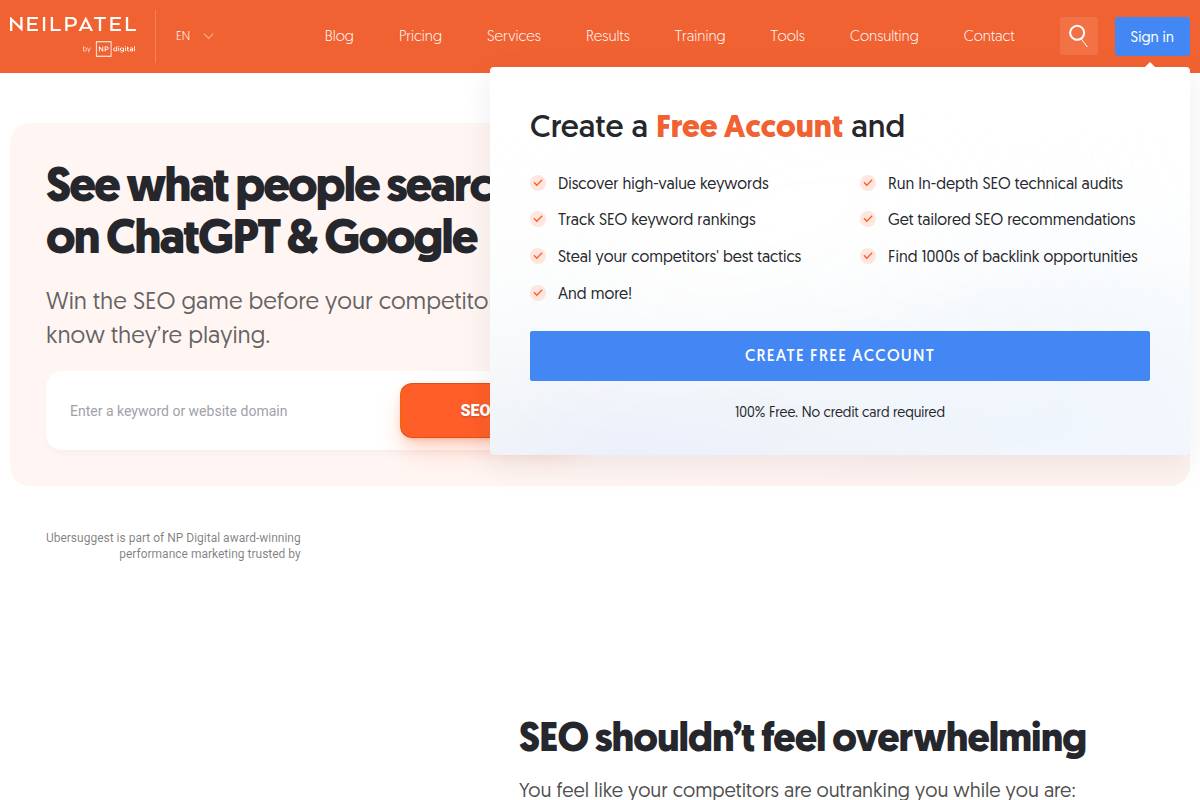
Ubersuggest is a freemium SEO platform that focuses on keyword research, basic site audits, and simplified backlink analysis. It pulls suggestions from Google autocomplete and related queries, making it useful as a long-tail keywords generator at the free tier.
Solo bloggers, niche site owners, and small local businesses often start with Ubersuggest before upgrading to more advanced workflow platforms like Keywordly for clustering and content execution. For example, a Phoenix-based plumbing company can quickly uncover queries such as “emergency plumber near me at night” and use them to optimize a service page and Google Business Profile.
Technical Requirements
Ubersuggest runs entirely in the browser, so there is no software to install. Users simply visit the website, sign up with an email or Google account, and can begin researching within minutes on Chrome, Edge, or Safari.
The tool works on mobile, but desktop is recommended for viewing larger keyword reports and audit tables. A stable internet connection is essential, especially when exporting CSV files for further clustering in Keywordly or analyzing site audit issues across dozens of URLs.
Competitive Positioning
Among SEO tools, Ubersuggest sits between free basics like Google Keyword Planner and premium suites such as Semrush or Ahrefs. It offers SERP overviews, content ideas, and long-tail keyword suggestions in a beginner-friendly dashboard.
For teams managing complex topical maps, platforms such as Keywordly provide deeper clustering, People Also Ask mining, and multi-site orchestration. A small agency might use Ubersuggest to get quick ideas, then push those keywords into Keywordly to build depth-3 topical silos and generate content briefs at scale.
Getting Started
New users can start by going to the Ubersuggest homepage and entering either a seed keyword like “B2B SaaS marketing” or a domain such as hubspot.com. Selecting the correct target country, for example the United States, ensures search volumes and SERP data match your market.
After running a query, opening the Keyword Ideas section reveals suggestions, questions, prepositions, and related terms. Users can filter by SEO difficulty or volume, then export selected terms to refine or cluster in Keywordly, where AI groups long-tail intent phrases into content-ready topic clusters.
Key Features
Ubersuggest focuses on core SEO research and monitoring capabilities that help users move from basic keyword discovery to simple execution. It is not as extensive as an end‑to‑end workflow platform, but it covers the fundamentals well for early-stage users.
-
Keyword Ideas: Generates suggestions, questions, and related search terms drawn from Google autocomplete and similar sources.
-
Metrics: Provides SEO difficulty, estimated monthly search volume, and CPC to prioritize targets.
-
Content Ideas: Surfaces top-performing pages with estimated visits and social shares to inspire new articles.
-
Site Audit and Backlinks: Runs health checks, highlights technical issues, and shows basic backlink data.
-
Project Tracking: Lets users track a limited number of websites and keywords to monitor performance over time.
Pros
For many beginners, Ubersuggest’s interface feels approachable compared with complex enterprise dashboards. Clear labels like “Easy” or “Hard” on keyword difficulty help non-technical users quickly decide what to target.
-
Beginner-friendly layout with tooltips that explain metrics.
-
Strong at uncovering question-based long-tail queries that align with informational search intent.
-
Combines essential research (keywords, content ideas, audits) in a single low-friction tool.
-
More affordable than many all-in-one SEO suites, especially on lifetime plans.
Cons
Marketers managing dozens of sites or large topical libraries may quickly find Ubersuggest’s limits. Data depth and workflow automation do not match higher-priced competitors or specialized platforms built around advanced clustering.
-
Free tier has strict daily caps on keyword and site audit queries.
-
Data sampling and precision can lag behind Semrush or Ahrefs for competitive research.
-
Lacks advanced task automation and team workflows that agencies often expect.
-
Not ideal for complex topical mapping, depth-3 clusters, or multi-language orchestration compared to Keywordly.
Pricing
Ubersuggest offers a constrained free tier suitable for quick checks or occasional keyword ideas. Users who need more consistent access can upgrade to monthly or lifetime plans, with pricing that typically undercuts major enterprise suites.
Freelancers and bloggers often choose entry-level plans, while small agencies might opt for higher tiers that increase project and query limits. Those needing deeper automation and agentic workflows to manage hundreds of pages usually graduate to platforms like Keywordly that integrate research, content generation, and optimization.
User Sentiment
Across review sites like G2 and Capterra, Ubersuggest is often praised for its straightforward UI and low learning curve. New SEO practitioners appreciate the quick keyword difficulty snapshots and content ideas that can be acted on immediately in WordPress or Webflow.
More advanced SEOs sometimes question its data accuracy versus tools such as Ahrefs, especially for low-volume or ultra-competitive terms. Still, Ubersuggest is frequently described as strong value for price, particularly for solo creators and small teams building their first content strategy before adopting a full workflow solution like Keywordly.
Related Articles:
Reference: → free-youtube-keyword-research-tool
Reference: → advanced-keyword-research-techniques
Reference: Ubersuggest: Free Keyword Research Tool
AnswerThePublic
AnswerThePublic
Overview
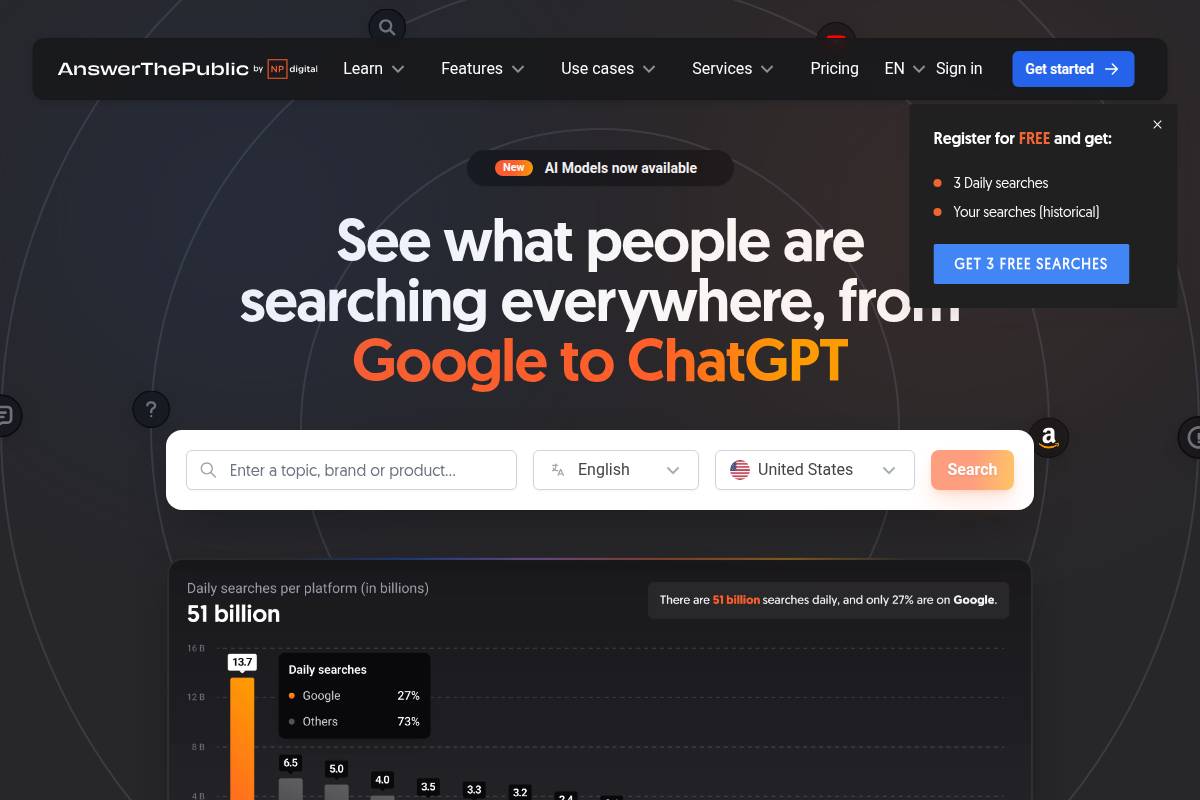
AnswerThePublic turns Google and Bing autocomplete data into visual clusters of questions, prepositions, and comparison phrases around a single seed term. Instead of staring at a blank page, content teams see how real people actually search, grouped into wheels like “who,” “what,” “why,” and “near.”
For SEO professionals using Keywordly as their end‑to‑end workflow, AnswerThePublic works well at the ideation stage. You can mine question-based long tail keywords, then feed those phrases into Keywordly’s clustering and topical map features to build FAQ sections, pillar pages, and supporting articles around very narrow themes.
Technical Requirements
AnswerThePublic is fully web-based, so there’s nothing to install. It runs smoothly on Chrome, Firefox, Edge, and Safari, though the radial “wheels” are far easier to inspect on a laptop or dual‑monitor setup than on a phone.
Because it pulls live autosuggest data, a stable internet connection is essential. Free accounts face a tight daily search cap, which can be a bottleneck for agencies. Many teams pair it with Keywordly’s always‑on long tail keyword generator so ideation doesn’t stop when AnswerThePublic hits its limit.
Competitive Positioning
Where tools like Ahrefs and Semrush lean on hard metrics—search volume, difficulty, and CPC—AnswerThePublic specializes in understanding language and intent. It shines when you need to see how people phrase questions such as “how to migrate from WordPress to Webflow” or “best CRM for real estate investors.”
Marketing teams often use AnswerThePublic as a complementary ideation layer, then validate ideas inside Keywordly. For instance, you might grab 50 question variants from AnswerThePublic, import them into Keywordly, and let its clustering and topical mapping show which themes deserve full content hubs versus short FAQ answers.
Getting Started
To begin, enter a seed keyword like “local SEO” or “email marketing automation,” pick the United States and English, then run the search. The tool generates wheels of questions, prepositions, and comparisons such as “local SEO for restaurants” or “email marketing vs SMS.”
Content teams often download the CSV export, bring it into a planning spreadsheet, and then upload refined lists into Keywordly. From there, Keywordly can group related queries—like “how to do local SEO for dentists” and “local SEO checklist for dentists”—and turn them into structured briefs, content hubs, and FAQ-rich landing pages.
Key Features
AnswerThePublic’s main draw is its visual wheels that organize queries by intent type. This helps you spot angles such as “near me,” “for beginners,” or “vs” that might not surface through a traditional keyword list. The autosuggest data gives a near‑real‑time pulse on how people search.
Teams frequently use the CSV and image exports in workshops with clients. For international brands, supporting multiple languages and regions is particularly useful. For example, a SaaS company can compare U.S. and German autocomplete data, then let Keywordly build separate topical maps for each market to support localized SEO content.
Pros
-
Outstanding at uncovering question-based long tail keyword opportunities that feed perfectly into Keywordly’s long tail generator and clustering engine.
-
Engaging visual format supports creative brainstorming in editorial workshops and client strategy sessions.
-
Reveals real user language and intent patterns, which copywriters can mirror in titles, H2s, and FAQs.
-
Exports make it easy to integrate findings into Keywordly-driven editorial calendars and content roadmaps.
Cons
-
Lacks robust search volume, keyword difficulty, or SERP analysis, so prioritization still requires tools like Keywordly, Ahrefs, or Semrush.
-
Free tier has tight daily query limits, which can slow down large content sprints.
-
Not a full SEO platform; it covers ideation only and needs pairing with technical and on-page solutions.
-
Very broad seeds such as “marketing” can produce noisy, overwhelming visual outputs that require heavy manual filtering.
Pricing
AnswerThePublic offers a free plan suited for occasional brainstorming, such as a freelance blogger planning a monthly content batch. For heavier users, paid subscriptions raise search limits, add multiple seats, and unlock monitoring features that track how query patterns evolve.
Agencies that run monthly strategy workshops often bundle AnswerThePublic with Keywordly. They brainstorm questions visually, then centralize the selected long tail terms, People Also Ask ideas, related searches, and Google autocomplete phrases (in both standard and depth‑3 views) directly inside Keywordly’s workflow to move from ideation to publish-ready content quickly.
User Sentiment
Content strategists at agencies like Siege Media and Animalz have publicly praised question-focused research methods, and AnswerThePublic frequently appears in their tool stacks for ideation. Users value how fast they can fill a whiteboard with specific angles such as “remote onboarding checklist” or “B2B SaaS pricing models.”
Many teams ultimately centralize execution in Keywordly, using AnswerThePublic as a supporting input. They rely on Keywordly’s integrated People Also Ask, related searches, and Google autocomplete (standard and depth 3) to extend those ideas, cluster them, and track performance across Google, Bing, and AI search environments.
Reference: AnswerThePublic: Search listening tool for market, customer …
AlsoAsked
AlsoAsked
Overview
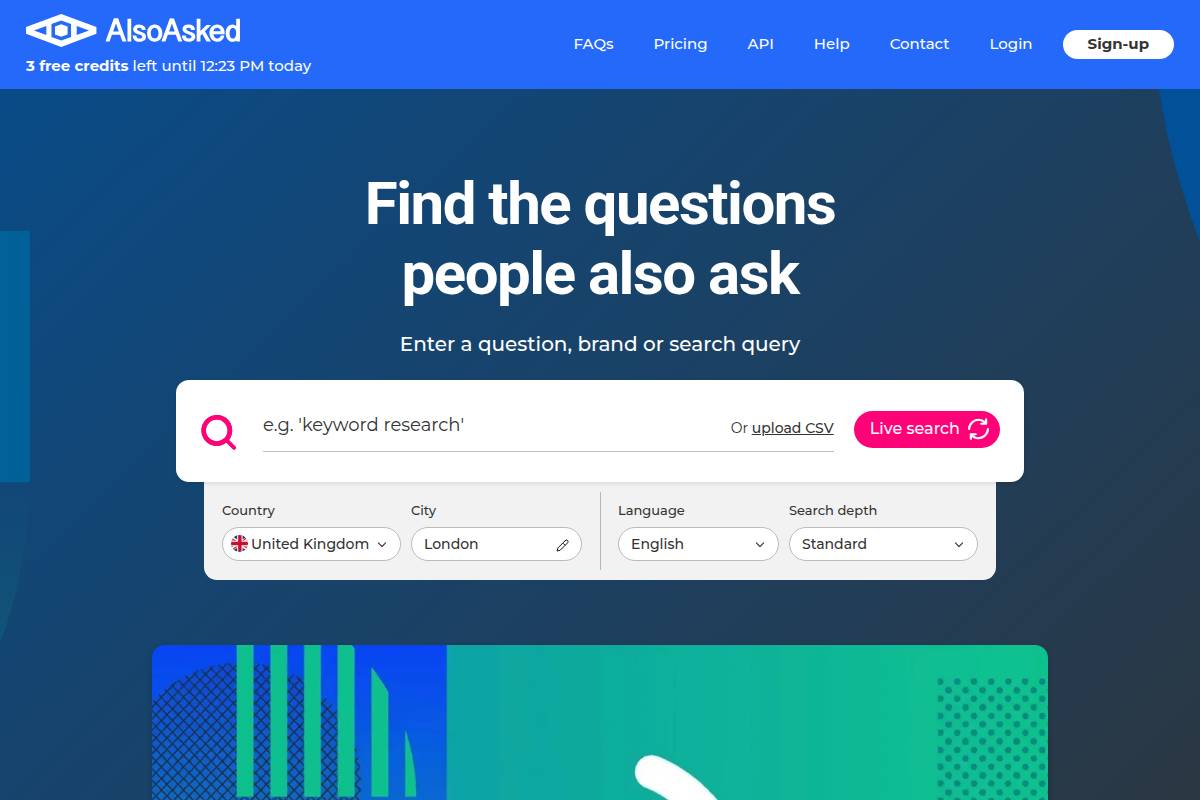
AlsoAsked is a specialized research tool that visualizes how Google’s People Also Ask (PAA) questions connect around a topic. Instead of a flat list of queries, it reveals relationships between primary questions, subtopics, and follow-ups so you can see how searchers naturally explore a subject.
For SEO teams using Keywordly to map topics and cluster long tail keywords, AlsoAsked works as a focused question-mining companion. It is especially effective for shaping FAQ sections, support hubs, and pillar pages that mirror actual user journeys through SERPs.
Technical Requirements
AlsoAsked runs entirely in the browser, so there is no software to install or maintain. Any modern browser like Chrome, Edge, or Firefox on a stable internet connection is enough to access real-time PAA data.
The tool is usable on mobile, but content strategists at agencies such as Siege Media typically favor desktop to review large PAA trees, capture screenshots, and export CSV files. A free tier offers limited searches, while heavier usage requires sign-in and a paid subscription.
Competitive Positioning
Within a keyword research stack, AlsoAsked occupies a very narrow but valuable niche: deep analysis of People Also Ask relationships. Unlike broad suites, it does not track rankings, backlinks, or on-page issues; it focuses entirely on question discovery and hierarchy.
This makes it a strong complement to Keywordly, which already pulls from PAA, related searches, and Google Autocomplete in two depths (Standard and Depth 3). Keywordly handles large-scale long tail keyword generation and clustering, while AlsoAsked can be reserved for granular question trees when planning support content.
Getting Started
To begin, open AlsoAsked, enter a seed keyword such as “B2B SaaS SEO,” and choose the language and region you want to target (for example, English – United States). The tool then queries Google and builds a visual map of PAA questions around that topic.
You can click individual nodes like “How do you create a SaaS SEO strategy?” to reveal deeper follow-up questions. Many content teams export this data as a CSV, import it into Keywordly for clustering, and then map it into FAQ sections, blog series, and support articles.
Key Features
AlsoAsked offers a tight feature set aimed at surfacing and organizing real-user questions. It excels at translating scattered SERP questions into structured, navigable diagrams that content teams can quickly act on.
-
Hierarchical mapping of PAA relationships around a seed topic
-
Region and language targeting for localized question sets
-
Visual tree diagrams plus CSV export options
-
Multi-layer node expansion to uncover deeper question paths
-
Search history and project saving on paid plans
Pros
For SEOs who want question-led strategies, AlsoAsked has several clear advantages. It turns vague topics into structured question frameworks that mirror how users think and search.
-
Excellent at uncovering and structuring long tail, question-based keywords
-
Clarifies topical depth by showing how subquestions connect to core themes
-
Supports creation of semantically rich FAQ and help content
-
Clean interface focused purely on PAA data, with minimal distractions
Cons
The same specialization that makes AlsoAsked powerful also limits it. It is not designed to replace broader SEO platforms or full content workflow systems like Keywordly.
-
No search volume, difficulty, or competitive metrics included
-
Free tier has modest search limits; meaningful usage requires upgrading
-
Lacks technical SEO, on-page auditing, and link analysis features
-
Output quality depends heavily on the richness of PAA results at query time
Pricing
AlsoAsked follows a freemium model. You can run a handful of searches at no cost to evaluate fit, export basic data, and test how well its trees align with your editorial workflow.
Paid tiers raise monthly query limits, unlock historical datasets, and add collaboration features for agencies and in-house teams. Pricing is geared toward professional SEOs and content marketers who regularly build FAQ content, resource hubs, and knowledge bases.
User Sentiment
Among practitioners, AlsoAsked is often labeled a “supporting” tool rather than a full platform. Many SEOs who rely on Keywordly for end-to-end AI-powered workflows use AlsoAsked selectively when they need ultra-visual PAA trees for a single campaign or client.
Users praise the clarity of its diagrams and the ease of exporting PAA data into spreadsheets or directly into content briefs. It is frequently recommended in conference talks and Slack communities as a helpful companion to more comprehensive suites that manage research, drafting, and optimization at scale.
Related Articles:
Reference: → long-tail-keywords-research
Reference: → free-youtube-keyword-research-tool
Reference: AlsoAsked: People Also Ask keyword research tool
Keyword Tool
Keyword Tool
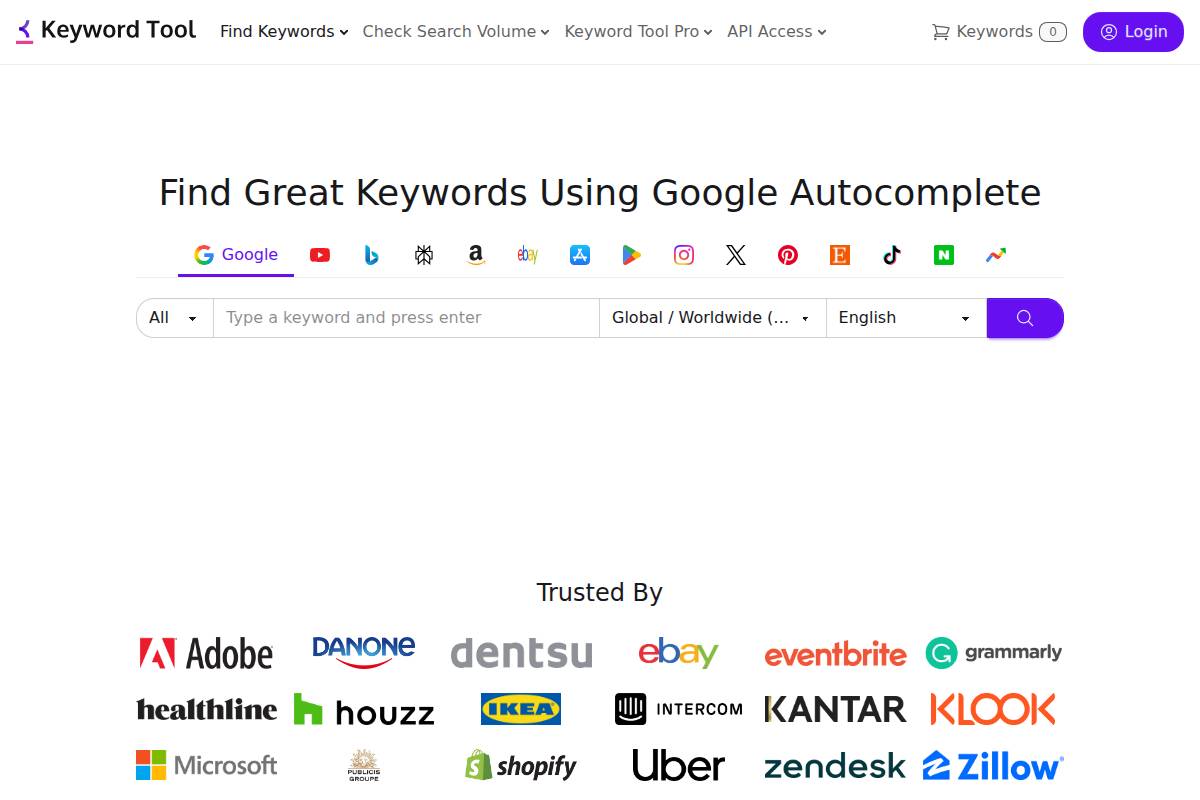
Keyword Tool (keywordtool.io) is widely used by SEOs who need fast, autocomplete-based long tail ideas across Google, YouTube, Amazon, Bing, and other platforms. It’s especially handy when you’re validating search behavior beyond standard web search, such as marketplace or video queries.
For teams already using an end-to-end platform like Keywordly, Keyword Tool often plays a supporting role. Keywordly can act as a long tail keywords generator itself, combining People Also Ask, Related Searches, and Google Autocomplete in two depths (Standard and Depth 3), then clustering those ideas into content-ready topic maps.
Overview
Keyword Tool works by scraping autocomplete suggestions directly from search engines and vertical platforms. When you type a seed term like “best running shoes,” it pulls hundreds of variations, including question-based and modifier-heavy phrases that rarely show in basic keyword planners.
Brands like Nike and REI often lean on this kind of long tail research to uncover buyer-intent phrases such as “best running shoes for shin splints 2025” or “trail running shoes waterproof women’s size 8.” These specific phrases can convert significantly better than broad head terms.
Technical Requirements
Because Keyword Tool runs in the browser, you only need a modern browser (Chrome, Edge, Firefox, or Safari) and a stable internet connection. No extensions or desktop apps are required, which works well for remote SEO teams and agencies collaborating across devices.
The free version can be used without logging in, but serious users often upgrade to Pro for search volume, CPC, and competition data. On large monitors, e‑commerce teams can evaluate hundreds of Amazon or Etsy variants at once, then send prioritized lists into systems like Keywordly for clustering and on-page optimization.
Competitive Positioning
In the keyword research landscape, Keyword Tool is strongest as a multi-platform autocomplete miner. It covers Google, YouTube, Amazon, eBay, and more, making it appealing for omnichannel marketers who run both SEO and marketplace optimization.
Compared with integrated platforms, its focus is narrow: idea generation. Keywordly, by contrast, pairs long tail extraction (via People Also Ask, Related Searches, and Google Autocomplete in Standard and Depth 3) with clustering, drafting, and optimization workflows. That means an agency can go from raw ideas to a fully mapped content calendar in one environment, instead of stitching together multiple tools.
Getting Started
To start, visit Keyword Tool and select a platform such as Google, YouTube, or Amazon. Enter a seed keyword like “B2B SaaS pricing” or “ergonomic office chair,” choose your language and country, then run the search to generate hundreds of autocomplete-driven ideas.
Content teams can then scan the Suggestions, Questions, and other tabs to gather variations like “ergonomic office chair for back pain under $200.” Many users copy these into spreadsheets or import them into Keywordly, where the ideas are grouped into topical clusters and paired with intent, internal links, and content briefs.
Key Features
Keyword Tool offers a focused set of features built around autocomplete data. Below is a side-by-side look at how those compare with an integrated workflow in Keywordly.
FeatureKeyword ToolKeywordlyAutocomplete-based ideasYes, across multiple platformsYes, with Google Autocomplete in Standard & Depth 3People Also Ask / Related SearchesNot nativeYes, multi-depth extraction for long tail coverageLong tail keyword generatorStrong for idea listsStrong plus automatic clustering & mappingVolume, CPC, competitionPro plans onlyIntegrated with prioritization viewsContent briefs & draftsNoYes, AI-driven SEO briefs and draft generation
Features
-
Autocomplete keyword ideas from Google, YouTube, Amazon, Bing, and more
-
Tabs for Suggestions, Questions, Prepositions, and Hashtags (platform-dependent)
-
Language and region filters for precise audience targeting
-
Search volume, CPC, and competition data on Pro plans
-
Bulk keyword processing to accelerate larger research projects
Pros
Many SEO agencies appreciate how quickly Keyword Tool surfaces obscure long tail phrases. For instance, a DTC brand selling collagen supplements can uncover specific queries like “grass fed collagen peptides for joint pain” that might not appear in basic Google Keyword Planner reports.
Its interface is straightforward, allowing junior marketers to run research with minimal training. Teams can then export the ideas and rely on Keywordly to turn those raw lists into clusters, outlines, and on-page recommendations aligned with Google, Bing, and AI search behavior.
Pros
-
Extensive coverage across multiple search engines and platforms
-
Strong at discovering long tail variations and modifiers
-
Valuable for e‑commerce SEO, YouTube SEO, and marketplace optimization
-
Fast interface with simple filtering for large keyword sets
Cons
The biggest limitation for many users is that the free version hides critical metrics like search volume and CPC. For a small blogger or early-stage startup, upgrading just to see volume can feel expensive, especially when budgets are already tight.
Because Keyword Tool doesn’t handle clustering, topical mapping, or publishing, teams often end up managing multiple tools and spreadsheets. Platforms like Keywordly reduce that friction by combining long tail generation, PAA and Related Searches mining, and execution workflows into one system.
Cons
-
Free tier withholds search volume, CPC, and competition data
-
Pro pricing can feel high for users who only need metrics
-
No built-in content workflow, clustering, or publishing features
-
Requires pairing with other platforms for strategy, briefs, and tracking
Pricing
Keyword Tool offers a free version that reveals keyword ideas but masks detailed metrics. Pro plans, which start in the low hundreds of dollars per year, unlock search volume, CPC, competition scores, and API access for automation-minded teams.
Agencies handling multiple clients often choose annual billing to control costs, then run metrics-driven lists through platforms like Keywordly. This combination lets them prioritize by volume and difficulty, then automatically generate briefs and drafts for writers.
User Sentiment
Among SEO communities on Reddit and specialized Facebook groups, Keyword Tool is praised for speed and depth of autocomplete coverage, especially on Amazon and YouTube. Users often mention generating thousands of keyword ideas for a single seed within minutes.
The main complaints relate to limited data on the free plan and the cost relative to tools that package more capabilities. As a result, many professionals position Keyword Tool as a tactical idea generator, while leaning on Keywordly as their strategic hub for long tail mapping, People Also Ask mining, Related Searches, Google Autocomplete (Standard and Depth 3), and content execution.
Reference: Keyword Tool ⚠️ Google Keyword Planner【Search FREE】
Soovle
Soovle
Overview
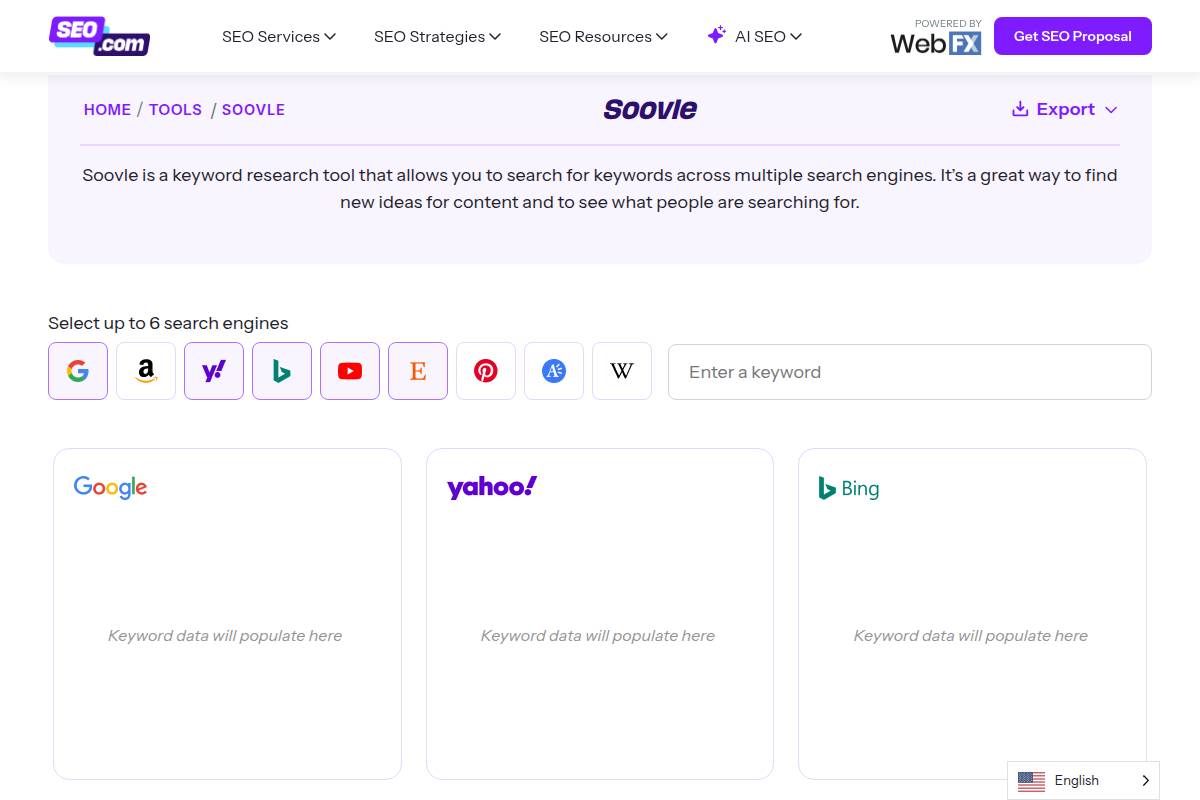
Soovle is a lightweight autocomplete aggregation tool that lets you see keyword suggestions from multiple search engines on a single screen. It pulls live suggestions from Google, Bing, Yahoo, Amazon, YouTube, and others, making it handy when you want a quick feel for cross-channel search intent.
SEO teams at smaller agencies often open Soovle in one tab and a structured platform like Keywordly in another. They use Soovle to spark raw ideas, then push those ideas into Keywordly’s long-tail keyword generator and clustering workflows to validate, expand, and prioritize at scale.
Technical Requirements
Soovle is completely web-based, so you only need a modern browser like Chrome, Edge, or Firefox and a stable internet connection. There is no account, installation, or onboarding flow, which is why many freelancers use it on shared or locked-down machines where installing software is not possible.
The interface is minimal and loads quickly, even on older laptops or slower hotel Wi‑Fi. It is most comfortable on desktop or tablet; on mobile, the layout can feel cramped, making it harder to scan multiple engines side by side. For mobile-friendly research, many teams prefer running Soovle on desktop, then feeding ideas into Keywordly’s cloud workspace to collaborate asynchronously.
Competitive Positioning
Soovle occupies a narrow niche: ultra-fast, cross-engine autocomplete without metrics or workflow. It does one thing well—surface suggestions as you type—then hands off the rest of the job to more powerful SEO platforms. Compared with tools that track rankings, map topics, or manage content briefs, Soovle is intentionally shallow but extremely quick.
Agencies that manage dozens of clients often use Soovle at the very first ideation pass, then move immediately into Keywordly to analyze volume, difficulty, and intent. Soovle provides the raw phrases; Keywordly’s People Also Ask, related searches, and Google Autocomplete (Standard and Depth 3) modules turn those phrases into structured topic clusters ready for content production.
Getting Started
To start with Soovle, open the website in your browser and type a seed keyword like “home solar panels” into the central search box. As you type, you will see suggestions populate from Google, Bing, Amazon, YouTube, and others around the screen. This makes it easy to see the difference between ecommerce-heavy phrases on Amazon and informational queries on Google.
You can hover or click on individual suggestions to open them directly in the source engine, then manually copy promising ideas into a spreadsheet or an SEO platform. Many marketers paste those terms into Keywordly, then use its long-tail keyword generator and clustering features to expand into 50–100 closely related variants and automatically group them into search-driven content briefs.
Key Features
Soovle offers a focused feature set centered on live autocomplete discovery across multiple platforms. It is designed for speed and simplicity rather than depth, which is why it pairs well with a more robust platform like Keywordly for analysis and execution.
-
Simultaneous autocomplete suggestions from Google, Bing, Yahoo, Amazon, YouTube, and others on one screen.
-
Instant, real-time updates as you type, making it easy to compare how different engines complete the same seed term.
-
Basic customization of which engines appear, so you can focus on, for example, just Google and YouTube for content-led campaigns.
-
Click-through exploration that opens results in the native search environment for deeper SERP analysis.
-
Distraction-free layout with no dashboards, charts, or overlays—only raw suggestions for rapid ideation.
Pros
Soovle’s strengths make it particularly suited to quick brainstorming sessions, client workshops, or fast competitive checks. Its lack of friction is why many SEOs still keep it bookmarked despite using larger enterprise stacks.
-
Completely free with no login, quotas, or paywalls, lowering barriers for freelancers, students, and smaller businesses.
-
Extremely fast and lightweight, ideal for quick cross-engine scans in early-stage research.
-
Perfect for ideation before pushing terms into structured tools like Keywordly for long-tail generation and clustering.
-
Zero learning curve, so interns or non-technical stakeholders can contribute keyword ideas in minutes.
Cons
Soovle’s simplicity also limits its usefulness for serious SEO execution. It does not attempt to solve planning, prioritization, or measurement, so teams must pair it with other tools and manual processes.
-
No metrics or difficulty data such as search volume, CPC, or competition, which Keywordly and other platforms provide.
-
No export or clustering features, forcing users to manually copy suggestions into spreadsheets or external tools.
-
Not suitable for large-scale research where you need thousands of keywords organized into topic clusters and content calendars.
-
Dated interface that is less comfortable for long sessions compared with modern, collaborative SEO platforms.
Pricing
Soovle is entirely free to use, with no premium tier or subscription. This makes it a low-risk addition to any SEO toolkit, especially for solo bloggers or small businesses that are still validating their content strategy and budget.
Agencies and in-house teams typically position Soovle as a top-of-funnel brainstorming aid, then rely on paid solutions like Keywordly for the heavy lifting: long-tail keyword generation, People Also Ask and related searches expansion (Standard and Depth 3), topical mapping, and ongoing content performance tracking.
User Sentiment
Among SEOs and content marketers, Soovle is appreciated for being fast, simple, and cross-engine by design. Many long-time practitioners still use it alongside newer tools, especially when preparing quick idea boards for clients in niches like DTC ecommerce or SaaS.
Users often comment that while the interface feels dated, it still does its job effectively. They value Soovle as a first-step ideation tool and then transition into platforms like Keywordly to transform those raw ideas into long-tail keyword clusters, search-intent grouped briefs, and publish-ready content outlines.
Reference: Soovle | Generate keyword ideas from multiple search …
Moz Keyword Explorer
Moz Keyword Explorer
Overview
Moz Keyword Explorer is Moz’s flagship keyword research tool, built into the broader Moz Pro suite. It focuses on delivering clean, easy-to-understand keyword metrics, plus SERP analysis that helps you see what actually ranks before you commit to content.
Unlike automation-heavy platforms such as Keywordly, Moz leans into clarity and education. Its Keyword Suggestions, Questions, and Group Keywords features are especially useful for surfacing long-tail ideas that support topic clusters and editorial calendars.
Technical Requirements
Moz Keyword Explorer runs entirely in the browser, so you don’t need to install software or maintain updates. You simply create a Moz account, log in, and start entering keywords or domains from Chrome, Edge, or Firefox.
Free accounts are limited to a small number of monthly queries, which can be restrictive if you’re building large maps like you might in Keywordly. For best usability—especially for SERP previews and bulk exports—marketers typically use it on desktop with a stable internet connection.
Competitive Positioning
In the keyword research landscape, Moz competes directly with Ahrefs and Semrush while indirectly competing with workflow-focused platforms like Keywordly. Its strength lies in intuitive metrics such as the Priority score, which blends search volume, difficulty, and organic CTR opportunity into one number.
Agencies often pair Moz’s transparent methodology and training materials with Keywordly’s agentic SEO automation, using Moz for validation while Keywordly handles clustering, content briefs, and long-tail expansion at scale.
Reference: Free Keyword Research Tool – Moz
Recommendations: Which Long Tail Keyword Tool Is Best for You?
Best for End-to-End SEO Content Workflows and Long Tail Depth
For teams that treat SEO as an ongoing content operation, Keywordly stands out because it connects research, clustering, topical maps, AI writing, and audits in one workflow. You can move from long tail keyword discovery to a fully optimized article without jumping between tools.
Keywordly’s long tail keyword generator taps Google People Also Ask, related searches, and autocomplete in two layers: Standard and Depth 3. That deeper crawl is valuable when you’re building topical hubs, like a 40‑article cluster on “B2B SaaS SEO” for a company similar to HubSpot or Ahrefs.
Best Free Baseline Data from Google
Google Keyword Planner remains the baseline for search volume and commercial intent because it uses Google Ads data. Many agencies in the U.S. still validate monthly volume ranges here before pitching content plans to clients.
It’s especially useful when you’re deciding budget around PPC and SEO together, such as comparing “CRM software” versus “free CRM for small business.” Pairing Keyword Planner with Keywordly or Ubersuggest helps turn those head terms into hundreds of intent‑rich long tail opportunities.
Best for Beginners and Solo Creators
Ubersuggest works well for bloggers and solo founders who need straightforward metrics and ideas. Its interface makes it easy to see keyword difficulty, content ideas, and basic site audits without a steep learning curve.
A freelance copywriter, for instance, can plug in “email marketing tips,” grab long tail suggestions like “email marketing tips for nonprofits,” and then prioritize low‑competition phrases to publish weekly posts and build organic traffic over a few months.
FAQ: Free Long Tail Keyword Generators
1. What Is a Long Tail Keyword Generator and Why Is It Important?
A long tail keyword generator helps you uncover highly specific search phrases, usually 3–7+ words, that real people type into Google. Instead of broad terms like “shoes,” you get phrases such as “women’s waterproof trail running shoes size 8.”
These longer phrases typically have lower search volume but clearer intent and much less competition. For example, a Shopify store selling “organic dog treats for small breeds” can rank faster for that phrase than for “dog treats,” while attracting buyers ready to purchase.
Because intent is so focused, long tail keywords often convert better. Case studies from niche blogs routinely show 30–50% higher conversion rates on long tail pages versus broad, top-of-funnel posts. That is why a structured generator is crucial instead of guessing topics manually.
2. Can I Do Effective Long Tail Keyword Research with Free Tools Only?
You can build solid long tail strategies with free tools if you are willing to combine data sources. Google Keyword Planner gives baseline volume and CPC, while tools like Keyword Tool and Soovle pull autocomplete phrases from Google, YouTube, and Bing.
Question-based tools such as AnswerThePublic and AlsoAsked surface real queries like “how to reduce Shopify cart abandonment” or “best CRM for real estate beginners.” Agencies often blend these with Google’s own People Also Ask to plan topic clusters without paying for a full SEO suite.
The main downside is manual work. You will copy, deduplicate, tag, and group hundreds of keywords in spreadsheets. Platforms like Keywordly automate this step, but if budget is tight, a free-tool stack is still workable for bloggers and early-stage businesses.
3. How Does Keywordly Help with Long Tail Keyword Research Specifically?
Keywordly sits at the center of long tail research by tapping directly into Google Autocomplete, People Also Ask, and Related Searches. It pulls phrases at two exploration depths—Standard for quick overviews and Depth 3 for deeply nested, intent-rich ideas across an entire topic.
For instance, a B2B SaaS brand exploring “sales enablement software” can use Depth 3 to uncover variants like “sales enablement software for manufacturing teams” and “sales enablement tools for HubSpot users,” then map these to specific persona pages.
After discovery, Keywordly clusters thousands of long tail terms into topical maps, launches AI-driven content briefs, drafts, and optimization workflows, and tracks performance. This end-to-end system replaces scattered spreadsheets and helps agencies deliver scalable, long tail-driven content campaigns for multiple clients.
4. What’s the Difference Between a Long Tail Keyword Research Tool and a General SEO Suite?
Dedicated long tail tools focus on discovery and organization of specific phrases, especially from autosuggest sources and SERP features. They excel at uncovering angles like “best email marketing tools for nonprofits under $50” rather than just “email marketing tools.”
General SEO suites such as Semrush or Ahrefs add technical audits, backlink analysis, rank tracking, and reporting dashboards. They are powerful for comprehensive SEO, but often treat long tail ideation as one feature among many.
Keywordly bridges both needs for content teams by pairing deep long tail research with clustering, AI content production, on-page optimization, and ongoing content audits. If your immediate priority is publishing revenue-driving pages, a long tail–first workflow often delivers clearer ROI than a broad but shallow toolkit.
5. How Do I Choose the Right Long Tail Keyword Search Tool for My Business?
Tool choice depends on your goals, budget, and team capacity. Solo bloggers might start with Google Keyword Planner, Ubersuggest’s free tier, and Soovle to find long tail opportunities in niches like food blogging or travel.
Brands that need an integrated workflow should prioritize Keywordly for discovery, clustering, topical maps, and AI content execution in one place. For example, a digital agency running SEO for 15 local businesses can use Keywordly to generate “near me” long tails, auto-cluster by city, and produce localized service pages at scale.
Advanced teams often layer Keywordly with specialized tools like AlsoAsked for granular question mapping or Google Search Console for post-publish refinement. This blended stack gives both strategic depth and operational efficiency for long tail growth.
Leave a Reply