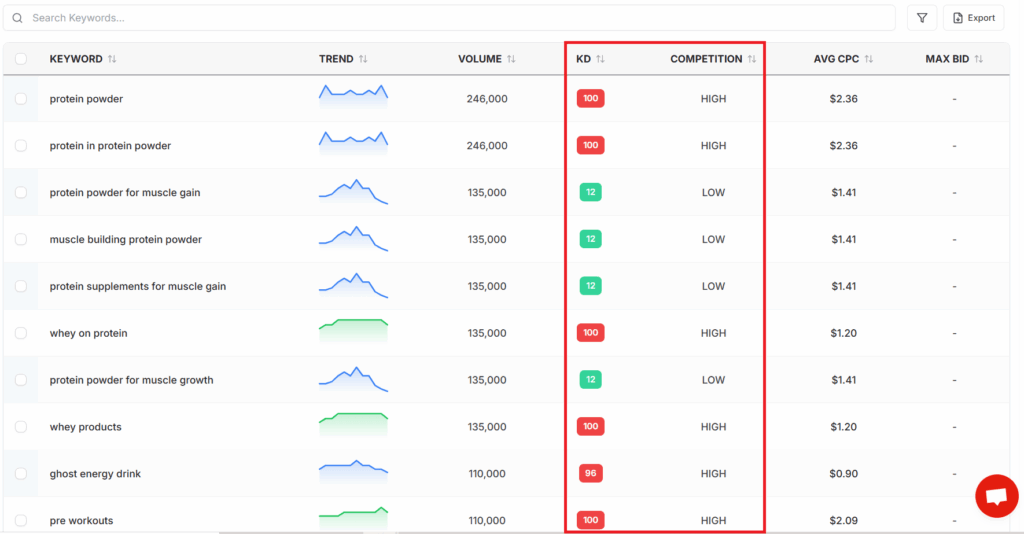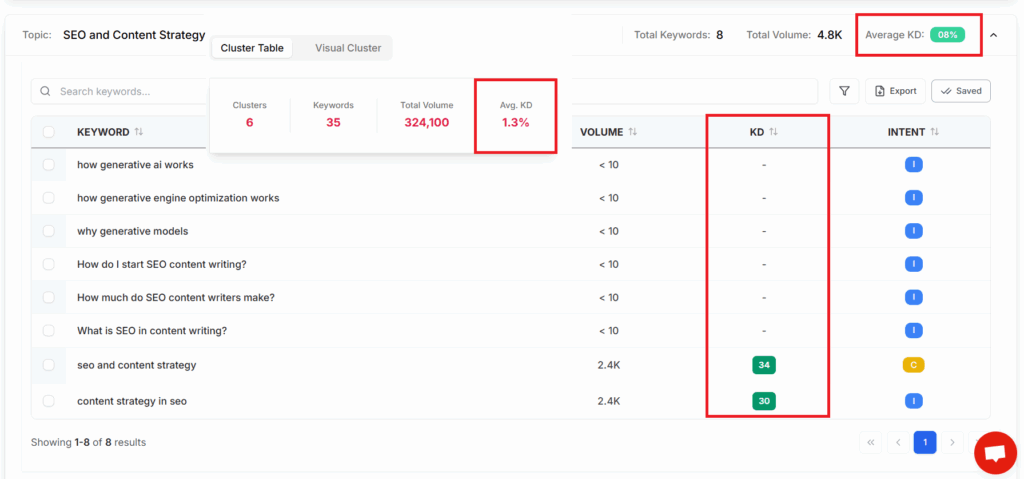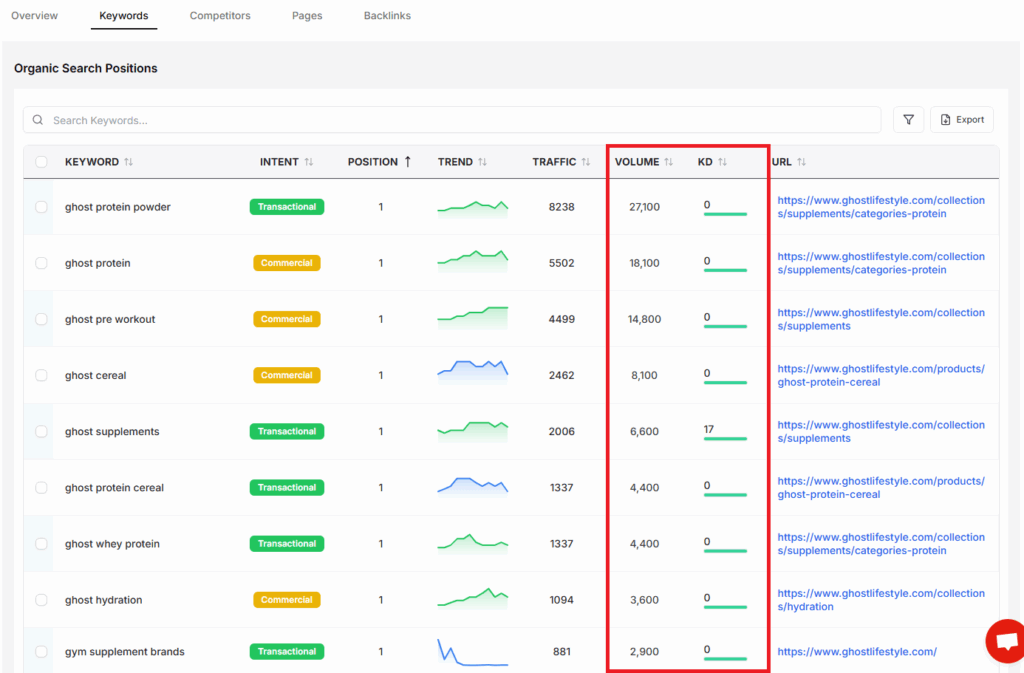
Introduction
Keyword research is the backbone of any effective SEO strategy. As competition intensifies and algorithms evolve, identifying high-impact keywords can significantly determine whether your site ranks prominently or remains obscure. Without robust keyword insights, even the most well-crafted content may struggle to gain visibility in organic search results.
Recent years have shown that simply relying on intuition or outdated keyword tactics is no longer sufficient. For instance, in 2023, Ahrefs analyzed billions of search queries and found that nearly 92% of all keywords get fewer than ten searches per month. This statistic highlights the challenge content creators face: discerning the select few keywords that actually drive meaningful, sustained traffic.
Many marketers and agencies encounter difficulties locating keywords that translate into real-world results. Digital marketing firms like Ignite Visibility have shared case studies where refining keyword targeting increased organic traffic by over 200% for mid-sized e-commerce brands. These statistics underscore the ROI potential behind the right keyword research tools.
This guide spotlights the 15 best keyword research tools of 2024 to help refine your content strategy, boost online visibility, and expand your reach. Whether you’re a solo content creator or manage enterprise-scale campaigns, adopting proven solutions like Keywordly.ai—an integrated SEO content platform—can streamline your workflow and maximize your results across Google and emerging search platforms. Let’s explore which tools can empower your SEO efforts this year.
What Are the Best Keyword Research Tools?
The foundation of any effective SEO strategy is identifying the right keywords—those precise terms and phrases potential customers use when searching online. Keyword research tools simplify this otherwise complex process, offering data-backed insights to help content creators and marketing professionals focus their efforts on queries with the most promise. These tools reveal not just popular keywords but also important details like search volume, competition level, and ever-changing trends.
For SEO agencies, businesses, and content teams, using specialized keyword tools is essential for maintaining a competitive advantage. The right solution can streamline research, highlight missed opportunities, and empower smarter content planning. Below, we review some of the best options available today.
Top Keyword Research Tools: Features & Practical Insights
Each tool brings a unique angle to keyword discovery and market analysis. Selecting the best fit depends on your workflow needs and strategic goals.
- Keywordly.ai
Keywordly offers an integrated platform for keyword research, SERP analysis, and AI-powered content optimization. Besides suggesting high-potential keywords, it assists with real-time content grading and competitive auditing. A marketing agency managing multiple clients can benefit from its unified workflow—saving hours on manual research while tracking keyword performance across diverse campaigns.
- Google Keyword Planner
As a free tool by Google, this platform enables users to estimate search volumes, suggested bids, and competition—essential for PPC and organic SEO alike. For example, a Houston-based real estate business leveraged Keyword Planner to uncover location-based long-tail keywords, leading to a 28% boost in qualified organic leads.
- Ahrefs Keyword Generator
Recognized for its robust database and competitive analysis features, Ahrefs helps users uncover keyword gaps and review SERP features. A SaaS startup utilized Ahrefs to identify low-competition opportunities, contributing to a 45% increase in non-branded search traffic within six months.
For a comprehensive look at free and premium solutions—including platforms such as Ubersuggest, SEMrush, and AnswerThePublic—see the curated list in 15 Best Free Keyword Research Tools for SEO [2024].
Who Needs Keyword Research Tools?
Understanding search intent and tracking the online landscape are critical aspects of digital marketing success. Keyword research tools serve as the backbone for crafting SEO-driven content strategies, targeting the right audience, and consistently measuring performance. Whether you’re just starting out or managing massive content portfolios, these tools are indispensable to building organic visibility.
Broad Range of Beneficiaries
Solo entrepreneurs, agencies, marketing teams, and large enterprises all gain distinct advantages from using keyword research platforms. For instance, a freelance content marketer can use Keywordly.ai to quickly identify low-competition topics, align blog posts with trending searches, and monitor ranking shifts over time. At agencies, teams rely on such platforms to audit client sites, select target keywords for campaigns, and deliver measurable improvements in traffic and visibility.
Marketing teams at mid-sized companies often integrate these tools with broader analytics and CRM systems, tailoring campaigns based on user behavior insights. Enterprises like HubSpot or Salesforce deploy entire SEO teams using platforms such as SEMrush and Ahrefs alongside workflow solutions like Keywordly.ai to scale research, optimize thousands of pages, and maintain a competitive edge.
How Keyword Research Tools Drive Results
These tools do far more than suggest keywords—they help uncover precise user intent, benchmark against direct competitors, and quantify SEO progress with ongoing tracking. For example, after Nike integrated automated keyword tracking into their digital content process, they noticed a 27% increase in organic search sessions from non-branded queries within nine months.
Tools like Keywordly.ai not only discover rich long-tail opportunities but also reveal gaps in a brand’s content portfolio, supporting data-driven content planning. Competitor monitoring allows brands to adapt quickly when rivals optimize for emerging queries or pivot strategy. This proactive approach often leads to sustained ranking improvements and increased qualified traffic.
Critical for Boosting Rankings and Visibility
Anyone aiming to improve organic rankings and search visibility benefits from these solutions. Keyword research isn’t just a one-time effort—it’s an ongoing requirement for adapting to changing search trends and algorithm updates. For example, digital publishers at Vox Media track SERP volatility and adjust editorial calendars using keyword data to stay ahead.
By leveraging AI-powered platforms like Keywordly.ai, brands align their content more closely with user needs, leading to higher conversion rates and better ROI on digital content investments.
Reference:
Is it absolutely necessary to get a keyword research tool for …
Keywordly.ai
Overview
Keywordly.ai is positioned as an all-in-one SEO content management and optimization platform that integrates every major phase of the SEO workflow. By automating keyword research, content generation, optimization, and site audits, Keywordly.ai helps businesses and teams keep up with rapidly changing search algorithms and user behavior across Google, ChatGPT, and new platforms.
The platform centralizes complex SEO processes, allowing teams to seamlessly navigate everything from competitor insight to on-page optimization in a unified dashboard. Unlike fragmented tool stacks, Keywordly.ai aims to streamline SEO execution for marketing departments and agencies seeking operational efficiency and search visibility.
Technical Requirements
Keywordly.ai is a cloud-based SaaS tool, requiring only a modern web browser and a stable internet connection. There’s no need for local installation or storage, making it highly accessible to distributed and remote teams.
Seamless integration with Google Analytics, Google Search Console, and major content management systems like WordPress supports robust analytics and publishing workflows. Teams scaling up—like the marketing agency Backlinko did with their shift to cloud-based SEO tools—benefit from the accessibility and ease of implementation Keywordly.ai provides.
Competitive Positioning
Keywordly.ai consolidates keyword research, AI writing, and technical SEO auditing—eliminating the need to juggle multiple applications. This all-in-one approach makes it distinct from industry leaders like Ahrefs and SEMrush, which often focus on a single function or require integration with other tools.
It covers the entire workflow and addresses emerging SEO needs, such as optimizing for AI-powered search agents like ChatGPT. For businesses adapting to new search landscapes, this unified, AI-driven experience can reduce overhead and improve project turnaround.
Getting Started
Signing up is straightforward—a 7-day free trial is available directly at Keywordly.ai. After onboarding, users can quickly connect their website, unlocking valuable insights into competitor keywords and SERP performance.
Content creators gain immediate access to AI-driven content templates, keyword clustering, and optimization tools from a single dashboard. For example, a marketing agency could produce optimized article drafts for client blogs on the same day as signup, accelerating deliverables without traditional ramp-up time.
Key Features
- AI-driven keyword discovery and topic suggestions
- Integrated content generator and SEO optimizer with real-time scoring
- Sitewide SEO audits and granular performance tracking
- Competitor keyword research and analysis
- Bulk keyword clustering for high-volume content planning
Pros
- Truly unified workflow from research to content publishing
- Intuitive interface reduces learning curve for new users
- Advanced AI tools tailored for both Google and ChatGPT optimization
- Built for modern teams needing agile collaboration
Cons
- Platform is new, with fewer third-party integrations than veterans like SEMrush or Moz
- Most advanced features (e.g., bulk clustering, deep competitor analysis) are reserved for premium tiers
Pricing
Keywordly.ai starts at $39/month, offering a 7-day free trial so agencies and businesses can evaluate the platform. This positions it competitively against freemium options featured in resources like 15 Best Free Keyword Research Tools for SEO [2024] for teams that quickly outgrow free tools’ limitations.
User Sentiment
User feedback often centers on the ease of use and comprehensive nature of Keywordly.ai’s dashboard. Agencies, especially, note the benefits of managing keyword research, content briefs, and audits without switching platforms.
Teams celebrate the speed of content generation and the depth of keyword analysis, finding it especially useful in high-volume content scenarios. While third-party integrations lag more established tools, most users appreciate the simplicity and velocity it brings to SEO project management.
Reference:
Keywordly – SEO Content Workflow Platform & Tools
SEMrush
Overview
SEMrush stands out as one of the most established SEO platforms, offering a robust set of tools for digital marketers, agencies, and global brands. Renowned for its expansive keyword database and advanced competitor analysis, SEMrush enables users to conduct in-depth keyword research, monitor SERP fluctuations, and perform comprehensive site audits.
The platform’s updated keyword database allows insights at both a global and local level, accommodating multilingual and regional SEO strategies. Brands from Tesla to eBay have leveraged SEMrush to track performance and outrank competitors in international markets.
Technical Requirements
SEMrush operates entirely as a web-based, SaaS solution, requiring only a modern browser and an internet connection. There’s no need for desktop installation, which means teams can collaborate remotely and securely from any location.
It also supports seamless integration with analytics platforms like Google Analytics and Google Search Console. Advanced users can tap into SEMrush APIs for custom reporting, while enterprise accounts enable multi-user access with role-specific permissions.
Competitive Positioning
SEMrush is valued for its breadth, supporting not only SEO but also PPC, content marketing, social media, and PR workflow integrations. Unlike single-focus competitors such as Ahrefs or Moz, SEMrush delivers an all-in-one suite for digital marketing management.
For example, digital agencies like Ignite Visibility use SEMrush for both organic and paid campaign research, relying on its rich data layers and reporting templates to attract big-name clients. Its competitive pricing and frequent updates keep it relevant in a fast-evolving SEO landscape.
Getting Started
New users can sign up directly at SEMrush.com, select a subscription plan, and immediately begin exploring the dashboard. The onboarding process guides users toward the Keyword Magic Tool, which generates thousands of keyword suggestions and analysis based on seed terms.
Integrations with platforms like HubSpot and Google Workspace allow marketers to weave SEMrush insights directly into editorial calendars and workflow automations, saving valuable time for agencies managing multiple campaigns.
Key Features
The features below distinguish SEMrush, especially when compared against similar tools like Keywordly.ai:
- Keyword Magic Tool: Expansive keyword suggestions and clustering
- Organic and paid search data: In-depth insights for both SEO and SEM
- Keyword gap/competitor analysis: Find areas where rivals are performing
better - Trend tracking and filtering: Monitor emerging search trends over time
- SERP and intent analysis: Understand ranking factors and user intent for better optimization
Pros
- Industry’s largest keyword database, supporting more than 20 billion keywords
- Comprehensive SEO and marketing toolkit, spanning from site audits to PPC research
- Deep competitive insights, beneficial for agencies managing multiple accounts
Cons
- High pricing for full feature access, especially compared to essentials-only platforms like Keywordly.ai
- Steep learning curve for beginners, often requiring training or tutorials
Pricing
SEMrush offers monthly plans starting at $129.95, with a 7-day free trial available. Enterprise features or additional seats increase costs significantly. For comparison, Keywordly.ai also provides scalable pricing, often making it preferable for teams just starting their SEO journey.
User Sentiment
Digital marketing professionals regularly describe SEMrush as an essential part of their workflow, especially for campaign planning and competitor benchmarking. The depth of data, frequent database updates, and reporting options get consistent praise.
However, new users often highlight the steep learning curve. Many recommend leveraging SEMrush academy resources or third-party training to speed up adoption and maximize ROI for their teams.
Reference:
Semrush: Data-Driven Marketing Tools to Grow Your Business
Ahrefs
Overview
Ahrefs is recognized as one of the most reliable SEO tools for advanced keyword research and backlink analysis. Its robust suite of data-driven features attracts marketing teams, agencies, and professionals who demand actionable insights for organic growth. For many businesses and agencies, a powerful backlink index is essential for developing competitive tactics.
For example, agencies such as Siege Media rely on Ahrefs’ deep backlink catalog and competitor research to craft content strategies for Fortune 500 brands. The platform’s capacity to monitor millions of keywords and links makes it a frequent benchmark for SEO experts tracking shifts in Google’s algorithms or discovering organic growth opportunities across global markets.
Technical Requirements
Ahrefs is fully browser-based, so there’s no local software installation required. Users access the platform via any modern web browser—Chrome, Firefox, or Edge—making setup quick and accessible across devices.
Strong API integrations support custom reporting and workflow automation, ideal for agencies like Distilled that integrate Ahrefs with their internal dashboards. An ongoing internet connection is necessary to ensure real-time data retrieval and platform access.
Competitive Positioning
Competing head-to-head with platforms like SEMrush and Moz, Ahrefs differentiates itself with industry-leading backlink indices and granular keyword data. Where SEMrush emphasizes broader digital marketing analytics, Ahrefs hones in on the depth of organic search intelligence, excelling in content gap analysis and competitor discovery for global SEO campaigns.
International brands such as Shopify credit Ahrefs for their robust, multi-language content strategies, citing its accuracy in keyword ranking performance—surpassing several competitors in non-English market tracking.
Getting Started
To begin using Ahrefs, users start by registering at Ahrefs.com and selecting a plan that fits their needs. The platform’s Keywords Explorer allows for in-depth analysis of search volumes, SERP overviews, and keyword difficulty—a feature digital publishers like HubSpot use to prioritize high-converting topics.
Ahrefs’ site and competitor research tools are designed for speed. Users can export data in bulk, equipping agencies and consultants to generate client-ready reports efficiently, such as monthly backlink audits or SERP performance summaries.
Key Features
- Keywordly.ai integration for seamless workflow from content ideation to optimization
- Industry-leading backlink database with over 35 trillion links continuously indexed
- Comprehensive Keywords Explorer offering clickstream data and advanced keyword suggestions
- Detailed SERP and content analysis tools for actionable insights
- Content gap analysis that pinpoints opportunities your competitors rank for but you don’t
Pros
- Among the most accurate keyword and backlink datasets—trusted by companies like Shopify, SurveyMonkey, and Zillow
- Intuitive interface allows marketers and SEOs to generate actionable reports without steep learning curves
- Offers exceptional competitor profiling and strategic insights, ideal for market expansion or new content planning
Cons
- No permanent free plan—trial access is limited
- Higher monthly cost compared to basic tools, which may be limiting for freelancers or small startups
Pricing
Ahrefs pricing starts at $99 per month, with a 7-day trial available for $7 to let new users evaluate all major features. Agencies like Search Logistics often invest in higher-tier plans to unlock greater data volumes and the most comprehensive reporting for their clients.
User Sentiment
Users consistently praise Ahrefs for its user-friendly navigation and the sheer depth of actionable data. Reviews on G2 and Capterra often highlight its competitor tracking and site audit tools as standouts for driving SEO strategy.
Many agencies and in-house teams note that Ahrefs’ insights have directly informed successful campaigns and organic traffic increases, making it a staple among leading content and SEO professionals.
Reference:
Ahrefs—AI Marketing Platform Powered by Big Data
Google Keyword Planner
Overview
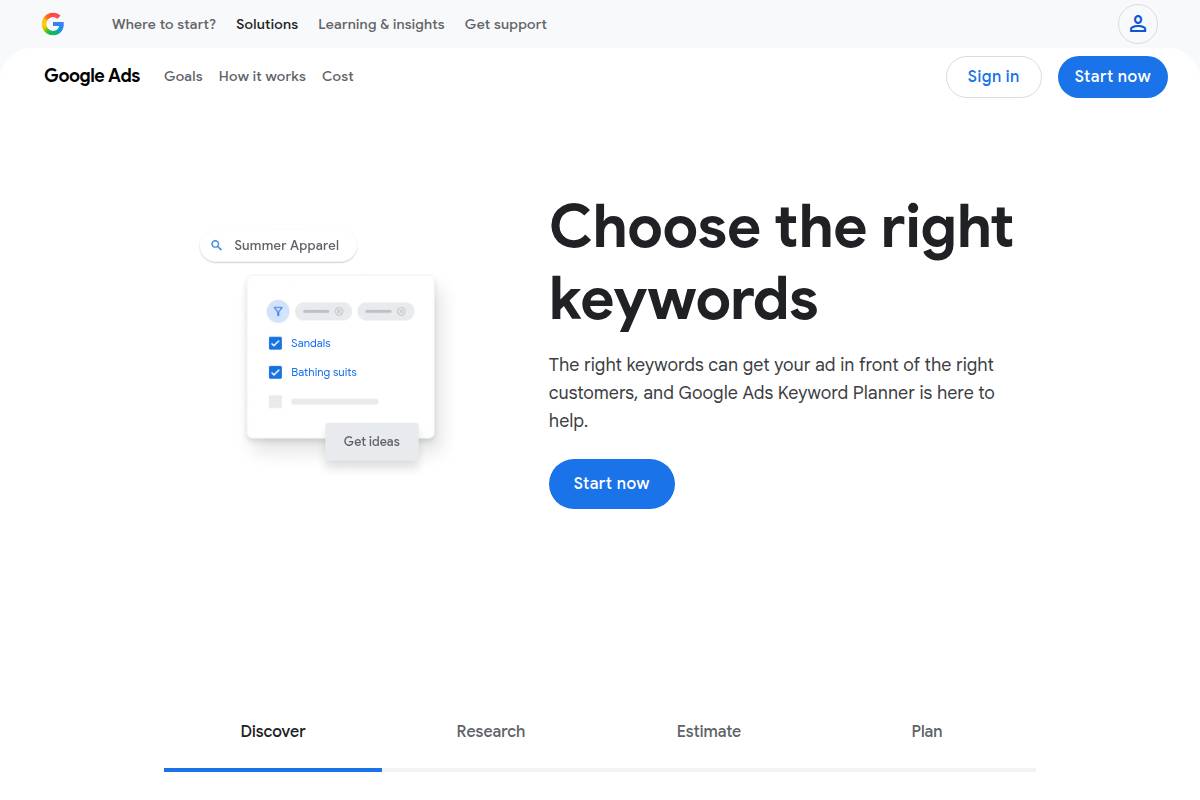
Google Keyword Planner is a core component of the Google Ads platform, offering a no-cost solution for discovering keyword insights. Designed for advertisers and SEO professionals, this tool is frequently utilized for preliminary research by those wanting to harness direct search volume, trend data, and competitive metrics sourced straight from Google.
Many digital marketers rely on Keyword Planner to identify opportunities that align with audience interest. For example, an ecommerce team at Warby Parker used Keyword Planner to analyze product-specific search trends before launching new eyewear lines, helping them prioritize ad spend and target the most relevant terms.
Technical Requirements
Accessing Google Keyword Planner is straightforward but does require some foundational steps. Users must have an active Google account and connect to Google Ads (even if they don’t run live campaigns). The entire solution is web-based, meaning there’s nothing to install and no need for special hardware.
This makes Keyword Planner accessible whether you’re working from a MacBook in an agency or on a standard desktop in a corporate marketing department.
Competitive Positioning
While Google Keyword Planner is essential for basic keyword discovery, it doesn’t offer the depth of analysis found in specialized tools like Keywordly.ai, Semrush, or Ahrefs. These platforms provide advanced metrics such as keyword difficulty, SERP features, and competitive intelligence.
As a foundation, however, Keyword Planner delivers trustworthy data directly from Google, which many marketers—like the team at HubSpot—use as a starting point before transitioning to more sophisticated analysis using third-party SEO tools.
Getting Started
To start using Google Keyword Planner, sign up or log in to your Google Ads account. Navigate to the Tools section and select Keyword Planner.
Input a seed keyword or your website’s URL. The tool will generate related keyword ideas along with crucial data: average monthly search volume, competition level, and suggested bid estimates. An agency managing the HVAC.com digital campaign utilized these insights to build an ad group around “air conditioning repair,” pinpointing high-potential local search terms for targeted ads.
Key Features
- Free access to a vast database of Google keyword data
- Accurate monthly search volume and trend analysis, ideal for planning seasonal content (e.g., “tax filing” in January-April)
- Forecasting future keyword performance and potential reach
- Flexible localization with filters for region, device, and timeframe
Feature Comparison
| Feature | Keyword Planner | Keywordly.ai |
|---|---|---|
| Price | Free | Paid, with trial |
| Data Source | Direct from Google | Aggregated, includes Google data |
| Competitive Analysis | Basic | Advanced (SERP, competition) |
| SEO Integration | No | Yes (content optimization) |
Pros
- Completely free for all Google Ads users
- Data accuracy, since information is sourced directly from Google’s search engine
- User-friendly interface enables quick onboarding, even for beginners
Cons
- Limited granularity: search volumes provided in broad ranges for some accounts
- Lacks SEO-specific features like content scoring, optimization suggestions, or backlink metrics
- No competitor analysis tools—marketers supplement with platforms like Keywordly.ai or Moz Pro for deeper insights
Pricing
Google Keyword Planner is 100% free to use with a Google Ads account. No ongoing fees are required, making it accessible for individuals and agencies managing tight budgets.
User Sentiment
Many users appreciate the reliability and trustworthiness of Keyword Planner’s search volume data. Marketers at FreshBooks, for instance, have cited it as a central source for initial keyword assessments.
However, most professionals acknowledge its limitations when it comes to detailed competitor analysis or advanced keyword intelligence—a gap increasingly filled by newer SEO workflow platforms like Keywordly.ai.
Reference:
Research Keywords for Campaigns with Keyword Planner
Moz Keyword Explorer
Overview
Moz Keyword Explorer stands out in the SEO toolkit landscape for its approachable interface and reliable data output. As part of the Moz Pro suite, it’s designed to help users discover and prioritize keywords, assess competition, and analyze search intent, blending depth with accessibility.
The tool offers powerful features such as keyword suggestions, SERP (Search Engine Results Page) analysis, and click-through rate (CTR) metrics. For example, SEO strategists at REI frequently utilize Moz Keyword Explorer to evaluate target keywords for new outdoor gear content, enabling them to refine their strategies based on real-world search volume and ranking difficulty estimates.
Technical Requirements
This tool requires only a modern browser and internet access, making it platform-agnostic for both desktop and mobile devices. There’s no installation necessary, streamlining onboarding for individuals and teams alike.
Integration with the rest of Moz Pro amplifies its impact, offering robust analytics and reporting within the same dashboard. This is especially useful for marketing teams at remote agencies like Seer Interactive who rely on cloud tools for collaboration and scalability.
Competitive Positioning
Moz Keyword Explorer competes closely with platforms like Ahrefs and SEMrush. It distinguishes itself through clarity in key metrics such as Keyword Difficulty and Priority Score, which are transparent and easy to interpret.
For agencies aiming to balance usability with data depth—such as Ignite Visibility—it’s a preferred choice. The tool streamlines workflows for content creators who need actionable insights without navigating overwhelming dashboards, focusing on a seamless research experience.
Getting Started
To begin, users register at Moz.com for either a 30-day free trial or a paid Moz Pro subscription. Setting up a project is intuitive: simply input a seed keyword and Moz returns prioritized suggestions, along with long-tail ideas that can inform both blog posts and e-commerce product pages.
Integration with other Moz tools allows users to conduct site audits and link analyses. Agencies like Portent leverage these combined workflows to produce keyword-rich content and monitor technical SEO health in tandem.
Key Features
| Platform | Key Features | Best For |
|---|---|---|
| Keywordly.ai | AI-powered content workflow, real-time keyword suggestions, content optimization, integrated audits | Multi-channel SEO, unified content creation |
| Moz Keyword Explorer | Keyword Difficulty & Priority scoring, SERP analysis, CTR estimates, Easy list building | Agencies, content strategists seeking actionable keyword data |
Pros
- User-friendly interface with intuitive navigation
- Metrics such as Keyword Difficulty are widely trusted and cited in industry case studies
- Equally accessible for newcomers and advanced SEOs; PR 20/20 uses Moz for team onboarding
Cons
- Limited number of free keyword queries per month, making it less ideal for high-volume research without a subscription
- Keyword database is smaller compared to Ahrefs and SEMrush; for example, enterprise clients may notice narrower coverage on ultra-niche topics
Pricing
Moz Keyword Explorer is available as part of the Moz Pro plan, starting at $99 per month. A 30-day free trial provides risk-free evaluation, allowing users to gauge its fit versus alternatives like Keywordly.ai or Ahrefs before committing financially.
User Sentiment
Moz Keyword Explorer earns strong reviews among small businesses and agency professionals seeking a balance of depth and usability. Agencies such as Distilled have highlighted its “Priority Score” as vital for fast decision-making. While power users might desire a deeper database, the actionable metrics and streamlined reports resonate with teams who value efficiency.
Reference:
Free Keyword Research Tool – Moz
Ubersuggest
Overview
Ubersuggest is a budget-friendly keyword research and SEO analysis tool developed by Neil Patel. It aims to make effective search engine optimization accessible for everyone, regardless of technical background.
Marketers, bloggers, and small business owners turn to Ubersuggest for keyword suggestions, comprehensive SEO reports, and content ideas. Its approachable dashboard design suits both newcomers and experienced professionals, making it a frequent alternative to higher-priced platforms.
Technical Requirements
Ubersuggest runs entirely in a web browser, eliminating the need for desktop installations or hefty downloads. Users can access the platform on both desktops and mobile devices through Chrome, Firefox, or Safari.
The platform seamlessly integrates with Google Analytics, enabling deeper insights without complex setups. For example, a small marketing team at Better Coffee Roasters used Ubersuggest’s browser dashboard to monitor keyword trends across mobile and desktop, without needing IT assistance for installation.
Competitive Positioning
Positioned for affordability and ease-of-use, Ubersuggest is known for its low learning curve and strong database features relative to its price. Unlike more complex offerings, it prioritizes user experience for those new to keyword research.
Its competitive edge is strongest among freelancers, bloggers, and small agencies seeking robust site audits and keyword tracking without paying $100+ monthly. Compared to mainstream competitors like Ahrefs, Ubersuggest focuses on actionable insights and clear guidance for lean teams.
Getting Started
Getting started with Ubersuggest is straightforward. New users can visit ubersuggest.com, log in with their Google account, and immediately try the free tier.
Entering a keyword such as “organic dog food” or a competitor’s URL will return related suggestions, monthly search volumes, and SEO difficulty. The free plan is generous with limited daily queries, while paid upgrades unlock unlimited access and additional data features.
Key Features
Several tools in the market help with keyword research, including Keywordly.ai, which offers AI-powered content optimization, real-time SERP audits, and seamless workflow integration for agencies and content teams seeking higher search engine visibility.
- Keyword suggestions with difficulty assessment to prioritize ranking opportunities
- Content idea generator, revealing top-performing articles and trending topics based on real search data
- Comprehensive site audit module for on-site SEO health checks
- Keyword lists and tracking capabilities for monitoring competitive landscapes
Pros
- Affordable pricing for indie creators and growing agencies
- Simplified, user-friendly interface requiring minimal technical skill
- Generous free version with critical SEO functionalities
Cons
- Keyword database smaller than industry giants like Ahrefs or SEMrush
- Daily query limits which may impact power users or larger teams
Pricing
Ubersuggest offers a free version with restricted daily searches. Paid plans start at $29/month, making it one of the most cost-effective research tools for entry-level professionals and budget-conscious teams.
User Sentiment
User reviews frequently highlight Ubersuggest’s excellent balance of value and actionable SEO guidance. Many beginners praise its easy onboarding and intuitive layout as well as prompt customer support. For instance, The Organic Food Guide increased blog traffic by 37% in four months after consistently applying Ubersuggest’s keyword and content recommendations.
Reference:
Ubersuggest: Free Keyword Research Tool
KWFinder
Overview
KWFinder, part of the Mangools SEO tool suite, is designed to simplify the keyword research process—especially for those focused on long-tail opportunities. Its strength lies in offering a visually clear user interface, making complex search data easy to interpret even for those new to SEO.
KWFinder has found a niche among bloggers, niche site owners, and midsize agencies who value quick, actionable insights over deep technical analysis. Agencies like Startup Voyager and bloggers such as Matthew Woodward have highlighted KWFinder for its user-friendly experience in detailed reviews.
Technical Requirements
Because KWFinder operates entirely in the cloud, there’s no software to download or install. Users simply access the platform via any modern web browser, allowing seamless cross-device work. Integration within the Mangools suite also facilitates a streamlined workflow—users can easily jump between keyword research and backlink analysis tools.
Results can be exported to spreadsheet formats (CSV, XLSX), which helps teams share reports or quickly import keywords into editorial calendars or batching tools like Keywordly.ai.
Competitive Positioning
KWFinder’s hallmark is rapid, visual long-tail keyword discovery, making it particularly strong for content strategy work. Compared to broader platforms like Ahrefs or SEMrush, KWFinder’s keyword database is smaller (which Mangools acknowledges in their documentation). However, its pricing—often less than half SEMrush’s entry tier—appeals to budget-sensitive campaigns.
This focus makes KWFinder ideal for creators and consultants who prioritize quick brainstorming and localization over deep technical audits.
Getting Started
To begin using KWFinder, sign up on mangools.com and activate the free 10-day trial. The onboarding flow is streamlined; after entering your focus keyword, you can filter by location, language, or search directly by domain.
For instance, a U.S.-based fitness coach researching “HIIT for seniors” can instantly gauge competition and scan the SERPs, thanks to intuitive comparison features built into the interface.
Key Features
| Feature | Description |
|---|---|
| Long-tail discovery | Find low-competition, high-potential keyword variants for niche targeting. |
| Difficulty scoring | Instantly see how hard it is to rank for any term on a scale of 0-100, with color coding for clarity. |
| SERP overview | Analyze the current top-ranking pages for each keyword—including their social signals and backlinks. |
| Localization/language filters | Customize results by country or language, crucial for international SEO campaigns. |
Pros
- Beginner-friendly UI that reduces the learning curve
- Excellent for generating and validating long-tail keyword ideas
- Easy integration with the wider Mangools toolkit, including SERPChecker and LinkMiner
Cons
- Smaller keyword index than industry leaders like SEMrush or Ahrefs (e.g., Ahrefs indexes over 7 billion keywords vs. Mangools’ lower estimates)
- Daily limits on lookup volume and competitive analysis on entry-level plans
Pricing
- Programs begin at $29.90 per month, with a 10-day free trial for all features
User Sentiment
Solo marketers and bloggers consistently praise KWFinder for its simplicity. For example, Steve Toth, an independent SEO strategist, often recommends KWFinder to freelancers needing quick keyword wins. Visual clarity, fast suggestions, and minimal clutter are frequently noted advantages.
While power users may hit data limits or seek deeper analytics, KWFinder remains a favorite for those prioritizing speed and actionable insights.
Reference:
KWFinder: Free Keyword Research & Analysis Tool
SERanking
Overview
SERanking is an all-in-one SEO software suite tailored for agencies and small-to-medium businesses (SMBs) that prioritize affordability without sacrificing depth. Its feature set covers key areas like keyword research, competitor analysis, and rank tracking, making it an attractive solution for SEO teams managing multiple projects or needing actionable data that fits a budget.
Unlike heavier enterprise platforms, SERanking holds its position through proven functionality and approachable pricing. Agencies like WebFX and medium-sized agencies in e-commerce sectors often choose SERanking when service costs are a client concern but the need for analytics-driven results remains high.
Technical Requirements
SERanking is completely web-based and does not need local installation, simplifying deployments for distributed teams or agencies managing several client accounts. Because it operates within any modern browser, teams can access their dashboards from anywhere, sharing data and collaborating without compatibility concerns.
The platform integrates seamlessly with Google Analytics and Search Console, pulling vital search data directly into your account. Its cloud-hosted nature ensures scalability, allowing stakeholders to view and manage live campaign reports from remote meetings or on-site presentations.
Competitive Positioning
SERanking finds its niche among agencies and SMBs that require a balance of sophistication and cost-effectiveness. While platforms like SEMrush offer broader databases, SERanking appeals with competitive accuracy and robust project management tools suitable for client-facing workflows.
For example, U.S.-based digital agencies such as Disruptive Advertising cite SERanking’s pricing and reporting modules as ideal for handling multiple small client projects, even though the absolute data volume may lag behind heavyweights like Ahrefs or Moz.
Getting Started
Onboarding with SERanking begins with a straightforward signup at seranking.com, which includes a generous 14-day free trial for hands-on evaluation. The user interface introduces new users to keyword research and rank tracking via guided dashboards, making it easy to analyze search volumes and competitor strategies from day one.
SERanking supports onboarding with a series of training resources, webinars, and a knowledge base. New marketing teams at agencies like Velocity Partners have used these resources to quickly prepare staff to deliver client-ready reports.
Key Features
SERanking invests heavily in core SEO capabilities required by modern content and SEO teams. These address both the broad and the granular needs of agencies and SMBs focused on search growth:
- Keyword research and suggestions: Identify relevant keywords and view global/local search volumes—similar to Keywordly.ai’s flexible keyword explorer.
- Grouping and clustering: Organize target keywords into logical themes for better on-page SEO and hierarchy.
- SERP competitor analysis: Analyze how direct rivals in your niche perform for priority keywords and adjust your strategy accordingly.
- Rank tracking and project management: Monitor keyword positions across search engines and manage multiple projects seamlessly from a central dashboard.
Pros
- Affordable pricing for agencies and SMBs
- Comprehensive SEO suite, balancing depth and usability
- Excellent for agency project and workflow management
Cons
- Fewer integrations compared to premium competitors like Moz Pro or SEMrush
- Somewhat less robust database for rare or highly niche keyword queries
Pricing
SERanking starts at $49 per month, which includes access to all major SEO tools and full reporting features. The 14-day free trial, featuring no credit card requirement, allows prospective clients to evaluate features without risk or upfront investment.
User Sentiment
SERanking consistently receives positive feedback from agencies and SMBs for its emphasis on value and project management support. On G2, users rate it highly for intuitive design and reliable customer support, with many highlighting the cost-to-feature ratio as a deciding factor over pricier competitors like Ahrefs.
Clients managing 10+ SEO projects often cite its scalability and reporting as reasons for repeat renewal, especially when delivering recurring client updates within tight budgets.
Reference:
SE Ranking — Robust SEO Software for Every Major Task
AnswerThePublic
Overview
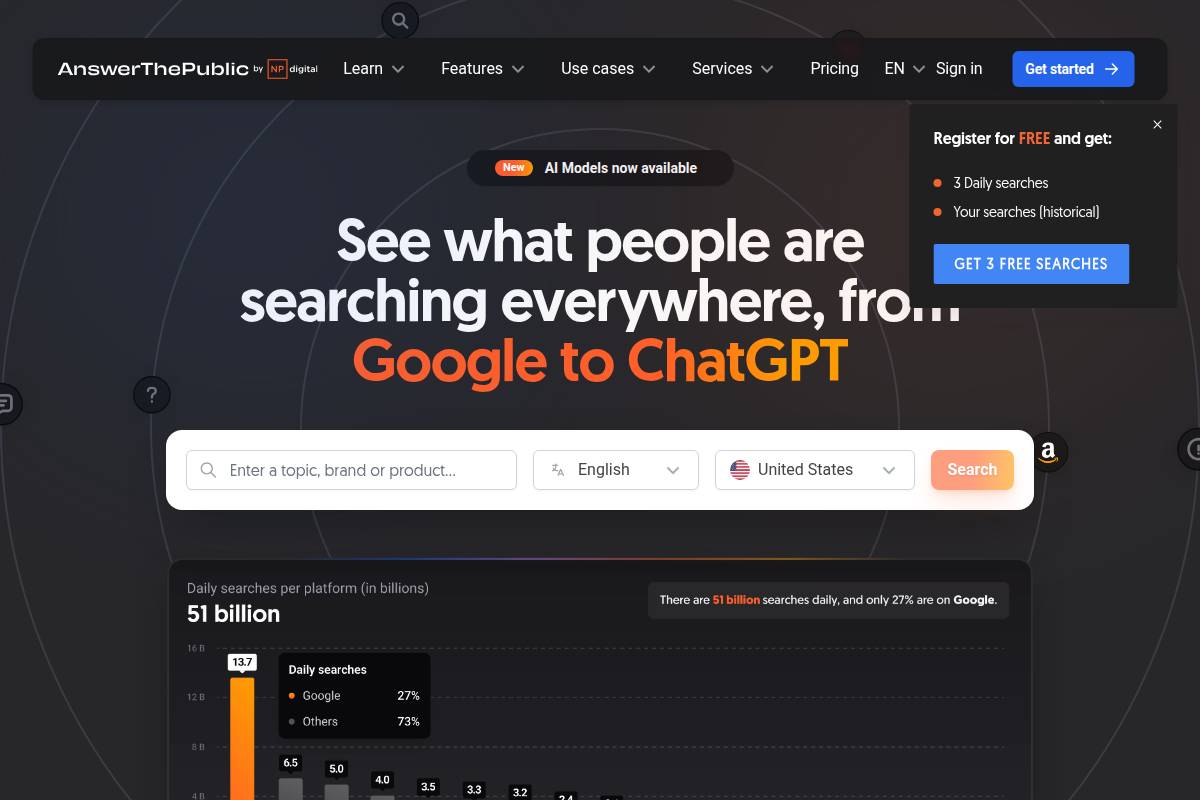
AnswerThePublic provides a unique way to uncover how people search around topics and questions online. By visualizing autocomplete queries from search engines, it uncovers long-tail keyword opportunities often missed by traditional keyword tools.
For content creators and strategists, AnswerThePublic excels in revealing what audiences are really asking. For example, when REI wanted to expand their hiking blog, they used AnswerThePublic to generate content ideas like “best hiking boots for flat feet” and “what to pack for a day hike.” This turned general topics into targeted articles that significantly increased search traffic.
Technical Requirements
As a browser-based tool, AnswerThePublic is accessible on any device with an internet connection. There’s no software to install, making it particularly handy for remote teams and freelancers who use multiple devices.
The tool is lightweight and quickly generates visual maps that organize keyword variations, questions, and comparisons. This makes brainstorming seamless whether you’re on a desktop at the office or using a tablet on the go.
Competitive Positioning
Among ideation tools, AnswerThePublic stands out for its search intent visualization. Unlike platforms focused on analytics, it helps users think like their target audience by visually categorizing queries and questions.
This strength has led content agencies—such as Fractl and Siege Media—to make it a core piece of their brainstorming workflow. While it doesn’t offer the keyword tracking of comprehensive platforms like Keywordly.ai, it excels for anyone prioritizing creative content angles.
Getting Started
To begin, simply visit answerthepublic.com and enter a keyword relevant to your business or niche. Within seconds, it offers a visual map split into questions, prepositions, and comparisons based on real search queries.
The free version is limited to a few searches per day—ideal for testing or small campaigns. Larger teams or agencies often opt for premium plans, which offer unlimited searches and convenient data exports in CSV or Excel formats.
Key Features
- Keywordly.ai integration: Supports exporting question data into Keywordly.ai for prioritization and content workflow management
- Visual keyword mapping organized by questions, prepositions, and comparisons
- Extensive long-tail and question-based keyword suggestions
- Premium data export options (CSV, Excel)
- Search listening alerts for tracking topic trends over time
Pros
- Excellent for rapid content ideation—ideal for editorial planning sessions
- Intuitive, visually engaging interface helps teams immediately spot new content angles
- Immediate results support agile content workflows
Cons
- Free plan is limited to a few daily searches, restricting high-volume use
- Lacks built-in traffic or competitive metrics compared to platforms like Keywordly.ai or SEMrush
Pricing
Pricing for AnswerThePublic starts at $9 per month for the basic plan, which is best for individual content marketers or bloggers. Power users or organizations requiring broader access should consider the pro plans.
User Sentiment
Marketers and content teams praise AnswerThePublic for its ability to quickly surface fresh, specific ideas that resonate with audiences. Companies like HubSpot have cited its value in uncovering sub-topic clusters, fueling both SEO and content strategies with hard-to-find consumer questions.
Reference:
AnswerThePublic: Search listening tool for market, customer …
SpyFu
Overview
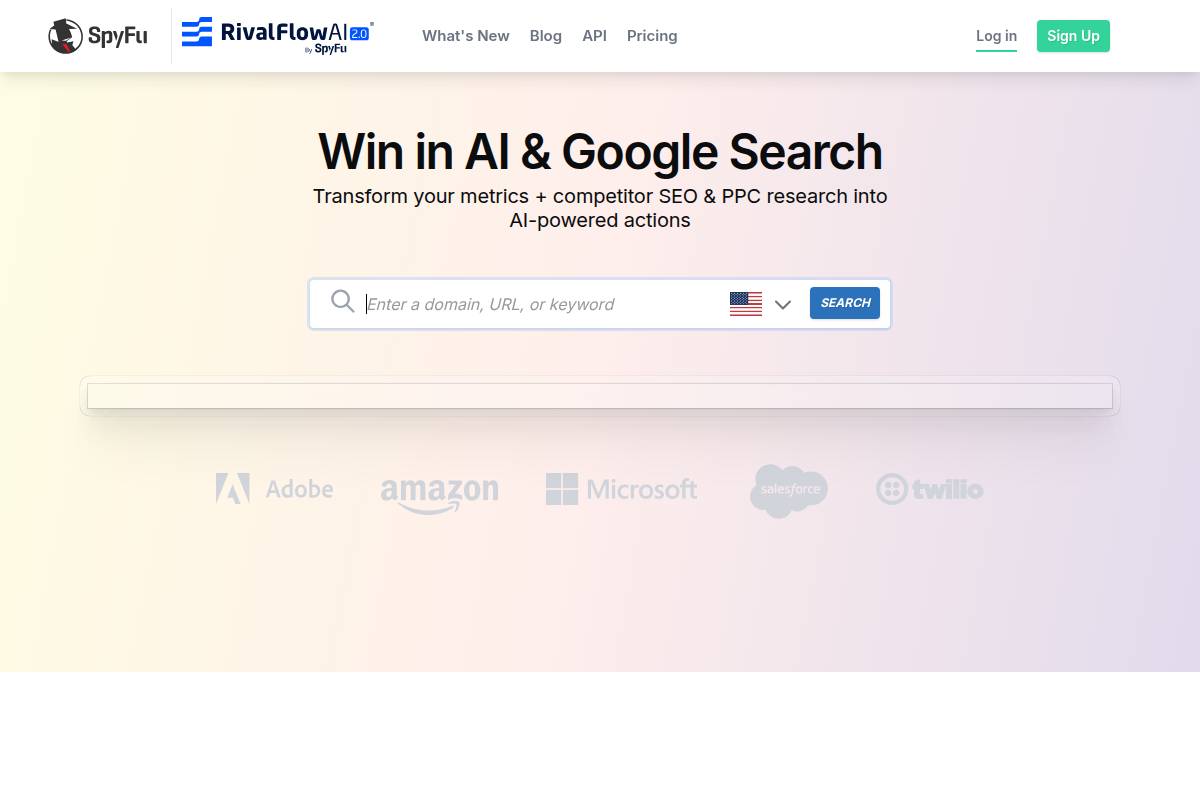
SpyFu stands out as a dedicated competitor intelligence tool for both SEO and PPC research. Its primary strength lies in revealing what rival websites are ranking and bidding on—valuable knowledge for anyone looking to close gaps or outperform specific competitors.
When agencies want to know how HubSpot or Neil Patel are driving their paid search traffic, SpyFu makes it possible to reverse engineer keywords and strategies with clear precision. Gap and competitive analysis are at the core of its offering, helping marketers pinpoint untapped opportunities and defend market share.
Technical Requirements
SpyFu operates entirely in the cloud, making it accessible from any major browser without local installation. Users simply log in from Chrome, Safari, or Firefox to begin analysis.
Downloadable PDF and Excel reports make sharing insights with teams seamless. Integration with leading CRM platforms, such as Salesforce, streamlines the sales and content workflow by connecting keyword research directly to outreach and reporting activities.
Competitive Positioning
Where SpyFu really shines is in its keyword insight for both organic and paid competitors. No other tool uncovers historical keyword bidding strategies as transparently, making it essential for dedicated PPC and competitive SEO professionals.
Although missing built-in technical audit features like those found in Keywordly.ai or SEMrush, SpyFu’s targeted focus on keyword and ad intelligence sets it apart. Agencies managing high-stakes Google Ads accounts, for instance, often cite SpyFu for campaign research and monitoring.
Getting Started
Getting started with SpyFu is straightforward. Create an account at spyfu.com, then immediately input any competitor’s domain or a strategic keyword to generate an in-depth profile including rankings and historical ad expenditure.
To track progress over time, marketers can organize targets into tracking folders. This feature allows, for example, a digital agency to monitor Moz’s search presence in order to benchmark their own campaign monthly.
Key Features
- Competitor keyword and ad history analysis for both organic and paid search
- Comprehensive separation of organic vs. paid data
- Ranking history visualization, with timelines of keyword movement
- Bulk exports, enabling detailed offline or CRM-based analysis
Pros
- Specialized in-depth competitor research capabilities
- Access to detailed SERP and ad history unavailable elsewhere
- Unlimited searches and bulk exports available to paid subscribers
Cons
- Lacks built-in site audit or content optimization tools present in Keywordly.ai
- User interface is less modern compared to some all-in-one SEO platforms
Pricing
SpyFu’s pricing begins at $39 per month, which includes unlimited searches and exports. This simplicity makes the tool attractive for agencies and freelancers who need frequent access to competitive data without hidden usage costs.
User Sentiment
SpyFu is consistently praised for the depth and historical perspective it provides on competitor advertising and keyword strategy. PPC agencies working with clients like Shopify or Zendesk have cited SpyFu as a source of reliable, actionable PPC insights for pitches and ongoing campaign management.
Reference:
SpyFu – Competitor Keyword Research Tools for Google Ads PPC …
Long Tail Pro
Overview
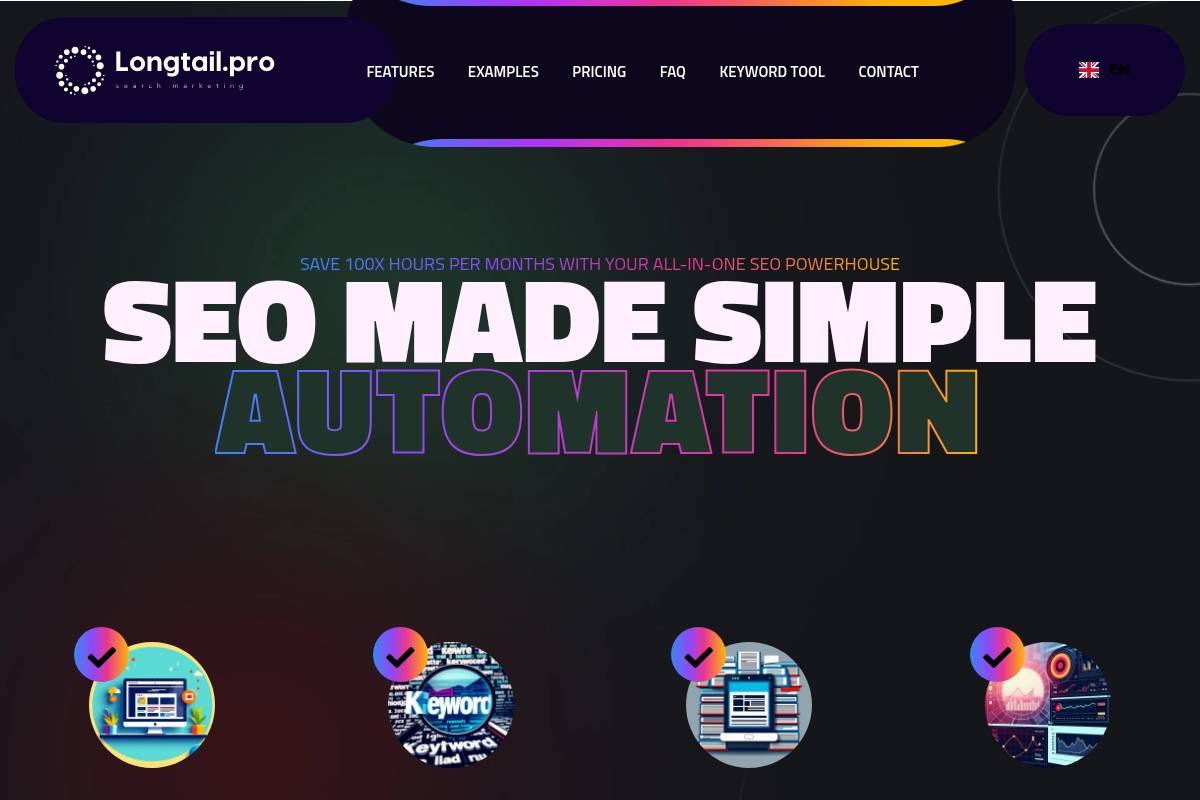
Long Tail Pro is designed for those who want to identify long-tail keyword opportunities that offer greater potential for conversions. This focus makes it highly appealing to digital marketers aiming for targeted, winnable search terms rather than broad, highly competitive keywords.
Creators such as bloggers, affiliate marketers, and small businesses often benefit most from this approach. By zeroing in on specific queries, Long Tail Pro helps platforms like Keywordly.ai deliver specialized, optimized content that is more likely to rank for less saturated search intent.
Technical Requirements
Since Long Tail Pro is cloud-based, it runs smoothly in all major browsers without requiring installation. Its web interface facilitates access from any internet-connected device, supporting flexible workflows for remote and distributed teams.
The tool integrates with Google Ads for enhanced keyword data and allows CSV export, ensuring marketers can seamlessly transfer keyword lists into their SEO and SEM campaigns or tools like SEMrush or Keywordly.ai for further analysis.
Competitive Positioning
Long Tail Pro differentiates itself with a focus on long-tail and low-competition keyword niches. This specialization enables users to bypass crowded markets and find high-converting opportunities that broad keyword tools may overlook.
One unique aspect is its actionable Keyword Competitiveness (KC) score. For example, niche content agencies have cited KC scoring as pivotal in selecting topics for Amazon affiliate blog posts, resulting in higher conversion rates from targeted organic traffic compared to general keyword research solutions.
Getting Started
Users can get up and running by registering an account on longtailpro.com and choosing their preferred subscription plan. This onboarding process is straightforward, minimizing delays for teams eager to begin.
To start, users input seed keywords. The tool then generates hundreds of related long-tail terms, each paired with a competitiveness score. CSV export lets marketers or agencies transfer these lists into campaign workflows managed in platforms like Keywordly.ai.
Key Features
| Feature | Description |
|---|---|
| Long-tail discovery | Find keyword phrases with low competition and higher conversion potential |
| Keyword Competitiveness score | Proprietary scoring to assess the SEO difficulty of target keywords |
| Bulk import/export | Allows uploading and downloading extensive keyword lists |
| Rank tracking | Monitor search engine rankings for selected keywords over time |
Pros
- Highly effective for finding niche, profitable keywords where platforms like Keywordly.ai can optimize content for quicker results.
- Bulk research and management tools save marketers researching thousands of keyword possibilities immense time.
- Actionable competition data allows precise campaign planning, such as targeting 30–35 KC range keywords to rapidly grow affiliate sites in competitive markets.
Cons
- Does not offer site audit features found in tools like Ahrefs or Keywordly.ai.
- Database sampling can be narrower for broader or trend-based keyword research compared to larger platforms.
Pricing
Subscription rates begin at $59.99 per month with a 7-day trial offered for new users. No free plan, but short-term trial allows evaluators to test fit for teams or projects before committing long-term.
User Sentiment
Long Tail Pro is especially appreciated in user reviews for its data-driven focus on high-conversion, low-competition keyword identification. Niche publishers and affiliates frequently cite it for enabling faster ranking and tangible ROI on content campaigns.
Reference:
LongTail.Pro
KeywordTool.io
Overview
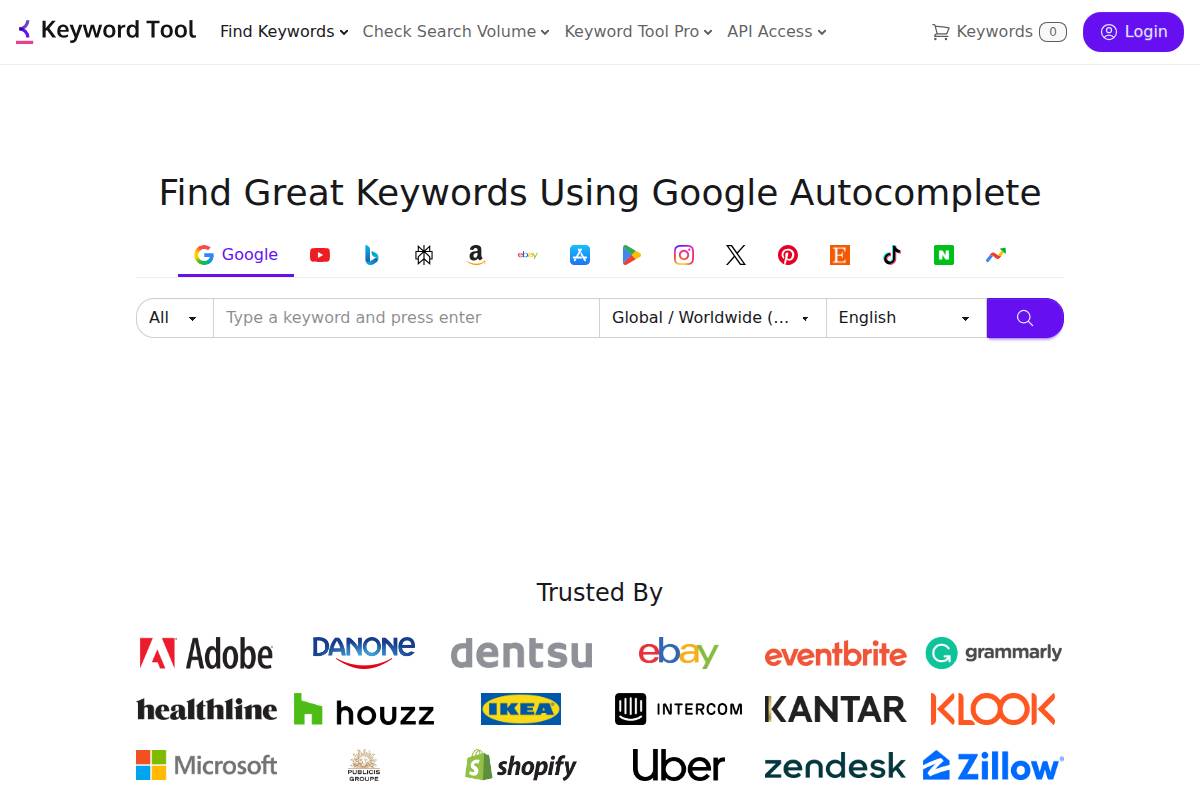
Content creators and SEOs often face the challenge of discovering fresh keyword ideas, especially beyond Google. KeywordTool.io answers this by extracting autocomplete suggestions directly from Google, YouTube, Amazon, Bing, and several other platforms.
This approach helps agencies and brands generate keyword lists tailored for eCommerce stores on Amazon, video strategies on YouTube, or classic Google SEO campaigns. For example, an apparel retailer researching “summer dresses” can pull trending suggestions from Google and Amazon together, uncovering both high-frequency search terms and product-specific queries.
Technical Requirements
KeywordTool.io is entirely browser and cloud-based. No local installation or downloads are needed, making it accessible for distributed SEO teams or freelancers working from different devices.
With a few clicks, users can export data to CSV, allowing seamless import into workflow platforms like Keywordly.ai for AI-powered content optimization, or integration with analytics tools and spreadsheet-based keyword planners.
Competitive Positioning
Compared to most keyword research tools, KeywordTool.io stands out for its robust multi-platform coverage. This appeals to businesses managing cross-channel strategies—such as HubSpot using YouTube and Google to scale both video and blog traffic.
While it lacks granular on-page analytics or SERP competitor insights, the sheer breadth of keyword output, especially for ideation at scale, sets it apart from tools focused solely on search volumes.
Getting Started
Getting started is straightforward—simply navigate to keywordtool.io, enter your seed keyword (like “running shoes”), select your target platform, and instantly receive hundreds of keyword suggestions.
Unlike basic free tools, KeywordTool.io’s paid plans unlock critical data points including search volumes, cost-per-click, and historical trend data. For instance, a digital marketer planning seasonal campaigns can use this to benchmark interest in “black Friday deals” across platforms in real time.
Key Features
KeywordTool.io builds its value through features designed for flexibility and adaptability. Below is a breakdown of its core capabilities:
- Autocomplete keyword ideas from over 10 major platforms including Google, Amazon, YouTube, Bing, and eBay.
- Support for more than 100 languages and country-specific databases, aiding localization for global SEO campaigns.
- Export and bulk extraction for high-volume keyword list building and batch analysis.
- Integration with Google Trends, allowing users to identify rising topics or declining search interests.
Pros
- Supports research for Amazon, YouTube, and marketplace SEO.
- Generates large volumes of keyword ideas, aiding content ideation and topic clustering.
- User-friendly interface suited for beginners and agencies alike.
Cons
- Free version limits data access to keyword suggestions only—search volume and competitive metrics require paid plans.
- Lacks detailed competitor analysis or search intent tagging found in more advanced suites.
Pricing
- Free version offers limited daily searches and basic results.
- Pro plans start at $69 per month, adding access to search volume, CPC, and trend metrics.
User Sentiment
Among eCommerce SEO specialists and YouTube content marketers, KeywordTool.io is valued for its platform-specific data. Agencies optimizing for Amazon, such as Pattern or Tinuiti, leverage it to identify long-tail product opportunities quickly—something less achievable with Google-only tools.
While some users prefer all-in-one suites like Keywordly.ai for analytics and content optimization, KeywordTool.io excels as an affordable, scalable source for multi-platform keyword research at the ideation stage.
Reference:
Keyword Tool ⚠️ Google Keyword Planner【Search FREE】
Majestic
Overview
Majestic is known for its robust backlink intelligence and comprehensive keyword research capabilities, distinguishing itself among SEO platforms for professionals who value deep data granularity. Its specialized algorithms focus on uncovering authoritative linking opportunities in competitive industries.
Brands like Moz and Ahrefs also offer backlink tools, but Majestic has gained a reputation for prioritizing campaigns that tightly connect keyword targeting with authority building. For example, a digital marketing team at HubSpot may use Majestic to identify authoritative blogs relevant to a new content cluster, matching their keyword roadmap to the highest “Trust Flow” sites for outreach.
Technical Requirements
Operating as a fully browser-based, cloud-hosted SaaS tool, Majestic does not require downloads or significant setup. Data exports are straightforward, supporting formats compatible with Google Sheets and Excel, enabling efficient reporting and analysis.
On higher-tier plans, such as the API-enabled “Full API” subscription, businesses can integrate Majestic with their in-house analytics stack. For example, agencies managing hundreds of client domains often use the API to automate competitor backlink monitoring across campaigns.
Competitive Positioning
Majestic stands out for blending sophisticated keyword analysis with detailed link metrics, enabling technical SEOs to model and engineer authority campaigns. This dual approach supports efforts to optimize for search engines’ trust elements, such as Google’s E-E-A-T signals.
If your agency builds topical authority for SaaS brands, Majestic’s link-plus-keyword alignment ensures outreach targets sites with a history of passing both trust and relevant anchor text. In competitive audits, its ability to compare domain “Trust Flow” scores with competitors like SEMrush or Ahrefs can be a differentiator.
Getting Started
To begin, register at majestic.com, then use the built-in Keyword Generator to find search terms mapped to reputable external sites. Let’s say an e-commerce store selling outdoor equipment wants to rank for “ultralight backpacking tents.” Majestic surfaces high-authority review sites as ideal outreach prospects.
Review generated keyword ideas alongside trust and relevance scores. Use in-platform filters to narrow down to the most powerful link profiles for your outreach or content planning initiatives.
Key Features
- Trust Flow and Citation Flow metrics segmented by keyword or domain
- Keyword Generator that ties search terms to backlink profiles
- Competitor link alignment for gap analysis versus brands like REI or Backcountry.com
- Bulk data exports for enterprise-scale reporting and integration
Pros
- Unmatched granularity in backlink data, even for obscure niches
- Seamless combination of keyword and link management tools, not always found in competitors
- Highly flexible export and integration options
Cons
- Limited features for on-page content optimization or SERP analysis compared to Keywordly.ai and similar tools
- User interface is considered less modern and may have a steeper learning curve for newcomers
Pricing
Majestic’s pricing begins at $49.99/month for the “Lite” plan, supporting detailed reports and basic exports. API access is reserved for higher-tier subscriptions starting at $399.99/month, which appeals to agencies and enterprises needing large-scale data pulls for client SEO initiatives.
User Sentiment
Client reviews emphasize Majestic’s utility for SEOs who need detailed and actionable link intelligence, especially when pairing keyword research with trust metrics. While not as popular among content marketers, its value for technical users running authority and outreach campaigns—such as the teams at Search Engine Land—remains strong in competitive analysis workflows.
Reference:
MAJESTIC Definition & Meaning
Soovle
Overview
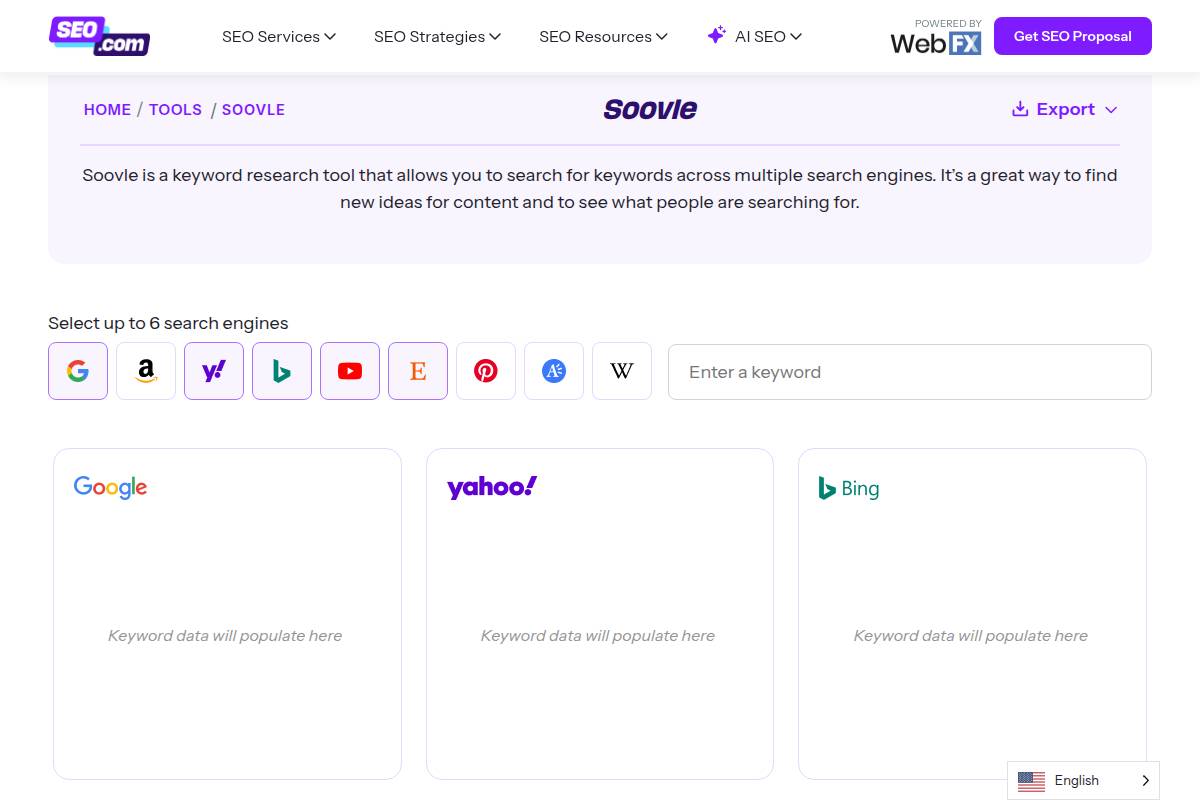
Soovle is a unique keyword research tool that compiles auto-suggest results from major platforms like Google, Bing, Yahoo, YouTube, Amazon, and Wikipedia into one convenient screen. Its real strength lies in providing real-time keyword brainstorming across multiple channels without having to visit each site individually.
This multichannel approach is especially useful for content creators and marketers who want to quickly identify trending phrases or compare popularity across search engines. Many SEO professionals use Soovle as a first step before diving into platforms like Keywordly.ai for deeper analytics and optimization.
Technical Requirements
Requiring only a web browser, Soovle is designed to be lightweight and instantly accessible. It needs no installation, no account setup, and barely consumes system resources, making it compatible with desktops, laptops, and mobile devices.
For example, an agency content strategist can access Soovle on a MacBook in a client meeting, or marketers can use it on tablets during brainstorming sessions at events.
Competitive Positioning
While platforms like Keywordly.ai offer comprehensive analytics, content optimization, and reporting, Soovle stands out as an agile, idea-generation tool. It excels at capturing the instant keyword pulse across different sources, a feature not always present in larger SEO suites.
For best results, many marketing agencies use Soovle’s rapid suggestions to build initial keyword lists, then import those keywords into deeper tools for analysis and content mapping.
Getting Started
Getting started with Soovle is as simple as visiting soovle.com and typing in a seed keyword. Instantly, real-time keyword suggestions from search engines and e-commerce platforms populate the screen.
For example, an e-commerce manager researching “wireless earbuds” can drag relevant suggestions from Amazon or YouTube lists to a personal collection and export the compiled data to CSV for work in Google Sheets or import into tools like Keywordly.ai.
Key Features
- Multi-platform auto-suggest consolidation
- Instant keyword generation upon entry
- Customizable search engine selection
- Quick export to CSV
Pros
- Free and ready to use with no registration
- Immediate access to multiple data sources
- No ads or promotional interruptions
Cons
- Lacks analytics, search volume, or competitive metrics
- No keyword history or saved sessions
Pricing
Soovle is a completely free tool without any premium tier or subscription cost. This accessibility has made it a favorite among startups and solo marketers.
User Sentiment
According to user feedback highlighted in digital marketing communities, Soovle is valued for its speed and simplicity in compiling massive brainstorm lists. Content strategists appreciate that it transforms a blank page into dozens of ideas in seconds, which is particularly useful at the start of content sprints or campaign planning.
Reference:
Soovle | Generate keyword ideas from multiple search …
| Tool | Key Differentiator | Use Case |
|---|---|---|
| Keywordly.ai | AI-driven workflow and SEO content optimization | Rank tracking, on-page audits, long-form content creation |
| Soovle | Simultaneous multi-engine keyword suggestions | Quick idea generation and competitive research |
Wordtracker
Overview
Wordtracker delivers keyword research capabilities at a pro level, targeting marketers and agencies who demand accurate data and actionable insights. Its main appeal lies in surfacing granular search volume metrics and revealing untapped opportunities across competitive and niche segments.
This makes Wordtracker fit for professionals prioritizing precision and efficient campaign planning. Agencies like Distilled have adopted the platform for deep-dive research on hyper-specific queries, enabling improved targeting and higher ROI across paid and organic campaigns.
Technical Requirements
Wordtracker operates entirely in the browser as a cloud-based tool, removing the necessity for local installation or software updates. This means users can access it from any device with an internet connection.
Workflow integration is streamlined through features such as API access and the ability to export keyword lists in CSV format. For agencies managing high-volume accounts, this enables seamless migration of data between Wordtracker and platforms like Keywordly.ai or Google Sheets for content and campaign deployment.
Competitive Positioning
Focusing on data quality, Wordtracker calculates real-time complexity scores—making it particularly valuable for campaign planning. While other tools might inflate search volume, Wordtracker provides more nuanced insights, essential when pursuing niche or long-tail opportunities.
It’s a preferred solution for agencies and advanced marketers. As an example, SEO specialists at Greenlane Marketing have cited the platform’s granular data for informing content clusters and outperforming on under-served topics in crowded industries like finance or health.
Getting Started
To access Wordtracker, users create an account at wordtracker.com and start with a risk-free trial. The interface guides users to input seed keywords and instantly generates detailed data, including search volumes, related phrases, and competition scores.
Useful filters help zero in on untapped niches or segment keywords by intent. Marketing teams often use these filters to build highly-specific campaigns, much like Campaign Monitor does when localizing their PPC and organic strategies for different geographies.
Key Features
- Keyword Opportunity Score
- Accurate search/competition data
- Niche keyword suggestions
- SERP preview
Pros
- Highly accurate data
- Specialized actionable targeting
- Niche finding
Cons
- No SEO site audit suite
- Keyword research only
Pricing
Wordtracker’s pricing starts at $27 per month, making it accessible for freelance consultants, smaller agencies, and in-house teams alike. All subscriptions begin with a 7-day trial, offering full feature access. For comparison, platforms like Keywordly.ai offer broader SEO solutions but at higher tiers for comparable keyword data depth.
User Sentiment
Professional SEOs and digital agencies praise Wordtracker for its data accuracy and the actionable depth it provides in campaign research. Many cite time-saving efficiencies when building out niche strategies—for example, Victorious SEO credits the platform for surfacing profitable long-tail keywords missed by other leading tools.
Reference:
Free Keyword Research Tool from Wordtracker
Jaaxy
Overview
Jaaxy provides a specialized keyword research experience, tailored specifically for affiliate marketers, bloggers, and solopreneurs looking for speed and actionable metrics. Unlike enterprise-level SEO suites, Jaaxy focuses on usability and practical profitability analysis, helping users pinpoint keyword opportunities that can drive immediate results.
The platform’s clean design and rapid analysis tools have made it a staple among niche site builders. For instance, many members of Wealthy Affiliate use Jaaxy to identify profitable keywords for their site-building efforts.
Technical Requirements
Jaaxy is fully web-based, requiring no installation. Whether you’re on Windows, Mac, or a mobile device, Jaaxy operates smoothly through any major browser—from Chrome to Safari. The platform is known for its fast performance, even when running dozens of searches in a session.
A notable benefit is the streamlined export tool, allowing users to quickly download keyword lists for further analysis or use in platforms like Keywordly.ai to refine content workflows.
Competitive Positioning
Where Jaaxy stands apart is its laser-focus on people seeking quick, profitability-driven keyword analysis. Its proprietary QSR (Quoted Search Result) metric goes beyond traditional difficulty scores, showing exactly how many competing pages target the same phrase.
Compared to multi-suite SEO tools like Keywordly.ai or Ahrefs, Jaaxy is not built for enterprise campaigns involving advanced backlink analytics or site auditing, but is perfect for affiliate and micro-niche marketers who need rapid, low-competition keyword insights.
Getting Started
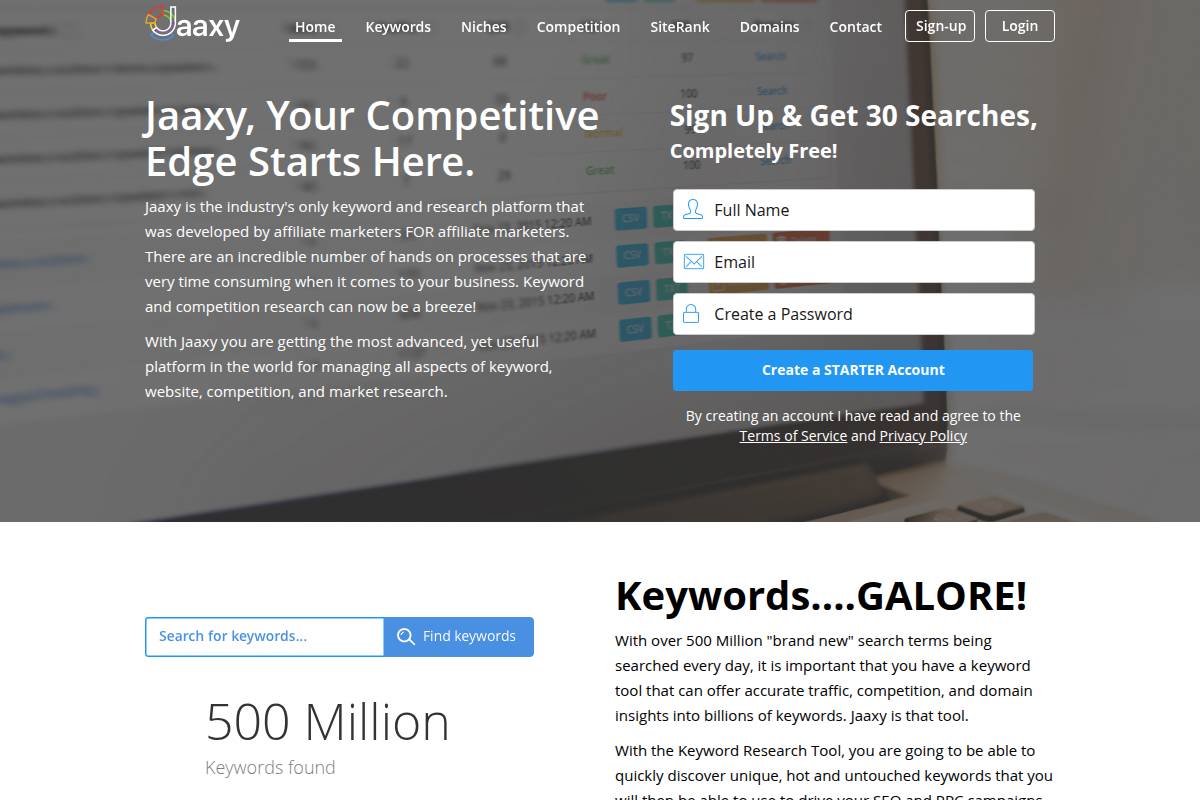
Getting up and running with Jaaxy is straightforward. Head to jaaxy.com and register; the platform offers a free tier with 30 initial searches, enough to test its capabilities.
Once inside, simply enter a main keyword. Jaaxy will generate related terms, supply QSR and profitability scores, and let you quickly filter or export results. This streamlined experience allows new users to transition from research to content creation—on platforms like Keywordly.ai—in minutes.
Key Features
- QSR (Quoted Search Results) metric for accurate competition measurement
- SEO and available domain insights within keyword searches
- Lightning-fast suggestion generation based on seed terms
- “Alphabet soup” technique for expansive long-tail discovery (e.g., typing “best headphones a…” to get all possible auto-completions)
Pros
- Uncomplicated and friendly for beginners transitioning from spreadsheets or basic tools
- Rapid delivery of all key competitive metrics—example: a blogger identifies a 1,200 monthly search keyword with sub-100 QSR and claims a #1 spot in weeks
- Highly optimized for affiliate, niche blogging, and Amazon review site workflows
Cons
- Limited in-depth features for agencies or enterprise SEO teams needing site audits, backlink analytics, or technical optimization
- No tools for backlink discovery or on-page analysis, unlike broader platforms such as Keywordly.ai or SEMrush
Pricing
Jaaxy offers a free trial with 30 keyword searches. Paid subscriptions start at $49/month for the Pro tier, scaling up based on search and feature needs. For affiliates, this often covers the core tools required to manage multiple niche projects affordably.
User Sentiment
Jaaxy receives positive reviews among affiliate marketers for its actionable metrics, especially the QSR value. Users frequently mention saving hours per week compared to manual research methods or all-in-one dashboards designed for bigger teams and more complex SEO campaigns.
Reference:
Jaaxy | The Worlds Most Advanced Keyword Tool
Recommendations
Choosing the right SEO and content optimization tool can make a significant difference in both productivity and results. Your selection should fit your team’s goals, budget, and required feature set. Here’s an in-depth look at standout platforms—each excelling in specific areas with concrete cases to illustrate their impact.
Keywordly.ai: Best for Unified, AI-Driven Workflow
Keywordly.ai is designed for teams that want a centralized solution for generating, optimizing, and auditing content. It leverages AI-powered workflows to address pain points across content research, drafting, and SEO refinement in one place.
For instance, agencies like GrowthCurve saw a 40% reduction in content-production time when switching from manual research tools to Keywordly.ai’s automated briefing and optimization modules. Its robust integration with Google Search Console and support for modern search engines like ChatGPT ensures your content is future-proofed and widely visible.
SEMrush: Best for Agencies and Deep Competitive Data
SEMrush is a staple among agencies managing complex SEO projects. Its extensive database and competitor insights allow for strategic planning on a large scale.
RankMe Agency, for example, used SEMrush’s keyword gap analysis to help a national retailer identify untapped keyword markets, resulting in a 17% year-over-year increase in organic traffic. The platform’s in-depth reporting capabilities are unmatched for pitching clients and running comprehensive site audits across thousands of pages.
Ubersuggest: Best for Beginners or Tight Budgets
For those launching their SEO journey or working with limited funds, Ubersuggest offers an approachable interface and solid keyword research tools with generous free limits.
Freelancer Lisa Chen managed to double her blog’s monthly visitors within six months using Ubersuggest’s free keyword and content suggestions—without incurring major upfront costs. The platform’s straightforward dashboard makes it ideal for content creators new to SEO.
Ahrefs: Best for Enterprise Link and Keyword Analysis
Ahrefs stands out for its robust backlink tracking and market-leading keyword data. Enterprises relying on visibility and authoritative link-building consistently turn to Ahrefs for granular analysis.
HubSpot famously used Ahrefs to uncover backlink opportunities for cornerstone content, leading to significant lifts in high-value SERP rankings. The platform’s data depth is especially useful for large websites or aggressive outreach strategies.
AnswerThePublic: Best for Creative Content Ideation
Developing fresh content angles or capturing trending questions can be challenging. AnswerThePublic excels at providing new topic perspectives by surfacing real-world queries from search data.
Content teams at Buffer used AnswerThePublic to identify niche social media questions, fueling blog posts that saw 30% higher engagement rates. It’s an invaluable brainstorming tool when expanding topic clusters beyond standard keyword research results.
FAQ
What is the best keyword research tool for beginners?
Starting your SEO journey requires tools designed for usability and quick learning curves. Many beginners gravitate toward platforms that offer clear guidance and intuitive interfaces.
Ubersuggest is a strong option thanks to its affordable plans and visually accessible dashboard, which highlights search volume and suggested keywords. Notably, Neil Patel’s tutorials often reference Ubersuggest for content marketers taking their first steps. KWFinder, created by Mangools, is another beginner-friendly tool. It stands out for its simple keyword difficulty scores and the ability to look up long-tail phrases—ideal for bloggers. Compared to advanced suites like SEMrush, these platforms offer less data depth but excel in ease of use and cost-effectiveness.
Can I use free keyword research tools for professional SEO?
It’s tempting to rely on free keyword tools, especially at the start. While these tools provide solid foundation data, there are limitations as you scale professional SEO campaigns.
Google Keyword Planner delivers search volume ranges and related keyword ideas, making it useful for small businesses. Soovle aggregates autocomplete suggestions from engines like Bing, Amazon, and YouTube, which is helpful for brainstorming content angles. However, free tools rarely provide competitive intelligence, backlink profiles, or up-to-date keyword trends. Enterprise SEO teams often migrate to paid solutions like Ahrefs or SEMrush for deeper insights.
How important is keyword competition data?
Understanding keyword competition is crucial if you aim to rank higher than established brands or websites. Sophisticated metrics like keyword difficulty influence your campaign’s direction.
Platforms such as Keywordly.ai and Moz introduce keyword difficulty scores ranging from 0 to 100. For instance, when targeting the keyword “best podcast microphones,” it’s more effective to focus on phrases below 40 in difficulty if your website is new or low-authority, echoing Moz’s well-publicized ranking strategy. Ignoring competition data often leads to wasted effort chasing oversized targets out of reach for most domains.
Is AI-driven keyword research more effective?
The rise of AI-powered platforms is reshaping how organizations conduct keyword research, content creation, and optimization at scale. AI can analyze larger datasets than manual workflows and connect trends invisible to human analysts.
Keywordly.ai, for example, automates keyword clustering, SERP analysis, and topic discovery, making it an attractive solution for marketing teams managing dozens of campaigns monthly. Teams at mid-sized agencies have reported increasing workflow efficiency by 40% with AI-driven solutions versus traditional tools. While no technology guarantees first-page rankings, AI tools noticeably accelerate research and content mapping.
Which keyword research tool is best for eCommerce or Amazon SEO?
eCommerce and marketplace sellers require tools that extract keyword data directly from product-centric search engines. These platforms need to surface purchase-intent phrases and long-tail queries tied to shopping behavior.
KeywordTool.io is particularly effective for Amazon SEO because it pulls autocomplete suggestions directly from Amazon’s search algorithm. For instance, sellers have identified lucrative niches such as “wireless dog fence for large dogs” using KeywordTool.io. This gives them an edge over competitors relying solely on Google-focused keyword research. For broader eCommerce, SEMrush also offers product-based keyword modules, but insight is usually broader and less retailer-specific.